
Fugu vs Fugu Ultra: Cost, Latency, and Use Cases
Compare Fugu vs Fugu Ultra by agent depth, latency, token cost, routing behavior, and workload fit for production teams.
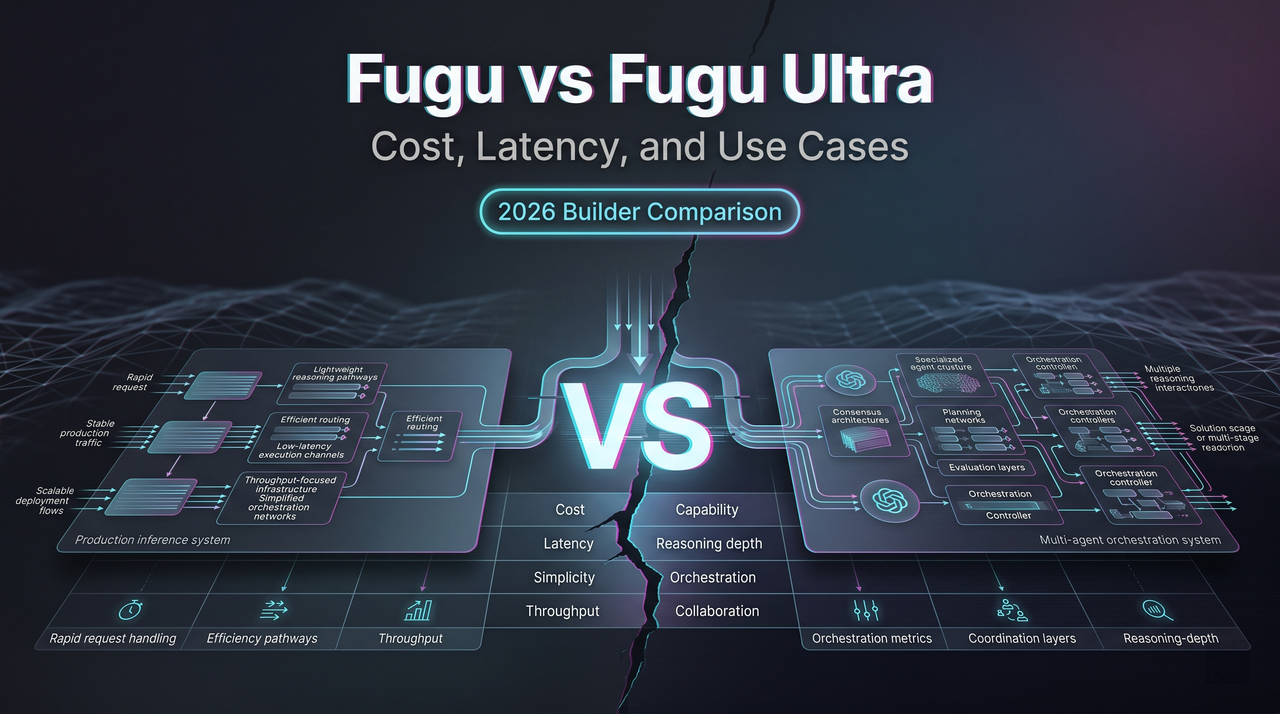
The hardest decision Sakana’s API forces on you isn’t whether to adopt it. It’s which tier to call on each request. Fugu vs Fugu Ultra is not a “better/worse” question — it’s a routing decision you make on every request, and getting it wrong in either direction has a real cost.
This is for teams who’ve decided to use Sakana and are figuring out how to wire it in. I’ll walk through how the tiers actually differ, where each fits, where Ultra stops helping, and a routing strategy that’s worked on a small test pipeline.
All Sakana-published benchmark numbers are vendor-reported. Treat them as a reason to test, not a conclusion.
Fugu vs Fugu Ultra at a Glance
Default routing vs deeper expert orchestration
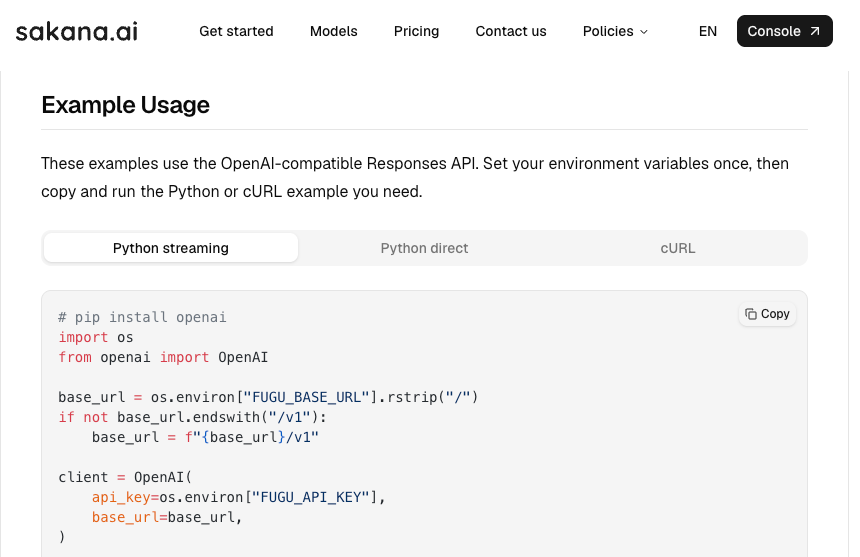
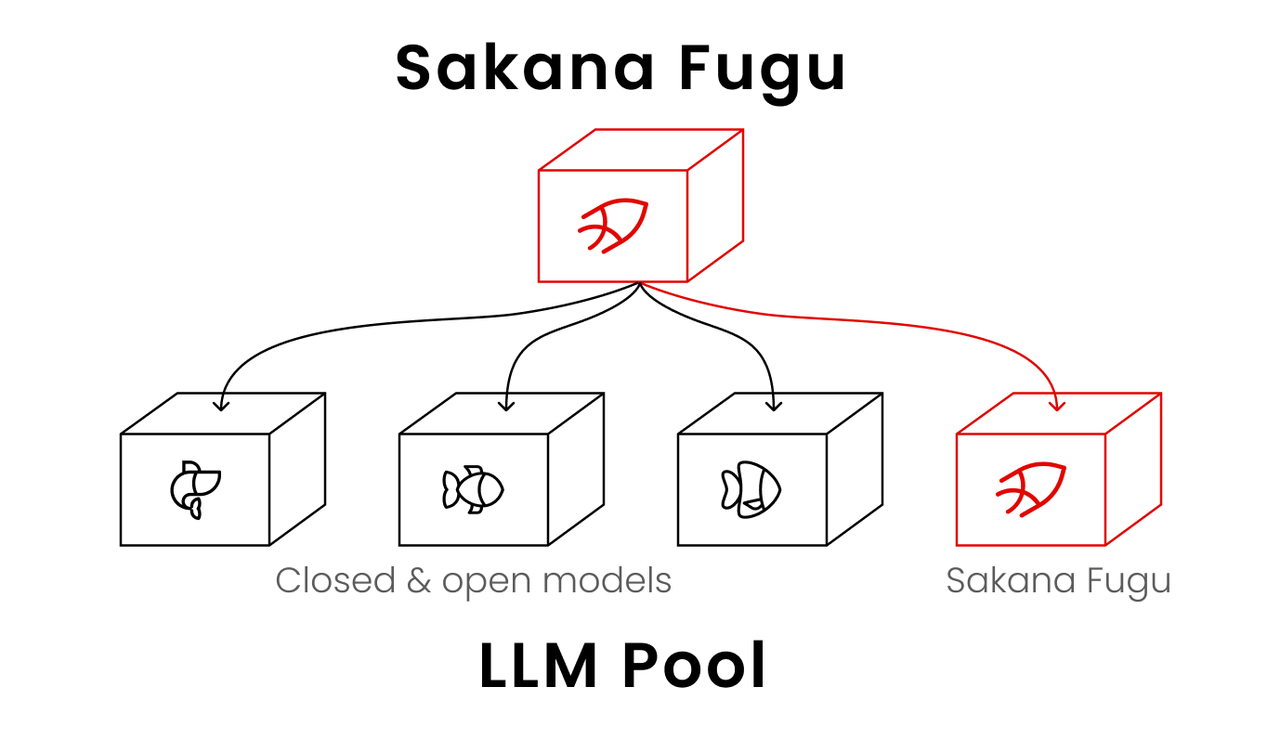
Both tiers are part of the same Sakana Fugu product, served behind one OpenAI-compatible API. You switch with one parameter — model: "fugu" or model: "fugu-ultra". Schemas are identical.
What differs is what happens after the request lands:
| Feature | Fugu | Fugu Ultra |
|---|---|---|
| Routing depth | Selects a single worker per input | Coordinates one to three expert agents |
| Latency target | Optimized for low latency | Optimized for answer quality |
| Agent pool | Configurable (opt-out per provider) | Fixed (no opt-out) |
| Best for | Everyday interactive work | Hard, multi-step tasks |
Base Fugu behaves close to a direct single-model call. The coordinator picks one worker, that worker generates, you get an answer. Orchestration overhead is small enough that interactive use feels normal.
Fugu Ultra is structurally heavier. Per Sakana’s models documentation, it “routes between one to three agents, depending on the problem.” Hard prompts fan out, get verified, get synthesized. The answer is meant to be better. Latency and cost are higher. Both expectations are usually correct — not always.
Agent Depth and Response Behavior
How each tier allocates inference work
Both tiers run the same TRINITY + Conductor coordinator logic — what changes is how much of it gets invoked. Base Fugu tends to resolve in one delegation. Fugu Ultra is more willing to spin up Thinker/Worker/Verifier roles, run a verification pass, and synthesize across agents.
A concrete data point from a Classmethod engineer’s first-touch test: on a coding task, Fugu Ultra logged 26,404 orchestration tokens — ~8.8× the user-visible output — and took about 4.5 minutes. Base Fugu produced equivalent code in 55 seconds. One task, one run. The point isn’t the exact ratio; it’s that “more orchestration” is a real mechanical difference.
On light prompts in the same test, Ultra’s orchestration token count came back at zero. Even Ultra answers in-coordinator when the task doesn’t warrant fanning out. The difference isn’t “Ultra always does more work.” It’s “Ultra is willing to do more work when the coordinator decides it’s warranted.”
When more agents stop helping
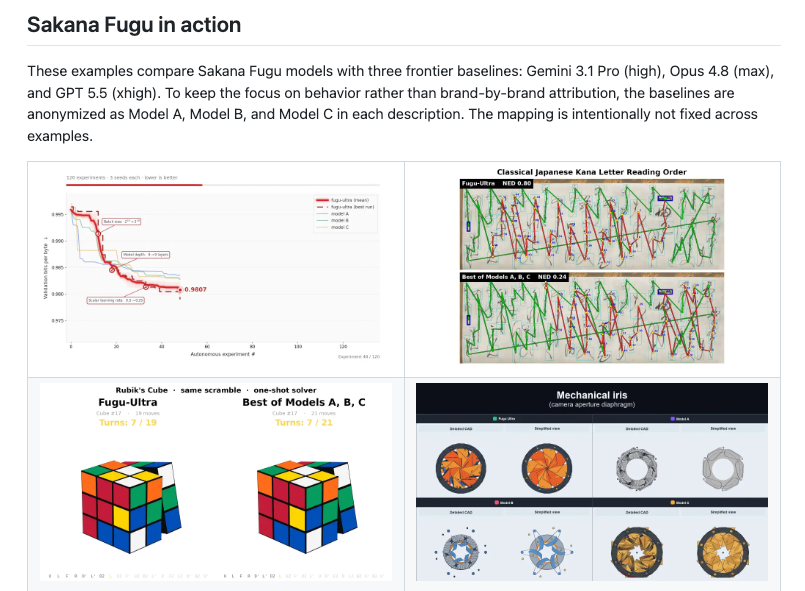
This is the part that doesn’t show up in marketing copy but does show up in Sakana’s own benchmarks. On several rows in the Fugu GitHub repo results, base Fugu beats Ultra outright — SciCode, τ³ Banking, and Long Context Reasoning being the standouts. GPT 5.5 wins MRCRv2 over both. These are Sakana’s own published numbers.
More orchestration is not monotonically better. There’s a real failure mode where verification and synthesis layers introduce noise on tasks a single strong model would have nailed. Long-context tasks in particular seem to suffer when work keeps getting handed between agents.
These are vendor-reported scores — SWE-Bench Pro specifically uses mini-swe-agent scaffolding that affects results. But “Ultra is always the right answer for hard work” is wrong by Sakana’s own data. Don’t assume Ultra is the safe pick. It can be the wrong one.
Latency and Cost Trade-Offs
Interactive workloads vs high-effort tasks
The latency profiles are genuinely different shapes, not just different averages.
Base Fugu is roughly in line with a direct call to a single frontier model. A few seconds for short prompts, longer for code generation, predictable enough to put behind a user-facing UI.
Fugu Ultra has a wider distribution. Light tasks may come back in ~10 seconds. Heavy tasks have come back at four minutes or more in early tests. The variance isn’t a bug — it’s the coordinator deciding to do more work because the task warrants it. You can’t tune it down without giving up the quality the tier is selling.
Two practical implications:
- Anything user-facing and interactive should default to Fugu. Ultra doesn’t fit a UI latency budget.
- Anything where Ultra makes sense should run async or with a generous progress indicator.
Orchestration-token variability and the 272K tier
Fugu Ultra’s pricing (as of the June 22, 2026 launch — verify the Sakana product page before quoting): $5/$30/$0.50 per million input/output/cached-input tokens up to 272K context; $10/$45/$1.00 above 272K. Base Fugu on pay-as-you-go bills at the standard rate of whichever underlying model gets called, never stacking fees.
Two things matter more than headline numbers for routing.
First, orchestration tokens bill at the same rates as input and output, but aren’t predictable from the prompt alone. Two functionally identical requests can produce different orchestration footprints. Budget Ultra requests with a multiplier, not a fixed estimate.
Second, the 272K threshold is a hard pricing step. A prompt at 270K and one at 280K aren’t priced similarly — the larger one pays roughly double across all three buckets. If you’re near the line, trimming context is worth real engineering effort.
For short, simple workloads the cost gap between tiers is modest enough that quality might justify Ultra. For long-context or orchestration-heavy work, Ultra can be several times the cost of base Fugu on the same task. Decide per workload.
Workload Fit
Coding, review, research, analysis, and agent workflows
A rough mapping based on what I’ve tried plus Sakana’s documentation:
Default to Fugu for:
- Interactive chat and assistant surfaces
- Autocomplete and inline code suggestions
- Short Q&A, classification, extraction
- Anything where the user is watching the cursor blink
- Anything where Sakana’s benchmarks show Fugu meeting or beating Ultra (long-context, certain reasoning workloads)
Escalate to Fugu Ultra for:
- Large-diff code review where you’d want a second opinion anyway
- Multi-file refactoring with cross-file constraints
- Paper reproduction, ML experiment planning, autonomous research loops
- Security audits and vulnerability investigation
- Patent or legal document analysis where depth matters more than turnaround
Don’t use either tier for:
- Workloads requiring per-output model attribution (Fugu hides routing by design)
- Real-time streaming UIs with sub-second response needs
- EU/EEA traffic — Fugu is not yet available there pending GDPR compliance, per the official product page. US and UK are live.
One pattern worth naming: agent workflows. If you’re building something where an outer agent calls an inner LLM many times, Fugu base is usually the right inner call. Ultra inside a loop multiplies orchestration cost at every iteration, and the agent’s outer reasoning already provides much of what Ultra’s verification would add.
Production Routing Strategy
Default-to-Fugu, escalation, budgets, and fallback
A starting point — adjust against your own workload after a few weeks:
Default everything to Fugu. Treat Ultra as an exception. Most requests don’t need three-agent orchestration, and you avoid orchestration overhead on tasks one worker would have handled.
Escalate to Ultra on explicit signals. Either user opt-in (a “deep analysis” button) or observable conditions — large input size, multiple files, explicit reasoning markers. Don’t escalate based on a classifier guessing what’s “hard” — you’ll be wrong often and expensively.
Set per-request budget caps in your own code. The API won’t stop a long orchestration just because it’s expensive. Track total tokens (including orchestration) against a per-request cap and cancel if it blows the budget. For Ultra, start at 3–5× the equivalent base-Fugu cap.
Pin dated aliases for anything reproducible. Use fugu-ultra-20260615 (and the equivalent dated fugu alias) for eval suites, regression tests, and stable customer-facing outputs. Use rolling aliases for interactive use.
Build a fallback path that isn’t Fugu. If Sakana has an incident, you need somewhere to route. Direct-to-provider keys for one frontier model are enough.
Instrument the orchestration ratio. Log orchestration tokens to user-visible tokens per request. After two weeks you’ll know which task types are bad fits for Ultra. Better data than any benchmark table.
FAQ

Can teams switch Fugu aliases without changing request schemas?
Yes. Both fugu and fugu-ultra accept identical Responses and Chat Completions request shapes. Switching is a single string change in the model parameter. Response envelopes match too — the difference is Ultra returns orchestration token fields in token_details that base Fugu may report differently. If your code only reads usage.input_tokens and usage.output_tokens, both tiers work unchanged; if you’re tracking total spend, parse the orchestration fields explicitly.
How should budgets absorb orchestration-token variability?
Budget Ultra by distribution, not by average. Sample a few hundred representative requests, look at p50, p90, p99 of total tokens (input + output + orchestration), and set guardrails based on the tail. A budget sized to p50 will blow up the first week a hard task pattern appears.
What latency signals justify falling back to Fugu?
If a request has been streaming with no user-visible tokens for longer than your UX tolerance — typically 30–60 seconds for semi-interactive — cancel and retry on base Fugu. Repeated cancellations on the same task type means that task type is mis-routed; move it to Fugu by default. For batch workloads, long silence is normal — plan for it.
Does every hard task benefit from more expert agents?
No. Sakana’s own benchmarks show base Fugu meeting or beating Ultra on SciCode, certain banking-task benchmarks, and long-context reasoning. Over-orchestration is a real failure mode where verification and synthesis introduce noise on tasks one strong model would have handled cleanly. Test your specific workload on both tiers before assuming Ultra is the right pick for “hard” work in general.
Conclusion
Fugu vs Fugu Ultra isn’t a quality ranking. It’s a routing problem with real trade-offs in both directions.
Base Fugu fits most everyday work — interactive surfaces, agent inner loops, anything latency-sensitive. Ultra earns its keep on hard, multi-step, async-tolerant tasks where you’d otherwise run multiple models manually. Neither is the right default for everything.
The mistake I’d most want to warn against: assuming Ultra is the safe pick because it’s the flagship. Sakana’s own data shows it isn’t, on a non-trivial slice of workloads. Default to Fugu. Escalate on signal. Measure the orchestration ratio. Adjust.
Previous posts: