Wan 2.1 i2v-720p generates image-to-video outputs at 720p and supports custom LoRA adapters for personalized styles and fine-tuning. Ready-to-use REST inference API, best performance, no coldstarts, affordable pricing.
就緒
$0.3每次運行·~33 / $10
示例查看全部
The video begins with a lego woman. A hydraulic press positioned above slowly descends towards the woman. Upon contact, the hydraulic press c5us4 crushes it, deforming and flattening the woman, causing the woman to collapse inward until the woman is no longer recognizable.
Swirling stars accelerate into meteor shower, 3D oil brush strokes flowing with golden particles, 24fps art animation
three beautiful happy women walking towards the camera in a natural way.
Push-in camera, Instantly rocketing towards the heart of the lavender field, the vibrant purple blooms blurring into a hypnotic, swirling vortex of color as the rows of lavender, each individual flower a tiny point of light, rush towards the viewer, the distant cypress trees transforming into sharp, dark silhouettes against a breathtaking sunset sky, the soft golden light illuminating every minute detail of the scene, until the camera slams into the heart of the field, revealing the intricate texture of the blossoms, the delicate variations in purple hues, and the subtle golden undertones of the setting sun, in breathtaking, hyper-real clarity.
相關模型

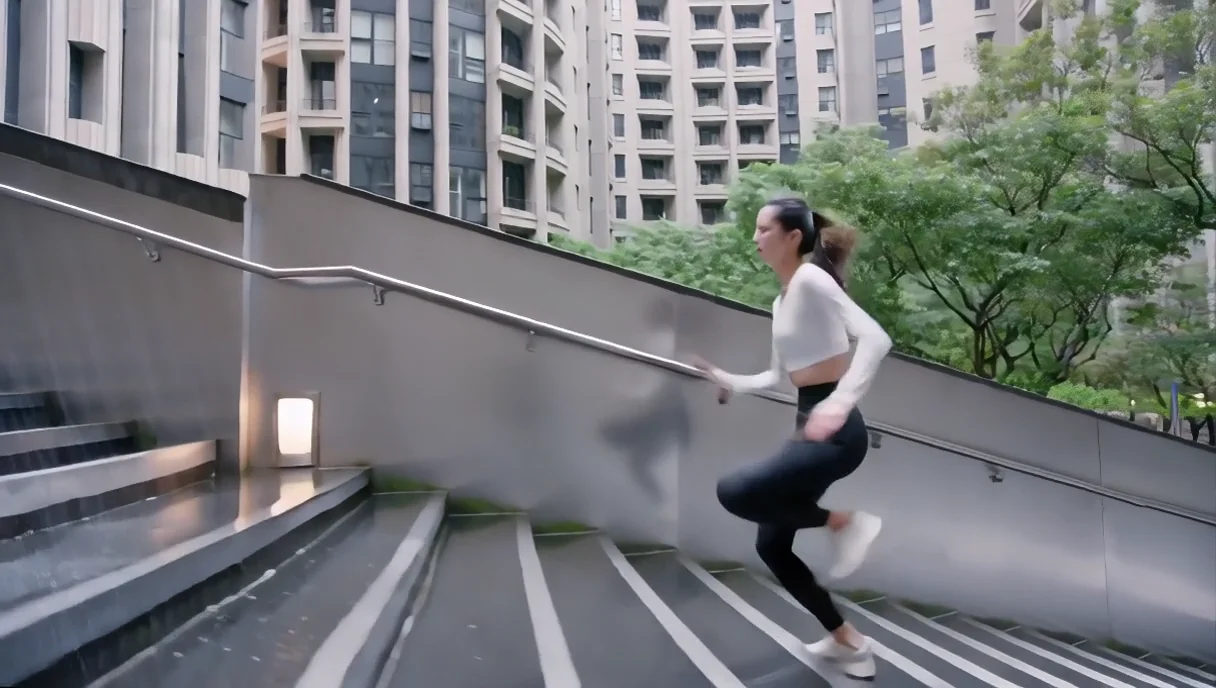
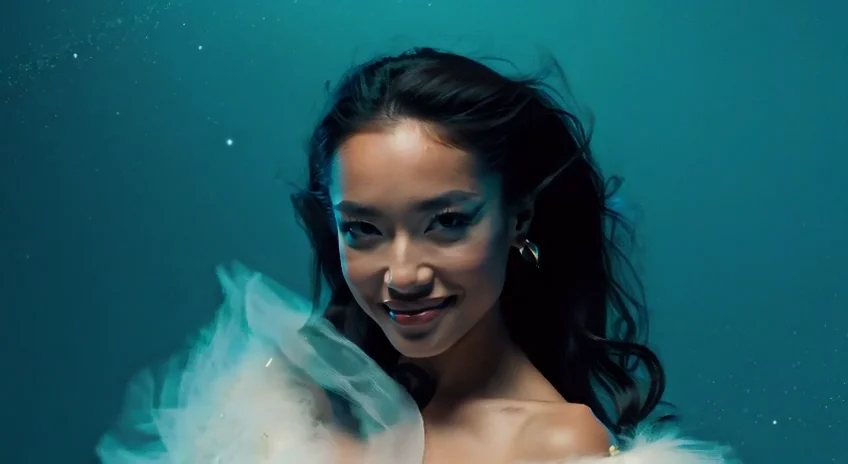
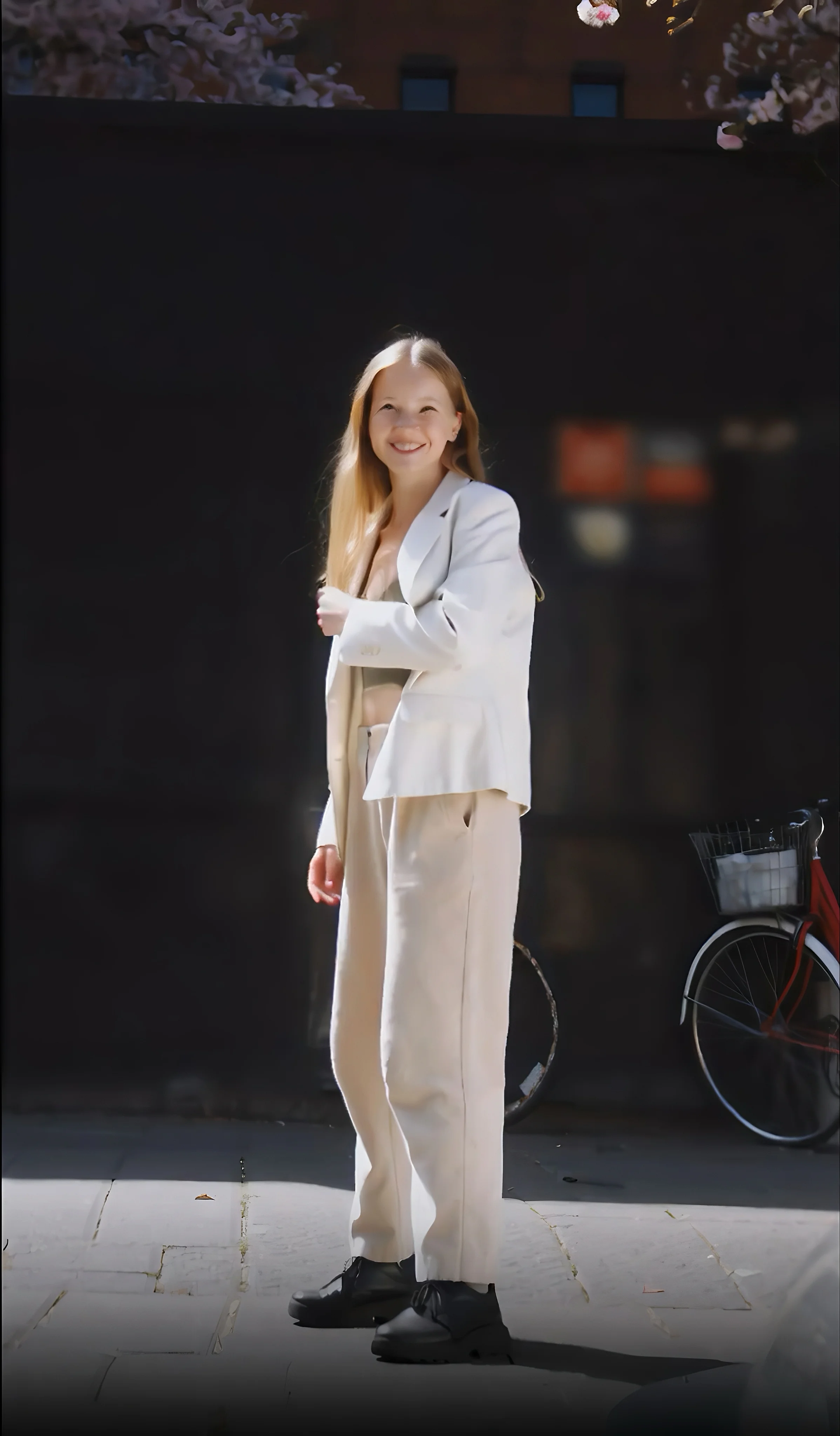
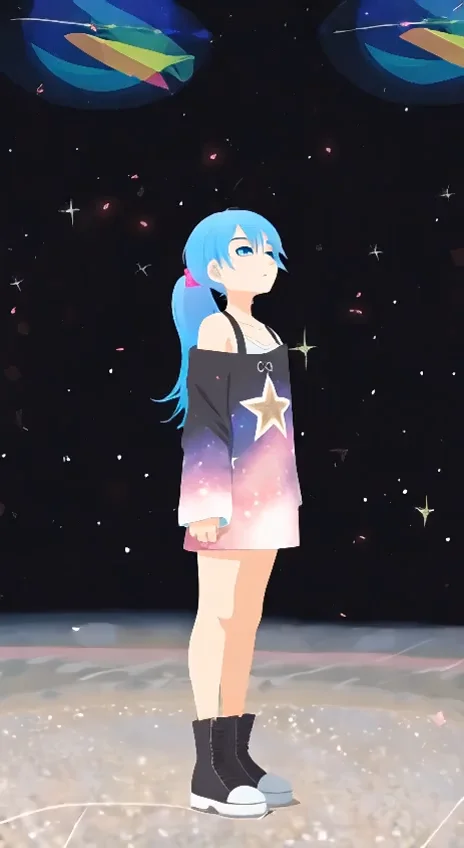
README
Wan 2.1 Image-to-Video 720p LoRA
Wan 2.1 Image-to-Video 720p LoRA is a powerful image-to-video generation model that transforms static images into dynamic 720p HD videos. With full LoRA support, apply custom styles, artistic effects, or consistent character appearances to create unique animated content.
Why It Stands Out
- Image-driven generation: Animate any image while preserving its original style and composition.
- LoRA support: Apply custom LoRA models for specific styles, characters, or aesthetics.
- Prompt-guided motion: Describe camera movements, actions, and atmospheric effects.
- Prompt Enhancer: Built-in AI-powered prompt optimization for better results.
- Negative prompt support: Exclude unwanted elements for cleaner outputs.
- HD 720p output: Generate crisp 1280×720 videos with rich detail.
- Fine-tuned control: Adjust guidance scale and flow shift for precise results.
- Reproducibility: Use the seed parameter to recreate exact results.
Parameters
| Parameter | Required | Description |
|---|---|---|
| image | Yes | Source image to animate (upload or public URL). |
| prompt | Yes | Text description of desired motion and style. |
| negative_prompt | No | Elements to avoid in the output. |
| loras | No | LoRA models to apply (path and scale). |
| size | No | Output resolution (default: 1280×720). |
| num_inference_steps | No | Quality/speed trade-off (default: 30). |
| duration | No | Video length: 5 or 10 seconds (default: 5). |
| guidance_scale | No | Prompt adherence strength (default: 5). |
| flow_shift | No | Motion flow control (default: 5). |
| seed | No | Set for reproducibility; -1 for random. |
How to Use
- Upload your source image — drag and drop a file or paste a public URL.
- Write a prompt describing the motion and action you want. Use the Prompt Enhancer for AI-assisted optimization.
- Add LoRAs (optional) — select LoRA models and adjust their scale.
- Add a negative prompt (optional) — specify elements to exclude.
- Adjust parameters — set duration, guidance scale, and other settings as needed.
- Click Run and wait for your video to generate.
- Preview and download the result.
How to Use LoRA
LoRA (Low-Rank Adaptation) lets you apply custom styles without retraining the full model.
- Add LoRA: Enter the LoRA path and adjust the scale (0.0–1.0).
- Recommended LoRAs: Check the interface for suggested LoRAs with preview images.
- Scale adjustment: Higher scale means stronger style effect.
Best Use Cases
- Style Transfer — Convert images to anime, cartoon, or artistic video styles.
- Creative Animation — Apply unique visual effects like crush, melt, or transform.
- Social Media Content — Turn photos into engaging video posts.
- Marketing & Advertising — Animate product images with custom brand styles.
- Artistic Projects — Create unique animated content with specific aesthetics.
Pricing
| Duration | Price |
|---|---|
| 5 seconds | $0.30 |
| 10 seconds | $0.45 |
Pro Tips for Best Quality
- Use high-resolution, well-lit source images for optimal results.
- Be specific in your prompt — describe the action, motion, and effects you want.
- Start with LoRA scale around 0.7–1.0 and adjust based on results.
- Use negative prompts to reduce artifacts like blur, distortion, or unwanted motion.
- Check recommended LoRAs for inspiration and proven style effects.
- Fix the seed when iterating to compare different parameter settings.
Notes
- Ensure uploaded image URLs are publicly accessible.
- Higher num_inference_steps produces better quality but increases generation time.
- Processing time varies based on parameters and current queue load.
- Please ensure your content complies with usage guidelines.
Wan 2.1 I2v 720p Lora API — Quick start
Grab a WaveSpeedAI API key, then call POST https://api.wavespeed.ai/api/v3/wavespeed-ai/wan-2.1/i2v-720p-lora with your input as JSON. The endpoint returns a prediction id. Start polling the result endpoint around every 2 seconds, increase the interval for long-running tasks, and stop on any terminal status. On completed, read output values from data.outputs. Examples for Wan 2.1 I2v 720p Lora below.
HTTP example
set -euo pipefail

: "${WAVESPEED_API_KEY:?Set WAVESPEED_API_KEY}"

REQUEST_BODY=$(cat <<'JSON'
{
    "prompt": "A cinematic shot of a city at sunset, soft golden light",
    "image": "https://interactive-examples.mdn.mozilla.net/media/cc0-images/painted-hand-298-332.jpg",
    "size": "1280*720",
    "num_inference_steps": 30,
    "duration": 5,
    "guidance_scale": 5,
    "flow_shift": 5,
    "seed": -1
}
JSON
)

# 1. Submit the prediction.
SUBMIT_RESPONSE=$(curl --silent --show-error --fail-with-body \
  -X POST "https://api.wavespeed.ai/api/v3/wavespeed-ai/wan-2.1/i2v-720p-lora" \
  -H "Content-Type: application/json" \
  -H "Authorization: Bearer $WAVESPEED_API_KEY" \
  -d "$REQUEST_BODY")

TASK=$(printf '%s' "$SUBMIT_RESPONSE" | jq 'if has("data") then .data else . end')
PREDICTION_ID=$(printf '%s' "$TASK" | jq -r '.id')
if [ -z "$PREDICTION_ID" ] || [ "$PREDICTION_ID" = "null" ]; then
  printf 'Submission response did not contain a prediction id
' >&2
  exit 1
fi
RESULT_URL=$(printf '%s' "$TASK" | jq -r '.urls.get // empty')
if [ -z "$RESULT_URL" ]; then
  RESULT_URL="https://api.wavespeed.ai/api/v3/predictions/$PREDICTION_ID/result"
fi

# 2. Poll until the prediction finishes.
while true; do
  RESPONSE=$(curl --silent --show-error --fail-with-body "$RESULT_URL" \
    -H "Authorization: Bearer $WAVESPEED_API_KEY")
  RESULT=$(printf '%s' "$RESPONSE" | jq 'if has("data") then .data else . end')
  STATUS=$(printf '%s' "$RESULT" | jq -r '.status')
  case "$STATUS" in
    completed) printf '%s\n' "$RESULT" | jq '.outputs'; break ;;
    failed|cancelled|timeout) printf '%s\n' "$RESULT" | jq . >&2; exit 1 ;;
    created|processing) sleep 2 ;;
    *) printf 'Unexpected status: %s
' "$STATUS" >&2; exit 1 ;;
  esac
done
Node.js example
const submitUrl = "https://api.wavespeed.ai/api/v3/wavespeed-ai/wan-2.1/i2v-720p-lora";
const apiKey = process.env.WAVESPEED_API_KEY;
if (!apiKey) throw new Error('Set WAVESPEED_API_KEY');

async function requestJson(url, options = {}) {
  const response = await fetch(url, options);
  if (!response.ok) throw new Error(await response.text());
  return response.json();
}

// 1. Submit the prediction.
const body = await requestJson(submitUrl, {
  method: "POST",
  headers: {
    "Authorization": `Bearer ${apiKey}`,
    "Content-Type": "application/json",
  },
  body: JSON.stringify({
        "prompt": "A cinematic shot of a city at sunset, soft golden light",
        "image": "https://interactive-examples.mdn.mozilla.net/media/cc0-images/painted-hand-298-332.jpg",
        "size": "1280*720",
        "num_inference_steps": 30,
        "duration": 5,
        "guidance_scale": 5,
        "flow_shift": 5,
        "seed": -1
}),
});
const task = body.data ?? body;
if (!task.id) throw new Error("Submission response did not contain a prediction id");
const resultUrl = task.urls?.get ||
  `https://api.wavespeed.ai/api/v3/predictions/${task.id}/result`;

// 2. Poll until the prediction finishes.
while (true) {
  const resultBody = await requestJson(resultUrl, {
    headers: { "Authorization": `Bearer ${apiKey}` },
  });
  const result = resultBody.data ?? resultBody;
  if (result.status === "completed") {
    console.log(result.outputs);
    break;
  }
  if (["failed", "cancelled", "timeout"].includes(result.status)) throw new Error(JSON.stringify(result));
  if (!["created", "processing"].includes(result.status)) throw new Error("Unexpected status: " + result.status);
  await new Promise(resolve => setTimeout(resolve, 2000));
}
Python example
import json
import os
import time
from urllib.request import Request, urlopen

api_key = os.environ["WAVESPEED_API_KEY"]
headers = {"Authorization": f"Bearer {api_key}", "Content-Type": "application/json"}
payload = {
    "prompt": "A cinematic shot of a city at sunset, soft golden light",
    "image": "https://interactive-examples.mdn.mozilla.net/media/cc0-images/painted-hand-298-332.jpg",
    "size": "1280*720",
    "num_inference_steps": 30,
    "duration": 5,
    "guidance_scale": 5,
    "flow_shift": 5,
    "seed": -1
}

def request_json(url, data=None):
    request = Request(url, data=data, headers=headers, method="POST" if data else "GET")
    with urlopen(request) as response:
        return json.load(response)

# 1. Submit the prediction.
body = request_json("https://api.wavespeed.ai/api/v3/wavespeed-ai/wan-2.1/i2v-720p-lora", json.dumps(payload).encode())
task = body.get("data", body)
if not task.get("id"):
    raise RuntimeError("Submission response did not contain a prediction id")
result_url = task.get("urls", {}).get("get") or f"https://api.wavespeed.ai/api/v3/predictions/{task['id']}/result"

# 2. Poll until the prediction finishes.
while True:
    result_body = request_json(result_url)
    result = result_body.get("data", result_body)
    status = result.get("status")
    if status == "completed":
        print(result.get("outputs", []))
        break
    if status in {"failed", "cancelled", "timeout"}:
        raise RuntimeError(result)
    if status not in {"created", "processing"}:
        raise RuntimeError(f"Unexpected status: {status}")
    time.sleep(2)
Wan 2.1 I2v 720p Lora API — Frequently asked questions
What is the Wan 2.1 I2v 720p Lora API?
Wan 2.1 I2v 720p Lora is a WaveSpeedAI model for video generation from images, exposed as a REST API on WaveSpeedAI. Wan 2.1 i2v-720p generates image-to-video outputs at 720p and supports custom LoRA adapters for personalized styles and fine-tuning. Ready-to-use REST inference API, best performance, no coldstarts, affordable pricing. You can call it programmatically or try it from the playground above.
How do I call the Wan 2.1 I2v 720p Lora API?
POST your input parameters to the model's REST endpoint (shown in the API tab of this playground) with your WaveSpeedAI API key in the Authorization header. Submission returns a prediction ID. Poll the result endpoint starting around every 2 seconds, increase the interval for long-running tasks, and stop on any terminal status. The playground generates production-oriented Python, JavaScript, and cURL examples with timeouts, transient-error handling, and safe GET retries. Full request/response shape is documented at https://wavespeed.ai/docs/docs-api/wavespeed-ai/wan-2.1-i2v-720p-lora.
How much does Wan 2.1 I2v 720p Lora cost per run?
Wan 2.1 I2v 720p Lora starts at $0.30 per run. That figure is the base price — the final charge scales with the parameters you set in the form (output size, length, count, references, or whatever knobs this model exposes), so a higher-quality or larger output costs more than a minimal one. The exact cost for your current input is shown live next to the Generate button before you submit, and the actual per-call charge is recorded on the prediction afterwards.
What inputs does Wan 2.1 I2v 720p Lora accept?
Key inputs: `prompt`, `image`, `duration`, `size`, `seed`, `guidance_scale`. The full JSON schema (types, defaults, allowed values) is rendered above the Generate button and mirrored in the API reference at https://wavespeed.ai/docs/docs-api/wavespeed-ai/wan-2.1-i2v-720p-lora.
How long does Wan 2.1 I2v 720p Lora take to generate?
Median end-to-end generation time on WaveSpeedAI is around 162 seconds per request, based on recent successful runs. Queue time varies with global demand; live status is visible in the prediction record.
Can I use Wan 2.1 I2v 720p Lora outputs commercially?
Commercial usage rights depend on the model's license, set by its provider (WaveSpeedAI). The license summary appears on the model card above; see WaveSpeedAI's Terms of Service for platform-level conditions.