PATINA Material Extract turns any photograph or reference image into a complete seamlessly tiling PBR material set (basecolor, normal, roughness, metalness, height), guided by a text prompt. Ready-to-use REST inference API, best performance, no coldstarts, affordable pricing.
就緒
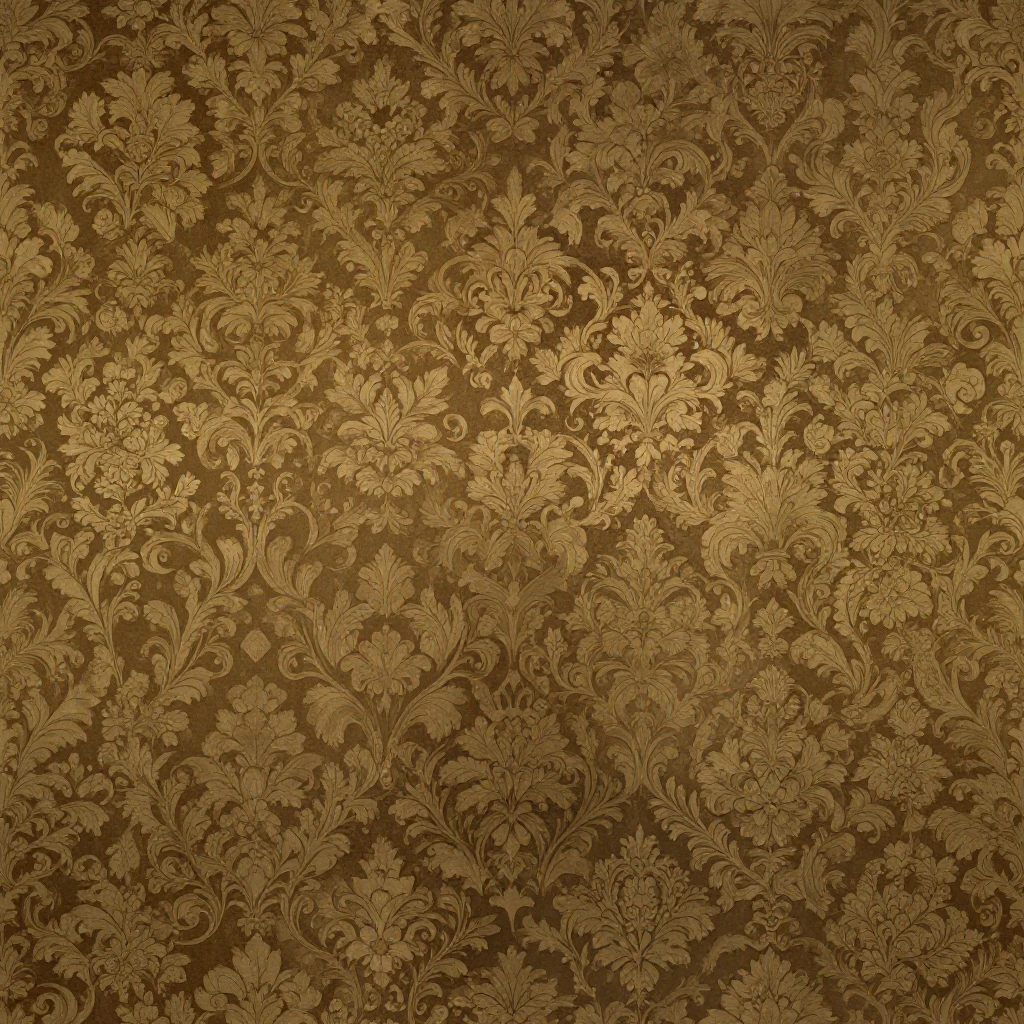
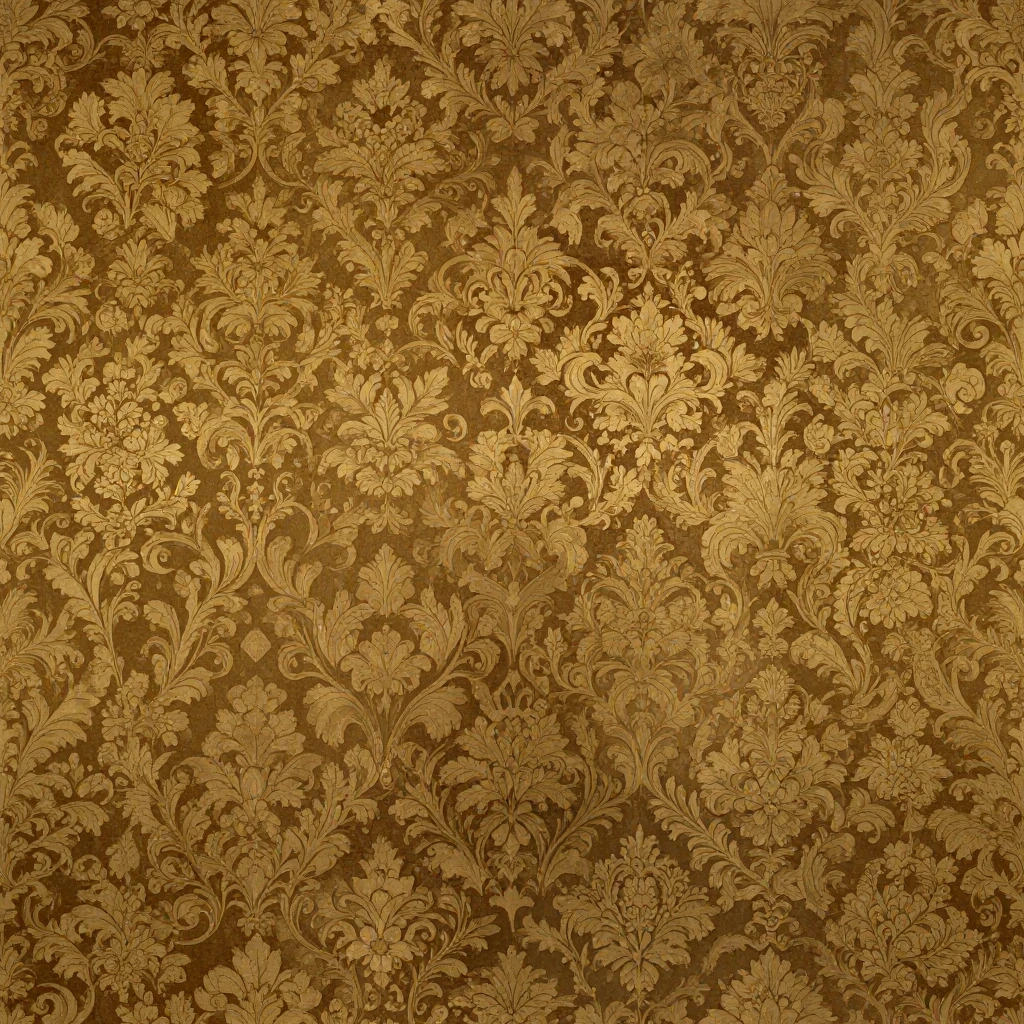



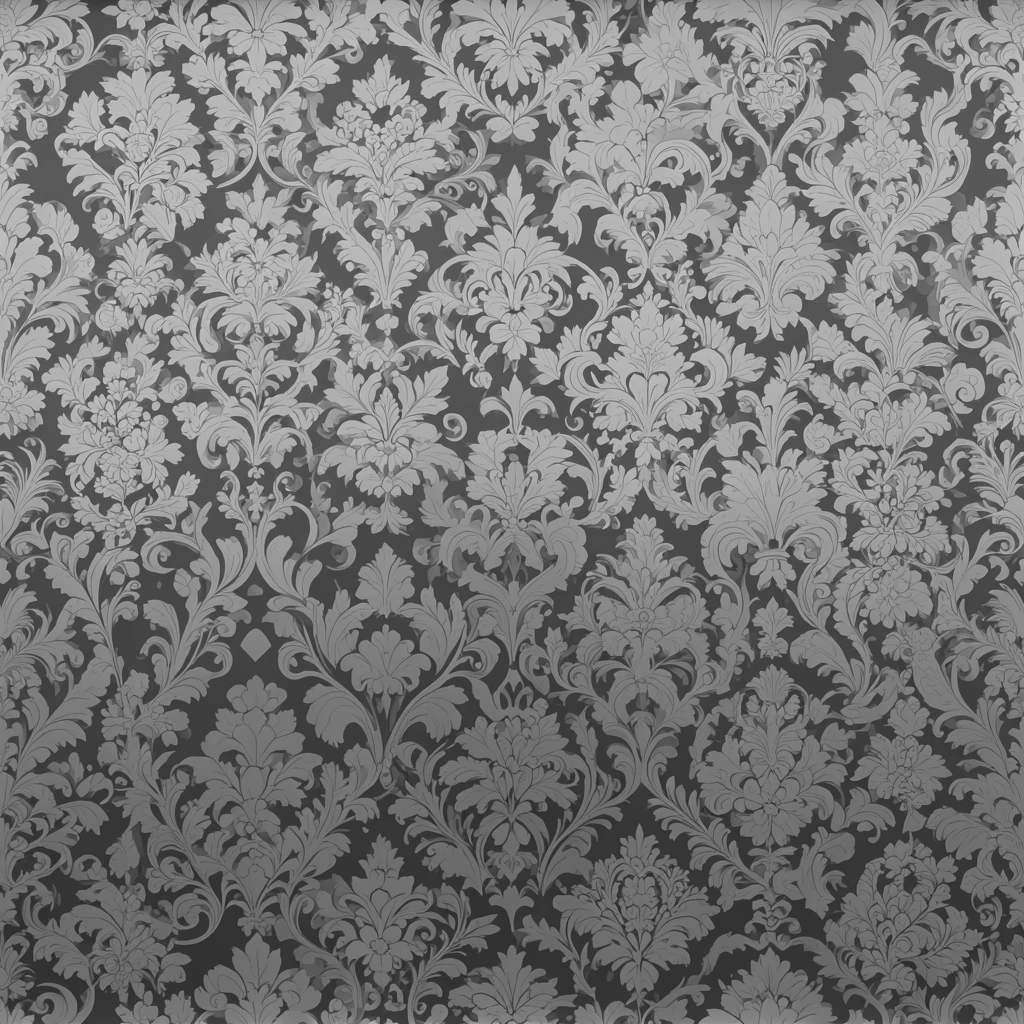
$1.02每次運行
示例查看全部
The wallpaper.

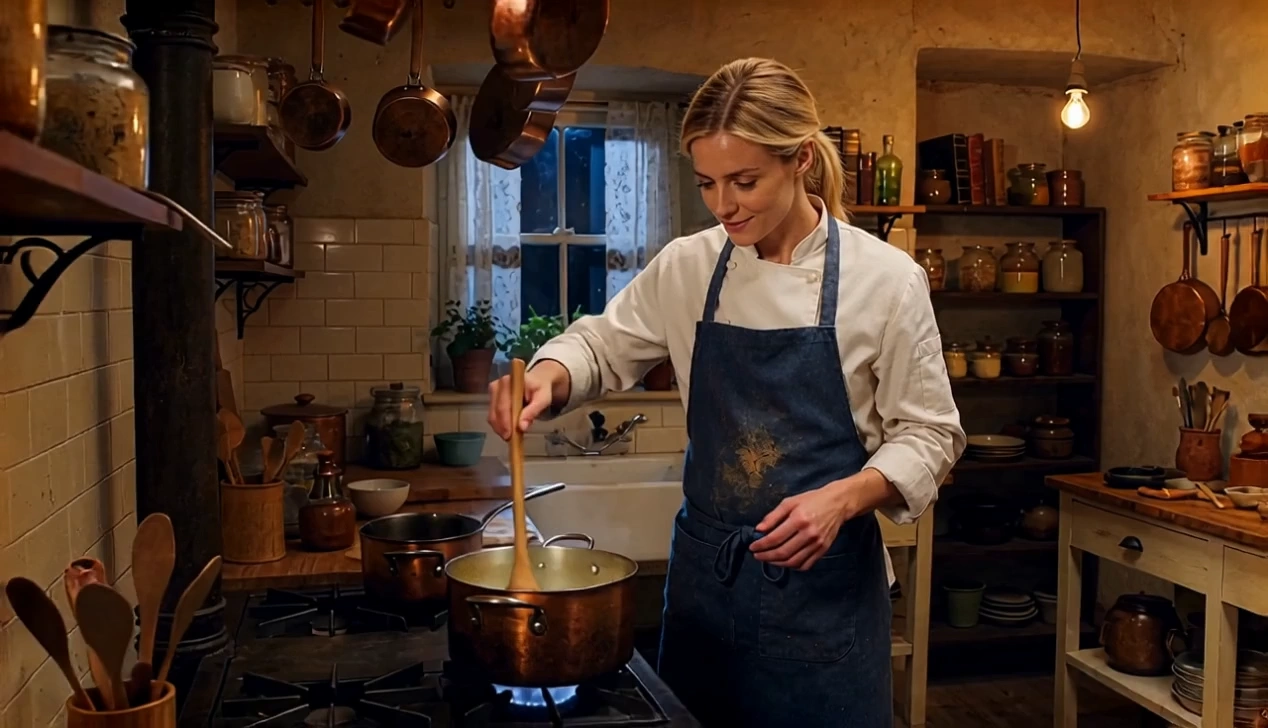
The wall.
相關模型





README
Patina Material Extract
Patina Material Extract extracts a seamlessly tiling PBR material from any reference image. Upload a photo of a real-world surface, describe which texture to extract, and the model produces a complete tileable material map set — isolating the target surface from complex scenes and converting it into production-ready PBR maps.
- Just have a plain surface photo? Try Patina Image-to-Map for direct map generation.
- Need to generate from text? Try Patina Material for prompt-driven PBR creation.
Why Choose This?
-
Surface extraction from complex scenes Isolate and extract a specific material from photos that contain multiple surfaces, objects, or backgrounds — guided by your text description.
-
Seamlessly tiling output Produces tileable material maps ready for use on any geometry without visible seams.
-
Tiling direction control Choose omnidirectional tiling (both), horizontal-only, or vertical-only to match your UV mapping needs.
-
Custom output size Specify any output resolution to match your target quality and performance requirements.
-
Production-ready PBR maps Output is formatted for direct use in game engines (Unreal, Unity), 3D tools (Blender, Maya), and real-time rendering pipelines.
Parameters
| Parameter | Required | Description |
|---|---|---|
| image | Yes | Reference image URL to extract a tiling material from. |
| prompt | Yes | Text description guiding which texture to extract (e.g. "the stone wall surface", "the wood grain pattern"). |
| size | No | Output dimensions in width×height pixels. Default: 1024×1024. |
| tiling_mode | No | Seamless tiling direction: both (default), horizontal, or vertical. |
How to Use
- Upload your reference image — provide a photo containing the surface you want to extract.
- Write your prompt — describe which specific texture to extract from the image (e.g. "the brick wall in the background", "the leather seat material").
- Set size (optional) — specify output dimensions to match your target resolution.
- Choose tiling_mode (optional) — select both for omnidirectional tiling, or horizontal/vertical for axis-specific tiling.
- Submit — the model extracts and generates all PBR material maps in a single run.
- Download your complete tileable map set ready for use in your 3D pipeline.
Pricing
Just $1.02 per run (6 images).
Best Use Cases
- Game development — Extract tileable PBR materials directly from photo references for environment and prop texturing.
- Architectural visualization — Digitize real-world surface materials from photography for accurate scene reproduction.
- Asset digitization — Convert complex real-world scene photos into individual, reusable tileable material assets.
- 3D environment art — Extract specific surface materials from concept art, mood boards, or reference photography.
- Texture library building — Rapidly generate large libraries of tileable PBR materials from photo collections.
Pro Tips
- Be specific in your prompt about which surface to extract — include location, color, or texture characteristics (e.g. "the dark grey concrete floor" rather than just "concrete").
- Use images where the target surface occupies a clearly visible area for the most accurate extraction.
- Avoid heavily shadowed or overexposed areas of the target surface for cleaner albedo map results.
- Use tiling_mode = both for floor, wall, and terrain materials; use horizontal or vertical for directional surfaces like planks or fabric.
Notes
- Both image and prompt are required fields.
- Each run generates a full set of PBR map types as output.
- Ensure image URLs are publicly accessible if using a link rather than a direct upload.
- Please ensure your content complies with WaveSpeed AI's usage policies.
Related Models
- Patina Image-to-Map — Generate PBR maps directly from a plain surface photograph.
- Patina Material — Generate tileable PBR materials from a text description.
Patina Material Extract API — Quick start
Grab a WaveSpeedAI API key, then call POST https://api.wavespeed.ai/api/v3/wavespeed-ai/patina/material-extract with your input as JSON. The endpoint returns a prediction id. Start polling the result endpoint around every 2 seconds, increase the interval for long-running tasks, and stop on any terminal status. On completed, read output values from data.outputs. Examples for Patina Material Extract below.
HTTP example
set -euo pipefail

: "${WAVESPEED_API_KEY:?Set WAVESPEED_API_KEY}"

REQUEST_BODY=$(cat <<'JSON'
{
    "prompt": "A cinematic shot of a city at sunset, soft golden light",
    "image": "https://interactive-examples.mdn.mozilla.net/media/cc0-images/painted-hand-298-332.jpg",
    "size": "1024*1024",
    "tiling_mode": "both"
}
JSON
)

# 1. Submit the prediction.
SUBMIT_RESPONSE=$(curl --silent --show-error --fail-with-body \
  -X POST "https://api.wavespeed.ai/api/v3/wavespeed-ai/patina/material-extract" \
  -H "Content-Type: application/json" \
  -H "Authorization: Bearer $WAVESPEED_API_KEY" \
  -d "$REQUEST_BODY")

TASK=$(printf '%s' "$SUBMIT_RESPONSE" | jq 'if has("data") then .data else . end')
PREDICTION_ID=$(printf '%s' "$TASK" | jq -r '.id')
if [ -z "$PREDICTION_ID" ] || [ "$PREDICTION_ID" = "null" ]; then
  printf 'Submission response did not contain a prediction id
' >&2
  exit 1
fi
RESULT_URL=$(printf '%s' "$TASK" | jq -r '.urls.get // empty')
if [ -z "$RESULT_URL" ]; then
  RESULT_URL="https://api.wavespeed.ai/api/v3/predictions/$PREDICTION_ID/result"
fi

# 2. Poll until the prediction finishes.
while true; do
  RESPONSE=$(curl --silent --show-error --fail-with-body "$RESULT_URL" \
    -H "Authorization: Bearer $WAVESPEED_API_KEY")
  RESULT=$(printf '%s' "$RESPONSE" | jq 'if has("data") then .data else . end')
  STATUS=$(printf '%s' "$RESULT" | jq -r '.status')
  case "$STATUS" in
    completed) printf '%s\n' "$RESULT" | jq '.outputs'; break ;;
    failed|cancelled|timeout) printf '%s\n' "$RESULT" | jq . >&2; exit 1 ;;
    created|processing) sleep 2 ;;
    *) printf 'Unexpected status: %s
' "$STATUS" >&2; exit 1 ;;
  esac
done
Node.js example
const submitUrl = "https://api.wavespeed.ai/api/v3/wavespeed-ai/patina/material-extract";
const apiKey = process.env.WAVESPEED_API_KEY;
if (!apiKey) throw new Error('Set WAVESPEED_API_KEY');

async function requestJson(url, options = {}) {
  const response = await fetch(url, options);
  if (!response.ok) throw new Error(await response.text());
  return response.json();
}

// 1. Submit the prediction.
const body = await requestJson(submitUrl, {
  method: "POST",
  headers: {
    "Authorization": `Bearer ${apiKey}`,
    "Content-Type": "application/json",
  },
  body: JSON.stringify({
        "prompt": "A cinematic shot of a city at sunset, soft golden light",
        "image": "https://interactive-examples.mdn.mozilla.net/media/cc0-images/painted-hand-298-332.jpg",
        "size": "1024*1024",
        "tiling_mode": "both"
}),
});
const task = body.data ?? body;
if (!task.id) throw new Error("Submission response did not contain a prediction id");
const resultUrl = task.urls?.get ||
  `https://api.wavespeed.ai/api/v3/predictions/${task.id}/result`;

// 2. Poll until the prediction finishes.
while (true) {
  const resultBody = await requestJson(resultUrl, {
    headers: { "Authorization": `Bearer ${apiKey}` },
  });
  const result = resultBody.data ?? resultBody;
  if (result.status === "completed") {
    console.log(result.outputs);
    break;
  }
  if (["failed", "cancelled", "timeout"].includes(result.status)) throw new Error(JSON.stringify(result));
  if (!["created", "processing"].includes(result.status)) throw new Error("Unexpected status: " + result.status);
  await new Promise(resolve => setTimeout(resolve, 2000));
}
Python example
import json
import os
import time
from urllib.request import Request, urlopen

api_key = os.environ["WAVESPEED_API_KEY"]
headers = {"Authorization": f"Bearer {api_key}", "Content-Type": "application/json"}
payload = {
    "prompt": "A cinematic shot of a city at sunset, soft golden light",
    "image": "https://interactive-examples.mdn.mozilla.net/media/cc0-images/painted-hand-298-332.jpg",
    "size": "1024*1024",
    "tiling_mode": "both"
}

def request_json(url, data=None):
    request = Request(url, data=data, headers=headers, method="POST" if data else "GET")
    with urlopen(request) as response:
        return json.load(response)

# 1. Submit the prediction.
body = request_json("https://api.wavespeed.ai/api/v3/wavespeed-ai/patina/material-extract", json.dumps(payload).encode())
task = body.get("data", body)
if not task.get("id"):
    raise RuntimeError("Submission response did not contain a prediction id")
result_url = task.get("urls", {}).get("get") or f"https://api.wavespeed.ai/api/v3/predictions/{task['id']}/result"

# 2. Poll until the prediction finishes.
while True:
    result_body = request_json(result_url)
    result = result_body.get("data", result_body)
    status = result.get("status")
    if status == "completed":
        print(result.get("outputs", []))
        break
    if status in {"failed", "cancelled", "timeout"}:
        raise RuntimeError(result)
    if status not in {"created", "processing"}:
        raise RuntimeError(f"Unexpected status: {status}")
    time.sleep(2)
Patina Material Extract API — Frequently asked questions
What is the Patina Material Extract API?
Patina Material Extract is a WaveSpeedAI model for image editing, exposed as a REST API on WaveSpeedAI. PATINA Material Extract turns any photograph or reference image into a complete seamlessly tiling PBR material set (basecolor, normal, roughness, metalness, height), guided by a text prompt. Ready-to-use REST inference API, best performance, no coldstarts, affordable pricing. You can call it programmatically or try it from the playground above.
How do I call the Patina Material Extract API?
POST your input parameters to the model's REST endpoint (shown in the API tab of this playground) with your WaveSpeedAI API key in the Authorization header. Submission returns a prediction ID. Poll the result endpoint starting around every 2 seconds, increase the interval for long-running tasks, and stop on any terminal status. The playground generates production-oriented Python, JavaScript, and cURL examples with timeouts, transient-error handling, and safe GET retries. Full request/response shape is documented at https://wavespeed.ai/docs/docs-api/wavespeed-ai/patina-material-extract.
How much does Patina Material Extract cost per run?
Patina Material Extract starts at $1.02 per run. That figure is the base price — the final charge scales with the parameters you set in the form (output size, length, count, references, or whatever knobs this model exposes), so a higher-quality or larger output costs more than a minimal one. The exact cost for your current input is shown live next to the Generate button before you submit, and the actual per-call charge is recorded on the prediction afterwards.
What inputs does Patina Material Extract accept?
Key inputs: `prompt`, `image`, `size`, `tiling_mode`. The full JSON schema (types, defaults, allowed values) is rendered above the Generate button and mirrored in the API reference at https://wavespeed.ai/docs/docs-api/wavespeed-ai/patina-material-extract.
How do I get started with the Patina Material Extract API?
Sign up for a free WaveSpeedAI account to claim starter credits, copy your API key from /accesskey, then call the endpoint shown in the API tab of the playground. The playground also auto-generates a code sample in Python, JavaScript, or cURL for the parameters you've set.
Can I use Patina Material Extract outputs commercially?
Commercial usage rights depend on the model's license, set by its provider (WaveSpeedAI). The license summary appears on the model card above; see WaveSpeedAI's Terms of Service for platform-level conditions.