AI Music Video Generator transforms audio + a single photo into a full music video with cinematic camera angles, smooth transitions, and perfect lip sync. Up to 10 minutes, 480p or 720p. Ready-to-use REST inference API, best performance, no coldstarts, affordable pricing.
就緒
$0.15每次運行·~66 / $10
示例查看全部
相關模型
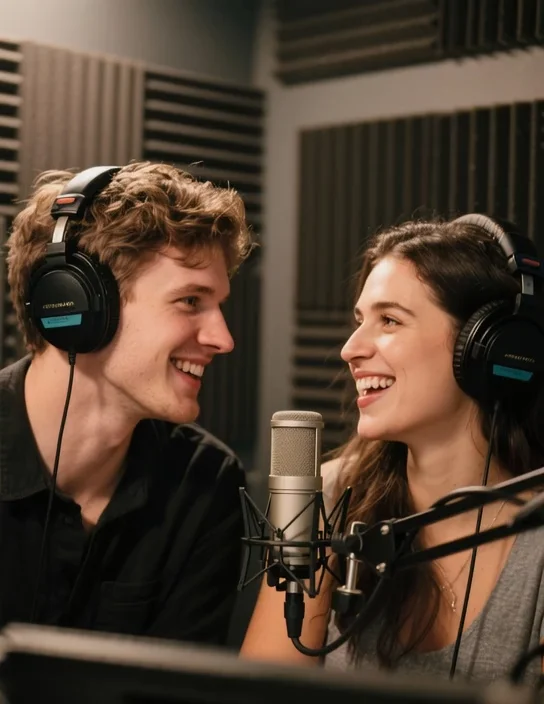
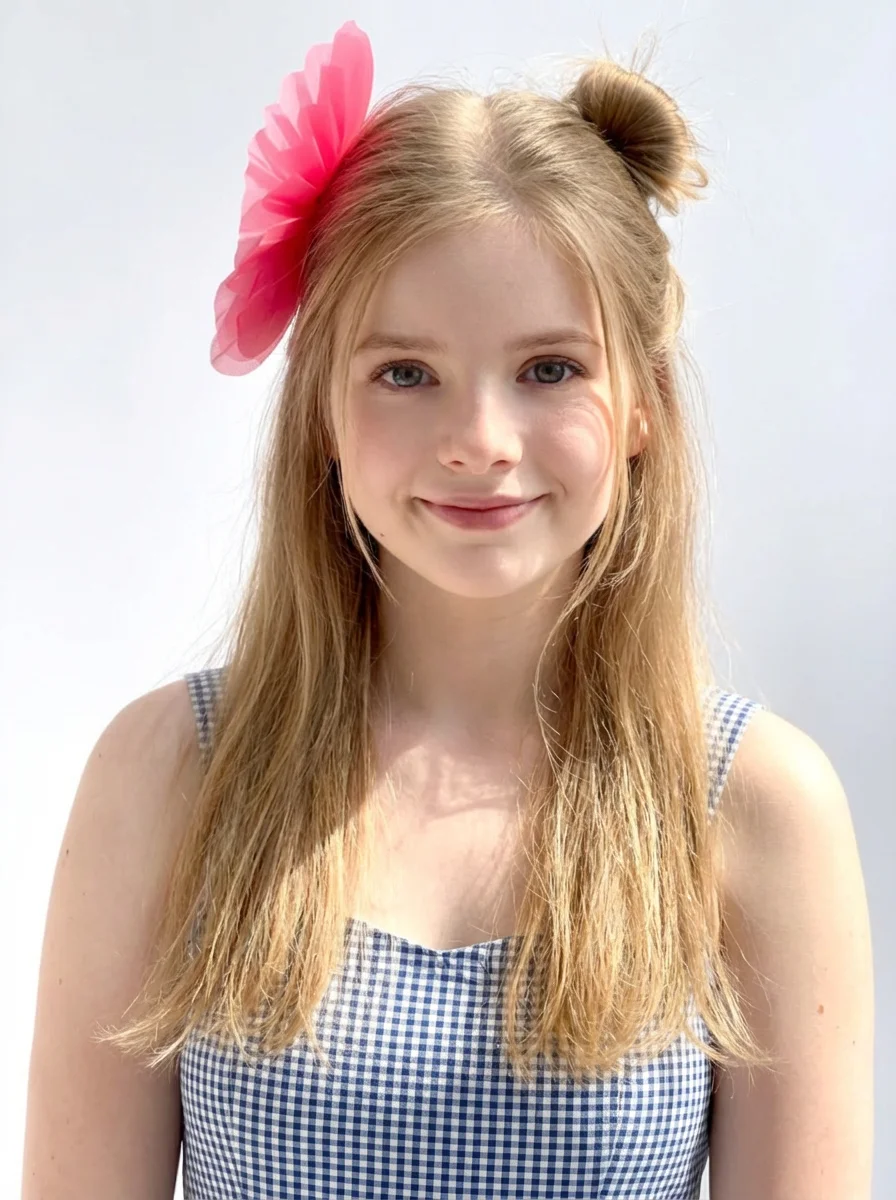

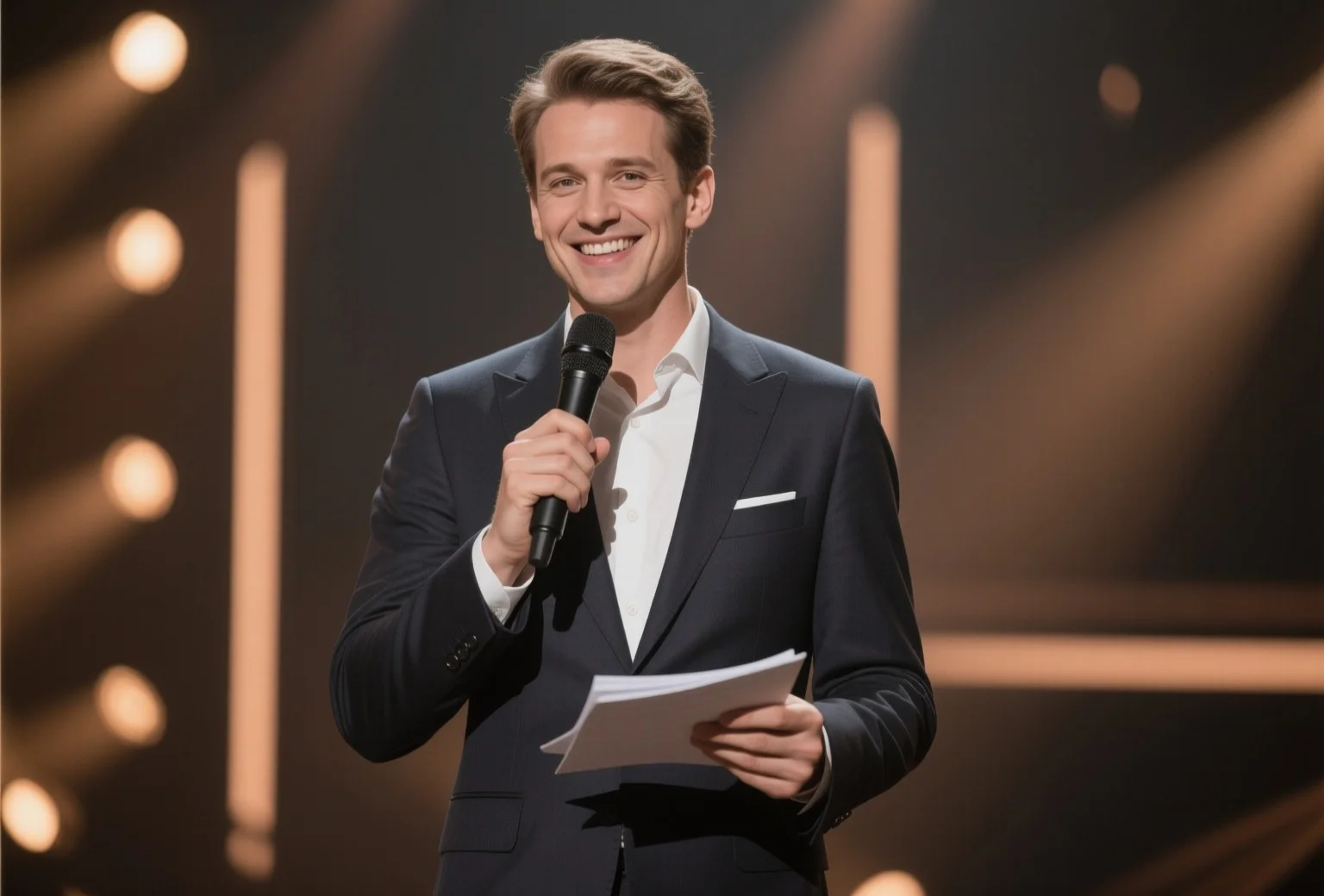
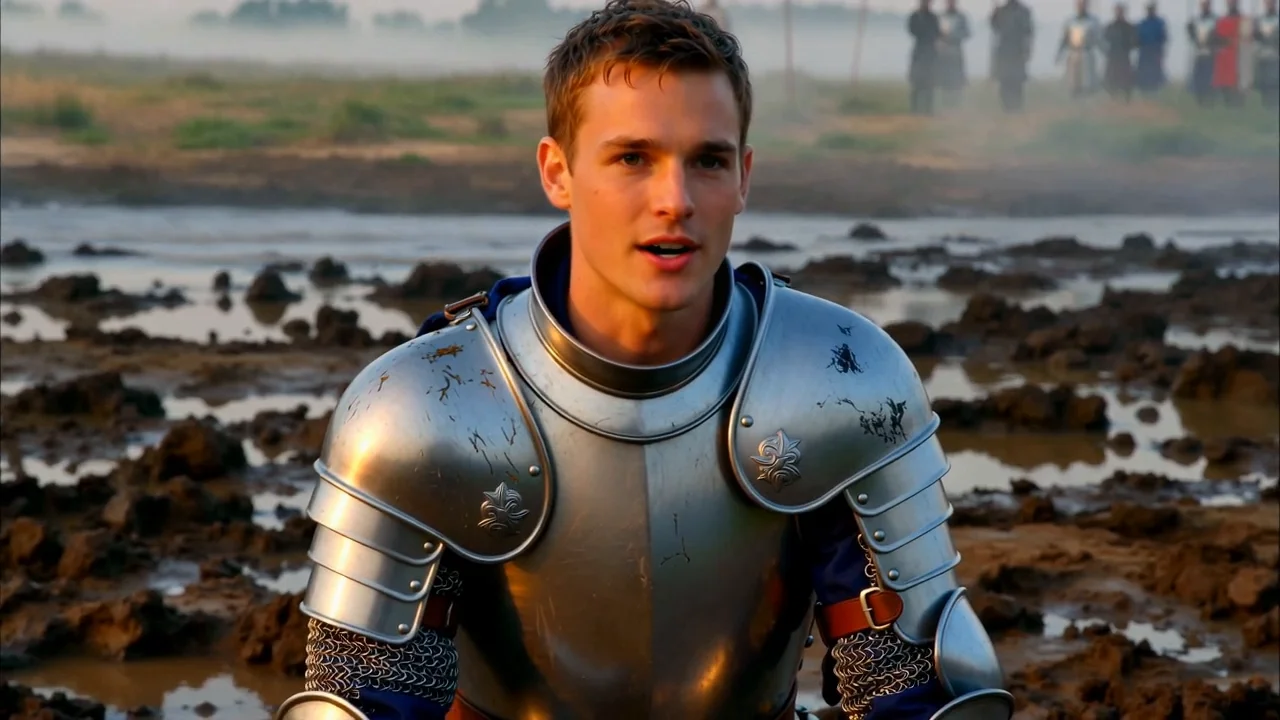

README
AI Music Video (MV) Generator
The world's best AI music video (MV) generator. Turn any song + a single photo into a professional-quality music video in minutes.
Why It's the Best
- Blazing fast: Generate a full 1-minute music video in just a few minutes. No waiting hours.
- Perfect lip sync: Vocal-aware segmentation ensures the singer's lips match the audio precisely throughout the entire video.
- Cinematic quality: AI director plans each scene with different camera angles, compositions, and natural lighting — like a real music video shoot.
- One photo is all you need: Upload a single portrait and the AI handles the rest — scene creation, angle variations, and smooth transitions.
- Up to 10 minutes: Create full-length music videos, not just short clips.
- Smart scene planning: Automatically detects vocal phrases and silence in the audio to create natural scene transitions at musically meaningful moments.
How It Works
- Upload your audio — any song, any genre, up to 10 minutes.
- Upload 1-3 reference images (optional) — the person who will appear in the video.
- Describe the scene (optional) — e.g. "A woman sings in a forest while playing a guitar".
- Choose aspect ratio — 16:9 (landscape) or 9:16 (portrait/vertical).
- Select resolution — 480p or 720p.
- Get your music video — fully rendered with transitions, multiple angles, and synced audio.
What Happens Behind the Scenes
- Vocal isolation — Separates vocals from instruments to analyze singing patterns.
- Smart segmentation — Splits the audio at natural phrase boundaries (not arbitrary fixed intervals).
- AI directing — A vision-language model plans each scene: camera angles, compositions, expressions, and camera movements.
- Scene generation — Creates unique starting frames for each segment from different angles.
- Video synthesis — Generates lip-synced digital human video for each segment.
- Cinematic assembly — Smooth crossfade transitions between scenes, with the original audio layered on top for perfect sync.
Pricing
| Output Resolution | Cost per 5 seconds | Max Length |
|---|---|---|
| 480p | $0.15 | 10 minutes |
| 720p | $0.30 | 10 minutes |
Billing Rules
- Standard Rate: $0.03 per second
- HD (720p) Rate: $0.06 per second
- Minimum Charge: 5 seconds ($0.15 minimum)
- Billing Cap: 600 seconds (10 minutes)
Parameters
| Parameter | Required | Description |
|---|---|---|
audio | Yes | URL of the audio/music file |
images | No | Array of 1-3 reference image URLs |
prompt | No | Scene/style description |
aspect_ratio | No | "16:9" or "9:16" (auto if omitted) |
resolution | No | "480p" (default) or "720p" |
Tips
- Best results with vocals: The AI uses vocal patterns for scene timing. Songs with clear vocals produce the best-timed transitions.
- Portrait photos work best: Clear, front-facing photos with visible face give the best identity preservation.
- Be descriptive: A good prompt like "A rock singer performing on a neon-lit stage" gives much better results than just "singer".
- No photo? No problem: If you don't provide images, the AI will generate a performer based on the detected voice (male/female).
Note
- Max audio length: 10 minutes (600 seconds)
- Processing speed: A 1-minute music video typically completes in 3-6 minutes
- Supported audio formats: MP3, WAV, AAC, and most common formats
- The AI automatically handles scene planning, you don't need to specify individual scenes
Music Video Generator API — Quick start
Grab a WaveSpeedAI API key, then call POST https://api.wavespeed.ai/api/v3/wavespeed-ai/music-video-generator with your input as JSON. The endpoint returns a prediction id; poll the prediction endpoint until status flips to completed, then read the output URL from data.outputs[0]. Examples for Music Video Generator below.
HTTP example
# Submit the prediction
curl -X POST "https://api.wavespeed.ai/api/v3/wavespeed-ai/music-video-generator" \
  -H "Content-Type: application/json" \
  -H "Authorization: Bearer $WAVESPEED_API_KEY" \
  -d '{
    "audio": "https://example.com/your-audio.mp3",
    "prompt": "A cinematic shot of a city at sunset, soft golden light",
    "aspect_ratio": "16:9",
    "resolution": "480p"
}'

# Response includes a prediction id. Poll for the result:
curl -X GET "https://api.wavespeed.ai/api/v3/predictions/{request_id}/result" \
  -H "Authorization: Bearer $WAVESPEED_API_KEY"

# When status is "completed", read the output from data.outputs[0].
Node.js example
// npm install wavespeed
const WaveSpeed = require('wavespeed');

const client = new WaveSpeed(); // reads WAVESPEED_API_KEY from env

const result = await client.run("wavespeed-ai/music-video-generator", {
        "audio": "https://example.com/your-audio.mp3",
        "prompt": "A cinematic shot of a city at sunset, soft golden light",
        "aspect_ratio": "16:9",
        "resolution": "480p"
});

console.log(result.outputs[0]); // → URL of the generated output
Python example
# pip install wavespeed
import wavespeed

output = wavespeed.run(
    "wavespeed-ai/music-video-generator",
    {
    "audio": "https://example.com/your-audio.mp3",
    "prompt": "A cinematic shot of a city at sunset, soft golden light",
    "aspect_ratio": "16:9",
    "resolution": "480p"
}
)

print(output["outputs"][0])  # → URL of the generated output
Music Video Generator API — Frequently asked questions
What is the Music Video Generator API?
Music Video Generator is a WaveSpeedAI model for AI inference, exposed as a REST API on WaveSpeedAI. AI Music Video Generator transforms audio + a single photo into a full music video with cinematic camera angles, smooth transitions, and perfect lip sync. Up to 10 minutes, 480p or 720p. Ready-to-use REST inference API, best performance, no coldstarts, affordable pricing. You can call it programmatically or try it from the playground above.
How do I call the Music Video Generator API?
POST your input parameters to the model's REST endpoint (shown in the API tab of this playground) with your WaveSpeedAI API key in the Authorization header. Submission returns a prediction ID; poll the prediction endpoint until status flips to "completed", then read the output URL from the result. The playground generates a ready-to-paste code sample in Python, JavaScript, or cURL for whatever inputs you've set. Full request/response shape is documented at https://wavespeed.ai/docs/docs-api/wavespeed-ai/music-video-generator.
How much does Music Video Generator cost per run?
Music Video Generator starts at $0.15 per run. That figure is the base price — the final charge scales with the parameters you set in the form (output size, length, count, references, or whatever knobs this model exposes), so a higher-quality or larger output costs more than a minimal one. The exact cost for your current input is shown live next to the Generate button before you submit, and the actual per-call charge is recorded on the prediction afterwards.
What inputs does Music Video Generator accept?
Key inputs: `prompt`, `images`, `audio`, `aspect_ratio`, `resolution`. The full JSON schema (types, defaults, allowed values) is rendered above the Generate button and mirrored in the API reference at https://wavespeed.ai/docs/docs-api/wavespeed-ai/music-video-generator.
How do I get started with the Music Video Generator API?
Sign up for a free WaveSpeedAI account to claim starter credits, copy your API key from /accesskey, then call the endpoint shown in the API tab of the playground. The playground also auto-generates a code sample in Python, JavaScript, or cURL for the parameters you've set.
Can I use Music Video Generator outputs commercially?
Commercial usage rights depend on the model's license, set by its provider (WaveSpeedAI). The license summary appears on the model card above; see WaveSpeedAI's Terms of Service for platform-level conditions.