Seedance V1 Pro generates coherent multi-shot image-to-video outputs with smooth motion and prompt-accurate results in 1080p. Ready-to-use REST inference API, best performance, no coldstarts, affordable pricing.
就緒
$0.6每次運行·~16 / $10
示例查看全部
Fixed shot of the man on the right side of the frame walking up to the man on the left side of the frame and expressing his strong feelings of dissatisfaction to him
Set in an underwater canyon, sunbeams pierce the water’s surface. A whale glides gently between coral cliffs. [Top-down shot] begins on shimmering sunlight, then tilts down slowly as the massive whale emerges from the shadows. As it enters full view, the camera pulls back to reveal the vast seascape. In the final moment, the whale gently pivots.
A miniature city made of cardboard and bottle caps comes alive at night. A cardboard train rolls slowly through the scene, dotted with tiny lights that softly illuminate its path.
A cinematic drone shot at sunrise over a dense forest. Golden light streams through layers of morning fog. [Slow push-in shot] above the treetops reveals a distant waterfall emerging in the background. Hyperreal detail, soft lighting, and shallow depth of field create a dreamlike atmosphere.
In a tranquil snowy landscape, a red origami crane glides weightlessly through the air, wings fluttering gracefully. The camera follows as it skims over a lake, where the reflection of distant mountains and a pale sun shimmer on the surface.
A watercolor-style illustration of a forest. A small white rabbit wearing a bow collects mushrooms amidst soft, painted foliage.
The camera begins in a dimly lit interrogation room, focusing closely on the eyes of a white woman in her early 30s. It slowly pulls back to reveal her full face—platinum blonde hair slightly disheveled, her expression calm but betraying flickers of anxiety. She sits upright in a metal chair, tense wrists resting on the cold tabletop. A harsh overhead light casts sharp shadows across her face, creating stark contrast and strong shadow lines.
Inside a subway car, a man sits perfectly still amid the rushing blur of commuters. [Static front-facing shot] frames him in the center of the bench. Blurred figures pass as streaks—people boarding, switching seats—while he remains motionless, staring forward. Occasionally, ghostlike faces flash into view within motion trails. Fluorescent lights above flicker faintly.
A cluster of poppies sways in the breeze—white, yellow, and vibrant red. Sunlight filters through the petals from behind, revealing their delicate translucency.
相關模型

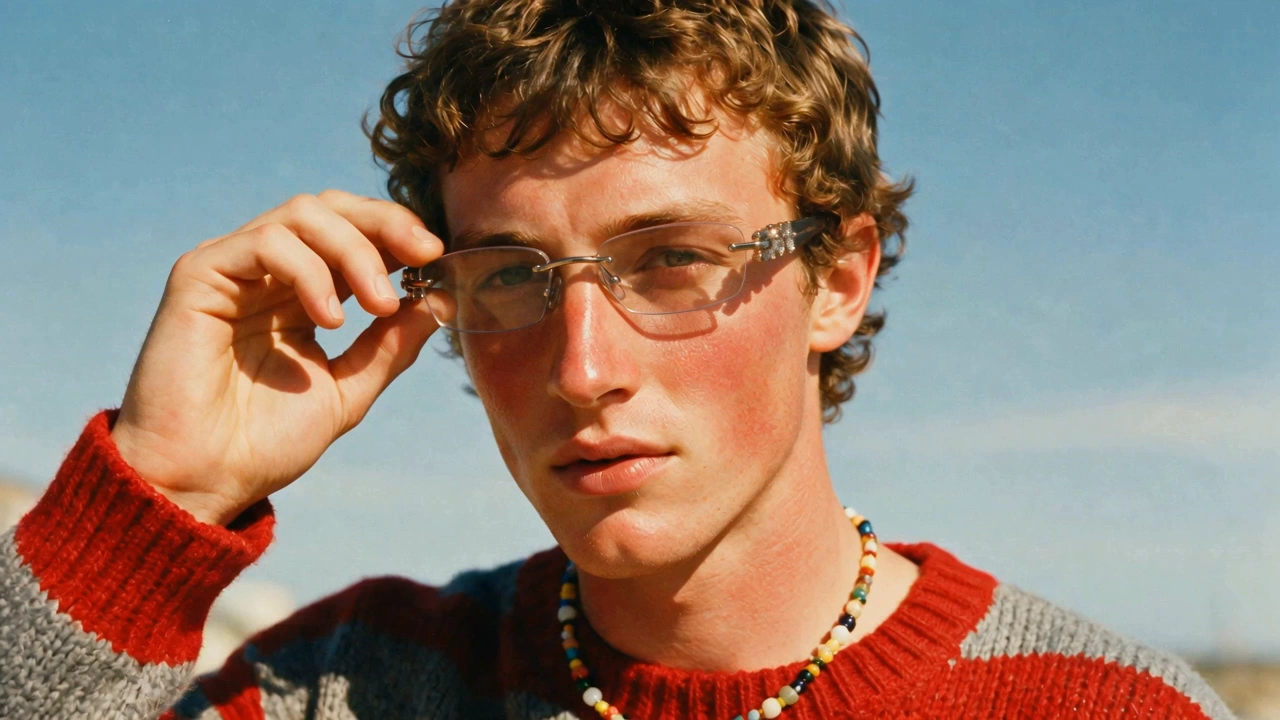
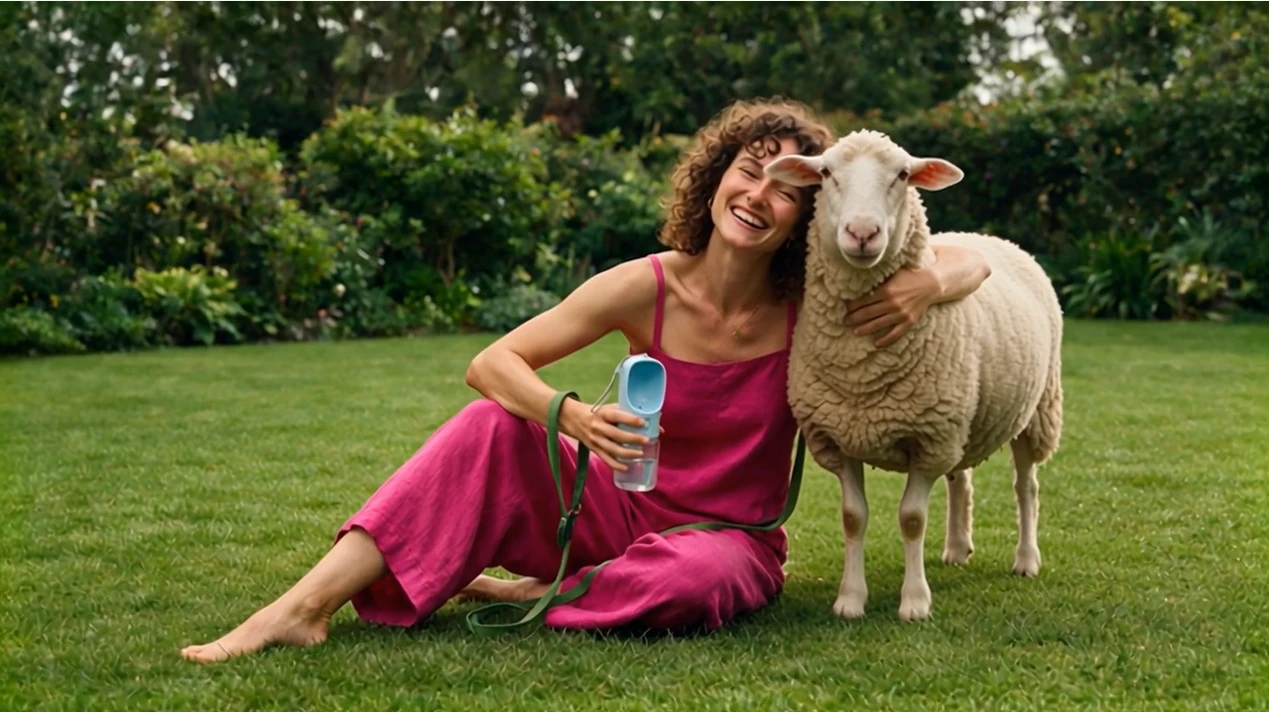
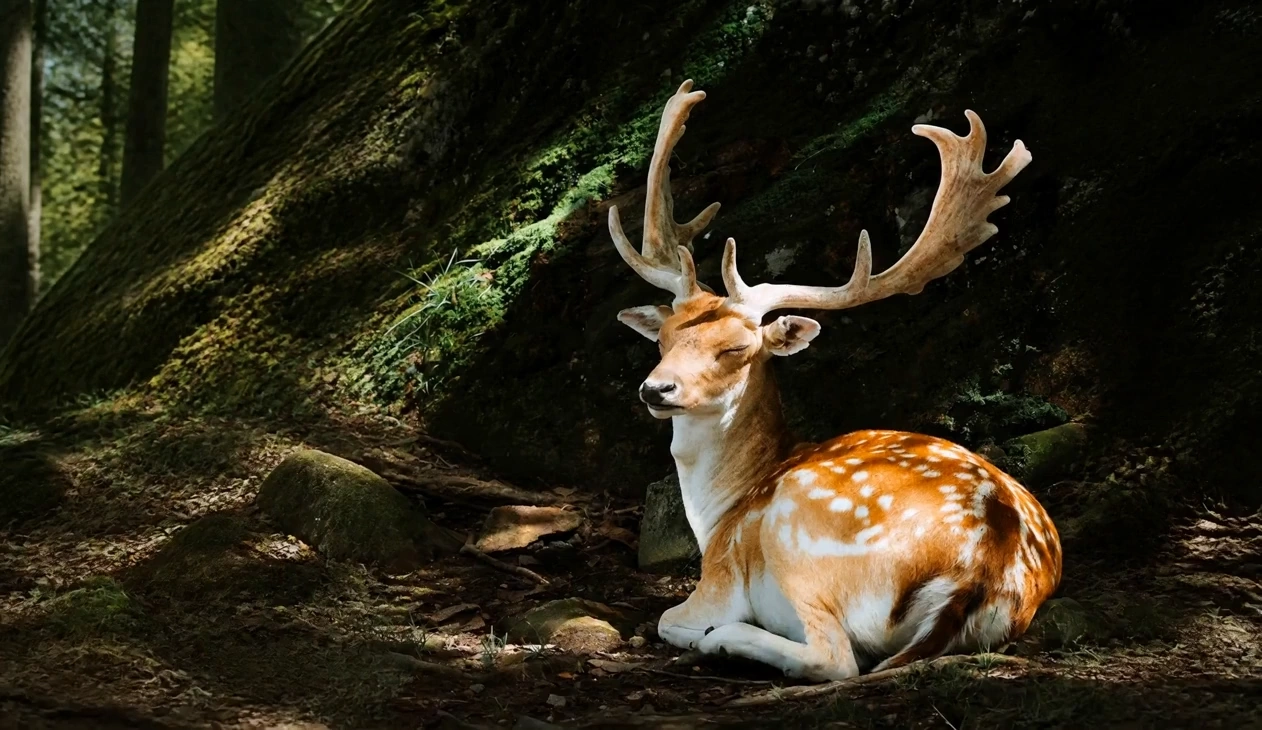
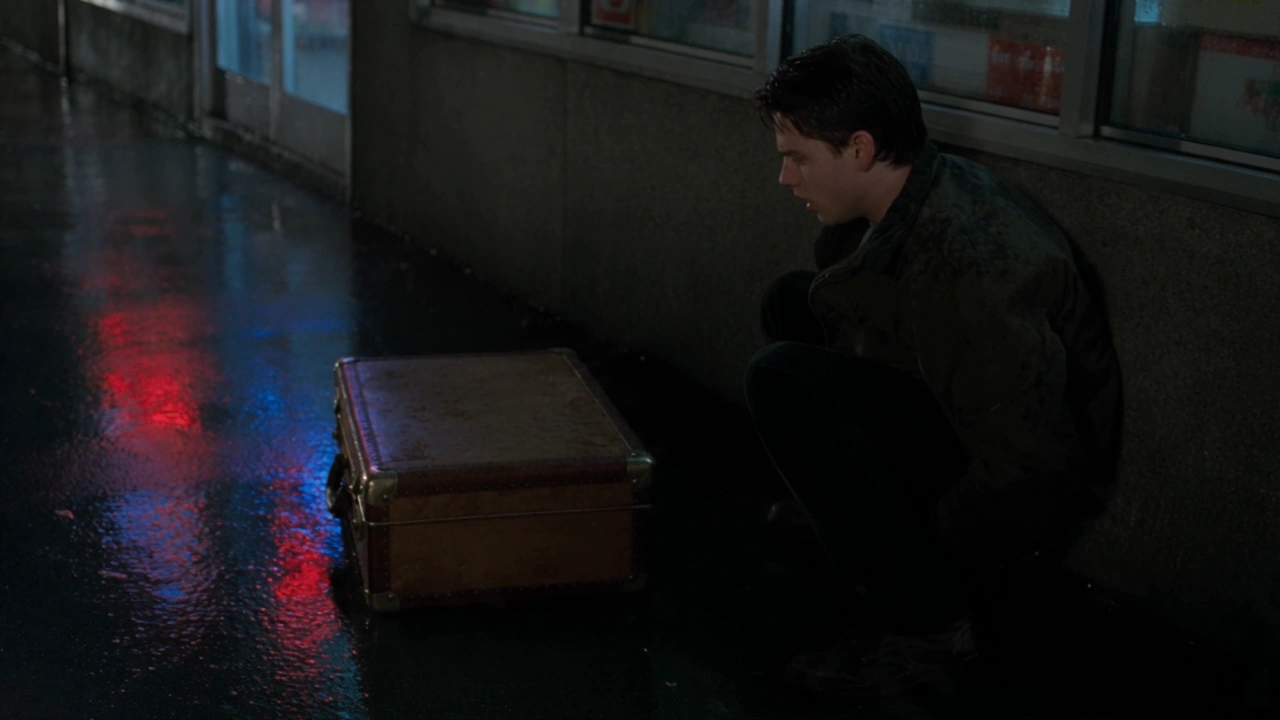

README
Seedance v1 Pro I2V 1080p — /seedance-v1-pro-i2v-1080p
Seedance v1 Pro I2V 1080p generates high-quality 1080p videos from a single reference image plus a motion-focused prompt. Upload a starting image, describe the action and camera intent, and the model animates the scene while keeping the input image as the visual anchor. You can also provide an optional last_image to better control how the clip ends, and enable camera_fixed to keep the camera locked while motion happens within the frame.
Key capabilities
- Image-to-video generation anchored to a reference image (1080p output)
- Natural motion and smooth animation for character actions and scene beats
- Optional last_image support for improved ending continuity
- Optional camera_fixed mode for fixed framing (no camera movement)
- Seed control for reproducible iterations
Use cases
- High-resolution character animation from a single keyframe
- Cinematic scene beats with controlled blocking and fixed shots
- Start-to-end guided shots using last_image for more predictable endings
- Marketing and storytelling clips that need sharper detail at 1080p
- Generating multiple takes by changing seed while keeping the same prompt
Pricing
| Duration | Price per video |
|---|---|
| 5s | $0.60 |
| 10s | $1.20 |
| 15s | $1.80 |
| 20s | $2.40 |
Inputs
- image (required): starting reference image (first-frame anchor)
- prompt (required): motion and scene direction
- last_image (optional): end-frame reference to guide the finishing state
Parameters
- prompt: describes subject action, scene motion, and camera direction
- image: input image (upload or URL)
- last_image: optional end reference image (upload or URL)
- duration: video length in seconds
- aspect_ratio: output aspect ratio selection
- camera_fixed: whether to fix the camera position
- seed: random seed (-1 for random; fixed value for reproducible results)
- safety checker: enabled filtering for safer generations (if available in your UI)
Prompting guide (I2V)
For better control, write prompts like a director’s beat sheet:
- Blocking: who moves where (walks from right to left, stops, gestures)
- Emotion: facial expression and body language cues (angry, disappointed, calm)
- Camera: fixed shot, slow push-in, pan, orbit (or keep camera_fixed on)
- Continuity: keep identity, outfits, and scene layout consistent with the input image
Example prompts
- Fixed shot. The man on the right walks toward the man on the left and confronts him, visibly dissatisfied. Strong body language, tense atmosphere, natural motion, realistic lighting, 5 seconds.
- A character turns, takes two steps forward, and points while speaking, cinematic lighting, subtle wind and particles, camera fixed, 5 seconds.
- Slow push-in on a hero’s face as their expression changes from calm to determined, shallow depth of field, cinematic mood, 5 seconds.
Seedance v1 Pro I2v 1080p API — Quick start
Grab a WaveSpeedAI API key, then call POST https://api.wavespeed.ai/api/v3/bytedance/seedance-v1-pro-i2v-1080p with your input as JSON. The endpoint returns a prediction id. Start polling the result endpoint around every 2 seconds, increase the interval for long-running tasks, and stop on any terminal status. On completed, read output values from data.outputs. Examples for Seedance v1 Pro I2v 1080p below.
HTTP example
set -euo pipefail

: "${WAVESPEED_API_KEY:?Set WAVESPEED_API_KEY}"

REQUEST_BODY=$(cat <<'JSON'
{
    "image": "https://interactive-examples.mdn.mozilla.net/media/cc0-images/painted-hand-298-332.jpg",
    "duration": 5,
    "aspect_ratio": "21:9",
    "camera_fixed": false,
    "seed": -1
}
JSON
)

# 1. Submit the prediction.
SUBMIT_RESPONSE=$(curl --silent --show-error --fail-with-body \
  -X POST "https://api.wavespeed.ai/api/v3/bytedance/seedance-v1-pro-i2v-1080p" \
  -H "Content-Type: application/json" \
  -H "Authorization: Bearer $WAVESPEED_API_KEY" \
  -d "$REQUEST_BODY")

TASK=$(printf '%s' "$SUBMIT_RESPONSE" | jq 'if has("data") then .data else . end')
PREDICTION_ID=$(printf '%s' "$TASK" | jq -r '.id')
if [ -z "$PREDICTION_ID" ] || [ "$PREDICTION_ID" = "null" ]; then
  printf 'Submission response did not contain a prediction id
' >&2
  exit 1
fi
RESULT_URL=$(printf '%s' "$TASK" | jq -r '.urls.get // empty')
if [ -z "$RESULT_URL" ]; then
  RESULT_URL="https://api.wavespeed.ai/api/v3/predictions/$PREDICTION_ID/result"
fi

# 2. Poll until the prediction finishes.
while true; do
  RESPONSE=$(curl --silent --show-error --fail-with-body "$RESULT_URL" \
    -H "Authorization: Bearer $WAVESPEED_API_KEY")
  RESULT=$(printf '%s' "$RESPONSE" | jq 'if has("data") then .data else . end')
  STATUS=$(printf '%s' "$RESULT" | jq -r '.status')
  case "$STATUS" in
    completed) printf '%s\n' "$RESULT" | jq '.outputs'; break ;;
    failed|cancelled|timeout) printf '%s\n' "$RESULT" | jq . >&2; exit 1 ;;
    created|processing) sleep 2 ;;
    *) printf 'Unexpected status: %s
' "$STATUS" >&2; exit 1 ;;
  esac
done
Node.js example
const submitUrl = "https://api.wavespeed.ai/api/v3/bytedance/seedance-v1-pro-i2v-1080p";
const apiKey = process.env.WAVESPEED_API_KEY;
if (!apiKey) throw new Error('Set WAVESPEED_API_KEY');

async function requestJson(url, options = {}) {
  const response = await fetch(url, options);
  if (!response.ok) throw new Error(await response.text());
  return response.json();
}

// 1. Submit the prediction.
const body = await requestJson(submitUrl, {
  method: "POST",
  headers: {
    "Authorization": `Bearer ${apiKey}`,
    "Content-Type": "application/json",
  },
  body: JSON.stringify({
        "image": "https://interactive-examples.mdn.mozilla.net/media/cc0-images/painted-hand-298-332.jpg",
        "duration": 5,
        "aspect_ratio": "21:9",
        "camera_fixed": false,
        "seed": -1
}),
});
const task = body.data ?? body;
if (!task.id) throw new Error("Submission response did not contain a prediction id");
const resultUrl = task.urls?.get ||
  `https://api.wavespeed.ai/api/v3/predictions/${task.id}/result`;

// 2. Poll until the prediction finishes.
while (true) {
  const resultBody = await requestJson(resultUrl, {
    headers: { "Authorization": `Bearer ${apiKey}` },
  });
  const result = resultBody.data ?? resultBody;
  if (result.status === "completed") {
    console.log(result.outputs);
    break;
  }
  if (["failed", "cancelled", "timeout"].includes(result.status)) throw new Error(JSON.stringify(result));
  if (!["created", "processing"].includes(result.status)) throw new Error("Unexpected status: " + result.status);
  await new Promise(resolve => setTimeout(resolve, 2000));
}
Python example
import json
import os
import time
from urllib.request import Request, urlopen

api_key = os.environ["WAVESPEED_API_KEY"]
headers = {"Authorization": f"Bearer {api_key}", "Content-Type": "application/json"}
payload = {
    "image": "https://interactive-examples.mdn.mozilla.net/media/cc0-images/painted-hand-298-332.jpg",
    "duration": 5,
    "aspect_ratio": "21:9",
    "camera_fixed": False,
    "seed": -1
}

def request_json(url, data=None):
    request = Request(url, data=data, headers=headers, method="POST" if data else "GET")
    with urlopen(request) as response:
        return json.load(response)

# 1. Submit the prediction.
body = request_json("https://api.wavespeed.ai/api/v3/bytedance/seedance-v1-pro-i2v-1080p", json.dumps(payload).encode())
task = body.get("data", body)
if not task.get("id"):
    raise RuntimeError("Submission response did not contain a prediction id")
result_url = task.get("urls", {}).get("get") or f"https://api.wavespeed.ai/api/v3/predictions/{task['id']}/result"

# 2. Poll until the prediction finishes.
while True:
    result_body = request_json(result_url)
    result = result_body.get("data", result_body)
    status = result.get("status")
    if status == "completed":
        print(result.get("outputs", []))
        break
    if status in {"failed", "cancelled", "timeout"}:
        raise RuntimeError(result)
    if status not in {"created", "processing"}:
        raise RuntimeError(f"Unexpected status: {status}")
    time.sleep(2)
Seedance v1 Pro I2v 1080p API — Frequently asked questions
What is the Seedance v1 Pro I2v 1080p API?
Seedance v1 Pro I2v 1080p is a ByteDance model for video generation from images, exposed as a REST API on WaveSpeedAI. Seedance V1 Pro generates coherent multi-shot image-to-video outputs with smooth motion and prompt-accurate results in 1080p. Ready-to-use REST inference API, best performance, no coldstarts, affordable pricing. You can call it programmatically or try it from the playground above.
How do I call the Seedance v1 Pro I2v 1080p API?
POST your input parameters to the model's REST endpoint (shown in the API tab of this playground) with your WaveSpeedAI API key in the Authorization header. Submission returns a prediction ID. Poll the result endpoint starting around every 2 seconds, increase the interval for long-running tasks, and stop on any terminal status. The playground generates production-oriented Python, JavaScript, and cURL examples with timeouts, transient-error handling, and safe GET retries. Full request/response shape is documented at https://wavespeed.ai/docs/docs-api/bytedance/bytedance-seedance-v1-pro-i2v-1080p.
How much does Seedance v1 Pro I2v 1080p cost per run?
Seedance v1 Pro I2v 1080p starts at $0.60 per run. That figure is the base price — the final charge scales with the parameters you set in the form (output size, length, count, references, or whatever knobs this model exposes), so a higher-quality or larger output costs more than a minimal one. The exact cost for your current input is shown live next to the Generate button before you submit, and the actual per-call charge is recorded on the prediction afterwards.
What inputs does Seedance v1 Pro I2v 1080p accept?
Key inputs: `prompt`, `image`, `aspect_ratio`, `duration`, `seed`, `camera_fixed`. The full JSON schema (types, defaults, allowed values) is rendered above the Generate button and mirrored in the API reference at https://wavespeed.ai/docs/docs-api/bytedance/bytedance-seedance-v1-pro-i2v-1080p.
How long does Seedance v1 Pro I2v 1080p take to generate?
Median end-to-end generation time on WaveSpeedAI is around 87 seconds per request, based on recent successful runs. Queue time varies with global demand; live status is visible in the prediction record.
Can I use Seedance v1 Pro I2v 1080p outputs commercially?
Commercial usage rights depend on the model's license, set by its provider (ByteDance). The license summary appears on the model card above; see WaveSpeedAI's Terms of Service for platform-level conditions.