Z-AI CogView-4 generates high-quality images from text prompts with a quick and accurate understanding of user descriptions, letting AI express images more precisely and personally. Ready-to-use REST inference API, best performance, no cold starts, affordable pricing.
就绪
$0.01每次运行·~100 / $1
示例查看全部
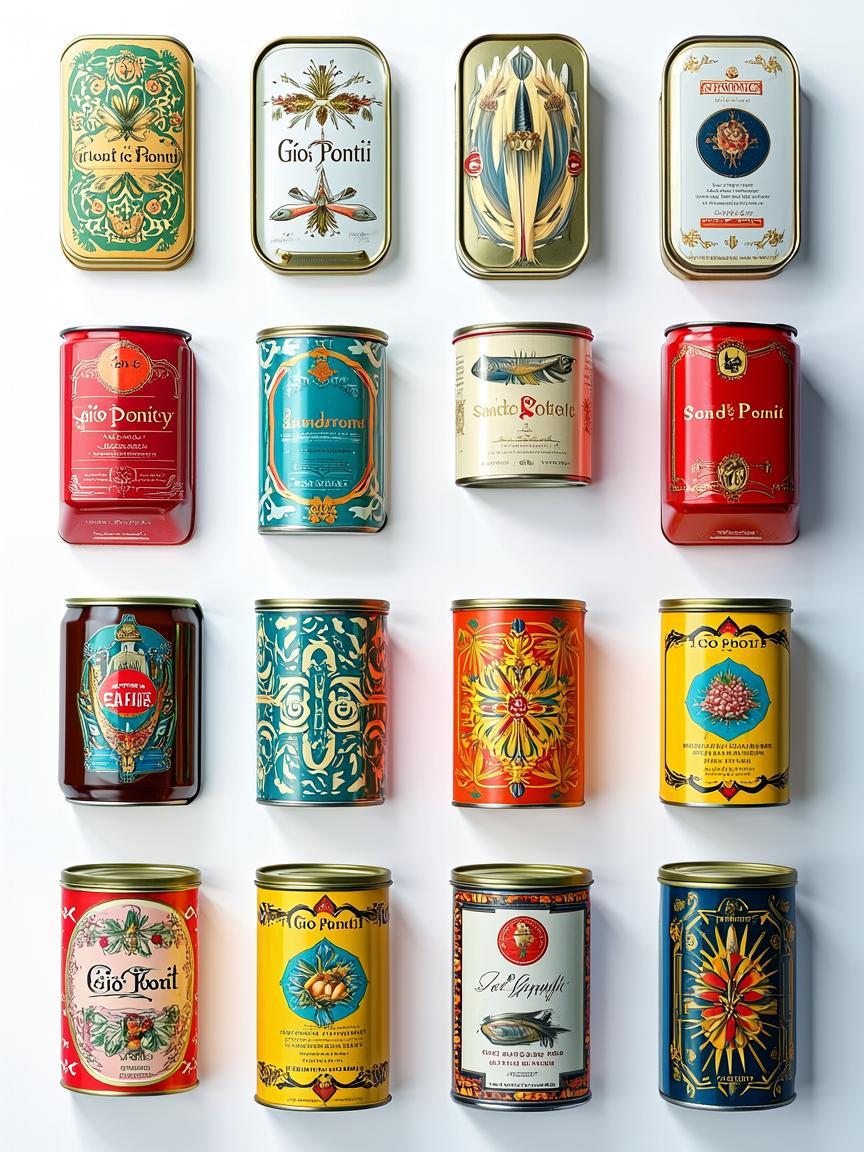
high-resolution collage of various mood board elements inspired by the aesthetics of Giò Ponti, beautiful designed and illustrated sardine tin cans, canned delicatesses, luxury delicatesses, white background, no shadows, hyper-realistic.

A hyper-realistic glass perfume bottle on a marble surface, dramatic hard light, crisp shadows, soft reflections, luxury product photography style.
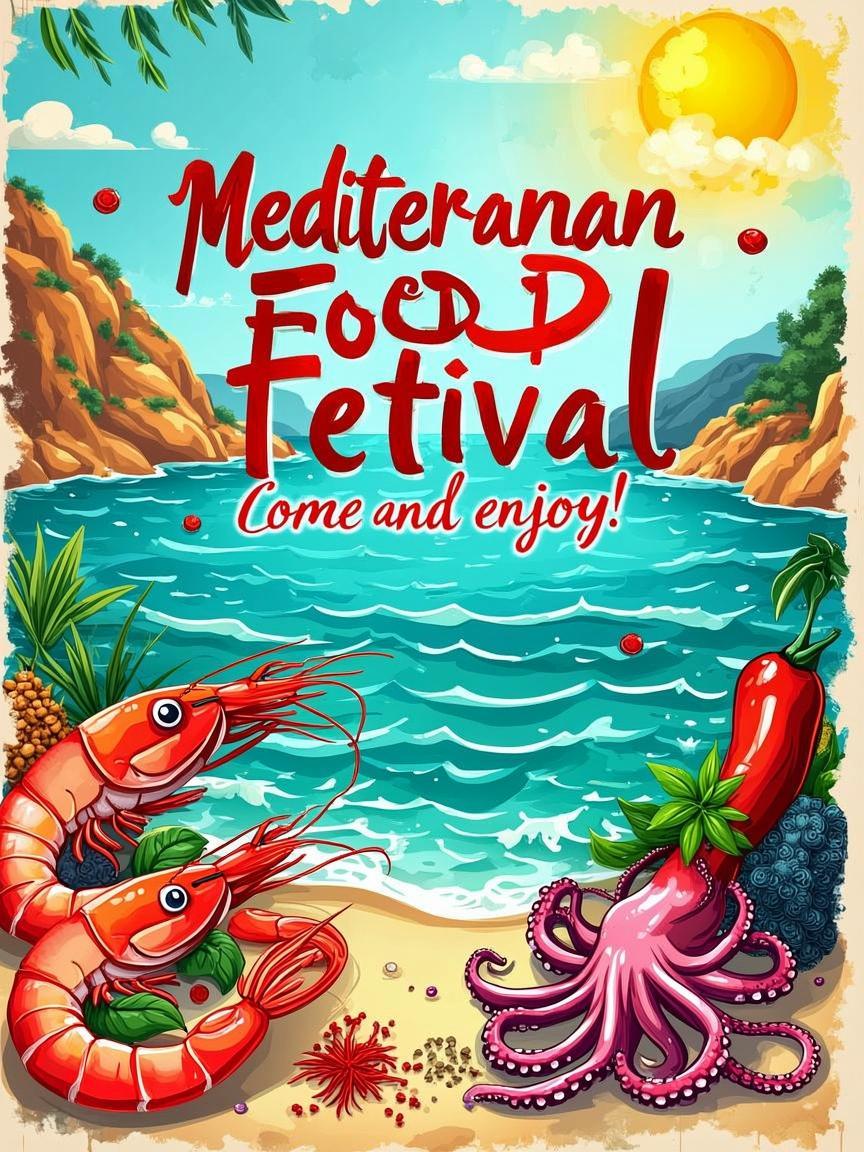
Mediterranean food festival poster, vibrant colors, illustrations of seafood and spices, playful typography, sunny coastal theme. Words:" Mediterranean Food Festival. Come and enjoy!"
相关模型


README
Z.AI CogView-4 Text-to-Image
CogView-4 is Z.AI's high-quality text-to-image generation model designed to transform natural-language descriptions into precise, personalized visuals. It excels at interpreting user intent — producing images that accurately reflect your creative vision with strong compositional clarity and visual appeal.
Why Choose This?
-
Precise prompt understanding Accurately interprets detailed prompts to generate images that match your description — balancing subject, context, and style with strong fidelity.
-
Flexible quality modes Choose standard for fast results (5-10 seconds) or hd for richer detail and visual depth (~20 seconds).
-
Wide aspect ratio support Multiple presets from square to portrait, landscape, and ultra-wide formats for social, web, or print use.
-
Prompt Enhancer Built-in tool to automatically improve your prompts for better generation results.
-
Fast, reliable generation Optimized for quick turnaround with stable output quality — ideal for rapid ideation and creative iteration.
Parameters
| Parameter | Required | Description |
|---|---|---|
| prompt | Yes | Text description of the image you want to generate |
| size | No | Output dimensions (default: 1024*1024) |
| quality | No | Rendering quality: standard or hd |
Size Options
| Size | Orientation | Best For |
|---|---|---|
| 1024*1024 | Square | Social posts, avatars, album art |
| 768*1344 | Portrait | Mobile screens, stories, vertical banners |
| 864*1152 | Portrait | Mobile displays, vertical content |
| 1344*768 | Landscape | Web headers, presentations |
| 1152*864 | Landscape | Widescreen designs, banners |
| 1440*720 | Ultra-wide | Cinematic layouts, panoramic visuals |
| 720*1440 | Ultra-tall | Immersive vertical content |
Quality Options
- standard — Faster generation (5-10 seconds), good for previews and rapid iteration
- hd — Higher detail and visual richness (~20 seconds), recommended for final outputs
How to Use
- Write your prompt — describe the subject, setting, mood, and visual style.
- Select size — choose dimensions that match your intended use.
- Choose quality — standard for speed, hd for maximum detail.
- Run — click Run, preview the result, and iterate if needed.
Pricing
| Item | Cost |
|---|---|
| Per image | $0.01 |
Simple flat-rate pricing regardless of size or quality settings.
Best Use Cases
- Social Media Graphics — Create on-brand visuals for posts, stories, and ads.
- Concept Art — Generate ideas for storyboarding and creative exploration.
- Product Mockups — Produce e-commerce imagery and marketing materials.
- Presentations — Visualize concepts for slides and educational content.
- Web Design — Create headers, banners, and promotional visuals.
Pro Tips
- Be specific about composition, lighting, and style to guide the model toward your vision.
- Use hd quality for final outputs and standard for quick iterations.
- Generated images are valid for 7 days — download outputs you want to keep.
Notes
Please ensure your prompts comply with content guidelines. If an error occurs, review your prompt and try again.
Related Models
- Google Nano Banana Pro — Google's fast text-to-image model with 4K output support.
- FLUX.2 Pro — Flagship-quality generation with cinematic detail and strong prompt fidelity.
- Seedream 4.5 — text-to-image model focused on visual aesthetics and style accuracy.
- Qwen Image 2512 — model with exceptional text rendering capabilities.
Cogview 4 API — Quick start
Grab a WaveSpeedAI API key, then call POST https://api.wavespeed.ai/api/v3/z-ai/cogview-4 with your input as JSON. The endpoint returns a prediction id; poll the prediction endpoint until status flips to completed, then read the output URL from data.outputs[0]. Examples for Cogview 4 below.
HTTP example
# Submit the prediction
curl -X POST "https://api.wavespeed.ai/api/v3/z-ai/cogview-4" \
  -H "Content-Type: application/json" \
  -H "Authorization: Bearer $WAVESPEED_API_KEY" \
  -d '{
    "prompt": "A cinematic shot of a city at sunset, soft golden light",
    "size": "1024*1024",
    "quality": "hd",
    "enable_sync_mode": false,
    "enable_base64_output": false
}'

# Response includes a prediction id. Poll for the result:
curl -X GET "https://api.wavespeed.ai/api/v3/predictions/{request_id}/result" \
  -H "Authorization: Bearer $WAVESPEED_API_KEY"

# When status is "completed", read the output from data.outputs[0].
Node.js example
// npm install wavespeed
const WaveSpeed = require('wavespeed');

const client = new WaveSpeed(); // reads WAVESPEED_API_KEY from env

const result = await client.run("z-ai/cogview-4", {
        "prompt": "A cinematic shot of a city at sunset, soft golden light",
        "size": "1024*1024",
        "quality": "hd",
        "enable_sync_mode": false,
        "enable_base64_output": false
});

console.log(result.outputs[0]); // → URL of the generated output
Python example
# pip install wavespeed
import wavespeed

output = wavespeed.run(
    "z-ai/cogview-4",
    {
    "prompt": "A cinematic shot of a city at sunset, soft golden light",
    "size": "1024*1024",
    "quality": "hd",
    "enable_sync_mode": false,
    "enable_base64_output": false
}
)

print(output["outputs"][0])  # → URL of the generated output
Cogview 4 API — Frequently asked questions
What is the Cogview 4 API?
Cogview 4 is a Z Ai model for image generation, exposed as a REST API on WaveSpeedAI. Z-AI CogView-4 generates high-quality images from text prompts with a quick and accurate understanding of user descriptions, letting AI express images more precisely and personally. Ready-to-use REST inference API, best performance, no cold starts, affordable pricing. You can call it programmatically or try it from the playground above.
How do I call the Cogview 4 API?
POST your input parameters to the model's REST endpoint (shown in the API tab of this playground) with your WaveSpeedAI API key in the Authorization header. Submission returns a prediction ID; poll the prediction endpoint until status flips to "completed", then read the output URL from the result. The playground generates a ready-to-paste code sample in Python, JavaScript, or cURL for whatever inputs you've set. Full request/response shape is documented at https://wavespeed.ai/docs/docs-api/z-ai/z-ai-cogview-4.
How much does Cogview 4 cost per run?
Cogview 4 starts at $0.010 per run. That figure is the base price — the final charge scales with the parameters you set in the form (output size, length, count, references, or whatever knobs this model exposes), so a higher-quality or larger output costs more than a minimal one. The exact cost for your current input is shown live next to the Generate button before you submit, and the actual per-call charge is recorded on the prediction afterwards.
What inputs does Cogview 4 accept?
Key inputs: `prompt`, `size`, `enable_base64_output`, `enable_sync_mode`, `quality`. The full JSON schema (types, defaults, allowed values) is rendered above the Generate button and mirrored in the API reference at https://wavespeed.ai/docs/docs-api/z-ai/z-ai-cogview-4.
How long does Cogview 4 take to generate?
Average end-to-end generation time on WaveSpeedAI is around 36 seconds per request — measured across recent runs. Queue time scales with global demand; live status is visible in the prediction record.
Can I use Cogview 4 outputs commercially?
Commercial usage rights depend on the model's license, set by its provider (Z Ai). The license summary appears on the model card above; see WaveSpeedAI's Terms of Service for platform-level conditions.