Framepack is an efficient autoregressive Image-to-Video model that generates smooth, temporally consistent videos from a single image. Ready-to-use REST inference API, best performance, no coldstarts, affordable pricing.
就绪
$0.198每次运行·~50 / $10
示例查看全部
He abruptly kicks his chair back, drawing a revolver with startling speed and aiming it into the oppressive darkness of the doorway.
Animate this scene with a deliberate and unfolding sense of drama. The camera should begin with a tight close-up on the woman's intensely focused eyes, before slowly and dramatically pulling back to reveal her full figure standing on the rain-slicked balcony. As the camera pulls back, a sudden gust of wind should whip through the scene, causing her crimson gown to billow dramatically around her, and strands of her dark hair to fly across her face. She should lift one hand slowly and deliberately, as if anticipating or reacting to something in the cityscape below. The neon lights of the metropolis in the background should flicker erratically, casting dynamic and shifting shadows across the balcony and her form. A distant siren should wail, its sound seemingly carried on the wind. The rain on the balcony floor should briefly intensify, creating visible ripples and reflections of the dramatic lighting. The overall animation should build a sense of heightened tension and impending conflict through its deliberate and impactful movements.
Aeronaut leaps across a chasm between airships, grappling hook firing mid-air.
Shaman slams their staff into the ground, unleashing a violent, controlled vortex of sand and scrap metal.
A fierce female warrior swings a long sword with full strength. Her expression is intense and focused, and her long hair flows dramatically through the air with the force of her movement
In a blur of silk and shadow, the masked figure sidesteps and executes a single, lethally precise strike with a poisoned stiletto.
相关模型
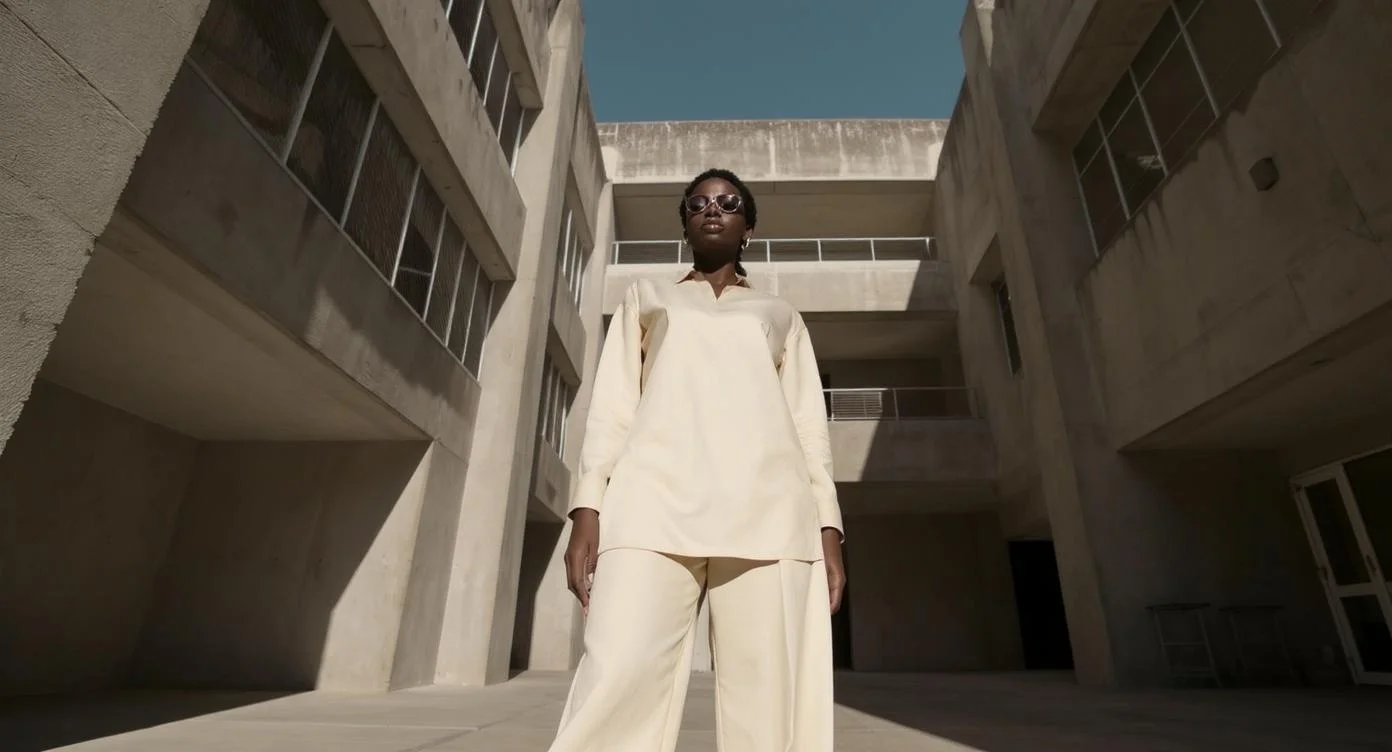
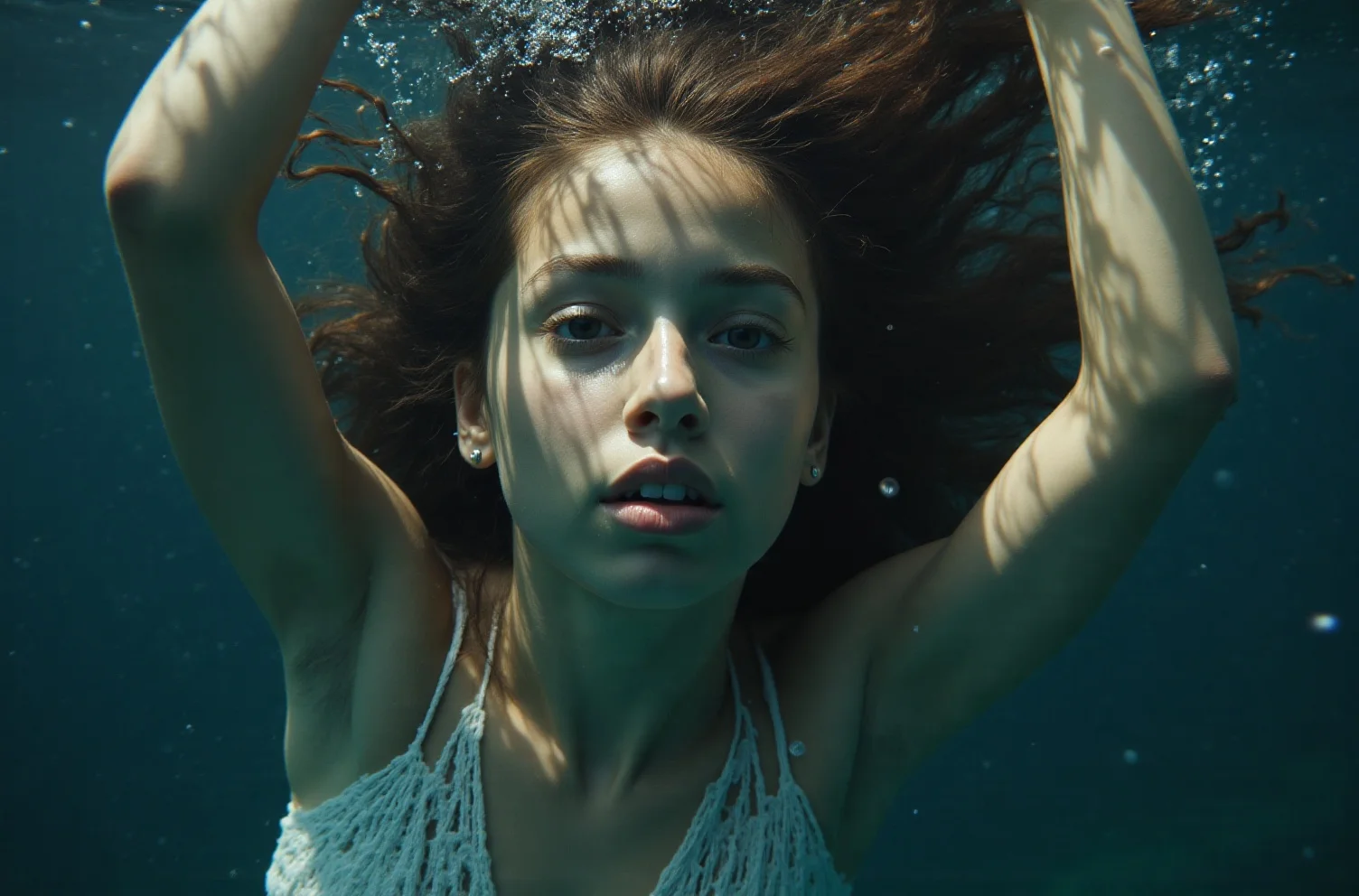
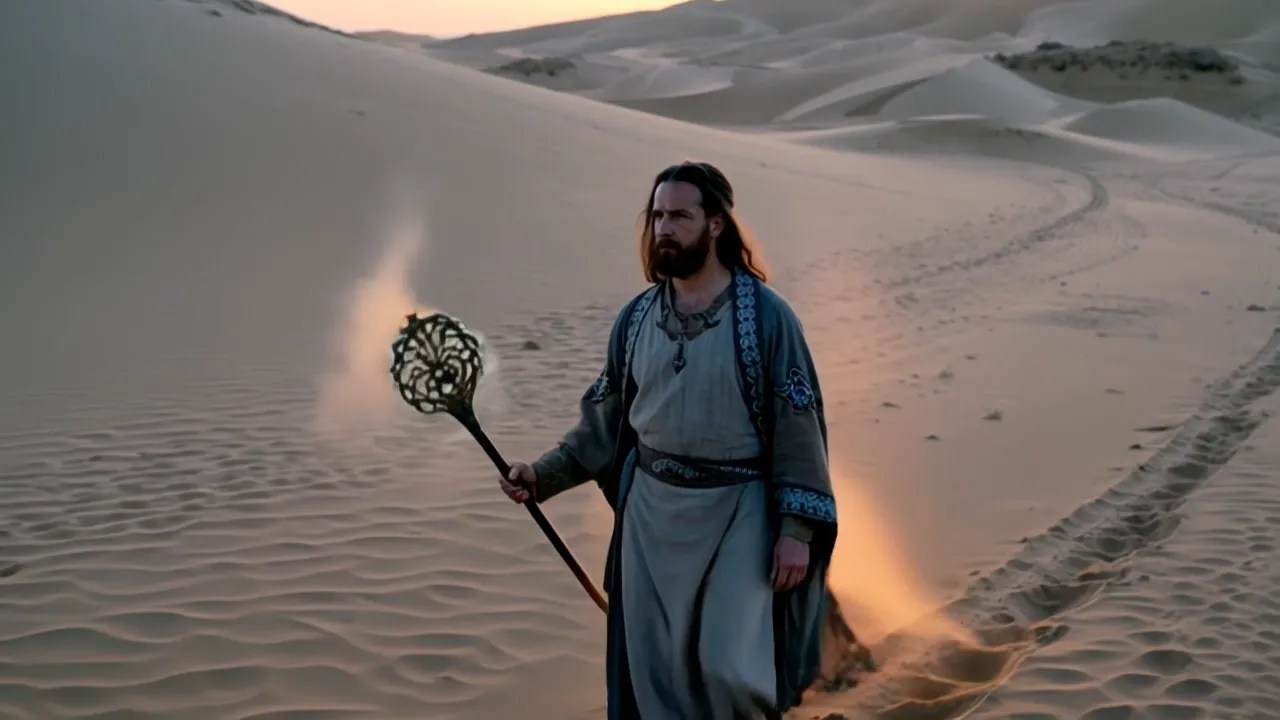

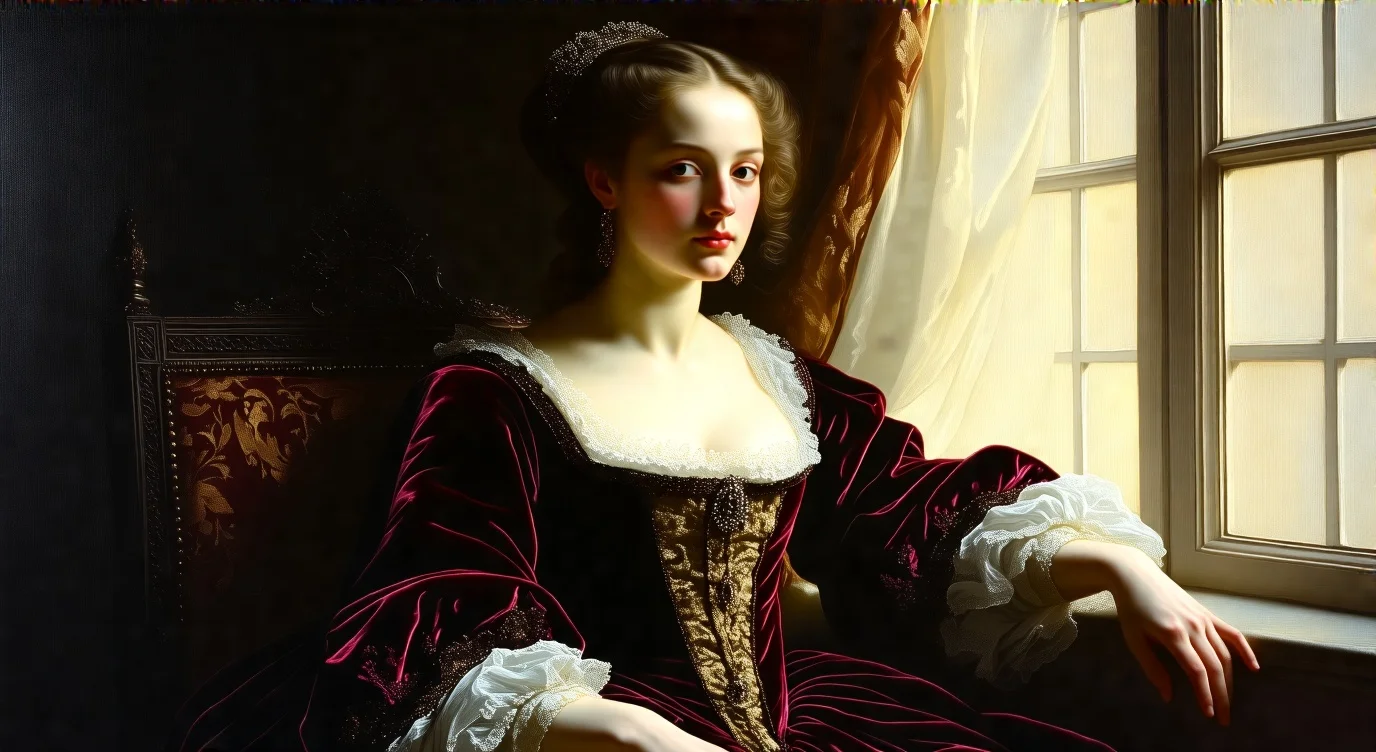

README
FramePack — wavespeed-ai/framepack
FramePack is an image-to-video model designed for smooth, cinematic animation from a single input image. Upload a reference image to anchor composition and subject identity, then use a director-style prompt to control motion, pacing, and camera language (push-in, pull-back, reveals, etc.). FramePack exposes frame-level control via num_frames, making it convenient for generating clips at different lengths while keeping output stable and consistent.
Key capabilities
- Image-to-video generation anchored to a reference image
- Strong at cinematic camera moves (push-in, pull-back, reveal, orbit, tilt)
- Frame-level length control via num_frames for flexible clip duration
- Supports negative_prompt to reduce jitter, blur, distortion, and artifacts
- Resolution and aspect_ratio controls for common output formats
Use cases
- “Living poster” animations: bring key art to life with subtle motion
- Cinematic reveals: close-up → pull-back to establish scene context
- Mood shots and b-roll from a single still (rain, neon, dust motes, fog, wind)
- Trailer-style beats for marketing and social content
- Rapid iteration by keeping the same image and varying prompt/seed/frames
Pricing
Pricing scales with the number of frames generated.
| Frames | Price per run |
|---|---|
| 60 | $0.066 |
| 120 | $0.132 |
| 180 | $0.198 |
| 240 | $0.264 |
Inputs
- image (required): reference image (subject/composition anchor)
- prompt (required): motion + camera direction
- negative_prompt (optional): what to avoid (blur, jitter, distortion, etc.)
Parameters
- image: input image (upload or URL)
- prompt: director-style motion description
- negative_prompt: optional “avoid list”
- aspect_ratio: output aspect ratio (e.g., 16:9)
- resolution: output resolution (e.g., 720p)
- num_inference_steps: sampling steps
- num_frames: total frames to generate (controls clip length)
- guidance_scale: prompt adherence strength
- seed: random seed (set for reproducible results)
Prompting guide (I2V)
Write prompts like a shot list:
- Start framing: close-up / medium / wide
- Camera move: push-in / pull-back / pan / orbit
- Motion: hair, cloth, rain, particles, light flicker, subtle facial change
- Mood/lighting: neon, rim light, fog, bokeh, cinematic contrast
- Constraints: keep the subject identity and composition consistent
Example prompts
- Animate with a deliberate, unfolding sense of drama. Start with a tight close-up on the eyes, then slowly pull back to reveal the full figure on a rain-slick balcony, neon city lights shimmering in the background, subtle wind and drifting rain, cinematic lighting, smooth camera motion.
- Slow push-in on the subject, soft fog rolls through the scene, gentle light flicker, filmic contrast, no jitter, stable face and hands.
Framepack API — Quick start
Grab a WaveSpeedAI API key, then call POST https://api.wavespeed.ai/api/v3/wavespeed-ai/framepack with your input as JSON. The endpoint returns a prediction id; poll the prediction endpoint until status flips to completed, then read the output URL from data.outputs[0]. Examples for Framepack below.
HTTP example
# Submit the prediction
curl -X POST "https://api.wavespeed.ai/api/v3/wavespeed-ai/framepack" \
  -H "Content-Type: application/json" \
  -H "Authorization: Bearer $WAVESPEED_API_KEY" \
  -d '{
    "prompt": "A cinematic shot of a city at sunset, soft golden light",
    "image": "https://example.com/your-input.jpg",
    "negative_prompt": "blurry, low quality, distorted",
    "aspect_ratio": "16:9",
    "resolution": "720p",
    "seed": 0,
    "num_inference_steps": 25,
    "num_frames": 180,
    "guidance_scale": 10
}'

# Response includes a prediction id. Poll for the result:
curl -X GET "https://api.wavespeed.ai/api/v3/predictions/{request_id}/result" \
  -H "Authorization: Bearer $WAVESPEED_API_KEY"

# When status is "completed", read the output from data.outputs[0].
Node.js example
// npm install wavespeed
const WaveSpeed = require('wavespeed');

const client = new WaveSpeed(); // reads WAVESPEED_API_KEY from env

const result = await client.run("wavespeed-ai/framepack", {
        "prompt": "A cinematic shot of a city at sunset, soft golden light",
        "image": "https://example.com/your-input.jpg",
        "negative_prompt": "blurry, low quality, distorted",
        "aspect_ratio": "16:9",
        "resolution": "720p",
        "seed": 0,
        "num_inference_steps": 25,
        "num_frames": 180,
        "guidance_scale": 10
});

console.log(result.outputs[0]); // → URL of the generated output
Python example
# pip install wavespeed
import wavespeed

output = wavespeed.run(
    "wavespeed-ai/framepack",
    {
    "prompt": "A cinematic shot of a city at sunset, soft golden light",
    "image": "https://example.com/your-input.jpg",
    "negative_prompt": "blurry, low quality, distorted",
    "aspect_ratio": "16:9",
    "resolution": "720p",
    "seed": 0,
    "num_inference_steps": 25,
    "num_frames": 180,
    "guidance_scale": 10
}
)

print(output["outputs"][0])  # → URL of the generated output
Framepack API — Frequently asked questions
What is the Framepack API?
Framepack is a WaveSpeedAI model for video generation from images, exposed as a REST API on WaveSpeedAI. Framepack is an efficient autoregressive Image-to-Video model that generates smooth, temporally consistent videos from a single image. Ready-to-use REST inference API, best performance, no coldstarts, affordable pricing. You can call it programmatically or try it from the playground above.
How do I call the Framepack API?
POST your input parameters to the model's REST endpoint (shown in the API tab of this playground) with your WaveSpeedAI API key in the Authorization header. Submission returns a prediction ID; poll the prediction endpoint until status flips to "completed", then read the output URL from the result. The playground generates a ready-to-paste code sample in Python, JavaScript, or cURL for whatever inputs you've set. Full request/response shape is documented at https://wavespeed.ai/docs/docs-api/wavespeed-ai/framepack.
How much does Framepack cost per run?
Framepack starts at $0.20 per run. That figure is the base price — the final charge scales with the parameters you set in the form (output size, length, count, references, or whatever knobs this model exposes), so a higher-quality or larger output costs more than a minimal one. The exact cost for your current input is shown live next to the Generate button before you submit, and the actual per-call charge is recorded on the prediction afterwards.
What inputs does Framepack accept?
Key inputs: `prompt`, `image`, `aspect_ratio`, `resolution`, `seed`, `guidance_scale`. The full JSON schema (types, defaults, allowed values) is rendered above the Generate button and mirrored in the API reference at https://wavespeed.ai/docs/docs-api/wavespeed-ai/framepack.
How long does Framepack take to generate?
Average end-to-end generation time on WaveSpeedAI is around 563 seconds per request — measured across recent runs. Queue time scales with global demand; live status is visible in the prediction record.
Can I use Framepack outputs commercially?
Commercial usage rights depend on the model's license, set by its provider (WaveSpeedAI). The license summary appears on the model card above; see WaveSpeedAI's Terms of Service for platform-level conditions.