FLUX.1 [dev] is a 12B rectified-flow transformer for high-quality text-to-image generation, optimized for ultra-fast inference. Ready-to-use REST inference API, best performance, no coldstarts, affordable pricing.
就绪

$0.005每次运行·~200 / $1
示例查看全部
A young, attractive Indian couple standing side by side at their traditional wedding ceremony, both facing the camera with warm smiles. The bride wears a red and gold lehenga with intricate embroidery, heavy jewelry, and a maang tikka; the groom in an ivory sherwani with a red stole and turban. Background: lavish wedding decor with marigold flowers and fairy lights. Rich colors, sharp focus, photorealistic, cinematic lighting, full-body portrait, authentic Indian wedding atmosphere.
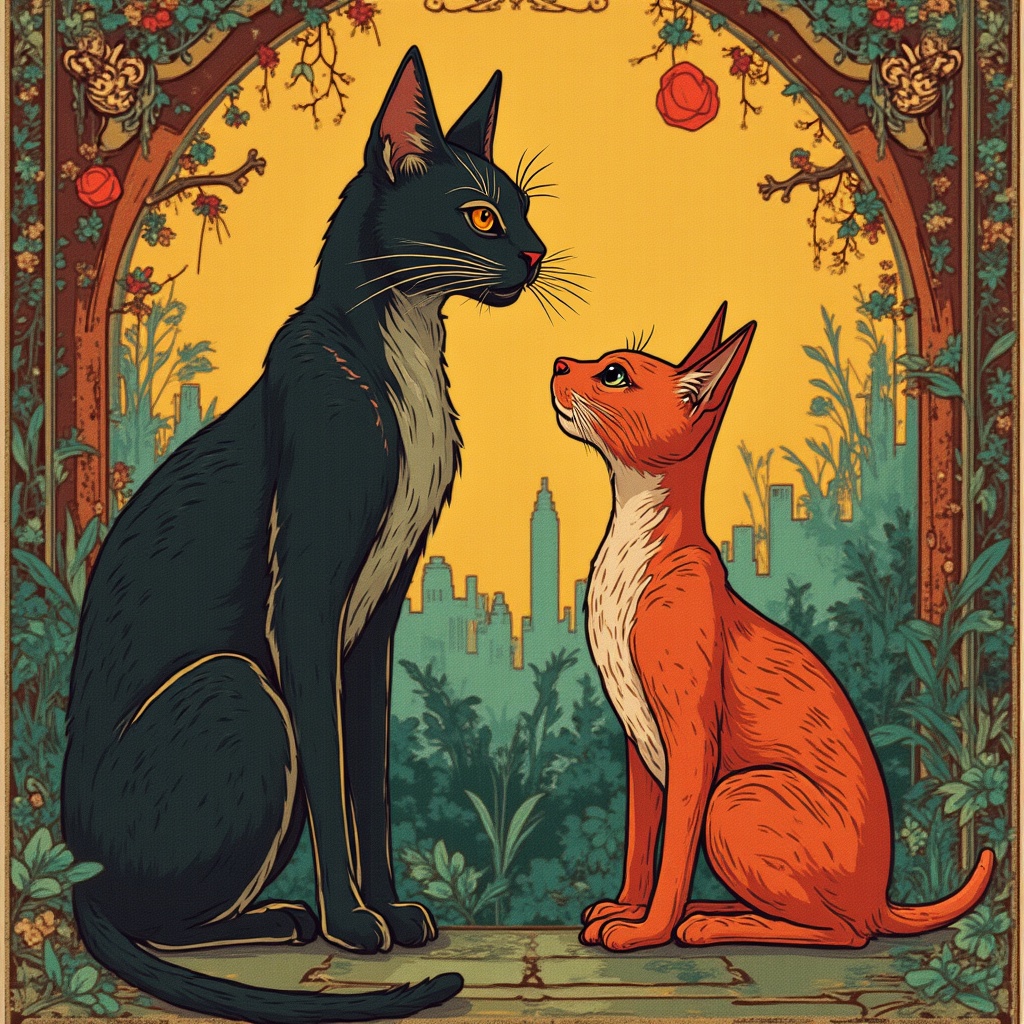
Mudcat and Redshank in Santiago, Chile in the style of art nouveau
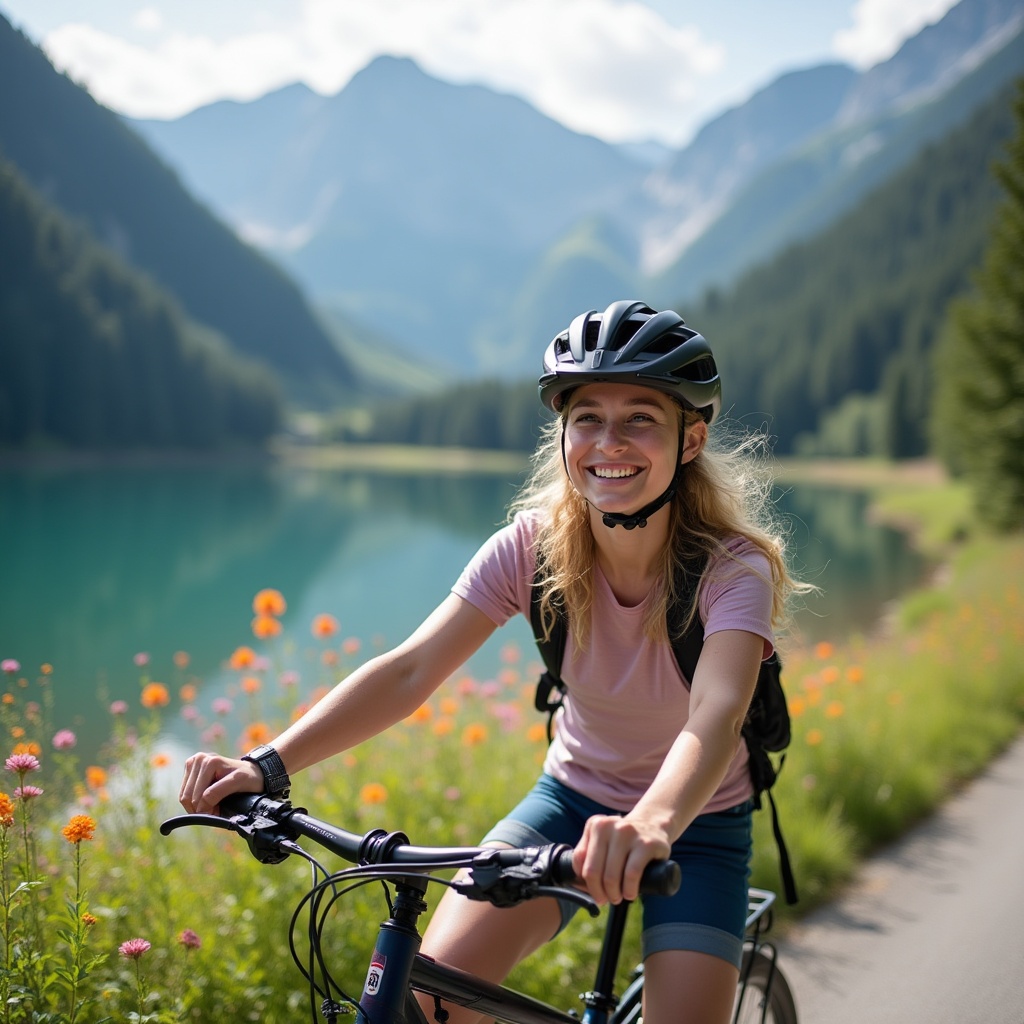
a 21 years old girl is riding bicycle at European mountain area, blond, nice smile, a lake next to the riding road, flowers at the road side

3D clay-like texture coffee machine is making coffee, handcrafted appearance, a clay-like milk box is next to the coffee machine
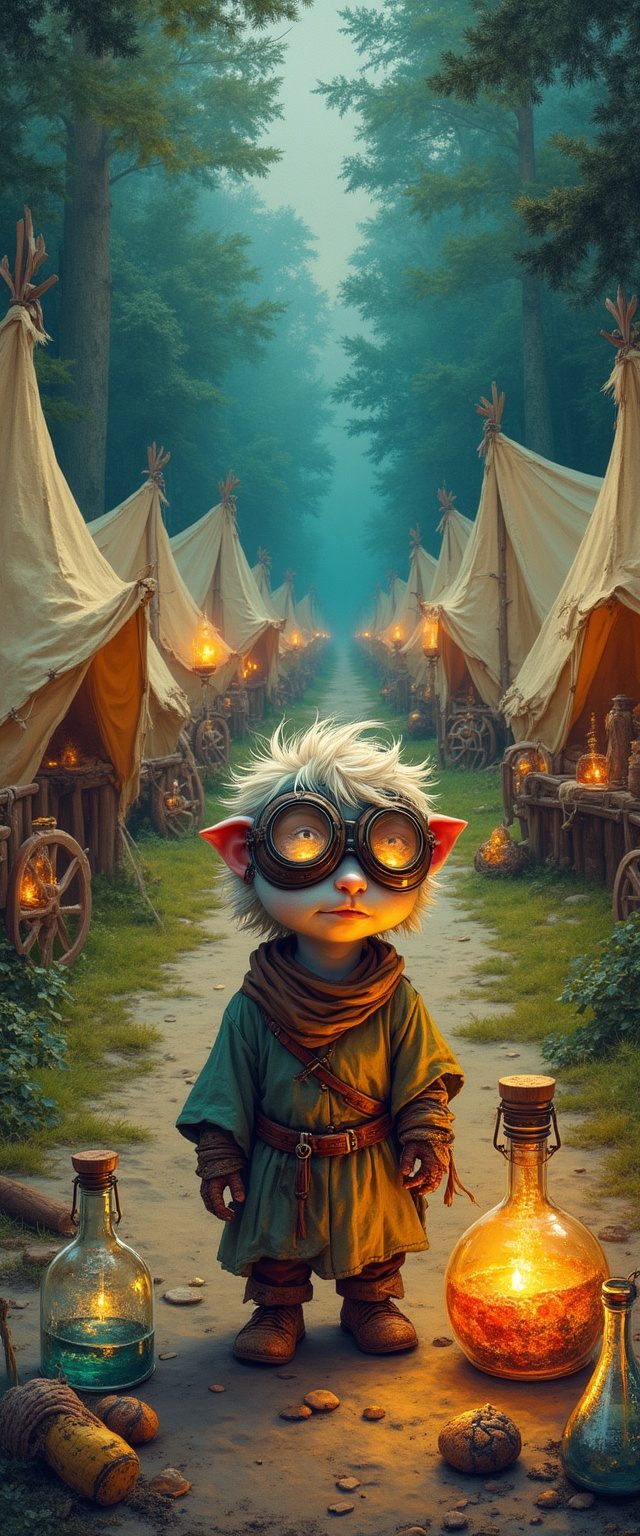
Collage art with mixed media, layered textures, and vibrant colors. A lively medieval caravan campsite unfolds at a crossroads, featuring canvas tents nestled on the edge of a lush forest, glowing lanterns illuminating the scene, and a circle of covered wagons. In the foreground, a small, impish male kender alchemist stands, exuding curiosity and playfulness. His fair skin contrasts sharply with his short, tousled hair, emphasizing his youthful demeanor. He wears protective goggles, surrounded by an array of bubbling vials and concoctions, embodying his adventurous spirit. The lively environment suggests a fantasy theme, filled with eclectic, playful designs that draw the viewer in. The background captures a dynamic arrangement of tents and wagons, while the foreground showcases the kender's focused pose, contemplating his latest experiment. The color scheme is rich and vibrant, with bright highlights from the lanterns and dark shadows resembling the forest backdrop. The lighting is warm and inviting, creating a whimsical atmosphere, and the textures range from the smooth surface of the glass vials to the roughness of the canvas tents.
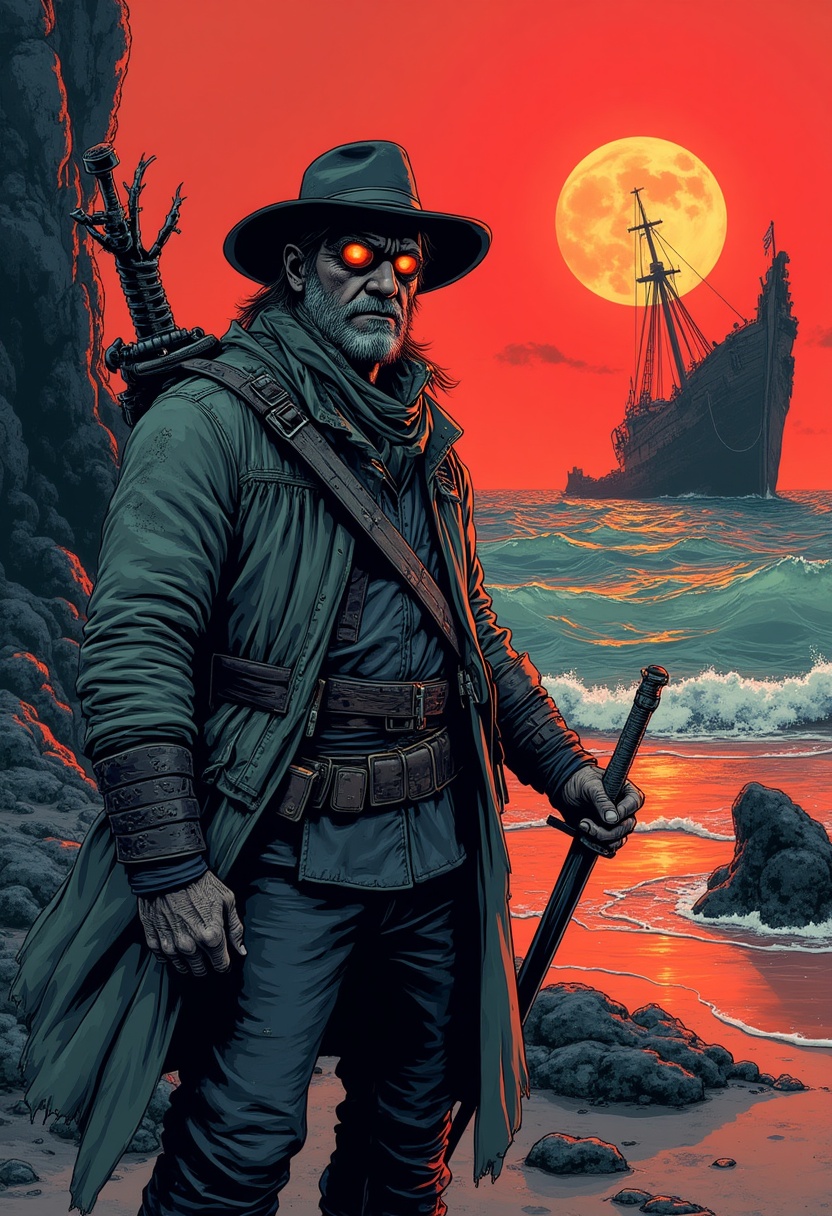
Bande dessine, franco-belgian comics, french comic book style, ligne claire, clear line, comic book art, comic book style, comic book illustration, comic book drawing, comic book art style, vibrant, detailed, action-packed, dynamic, comic book aesthetic, A stylized French comic book illustration featuring a rugged sailor who is also a seasoned fighter. He wears a tattered naval coat over leather armor, a sabre at his hip, and a harpoon slung across his back. His weathered face is shadowed under a wide-brimmed hat, eyes reflecting the glow of a dying, dark red sun hanging low in the sky. The setting is a surreal shoreline with black sand and jagged coral spires rising from crimson waters. In the background, a massive, twisted shipwreck looms like a skeletal beast. Use moody colors, bold ink lines, and expressive poses typical of bandes dessinées. Dynamic composition, mysterious atmosphere, windswept and grim.

Butcherbird and Guinea in Canberra, Australia in the style of byzantine
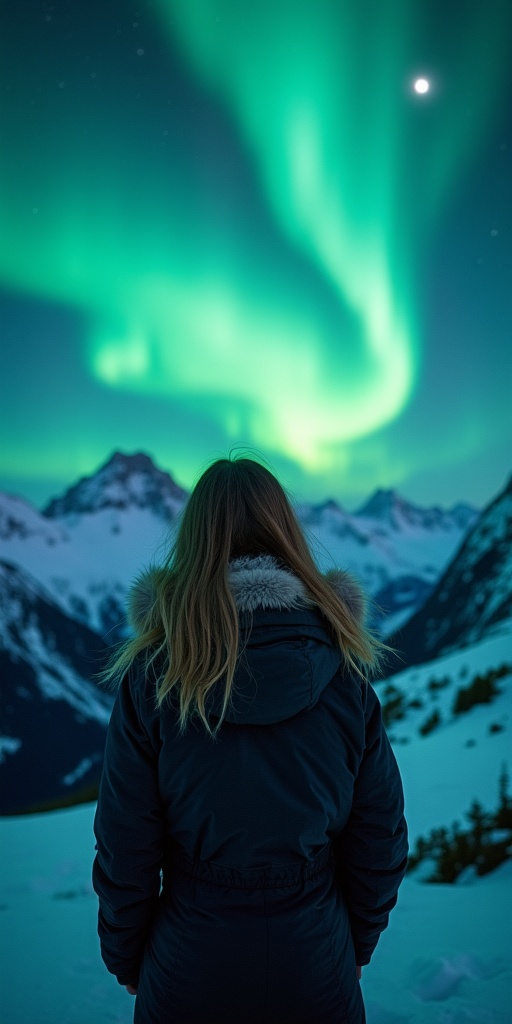
A stunning girl in Norway?s mountains, taking in the aurora borealis in a realistic style. IMG_1018.CR2
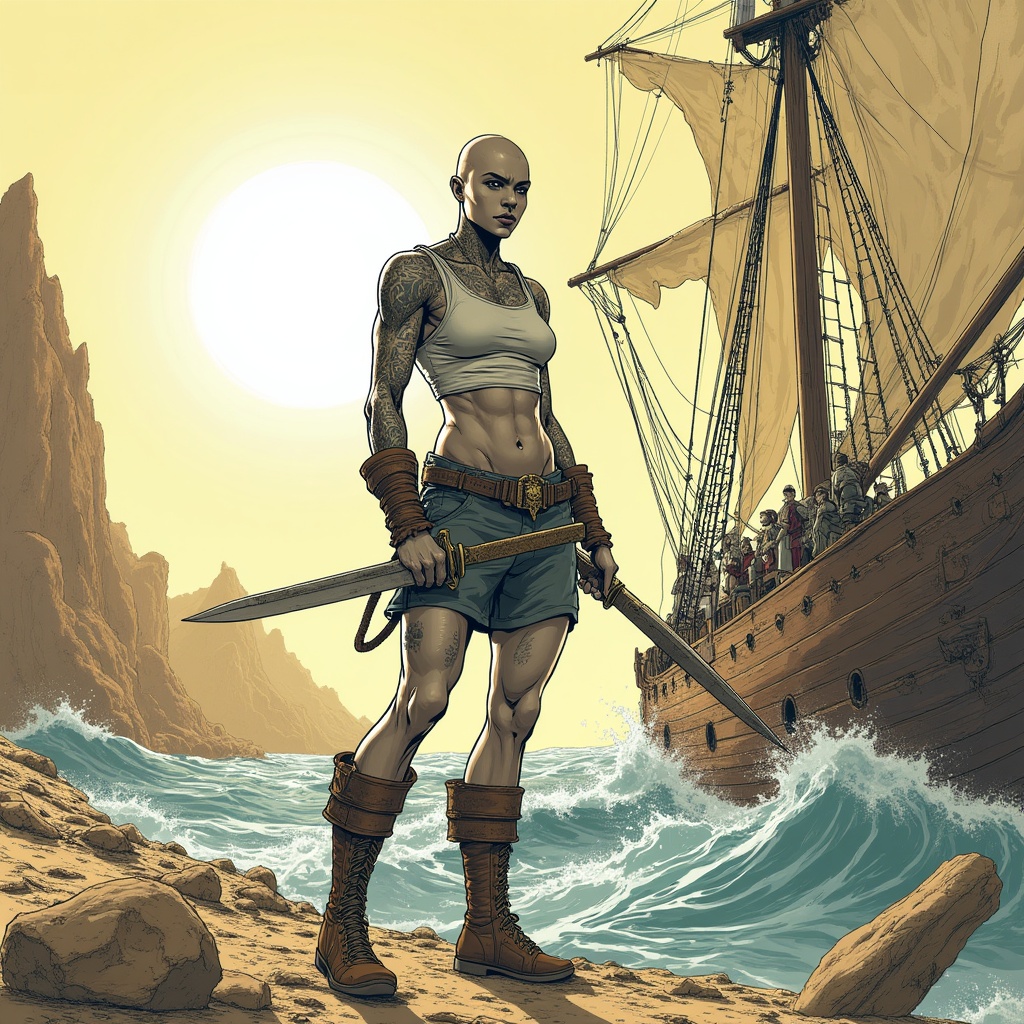
Bande dessine, franco-belgian comics, french comic book style, ligne claire, clear line, comic book art style. In a desolate wasteland under a bright, white sun, a fierce female goliath stands on the deck of a ship, battling tumultuous waves. Her muscular stone-grey skin and bold tattoos are prominently displayed as she wears a tight-fitting tank top and short sailor pants. A long scimitar hangs at her side, ready for action. The goliath, around 30 years old, is bald with a broad nose, exuding confidence as she maneuvers with ropes and sails. The background features cracked earth, skeletal remains, and muted sandy browns and yellows, creating a stark atmosphere. Textures appear rough and gritty, echoing the oppressive environment. The overall theme conveys a sense of struggle and resilience amidst the harsh reality of adventure.

A homeless person wearing worn-out clothes and a beanie is pushing a shopping cart overflowing with groceries, plastic bags, and random belongings right in the center of a busy city road. The cart is blocking multiple lanes, causing a traffic jam. Frustrated drivers are honking, and cars are stuck in both directions. Some drivers are leaning out of their windows in confusion or anger. The city skyline is visible in the background, and it’s late afternoon with a cloudy sky.
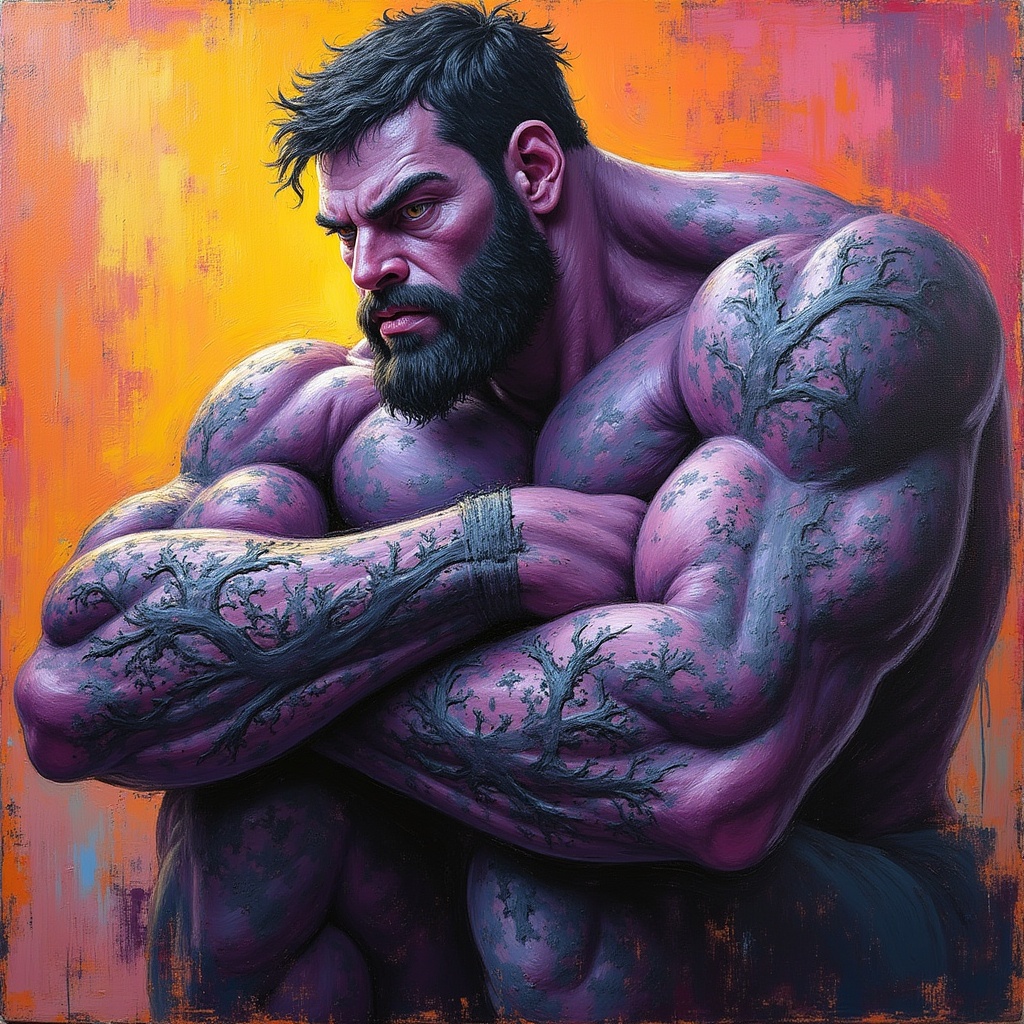
(acrylic painting:1.5), Acrylic painting on canvas, vibrant colors, textured brushstrokes, impasto technique, layered colors, dynamic composition, bold strokes, rich pigments, expressive brushwork, varied textures, modern art influences, high contrast,, Goliath with short hair, muted purple skin, Black Tree root tattoo wrapping around his arms and legs
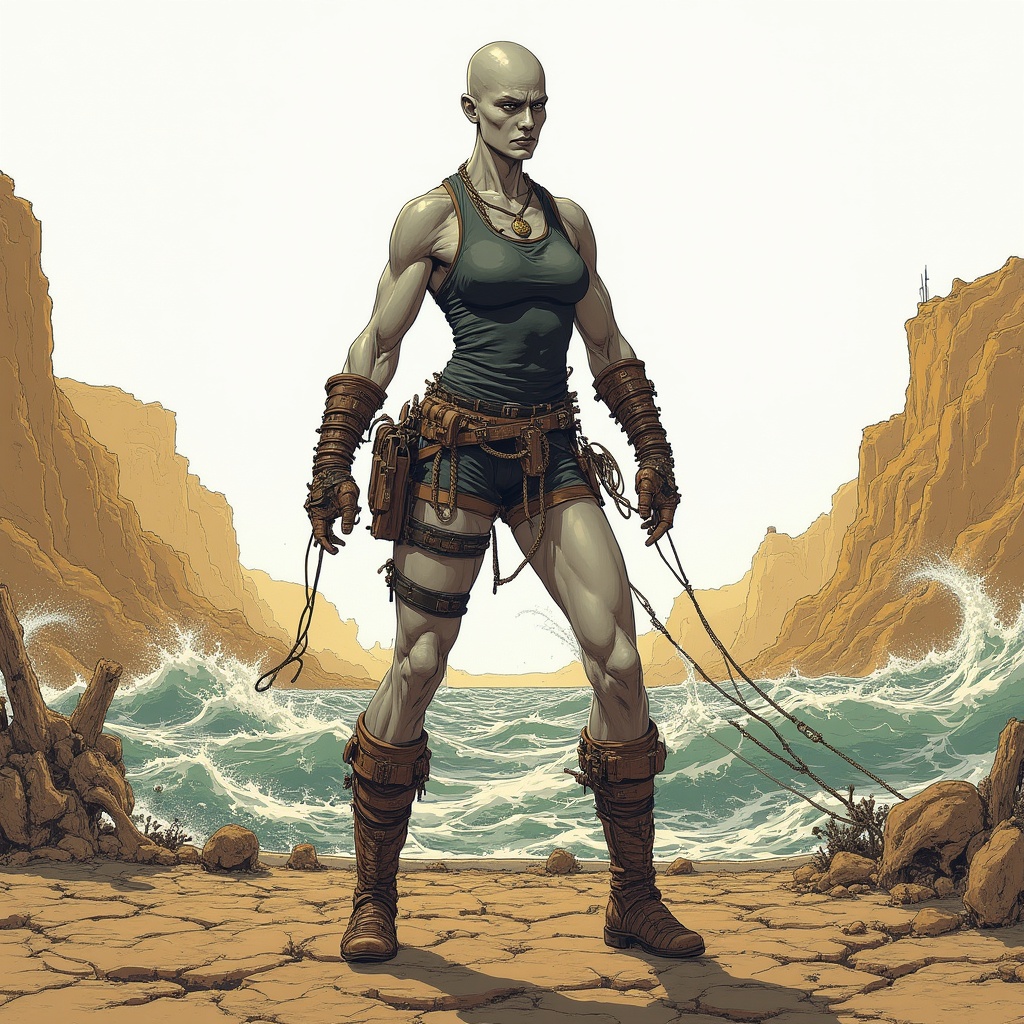
Bande dessine, franco-belgian comics, in a vibrant, detailed comic book art style. A muscular female goliath with stone-grey skin, bald and around 30 years old, stands confidently on the deck of a ship. She wears a tight-fitting tank top and short sailor pants, embodying a rugged, dynamic fighter. Cracked earth and skeletal remains stretch across a desolate wasteland in the background, underscoring a harsh, oppressive atmosphere, with a bright white sky beating down under the Dark Sun. The colors are desaturated, featuring sandy browns and muted yellows. The goliath battles the waves, skillfully maneuvering ropes and sails, with a determined expression that hints at a lifetime of hardship and adventure. Textures are rough and gritty, conveying the raw nature of the environment. The scene exemplifies a thrilling fantasy theme, where the struggle between the sailor and the elements unfolds, perfectly framing the goliath's powerful stance amidst the expansive, barren landscape.
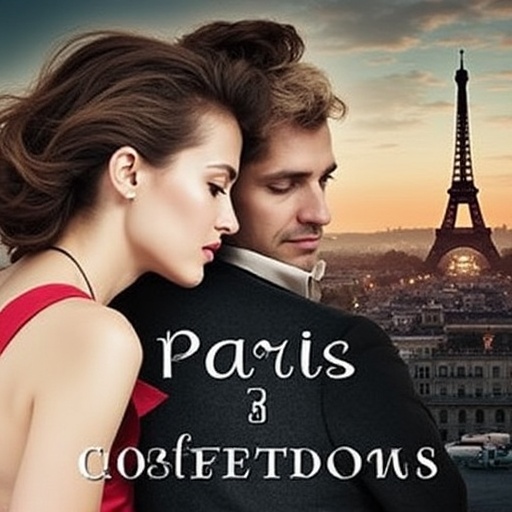
A romantic movie poster set in Paris at sunset — a couple sharing a quiet, intimate moment on a rooftop, city lights beginning to glow, Eiffel Tower in the background. Soft warm tones, dreamy lighting, subtle bokeh effect. The woman wears a flowing red dress, the man in a classic black suit. Title in elegant serif font at the top, tagline below in cursive.
相关模型



README
FLUX Dev Ultra Fast — wavespeed-ai/flux-dev-ultra-fast
FLUX Dev Ultra Fast is a lightweight, high-speed image generation and editing model built for rapid iteration. It supports both text-to-image generation and image-guided editing (image-to-image), with optional mask-based localized edits for targeted changes. This model is ideal when you need quick creative exploration, bulk variants, or fast prompt testing while maintaining strong visual quality.
Key capabilities
- Text-to-image generation for fast concepting
- Image-to-image editing for guided variations
- Masked editing (inpainting-style) for localized changes
- Adjustable strength to control how closely results follow the input image
- Custom output size, seed control, and standard image formats
- Efficient for high-volume runs and rapid experimentation
Use cases
- Rapid creative iterations for ads, thumbnails, and social content
- Style and composition exploration with quick turnaround
- Background swaps and wardrobe edits using a mask
- Product mockups and marketing variations (colorways, materials, packaging)
- Portrait enhancement workflows where speed matters (non-destructive variations)
Pricing
| Output | Price |
|---|---|
| Per image | $0.005 |
Inputs
- prompt (required): what to generate or how to edit
- image (optional): source image for image-to-image guidance
- mask_image (optional): region mask for localized edits
Parameters
- strength: how strongly the output is allowed to deviate from the input image (only for image-to-image)
- width / height: output size (e.g., 1024×1024)
- num_inference_steps: sampling steps
- guidance_scale: prompt adherence strength
- num_images: number of images to generate per run
- seed: random seed (-1 for random; set for reproducible results)
- output_format: jpeg / png / webp, etc.
- enable_base64_output: return BASE64 instead of URL (API only)
- enable_sync_mode: wait for upload and return directly (API only)
Prompting tips
- For photoreal shots, specify lens/lighting and keep subject details explicit.
- For edits, describe the change clearly and rely on the input image to preserve identity and layout.
- If using a mask, focus the prompt on what should change inside the masked region.
Example prompts
- A young couple standing side by side at a traditional wedding ceremony, warm smiles, intricate embroidered attire, realistic lighting, shallow depth of field, ultra-detailed, natural skin texture.
- Edit: keep the same pose and background, change the clothing to a modern black suit and white dress, clean studio lighting, photorealistic.
Flux Dev Ultra Fast API — Quick start
Grab a WaveSpeedAI API key, then call POST https://api.wavespeed.ai/api/v3/wavespeed-ai/flux-dev-ultra-fast with your input as JSON. The endpoint returns a prediction id; poll the prediction endpoint until status flips to completed, then read the output URL from data.outputs[0]. Examples for Flux Dev Ultra Fast below.
HTTP example
# Submit the prediction
curl -X POST "https://api.wavespeed.ai/api/v3/wavespeed-ai/flux-dev-ultra-fast" \
  -H "Content-Type: application/json" \
  -H "Authorization: Bearer $WAVESPEED_API_KEY" \
  -d '{
    "prompt": "A cinematic shot of a city at sunset, soft golden light",
    "image": "https://example.com/your-input.jpg",
    "strength": 0.8,
    "size": "1024*1024",
    "num_inference_steps": 28,
    "seed": -1,
    "guidance_scale": 3.5,
    "num_images": 1,
    "output_format": "jpeg",
    "enable_base64_output": false,
    "enable_sync_mode": false
}'

# Response includes a prediction id. Poll for the result:
curl -X GET "https://api.wavespeed.ai/api/v3/predictions/{request_id}/result" \
  -H "Authorization: Bearer $WAVESPEED_API_KEY"

# When status is "completed", read the output from data.outputs[0].
Node.js example
// npm install wavespeed
const WaveSpeed = require('wavespeed');

const client = new WaveSpeed(); // reads WAVESPEED_API_KEY from env

const result = await client.run("wavespeed-ai/flux-dev-ultra-fast", {
        "prompt": "A cinematic shot of a city at sunset, soft golden light",
        "image": "https://example.com/your-input.jpg",
        "strength": 0.8,
        "size": "1024*1024",
        "num_inference_steps": 28,
        "seed": -1,
        "guidance_scale": 3.5,
        "num_images": 1,
        "output_format": "jpeg",
        "enable_base64_output": false,
        "enable_sync_mode": false
});

console.log(result.outputs[0]); // → URL of the generated output
Python example
# pip install wavespeed
import wavespeed

output = wavespeed.run(
    "wavespeed-ai/flux-dev-ultra-fast",
    {
    "prompt": "A cinematic shot of a city at sunset, soft golden light",
    "image": "https://example.com/your-input.jpg",
    "strength": 0.8,
    "size": "1024*1024",
    "num_inference_steps": 28,
    "seed": -1,
    "guidance_scale": 3.5,
    "num_images": 1,
    "output_format": "jpeg",
    "enable_base64_output": false,
    "enable_sync_mode": false
}
)

print(output["outputs"][0])  # → URL of the generated output
Flux Dev Ultra Fast API — Frequently asked questions
What is the Flux Dev Ultra Fast API?
Flux Dev Ultra Fast is a WaveSpeedAI model for image generation, exposed as a REST API on WaveSpeedAI. FLUX.1 [dev] is a 12B rectified-flow transformer for high-quality text-to-image generation, optimized for ultra-fast inference. Ready-to-use REST inference API, best performance, no coldstarts, affordable pricing. You can call it programmatically or try it from the playground above.
How do I call the Flux Dev Ultra Fast API?
POST your input parameters to the model's REST endpoint (shown in the API tab of this playground) with your WaveSpeedAI API key in the Authorization header. Submission returns a prediction ID; poll the prediction endpoint until status flips to "completed", then read the output URL from the result. The playground generates a ready-to-paste code sample in Python, JavaScript, or cURL for whatever inputs you've set. Full request/response shape is documented at https://wavespeed.ai/docs/docs-api/wavespeed-ai/flux-dev-ultra-fast.
How much does Flux Dev Ultra Fast cost per run?
Flux Dev Ultra Fast starts at $0.005 per run. That figure is the base price — the final charge scales with the parameters you set in the form (output size, length, count, references, or whatever knobs this model exposes), so a higher-quality or larger output costs more than a minimal one. The exact cost for your current input is shown live next to the Generate button before you submit, and the actual per-call charge is recorded on the prediction afterwards.
What inputs does Flux Dev Ultra Fast accept?
Key inputs: `prompt`, `image`, `size`, `seed`, `guidance_scale`, `num_inference_steps`. The full JSON schema (types, defaults, allowed values) is rendered above the Generate button and mirrored in the API reference at https://wavespeed.ai/docs/docs-api/wavespeed-ai/flux-dev-ultra-fast.
How long does Flux Dev Ultra Fast take to generate?
Average end-to-end generation time on WaveSpeedAI is around 5 seconds per request — measured across recent runs. Queue time scales with global demand; live status is visible in the prediction record.
Can I use Flux Dev Ultra Fast outputs commercially?
Commercial usage rights depend on the model's license, set by its provider (WaveSpeedAI). The license summary appears on the model card above; see WaveSpeedAI's Terms of Service for platform-level conditions.