PixVerse C1 Reference-to-Video generates videos from reference images with subject and background consistency. Use @ref_name in prompts to reference uploaded images. Supports 360p to 1080p resolutions, 1-15 second duration, multiple aspect ratios, and optional audio generation. Ready-to-use REST inference API, best performance, no coldstarts, affordable pricing.
就绪
$0.05每次运行·~20 / $1
示例查看全部
@woman1 gently picked up the scarf1, admired it, and put it on.
相关模型
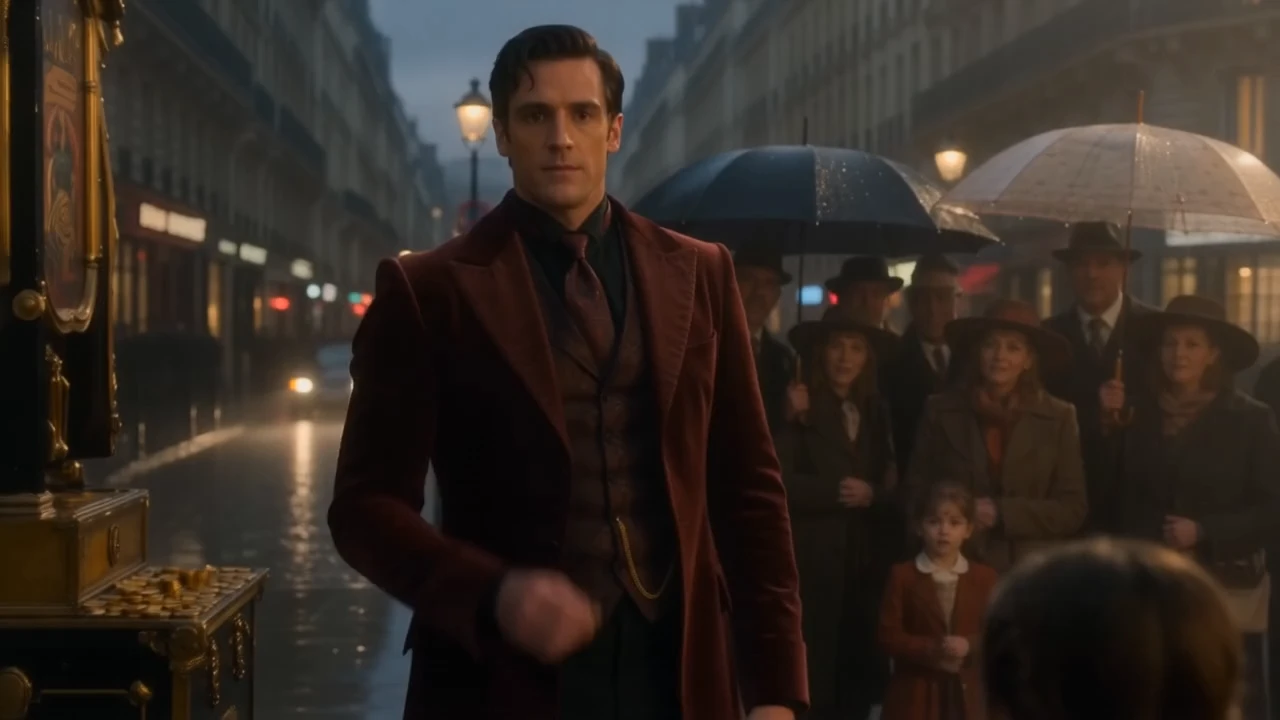
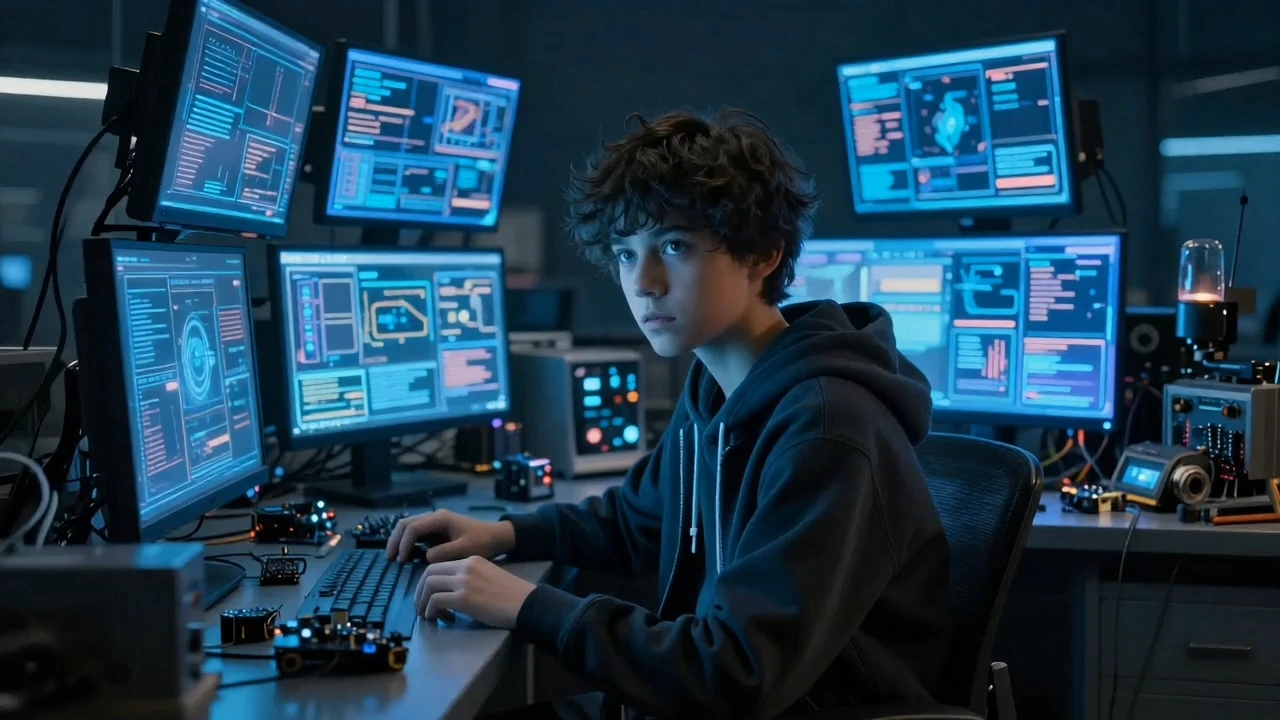
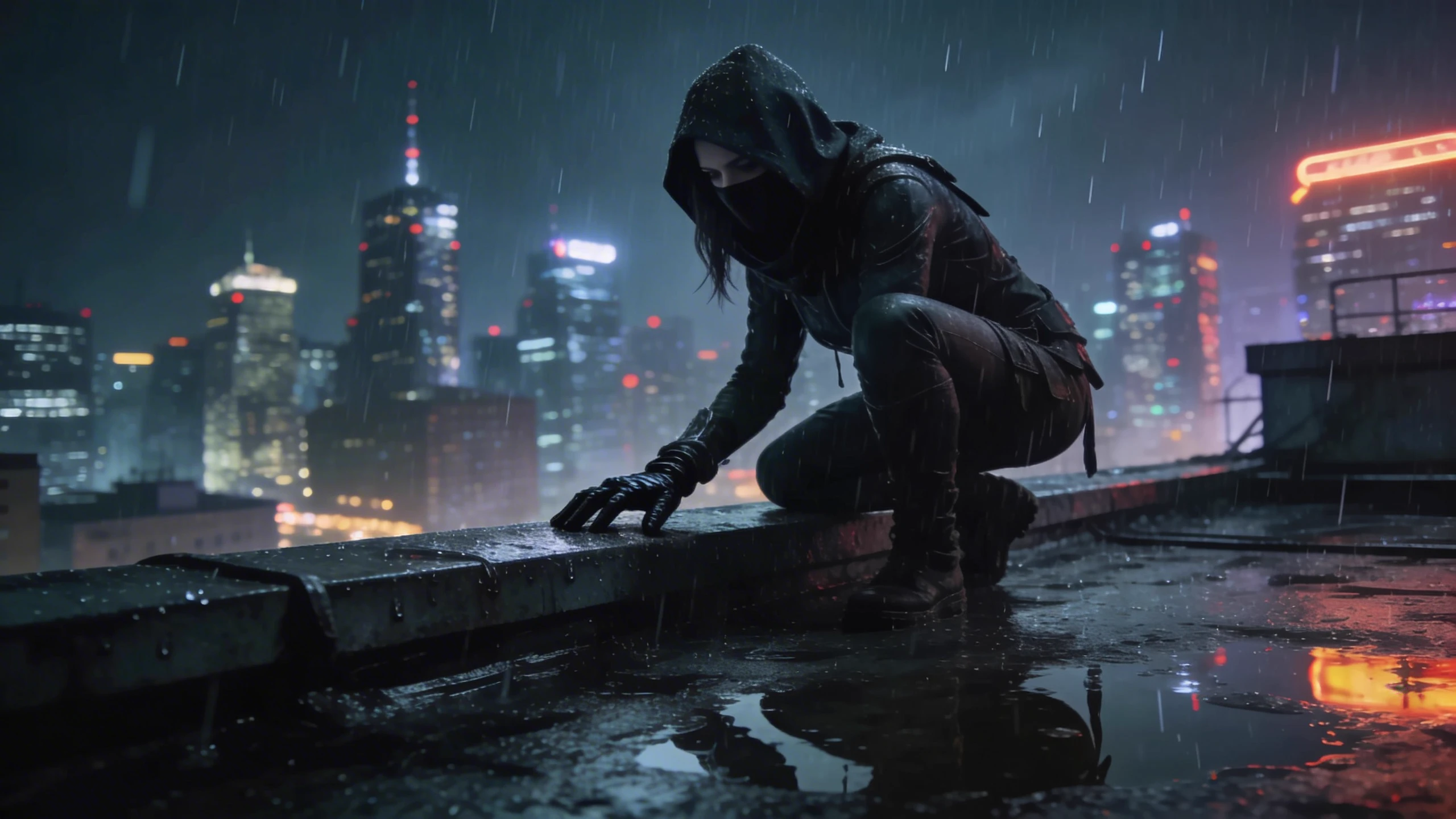
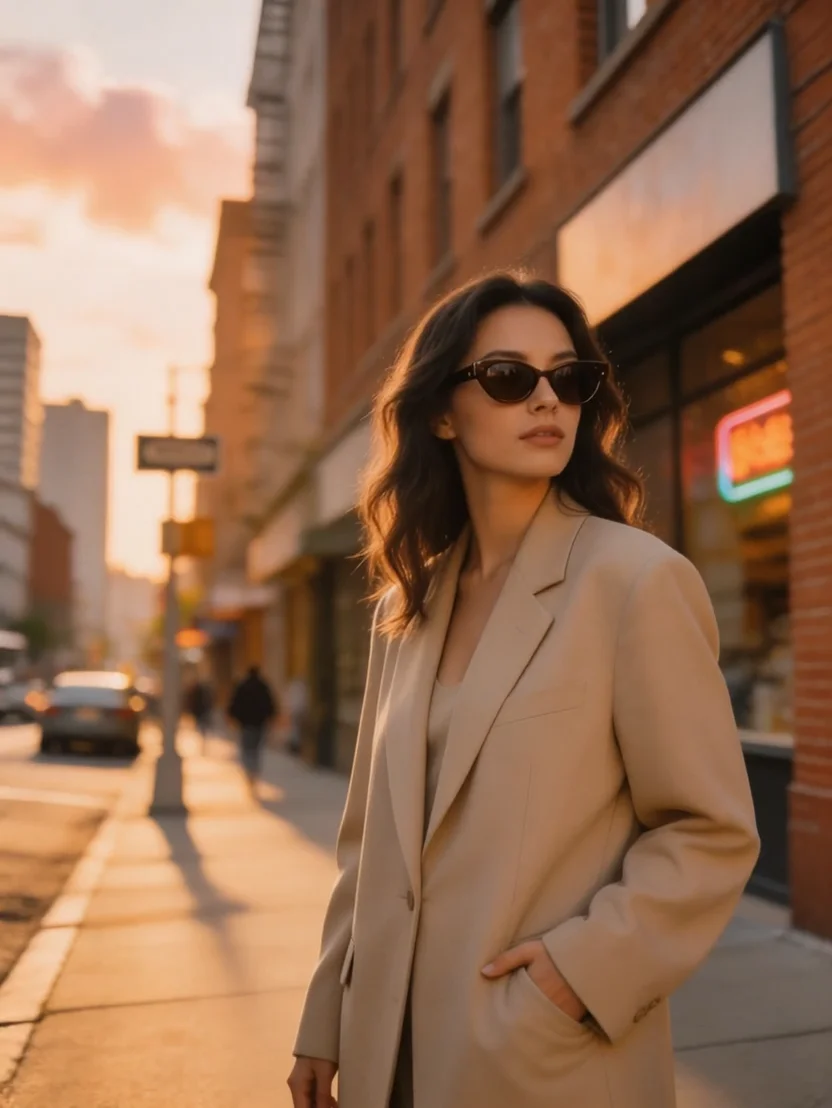

README
PixVerse C1 Reference-to-Video
PixVerse C1 Reference-to-Video generates cinematic video guided by reference images. Upload up to 7 reference images as characters, objects, or backgrounds — then describe the scene in your prompt using @ref_name to refer to each reference — and the model produces a cohesive, identity-consistent video that brings your references to life.
- Need to animate a single image? Try PixVerse C1 Image-to-Video
- Need to generate from text only? Try PixVerse C1 Text-to-Video
Why Choose This?
-
Multi-reference image support Upload 1 to 7 reference images — characters, objects, or backgrounds — and combine them into a single generated scene.
-
Subject and background control Tag each reference as subject (character or object) or background (scene or environment) for more precise compositing.
-
@ref_name prompt referencing Reference specific images directly in your prompt using @ref_name for precise control over which element appears where.
-
Character-consistent output The model preserves the visual identity of referenced subjects throughout the generated clip.
-
Optional native audio generation Enable generate_audio_switch to produce synchronized ambient sound alongside the video.
-
Four resolution tiers Generate from 360p up to 1080p to match your quality and delivery requirements.
Parameters
| Parameter | Required | Description |
|---|---|---|
| prompt | Yes | Text description of the scene. Use @ref_name to reference specific images. |
| images | Yes | List of 1–7 reference images. Each entry requires image_url, type, and ref_name. |
| aspect_ratio | No | Output aspect ratio. Options: 16:9 (default), 4:3, 1:1, 3:4, 9:16, 2:3, 3:2, 21:9. |
| resolution | No | Output resolution: 360p, 540p, 720p (default), or 1080p. |
| duration | No | Clip length in seconds. Range: 1–15. Default: 5. |
| generate_audio_switch | No | Whether to generate native audio for the video. Default: off. |
Image Entry Fields
Each image in the images list requires:
| Field | Description |
|---|---|
| image_url | URL of the reference image. |
| type | Reference type: subject (character or object) or background (scene or environment). |
| ref_name | A short name for this reference. Use @ref_name in your prompt to refer to this image. |
How to Use
- Write your prompt — describe the scene and use @ref_name to reference specific images (e.g. "@hero is running through @city_bg at night.").
- Add reference images — provide 1 to 7 images, each with an image_url, type, and ref_name.
- Select aspect ratio — choose the format that fits your target platform.
- Select resolution — 360p for fastest/lowest cost, 720p for standard, 1080p for highest quality.
- Set duration — choose between 1 and 15 seconds.
- Enable audio (optional) — check generate_audio_switch to generate synchronized native audio.
- Submit — generate, preview, and download your video.
Pricing
| Resolution | Without Audio | With Audio |
|---|---|---|
| 360p | $0.030/s | $0.040/s |
| 540p | $0.040/s | $0.050/s |
| 720p | $0.050/s | $0.065/s |
| 1080p | $0.095/s | $0.120/s |
Billing Rules
- Billing is calculated per second of video generated
- Duration range: 1–15 seconds
- Examples: 10s at 720p (no audio) = $0.50 — 10s at 1080p (no audio) = $0.95
Best Use Cases
- Character-driven storytelling — Place consistent characters from reference images into entirely new scenes.
- Brand & product videos — Generate new scenes featuring consistent brand characters or products from reference imagery.
- Social media content — Produce short-form video clips with consistent visual identity from reference photos.
- Creative concepting — Rapidly prototype multi-character or multi-element scenes for pitching and storyboarding.
- Style-consistent series — Maintain a unified visual style across multiple video generations using the same reference set.
Pro Tips
- Assign clear, memorable ref_names (e.g. hero, bg, product) and use them naturally in your prompt.
- Tag environment or scene images as background and characters or objects as subject for the most accurate compositing.
- Use clear, well-lit reference images with distinct subjects for the best identity preservation.
- Use 360p to rapidly test your scene composition before committing to a higher-resolution render.
- Enable audio for scenes with strong ambient environments like outdoor settings, crowds, or action sequences.
Notes
- Both prompt and images are required fields; all other parameters are optional.
- Each image entry must include image_url, type, and ref_name.
- Ensure image URLs are publicly accessible.
- Please follow PixVerse's content usage policies when crafting prompts.
Related Models
- PixVerse C1 Image-to-Video — Animate a single reference image into a cinematic video clip.
- PixVerse C1 Text-to-Video — Generate video from text prompts without reference images.
- PixVerse C1 Transition — Generate smooth cinematic transitions between two images.
Pixverse C1 Reference To Video API — Quick start
Grab a WaveSpeedAI API key, then call POST https://api.wavespeed.ai/api/v3/pixverse/pixverse-c1/reference-to-video with your input as JSON. The endpoint returns a prediction id; poll the prediction endpoint until status flips to completed, then read the output URL from data.outputs[0]. Examples for Pixverse C1 Reference To Video below.
HTTP example
# Submit the prediction
curl -X POST "https://api.wavespeed.ai/api/v3/pixverse/pixverse-c1/reference-to-video" \
  -H "Content-Type: application/json" \
  -H "Authorization: Bearer $WAVESPEED_API_KEY" \
  -d '{
    "prompt": "A cinematic shot of a city at sunset, soft golden light",
    "aspect_ratio": "16:9",
    "resolution": "720p",
    "duration": 5,
    "generate_audio_switch": false
}'

# Response includes a prediction id. Poll for the result:
curl -X GET "https://api.wavespeed.ai/api/v3/predictions/{request_id}/result" \
  -H "Authorization: Bearer $WAVESPEED_API_KEY"

# When status is "completed", read the output from data.outputs[0].
Node.js example
// npm install wavespeed
const WaveSpeed = require('wavespeed');

const client = new WaveSpeed(); // reads WAVESPEED_API_KEY from env

const result = await client.run("pixverse/pixverse-c1/reference-to-video", {
        "prompt": "A cinematic shot of a city at sunset, soft golden light",
        "aspect_ratio": "16:9",
        "resolution": "720p",
        "duration": 5,
        "generate_audio_switch": false
});

console.log(result.outputs[0]); // → URL of the generated output
Python example
# pip install wavespeed
import wavespeed

output = wavespeed.run(
    "pixverse/pixverse-c1/reference-to-video",
    {
    "prompt": "A cinematic shot of a city at sunset, soft golden light",
    "aspect_ratio": "16:9",
    "resolution": "720p",
    "duration": 5,
    "generate_audio_switch": false
}
)

print(output["outputs"][0])  # → URL of the generated output
Pixverse C1 Reference To Video API — Frequently asked questions
What is the Pixverse C1 Reference To Video API?
Pixverse C1 Reference To Video is a Pixverse model for video generation from images, exposed as a REST API on WaveSpeedAI. PixVerse C1 Reference-to-Video generates videos from reference images with subject and background consistency. Use @ref_name in prompts to reference uploaded images. Supports 360p to 1080p resolutions, 1-15 second duration, multiple aspect ratios, and optional audio generation. Ready-to-use REST inference API, best performance, no coldstarts, affordable pricing. You can call it programmatically or try it from the playground above.
How do I call the Pixverse C1 Reference To Video API?
POST your input parameters to the model's REST endpoint (shown in the API tab of this playground) with your WaveSpeedAI API key in the Authorization header. Submission returns a prediction ID; poll the prediction endpoint until status flips to "completed", then read the output URL from the result. The playground generates a ready-to-paste code sample in Python, JavaScript, or cURL for whatever inputs you've set. Full request/response shape is documented at https://wavespeed.ai/docs/docs-api/pixverse/pixverse-pixverse-c1-reference-to-video.
How much does Pixverse C1 Reference To Video cost per run?
Pixverse C1 Reference To Video starts at $0.050 per run. That figure is the base price — the final charge scales with the parameters you set in the form (output size, length, count, references, or whatever knobs this model exposes), so a higher-quality or larger output costs more than a minimal one. The exact cost for your current input is shown live next to the Generate button before you submit, and the actual per-call charge is recorded on the prediction afterwards.
What inputs does Pixverse C1 Reference To Video accept?
Key inputs: `prompt`, `images`, `aspect_ratio`, `resolution`, `duration`, `generate_audio_switch`. The full JSON schema (types, defaults, allowed values) is rendered above the Generate button and mirrored in the API reference at https://wavespeed.ai/docs/docs-api/pixverse/pixverse-pixverse-c1-reference-to-video.
How do I get started with the Pixverse C1 Reference To Video API?
Sign up for a free WaveSpeedAI account to claim starter credits, copy your API key from /accesskey, then call the endpoint shown in the API tab of the playground. The playground also auto-generates a code sample in Python, JavaScript, or cURL for the parameters you've set.
Can I use Pixverse C1 Reference To Video outputs commercially?
Commercial usage rights depend on the model's license, set by its provider (Pixverse). The license summary appears on the model card above; see WaveSpeedAI's Terms of Service for platform-level conditions.