
image-to-image
Kling Image O3 is Kuaishou's latest image generation model based on the Kling 3.0 series. Supports text-to-image and multi-reference image generation with up to 10 reference images, element control with up to 3 elements, multiple resolutions (1K/2K/4K), and flexible aspect ratios. Ready-to-use REST inference API, best performance, no coldstarts, affordable pricing.
Idle
您的请求将花费 $0.028 每次运行。
使用 $1 您可以运行此模型大约 35 次。
还有一件事:
示例查看全部

README
Kling Image O3
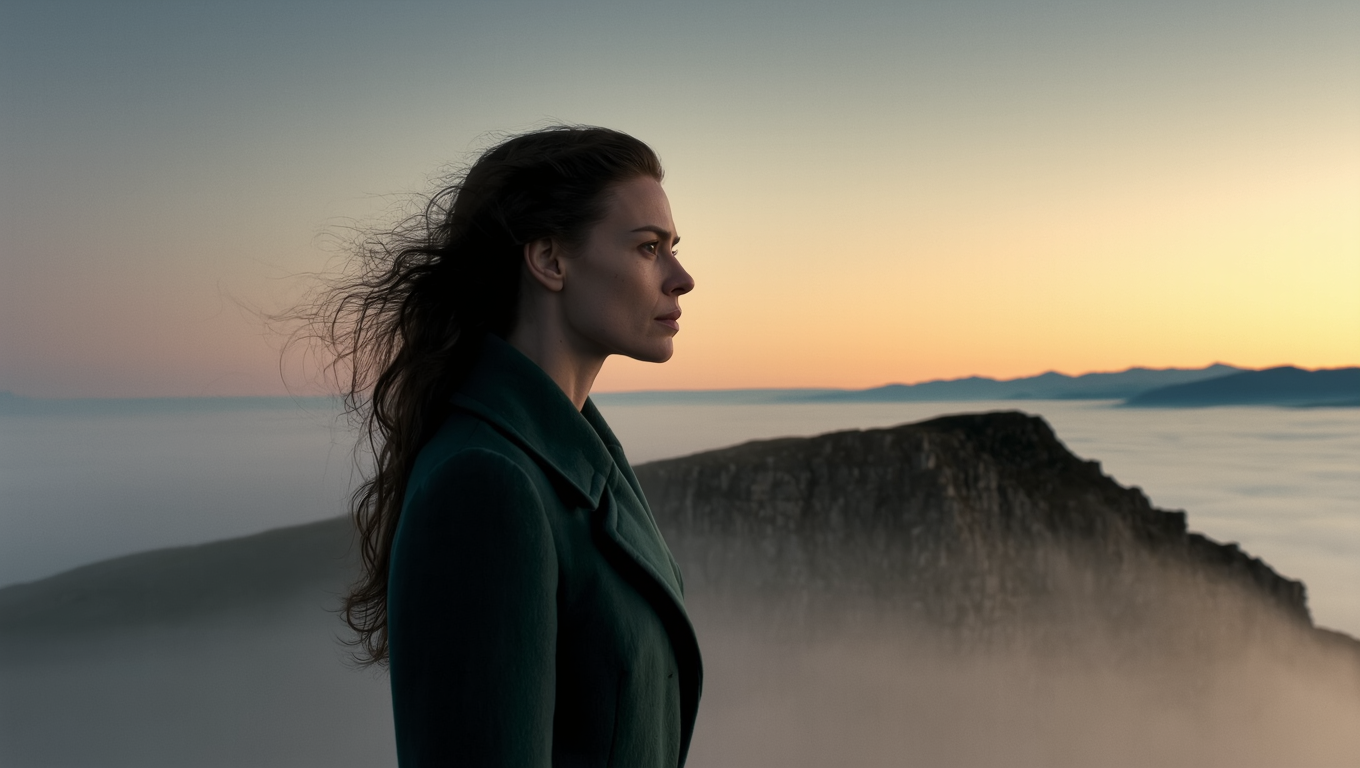
Kling Image O3 is Kuaishou's latest text-to-image model in the O3 generation, delivering high-fidelity, photorealistic image generation from detailed text prompts. With broad aspect ratio support, resolutions up to 4K, reference image guidance, and element list control, it is built for both creative and production-grade workflows.
Why Choose This?
-
O3-generation image quality Produces richly detailed, photorealistic images with accurate composition, lighting, and texture rendering.
-
Up to 4K resolution Generate images at 1k, 2k, or 4k for everything from social media to print-quality output.
-
Broad aspect ratio support Nine aspect ratio options including 16:9, 9:16, 1:1, 4:3, 3:2, 21:9, and auto to fit any platform or format.
-
Reference image guidance Upload one or more reference images to steer the style, composition, or subject appearance of the output.
-
Element list control Reference specific visual elements to maintain consistency in characters, objects, or stylistic details across generations.
-
Batch generation Generate multiple images in a single run using the num_images parameter.
-
Prompt Enhancer Built-in tool to automatically improve your text descriptions for better results.
Parameters
| Parameter | Required | Description |
|---|---|---|
| prompt | Yes | Text description of the image scene, subject, style, lighting, and mood. |
| images | No | Reference images to guide style, composition, or subject appearance. |
| aspect_ratio | No | Output aspect ratio. Options: 16:9, 9:16, 1:1, 4:3, 3:4, 3:2, 2:3, 21:9, auto. |
| resolution | No | Output resolution: 1k (default), 2k, 4k. |
| result_type | No | Output mode. Default: single. |
| num_images | No | Number of images to generate per run. Default: 1. |
| element_list | No | List of specific visual elements to maintain consistency across the generation. |
How to Use
- Write your prompt — describe the subject, scene, style, lighting, and mood in detail. Use the Prompt Enhancer for better results.
- Add reference images (optional) — upload images to guide style or subject appearance.
- Select aspect ratio — choose the format that fits your target platform or use auto.
- Select resolution — 1k for standard use, 2k or 4k for higher-detail output.
- Set num_images (optional) — generate multiple variations in one run.
- Add element list items (optional) — see Notes below for how to use elements effectively.
- Submit — generate, preview, and download your images.
Pricing
| Resolution | Cost per Image |
|---|---|
| 1k | $0.028 |
| 2k | $0.028 |
| 4k | $0.056 |
Billing Rules
- 1k and 2k: $0.028 per image
- 4k: $0.056 per image (2× base price)
- Total cost = cost per image × num_images
Best Use Cases
- Photorealistic Portraits — Generate high-detail character images with precise lighting and texture control.
- Marketing & Advertising — Produce on-brand campaign visuals at production-ready resolutions.
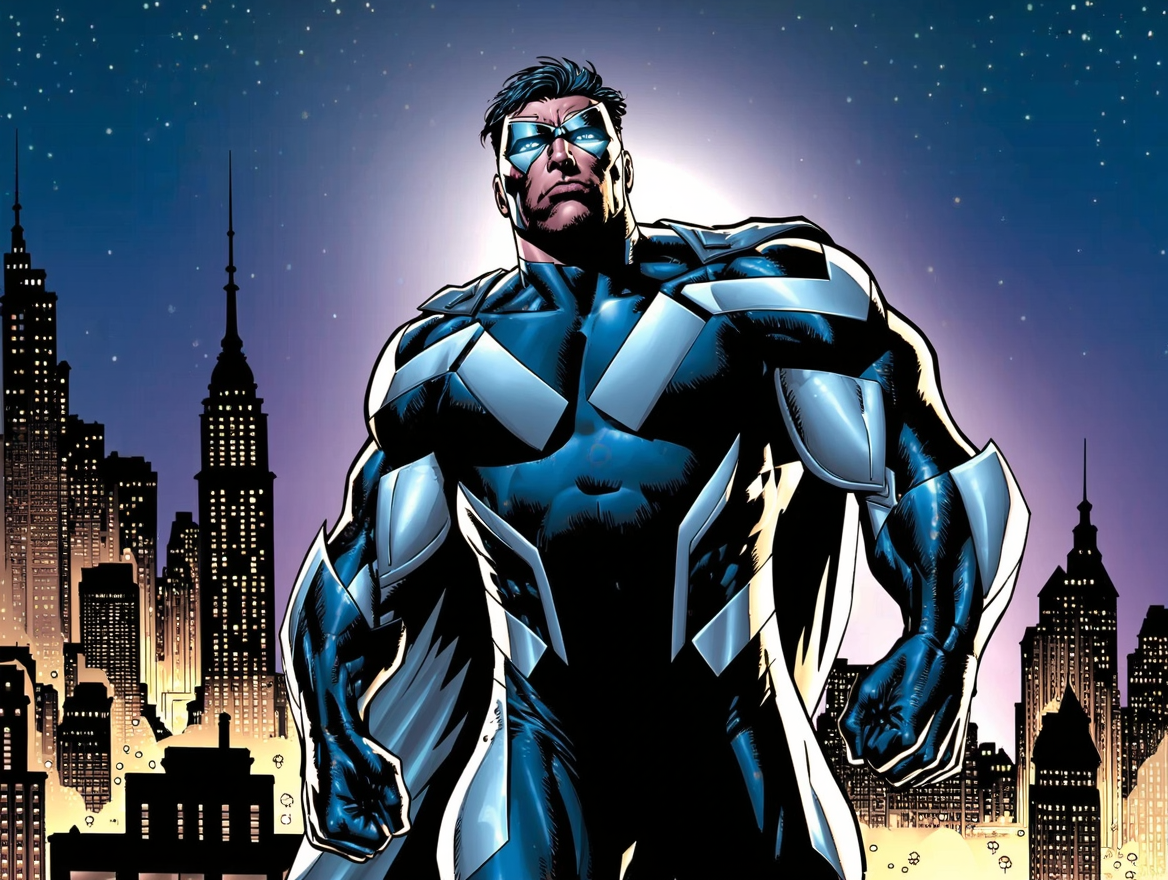
- Concept Art & Storyboarding — Rapidly visualize scenes, characters, and environments from text descriptions.
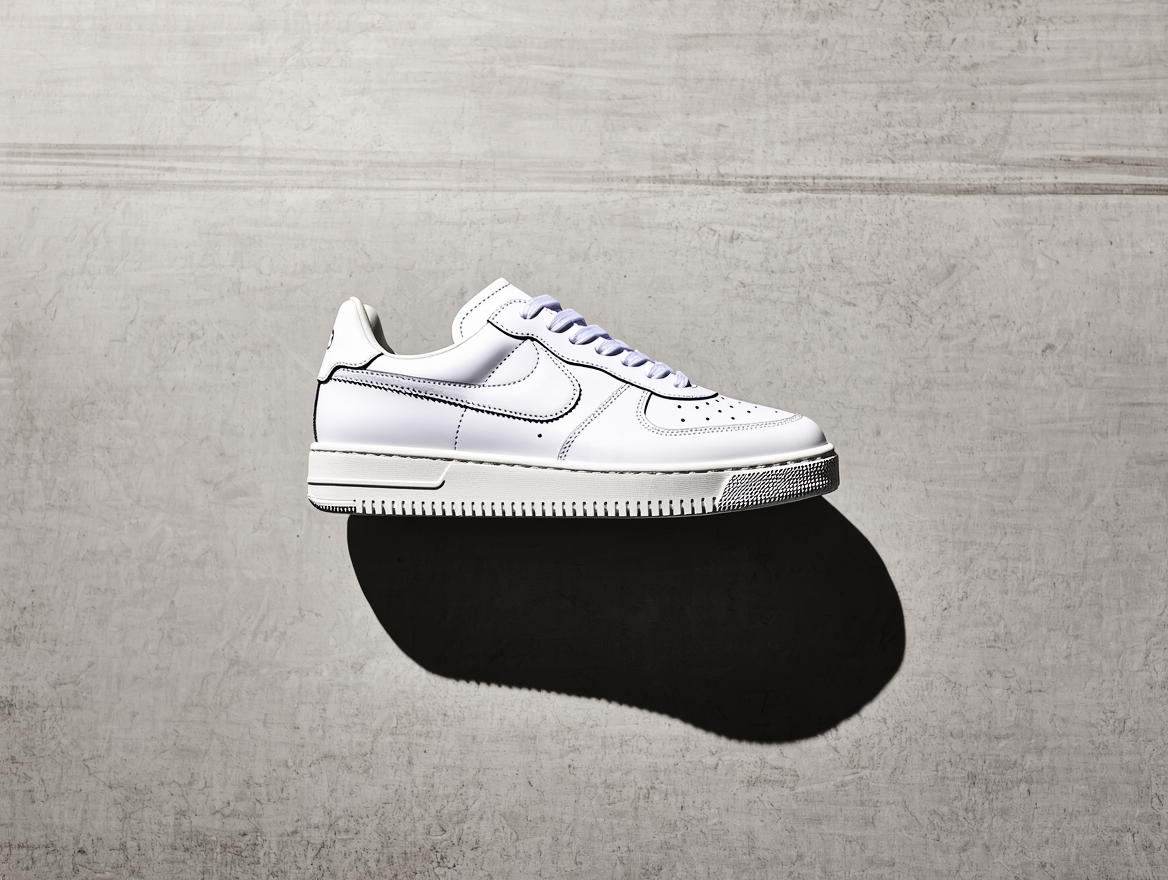
- E-commerce — Generate product lifestyle imagery without photography.
- Social Media Content — Create platform-optimized visuals across multiple aspect ratios in one workflow.
Pro Tips
- The more specific your prompt, the better — include camera angle, lighting style, color palette, and subject details.
- Use reference images to lock in a visual style or maintain character consistency across multiple generations.
- Use auto aspect ratio when you want the model to determine the best composition for your prompt.
- Generate 3–4 images per run at 1k to explore variations before committing to a 4k final render.
- Use element_list for consistent characters or branded elements across a series of images.
Notes
- Only prompt is required; all other parameters are optional.
- 4k resolution costs 2× the base price per image.
- Using element_list: First use Kling Elements to generate your element and note its name and ID. Then simply write the element name naturally in your prompt, and enter the corresponding element ID in the element_list field. No special characters or syntax required.
Related Models
- Kling Elements — Create reusable visual elements for consistent character and object rendering.
- Kling Video O3 Pro Text-to-Video — Generate cinematic video from text prompts with O3 Pro quality.