Ideogram v2 turbo is an image model that excels at inpainting, prompt comprehension, and accurate on-image text rendering. Ready-to-use REST inference API, best performance, no coldstarts, affordable pricing.
就绪
$0.05每次运行·~20 / $1
示例查看全部
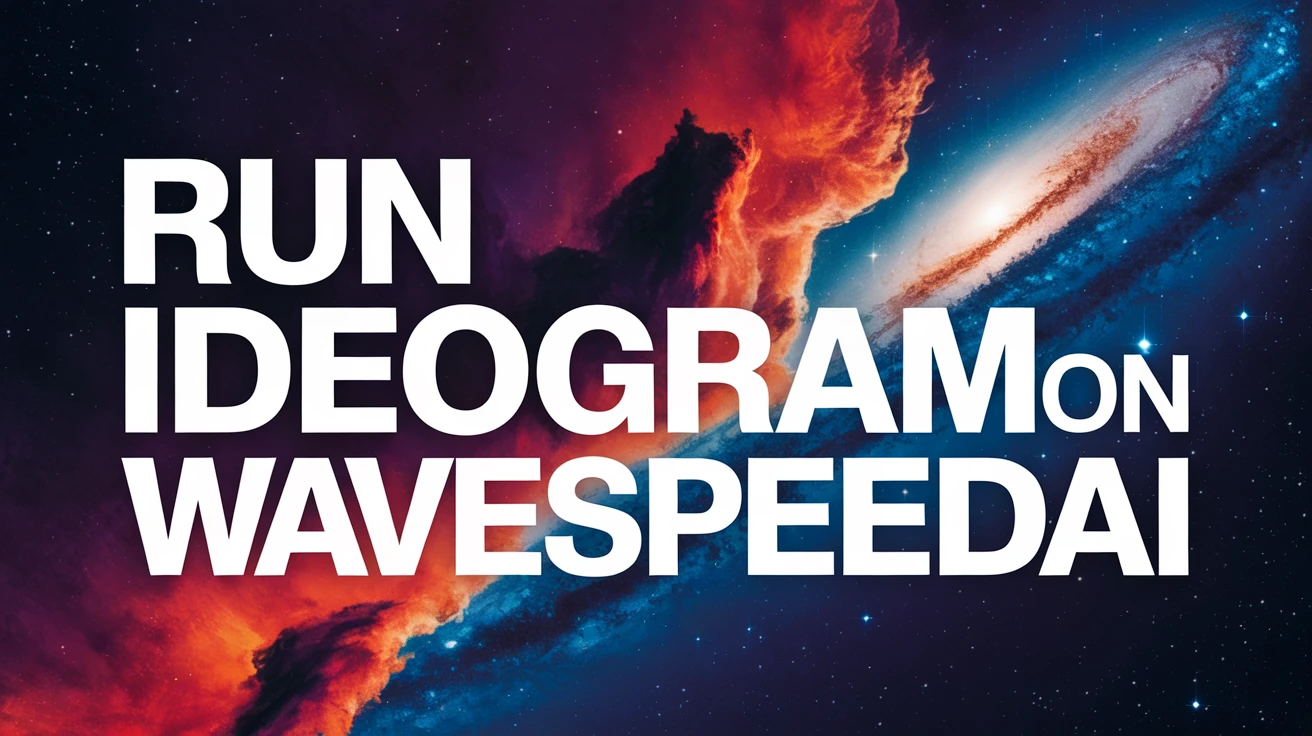
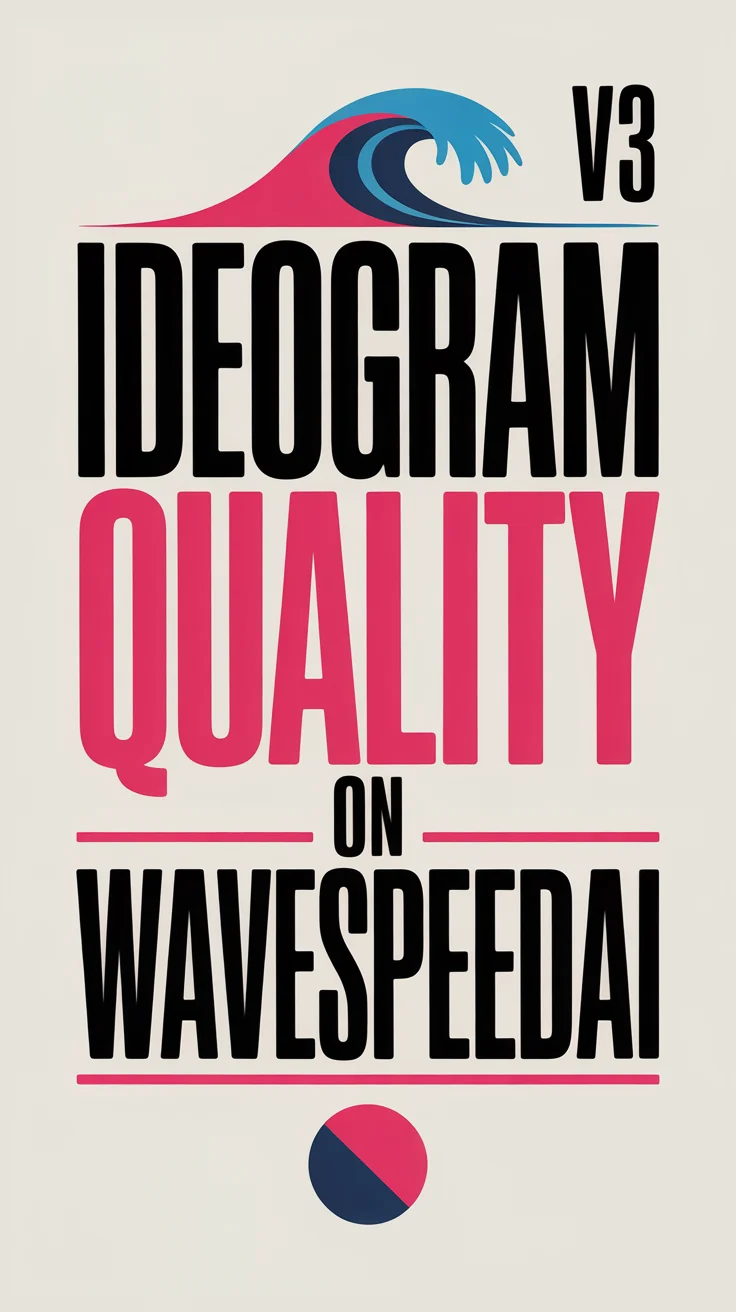
A beautiful typographic poster with the text "Run Ideogram on WaveSpeedAI", against an epic space scene

A beautiful typographic poster with the text "Run Ideogram on WaveSpeedAI", against an epic space scene

Young man sitting alone in a dimly lit room with window blinds casting shadows on his face, contemplative expression, detailed emotion, cinematic noir style

Woman in a flowing dress dancing in a swirl of paint and color, abstract brush strokes, expressive movement, vibrant tones, artistic composition

Portrait of a man whose face is morphing into geometric shapes and fractals, modern art inspired, clean color contrast, crisp and high-resolution details

Space explorer removing helmet on an alien planet, galaxy sky background, reflective suit, high-tech interface overlay, intense lighting and detail
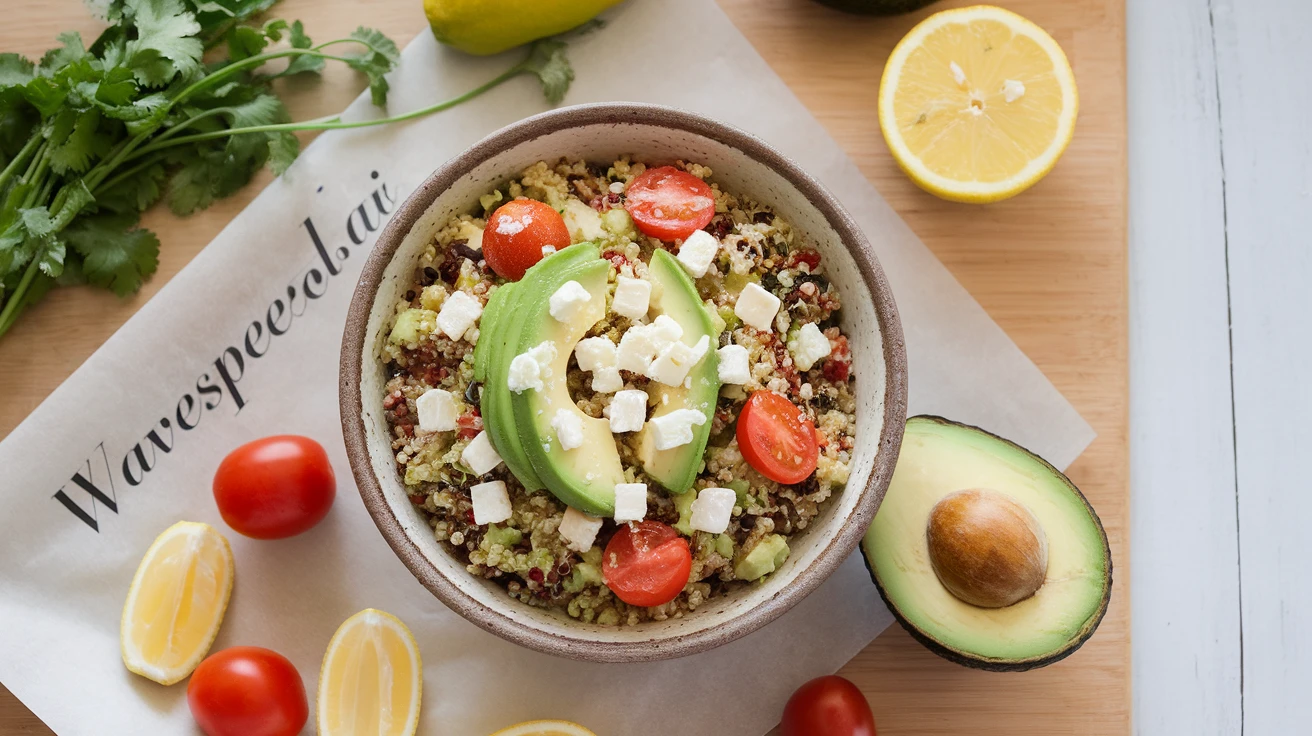
A vibrant and delicious-looking flat lay photo for a food blog. A rustic ceramic bowl is filled with a colorful quinoa salad, topped with avocado slices, cherry tomatoes, and feta cheese. Around the bowl are fresh ingredients like a lemon and a sprig of cilantro. The title 'WavespeedAI' is written on a piece of parchment paper next to the bowl. photo, food photography, top-down view, bright and airy.

A candid photograph of a young woman in her early 20s sitting in a cozy, sun-drenched coffee shop. She has a natural, gentle smile as she looks out the window. She is wearing a simple knitted sweater. Soft morning light illuminates the fine details of her face, including light freckles across her nose. Shot on a 50mm f/1.4 lens, shallow depth of field, photorealistic.

A close-up photograph of a 6-year-old girl with bright, curious eyes, laughing heartily. She has messy blonde hair with a few wildflowers tucked into it. The photo is taken outdoors during the golden hour, with warm, golden sunlight backlighting her hair, creating a beautiful halo effect. Extremely detailed, sharp focus on her eyes, joyful, photorealistic.

An environmental portrait of a university professor in his 50s, sitting in a classic, grand library surrounded by old books. He is wearing tweed jacket and glasses, looking thoughtfully at a book in his hands. The room is filled with warm, ambient light from desk lamps. The atmosphere is quiet and intellectual. Photograph, cinematic, realistic.
相关模型



README
Ideogram V2 Turbo
Ideogram V2 Turbo is a powerful text-to-image generation model renowned for its exceptional ability to render text within images. Generate stunning visuals with accurate, readable text — perfect for posters, logos, typography, and designs that require precise text integration.
Why It Stands Out
- Superior text rendering: Industry-leading accuracy for generating readable text within images.
- Multi-mode support: Works as text-to-image, image-to-image, and inpainting generator.
- Prompt Enhancer: Built-in AI-powered prompt optimization for better results.
- Style presets: Choose from various style options or let the model decide with Auto.
- Flexible aspect ratios: Multiple aspect ratio presets for different use cases.
- Inpainting support: Use mask images for precise, targeted image editing.
Parameters
| Parameter | Required | Description |
|---|---|---|
| prompt | Yes | Text description of the image you want to generate. |
| image | No | Source image for image-to-image transformation. |
| mask_image | No | Mask for inpainting (white = generate, black = preserve). |
| style | No | Style preset: Auto or specific styles (default: Auto). |
| aspect_ratio | No | Output aspect ratio: 16:9, 1:1, 9:16, etc. (default: 16:9). |
| enable_base64_output | No | Return base64 string instead of URL (API only). |
How to Use
Text-to-Image:
- Write a prompt describing the image you want. Use the Prompt Enhancer for AI-assisted optimization.
- Select a style preset or use Auto.
- Choose your desired aspect ratio.
- Click Run and download your image.
Image-to-Image:
- Upload a source image.
- Write a prompt describing the transformation.
- Adjust style and aspect ratio as needed.
- Click Run and download your image.
Inpainting:
- Upload a source image and a mask image.
- White areas in the mask will be regenerated based on your prompt.
- Write a prompt describing what should appear in the masked region.
- Click Run and download your image.
Best Use Cases
- Typography & Posters — Create posters, banners, and designs with accurate, stylized text.
- Logo Design — Generate logo concepts with readable brand names.
- Social Media Graphics — Produce text-heavy visuals for posts and ads.
- Marketing Materials — Create promotional images with integrated messaging.
- Signage & Mockups — Generate realistic signs, storefronts, and product labels.
- Memes & Content — Create images with embedded text for entertainment.
Pricing
| Output | Price |
|---|---|
| Per image | $0.05 |
Pro Tips for Best Quality
- For text rendering, include the exact text in quotes within your prompt.
- Specify font style if desired (e.g., "bold sans-serif," "elegant script," "neon sign").
- Use the inpainting feature with masks to edit specific areas while preserving the rest.
- Choose an appropriate style preset to match your creative vision.
- Select the right aspect ratio for your intended use (16:9 for banners, 9:16 for mobile, etc.).
Notes
- Ensure uploaded image URLs are publicly accessible.
- Processing time varies based on current queue load.
- Please ensure your prompts comply with content guidelines.
Features
Ideogram v2 Turbo API — Quick start
Grab a WaveSpeedAI API key, then call POST https://api.wavespeed.ai/api/v3/ideogram-ai/ideogram-v2-turbo with your input as JSON. The endpoint returns a prediction id. Start polling the result endpoint around every 2 seconds, increase the interval for long-running tasks, and stop on any terminal status. On completed, read output values from data.outputs. Examples for Ideogram v2 Turbo below.
HTTP example
set -euo pipefail

: "${WAVESPEED_API_KEY:?Set WAVESPEED_API_KEY}"

REQUEST_BODY=$(cat <<'JSON'
{
    "prompt": "A cinematic shot of a city at sunset, soft golden light",
    "style": "Auto",
    "aspect_ratio": "1:1"
}
JSON
)

# 1. Submit the prediction.
SUBMIT_RESPONSE=$(curl --silent --show-error --fail-with-body \
  -X POST "https://api.wavespeed.ai/api/v3/ideogram-ai/ideogram-v2-turbo" \
  -H "Content-Type: application/json" \
  -H "Authorization: Bearer $WAVESPEED_API_KEY" \
  -d "$REQUEST_BODY")

TASK=$(printf '%s' "$SUBMIT_RESPONSE" | jq 'if has("data") then .data else . end')
PREDICTION_ID=$(printf '%s' "$TASK" | jq -r '.id')
if [ -z "$PREDICTION_ID" ] || [ "$PREDICTION_ID" = "null" ]; then
  printf 'Submission response did not contain a prediction id
' >&2
  exit 1
fi
RESULT_URL=$(printf '%s' "$TASK" | jq -r '.urls.get // empty')
if [ -z "$RESULT_URL" ]; then
  RESULT_URL="https://api.wavespeed.ai/api/v3/predictions/$PREDICTION_ID/result"
fi

# 2. Poll until the prediction finishes.
while true; do
  RESPONSE=$(curl --silent --show-error --fail-with-body "$RESULT_URL" \
    -H "Authorization: Bearer $WAVESPEED_API_KEY")
  RESULT=$(printf '%s' "$RESPONSE" | jq 'if has("data") then .data else . end')
  STATUS=$(printf '%s' "$RESULT" | jq -r '.status')
  case "$STATUS" in
    completed) printf '%s\n' "$RESULT" | jq '.outputs'; break ;;
    failed|cancelled|timeout) printf '%s\n' "$RESULT" | jq . >&2; exit 1 ;;
    created|processing) sleep 2 ;;
    *) printf 'Unexpected status: %s
' "$STATUS" >&2; exit 1 ;;
  esac
done
Node.js example
const submitUrl = "https://api.wavespeed.ai/api/v3/ideogram-ai/ideogram-v2-turbo";
const apiKey = process.env.WAVESPEED_API_KEY;
if (!apiKey) throw new Error('Set WAVESPEED_API_KEY');

async function requestJson(url, options = {}) {
  const response = await fetch(url, options);
  if (!response.ok) throw new Error(await response.text());
  return response.json();
}

// 1. Submit the prediction.
const body = await requestJson(submitUrl, {
  method: "POST",
  headers: {
    "Authorization": `Bearer ${apiKey}`,
    "Content-Type": "application/json",
  },
  body: JSON.stringify({
        "prompt": "A cinematic shot of a city at sunset, soft golden light",
        "style": "Auto",
        "aspect_ratio": "1:1"
}),
});
const task = body.data ?? body;
if (!task.id) throw new Error("Submission response did not contain a prediction id");
const resultUrl = task.urls?.get ||
  `https://api.wavespeed.ai/api/v3/predictions/${task.id}/result`;

// 2. Poll until the prediction finishes.
while (true) {
  const resultBody = await requestJson(resultUrl, {
    headers: { "Authorization": `Bearer ${apiKey}` },
  });
  const result = resultBody.data ?? resultBody;
  if (result.status === "completed") {
    console.log(result.outputs);
    break;
  }
  if (["failed", "cancelled", "timeout"].includes(result.status)) throw new Error(JSON.stringify(result));
  if (!["created", "processing"].includes(result.status)) throw new Error("Unexpected status: " + result.status);
  await new Promise(resolve => setTimeout(resolve, 2000));
}
Python example
import json
import os
import time
from urllib.request import Request, urlopen

api_key = os.environ["WAVESPEED_API_KEY"]
headers = {"Authorization": f"Bearer {api_key}", "Content-Type": "application/json"}
payload = {
    "prompt": "A cinematic shot of a city at sunset, soft golden light",
    "style": "Auto",
    "aspect_ratio": "1:1"
}

def request_json(url, data=None):
    request = Request(url, data=data, headers=headers, method="POST" if data else "GET")
    with urlopen(request) as response:
        return json.load(response)

# 1. Submit the prediction.
body = request_json("https://api.wavespeed.ai/api/v3/ideogram-ai/ideogram-v2-turbo", json.dumps(payload).encode())
task = body.get("data", body)
if not task.get("id"):
    raise RuntimeError("Submission response did not contain a prediction id")
result_url = task.get("urls", {}).get("get") or f"https://api.wavespeed.ai/api/v3/predictions/{task['id']}/result"

# 2. Poll until the prediction finishes.
while True:
    result_body = request_json(result_url)
    result = result_body.get("data", result_body)
    status = result.get("status")
    if status == "completed":
        print(result.get("outputs", []))
        break
    if status in {"failed", "cancelled", "timeout"}:
        raise RuntimeError(result)
    if status not in {"created", "processing"}:
        raise RuntimeError(f"Unexpected status: {status}")
    time.sleep(2)
Ideogram v2 Turbo API — Frequently asked questions
What is the Ideogram v2 Turbo API?
Ideogram v2 Turbo is a Ideogram model for image generation, exposed as a REST API on WaveSpeedAI. Ideogram v2 turbo is an image model that excels at inpainting, prompt comprehension, and accurate on-image text rendering. Ready-to-use REST inference API, best performance, no coldstarts, affordable pricing. You can call it programmatically or try it from the playground above.
How do I call the Ideogram v2 Turbo API?
POST your input parameters to the model's REST endpoint (shown in the API tab of this playground) with your WaveSpeedAI API key in the Authorization header. Submission returns a prediction ID. Poll the result endpoint starting around every 2 seconds, increase the interval for long-running tasks, and stop on any terminal status. The playground generates production-oriented Python, JavaScript, and cURL examples with timeouts, transient-error handling, and safe GET retries. Full request/response shape is documented at https://wavespeed.ai/docs/docs-api/ideogram-ai/ideogram-ai-ideogram-v2-turbo.
How much does Ideogram v2 Turbo cost per run?
Ideogram v2 Turbo starts at $0.050 per run. That figure is the base price — the final charge scales with the parameters you set in the form (output size, length, count, references, or whatever knobs this model exposes), so a higher-quality or larger output costs more than a minimal one. The exact cost for your current input is shown live next to the Generate button before you submit, and the actual per-call charge is recorded on the prediction afterwards.
What inputs does Ideogram v2 Turbo accept?
Key inputs: `prompt`, `image`, `aspect_ratio`, `enable_base64_output`, `mask_image`, `style`. The full JSON schema (types, defaults, allowed values) is rendered above the Generate button and mirrored in the API reference at https://wavespeed.ai/docs/docs-api/ideogram-ai/ideogram-ai-ideogram-v2-turbo.
How long does Ideogram v2 Turbo take to generate?
Median end-to-end generation time on WaveSpeedAI is around 12 seconds per request, based on recent successful runs. Queue time varies with global demand; live status is visible in the prediction record.
Can I use Ideogram v2 Turbo outputs commercially?
Commercial usage rights depend on the model's license, set by its provider (Ideogram). The license summary appears on the model card above; see WaveSpeedAI's Terms of Service for platform-level conditions.