Uno AI transforms input images into new visuals guided by text prompts, blending reference images with your creative directions for precise, style-aware edits. Ready-to-use REST inference API, best performance, no coldstarts, affordable pricing.
Idle

$0.05per run·~20 / $1
ExamplesView all
Santa Claus is standing in front of the Christmas tree.

A woman wears the dress and holds a bag, in the flowers.

Give the alarm clock a small sun umbrella.

A doll is embedded in the crystal ball.

The girl is holding a cabbage doll.
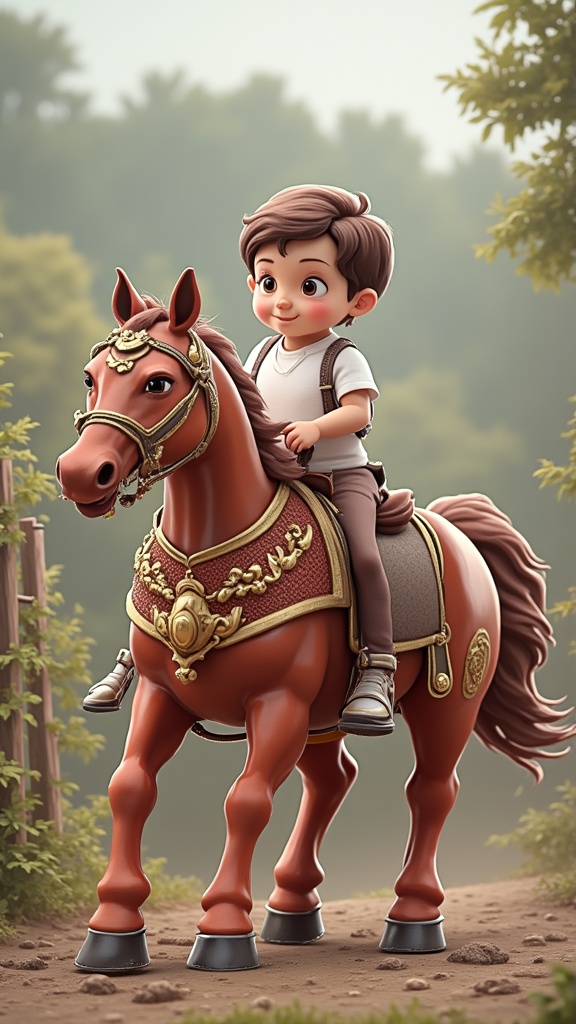
A boy riding a horse.
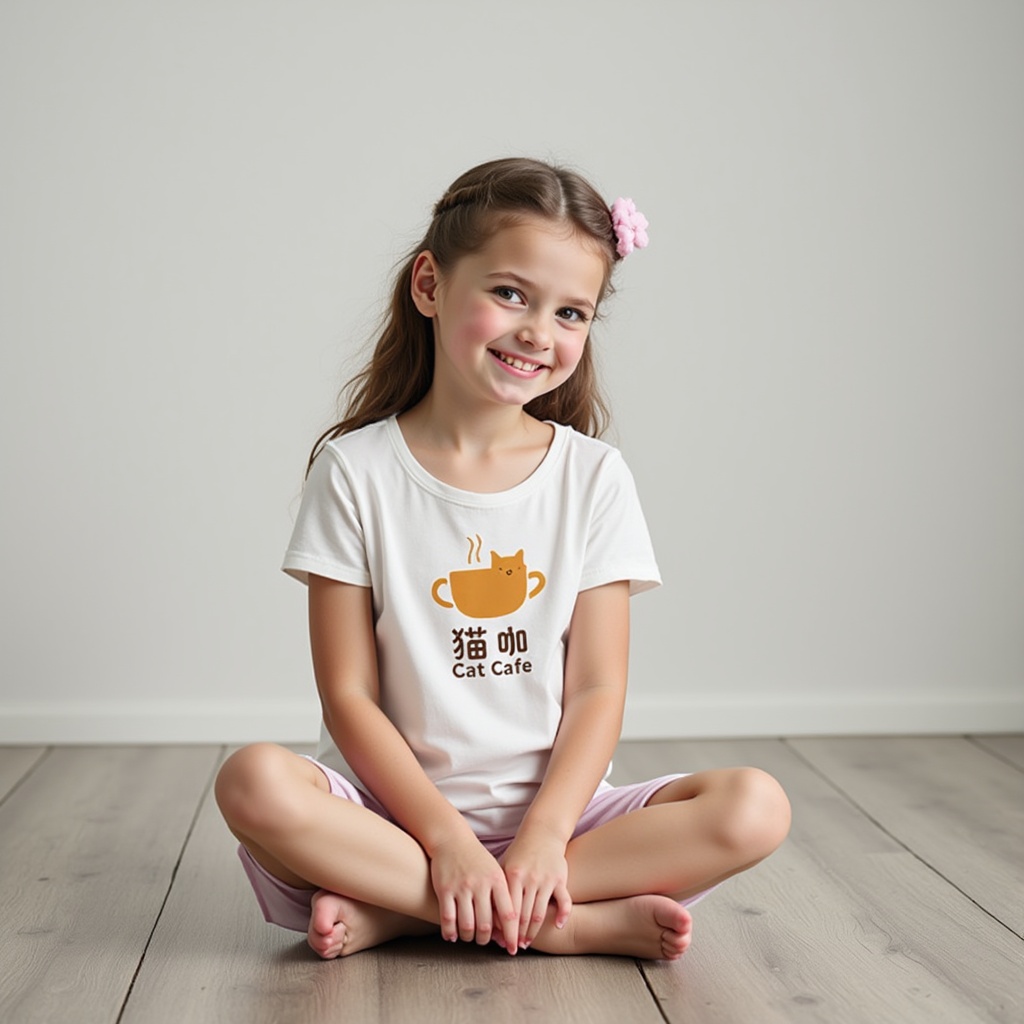
The girl has the print from the image below on her.
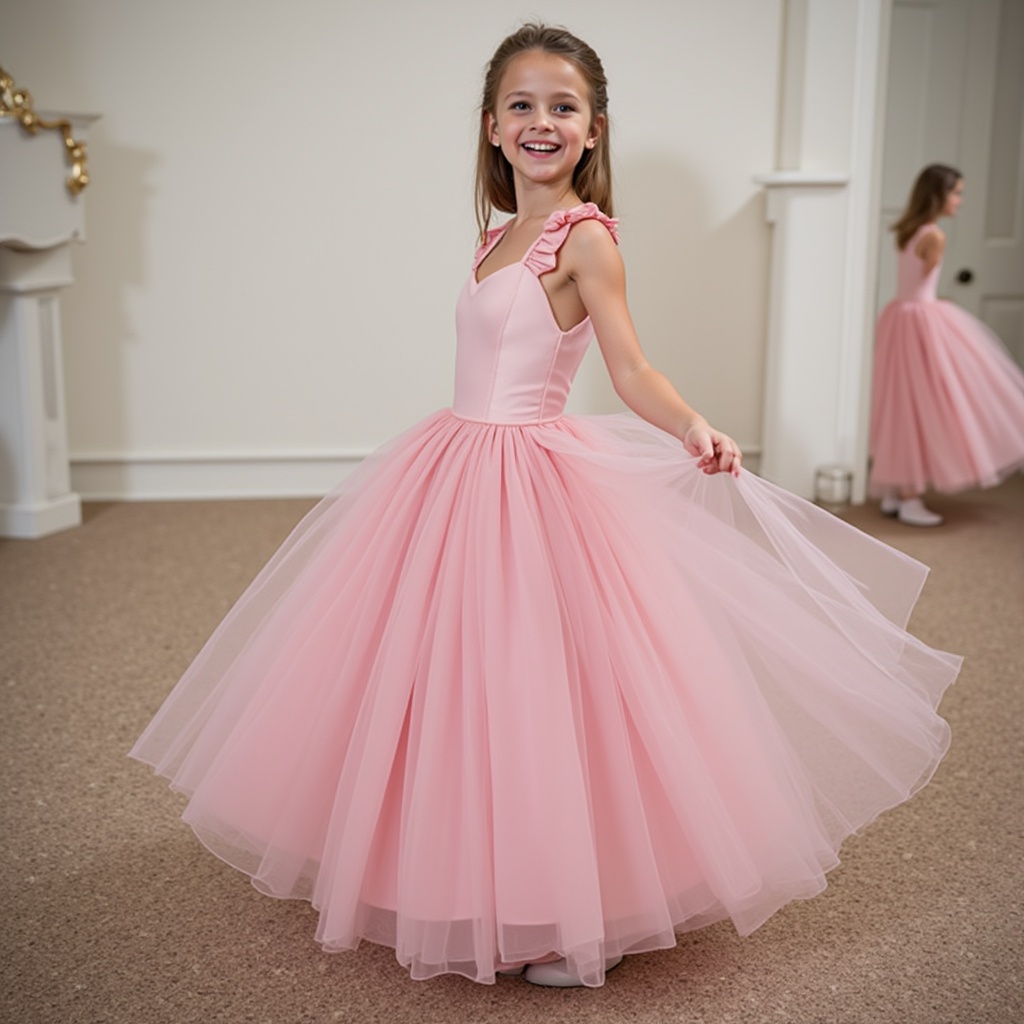
The girl puts on a dress.

A girl wearing a petal skirt in the grass.
Related Models
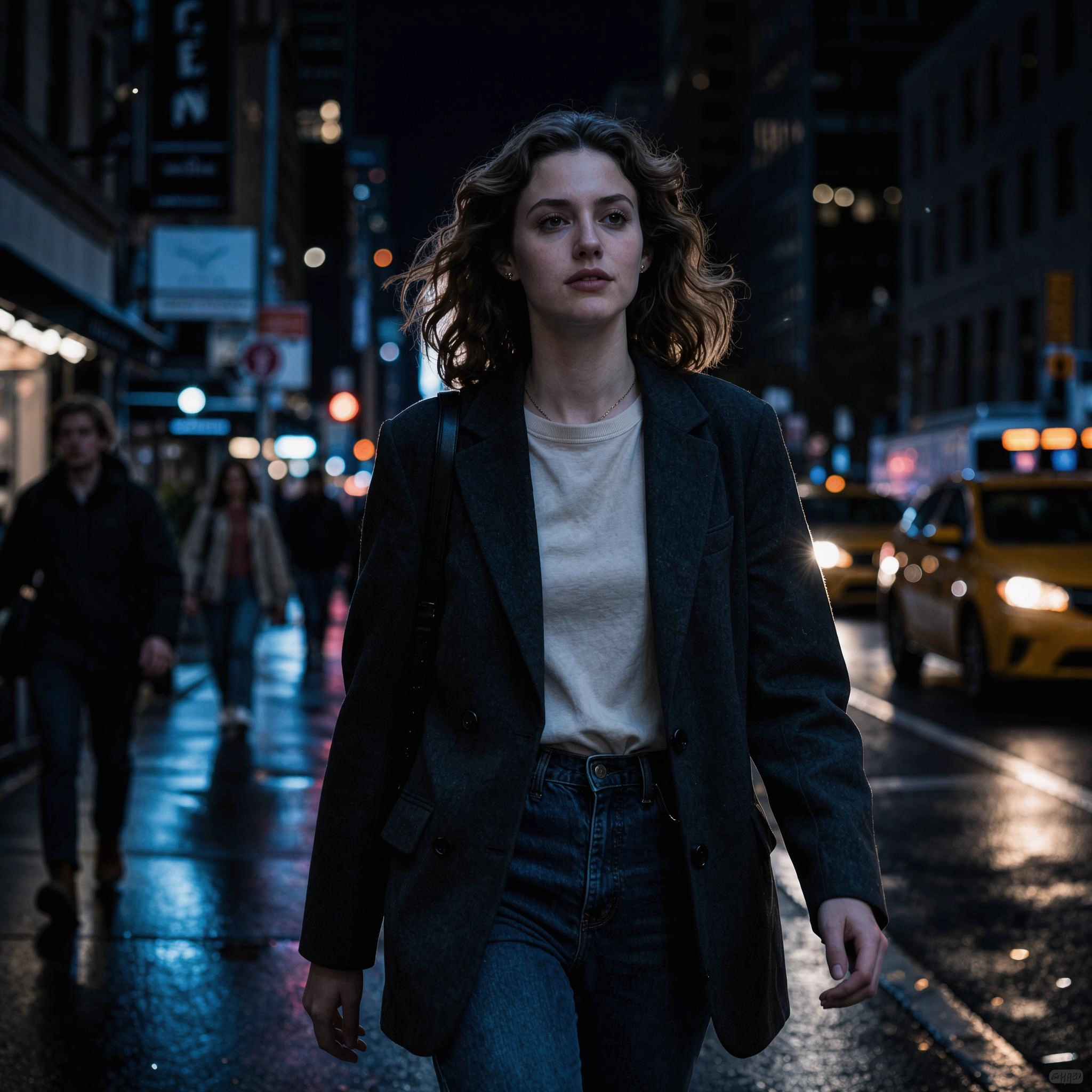
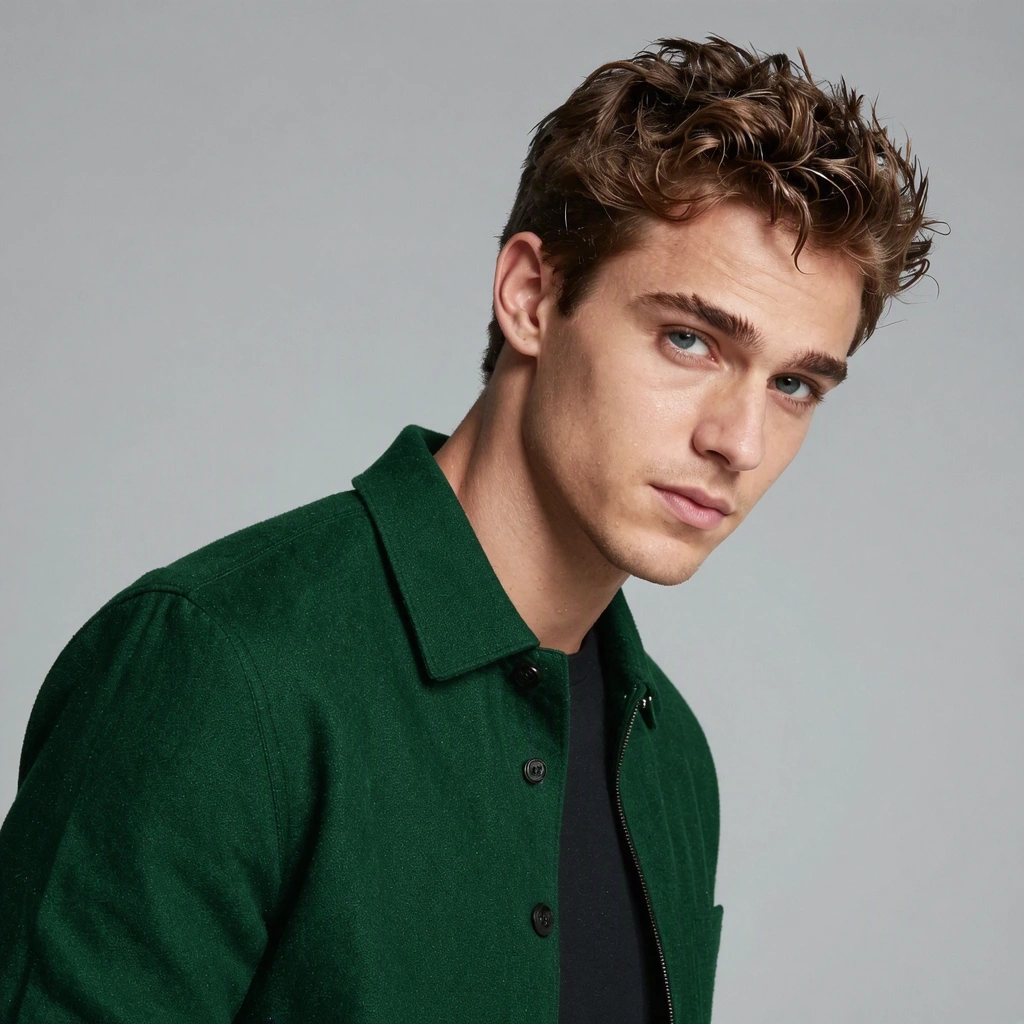
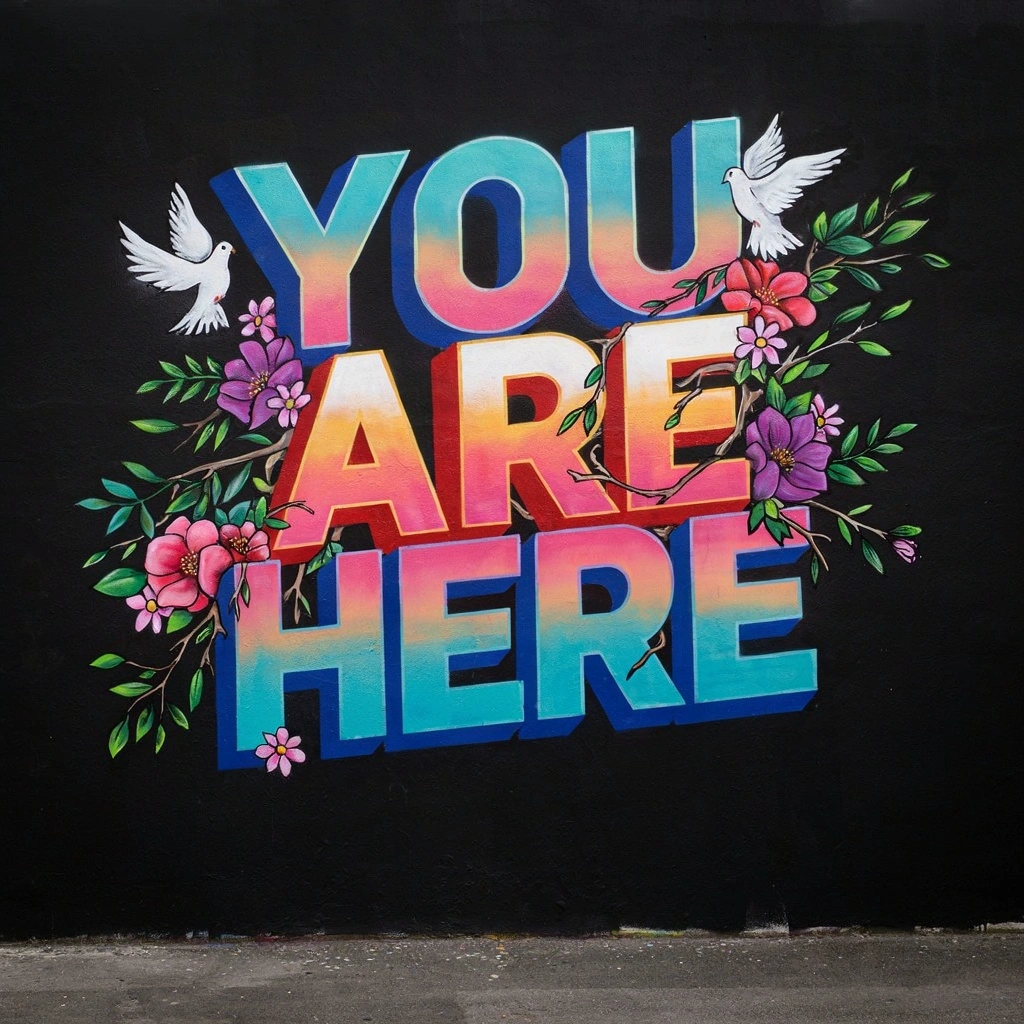
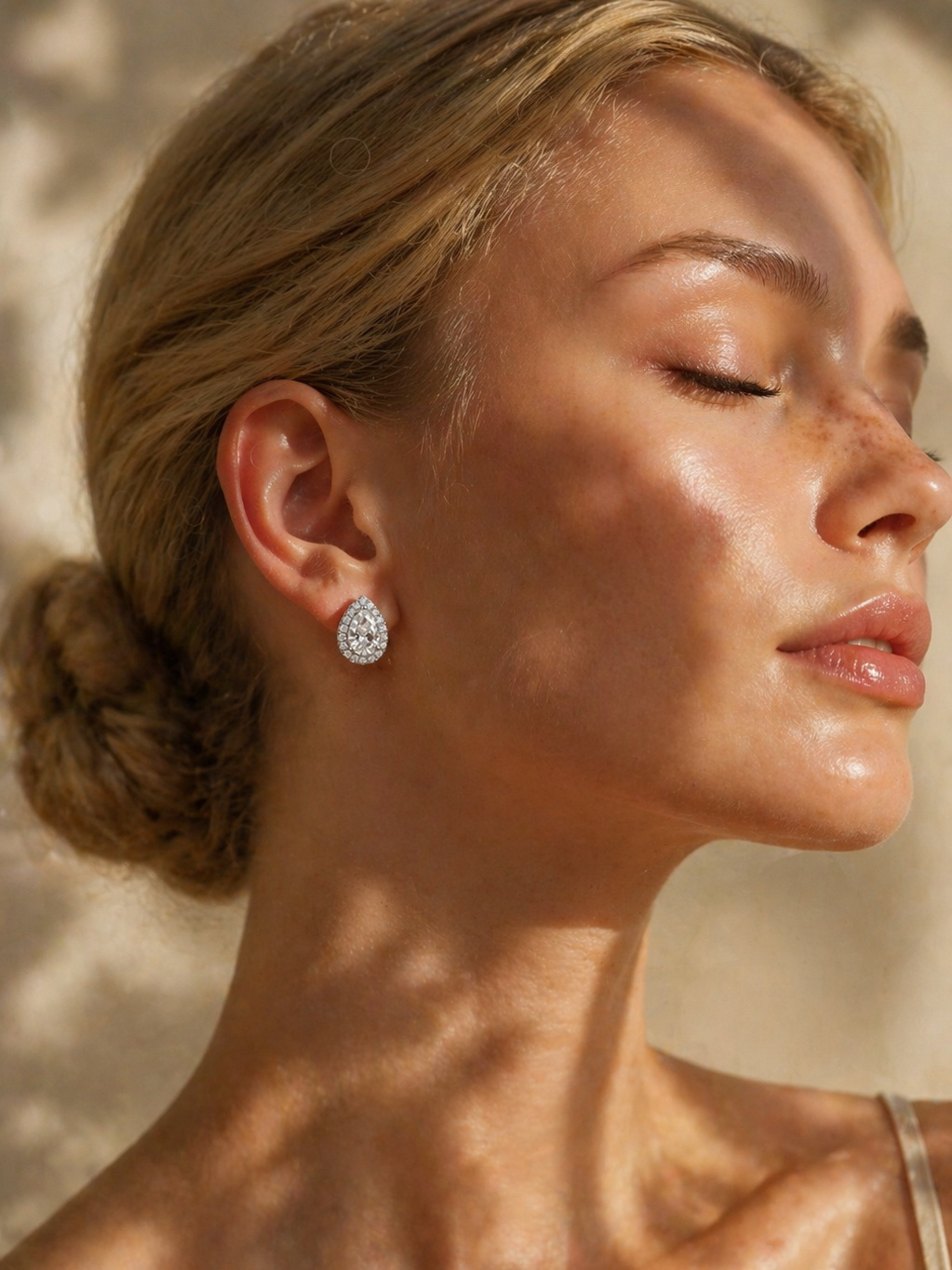

README
UNO – Universal In-Context Diffusion Transformer
UNO is a subject-driven image generation model from Research. It takes a small set of reference images plus a text prompt and synthesizes new scenes where the same subjects re-appear with high identity consistency and strong style control. It works for both single-subject and multi-subject prompts.
What UNO is good at
-
Subject-consistent generation Keep the same person, character, or product recognizable across new scenes and poses.
-
Single → multi-subject scenes Start from one subject or combine several references into a coherent group image.
-
Layout & style control Use the prompt and image_size to steer framing, setting, and visual mood while preserving identity.
-
Flexible aspect ratios Supports portrait, landscape, and square formats suitable for thumbnails, posts, key art, and ads.
Input Parameters
images (required)
1–5 reference images of your subject(s). These define identity, clothing, and overall look.
- Use multiple angles or expressions for better robustness.
- You can mix people, products, or characters, as long as the prompt makes their roles clear.
prompt (required)
Text description of the scene you want to generate, for example:
- “Santa Claus is standing in front of the Christmas tree.”
- “Two cartoon astronauts posing on the moon, product bottle in the center.”
UNO will combine the prompt with your references to place the subjects into the requested scene.
image_size
Controls aspect ratio and framing:
- square_hd – high-res square
- square – standard square
- portrait_4_3, portrait_16_9
- landscape_4_3, landscape_16_9
Choose based on where the image will be used (feed post, story, banner, thumbnail, etc.).
seed
Randomness control:
- Empty / unset → a random seed each time.
- Any integer → reproducible output for the same settings.
num_images
Number of images to generate per run (e.g., 1–4). Higher values give more options at once.
num_inference_steps
Number of diffusion steps (e.g., around 20–30 by default):
- Fewer steps → faster, slightly less detailed.
- More steps → slower, more refined and stable.
guidance_scale
Classifier-free guidance strength:
- Lower values → more creative, looser interpretation of the prompt.
- Higher values → closer adherence to the prompt and reference identity.
output_format
File format of the generated images:
jpegpng
Designed For
- Character & IP creators – Keep mascots or VTuber avatars on-model across many scenes.
- Product & e-commerce teams – Generate consistent hero shots and lifestyle scenes for the same item.
- Brand & marketing – Multi-subject key art where specific people or products must stay recognizable.
- Concept artists – Rapidly explore compositions using a small library of reference looks.
How to Use
- Upload 1–5 images of your subject(s).
- Choose an image_size that matches your target placement (square, portrait, or landscape).
- Write a clear prompt describing the scene, style, and relationships between subjects.
- Optionally set seed, num_images, num_inference_steps, guidance_scale, and output_format.
- Run the model, review the generated images, and iterate by tweaking prompt or references to refine identity and style.
Pricing
- Per image just need $0.05!
- Total price is 0.05 * num_images.
Uno API — Quick start
Grab a WaveSpeedAI API key, then call POST https://api.wavespeed.ai/api/v3/wavespeed-ai/uno with your input as JSON. The endpoint returns a prediction id; poll the prediction endpoint until status flips to completed, then read the output URL from data.outputs[0]. Examples for Uno below.
HTTP example
# Submit the prediction
curl -X POST "https://api.wavespeed.ai/api/v3/wavespeed-ai/uno" \
  -H "Content-Type: application/json" \
  -H "Authorization: Bearer $WAVESPEED_API_KEY" \
  -d '{
    "prompt": "A cinematic shot of a city at sunset, soft golden light",
    "image_size": "square_hd",
    "seed": 0,
    "num_images": 1,
    "num_inference_steps": 28,
    "guidance_scale": 3.5,
    "output_format": "jpeg"
}'

# Response includes a prediction id. Poll for the result:
curl -X GET "https://api.wavespeed.ai/api/v3/predictions/{request_id}/result" \
  -H "Authorization: Bearer $WAVESPEED_API_KEY"

# When status is "completed", read the output from data.outputs[0].
Node.js example
// npm install wavespeed
const WaveSpeed = require('wavespeed');

const client = new WaveSpeed(); // reads WAVESPEED_API_KEY from env

const result = await client.run("wavespeed-ai/uno", {
        "prompt": "A cinematic shot of a city at sunset, soft golden light",
        "image_size": "square_hd",
        "seed": 0,
        "num_images": 1,
        "num_inference_steps": 28,
        "guidance_scale": 3.5,
        "output_format": "jpeg"
});

console.log(result.outputs[0]); // → URL of the generated output
Python example
# pip install wavespeed
import wavespeed

output = wavespeed.run(
    "wavespeed-ai/uno",
    {
    "prompt": "A cinematic shot of a city at sunset, soft golden light",
    "image_size": "square_hd",
    "seed": 0,
    "num_images": 1,
    "num_inference_steps": 28,
    "guidance_scale": 3.5,
    "output_format": "jpeg"
}
)

print(output["outputs"][0])  # → URL of the generated output
Uno API — Frequently asked questions
What is the Uno API?
Uno is a WaveSpeedAI model for image editing, exposed as a REST API on WaveSpeedAI. Uno AI transforms input images into new visuals guided by text prompts, blending reference images with your creative directions for precise, style-aware edits. Ready-to-use REST inference API, best performance, no coldstarts, affordable pricing. You can call it programmatically or try it from the playground above.
How do I call the Uno API?
POST your input parameters to the model's REST endpoint (shown in the API tab of this playground) with your WaveSpeedAI API key in the Authorization header. Submission returns a prediction ID; poll the prediction endpoint until status flips to "completed", then read the output URL from the result. The playground generates a ready-to-paste code sample in Python, JavaScript, or cURL for whatever inputs you've set. Full request/response shape is documented at https://wavespeed.ai/docs/docs-api/wavespeed-ai/uno.
How much does Uno cost per run?
Uno starts at $0.050 per run. That figure is the base price — the final charge scales with the parameters you set in the form (output size, length, count, references, or whatever knobs this model exposes), so a higher-quality or larger output costs more than a minimal one. The exact cost for your current input is shown live next to the Generate button before you submit, and the actual per-call charge is recorded on the prediction afterwards.
What inputs does Uno accept?
Key inputs: `prompt`, `images`, `seed`, `guidance_scale`, `num_inference_steps`, `image_size`. The full JSON schema (types, defaults, allowed values) is rendered above the Generate button and mirrored in the API reference at https://wavespeed.ai/docs/docs-api/wavespeed-ai/uno.
How long does Uno take to generate?
Average end-to-end generation time on WaveSpeedAI is around 51 seconds per request — measured across recent runs. Queue time scales with global demand; live status is visible in the prediction record.
Can I use Uno outputs commercially?
Commercial usage rights depend on the model's license, set by its provider (WaveSpeedAI). The license summary appears on the model card above; see WaveSpeedAI's Terms of Service for platform-level conditions.