Vidu Q2 Turbo Image-to-Video turns a single image into smooth, cinematic motion with fast, high-quality output. Ready-to-use REST inference API, best performance, no coldstarts, affordable pricing.
Chờ
$0.1cho mỗi lần chạy·~10 / $1
Ví dụXem tất cả
A cinematic fantasy sequence. The boy gently reaches out to touch the colorful dragon’s nose, and the dragon slowly lowers its head, blinking warmly. Soft dust particles float in the air, light beams shimmer through mist, and the ground subtly breathes with glowing mushrooms. The camera slowly circles around them, capturing the magical bond between child and creature in a gentle, emotional moment. Highly detailed, volumetric lighting, soft depth of field, 4K quality.
A serene snowy night at an elevated Japanese train station, bathed in deep blue twilight. A lone child in a blue coat and red backpack stands on the empty platform, looking down the tracks. Above, a massive cherry blossom tree reflects perfectly on a mirror-like snowy surface, petals gently drifting in the cold wind. Soft overhead station lights cast warm glows on concrete pillars. Subtle steam rises from the child's breath. Camera slowly dollies forward from wide establishing shot to medium on the child, with delicate snow particles floating in air. Hyper-detailed Makoto Shinkai anime style, cinematic color grading, 6-second poetic loop, 1080p, 16:9.
Epic fantasy procession in a windswept flower field. A blonde samurai girl in ornate teal armor stands atop a massive yellow ox demon with curved horns and red ropes. Wind whips her hair and cape. Behind, a blindfolded monk with staff and a rat-eared monk with tail walk in sync. Red spider lilies sway violently. Camera slow dolly left, low angle, ox’s heavy steps shake the ground. Hand-painted ukiyo-e anime style, saturated colors, dynamic ink textures
Cyber-dystopian alley at dusk. A lone girl with ultra-long orange ponytail in flowing white tech-coat walks away from camera. Her coat billows in wind, cables overhead sway like vines. Sunlight cuts through skyscraper gaps, casting golden beams on cracked concrete. Camera slow tracking shot behind her, slight parallax on buildings. Photorealistic CGI, teal-orange color grade, volumetric god rays
Epic anime mountain standoff. A blonde girl in red hooded cloak grips a glowing katana, eyes fierce. Behind her, a young archer notches an arrow. A colossal white wolf with scarred mask towers, fur rippling in wind. Clouds swirl around snow-capped peaks. Camera slow push-in from wide tableau to tight on girl and wolf’s eyes, scarf and mane dancing. Studio Ghibli-style hand-drawn animation, soft cel-shading, golden rim light
Mô hình liên quan
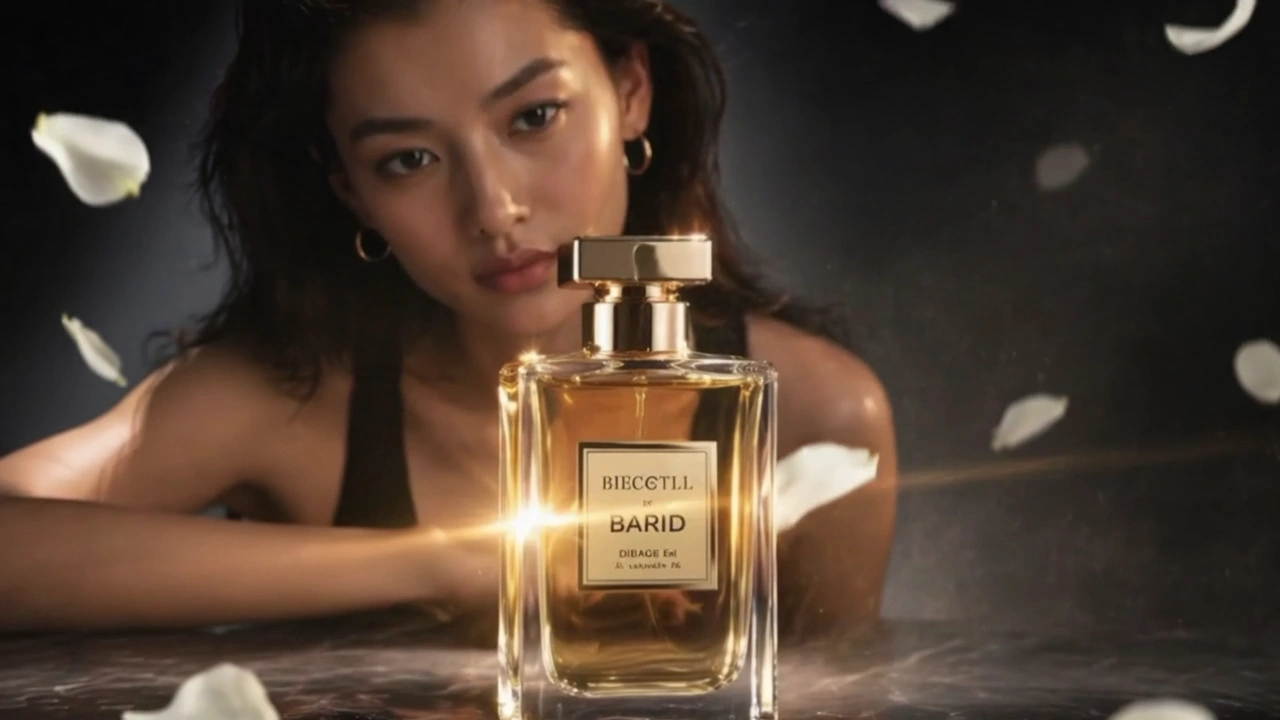



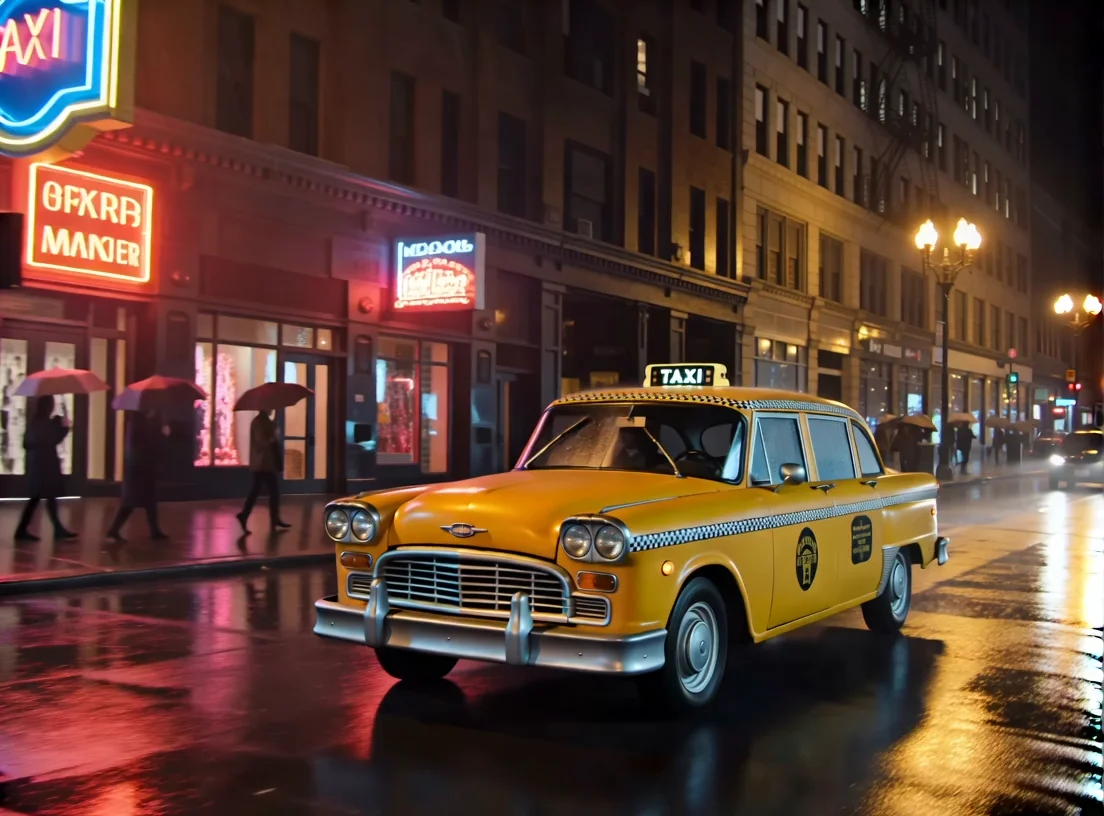

README
Vidu Q2 Turbo Image-to-Video
Vidu Q2 Turbo Image-to-Video turns a single reference image into a smooth, cinematic video. Turbo accelerates generation for faster turnaround while keeping motion clean and stable — great for transitions, product demos, and quick storytelling.
Why Choose This?
-
Turbo-optimized pipeline Faster generation than Pro at the same settings, perfect for quick iteration.
-
Temporal smoothing Cuts flicker and popping while keeping faces, hands, hair, and thin details intact.
-
Depth-aware motion Respects occlusion and parallax for natural foreground/background separation.
-
Cinematic camera paths Subtle pans, push-ins, and dollies without rubbery warps.
-
Optional background music Auto-generate BGM for social-ready clips.
Parameters
| Parameter | Required | Description |
|---|---|---|
| image | Yes | Reference image to animate (upload or URL) |
| prompt | Yes | Describe desired motion, mood, and camera movement |
| duration | No | Video length in seconds (1–10, default: 4) |
| resolution | No | Output resolution: 540p, 720p, or 1080p |
| movement_amplitude | No | Motion intensity: auto, small, medium, or large |
| bgm | No | Enable background music generation |
| seed | No | Random seed for reproducibility (-1 for random) |
How to Use
- Upload your image — ensure the URL is accessible for preview.
- Write a prompt — describe desired motion, mood, and camera movement.
- Set duration — choose video length from 1 to 10 seconds.
- Select resolution — 540p, 720p, or 1080p based on quality needs.
- Adjust movement amplitude (optional) — control motion intensity.
- Enable BGM (optional) — add background music automatically.
- Set seed (optional) — use for reproducible results.
- Run — submit and download your video.
Pricing
| Resolution | Duration | Price |
|---|---|---|
| 540p | 1s | $0.03 |
| 540p | 2s | $0.04 |
| 540p | 3s | $0.05 |
| 540p | 4s | $0.06 |
| 540p | 5s | $0.07 |
| 540p | 6s | $0.08 |
| 540p | 7s | $0.09 |
| 540p | 8s | $0.10 |
| 540p | 9s | $0.20 |
| 540p | 10s | $0.30 |
| 720p | 1s | $0.04 |
| 720p | 2s | $0.05 |
| 720p | 3s | $0.10 |
| 720p | 4s | $0.15 |
| 720p | 5s | $0.20 |
| 720p | 6s | $0.25 |
| 720p | 7s | $0.30 |
| 720p | 8s | $0.35 |
| 720p | 9s | $0.45 |
| 720p | 10s | $0.50 |
| 1080p | 1s | $0.175 |
| 1080p | 2s | $0.225 |
| 1080p | 3s | $0.275 |
| 1080p | 4s | $0.325 |
| 1080p | 5s | $0.375 |
| 1080p | 6s | $0.425 |
| 1080p | 7s | $0.475 |
| 1080p | 8s | $0.525 |
| 1080p | 9s | $0.625 |
| 1080p | 10s | $0.725 |
Billing Rules
540p: $0.03 for 1s, +$0.01/s up to 8s, then $0.20 for 9s, $0.30 for 10s
720p: $0.04 for 1s, $0.05 for 2s, then +$0.05/s from 3s
1080p: $0.175 for 1s, then +$0.05/s up to 8s, then +$0.10/s for 9s-10s
Best Use Cases
- Quick Iterations — Faster than Pro for rapid creative exploration.
- Social Media Content — Create engaging video clips from photos.
- Product Demos — Animate product images with cinematic motion.
- Transitions — Generate smooth video transitions from key frames.
- Storytelling — Transform story moments into dynamic video.
Pro Tips
- Use high-quality, well-lit images for best results.
- Be specific in your prompt about camera movement (pan, zoom, dolly).
- Start with "auto" amplitude, then adjust if motion is too subtle or strong.
- Turbo is generally faster than Pro at the same settings.
- Use smaller amplitude for portraits to avoid unnatural distortion.
Notes
- Maximum duration is 10 seconds per generation.
- Actual runtime depends on resolution, duration, movement amplitude, and queue load.
- Ensure you have the right to use the uploaded image in your project.
- Image URL must be accessible for preview to display correctly.
Related Models
- Vidu Q2 Pro Image-to-Video — Higher quality at slightly higher cost.
- Vidu Q2 Text-to-Video — Generate videos from text prompts only.
- LTX-2 19B Image-to-Video — Alternative I2V with audio support.
Image To Video Q2 Turbo API — Quick start
Grab a WaveSpeedAI API key, then call POST https://api.wavespeed.ai/api/v3/vidu/image-to-video-q2-turbo with your input as JSON. The endpoint returns a prediction id. Start polling the result endpoint around every 2 seconds, increase the interval for long-running tasks, and stop on any terminal status. On completed, read output values from data.outputs. Examples for Image To Video Q2 Turbo below.
HTTP example
set -euo pipefail

: "${WAVESPEED_API_KEY:?Set WAVESPEED_API_KEY}"

REQUEST_BODY=$(cat <<'JSON'
{
    "prompt": "A cinematic shot of a city at sunset, soft golden light",
    "image": "https://interactive-examples.mdn.mozilla.net/media/cc0-images/painted-hand-298-332.jpg",
    "duration": 5,
    "resolution": "720p",
    "bgm": true,
    "movement_amplitude": "auto",
    "seed": -1
}
JSON
)

# 1. Submit the prediction.
SUBMIT_RESPONSE=$(curl --silent --show-error --fail-with-body \
  -X POST "https://api.wavespeed.ai/api/v3/vidu/image-to-video-q2-turbo" \
  -H "Content-Type: application/json" \
  -H "Authorization: Bearer $WAVESPEED_API_KEY" \
  -d "$REQUEST_BODY")

TASK=$(printf '%s' "$SUBMIT_RESPONSE" | jq 'if has("data") then .data else . end')
PREDICTION_ID=$(printf '%s' "$TASK" | jq -r '.id')
if [ -z "$PREDICTION_ID" ] || [ "$PREDICTION_ID" = "null" ]; then
  printf 'Submission response did not contain a prediction id
' >&2
  exit 1
fi
RESULT_URL=$(printf '%s' "$TASK" | jq -r '.urls.get // empty')
if [ -z "$RESULT_URL" ]; then
  RESULT_URL="https://api.wavespeed.ai/api/v3/predictions/$PREDICTION_ID/result"
fi

# 2. Poll until the prediction finishes.
while true; do
  RESPONSE=$(curl --silent --show-error --fail-with-body "$RESULT_URL" \
    -H "Authorization: Bearer $WAVESPEED_API_KEY")
  RESULT=$(printf '%s' "$RESPONSE" | jq 'if has("data") then .data else . end')
  STATUS=$(printf '%s' "$RESULT" | jq -r '.status')
  case "$STATUS" in
    completed) printf '%s\n' "$RESULT" | jq '.outputs'; break ;;
    failed|cancelled|timeout) printf '%s\n' "$RESULT" | jq . >&2; exit 1 ;;
    created|processing) sleep 2 ;;
    *) printf 'Unexpected status: %s
' "$STATUS" >&2; exit 1 ;;
  esac
done
Node.js example
const submitUrl = "https://api.wavespeed.ai/api/v3/vidu/image-to-video-q2-turbo";
const apiKey = process.env.WAVESPEED_API_KEY;
if (!apiKey) throw new Error('Set WAVESPEED_API_KEY');

async function requestJson(url, options = {}) {
  const response = await fetch(url, options);
  if (!response.ok) throw new Error(await response.text());
  return response.json();
}

// 1. Submit the prediction.
const body = await requestJson(submitUrl, {
  method: "POST",
  headers: {
    "Authorization": `Bearer ${apiKey}`,
    "Content-Type": "application/json",
  },
  body: JSON.stringify({
        "prompt": "A cinematic shot of a city at sunset, soft golden light",
        "image": "https://interactive-examples.mdn.mozilla.net/media/cc0-images/painted-hand-298-332.jpg",
        "duration": 5,
        "resolution": "720p",
        "bgm": true,
        "movement_amplitude": "auto",
        "seed": -1
}),
});
const task = body.data ?? body;
if (!task.id) throw new Error("Submission response did not contain a prediction id");
const resultUrl = task.urls?.get ||
  `https://api.wavespeed.ai/api/v3/predictions/${task.id}/result`;

// 2. Poll until the prediction finishes.
while (true) {
  const resultBody = await requestJson(resultUrl, {
    headers: { "Authorization": `Bearer ${apiKey}` },
  });
  const result = resultBody.data ?? resultBody;
  if (result.status === "completed") {
    console.log(result.outputs);
    break;
  }
  if (["failed", "cancelled", "timeout"].includes(result.status)) throw new Error(JSON.stringify(result));
  if (!["created", "processing"].includes(result.status)) throw new Error("Unexpected status: " + result.status);
  await new Promise(resolve => setTimeout(resolve, 2000));
}
Python example
import json
import os
import time
from urllib.request import Request, urlopen

api_key = os.environ["WAVESPEED_API_KEY"]
headers = {"Authorization": f"Bearer {api_key}", "Content-Type": "application/json"}
payload = {
    "prompt": "A cinematic shot of a city at sunset, soft golden light",
    "image": "https://interactive-examples.mdn.mozilla.net/media/cc0-images/painted-hand-298-332.jpg",
    "duration": 5,
    "resolution": "720p",
    "bgm": True,
    "movement_amplitude": "auto",
    "seed": -1
}

def request_json(url, data=None):
    request = Request(url, data=data, headers=headers, method="POST" if data else "GET")
    with urlopen(request) as response:
        return json.load(response)

# 1. Submit the prediction.
body = request_json("https://api.wavespeed.ai/api/v3/vidu/image-to-video-q2-turbo", json.dumps(payload).encode())
task = body.get("data", body)
if not task.get("id"):
    raise RuntimeError("Submission response did not contain a prediction id")
result_url = task.get("urls", {}).get("get") or f"https://api.wavespeed.ai/api/v3/predictions/{task['id']}/result"

# 2. Poll until the prediction finishes.
while True:
    result_body = request_json(result_url)
    result = result_body.get("data", result_body)
    status = result.get("status")
    if status == "completed":
        print(result.get("outputs", []))
        break
    if status in {"failed", "cancelled", "timeout"}:
        raise RuntimeError(result)
    if status not in {"created", "processing"}:
        raise RuntimeError(f"Unexpected status: {status}")
    time.sleep(2)
Image To Video Q2 Turbo API — Frequently asked questions
What is the Image To Video Q2 Turbo API?
Image To Video Q2 Turbo is a Vidu model for video generation from images, exposed as a REST API on WaveSpeedAI. Vidu Q2 Turbo Image-to-Video turns a single image into smooth, cinematic motion with fast, high-quality output. Ready-to-use REST inference API, best performance, no coldstarts, affordable pricing. You can call it programmatically or try it from the playground above.
How do I call the Image To Video Q2 Turbo API?
POST your input parameters to the model's REST endpoint (shown in the API tab of this playground) with your WaveSpeedAI API key in the Authorization header. Submission returns a prediction ID. Poll the result endpoint starting around every 2 seconds, increase the interval for long-running tasks, and stop on any terminal status. The playground generates production-oriented Python, JavaScript, and cURL examples with timeouts, transient-error handling, and safe GET retries. Full request/response shape is documented at https://wavespeed.ai/docs/docs-api/vidu/vidu-image-to-video-q2-turbo.
How much does Image To Video Q2 Turbo cost per run?
Image To Video Q2 Turbo starts at $0.10 per run. That figure is the base price — the final charge scales with the parameters you set in the form (output size, length, count, references, or whatever knobs this model exposes), so a higher-quality or larger output costs more than a minimal one. The exact cost for your current input is shown live next to the Generate button before you submit, and the actual per-call charge is recorded on the prediction afterwards.
What inputs does Image To Video Q2 Turbo accept?
Key inputs: `prompt`, `image`, `resolution`, `duration`, `seed`, `bgm`. The full JSON schema (types, defaults, allowed values) is rendered above the Generate button and mirrored in the API reference at https://wavespeed.ai/docs/docs-api/vidu/vidu-image-to-video-q2-turbo.
How long does Image To Video Q2 Turbo take to generate?
Median end-to-end generation time on WaveSpeedAI is around 39 seconds per request, based on recent successful runs. Queue time varies with global demand; live status is visible in the prediction record.
Can I use Image To Video Q2 Turbo outputs commercially?
Commercial usage rights depend on the model's license, set by its provider (Vidu). The license summary appears on the model card above; see WaveSpeedAI's Terms of Service for platform-level conditions.