Kling v1.6 Image-to-Video delivers 195% better results than Kling 1.5, with better prompt understanding, physics, and visual effects. Ready-to-use REST inference API, best performance, no coldstarts, affordable pricing.
Chờ
$0.25cho mỗi lần chạy·~40 / $10
Ví dụXem tất cả
model in a flowing silk gown standing on top of a sand dune, golden sunset light illuminating the fabric, camera circling to capture the dress fluttering dramatically in the wind, high-contrast editorial style
muscular man lifting dumbbells in a modern gym, sweat glistening on his arms, camera slowly dolly in toward his determined face, background blurred with gym equipment, realistic lighting and reflections
father pulling a sled with his laughing child through a snowy park, camera tracking from the side to capture their joyful expressions, snowflakes falling softly, cold breath visible in the air, crisp winter lighting
guitarist playing on a busy downtown street corner, people stopping to listen, camera circling slowly around him, sunlight hitting the guitar strings, coins clinking into an open case, authentic street sound vibe
stylish woman in a black leather coat walking confidently through a city street at night, neon signs reflecting on wet pavement, camera tracking her from a low angle, wind gently moving her hair, cinematic slow motion for key steps
student surrounded by open books at a large wooden table, camera circling slowly around her as she takes notes, warm desk lamp lighting, quiet and focused mood
elderly man carving wood in a small workshop, wood shavings falling onto the table, camera slowly panning from his focused hands to his weathered face, warm natural light from a side window
woman sitting on a small balcony sipping coffee, camera panning from the steaming cup to the city view behind her, gentle breeze moving her hair, soft golden sunrise light
mother and child kneading dough together on a wooden countertop, flour floating in the air, camera following their hands in close-up, natural laughter and candid expressions, warm yellow kitchen light
man sitting in a cozy armchair by the window, reading a hardcover book, camera slowly dolly in on his hands turning the page, soft afternoon light casting gentle shadows, background slightly blurred for depth
Mô hình liên quan

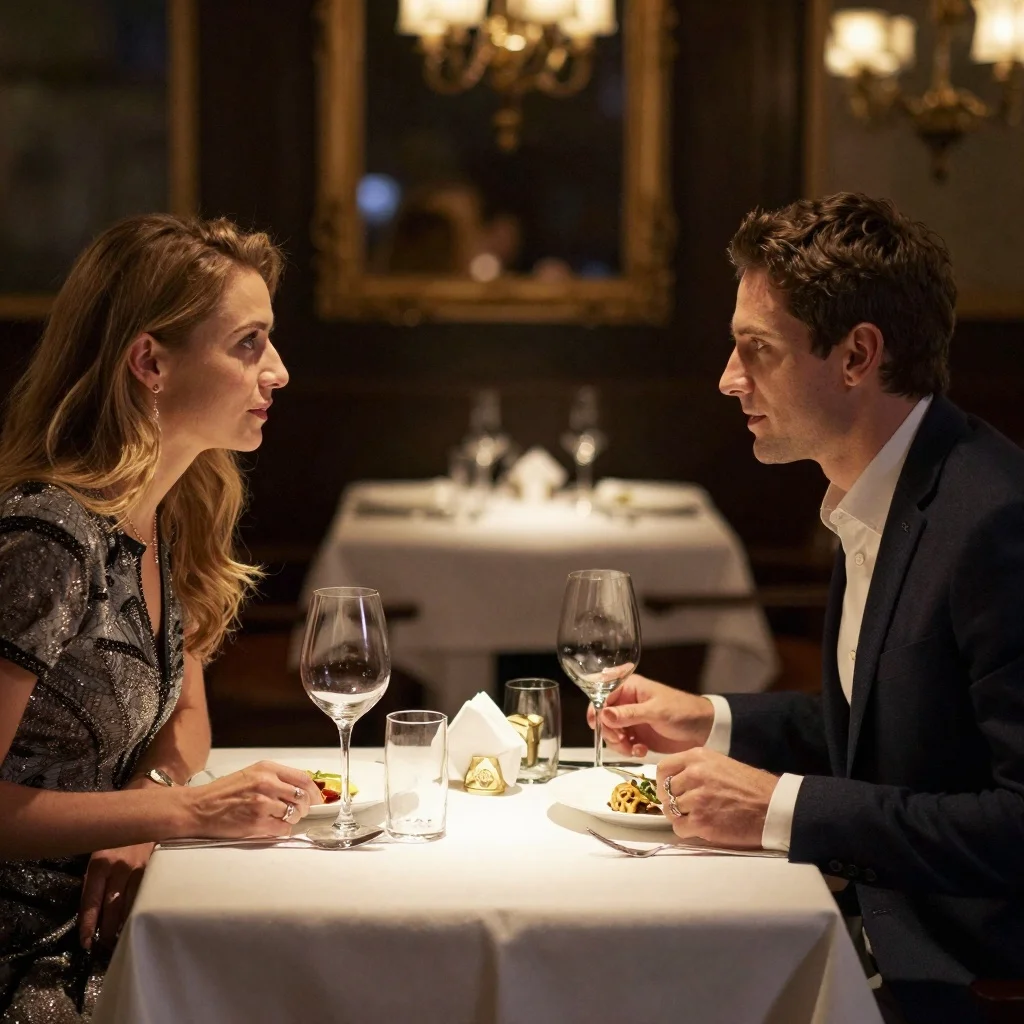
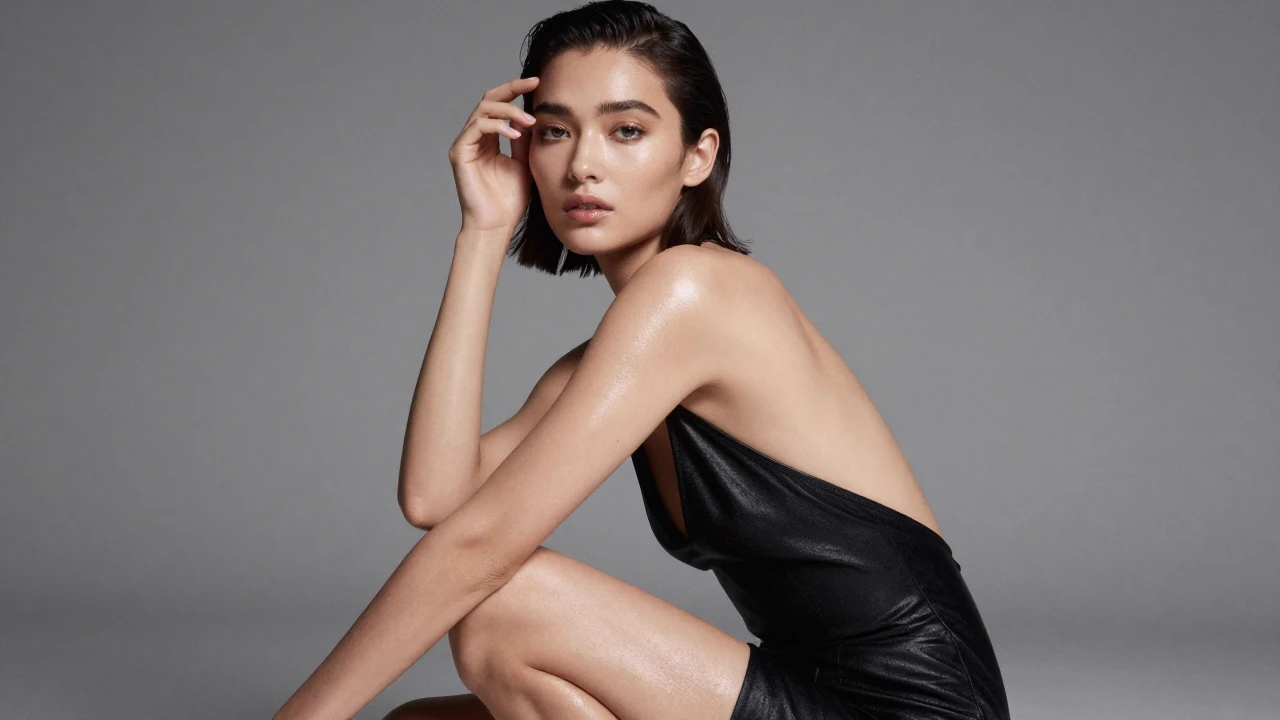

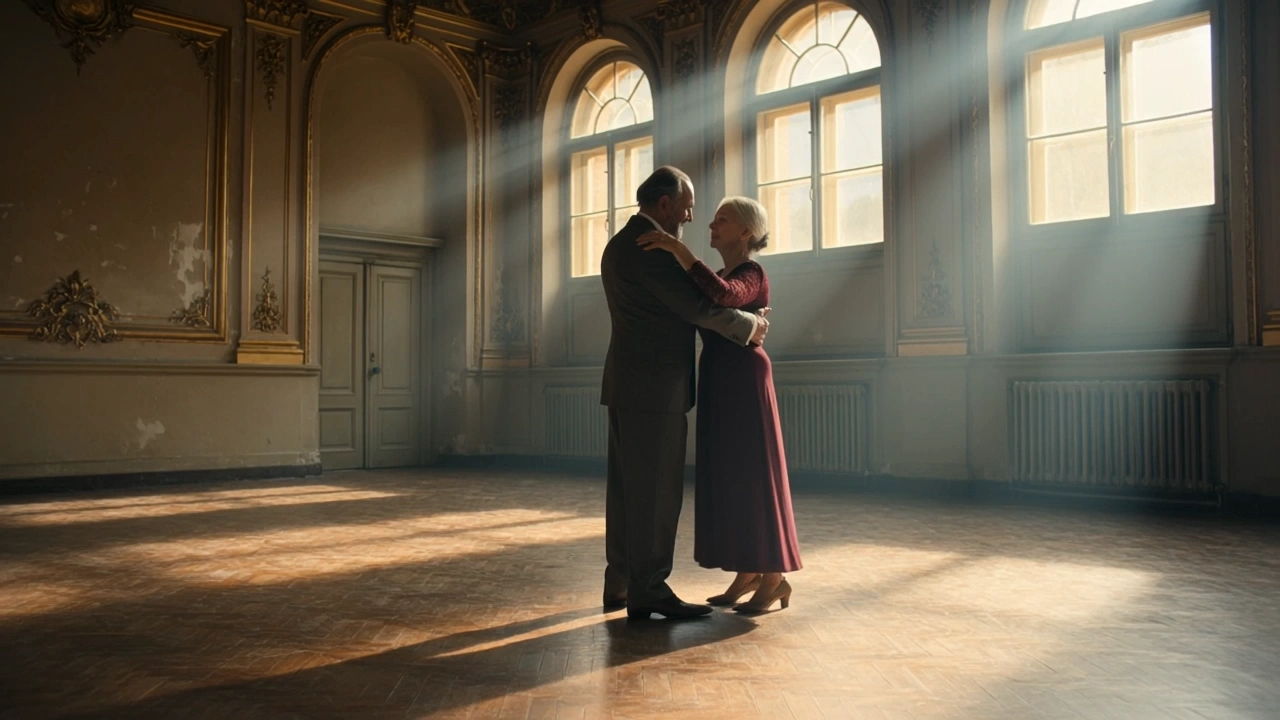

README
Kling V1.6 Multi Image-to-Video Standard
Transform multiple reference images into cinematic videos with Kling V1.6. This powerful image-to-video model accepts up to 4 reference images, enabling more complex scene composition, character consistency, and creative control — perfect for fashion editorials, product showcases, and storytelling content.
Why It Looks Great
- Multi-image input: Use up to 4 reference images for richer scene composition and better consistency.
- Cinematic motion: Creates smooth, professional-quality movement with dramatic flair.
- Negative prompt support: Exclude unwanted elements for precise control over the output.
- Flexible duration: Generate 5-second or 10-second videos.
- Multiple aspect ratios: Square (1:1), landscape (16:9), or portrait (9:16) formats.
- Prompt Enhancer: Built-in tool to refine and expand your motion descriptions.
- Safety Checker: Optional content filtering for appropriate output.
Parameters
| Parameter | Required | Description |
|---|---|---|
| prompt | Yes | Text description of the motion, scene, and cinematography you want. |
| negative_prompt | No | Elements to avoid in the generated video. |
| images | Yes | Up to 4 reference images to guide generation (upload or URLs). |
| duration | No | Video length: 5 or 10 seconds. Default: 5. |
| aspect_ratio | No | Output format: 1:1, 16:9, or 9:16. Default: 1:1. |
| Enable Safety Checker | No | Toggle content safety filtering. |
How to Use
- Write your prompt — describe the motion, camera work, and atmosphere in detail.
- Use Prompt Enhancer (optional) — click to automatically enrich your description.
- Add negative prompt (optional) — specify elements to exclude.
- Upload reference images — add up to 4 images using the "+ Add Item" button.
- Set duration — choose 5 or 10 seconds.
- Select aspect ratio — pick the format that fits your use case.
- Run — click the button to generate.
- Download — preview and save your video.
Pricing
Per 5-second billing based on duration.
| Duration | Calculation | Cost |
|---|---|---|
| 5 seconds | 5 ÷ 5 × $0.25 | $0.25 |
| 10 seconds | 10 ÷ 5 × $0.25 | $0.50 |
Volume Examples
| Videos | Duration | Total Cost |
|---|---|---|
| 5 | 5s | $1.25 |
| 5 | 10s | $2.50 |
| 10 | 5s | $2.50 |
| 10 | 10s | $5.00 |
Best Use Cases
- Fashion Editorials — Create runway-style videos with dramatic fabric movement and cinematic lighting.
- Product Showcases — Animate product images with dynamic camera movements.
- Character Animation — Use multiple reference images for consistent character appearance.
- Storytelling — Combine multiple scene elements into cohesive video narratives.
- Social Media Content — Generate eye-catching videos optimized for different platforms.
Example Prompts
- "Model in a flowing silk gown standing on top of a sand dune, golden sunset light illuminating the fabric, camera circling to capture the dress fluttering dramatically in the wind, high-contrast editorial style"
- "Slow camera push in, hair moving gently in the breeze, warm golden hour lighting"
- "Product rotating smoothly on display, studio lighting creating elegant reflections"
- "Dramatic camera orbit around the subject, fabric flowing in slow motion"
- "Cinematic dolly shot revealing the full scene, atmospheric dust particles in the light"
Multi-Image Tips
| Number of Images | Best Use Case |
|---|---|
| 1 image | Simple animation, single subject |
| 2 images | Before/after, transition effects, dual perspectives |
| 3-4 images | Complex scenes, character consistency, multi-element composition |
Pro Tips for Best Results
- Use multiple images when you need consistency across different elements (character + background + props).
- Include cinematic language: "camera circling", "dolly shot", "slow motion", "dramatic lighting".
- Describe both subject motion and camera movement for more dynamic results.
- Use negative prompts to avoid "blur", "distortion", "static", "jitter".
- Match aspect ratio to your platform: 1:1 for Instagram, 16:9 for YouTube, 9:16 for TikTok/Reels.
- Start with 5-second videos to test your concept before generating 10-second versions.
Notes
- If using URLs for images, ensure they are publicly accessible. Preview thumbnails confirm successful loading.
- Processing time scales with duration — 10-second videos take longer.
- Enable Safety Checker for content that will be publicly shared.
- Reference images influence style and composition — choose high-quality sources.
Kling v1.6 Multi I2v Standard API — Quick start
Grab a WaveSpeedAI API key, then call POST https://api.wavespeed.ai/api/v3/kwaivgi/kling-v1.6-multi-i2v-standard with your input as JSON. The endpoint returns a prediction id. Start polling the result endpoint around every 2 seconds, increase the interval for long-running tasks, and stop on any terminal status. On completed, read output values from data.outputs. Examples for Kling v1.6 Multi I2v Standard below.
HTTP example
set -euo pipefail

: "${WAVESPEED_API_KEY:?Set WAVESPEED_API_KEY}"

REQUEST_BODY=$(cat <<'JSON'
{
    "prompt": "A cinematic shot of a city at sunset, soft golden light",
    "images": [
        "https://interactive-examples.mdn.mozilla.net/media/cc0-images/painted-hand-298-332.jpg"
    ],
    "duration": 5,
    "aspect_ratio": "1:1"
}
JSON
)

# 1. Submit the prediction.
SUBMIT_RESPONSE=$(curl --silent --show-error --fail-with-body \
  -X POST "https://api.wavespeed.ai/api/v3/kwaivgi/kling-v1.6-multi-i2v-standard" \
  -H "Content-Type: application/json" \
  -H "Authorization: Bearer $WAVESPEED_API_KEY" \
  -d "$REQUEST_BODY")

TASK=$(printf '%s' "$SUBMIT_RESPONSE" | jq 'if has("data") then .data else . end')
PREDICTION_ID=$(printf '%s' "$TASK" | jq -r '.id')
if [ -z "$PREDICTION_ID" ] || [ "$PREDICTION_ID" = "null" ]; then
  printf 'Submission response did not contain a prediction id
' >&2
  exit 1
fi
RESULT_URL=$(printf '%s' "$TASK" | jq -r '.urls.get // empty')
if [ -z "$RESULT_URL" ]; then
  RESULT_URL="https://api.wavespeed.ai/api/v3/predictions/$PREDICTION_ID/result"
fi

# 2. Poll until the prediction finishes.
while true; do
  RESPONSE=$(curl --silent --show-error --fail-with-body "$RESULT_URL" \
    -H "Authorization: Bearer $WAVESPEED_API_KEY")
  RESULT=$(printf '%s' "$RESPONSE" | jq 'if has("data") then .data else . end')
  STATUS=$(printf '%s' "$RESULT" | jq -r '.status')
  case "$STATUS" in
    completed) printf '%s\n' "$RESULT" | jq '.outputs'; break ;;
    failed|cancelled|timeout) printf '%s\n' "$RESULT" | jq . >&2; exit 1 ;;
    created|processing) sleep 2 ;;
    *) printf 'Unexpected status: %s
' "$STATUS" >&2; exit 1 ;;
  esac
done
Node.js example
const submitUrl = "https://api.wavespeed.ai/api/v3/kwaivgi/kling-v1.6-multi-i2v-standard";
const apiKey = process.env.WAVESPEED_API_KEY;
if (!apiKey) throw new Error('Set WAVESPEED_API_KEY');

async function requestJson(url, options = {}) {
  const response = await fetch(url, options);
  if (!response.ok) throw new Error(await response.text());
  return response.json();
}

// 1. Submit the prediction.
const body = await requestJson(submitUrl, {
  method: "POST",
  headers: {
    "Authorization": `Bearer ${apiKey}`,
    "Content-Type": "application/json",
  },
  body: JSON.stringify({
        "prompt": "A cinematic shot of a city at sunset, soft golden light",
        "images": [
                "https://interactive-examples.mdn.mozilla.net/media/cc0-images/painted-hand-298-332.jpg"
        ],
        "duration": 5,
        "aspect_ratio": "1:1"
}),
});
const task = body.data ?? body;
if (!task.id) throw new Error("Submission response did not contain a prediction id");
const resultUrl = task.urls?.get ||
  `https://api.wavespeed.ai/api/v3/predictions/${task.id}/result`;

// 2. Poll until the prediction finishes.
while (true) {
  const resultBody = await requestJson(resultUrl, {
    headers: { "Authorization": `Bearer ${apiKey}` },
  });
  const result = resultBody.data ?? resultBody;
  if (result.status === "completed") {
    console.log(result.outputs);
    break;
  }
  if (["failed", "cancelled", "timeout"].includes(result.status)) throw new Error(JSON.stringify(result));
  if (!["created", "processing"].includes(result.status)) throw new Error("Unexpected status: " + result.status);
  await new Promise(resolve => setTimeout(resolve, 2000));
}
Python example
import json
import os
import time
from urllib.request import Request, urlopen

api_key = os.environ["WAVESPEED_API_KEY"]
headers = {"Authorization": f"Bearer {api_key}", "Content-Type": "application/json"}
payload = {
    "prompt": "A cinematic shot of a city at sunset, soft golden light",
    "images": [
        "https://interactive-examples.mdn.mozilla.net/media/cc0-images/painted-hand-298-332.jpg"
    ],
    "duration": 5,
    "aspect_ratio": "1:1"
}

def request_json(url, data=None):
    request = Request(url, data=data, headers=headers, method="POST" if data else "GET")
    with urlopen(request) as response:
        return json.load(response)

# 1. Submit the prediction.
body = request_json("https://api.wavespeed.ai/api/v3/kwaivgi/kling-v1.6-multi-i2v-standard", json.dumps(payload).encode())
task = body.get("data", body)
if not task.get("id"):
    raise RuntimeError("Submission response did not contain a prediction id")
result_url = task.get("urls", {}).get("get") or f"https://api.wavespeed.ai/api/v3/predictions/{task['id']}/result"

# 2. Poll until the prediction finishes.
while True:
    result_body = request_json(result_url)
    result = result_body.get("data", result_body)
    status = result.get("status")
    if status == "completed":
        print(result.get("outputs", []))
        break
    if status in {"failed", "cancelled", "timeout"}:
        raise RuntimeError(result)
    if status not in {"created", "processing"}:
        raise RuntimeError(f"Unexpected status: {status}")
    time.sleep(2)
Kling v1.6 Multi I2v Standard API — Frequently asked questions
What is the Kling v1.6 Multi I2v Standard API?
Kling v1.6 Multi I2v Standard is a Kuaishou model for video generation from images, exposed as a REST API on WaveSpeedAI. Kling v1.6 Image-to-Video delivers 195% better results than Kling 1.5, with better prompt understanding, physics, and visual effects. Ready-to-use REST inference API, best performance, no coldstarts, affordable pricing. You can call it programmatically or try it from the playground above.
How do I call the Kling v1.6 Multi I2v Standard API?
POST your input parameters to the model's REST endpoint (shown in the API tab of this playground) with your WaveSpeedAI API key in the Authorization header. Submission returns a prediction ID. Poll the result endpoint starting around every 2 seconds, increase the interval for long-running tasks, and stop on any terminal status. The playground generates production-oriented Python, JavaScript, and cURL examples with timeouts, transient-error handling, and safe GET retries. Full request/response shape is documented at https://wavespeed.ai/docs/docs-api/kwaivgi/kwaivgi-kling-v1.6-multi-i2v-standard.
How much does Kling v1.6 Multi I2v Standard cost per run?
Kling v1.6 Multi I2v Standard starts at $0.25 per run. That figure is the base price — the final charge scales with the parameters you set in the form (output size, length, count, references, or whatever knobs this model exposes), so a higher-quality or larger output costs more than a minimal one. The exact cost for your current input is shown live next to the Generate button before you submit, and the actual per-call charge is recorded on the prediction afterwards.
What inputs does Kling v1.6 Multi I2v Standard accept?
Key inputs: `prompt`, `images`, `aspect_ratio`, `duration`, `negative_prompt`. The full JSON schema (types, defaults, allowed values) is rendered above the Generate button and mirrored in the API reference at https://wavespeed.ai/docs/docs-api/kwaivgi/kwaivgi-kling-v1.6-multi-i2v-standard.
How long does Kling v1.6 Multi I2v Standard take to generate?
Median end-to-end generation time on WaveSpeedAI is around 106 seconds per request, based on recent successful runs. Queue time varies with global demand; live status is visible in the prediction record.
Can I use Kling v1.6 Multi I2v Standard outputs commercially?
Commercial usage rights depend on the model's license, set by its provider (Kuaishou). The license summary appears on the model card above; see WaveSpeedAI's Terms of Service for platform-level conditions.