Ideogram v2 is an image model with state-of-the-art inpainting, strong prompt comprehension, and accurate in-image text rendering. Ready-to-use REST inference API, best performance, no coldstarts, affordable pricing.
Chờ
$0.08cho mỗi lần chạy·~12 / $1
Ví dụXem tất cả
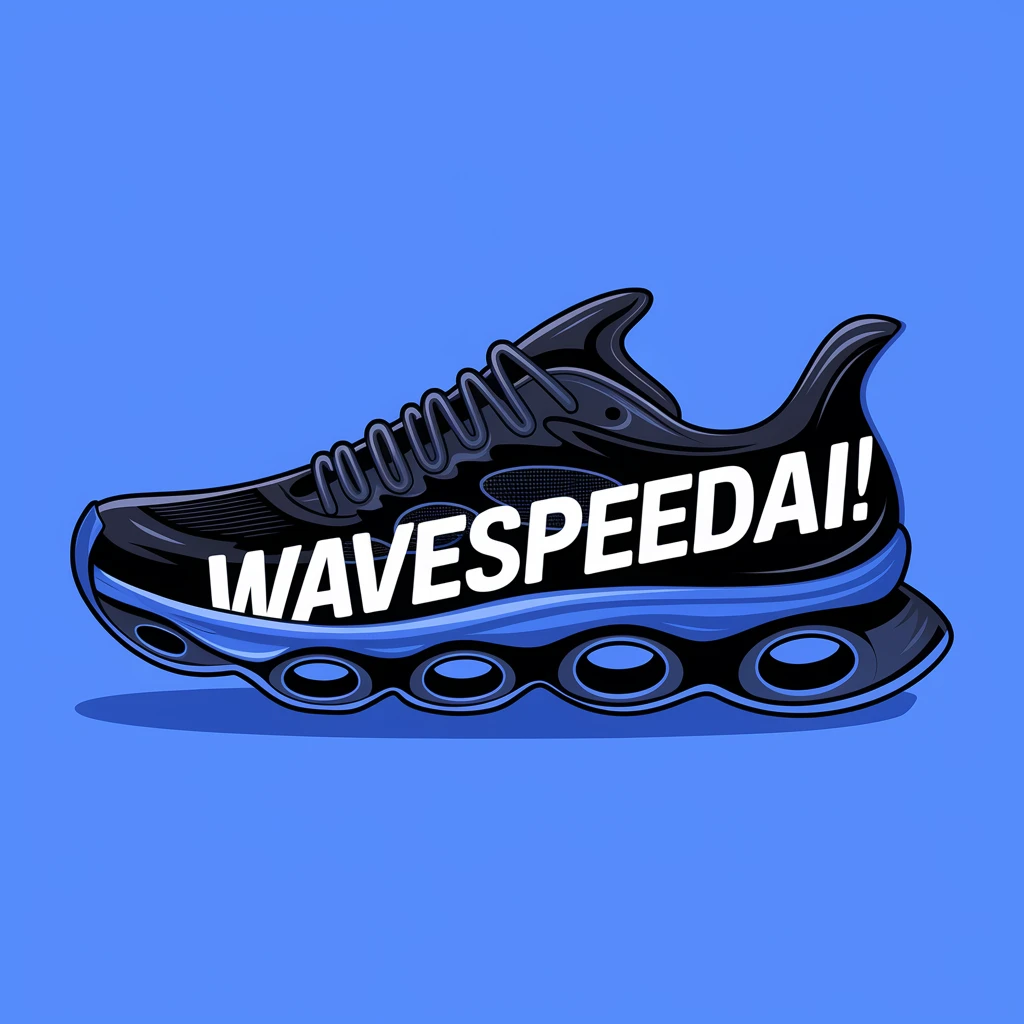
An illustration of a black running shoe with the text "WaveSpeedAI!" written on theshoe. The shoe is placed on a blue background. The text is white and bold. The overallimage has a modern and techy vibe.

Girl with freckles and curly red hair lying in a field of wildflowers, soft natural light, macro-level skin details, gentle breeze captured in motion

Korean girl in a hanbok standing under cherry blossoms, soft pastel tones, shallow depth of field, cinematic film look, photorealistic
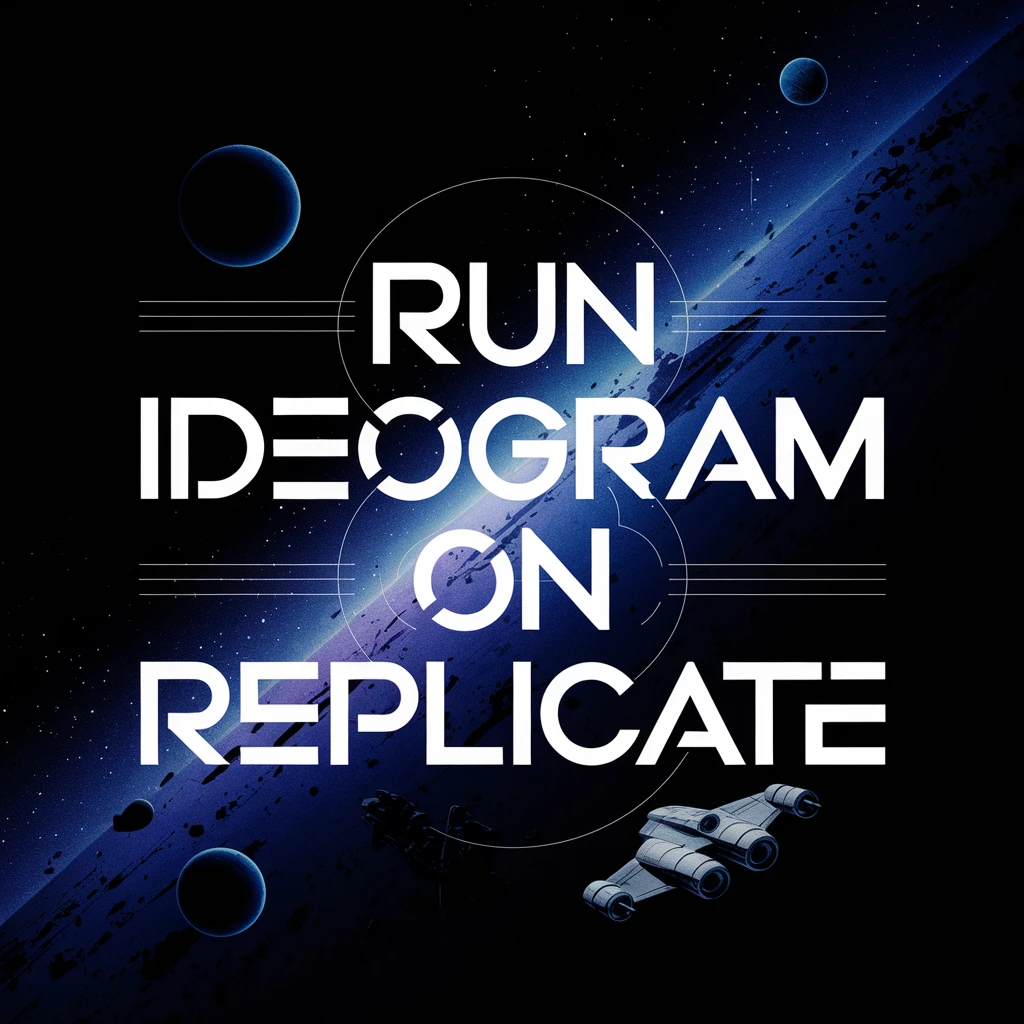
A beautiful typographic poster with the text "Run Ideogram on Replicate", against an epic space scene

Japanese high school boy leaning on a balcony, sunset in the background, uniform details, warm atmosphere, delicate lighting, hyperreal face textures

Woman in a red dress walking through foggy street at night, streetlamp glow behind her, mysterious atmosphere, soft focus background, high fidelity textures

A stunning, realistic portrait of an elderly woman with deep, kind eyes and a gentle smile. She is wearing a hand-knitted, colorful scarf. The photo should be taken in a cozy, sunlit room filled with books. The lighting should be soft and natural, highlighting the texture of her skin and the details of the scarf. a photograph, cinematic, emotional.

A whimsical watercolor illustration for a children's book. A friendly fox wearing a small backpack is reading a book under a large, magical mushroom. The forest around him is vibrant and full of glowing flowers. The words 'WavespeedAI' are subtly integrated into the roots of the mushroom. a painting, vibrant, fantasy.
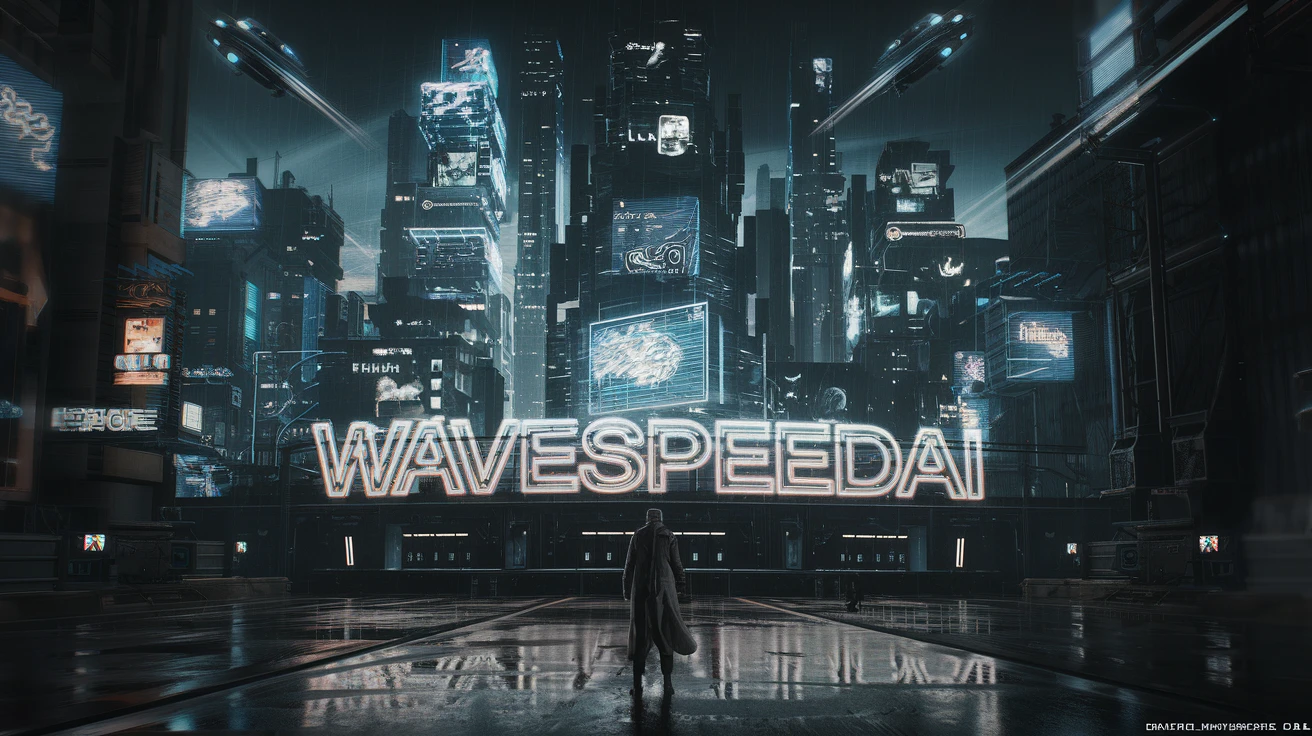
A sprawling, neon-drenched cyberpunk cityscape at night. Flying vehicles streak between towering skyscrapers covered in holographic advertisements. In the foreground, a lone figure in a long coat stands on a rain-slicked street, looking up at the city. A large, glowing neon sign in Japanese characters reads 'WavespeedAI'. 3d render, cinematic, futuristic, dark.

An architectural visualization of a modern, eco-friendly house integrated into a lush forest. The house features large glass walls, a green roof covered in plants, and natural wood accents. Sunlight streams through the trees, creating dynamic light and shadow on the building's facade. A small sign on the pathway says 'WavespeedAI'. photo, architectural render, realistic, serene.
Mô hình liên quan



README
Ideogram V2
Ideogram V2 is a powerful text-to-image generation model renowned for its exceptional ability to render text within images. Generate stunning visuals with accurate, readable text — perfect for posters, logos, typography, and designs that require precise text integration.
Why It Stands Out
- Superior text rendering: Industry-leading accuracy for generating readable text within images.
- Multi-mode support: Works as text-to-image, image-to-image, and inpainting generator.
- Prompt Enhancer: Built-in AI-powered prompt optimization for better results.
- Style presets: Choose from various style options or let the model decide with Auto.
- Flexible aspect ratios: Multiple aspect ratio presets for different use cases.
- Inpainting support: Use mask images for precise, targeted image editing.
Parameters
| Parameter | Required | Description |
|---|---|---|
| prompt | Yes | Text description of the image you want to generate. |
| image | No | Source image for image-to-image transformation. |
| mask_image | No | Mask for inpainting (white = generate, black = preserve). |
| style | No | Style preset: Auto or specific styles (default: Auto). |
| aspect_ratio | No | Output aspect ratio (default: 1:1). |
| enable_base64_output | No | Return base64 string instead of URL (API only). |
Supported Aspect Ratios
| Aspect Ratio | Best For |
|---|---|
| 1:1 | Instagram posts, social media squares |
| 16:9 | YouTube thumbnails, widescreen displays |
| 9:16 | TikTok, Instagram Stories, mobile content |
| 4:3 | Classic format, presentations |
| 3:4 | Portrait photos, Pinterest |
How to Use
Text-to-Image:
- Write a prompt describing the image you want. Use the Prompt Enhancer for AI-assisted optimization.
- Select a style preset or use Auto.
- Choose your desired aspect ratio.
- Click Run and download your image.
Image-to-Image:
- Upload a source image.
- Write a prompt describing the transformation.
- Adjust style and aspect ratio as needed.
- Click Run and download your image.
Inpainting:
- Upload a source image and a mask image.
- White areas in the mask will be regenerated based on your prompt.
- Write a prompt describing what should appear in the masked region.
- Click Run and download your image.
Best Use Cases
- Typography & Posters — Create posters, banners, and designs with accurate, stylized text.
- Logo Design — Generate logo concepts with readable brand names.
- Product Mockups — Create realistic product images with custom text and branding.
- Social Media Graphics — Produce text-heavy visuals for posts and ads.
- Marketing Materials — Create promotional images with integrated messaging.
- Signage & Labels — Generate realistic signs, storefronts, and product labels.
Pricing
| Output | Price |
|---|---|
| Per image | $0.08 |
Pro Tips for Best Quality
- For text rendering, include the exact text in quotes within your prompt.
- Specify font style if desired (e.g., "bold sans-serif," "elegant script," "neon sign").
- Use the inpainting feature with masks to edit specific areas while preserving the rest.
- Choose an appropriate style preset to match your creative vision.
- Select the right aspect ratio for your intended use.
Notes
- Ensure uploaded image URLs are publicly accessible.
- Processing time varies based on current queue load.
- Please ensure your prompts comply with content guidelines.
Features
Ideogram v2 API — Quick start
Grab a WaveSpeedAI API key, then call POST https://api.wavespeed.ai/api/v3/ideogram-ai/ideogram-v2 with your input as JSON. The endpoint returns a prediction id. Start polling the result endpoint around every 2 seconds, increase the interval for long-running tasks, and stop on any terminal status. On completed, read output values from data.outputs. Examples for Ideogram v2 below.
HTTP example
set -euo pipefail

: "${WAVESPEED_API_KEY:?Set WAVESPEED_API_KEY}"

REQUEST_BODY=$(cat <<'JSON'
{
    "prompt": "A cinematic shot of a city at sunset, soft golden light",
    "style": "Auto",
    "aspect_ratio": "1:1"
}
JSON
)

# 1. Submit the prediction.
SUBMIT_RESPONSE=$(curl --silent --show-error --fail-with-body \
  -X POST "https://api.wavespeed.ai/api/v3/ideogram-ai/ideogram-v2" \
  -H "Content-Type: application/json" \
  -H "Authorization: Bearer $WAVESPEED_API_KEY" \
  -d "$REQUEST_BODY")

TASK=$(printf '%s' "$SUBMIT_RESPONSE" | jq 'if has("data") then .data else . end')
PREDICTION_ID=$(printf '%s' "$TASK" | jq -r '.id')
if [ -z "$PREDICTION_ID" ] || [ "$PREDICTION_ID" = "null" ]; then
  printf 'Submission response did not contain a prediction id
' >&2
  exit 1
fi
RESULT_URL=$(printf '%s' "$TASK" | jq -r '.urls.get // empty')
if [ -z "$RESULT_URL" ]; then
  RESULT_URL="https://api.wavespeed.ai/api/v3/predictions/$PREDICTION_ID/result"
fi

# 2. Poll until the prediction finishes.
while true; do
  RESPONSE=$(curl --silent --show-error --fail-with-body "$RESULT_URL" \
    -H "Authorization: Bearer $WAVESPEED_API_KEY")
  RESULT=$(printf '%s' "$RESPONSE" | jq 'if has("data") then .data else . end')
  STATUS=$(printf '%s' "$RESULT" | jq -r '.status')
  case "$STATUS" in
    completed) printf '%s\n' "$RESULT" | jq '.outputs'; break ;;
    failed|cancelled|timeout) printf '%s\n' "$RESULT" | jq . >&2; exit 1 ;;
    created|processing) sleep 2 ;;
    *) printf 'Unexpected status: %s
' "$STATUS" >&2; exit 1 ;;
  esac
done
Node.js example
const submitUrl = "https://api.wavespeed.ai/api/v3/ideogram-ai/ideogram-v2";
const apiKey = process.env.WAVESPEED_API_KEY;
if (!apiKey) throw new Error('Set WAVESPEED_API_KEY');

async function requestJson(url, options = {}) {
  const response = await fetch(url, options);
  if (!response.ok) throw new Error(await response.text());
  return response.json();
}

// 1. Submit the prediction.
const body = await requestJson(submitUrl, {
  method: "POST",
  headers: {
    "Authorization": `Bearer ${apiKey}`,
    "Content-Type": "application/json",
  },
  body: JSON.stringify({
        "prompt": "A cinematic shot of a city at sunset, soft golden light",
        "style": "Auto",
        "aspect_ratio": "1:1"
}),
});
const task = body.data ?? body;
if (!task.id) throw new Error("Submission response did not contain a prediction id");
const resultUrl = task.urls?.get ||
  `https://api.wavespeed.ai/api/v3/predictions/${task.id}/result`;

// 2. Poll until the prediction finishes.
while (true) {
  const resultBody = await requestJson(resultUrl, {
    headers: { "Authorization": `Bearer ${apiKey}` },
  });
  const result = resultBody.data ?? resultBody;
  if (result.status === "completed") {
    console.log(result.outputs);
    break;
  }
  if (["failed", "cancelled", "timeout"].includes(result.status)) throw new Error(JSON.stringify(result));
  if (!["created", "processing"].includes(result.status)) throw new Error("Unexpected status: " + result.status);
  await new Promise(resolve => setTimeout(resolve, 2000));
}
Python example
import json
import os
import time
from urllib.request import Request, urlopen

api_key = os.environ["WAVESPEED_API_KEY"]
headers = {"Authorization": f"Bearer {api_key}", "Content-Type": "application/json"}
payload = {
    "prompt": "A cinematic shot of a city at sunset, soft golden light",
    "style": "Auto",
    "aspect_ratio": "1:1"
}

def request_json(url, data=None):
    request = Request(url, data=data, headers=headers, method="POST" if data else "GET")
    with urlopen(request) as response:
        return json.load(response)

# 1. Submit the prediction.
body = request_json("https://api.wavespeed.ai/api/v3/ideogram-ai/ideogram-v2", json.dumps(payload).encode())
task = body.get("data", body)
if not task.get("id"):
    raise RuntimeError("Submission response did not contain a prediction id")
result_url = task.get("urls", {}).get("get") or f"https://api.wavespeed.ai/api/v3/predictions/{task['id']}/result"

# 2. Poll until the prediction finishes.
while True:
    result_body = request_json(result_url)
    result = result_body.get("data", result_body)
    status = result.get("status")
    if status == "completed":
        print(result.get("outputs", []))
        break
    if status in {"failed", "cancelled", "timeout"}:
        raise RuntimeError(result)
    if status not in {"created", "processing"}:
        raise RuntimeError(f"Unexpected status: {status}")
    time.sleep(2)
Ideogram v2 API — Frequently asked questions
What is the Ideogram v2 API?
Ideogram v2 is a Ideogram model for image generation, exposed as a REST API on WaveSpeedAI. Ideogram v2 is an image model with state-of-the-art inpainting, strong prompt comprehension, and accurate in-image text rendering. Ready-to-use REST inference API, best performance, no coldstarts, affordable pricing. You can call it programmatically or try it from the playground above.
How do I call the Ideogram v2 API?
POST your input parameters to the model's REST endpoint (shown in the API tab of this playground) with your WaveSpeedAI API key in the Authorization header. Submission returns a prediction ID. Poll the result endpoint starting around every 2 seconds, increase the interval for long-running tasks, and stop on any terminal status. The playground generates production-oriented Python, JavaScript, and cURL examples with timeouts, transient-error handling, and safe GET retries. Full request/response shape is documented at https://wavespeed.ai/docs/docs-api/ideogram-ai/ideogram-ai-ideogram-v2.
How much does Ideogram v2 cost per run?
Ideogram v2 starts at $0.080 per run. That figure is the base price — the final charge scales with the parameters you set in the form (output size, length, count, references, or whatever knobs this model exposes), so a higher-quality or larger output costs more than a minimal one. The exact cost for your current input is shown live next to the Generate button before you submit, and the actual per-call charge is recorded on the prediction afterwards.
What inputs does Ideogram v2 accept?
Key inputs: `prompt`, `image`, `aspect_ratio`, `enable_base64_output`, `mask_image`, `style`. The full JSON schema (types, defaults, allowed values) is rendered above the Generate button and mirrored in the API reference at https://wavespeed.ai/docs/docs-api/ideogram-ai/ideogram-ai-ideogram-v2.
How long does Ideogram v2 take to generate?
Median end-to-end generation time on WaveSpeedAI is around 21 seconds per request, based on recent successful runs. Queue time varies with global demand; live status is visible in the prediction record.
Can I use Ideogram v2 outputs commercially?
Commercial usage rights depend on the model's license, set by its provider (Ideogram). The license summary appears on the model card above; see WaveSpeedAI's Terms of Service for platform-level conditions.