Seedance 2.0 %20 İNDİRİM | Video Generator ile oluşturun →

Vidu Image to Video 2.0

vidu /

Vidu Image to Video 2.0 converts images into smooth-transition videos with exceptional visual quality and diverse, natural motion. Ready-to-use REST inference API, best performance, no coldstarts, affordable pricing.

image-to-video
Giriş

Sürükleyip bırakın veya yüklemek için tıklayın

preview

Boşta

$0.3çalıştırma başına·~33 / $10

Sonraki:

ÖrneklerTümünü görüntüle

Transform the entire environment around him into a handcrafted paper-cut diorama world, with layered paper mountains, paper clouds, and folded paper plants. Preserve the man as photorealistic, including his face, pose, clothes, chair, and lighting direction. The contrast between real person and paper world should feel intentional, artistic, and high-end.

Anime cinematic shot. The camera tracks backward as the girl walks forward with a bounce in her step, humming a tune. Suddenly, she spots a familiar face in the distance. Her eyes light up with excitement, and she waves her hand enthusiastically, calling out. A strong gust of spring wind swirls the cherry blossom petals around her, blowing her hair and sailor uniform skirt dynamically. 4k, vibrant colors, romantic atmosphere.

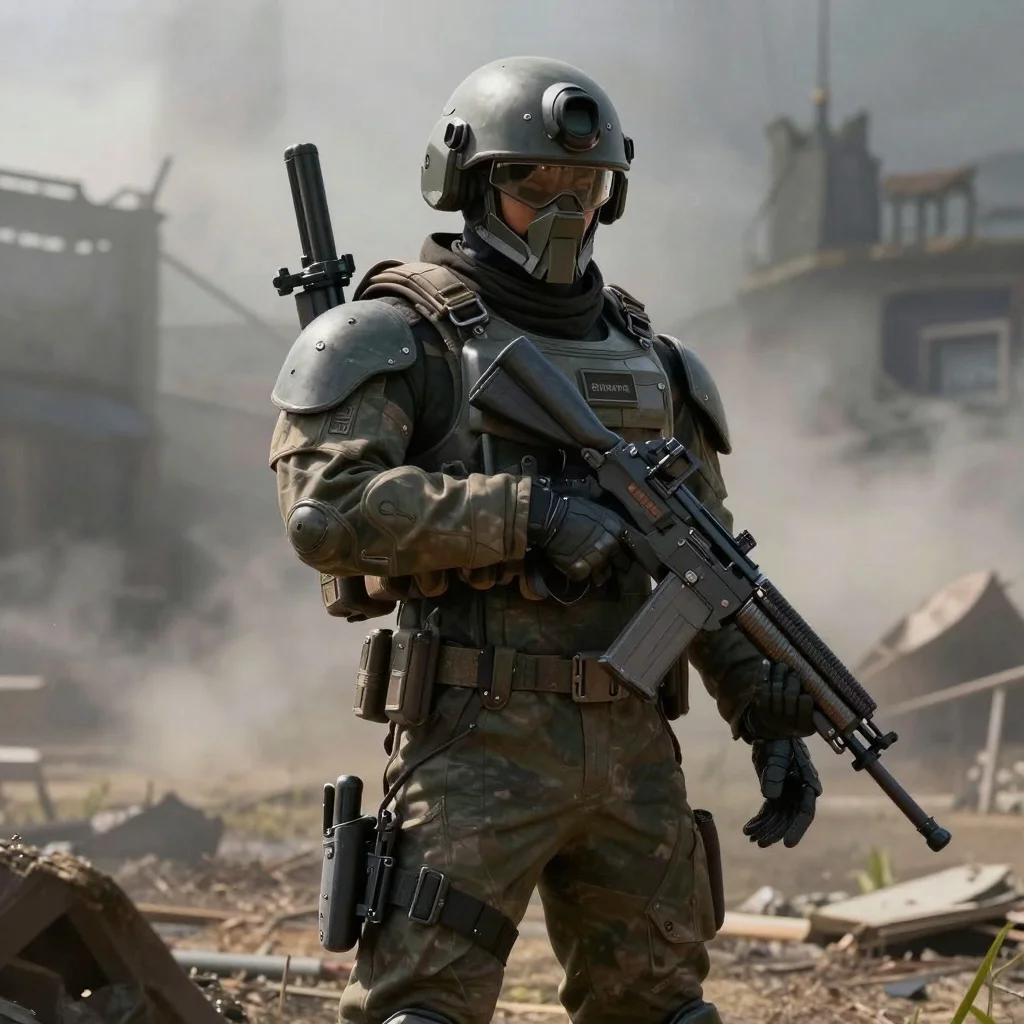
A futuristic female character walks slowly through a neon-lit cyberpunk alley, rain gently falls on the metallic surfaces, her robotic arms subtly reflect the ambient lights, flying cars pass in the background, camera tracks her sideways, cinematic lighting, high realism, deep shadows.

A man standing on a city rooftop at night, the skyline behind him filled with distant lights, wind blows through his coat, his face is half-lit by the glow of a nearby billboard, camera slowly pushes in on his pensive expression, realistic skin and lighting effects.

A girl in a flowing white dress walks through a glowing forest, sparkles float in the air, soft butterflies fly around her, sunbeams stream between the trees, magical and ethereal atmosphere, camera follows her fluidly from behind, vivid and imaginative style.

A woman in a dark velvet gown sits by a candlelit table, her posture elegant, face turned toward the viewer, light softly highlights her features like a renaissance painting, camera gently moves from left to right, deep shadows and textured fabrics, highly cinematic and moody.

İlgili Modeller

README

Vidu Image-to-Video 2.0

Vidu Image-to-Video 2.0 is a powerful image-to-video generation model that transforms static images into dynamic, cinematic videos. Upload an image, describe the motion you want, and control the movement intensity — from subtle animations to dramatic action sequences.

Why It Stands Out

  • Image-driven generation: Animate any image while preserving its original style and composition.
  • Movement amplitude control: Choose from auto, small, medium, or large motion intensity.
  • Prompt-guided motion: Describe camera movements, actions, and expressions in detail.
  • Prompt Enhancer: Built-in AI-powered prompt optimization for better results.
  • Cinematic quality: Produces smooth, professional-looking video output.
  • Reproducibility: Use the seed parameter to recreate exact results.

Parameters

ParameterRequiredDescription
promptYesText description of desired motion and action.
imageYesSource image to animate (upload or public URL).
movement_amplitudeNoMotion intensity: auto, small, medium, large (default: auto).
seedNoSet for reproducibility; leave empty for random.

Movement Amplitude Options

SettingBest For
autoLet the model decide based on prompt and image content
smallSubtle animations, breathing, blinking, gentle movements
mediumModerate motion, walking, talking, natural gestures
largeDynamic action, running, dramatic movements, action scenes

How to Use

  1. Upload your source image — drag and drop a file or paste a public URL.
  2. Write a prompt describing the motion, camera movement, and expressions you want. Use the Prompt Enhancer for AI-assisted optimization.
  3. Select movement amplitude — choose the intensity of motion that fits your scene.
  4. Set a seed (optional) for reproducible results.
  5. Click Run and wait for your video to generate.
  6. Preview and download the result.

Best Use Cases

  • Character Animation — Bring characters to life with expressions and movements.
  • Social Media Content — Create engaging video posts from static images.
  • Marketing & Advertising — Animate product images and promotional content.
  • Storytelling — Generate cinematic scenes from artwork and stills.
  • Wildlife & Nature — Add realistic motion to animal and nature photos.

Pricing

OutputPrice
Per video$0.30

Pro Tips for Best Quality

  • Use high-resolution, well-lit source images for optimal results.
  • Be detailed in your prompt — describe camera movement, subject actions, and expressions.
  • Match movement_amplitude to your scene: "small" for portraits, "large" for action.
  • Include cinematic keywords like "slowly zooms in," "medium shot," or "tracking shot."
  • Describe subtle details like breathing, ear twitching, or expression changes.
  • Fix the seed when iterating to compare different amplitude settings.

Notes

  • Ensure uploaded image URLs are publicly accessible.
  • Processing time varies based on current queue load.
  • Please ensure your prompts comply with content guidelines.
Erişilebilirlik:Bu web sitesi, üçüncü taraflarca sağlanan yapay zeka modellerini kullanmaktadır.

Image To Video 2.0 API — Quick start

Grab a WaveSpeedAI API key, then call POST https://api.wavespeed.ai/api/v3/vidu/image-to-video-2.0 with your input as JSON. The endpoint returns a prediction id; poll the prediction endpoint until status flips to completed, then read the output URL from data.outputs[0]. Examples for Image To Video 2.0 below.

HTTP example
# Submit the prediction
curl -X POST "https://api.wavespeed.ai/api/v3/vidu/image-to-video-2.0" \
  -H "Content-Type: application/json" \
  -H "Authorization: Bearer $WAVESPEED_API_KEY" \
  -d '{
    "prompt": "A cinematic shot of a city at sunset, soft golden light",
    "image": "https://example.com/your-input.jpg",
    "movement_amplitude": "auto",
    "seed": 0
}'

# Response includes a prediction id. Poll for the result:
curl -X GET "https://api.wavespeed.ai/api/v3/predictions/{request_id}/result" \
  -H "Authorization: Bearer $WAVESPEED_API_KEY"

# When status is "completed", read the output from data.outputs[0].
Node.js example
// npm install wavespeed
const WaveSpeed = require('wavespeed');

const client = new WaveSpeed(); // reads WAVESPEED_API_KEY from env

const result = await client.run("vidu/image-to-video-2.0", {
        "prompt": "A cinematic shot of a city at sunset, soft golden light",
        "image": "https://example.com/your-input.jpg",
        "movement_amplitude": "auto",
        "seed": 0
});

console.log(result.outputs[0]); // → URL of the generated output
Python example
# pip install wavespeed
import wavespeed

output = wavespeed.run(
    "vidu/image-to-video-2.0",
    {
    "prompt": "A cinematic shot of a city at sunset, soft golden light",
    "image": "https://example.com/your-input.jpg",
    "movement_amplitude": "auto",
    "seed": 0
}
)

print(output["outputs"][0])  # → URL of the generated output

Image To Video 2.0 API — Frequently asked questions

What is the Image To Video 2.0 API?

Image To Video 2.0 is a Vidu model for video generation from images, exposed as a REST API on WaveSpeedAI. Vidu Image to Video 2.0 converts images into smooth-transition videos with exceptional visual quality and diverse, natural motion. Ready-to-use REST inference API, best performance, no coldstarts, affordable pricing. You can call it programmatically or try it from the playground above.

How do I call the Image To Video 2.0 API?

POST your input parameters to the model's REST endpoint (shown in the API tab of this playground) with your WaveSpeedAI API key in the Authorization header. Submission returns a prediction ID; poll the prediction endpoint until status flips to "completed", then read the output URL from the result. The playground generates a ready-to-paste code sample in Python, JavaScript, or cURL for whatever inputs you've set. Full request/response shape is documented at https://wavespeed.ai/docs/docs-api/vidu/vidu-image-to-video-2.0.

How much does Image To Video 2.0 cost per run?

Image To Video 2.0 starts at $0.30 per run. That figure is the base price — the final charge scales with the parameters you set in the form (output size, length, count, references, or whatever knobs this model exposes), so a higher-quality or larger output costs more than a minimal one. The exact cost for your current input is shown live next to the Generate button before you submit, and the actual per-call charge is recorded on the prediction afterwards.

What inputs does Image To Video 2.0 accept?

Key inputs: `prompt`, `image`, `seed`, `movement_amplitude`. The full JSON schema (types, defaults, allowed values) is rendered above the Generate button and mirrored in the API reference at https://wavespeed.ai/docs/docs-api/vidu/vidu-image-to-video-2.0.

How long does Image To Video 2.0 take to generate?

Average end-to-end generation time on WaveSpeedAI is around 95 seconds per request — measured across recent runs. Queue time scales with global demand; live status is visible in the prediction record.

Can I use Image To Video 2.0 outputs commercially?

Commercial usage rights depend on the model's license, set by its provider (Vidu). The license summary appears on the model card above; see WaveSpeedAI's Terms of Service for platform-level conditions.