Vidu Q3 Reference-to-Video Mix generates multi-entity consistent videos from 1-4 reference images with text prompt guidance. Supports 360p to 1080p resolutions, up to 16 seconds duration, multiple aspect ratios, and optional audio generation. Ready-to-use REST inference API, best performance, no coldstarts, affordable pricing.
ว่าง
$0.35ต่อครั้ง·~28 / $10
ตัวอย่างดูทั้งหมด
The violinist plays, eyes unfocused — until he glances down and sees the girl watching. He falters for just a fraction of a second, then plays more deliberately. His posture changes slightly. The girl doesn't blink. Her mother gently tugs her hand to leave, but she resists, planted. The musician's expression softens almost imperceptibly. Camera slowly racks focus from the crowd to the two of them. The world rushes on around a quiet moment of connection.
Her hands tremble almost imperceptibly as she reads. A single tear escapes and falls onto the letter, blurring the ink. She closes her eyes briefly, lips pressed together. The candle flame flickers in a draft. Rain intensifies against the window. Camera slowly pushes in toward her face. No music needed — silence tells the story. Emotionally devastating, restrained performance.
He taps the delivery app frantically — the estimated arrival time keeps going up. The dragon in front exhales a small frustrated puff of smoke. A witch cuts in from the side lane; he honks his broom (a little bell rings). He looks into the camera with dead eyes. Camera slowly pulls back to reveal how insane the aerial traffic jam is. Somewhere below, a customer is leaving a 1-star review in real time.
โมเดลที่เกี่ยวข้อง
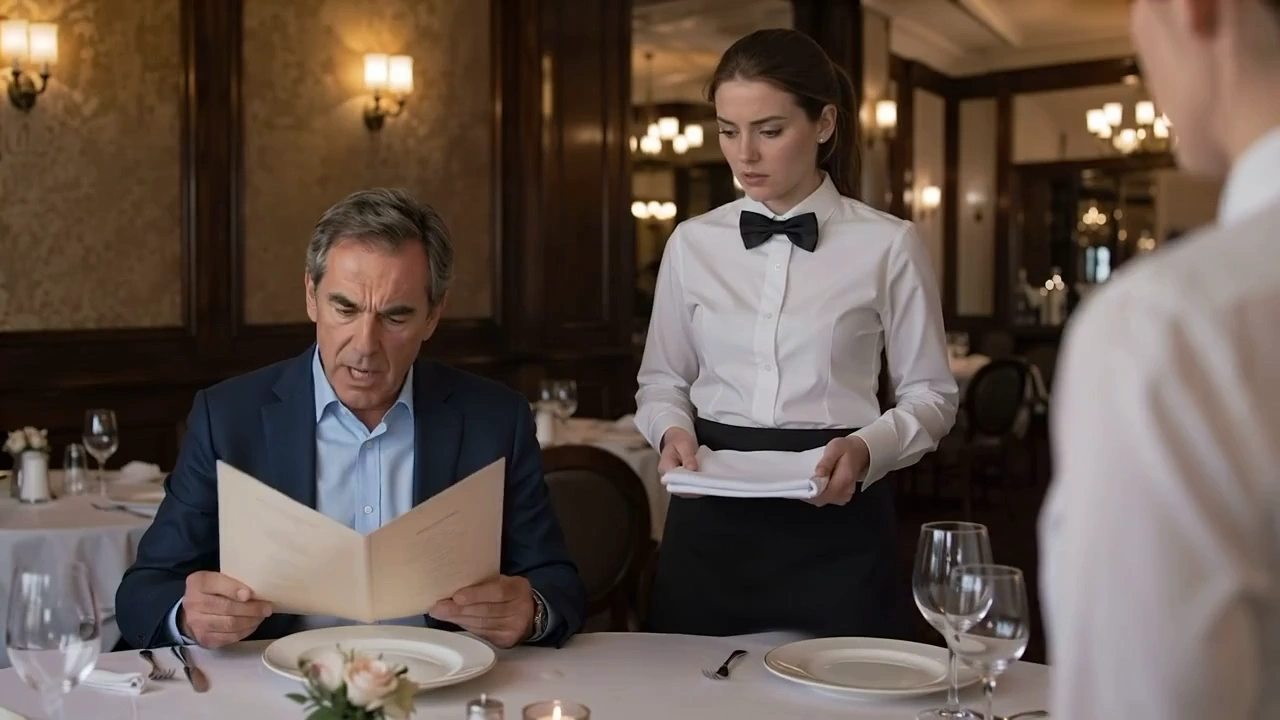
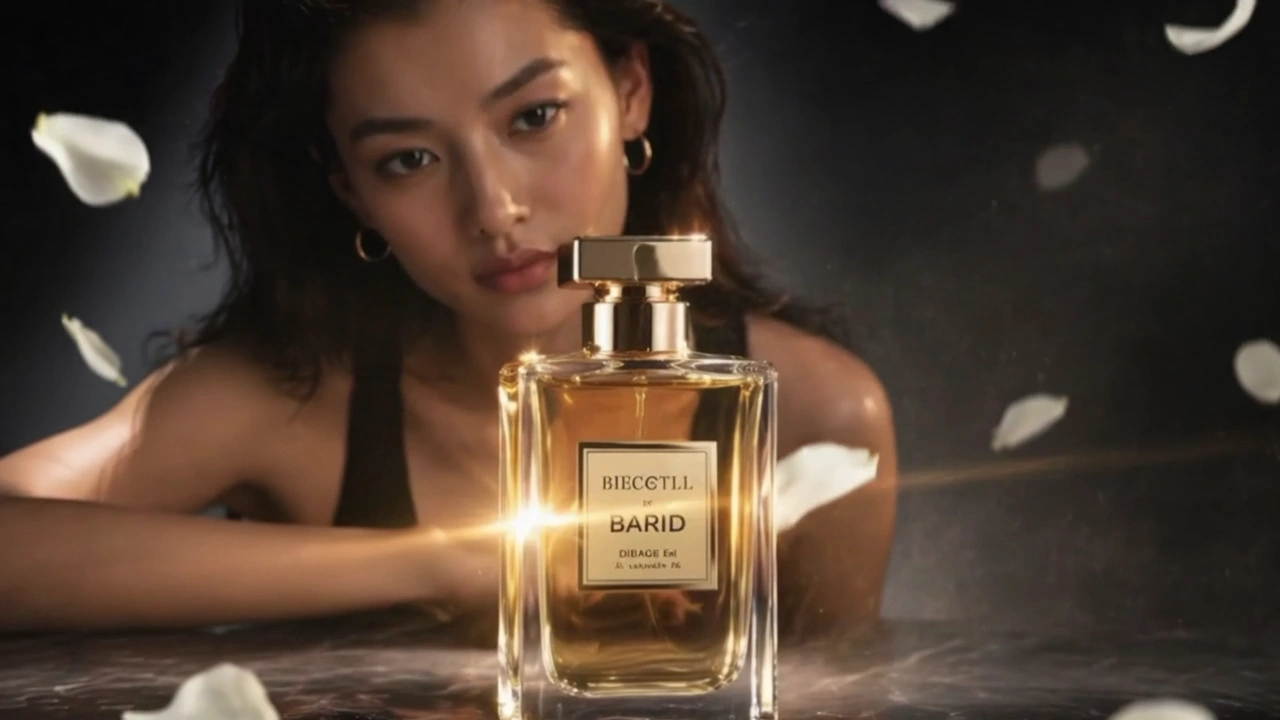


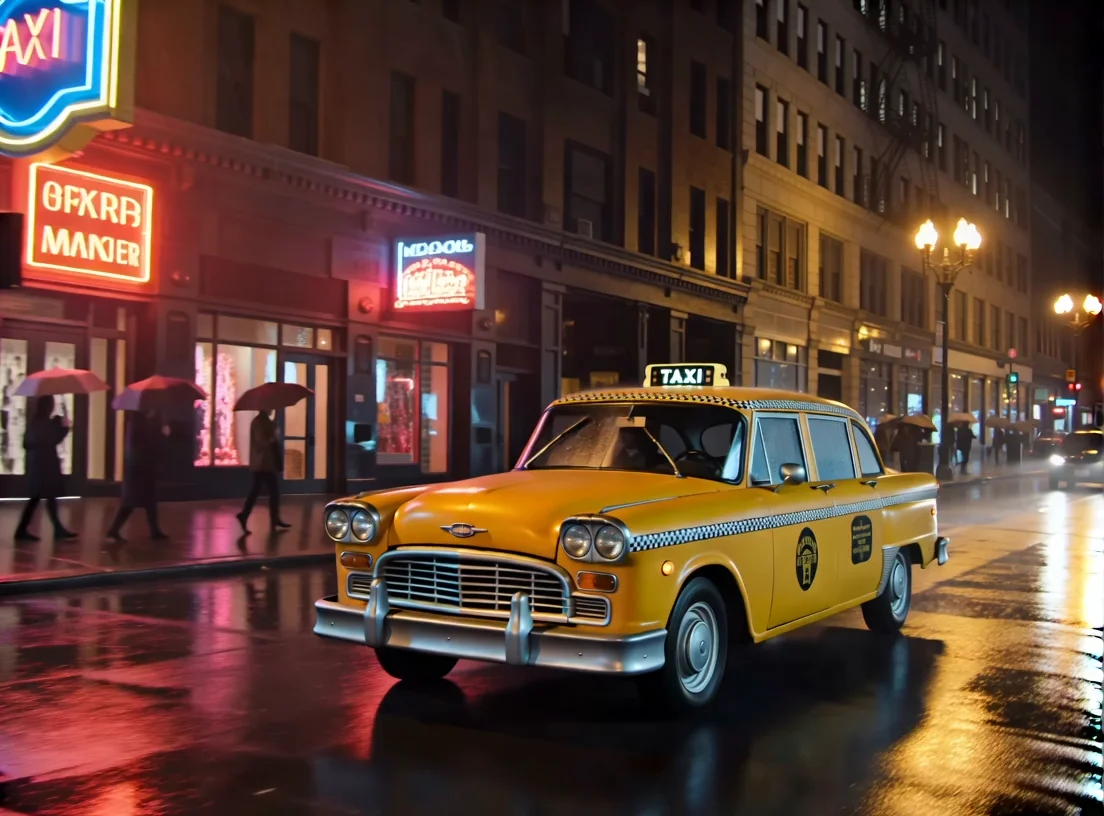

README
Vidu Q3 Reference-to-Video
Vidu Q3 Reference-to-Video generates cinematic video guided by multiple reference images and a text prompt. Upload one or more reference images to establish character identity, style, or scene elements — the model produces a cohesive, motion-consistent video that blends all provided references into a new scene.
Why Choose This?
-
Multi-image reference generation Upload multiple reference images to combine characters, styles, or visual elements from different sources into a single coherent video.
-
Character-consistent output The model preserves the identity, appearance, and style of subjects from your reference images throughout the generated clip.
-
Optional audio generation Enable generate_audio to produce synchronized ambient sound and atmosphere alongside the video.
-
Flexible resolution options Generate at 480p, 720p, or 1080p to match your quality and budget requirements.
-
Reproducible results Use the seed parameter to lock in a specific output for exact reproduction.
-
Prompt Enhancer Built-in tool to automatically improve your scene descriptions for richer output.
Parameters
| Parameter | Required | Description |
|---|---|---|
| prompt | Yes | Text description of the scene, action, and atmosphere. |
| images | Yes | One or more reference images. Click Add Item to include additional images. |
| aspect_ratio | No | Output aspect ratio. Default: 16:9. |
| resolution | No | Output resolution: 480p, 720p (default), or 1080p. |
| duration | No | Clip length in seconds. Default: 5. |
| generate_audio | No | Whether to generate synchronized audio for the video. Default: enabled. |
| seed | No | Random seed for reproducible results. |
How to Use
- Write your prompt — describe the scene, characters, camera movement, and atmosphere. Use the Prompt Enhancer for better results.
- Upload your reference images — provide one or more images via URL or drag-and-drop. Click Add Item to add more.
- Select aspect ratio — choose the format that fits your target platform.
- Select resolution — 480p for lower cost, 720p or 1080p for higher quality.
- Set duration — choose your desired clip length in seconds.
- Enable audio (optional) — generate_audio is enabled by default; disable it if you only need video.
- Set seed (optional) — fix the seed to reproduce a specific result in future runs.
- Submit — generate, preview, and download your video.
Pricing
| Duration | 480p | 720p / 1080p |
|---|---|---|
| 5s | $0.35 | $0.77 |
| 10s | $0.70 | $1.54 |
| 15s | $1.05 | $2.31 |
Billing Rules
- 480p: $0.07 per second
- 720p / 1080p: $0.154 per second (2.2× base rate)
Best Use Cases
- Character-Driven Storytelling — Place consistent characters from reference images into entirely new scenes.
- Social Media Content — Produce short-form video clips with consistent visual identity from reference photos.
- Marketing & Brand Video — Generate new scenes featuring consistent brand characters or products from reference imagery.
- Creative Concepting — Rapidly prototype multi-character or multi-element scenes for pitching and storyboarding.
- Style-Consistent Series — Maintain a unified visual style across multiple video generations using the same reference set.
Pro Tips
- Use clear, well-lit reference images with distinct subjects for the most accurate identity preservation.
- The more reference images you provide, the richer the model's understanding of your intended style and characters.
- Disable generate_audio if you plan to add your own soundtrack in post-production.
- Fix the seed once you find a result you like to iterate consistently across resolution and duration changes.
- Use 480p to rapidly test your prompt and reference combination before committing to a higher-resolution render.
Notes
- Both prompt and images are required fields; all other parameters are optional.
- generate_audio is enabled by default — disable it explicitly if you do not need audio.
- Ensure image URLs are publicly accessible if using links rather than direct uploads.
- Please ensure your content complies with Vidu's usage policies.
Related Models
- Vidu Q3 Image-to-Video Pro — Animate a single reference image into a cinematic video clip with Q3 Pro quality.
- Vidu Image-to-Video Q2 Pro — Previous generation Vidu Pro image-to-video model.
- Vidu One-Click V2 MV — One-click music video generation with Vidu.
Q3 Reference To Video API — Quick start
Grab a WaveSpeedAI API key, then call POST https://api.wavespeed.ai/api/v3/vidu/q3/reference-to-video with your input as JSON. The endpoint returns a prediction id; poll the prediction endpoint until status flips to completed, then read the output URL from data.outputs[0]. Examples for Q3 Reference To Video below.
HTTP example
# Submit the prediction
curl -X POST "https://api.wavespeed.ai/api/v3/vidu/q3/reference-to-video" \
  -H "Content-Type: application/json" \
  -H "Authorization: Bearer $WAVESPEED_API_KEY" \
  -d '{
    "prompt": "A cinematic shot of a city at sunset, soft golden light",
    "aspect_ratio": "16:9",
    "resolution": "720p",
    "duration": 5,
    "generate_audio": true,
    "seed": 0
}'

# Response includes a prediction id. Poll for the result:
curl -X GET "https://api.wavespeed.ai/api/v3/predictions/{request_id}/result" \
  -H "Authorization: Bearer $WAVESPEED_API_KEY"

# When status is "completed", read the output from data.outputs[0].
Node.js example
// npm install wavespeed
const WaveSpeed = require('wavespeed');

const client = new WaveSpeed(); // reads WAVESPEED_API_KEY from env

const result = await client.run("vidu/q3/reference-to-video", {
        "prompt": "A cinematic shot of a city at sunset, soft golden light",
        "aspect_ratio": "16:9",
        "resolution": "720p",
        "duration": 5,
        "generate_audio": true,
        "seed": 0
});

console.log(result.outputs[0]); // → URL of the generated output
Python example
# pip install wavespeed
import wavespeed

output = wavespeed.run(
    "vidu/q3/reference-to-video",
    {
    "prompt": "A cinematic shot of a city at sunset, soft golden light",
    "aspect_ratio": "16:9",
    "resolution": "720p",
    "duration": 5,
    "generate_audio": true,
    "seed": 0
}
)

print(output["outputs"][0])  # → URL of the generated output
Q3 Reference To Video API — Frequently asked questions
What is the Q3 Reference To Video API?
Q3 Reference To Video is a Vidu model for video generation from images, exposed as a REST API on WaveSpeedAI. Vidu Q3 Reference-to-Video Mix generates multi-entity consistent videos from 1-4 reference images with text prompt guidance. Supports 360p to 1080p resolutions, up to 16 seconds duration, multiple aspect ratios, and optional audio generation. Ready-to-use REST inference API, best performance, no coldstarts, affordable pricing. You can call it programmatically or try it from the playground above.
How do I call the Q3 Reference To Video API?
POST your input parameters to the model's REST endpoint (shown in the API tab of this playground) with your WaveSpeedAI API key in the Authorization header. Submission returns a prediction ID; poll the prediction endpoint until status flips to "completed", then read the output URL from the result. The playground generates a ready-to-paste code sample in Python, JavaScript, or cURL for whatever inputs you've set. Full request/response shape is documented at https://wavespeed.ai/docs/docs-api/vidu/vidu-q3-reference-to-video.
How much does Q3 Reference To Video cost per run?
Q3 Reference To Video starts at $0.35 per run. That figure is the base price — the final charge scales with the parameters you set in the form (output size, length, count, references, or whatever knobs this model exposes), so a higher-quality or larger output costs more than a minimal one. The exact cost for your current input is shown live next to the Generate button before you submit, and the actual per-call charge is recorded on the prediction afterwards.
What inputs does Q3 Reference To Video accept?
Key inputs: `prompt`, `images`, `aspect_ratio`, `resolution`, `duration`, `seed`. The full JSON schema (types, defaults, allowed values) is rendered above the Generate button and mirrored in the API reference at https://wavespeed.ai/docs/docs-api/vidu/vidu-q3-reference-to-video.
How do I get started with the Q3 Reference To Video API?
Sign up for a free WaveSpeedAI account to claim starter credits, copy your API key from /accesskey, then call the endpoint shown in the API tab of the playground. The playground also auto-generates a code sample in Python, JavaScript, or cURL for the parameters you've set.
Can I use Q3 Reference To Video outputs commercially?
Commercial usage rights depend on the model's license, set by its provider (Vidu). The license summary appears on the model card above; see WaveSpeedAI's Terms of Service for platform-level conditions.