PixVerse V5.5 transforms text prompts into realistic videos with smooth motion and natural detail in seconds—ideal for stories, ads, and social clips. Ready-to-use REST inference API, best performance, no coldstarts, affordable pricing.
ว่าง
$0.45ต่อครั้ง·~22 / $10
ตัวอย่างดูทั้งหมด
An anime scene on a city rooftop at sunset. Start with a wide shot of a pastel orange sky and distant skyline, wind gently moving laundry lines and antenna cables. Cut to a medium shot of a teenage girl in a school uniform standing at the edge, hair and ribbon blowing in the wind, anime style linework and shading. She turns toward the camera and says softly, "I'll change everything, starting today." Soft piano and cicadas in the background, Japanese-anime voice acting, subtle camera shake and zoom for emotional emphasis.
A fast-paced cyberpunk chase at night. Begin with a wide aerial shot of a neon-lit alley full of holographic signs and rain, a runner in a glowing jacket dashing through the crowd. Cut to a low tracking shot at ground level, water splashing in slow motion as they jump over a puddle, neon reflections everywhere. Final shot: dynamic side view as they leap over a gap between rooftops, the camera whipping past to reveal giant holographic billboards behind them. Style: hyper-realistic cyberpunk, strong magenta and teal lights. Sound: heavy electronic beat, rain, distant sirens, their breath and footsteps clearly audible, no dialogue.
A modern coffee commercial. First shot: extreme close-up of hot espresso pouring into a glass cup in slow motion, rich crema forming, warm morning light on a wooden table. Second shot: medium shot of a young professional picking up the cup at a kitchen counter, smiling and taking a sip, steam rising. Final shot: overhead view of the cup on the table next to a laptop and notebook, sunlight making a soft glow around the cup. Style: clean, realistic, high-end commercial look. Sound: gentle acoustic guitar, subtle coffee pouring and cup clink, soft female voiceover saying one short line: "Start today with something warm."
โมเดลที่เกี่ยวข้อง


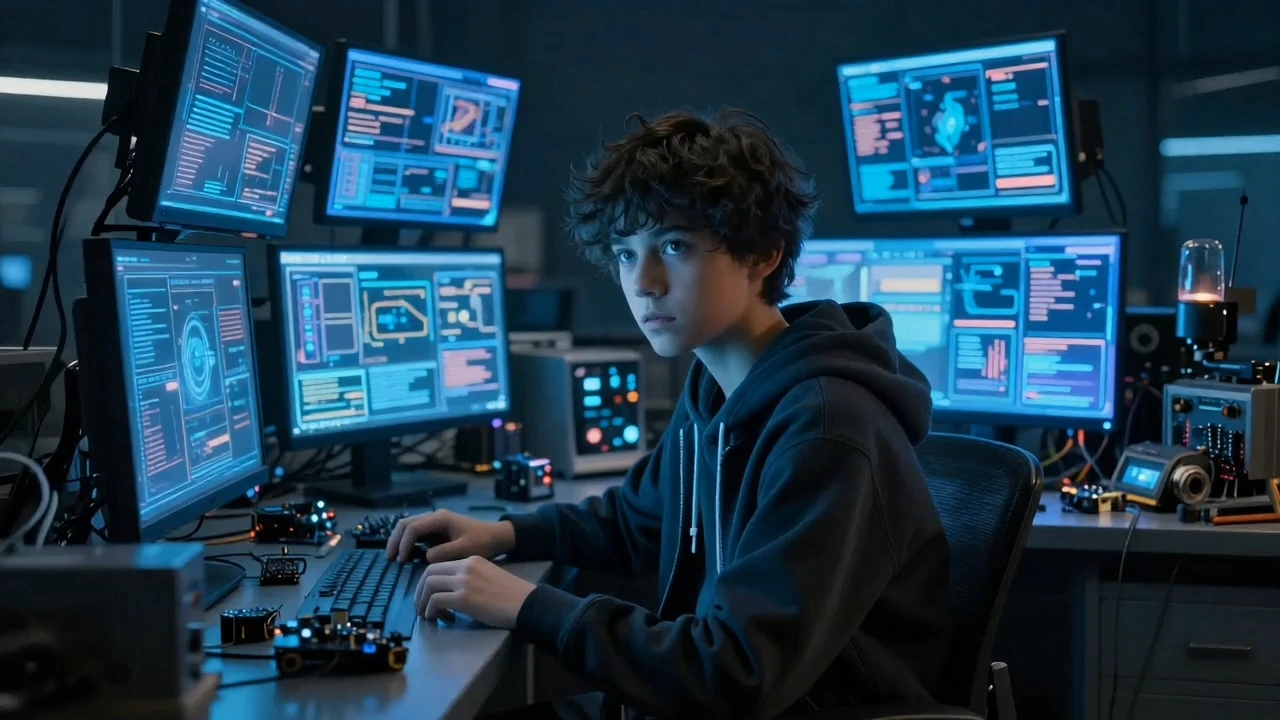
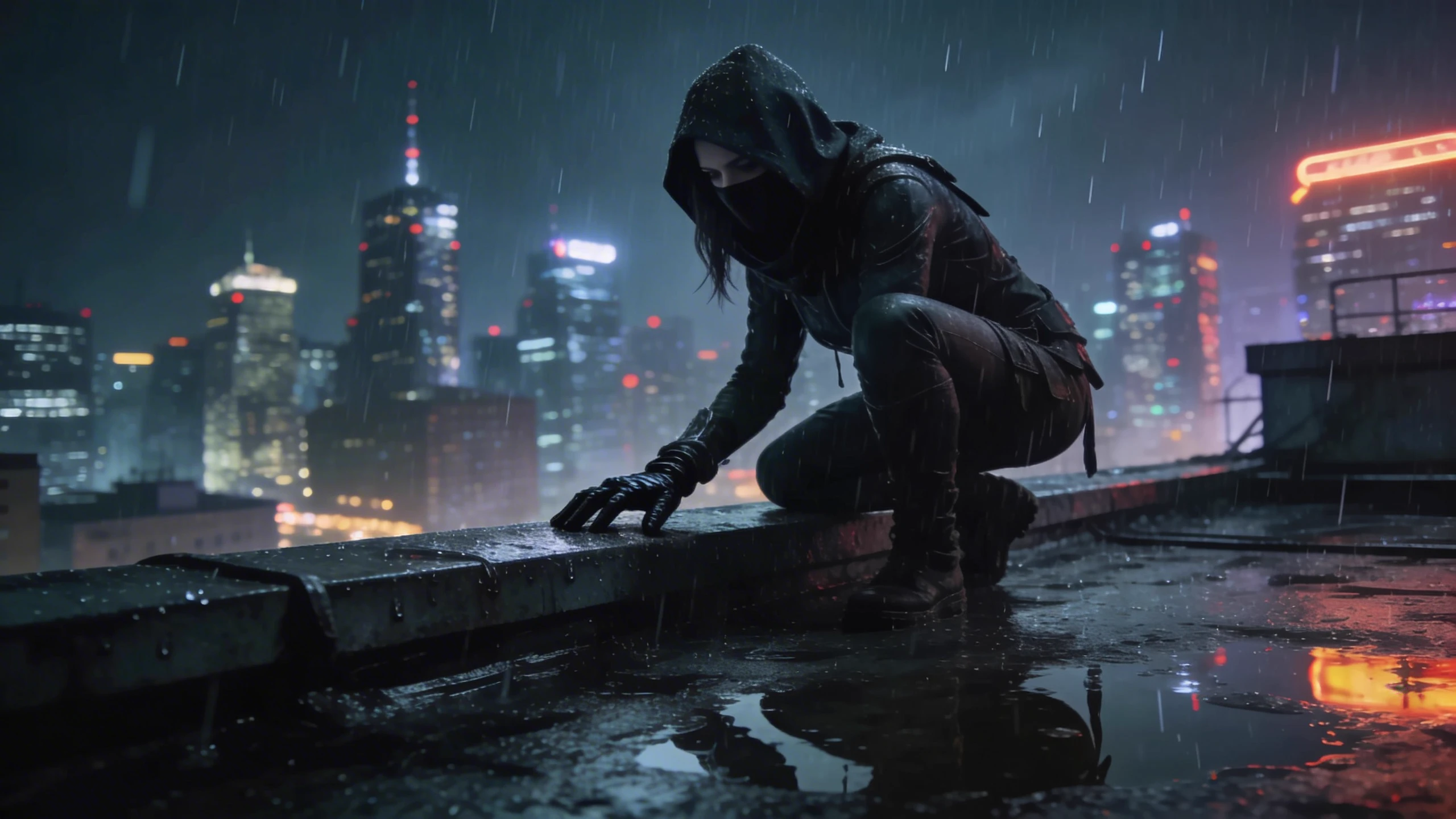
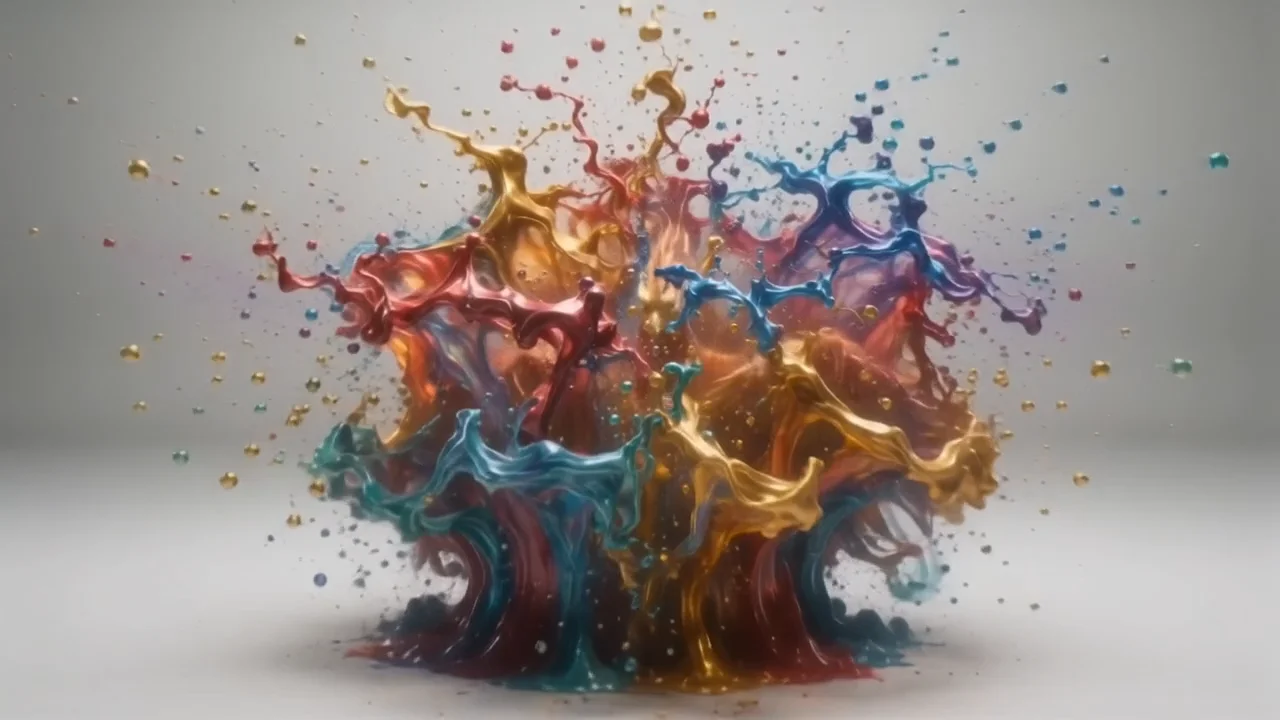

README
PixVerse v5.5 — Text-to-Video
PixVerse v5.5 Text-to-Video turns a written scene description into a short animated clip. You control resolution (360p–1080p), duration (5s / 8s / 10s) and resolution_ratio (16:9,4:3,1:1,3:4,9:16), while the model handles camera motion, lighting and transitions for you.
✨ Highlights
- Multiple resolutions – 360p, 540p, 720p, 1080p for previews through to final export.
- Flexible aspect ratios – 16:9, 4:3, 1:1, 3:4, 9:16 to match feeds, stories and banners.
- Variable duration – 5, 8 or 10 seconds per clip.
- Prompt reasoning (thinking_type) – optional system-side enhancement that can refine and structure your prompt.
- Negative prompt support – steer the model away from artefacts such as “watermark”, “text”, “distortion”.
- Seed control – fix a seed for reproducible generations, or vary it for multiple takes.
🧩 Parameters
-
prompt* (string) : Up to 2048 characters describing the scene, pacing and camera moves.
-
resolution : One of 360p, 540p, 720p, 1080p.
-
duration : 5, 8 or 10 seconds. (10s is not available for 1080p)
-
resolution_ratio : 16:9, 4:3, 1:1, 3:4, 9:16.
-
thinking_type :
-
Enabled: Turn on system-level reasoning/optimisation of your prompt.
-
Disabled: Use your prompt as-is.
-
Auto (default): Let the system decide whether to enable it.
-
negative_prompt (optional) : Terms you don’t want to see in the video (e.g. watermark, text, logo, glitch).
-
seed : Integer for reproducibility. Use a fixed value to re-run the same idea; change it to get new variations.
🚀 How to Use
- Write the prompt
- Describe key shots, mood and motion, e.g. “Anime rooftop at sunset, slow dolly-in toward the character, hair and clothes moving in the wind, cinematic lighting.”
- Set resolution & resolution_ratio
- Select resolution from 360p,540p,720p and 1080p.
- 9:16 for TikTok, Reels.
- 16:9 for Youtube videos
- 1:1 for Instagram.
- 4:3 for feed posts and thumbnails.
- Choose duration
- 5s for quick previews or punchy hooks.
- 8s for more developed mini-scenes.
- (Optional) Adjust thinking & negative_prompt
- Set thinking_type="enabled" if you want the system to help structure a complex prompt.
- Add a short negative prompt to suppress text, artefacts or unwanted objects.
- Set seed
- Keep a seed fixed while you tweak the prompt.
- Change it when you’re happy with the setup but want new takes.
- Run and download
- Generate the clip, review, then iterate on prompt, duration or aspect ratio as needed.
💡 Prompt & Quality Tips
- Write shot-by-shot for best results (wide → medium → close-up, etc.).
- Keep the number of major events small; let the model focus on a few strong beats.
- Higher resolutions (720p / 1080p) are better for export and editing; use 360p / 540p for fast generation.
- For vertical platforms, set **resolution_ratio = 9:16 or 3:4 ** from the start to avoid awkward cropping.
Pixverse v5.5 Text To Video API — Quick start
Grab a WaveSpeedAI API key, then call POST https://api.wavespeed.ai/api/v3/pixverse/pixverse-v5.5/text-to-video with your input as JSON. The endpoint returns a prediction id. Start polling the result endpoint around every 2 seconds, increase the interval for long-running tasks, and stop on any terminal status. On completed, read output values from data.outputs. Examples for Pixverse v5.5 Text To Video below.
HTTP example
set -euo pipefail

: "${WAVESPEED_API_KEY:?Set WAVESPEED_API_KEY}"

REQUEST_BODY=$(cat <<'JSON'
{
    "prompt": "A cinematic shot of a city at sunset, soft golden light",
    "resolution": "540p",
    "duration": 5,
    "resolution_ratio": "1:1",
    "generate_audio_switch": false,
    "generate_multi_clip_switch": false,
    "thinking_type": "auto"
}
JSON
)

# 1. Submit the prediction.
SUBMIT_RESPONSE=$(curl --silent --show-error --fail-with-body \
  -X POST "https://api.wavespeed.ai/api/v3/pixverse/pixverse-v5.5/text-to-video" \
  -H "Content-Type: application/json" \
  -H "Authorization: Bearer $WAVESPEED_API_KEY" \
  -d "$REQUEST_BODY")

TASK=$(printf '%s' "$SUBMIT_RESPONSE" | jq 'if has("data") then .data else . end')
PREDICTION_ID=$(printf '%s' "$TASK" | jq -r '.id')
if [ -z "$PREDICTION_ID" ] || [ "$PREDICTION_ID" = "null" ]; then
  printf 'Submission response did not contain a prediction id
' >&2
  exit 1
fi
RESULT_URL=$(printf '%s' "$TASK" | jq -r '.urls.get // empty')
if [ -z "$RESULT_URL" ]; then
  RESULT_URL="https://api.wavespeed.ai/api/v3/predictions/$PREDICTION_ID/result"
fi

# 2. Poll until the prediction finishes.
while true; do
  RESPONSE=$(curl --silent --show-error --fail-with-body "$RESULT_URL" \
    -H "Authorization: Bearer $WAVESPEED_API_KEY")
  RESULT=$(printf '%s' "$RESPONSE" | jq 'if has("data") then .data else . end')
  STATUS=$(printf '%s' "$RESULT" | jq -r '.status')
  case "$STATUS" in
    completed) printf '%s\n' "$RESULT" | jq '.outputs'; break ;;
    failed|cancelled|timeout) printf '%s\n' "$RESULT" | jq . >&2; exit 1 ;;
    created|processing) sleep 2 ;;
    *) printf 'Unexpected status: %s
' "$STATUS" >&2; exit 1 ;;
  esac
done
Node.js example
const submitUrl = "https://api.wavespeed.ai/api/v3/pixverse/pixverse-v5.5/text-to-video";
const apiKey = process.env.WAVESPEED_API_KEY;
if (!apiKey) throw new Error('Set WAVESPEED_API_KEY');

async function requestJson(url, options = {}) {
  const response = await fetch(url, options);
  if (!response.ok) throw new Error(await response.text());
  return response.json();
}

// 1. Submit the prediction.
const body = await requestJson(submitUrl, {
  method: "POST",
  headers: {
    "Authorization": `Bearer ${apiKey}`,
    "Content-Type": "application/json",
  },
  body: JSON.stringify({
        "prompt": "A cinematic shot of a city at sunset, soft golden light",
        "resolution": "540p",
        "duration": 5,
        "resolution_ratio": "1:1",
        "generate_audio_switch": false,
        "generate_multi_clip_switch": false,
        "thinking_type": "auto"
}),
});
const task = body.data ?? body;
if (!task.id) throw new Error("Submission response did not contain a prediction id");
const resultUrl = task.urls?.get ||
  `https://api.wavespeed.ai/api/v3/predictions/${task.id}/result`;

// 2. Poll until the prediction finishes.
while (true) {
  const resultBody = await requestJson(resultUrl, {
    headers: { "Authorization": `Bearer ${apiKey}` },
  });
  const result = resultBody.data ?? resultBody;
  if (result.status === "completed") {
    console.log(result.outputs);
    break;
  }
  if (["failed", "cancelled", "timeout"].includes(result.status)) throw new Error(JSON.stringify(result));
  if (!["created", "processing"].includes(result.status)) throw new Error("Unexpected status: " + result.status);
  await new Promise(resolve => setTimeout(resolve, 2000));
}
Python example
import json
import os
import time
from urllib.request import Request, urlopen

api_key = os.environ["WAVESPEED_API_KEY"]
headers = {"Authorization": f"Bearer {api_key}", "Content-Type": "application/json"}
payload = {
    "prompt": "A cinematic shot of a city at sunset, soft golden light",
    "resolution": "540p",
    "duration": 5,
    "resolution_ratio": "1:1",
    "generate_audio_switch": False,
    "generate_multi_clip_switch": False,
    "thinking_type": "auto"
}

def request_json(url, data=None):
    request = Request(url, data=data, headers=headers, method="POST" if data else "GET")
    with urlopen(request) as response:
        return json.load(response)

# 1. Submit the prediction.
body = request_json("https://api.wavespeed.ai/api/v3/pixverse/pixverse-v5.5/text-to-video", json.dumps(payload).encode())
task = body.get("data", body)
if not task.get("id"):
    raise RuntimeError("Submission response did not contain a prediction id")
result_url = task.get("urls", {}).get("get") or f"https://api.wavespeed.ai/api/v3/predictions/{task['id']}/result"

# 2. Poll until the prediction finishes.
while True:
    result_body = request_json(result_url)
    result = result_body.get("data", result_body)
    status = result.get("status")
    if status == "completed":
        print(result.get("outputs", []))
        break
    if status in {"failed", "cancelled", "timeout"}:
        raise RuntimeError(result)
    if status not in {"created", "processing"}:
        raise RuntimeError(f"Unexpected status: {status}")
    time.sleep(2)
Pixverse v5.5 Text To Video API — Frequently asked questions
What is the Pixverse v5.5 Text To Video API?
Pixverse v5.5 Text To Video is a Pixverse model for video generation, exposed as a REST API on WaveSpeedAI. PixVerse V5.5 transforms text prompts into realistic videos with smooth motion and natural detail in seconds—ideal for stories, ads, and social clips. Ready-to-use REST inference API, best performance, no coldstarts, affordable pricing. You can call it programmatically or try it from the playground above.
How do I call the Pixverse v5.5 Text To Video API?
POST your input parameters to the model's REST endpoint (shown in the API tab of this playground) with your WaveSpeedAI API key in the Authorization header. Submission returns a prediction ID. Poll the result endpoint starting around every 2 seconds, increase the interval for long-running tasks, and stop on any terminal status. The playground generates production-oriented Python, JavaScript, and cURL examples with timeouts, transient-error handling, and safe GET retries. Full request/response shape is documented at https://wavespeed.ai/docs/docs-api/pixverse/pixverse-pixverse-v5.5-text-to-video.
How much does Pixverse v5.5 Text To Video cost per run?
Pixverse v5.5 Text To Video starts at $0.45 per run. That figure is the base price — the final charge scales with the parameters you set in the form (output size, length, count, references, or whatever knobs this model exposes), so a higher-quality or larger output costs more than a minimal one. The exact cost for your current input is shown live next to the Generate button before you submit, and the actual per-call charge is recorded on the prediction afterwards.
What inputs does Pixverse v5.5 Text To Video accept?
Key inputs: `prompt`, `resolution`, `duration`, `generate_audio_switch`, `generate_multi_clip_switch`, `resolution_ratio`. The full JSON schema (types, defaults, allowed values) is rendered above the Generate button and mirrored in the API reference at https://wavespeed.ai/docs/docs-api/pixverse/pixverse-pixverse-v5.5-text-to-video.
How long does Pixverse v5.5 Text To Video take to generate?
Median end-to-end generation time on WaveSpeedAI is around 57 seconds per request, based on recent successful runs. Queue time varies with global demand; live status is visible in the prediction record.
Can I use Pixverse v5.5 Text To Video outputs commercially?
Commercial usage rights depend on the model's license, set by its provider (Pixverse). The license summary appears on the model card above; see WaveSpeedAI's Terms of Service for platform-level conditions.