Pika V2.2 Image-to-Video converts images into high-quality videos in various sizes with prompt optimization for precise results. Ready-to-use REST inference API, best performance, no coldstarts, affordable pricing.
ว่าง
$0.2ต่อครั้ง·~50 / $10
ตัวอย่างดูทั้งหมด
An anthropomorphic fox detective walking through a noir city alley, rain falling, wearing a trench coat, expressive animation style, Pixar-meets-noir tone
Young woman packing a suitcase late at night, dim bedroom light, conflicted emotions on her face
A man running through empty city streets at dawn, breathing heavily, early sun casting long shadows
Young girl chasing bubbles in a park, slow motion, parents laughing nearby, golden hour sunlight
Roommate confrontation in a cluttered apartment, intense dialogue, handheld camera feel, natural lighting
A man hiding behind a dumpster, glancing toward flashing red and blue lights in the distance
News footage style video of protestors marching in the rain, umbrellas up, signs raised, raw soundscape
Teen breaking into an abandoned house, flashlight beam scanning dusty walls, heartbeat audio
Evening crowd at a night market, food stalls steaming, vibrant colors and overlapping chatter
A glowing jellyfish floating through an endless galaxy, stars twinkling in the background, camera rotates gently around, ethereal ambiance, surreal beauty
โมเดลที่เกี่ยวข้อง
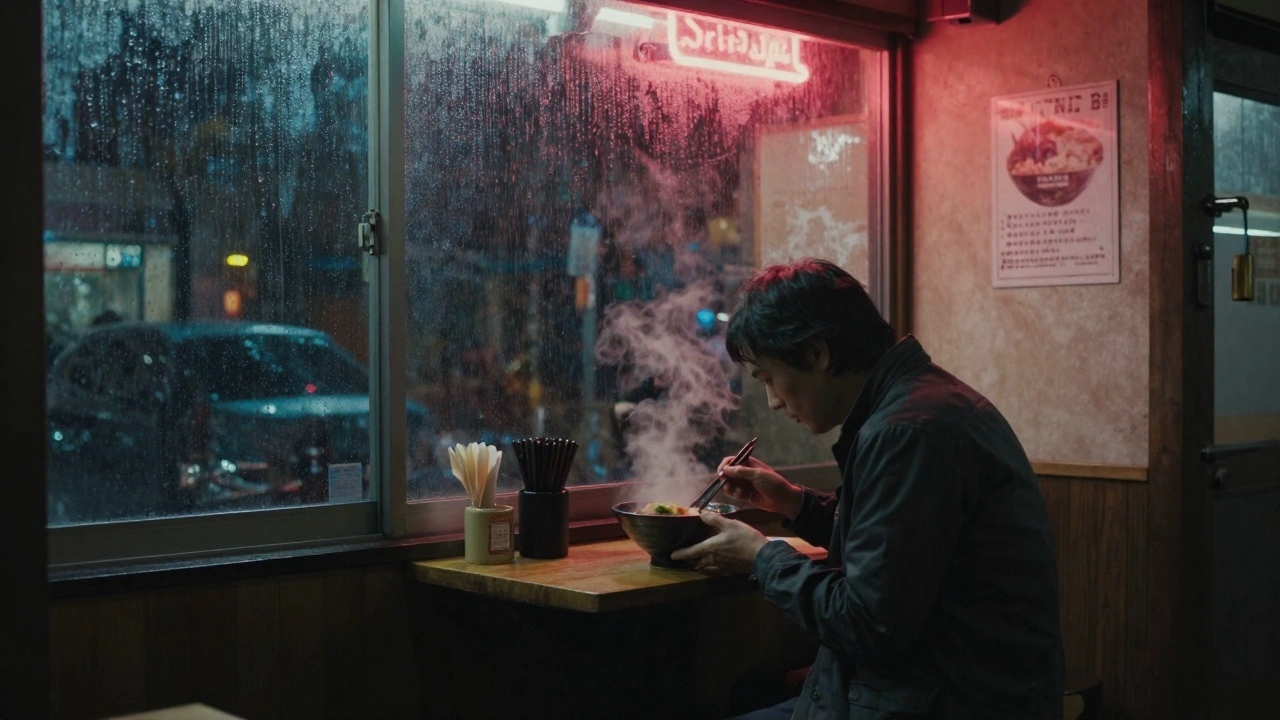

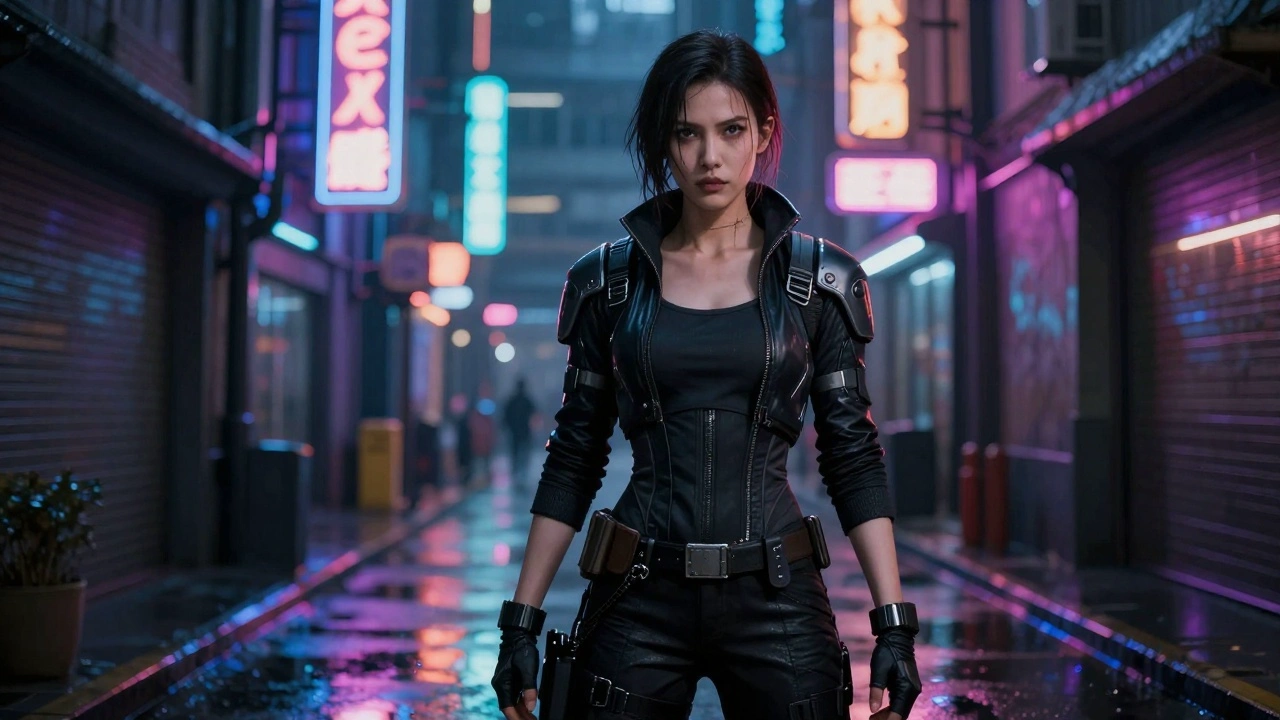
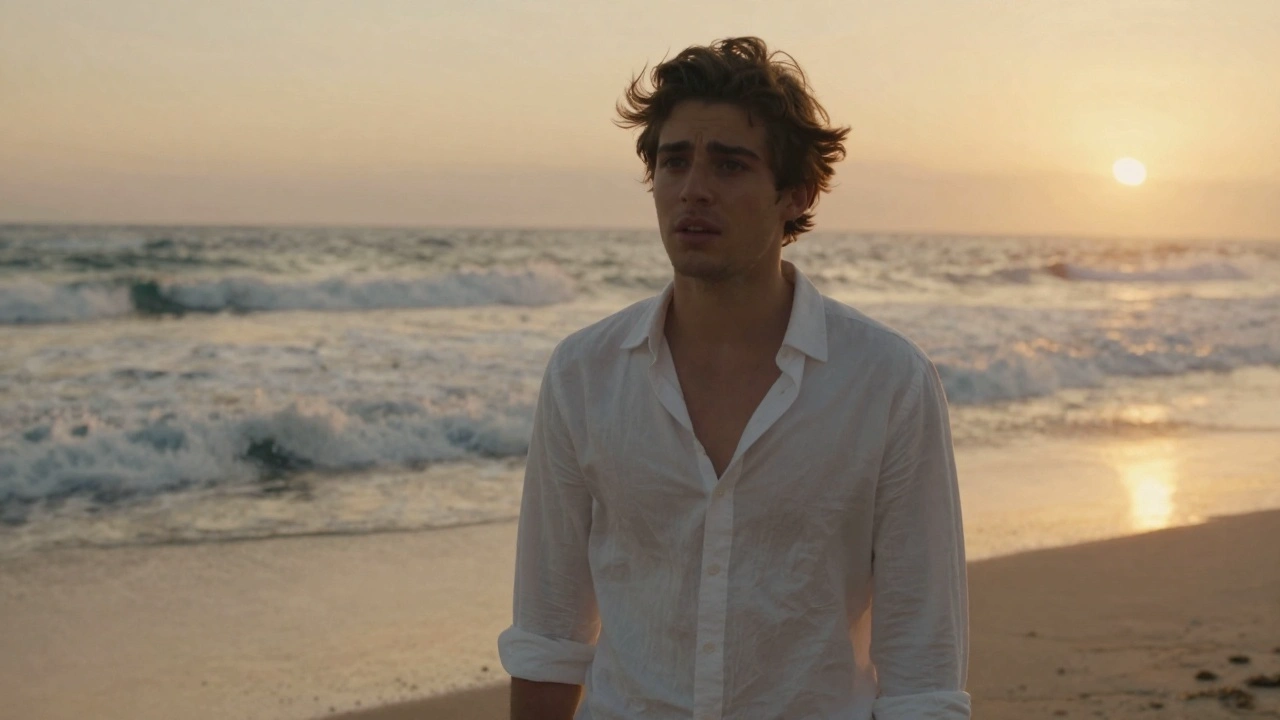

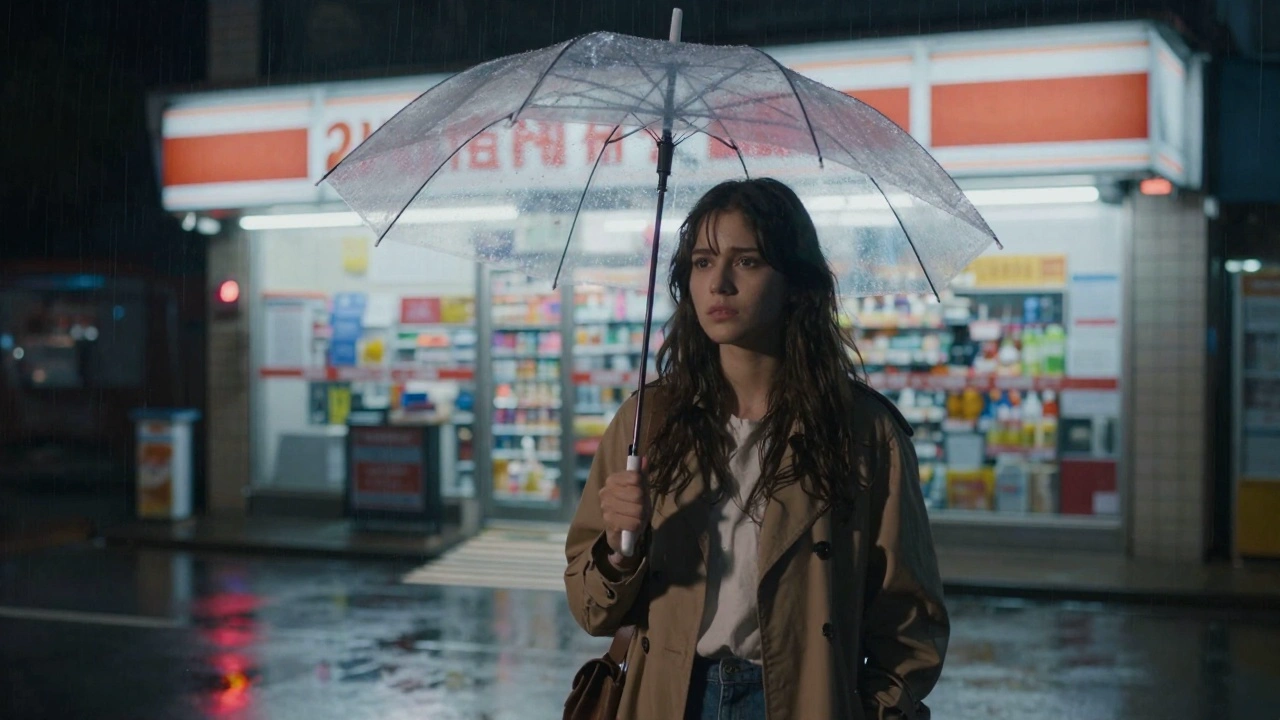
README
Pika V2.2 Image-to-Video
Transform images into cinematic videos with Pika V2.2 — the newest image-to-video model from Pika Labs. This latest version delivers enhanced animation quality, superior character motion, and improved stylistic consistency, perfect for creative storytelling and stylized content.
Why It Looks Great
- Newest version: V2.2 brings the latest improvements in motion and style consistency.
- Stylized animation: Excels at expressive, animated, and stylized content.
- Character motion: Superior handling of anthropomorphic and animated characters.
- 720p HD output: Sharp, professional-quality video in landscape or portrait.
- Extended duration: Generate up to 10 seconds of video.
- Prompt Enhancer: Built-in tool to refine your motion descriptions.
- Safety Checker: Optional content filtering for appropriate output.
Parameters
| Parameter | Required | Description |
|---|---|---|
| image | Yes | Source image to animate (upload or public URL). |
| prompt | Yes | Text description of the motion and action you want. |
| size | No | Output dimensions: 1280×720 (landscape) or 720×1280 (portrait). Default: 1280×720. |
| duration | No | Video length: 5 or 10 seconds. Default: 5. |
| Enable Safety Checker | No | Toggle content safety filtering. |
How to Use
- Upload your image — drag and drop or paste a public URL.
- Write your prompt — describe the motion, style, and atmosphere.
- Use Prompt Enhancer (optional) — click to enrich your description.
- Choose size — select landscape (1280×720) or portrait (720×1280).
- Set duration — choose 5 or 10 seconds.
- Run — click the button to generate.
- Download — preview and save your video.
Pricing
Per 5-second billing based on duration.
| Duration | Calculation | Cost |
|---|---|---|
| 5 seconds | 5 ÷ 5 × $0.20 | $0.20 |
| 10 seconds | 10 ÷ 5 × $0.20 | $0.40 |
Size Options
| Size | Orientation | Best For |
|---|---|---|
| 1280×720 | Landscape | YouTube, presentations, desktop viewing |
| 720×1280 | Portrait | TikTok, Instagram Reels, Stories, mobile |
Best Use Cases
- Stylized Animation — Bring illustrated and animated characters to life.
- Character Animation — Animate anthropomorphic and cartoon characters with expressive motion.
- Creative Storytelling — Generate cinematic sequences with distinctive visual styles.
- Social Media Content — Create eye-catching animated videos for any platform.
- Concept Art Animation — Transform static concept art into moving previews.
Example Prompts
- "An anthropomorphic fox detective walking through a noir city alley, rain falling, wearing a trench coat, expressive animation style, Pixar-meets-noir tone"
- "Animated character looking around curiously, big expressive eyes, subtle head movements"
- "Fantasy creature spreading wings and taking flight, magical particles, epic scale"
- "Cartoon robot waving hello, friendly personality, smooth animation"
- "Stylized portrait coming to life, gentle smile forming, warm lighting shift"
Model Comparison
| Model | Version | Strength |
|---|---|---|
| Pika V2.2 I2V | Newest | Stylized animation, character motion |
| Pika V2.1 I2V | Previous | General use, improved consistency |
| Pika V2.0 Turbo I2V | Fast | Rapid iteration, speed priority |
Pro Tips for Best Results
- V2.2 excels at stylized and animated content — perfect for illustrated characters.
- Describe animation style: "expressive animation", "Pixar-style", "cartoon motion".
- Include character personality: "curious", "friendly", "expressive eyes".
- Works great with anthropomorphic characters, creatures, and stylized art.
- Match orientation to platform: portrait for TikTok/Reels, landscape for YouTube.
- Start with 5-second videos to test, then extend to 10 seconds for final delivery.
Notes
- Duration options are 5 or 10 seconds.
- If using a URL, ensure it is publicly accessible.
- Enable Safety Checker for content that will be publicly shared.
- V2.2 is optimized for stylized and animated content.
v2.2 I2v API — Quick start
Grab a WaveSpeedAI API key, then call POST https://api.wavespeed.ai/api/v3/pika/v2.2-i2v with your input as JSON. The endpoint returns a prediction id; poll the prediction endpoint until status flips to completed, then read the output URL from data.outputs[0]. Examples for v2.2 I2v below.
HTTP example
# Submit the prediction
curl -X POST "https://api.wavespeed.ai/api/v3/pika/v2.2-i2v" \
  -H "Content-Type: application/json" \
  -H "Authorization: Bearer $WAVESPEED_API_KEY" \
  -d '{
    "prompt": "A cinematic shot of a city at sunset, soft golden light",
    "image": "https://example.com/your-input.jpg",
    "size": "1280*720",
    "duration": 5
}'

# Response includes a prediction id. Poll for the result:
curl -X GET "https://api.wavespeed.ai/api/v3/predictions/{request_id}/result" \
  -H "Authorization: Bearer $WAVESPEED_API_KEY"

# When status is "completed", read the output from data.outputs[0].
Node.js example
// npm install wavespeed
const WaveSpeed = require('wavespeed');

const client = new WaveSpeed(); // reads WAVESPEED_API_KEY from env

const result = await client.run("pika/v2.2-i2v", {
        "prompt": "A cinematic shot of a city at sunset, soft golden light",
        "image": "https://example.com/your-input.jpg",
        "size": "1280*720",
        "duration": 5
});

console.log(result.outputs[0]); // → URL of the generated output
Python example
# pip install wavespeed
import wavespeed

output = wavespeed.run(
    "pika/v2.2-i2v",
    {
    "prompt": "A cinematic shot of a city at sunset, soft golden light",
    "image": "https://example.com/your-input.jpg",
    "size": "1280*720",
    "duration": 5
}
)

print(output["outputs"][0])  # → URL of the generated output
v2.2 I2v API — Frequently asked questions
What is the v2.2 I2v API?
v2.2 I2v is a Pika model for video generation from images, exposed as a REST API on WaveSpeedAI. Pika V2.2 Image-to-Video converts images into high-quality videos in various sizes with prompt optimization for precise results. Ready-to-use REST inference API, best performance, no coldstarts, affordable pricing. You can call it programmatically or try it from the playground above.
How do I call the v2.2 I2v API?
POST your input parameters to the model's REST endpoint (shown in the API tab of this playground) with your WaveSpeedAI API key in the Authorization header. Submission returns a prediction ID; poll the prediction endpoint until status flips to "completed", then read the output URL from the result. The playground generates a ready-to-paste code sample in Python, JavaScript, or cURL for whatever inputs you've set. Full request/response shape is documented at https://wavespeed.ai/docs/docs-api/pika/pika-v2.2-i2v.
How much does v2.2 I2v cost per run?
v2.2 I2v starts at $0.20 per run. That figure is the base price — the final charge scales with the parameters you set in the form (output size, length, count, references, or whatever knobs this model exposes), so a higher-quality or larger output costs more than a minimal one. The exact cost for your current input is shown live next to the Generate button before you submit, and the actual per-call charge is recorded on the prediction afterwards.
What inputs does v2.2 I2v accept?
Key inputs: `prompt`, `image`, `duration`, `size`. The full JSON schema (types, defaults, allowed values) is rendered above the Generate button and mirrored in the API reference at https://wavespeed.ai/docs/docs-api/pika/pika-v2.2-i2v.
How long does v2.2 I2v take to generate?
Average end-to-end generation time on WaveSpeedAI is around 78 seconds per request — measured across recent runs. Queue time scales with global demand; live status is visible in the prediction record.
Can I use v2.2 I2v outputs commercially?
Commercial usage rights depend on the model's license, set by its provider (Pika). The license summary appears on the model card above; see WaveSpeedAI's Terms of Service for platform-level conditions.