Kandinsky 5 Pro Text-to-Video turns natural-language prompts into coherent 5-second clips with strong prompt adherence and smooth motion. Choose 512p or 1024p output across common aspect ratios for social posts, ads, and concept shots. Built for stable production use with a ready-to-use REST API, no cold starts, and predictable pricing.
Ожидание
$0.2за запуск·~50 / $10
ПримерыСмотреть всё
A man sits alone on a park bench in the rain. A stranger sits beside him, offers an umbrella. They share a quiet moment, then smile at each other.
A woman sits alone at a cafe table, checking her phone repeatedly, glancing at the door. Two coffee cups on the table, one untouched. She sighs and looks out the window.
Похожие модели
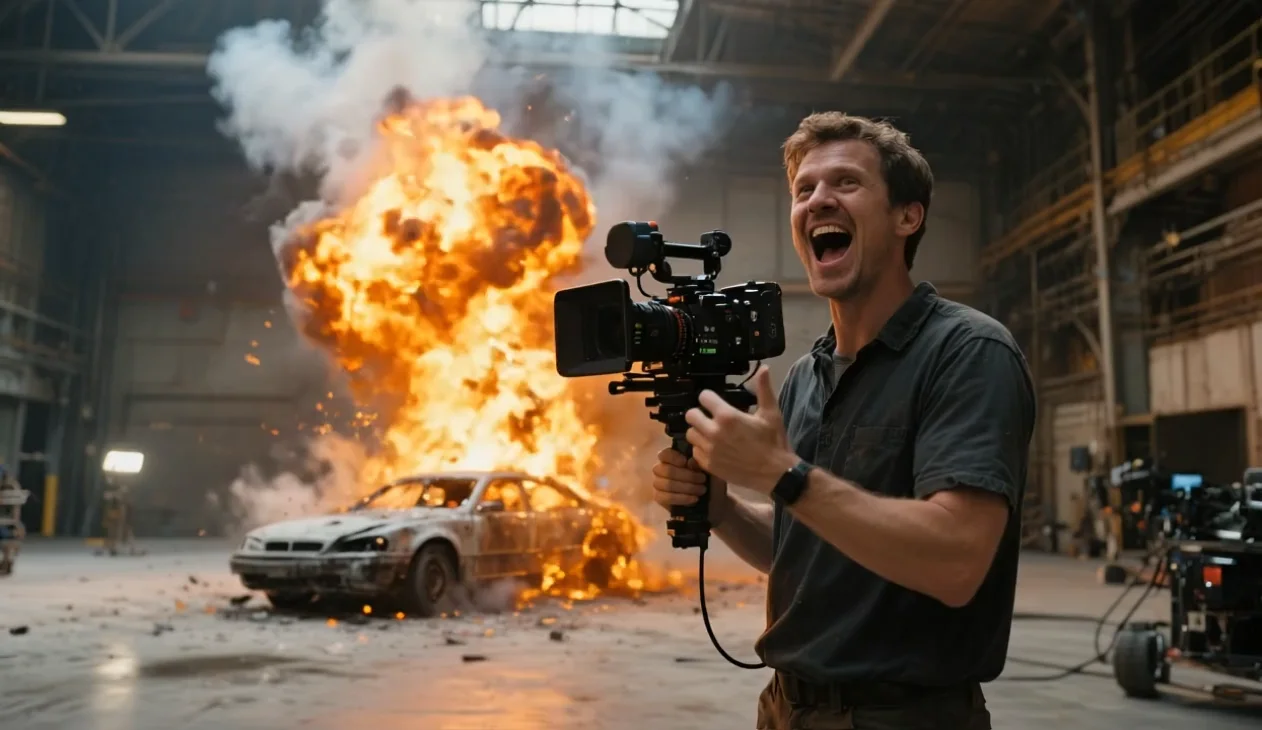
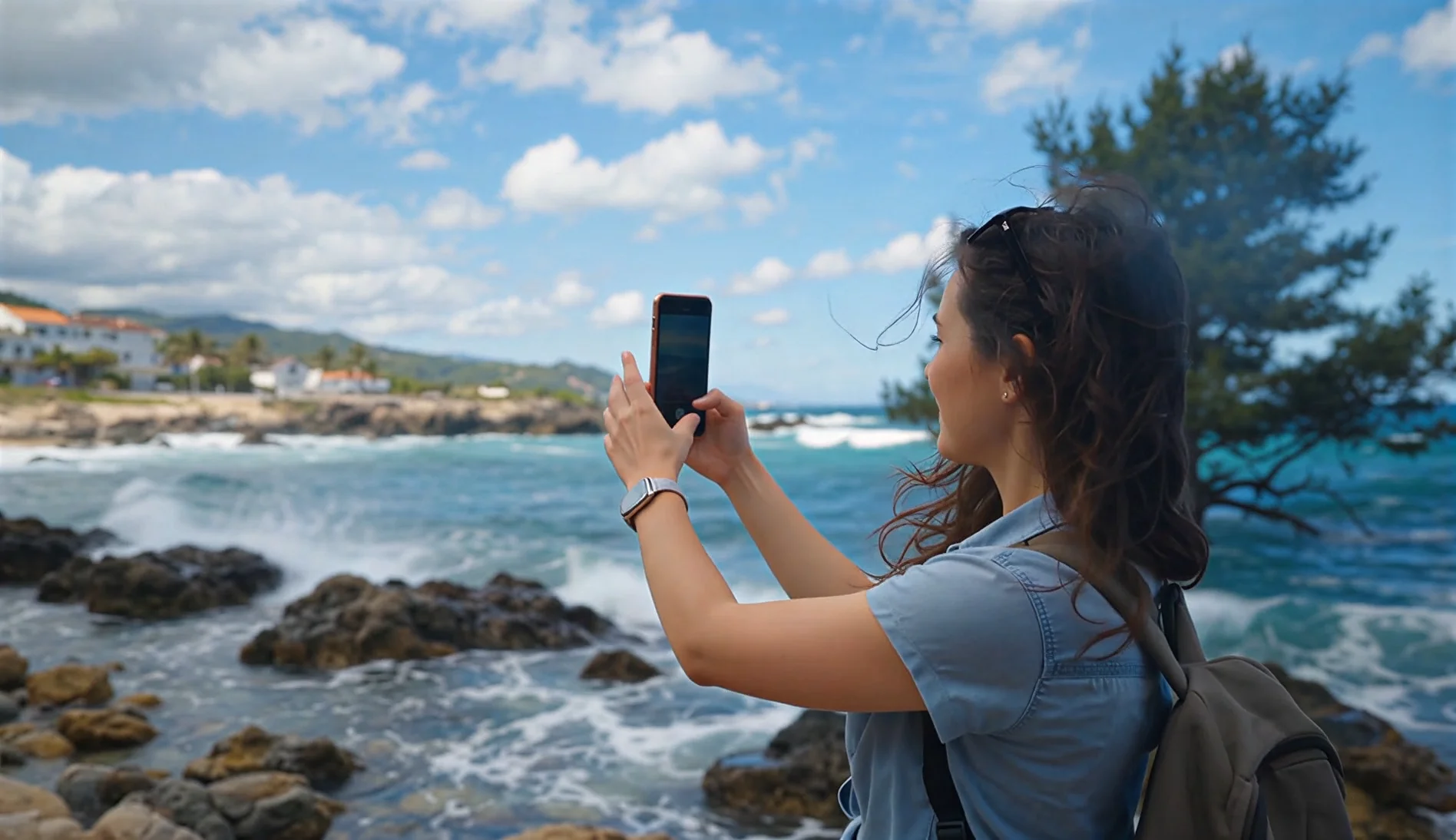
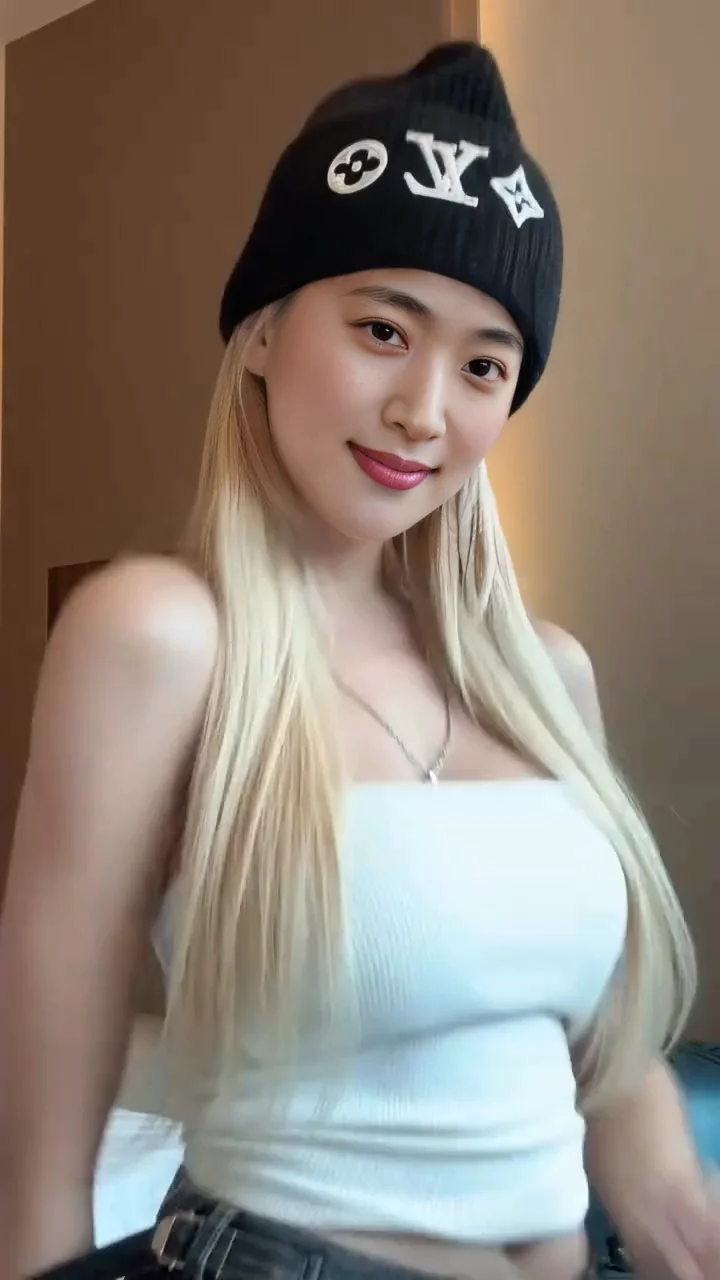
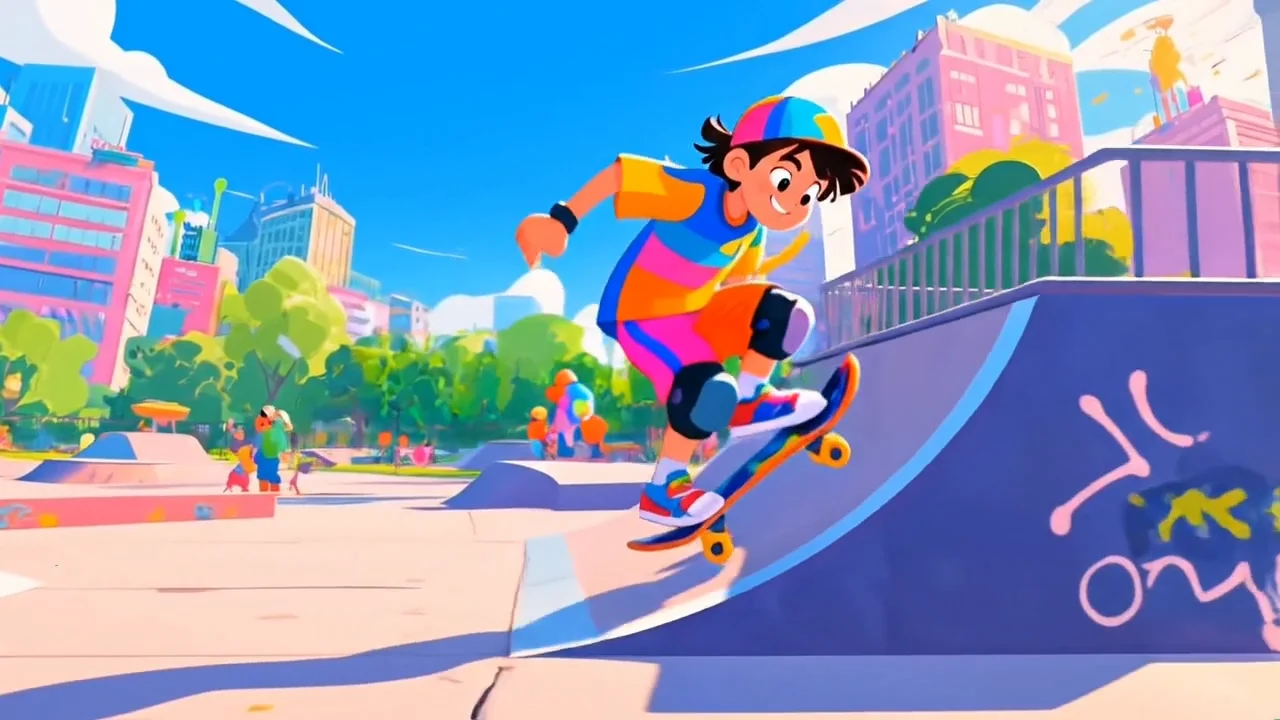


README
Kandinsky 5 Pro Text-to-Video
Kandinsky 5 Pro Text-to-Video is a production-ready text-to-video model that generates dynamic 5-second MP4 clips from a single prompt. It’s optimized for fast iteration and clean, prompt-faithful motion, with simple controls for resolution and aspect ratio.
Why it stands out
-
5-second text-to-video generation Turn a prompt into a complete short clip—ideal for rapid concept testing and social-ready outputs.
-
Two resolution tiers Choose 512P for faster, cheaper drafts or 1024P for sharper detail.
-
Creator-friendly aspect ratios Built-in framing for 3:2, 1:1, and 2:3 to match common feed and creative formats.
-
Fast, stable inference Designed for predictable performance in real-world pipelines and batch experimentation.
Parameters
| Parameter | Description |
|---|---|
| prompt* | The text prompt describing subject, action, scene, and style. |
| resolution | Output resolution: 512P (default) or 1024P. |
| aspect_ratio | Output aspect ratio: 3:2 (default), 1:1, or 2:3. |
| duration | Fixed at 5 seconds. |
How to use
- Write a clear prompt describing the subject, action, environment, and style.
- Select aspect_ratio for your delivery format (landscape, square, or portrait).
- Choose resolution: 512P for quick drafts, 1024P for final detail.
- Run the model and download the generated MP4.
Prompt tips
- Use clear verbs for motion: “walks,” “turns,” “sparks fly,” “camera pans slowly.”
- Keep the structure simple: subject → action → scene → lighting → style.
- For stronger coherence, describe one main shot rather than multiple scene changes.
Pricing
All videos are 5 seconds.
| Resolution | Price per second | Price per 5s video |
|---|---|---|
| 512P | $0.04 | $0.20 |
| 1024P | $0.04 | $0.20 |
Use Cases
- Social media short clips and creative testing
- Storyboarding and previsualization
- Marketing concept drafts and ad iterations
- Stylized motion scenes for presentations and demos
Kandinsky5 Pro Text To Video API — Quick start
Grab a WaveSpeedAI API key, then call POST https://api.wavespeed.ai/api/v3/wavespeed-ai/kandinsky5-pro/text-to-video with your input as JSON. The endpoint returns a prediction id; poll the prediction endpoint until status flips to completed, then read the output URL from data.outputs[0]. Examples for Kandinsky5 Pro Text To Video below.
HTTP example
# Submit the prediction
curl -X POST "https://api.wavespeed.ai/api/v3/wavespeed-ai/kandinsky5-pro/text-to-video" \
  -H "Content-Type: application/json" \
  -H "Authorization: Bearer $WAVESPEED_API_KEY" \
  -d '{
    "prompt": "A cinematic shot of a city at sunset, soft golden light",
    "resolution": "512p",
    "aspect_ratio": "3:2",
    "duration": 5
}'

# Response includes a prediction id. Poll for the result:
curl -X GET "https://api.wavespeed.ai/api/v3/predictions/{request_id}/result" \
  -H "Authorization: Bearer $WAVESPEED_API_KEY"

# When status is "completed", read the output from data.outputs[0].
Node.js example
// npm install wavespeed
const WaveSpeed = require('wavespeed');

const client = new WaveSpeed(); // reads WAVESPEED_API_KEY from env

const result = await client.run("wavespeed-ai/kandinsky5-pro/text-to-video", {
        "prompt": "A cinematic shot of a city at sunset, soft golden light",
        "resolution": "512p",
        "aspect_ratio": "3:2",
        "duration": 5
});

console.log(result.outputs[0]); // → URL of the generated output
Python example
# pip install wavespeed
import wavespeed

output = wavespeed.run(
    "wavespeed-ai/kandinsky5-pro/text-to-video",
    {
    "prompt": "A cinematic shot of a city at sunset, soft golden light",
    "resolution": "512p",
    "aspect_ratio": "3:2",
    "duration": 5
}
)

print(output["outputs"][0])  # → URL of the generated output
Kandinsky5 Pro Text To Video API — Frequently asked questions
What is the Kandinsky5 Pro Text To Video API?
Kandinsky5 Pro Text To Video is a WaveSpeedAI model for video generation, exposed as a REST API on WaveSpeedAI. Kandinsky 5 Pro Text-to-Video turns natural-language prompts into coherent 5-second clips with strong prompt adherence and smooth motion. Choose 512p or 1024p output across common aspect ratios for social posts, ads, and concept shots. Built for stable production use with a ready-to-use REST API, no cold starts, and predictable pricing. You can call it programmatically or try it from the playground above.
How do I call the Kandinsky5 Pro Text To Video API?
POST your input parameters to the model's REST endpoint (shown in the API tab of this playground) with your WaveSpeedAI API key in the Authorization header. Submission returns a prediction ID; poll the prediction endpoint until status flips to "completed", then read the output URL from the result. The playground generates a ready-to-paste code sample in Python, JavaScript, or cURL for whatever inputs you've set. Full request/response shape is documented at https://wavespeed.ai/docs/docs-api/wavespeed-ai/kandinsky5-pro-text-to-video.
How much does Kandinsky5 Pro Text To Video cost per run?
Kandinsky5 Pro Text To Video starts at $0.20 per run. That figure is the base price — the final charge scales with the parameters you set in the form (output size, length, count, references, or whatever knobs this model exposes), so a higher-quality or larger output costs more than a minimal one. The exact cost for your current input is shown live next to the Generate button before you submit, and the actual per-call charge is recorded on the prediction afterwards.
What inputs does Kandinsky5 Pro Text To Video accept?
Key inputs: `prompt`, `aspect_ratio`, `resolution`, `duration`. The full JSON schema (types, defaults, allowed values) is rendered above the Generate button and mirrored in the API reference at https://wavespeed.ai/docs/docs-api/wavespeed-ai/kandinsky5-pro-text-to-video.
How long does Kandinsky5 Pro Text To Video take to generate?
Average end-to-end generation time on WaveSpeedAI is around 648 seconds per request — measured across recent runs. Queue time scales with global demand; live status is visible in the prediction record.
Can I use Kandinsky5 Pro Text To Video outputs commercially?
Commercial usage rights depend on the model's license, set by its provider (WaveSpeedAI). The license summary appears on the model card above; see WaveSpeedAI's Terms of Service for platform-level conditions.