FLUX SRPO [dev] is a 12-billion-parameter flow transformer that generates high-quality, aesthetically rich images from text prompts for personal and commercial use. Ready-to-use REST inference API, best performance, no coldstarts, affordable pricing.
Ocioso

$0.025por execução·~40 / $1
ExemplosVer todos
A young woman with braided hair, wearing a linen dress, picking wildflowers in a sun-drenched meadow, a wicker basket in her hand, impressionistic style, soft focus, golden hour lighting.

A cozy reading nook in a rustic cabin, a soft blanket draped over an armchair, a steaming mug of coffee on a wooden stool, morning sunlight streaming through the window, peaceful and serene atmosphere, photorealistic, warm tones.

Minimalist apartment living room in Scandinavia, clean lines, neutral color palette with a pop of green from a monstera plant, soft diffused light from a large window, Eames lounge chair, realistic 3D render, tranquil.

Epic cinematic wide shot of the Swiss Alps at sunrise, jagged snow-capped peaks breaking through a sea of low-hanging clouds, vibrant alpenglow painting the sky in hues of orange and pink, a lone eagle soaring, hyperrealistic, 8K, breathtaking.

A portrait of a pensive woman looking out a rain-streaked window at a bustling city street at night, neon signs reflecting on the glass, moody, Blade Runner aesthetic, shallow depth of field, bokeh lights.

A sprawling, mystical elven city built into giant, ancient trees, connected by glowing rope bridges, waterfalls cascading down, ethereal light, high fantasy concept art, hyper-detailed, Lord of the Rings aesthetic.

ultra realistic photo, a beautiful young woman with freckles and messy blonde hair, soft natural light filtering through a window, gentle smile, detailed skin texture, shallow depth of field, 8k, photorealistic

cozy and rustic still life, a steaming cup of coffee on a wooden table, an open book with worn pages, a lit candle casting a warm glow, autumn leaves scattered around, soft focus, warm and inviting atmosphere, hyper-detailed

cinematic film still from a romantic movie, a couple dancing in the rain on a Parisian street at night, warm glow from the streetlights, reflections on the wet cobblestone, joyful expressions, shallow depth of field, anamorphic lens flare, moody and atmospheric, photorealistic, 8k

epic landscape painting of the Scottish Highlands, a dramatic storm clearing at sunset, sunbeams breaking through dark clouds over a vast, misty valley with a serene loch, hyper-detailed, powerful and majestic, style of Albert Bierstadt, digital painting
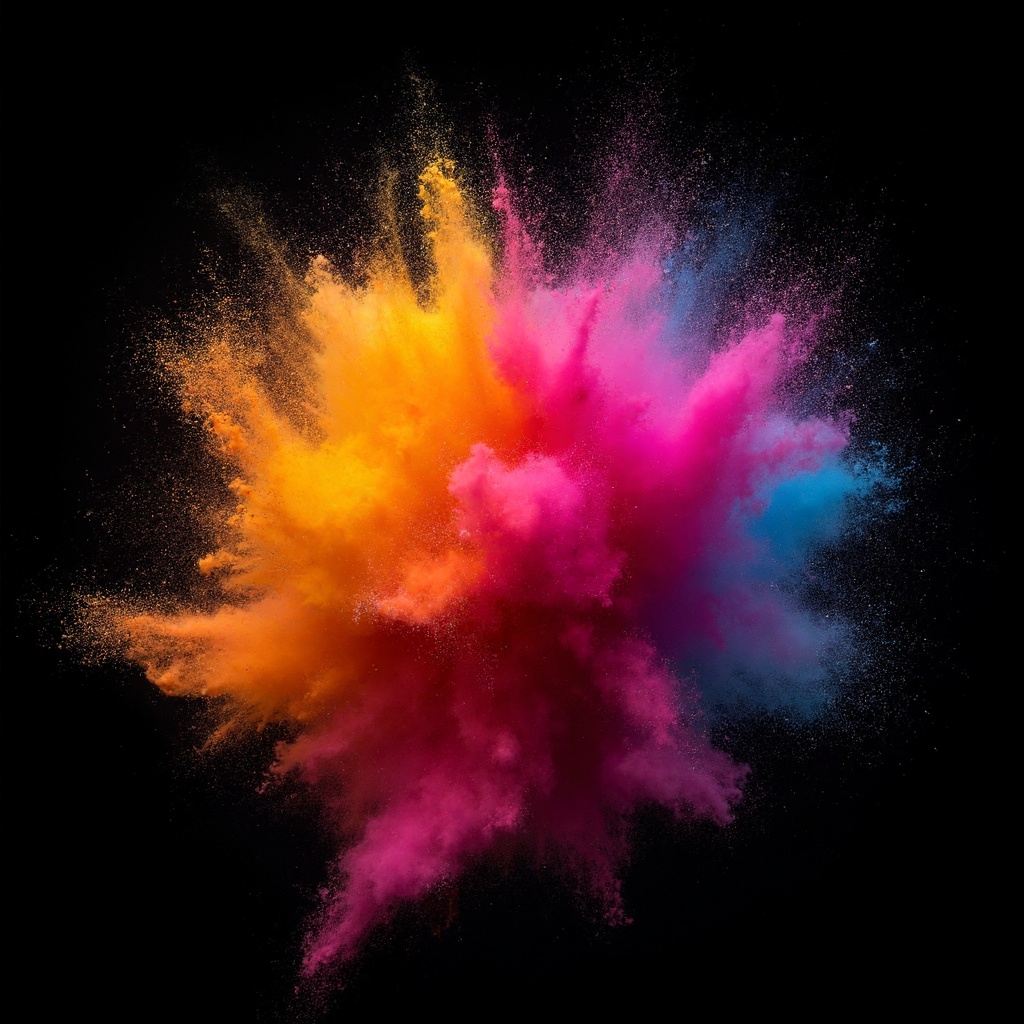
An explosive burst of colorful powder paint captured in mid-air against a stark black background, dynamic motion, high-speed photography, abstract art, vibrant and energetic, macro details.
Modelos relacionados





README
FLUX SRPO
FLUX SRPO is a high-quality image generation model that creates stunning visuals from text descriptions. Built on the FLUX architecture with SRPO optimization, it delivers exceptional detail, composition, and artistic quality at an affordable price.
Why It Stands Out
- High-quality generation: Produces sharp, detailed images with excellent composition and aesthetics.
- Prompt Enhancer: Built-in AI-powered prompt optimization helps craft better descriptions for improved results.
- Flexible resolution: Customize width and height independently for any aspect ratio.
- Fine-tuned control: Adjust guidance scale and inference steps to balance quality and creativity.
- Multiple output formats: Export as JPEG or PNG based on your needs.
- Reproducibility: Use the seed parameter to recreate exact results or explore variations.
Parameters
| Parameter | Required | Description |
|---|---|---|
| prompt | Yes | Text description of the image you want to generate. |
| width | No | Output width in pixels (default: 1024). |
| height | No | Output height in pixels (default: 1024). |
| strength | No | Generation strength (default: 0.8). |
| num_inference_steps | No | Quality/speed trade-off (default: 28). |
| seed | No | Set for reproducibility; -1 for random. |
| guidance_scale | No | Prompt adherence strength (default: 3.5). |
| output_format | No | Output format: jpeg or png (default: jpeg). |
| enable_base64_output | No | Return base64 string instead of URL (API only). |
| enable_sync_mode | No | Wait for result before returning response (API only). |
How to Use
- Write a prompt describing the image you want. Use the Prompt Enhancer for AI-assisted optimization.
- Set dimensions — adjust width and height for your desired aspect ratio.
- Adjust parameters — fine-tune guidance scale and inference steps as needed.
- Choose output format — select JPEG or PNG.
- Click Run and download your image.
Best Use Cases
- Creative Art & Illustration — Generate unique artwork, concept art, and digital illustrations.
- Marketing & Social Media — Produce eye-catching visuals for campaigns and posts.
- Product Visualization — Create product mockups and lifestyle imagery.
- Design Prototyping — Quickly visualize ideas before committing to full production.
- Personal Projects — Bring any imaginable scene to life for art and experimentation.
Pricing
| Output | Price |
|---|---|
| Per image | $0.025 |
Pro Tips for Best Quality
- Be descriptive in your prompt — include style, mood, lighting, composition, and specific details.
- Use style keywords like "cinematic," "photorealistic," "watercolor," or "digital art" to guide the aesthetic.
- Lower guidance scale (2–4) allows more creativity; higher values (5–7) follow prompts more strictly.
- Fix the seed when iterating to compare the effect of different parameters.
- Start with default inference steps, then increase for finer detail if needed.
Notes
- Processing time varies based on resolution and current queue load.
- Please ensure your prompts comply with content guidelines.
Flux Srpo API — Quick start
Grab a WaveSpeedAI API key, then call POST https://api.wavespeed.ai/api/v3/wavespeed-ai/flux-srpo with your input as JSON. The endpoint returns a prediction id; poll the prediction endpoint until status flips to completed, then read the output URL from data.outputs[0]. Examples for Flux Srpo below.
HTTP example
# Submit the prediction
curl -X POST "https://api.wavespeed.ai/api/v3/wavespeed-ai/flux-srpo" \
  -H "Content-Type: application/json" \
  -H "Authorization: Bearer $WAVESPEED_API_KEY" \
  -d '{
    "prompt": "A cinematic shot of a city at sunset, soft golden light",
    "size": "1024*1024",
    "strength": 0.8,
    "num_inference_steps": 28,
    "seed": -1,
    "guidance_scale": 3.5,
    "output_format": "jpeg",
    "enable_base64_output": false,
    "enable_sync_mode": false
}'

# Response includes a prediction id. Poll for the result:
curl -X GET "https://api.wavespeed.ai/api/v3/predictions/{request_id}/result" \
  -H "Authorization: Bearer $WAVESPEED_API_KEY"

# When status is "completed", read the output from data.outputs[0].
Node.js example
// npm install wavespeed
const WaveSpeed = require('wavespeed');

const client = new WaveSpeed(); // reads WAVESPEED_API_KEY from env

const result = await client.run("wavespeed-ai/flux-srpo", {
        "prompt": "A cinematic shot of a city at sunset, soft golden light",
        "size": "1024*1024",
        "strength": 0.8,
        "num_inference_steps": 28,
        "seed": -1,
        "guidance_scale": 3.5,
        "output_format": "jpeg",
        "enable_base64_output": false,
        "enable_sync_mode": false
});

console.log(result.outputs[0]); // → URL of the generated output
Python example
# pip install wavespeed
import wavespeed

output = wavespeed.run(
    "wavespeed-ai/flux-srpo",
    {
    "prompt": "A cinematic shot of a city at sunset, soft golden light",
    "size": "1024*1024",
    "strength": 0.8,
    "num_inference_steps": 28,
    "seed": -1,
    "guidance_scale": 3.5,
    "output_format": "jpeg",
    "enable_base64_output": false,
    "enable_sync_mode": false
}
)

print(output["outputs"][0])  # → URL of the generated output
Flux Srpo API — Frequently asked questions
What is the Flux Srpo API?
Flux Srpo is a WaveSpeedAI model for image generation, exposed as a REST API on WaveSpeedAI. FLUX SRPO [dev] is a 12-billion-parameter flow transformer that generates high-quality, aesthetically rich images from text prompts for personal and commercial use. Ready-to-use REST inference API, best performance, no coldstarts, affordable pricing. You can call it programmatically or try it from the playground above.
How do I call the Flux Srpo API?
POST your input parameters to the model's REST endpoint (shown in the API tab of this playground) with your WaveSpeedAI API key in the Authorization header. Submission returns a prediction ID; poll the prediction endpoint until status flips to "completed", then read the output URL from the result. The playground generates a ready-to-paste code sample in Python, JavaScript, or cURL for whatever inputs you've set. Full request/response shape is documented at https://wavespeed.ai/docs/docs-api/wavespeed-ai/flux-srpo.
How much does Flux Srpo cost per run?
Flux Srpo starts at $0.025 per run. That figure is the base price — the final charge scales with the parameters you set in the form (output size, length, count, references, or whatever knobs this model exposes), so a higher-quality or larger output costs more than a minimal one. The exact cost for your current input is shown live next to the Generate button before you submit, and the actual per-call charge is recorded on the prediction afterwards.
What inputs does Flux Srpo accept?
Key inputs: `prompt`, `size`, `seed`, `guidance_scale`, `num_inference_steps`, `enable_base64_output`. The full JSON schema (types, defaults, allowed values) is rendered above the Generate button and mirrored in the API reference at https://wavespeed.ai/docs/docs-api/wavespeed-ai/flux-srpo.
How long does Flux Srpo take to generate?
Average end-to-end generation time on WaveSpeedAI is around 5 seconds per request — measured across recent runs. Queue time scales with global demand; live status is visible in the prediction record.
Can I use Flux Srpo outputs commercially?
Commercial usage rights depend on the model's license, set by its provider (WaveSpeedAI). The license summary appears on the model card above; see WaveSpeedAI's Terms of Service for platform-level conditions.