Kling 1.6 is an Image-to-Video model with 195% improvement over 1.5, with improved prompt understanding, physics and visual effects. Ready-to-use REST inference API, best performance, no coldstarts, affordable pricing.
Ocioso
$0.25por execução·~40 / $10
ExemplosVer todos
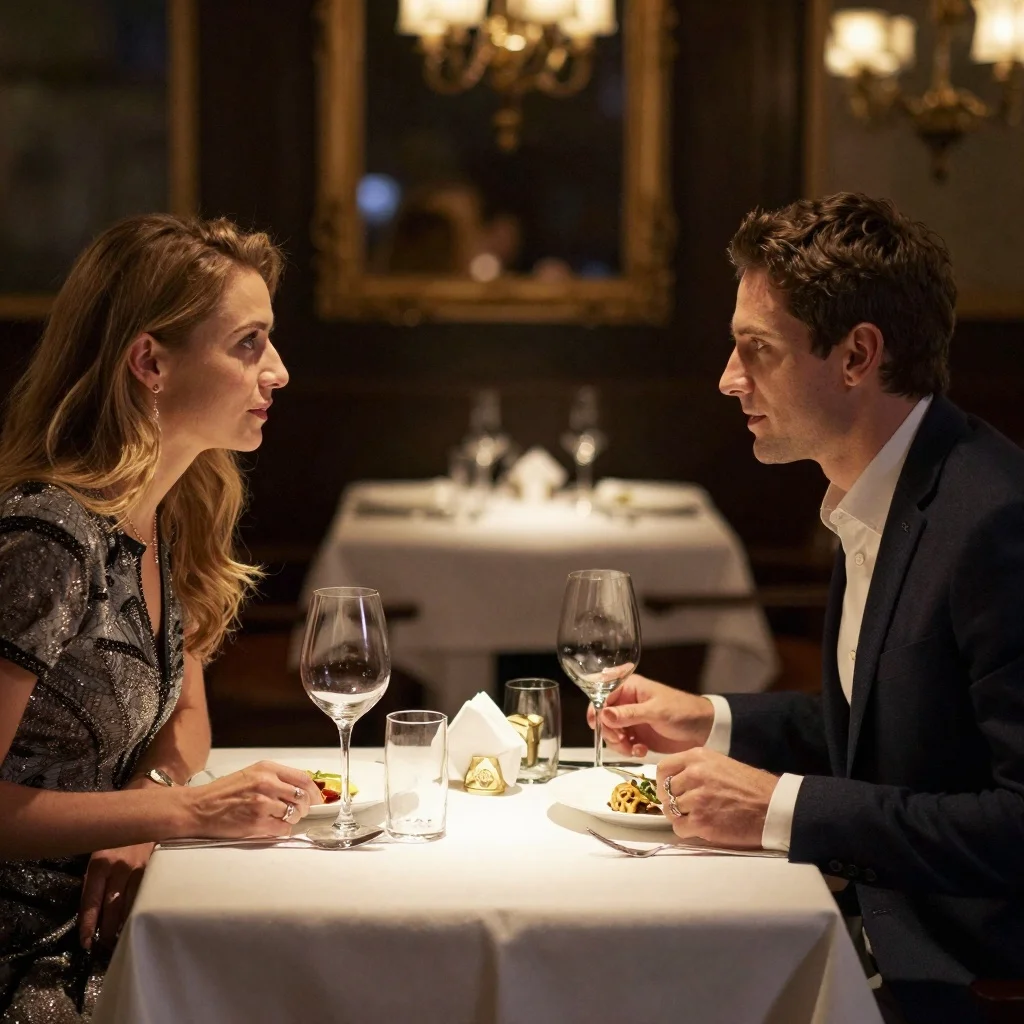
The woman walks forward
Homem andando em direção à câmera
A woman is dancing
The woman is smiling
Children happily chase bubbles and try to pop them
The camera zooms in, the man naturally opens his arms, glasses gazing into the distance, high quality, 4k
A giant fox made of glowing crystals, running through a magical forest at night, leaving a trail of sparkling particles behind it. The plants in the forest also emit a soft glow, creating a mysterious and dreamlike atmosphere.
An ancient castle floating on a sea of clouds, with waterfalls pouring from the castle's edge into the clouds. A giant white dragon takes off from one of the castle's towers and soars upward. Use a wide-angle long shot, soft golden light, to create a serene and majestic atmosphere.
A child in a raincoat, stomping in puddles on a city street after the rain, splashing ripples in a circle. The reflection of streetlights shimmers on the wet pavement. Low-angle shot, neon lighting, creating a warm and nostalgic atmosphere.
A majestic white horse, galloping across a vast, snow-covered plain, its hooves kicking up flurries of snow. Tracking side view, soft overcast lighting, the scene presents a serene and mystical mood.
Massive colorful flowers hang overhead. Slowly panning camera, soft pastel-colored lighting, a lively and magical atmosphere.
A lonely lighthouse, standing firm against a furious ocean storm. Crashing waves engulf its base, and lightning flashes across the dark sky. Dramatic long shot, intense stormy lighting, powerful and isolated atmosphere.
A playful puppy, excitedly chasing a rolling ball across a lush green park. Its ears flap in the wind, and its tail wags furiously. Low-angle tracking shot, bright daylight, energetic and cheerful ambiance.
A whimsical hot air balloon, shaped like a friendly dragon, gracefully ascending over a vibrant, blooming valley. Sunlight bathes the scene, illuminating the intricate patterns of the dragon's scales. Wide panoramic shot, soft morning glow, fairytale-like atmosphere.
Modelos relacionados





README
Kling V1.6 Image-to-Video Standard
Kling V1.6 Image-to-Video Standard is Kuaishou's reliable image-to-video generation model that transforms static images into dynamic videos with smooth, natural motion. Upload an image, describe the action, and watch your photo come to life.
Why It Stands Out
- Image-driven generation: Animate any image while preserving its original style and composition.
- Prompt-guided motion: Describe the action you want and the model brings it to life.
- Prompt Enhancer: Built-in AI-powered prompt optimization for better results.
- Negative prompt support: Exclude unwanted elements for cleaner outputs.
- Guidance control: Adjust how closely the output follows your prompt.
- Flexible duration: Choose video length based on your needs.
Parameters
| Parameter | Required | Description |
|---|---|---|
| prompt | Yes | Text description of desired motion and action. |
| image | Yes | Source image to animate (upload or public URL). |
| negative_prompt | No | Elements to avoid in the output. |
| guidance_scale | No | Prompt adherence strength (default: 0.5). |
| duration | No | Video length in seconds (default: 5). |
How to Use
- Upload your source image — drag and drop a file or paste a public URL.
- Write a prompt describing the motion you want. Use the Prompt Enhancer for AI-assisted optimization.
- Add a negative prompt (optional) — specify elements to exclude.
- Adjust guidance scale — higher values follow prompts more strictly.
- Set duration — choose how long you want the video to be.
- Click Run and wait for your video to generate.
- Preview and download the result.
Best Use Cases
- Portrait Animation — Bring portrait photos to life with natural movement.
- Social Media Content — Turn photos into engaging video posts.
- Marketing & Advertising — Animate product images and hero shots.
- E-commerce — Create dynamic product showcases from static photography.
- Creative Projects — Animate artwork, illustrations, and personal photos.
Pricing
| Duration | Price |
|---|---|
| 5 seconds | $0.25 |
| 10 seconds | $0.50 |
Pro Tips for Best Quality
- Use high-resolution, well-lit source images for optimal results.
- Keep prompts simple and focused on the main action (e.g., "The woman walks forward").
- Use lower guidance scale (0.3–0.5) for more natural motion.
- Use higher guidance scale (0.6–0.8) for stronger prompt adherence.
- Use negative prompts to reduce artifacts like blur or distortion.
Notes
- Ensure uploaded image URLs are publicly accessible.
- Processing time varies based on duration and current queue load.
- Please ensure your prompts comply with content guidelines.
Kling v1.6 I2v Standard API — Quick start
Grab a WaveSpeedAI API key, then call POST https://api.wavespeed.ai/api/v3/kwaivgi/kling-v1.6-i2v-standard with your input as JSON. The endpoint returns a prediction id. Start polling the result endpoint around every 2 seconds, increase the interval for long-running tasks, and stop on any terminal status. On completed, read output values from data.outputs. Examples for Kling v1.6 I2v Standard below.
HTTP example
set -euo pipefail

: "${WAVESPEED_API_KEY:?Set WAVESPEED_API_KEY}"

REQUEST_BODY=$(cat <<'JSON'
{
    "prompt": "A cinematic shot of a city at sunset, soft golden light",
    "image": "https://interactive-examples.mdn.mozilla.net/media/cc0-images/painted-hand-298-332.jpg",
    "guidance_scale": 0.5,
    "duration": 5
}
JSON
)

# 1. Submit the prediction.
SUBMIT_RESPONSE=$(curl --silent --show-error --fail-with-body \
  -X POST "https://api.wavespeed.ai/api/v3/kwaivgi/kling-v1.6-i2v-standard" \
  -H "Content-Type: application/json" \
  -H "Authorization: Bearer $WAVESPEED_API_KEY" \
  -d "$REQUEST_BODY")

TASK=$(printf '%s' "$SUBMIT_RESPONSE" | jq 'if has("data") then .data else . end')
PREDICTION_ID=$(printf '%s' "$TASK" | jq -r '.id')
if [ -z "$PREDICTION_ID" ] || [ "$PREDICTION_ID" = "null" ]; then
  printf 'Submission response did not contain a prediction id
' >&2
  exit 1
fi
RESULT_URL=$(printf '%s' "$TASK" | jq -r '.urls.get // empty')
if [ -z "$RESULT_URL" ]; then
  RESULT_URL="https://api.wavespeed.ai/api/v3/predictions/$PREDICTION_ID/result"
fi

# 2. Poll until the prediction finishes.
while true; do
  RESPONSE=$(curl --silent --show-error --fail-with-body "$RESULT_URL" \
    -H "Authorization: Bearer $WAVESPEED_API_KEY")
  RESULT=$(printf '%s' "$RESPONSE" | jq 'if has("data") then .data else . end')
  STATUS=$(printf '%s' "$RESULT" | jq -r '.status')
  case "$STATUS" in
    completed) printf '%s\n' "$RESULT" | jq '.outputs'; break ;;
    failed|cancelled|timeout) printf '%s\n' "$RESULT" | jq . >&2; exit 1 ;;
    created|processing) sleep 2 ;;
    *) printf 'Unexpected status: %s
' "$STATUS" >&2; exit 1 ;;
  esac
done
Node.js example
const submitUrl = "https://api.wavespeed.ai/api/v3/kwaivgi/kling-v1.6-i2v-standard";
const apiKey = process.env.WAVESPEED_API_KEY;
if (!apiKey) throw new Error('Set WAVESPEED_API_KEY');

async function requestJson(url, options = {}) {
  const response = await fetch(url, options);
  if (!response.ok) throw new Error(await response.text());
  return response.json();
}

// 1. Submit the prediction.
const body = await requestJson(submitUrl, {
  method: "POST",
  headers: {
    "Authorization": `Bearer ${apiKey}`,
    "Content-Type": "application/json",
  },
  body: JSON.stringify({
        "prompt": "A cinematic shot of a city at sunset, soft golden light",
        "image": "https://interactive-examples.mdn.mozilla.net/media/cc0-images/painted-hand-298-332.jpg",
        "guidance_scale": 0.5,
        "duration": 5
}),
});
const task = body.data ?? body;
if (!task.id) throw new Error("Submission response did not contain a prediction id");
const resultUrl = task.urls?.get ||
  `https://api.wavespeed.ai/api/v3/predictions/${task.id}/result`;

// 2. Poll until the prediction finishes.
while (true) {
  const resultBody = await requestJson(resultUrl, {
    headers: { "Authorization": `Bearer ${apiKey}` },
  });
  const result = resultBody.data ?? resultBody;
  if (result.status === "completed") {
    console.log(result.outputs);
    break;
  }
  if (["failed", "cancelled", "timeout"].includes(result.status)) throw new Error(JSON.stringify(result));
  if (!["created", "processing"].includes(result.status)) throw new Error("Unexpected status: " + result.status);
  await new Promise(resolve => setTimeout(resolve, 2000));
}
Python example
import json
import os
import time
from urllib.request import Request, urlopen

api_key = os.environ["WAVESPEED_API_KEY"]
headers = {"Authorization": f"Bearer {api_key}", "Content-Type": "application/json"}
payload = {
    "prompt": "A cinematic shot of a city at sunset, soft golden light",
    "image": "https://interactive-examples.mdn.mozilla.net/media/cc0-images/painted-hand-298-332.jpg",
    "guidance_scale": 0.5,
    "duration": 5
}

def request_json(url, data=None):
    request = Request(url, data=data, headers=headers, method="POST" if data else "GET")
    with urlopen(request) as response:
        return json.load(response)

# 1. Submit the prediction.
body = request_json("https://api.wavespeed.ai/api/v3/kwaivgi/kling-v1.6-i2v-standard", json.dumps(payload).encode())
task = body.get("data", body)
if not task.get("id"):
    raise RuntimeError("Submission response did not contain a prediction id")
result_url = task.get("urls", {}).get("get") or f"https://api.wavespeed.ai/api/v3/predictions/{task['id']}/result"

# 2. Poll until the prediction finishes.
while True:
    result_body = request_json(result_url)
    result = result_body.get("data", result_body)
    status = result.get("status")
    if status == "completed":
        print(result.get("outputs", []))
        break
    if status in {"failed", "cancelled", "timeout"}:
        raise RuntimeError(result)
    if status not in {"created", "processing"}:
        raise RuntimeError(f"Unexpected status: {status}")
    time.sleep(2)
Kling v1.6 I2v Standard API — Frequently asked questions
What is the Kling v1.6 I2v Standard API?
Kling v1.6 I2v Standard is a Kuaishou model for video generation from images, exposed as a REST API on WaveSpeedAI. Kling 1.6 is an Image-to-Video model with 195% improvement over 1.5, with improved prompt understanding, physics and visual effects. Ready-to-use REST inference API, best performance, no coldstarts, affordable pricing. You can call it programmatically or try it from the playground above.
How do I call the Kling v1.6 I2v Standard API?
POST your input parameters to the model's REST endpoint (shown in the API tab of this playground) with your WaveSpeedAI API key in the Authorization header. Submission returns a prediction ID. Poll the result endpoint starting around every 2 seconds, increase the interval for long-running tasks, and stop on any terminal status. The playground generates production-oriented Python, JavaScript, and cURL examples with timeouts, transient-error handling, and safe GET retries. Full request/response shape is documented at https://wavespeed.ai/docs/docs-api/kwaivgi/kwaivgi-kling-v1.6-i2v-standard.
How much does Kling v1.6 I2v Standard cost per run?
Kling v1.6 I2v Standard starts at $0.25 per run. That figure is the base price — the final charge scales with the parameters you set in the form (output size, length, count, references, or whatever knobs this model exposes), so a higher-quality or larger output costs more than a minimal one. The exact cost for your current input is shown live next to the Generate button before you submit, and the actual per-call charge is recorded on the prediction afterwards.
What inputs does Kling v1.6 I2v Standard accept?
Key inputs: `prompt`, `image`, `duration`, `guidance_scale`, `negative_prompt`. The full JSON schema (types, defaults, allowed values) is rendered above the Generate button and mirrored in the API reference at https://wavespeed.ai/docs/docs-api/kwaivgi/kwaivgi-kling-v1.6-i2v-standard.
How long does Kling v1.6 I2v Standard take to generate?
Median end-to-end generation time on WaveSpeedAI is around 157 seconds per request, based on recent successful runs. Queue time varies with global demand; live status is visible in the prediction record.
Can I use Kling v1.6 I2v Standard outputs commercially?
Commercial usage rights depend on the model's license, set by its provider (Kuaishou). The license summary appears on the model card above; see WaveSpeedAI's Terms of Service for platform-level conditions.