Nucleus Image generates high-quality images from text prompts with flexible aspect ratios, adjustable inference steps, and classifier-free guidance. Supports negative prompts, reproducible seeds, and multiple output formats. Ready-to-use REST inference API, best performance, no coldstarts, affordable pricing.
Bezczynny

$0.01za uruchomienie·~100 / $1
PrzykładyZobacz wszystkie
A young woman in a beige trench coat sits by the window of a nearly empty subway car at 11:47 PM, cradling a bouquet of white baby's breath that's begun to wilt. A faded lipstick print stains the rim of her half-finished coffee cup; her eyes gaze blankly at the tunnel lights streaking past. At the far end of the car, a man in black-framed glasses watches her quietly — a concert ticket slipping from between his fingers. Cold white fluorescent ceiling light, faint fog condensation on the window glass, subtle reflections, 35mm film grain, Kodak Portra 400 aesthetic, cinematic 2.39:1 widescreen.

A Martian base greenhouse, 2089. An American female botanist in her 40s kneels on the soil, staring through her helmet visor at the first sunflower ever grown on another planet. Rust-red Martian dust clings to her white spacesuit sleeves; her name tag reads "Dr. Lin." Outside the greenhouse dome: an orange Martian horizon with two small moons rising. In her other hand, she grips a folded, well-worn family photograph. Grounded sci-fi realism, soft diffused light, emotional contrast between warmth and desolation.
Powiązane modele


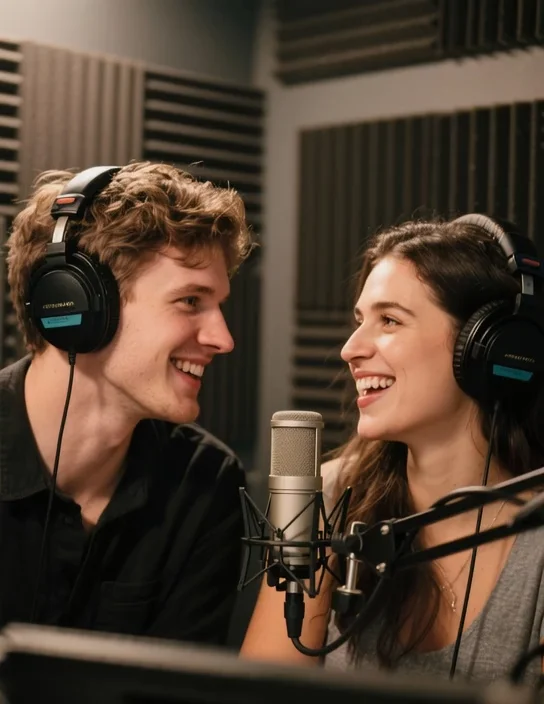
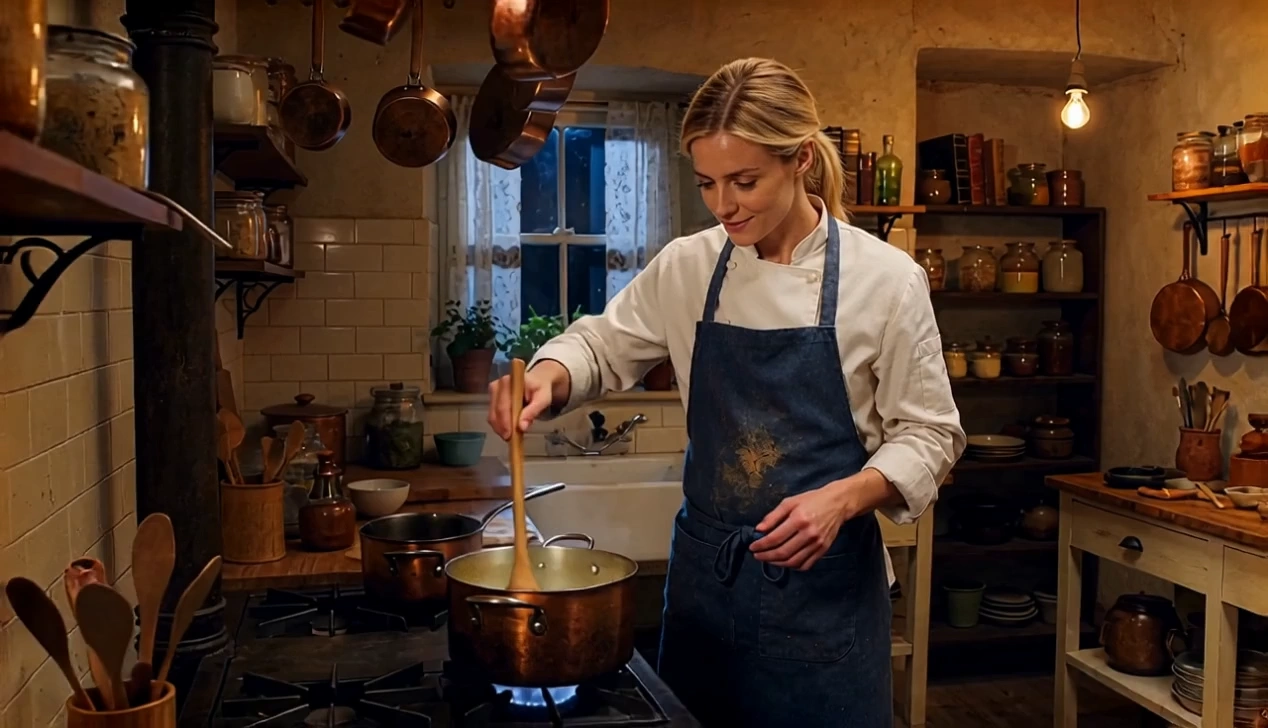

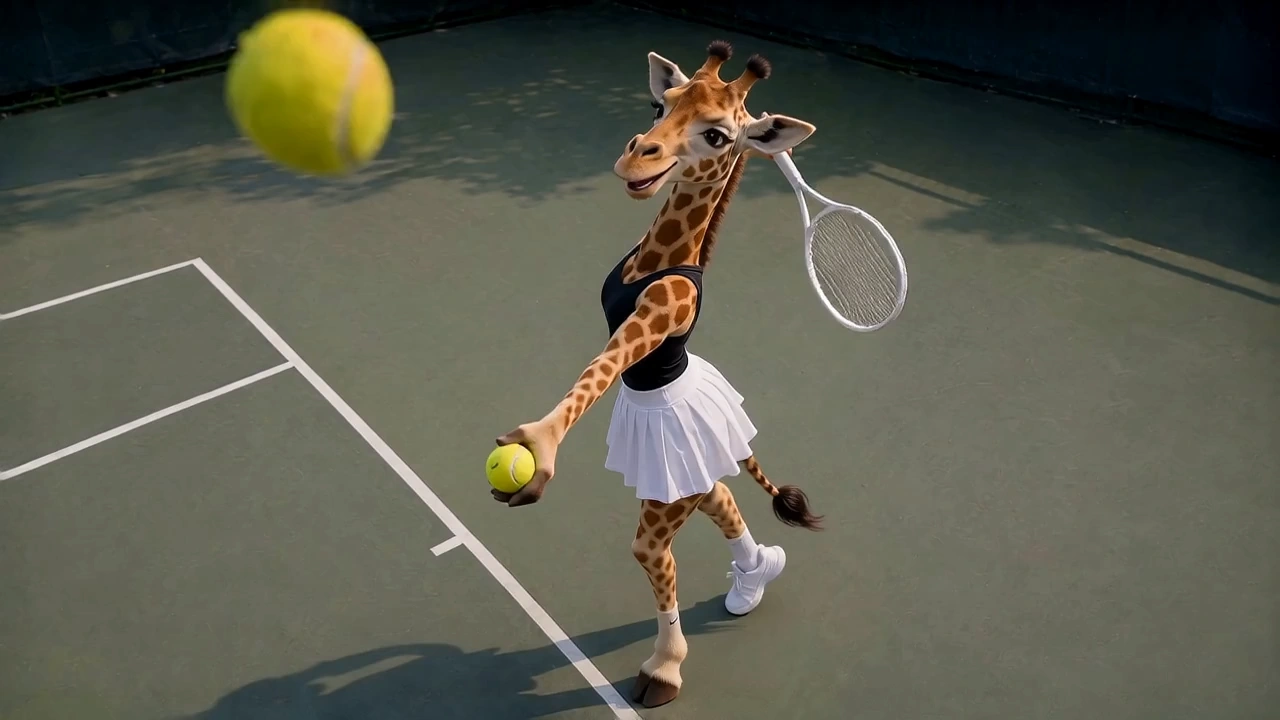
README
Nucleus Image Text-to-Image
Nucleus Image Text-to-Image generates high-quality images from text prompts with precise control over inference steps, guidance scale, and aspect ratio. An affordable, flexible text-to-image model built for creative and production workflows.
Why Choose This?
-
Fine-grained generation control Adjust inference steps (1–100) and guidance scale (0–20) to tune the balance between creativity and prompt adherence.
-
Negative prompt support Specify what to exclude from the output for more precise control over the result.
-
Multiple aspect ratio presets Choose from 1:1, 16:9, 9:16, 4:3, 3:4, 3:2, or 2:3 to match any platform or format.
-
Batch generation Generate up to 2 images per run for quick side-by-side comparison.
-
Reproducible results Use the seed parameter to lock in a specific output for consistent iteration.
-
Output format choice Export in PNG or JPEG based on your delivery requirements.
Parameters
| Parameter | Required | Description |
|---|---|---|
| prompt | Yes | Text description of the image subject, style, and mood. |
| negative_prompt | No | Elements to exclude from the generated image. |
| aspect_ratio | No | Output aspect ratio. Options: 1:1 (default), 16:9, 9:16, 4:3, 3:4, 3:2, 2:3. |
| num_images | No | Number of images to generate per run: 1 (default) or 2. |
| num_inference_steps | No | Number of inference steps. Range: 1–100. Default: 50. |
| guidance_scale | No | Classifier-free guidance scale. Range: 0–20. Default: 8. |
| output_format | No | Output file format: png (default) or jpeg. |
| seed | No | Random seed for reproducible results. |
How to Use
- Write your prompt — describe the subject, scene, style, lighting, and mood.
- Add negative prompt (optional) — specify elements you want to exclude.
- Select aspect ratio — choose the format that fits your target platform.
- Set num_images (optional) — generate 1 or 2 images per run.
- Adjust inference steps and guidance scale (optional) — higher steps for more detail, higher guidance for stricter prompt adherence.
- Choose output format — png for lossless, jpeg for smaller file size.
- Set seed (optional) — fix the seed to reproduce a specific result.
- Submit — generate and download your image.
Pricing
Just $0.01 per image.
Best Use Cases
- Rapid prototyping — Generate visual concepts quickly at very low cost for iteration and ideation.
- Social media content — Create platform-optimized images across multiple aspect ratios.
- High-volume workflows — Affordable per-image pricing makes it ideal for large-scale generation pipelines.
- Creative exploration — Tune inference steps and guidance scale to explore different visual styles from the same prompt.
- Developer integrations — Embed flexible, low-cost image generation into any app or workflow.
Pro Tips
- Higher num_inference_steps (50–100) produces more detailed and refined results; lower values (10–20) are faster for quick drafts.
- Increase guidance_scale for stricter prompt adherence; lower values allow more creative variation.
- Use negative_prompt to avoid common artifacts like blurry faces, extra limbs, or unwanted styles.
- Generate 2 images per run to quickly compare variations before committing to a final render.
- Fix the seed while adjusting other parameters to isolate the effect of each change.
Notes
- Only prompt is required; all other parameters are optional.
- Maximum 2 images per generation run.
- Please ensure your content complies with WaveSpeed AI's usage policies.
Nucleus Image Text To Image API — Quick start
Grab a WaveSpeedAI API key, then call POST https://api.wavespeed.ai/api/v3/wavespeed-ai/nucleus-image/text-to-image with your input as JSON. The endpoint returns a prediction id. Start polling the result endpoint around every 2 seconds, increase the interval for long-running tasks, and stop on any terminal status. On completed, read output values from data.outputs. Examples for Nucleus Image Text To Image below.
HTTP example
set -euo pipefail

: "${WAVESPEED_API_KEY:?Set WAVESPEED_API_KEY}"

REQUEST_BODY=$(cat <<'JSON'
{
    "prompt": "A cinematic shot of a city at sunset, soft golden light",
    "aspect_ratio": "1:1",
    "num_images": 1,
    "num_inference_steps": 50,
    "guidance_scale": 8,
    "output_format": "png"
}
JSON
)

# 1. Submit the prediction.
SUBMIT_RESPONSE=$(curl --silent --show-error --fail-with-body \
  -X POST "https://api.wavespeed.ai/api/v3/wavespeed-ai/nucleus-image/text-to-image" \
  -H "Content-Type: application/json" \
  -H "Authorization: Bearer $WAVESPEED_API_KEY" \
  -d "$REQUEST_BODY")

TASK=$(printf '%s' "$SUBMIT_RESPONSE" | jq 'if has("data") then .data else . end')
PREDICTION_ID=$(printf '%s' "$TASK" | jq -r '.id')
if [ -z "$PREDICTION_ID" ] || [ "$PREDICTION_ID" = "null" ]; then
  printf 'Submission response did not contain a prediction id
' >&2
  exit 1
fi
RESULT_URL=$(printf '%s' "$TASK" | jq -r '.urls.get // empty')
if [ -z "$RESULT_URL" ]; then
  RESULT_URL="https://api.wavespeed.ai/api/v3/predictions/$PREDICTION_ID/result"
fi

# 2. Poll until the prediction finishes.
while true; do
  RESPONSE=$(curl --silent --show-error --fail-with-body "$RESULT_URL" \
    -H "Authorization: Bearer $WAVESPEED_API_KEY")
  RESULT=$(printf '%s' "$RESPONSE" | jq 'if has("data") then .data else . end')
  STATUS=$(printf '%s' "$RESULT" | jq -r '.status')
  case "$STATUS" in
    completed) printf '%s\n' "$RESULT" | jq '.outputs'; break ;;
    failed|cancelled|timeout) printf '%s\n' "$RESULT" | jq . >&2; exit 1 ;;
    created|processing) sleep 2 ;;
    *) printf 'Unexpected status: %s
' "$STATUS" >&2; exit 1 ;;
  esac
done
Node.js example
const submitUrl = "https://api.wavespeed.ai/api/v3/wavespeed-ai/nucleus-image/text-to-image";
const apiKey = process.env.WAVESPEED_API_KEY;
if (!apiKey) throw new Error('Set WAVESPEED_API_KEY');

async function requestJson(url, options = {}) {
  const response = await fetch(url, options);
  if (!response.ok) throw new Error(await response.text());
  return response.json();
}

// 1. Submit the prediction.
const body = await requestJson(submitUrl, {
  method: "POST",
  headers: {
    "Authorization": `Bearer ${apiKey}`,
    "Content-Type": "application/json",
  },
  body: JSON.stringify({
        "prompt": "A cinematic shot of a city at sunset, soft golden light",
        "aspect_ratio": "1:1",
        "num_images": 1,
        "num_inference_steps": 50,
        "guidance_scale": 8,
        "output_format": "png"
}),
});
const task = body.data ?? body;
if (!task.id) throw new Error("Submission response did not contain a prediction id");
const resultUrl = task.urls?.get ||
  `https://api.wavespeed.ai/api/v3/predictions/${task.id}/result`;

// 2. Poll until the prediction finishes.
while (true) {
  const resultBody = await requestJson(resultUrl, {
    headers: { "Authorization": `Bearer ${apiKey}` },
  });
  const result = resultBody.data ?? resultBody;
  if (result.status === "completed") {
    console.log(result.outputs);
    break;
  }
  if (["failed", "cancelled", "timeout"].includes(result.status)) throw new Error(JSON.stringify(result));
  if (!["created", "processing"].includes(result.status)) throw new Error("Unexpected status: " + result.status);
  await new Promise(resolve => setTimeout(resolve, 2000));
}
Python example
import json
import os
import time
from urllib.request import Request, urlopen

api_key = os.environ["WAVESPEED_API_KEY"]
headers = {"Authorization": f"Bearer {api_key}", "Content-Type": "application/json"}
payload = {
    "prompt": "A cinematic shot of a city at sunset, soft golden light",
    "aspect_ratio": "1:1",
    "num_images": 1,
    "num_inference_steps": 50,
    "guidance_scale": 8,
    "output_format": "png"
}

def request_json(url, data=None):
    request = Request(url, data=data, headers=headers, method="POST" if data else "GET")
    with urlopen(request) as response:
        return json.load(response)

# 1. Submit the prediction.
body = request_json("https://api.wavespeed.ai/api/v3/wavespeed-ai/nucleus-image/text-to-image", json.dumps(payload).encode())
task = body.get("data", body)
if not task.get("id"):
    raise RuntimeError("Submission response did not contain a prediction id")
result_url = task.get("urls", {}).get("get") or f"https://api.wavespeed.ai/api/v3/predictions/{task['id']}/result"

# 2. Poll until the prediction finishes.
while True:
    result_body = request_json(result_url)
    result = result_body.get("data", result_body)
    status = result.get("status")
    if status == "completed":
        print(result.get("outputs", []))
        break
    if status in {"failed", "cancelled", "timeout"}:
        raise RuntimeError(result)
    if status not in {"created", "processing"}:
        raise RuntimeError(f"Unexpected status: {status}")
    time.sleep(2)
Nucleus Image Text To Image API — Frequently asked questions
What is the Nucleus Image Text To Image API?
Nucleus Image Text To Image is a WaveSpeedAI model for image generation, exposed as a REST API on WaveSpeedAI. Nucleus Image generates high-quality images from text prompts with flexible aspect ratios, adjustable inference steps, and classifier-free guidance. Supports negative prompts, reproducible seeds, and multiple output formats. Ready-to-use REST inference API, best performance, no coldstarts, affordable pricing. You can call it programmatically or try it from the playground above.
How do I call the Nucleus Image Text To Image API?
POST your input parameters to the model's REST endpoint (shown in the API tab of this playground) with your WaveSpeedAI API key in the Authorization header. Submission returns a prediction ID. Poll the result endpoint starting around every 2 seconds, increase the interval for long-running tasks, and stop on any terminal status. The playground generates production-oriented Python, JavaScript, and cURL examples with timeouts, transient-error handling, and safe GET retries. Full request/response shape is documented at https://wavespeed.ai/docs/docs-api/wavespeed-ai/nucleus-image-text-to-image.
How much does Nucleus Image Text To Image cost per run?
Nucleus Image Text To Image starts at $0.010 per run. That figure is the base price — the final charge scales with the parameters you set in the form (output size, length, count, references, or whatever knobs this model exposes), so a higher-quality or larger output costs more than a minimal one. The exact cost for your current input is shown live next to the Generate button before you submit, and the actual per-call charge is recorded on the prediction afterwards.
What inputs does Nucleus Image Text To Image accept?
Key inputs: `prompt`, `aspect_ratio`, `seed`, `guidance_scale`, `num_inference_steps`, `negative_prompt`. The full JSON schema (types, defaults, allowed values) is rendered above the Generate button and mirrored in the API reference at https://wavespeed.ai/docs/docs-api/wavespeed-ai/nucleus-image-text-to-image.
How long does Nucleus Image Text To Image take to generate?
Average end-to-end generation time on WaveSpeedAI is around 33 seconds per request — measured across recent runs. Queue time scales with global demand; live status is visible in the prediction record.
Can I use Nucleus Image Text To Image outputs commercially?
Commercial usage rights depend on the model's license, set by its provider (WaveSpeedAI). The license summary appears on the model card above; see WaveSpeedAI's Terms of Service for platform-level conditions.