Seedance 1.5 Pro is Live Now!Try Now!
Home/Explore/reve/edit-fast
image-to-image

image-to-image

Reve Edit-Fast

reve/edit-fast

Reve Edit-Fast delivers lightning-fast image edits: upload a photo and transform it with text prompts for precise, natural results. Ready-to-use REST inference API, best performance, no coldstarts, affordable pricing.

Hint: You can drag and drop a file or click to upload

preview
If set to true, the function will wait for the result to be generated and uploaded before returning the response. It allows you to get the result directly in the response. This property is only available through the API.
If enabled, the output will be encoded into a BASE64 string instead of a URL. This property is only available through the API.

Idle

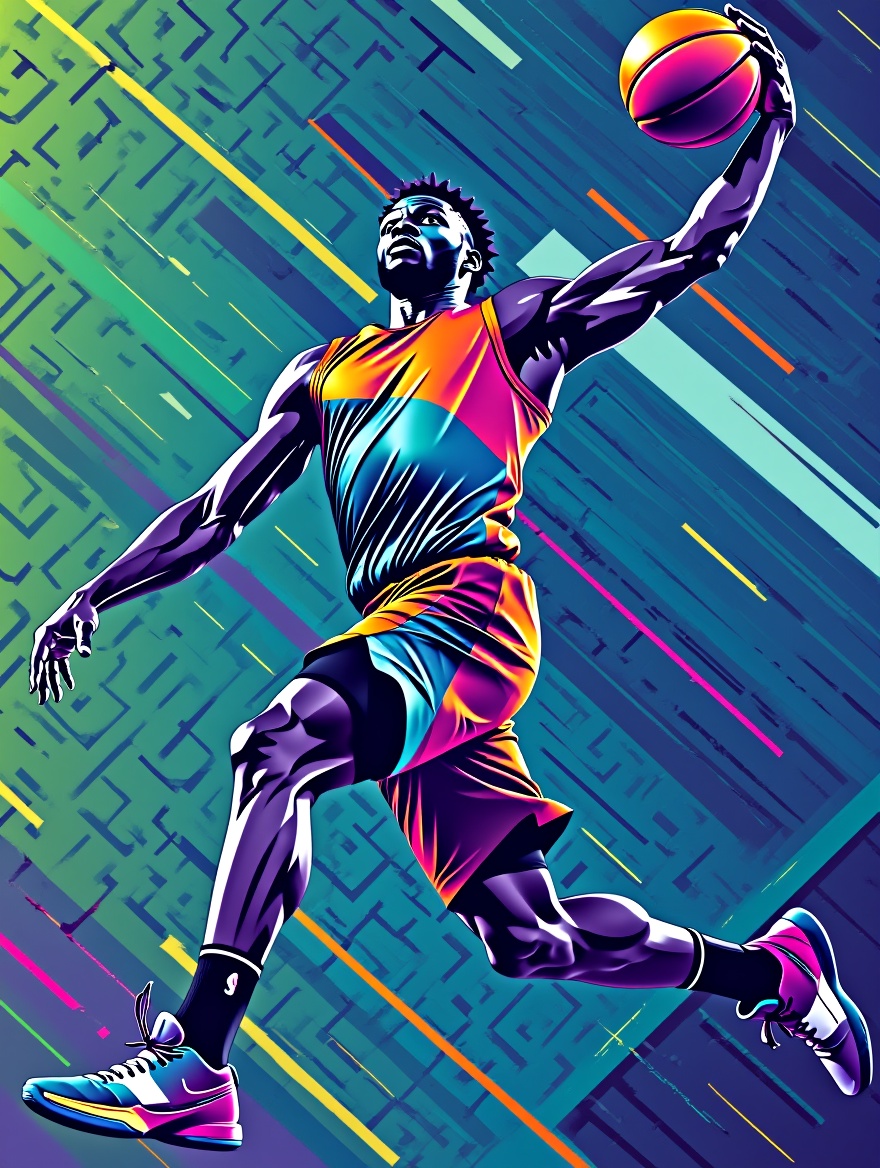
Transform the athlete into a basketball player in mid-air, dunking a basketball. Maintain the vibrant, energetic abstract background and bold, graphic art style. Emphasize dynamic motion and powerful musculature. Recolor the entire image with a cool color palette, featuring dominant blues, greens, and purples. Maintain the abstract background patterns and the athletic figure's dynamic pose. Keep the bold, graphic style.

Your request will cost $0.01 per run.

For $1 you can run this model approximately 100 times.

One more thing::

ExamplesView all

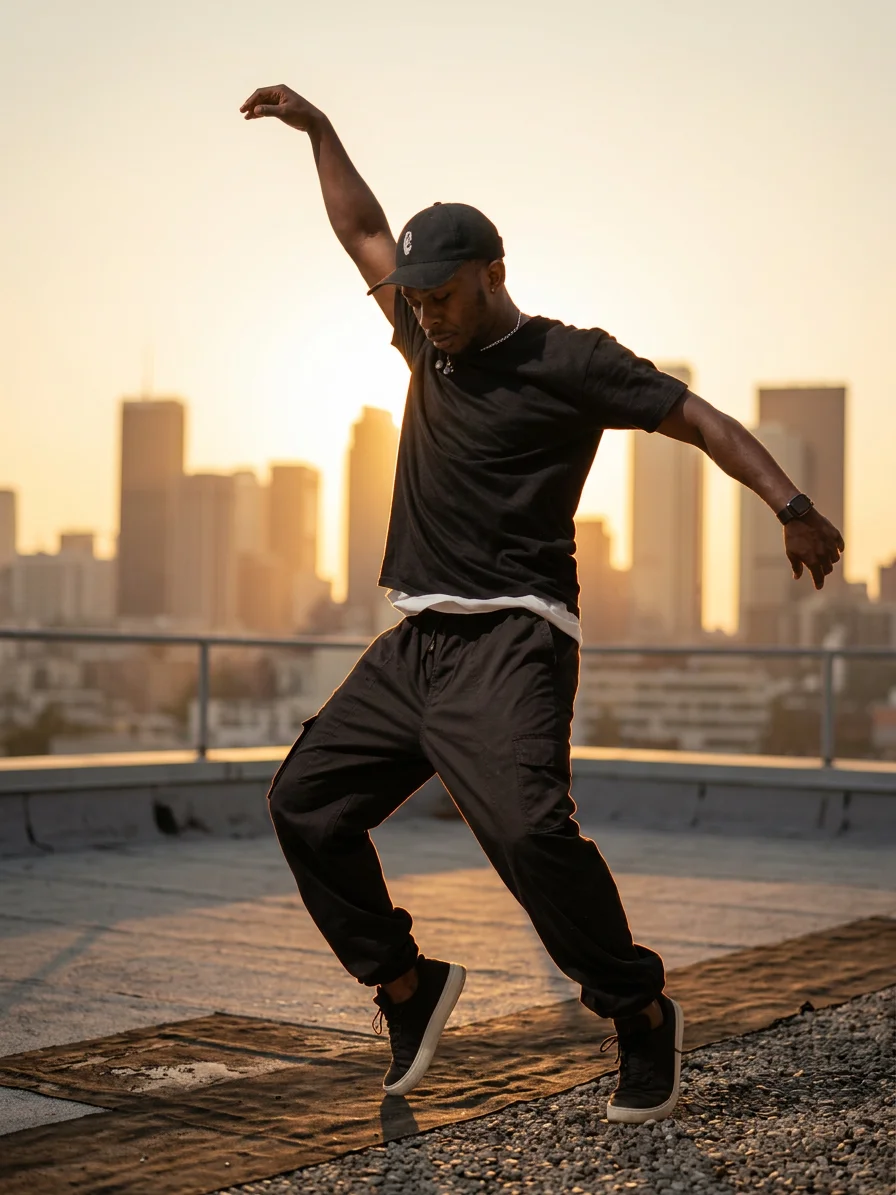
Transform the athlete into a basketball player in mid-air, dunking a basketball. Maintain the vibrant, energetic abstract background and bold, graphic art style. Emphasize dynamic motion and powerful musculature. Recolor the entire image with a cool color palette, featuring dominant blues, greens, and purples. Maintain the abstract background patterns and the athletic figure's dynamic pose. Keep the bold, graphic style.
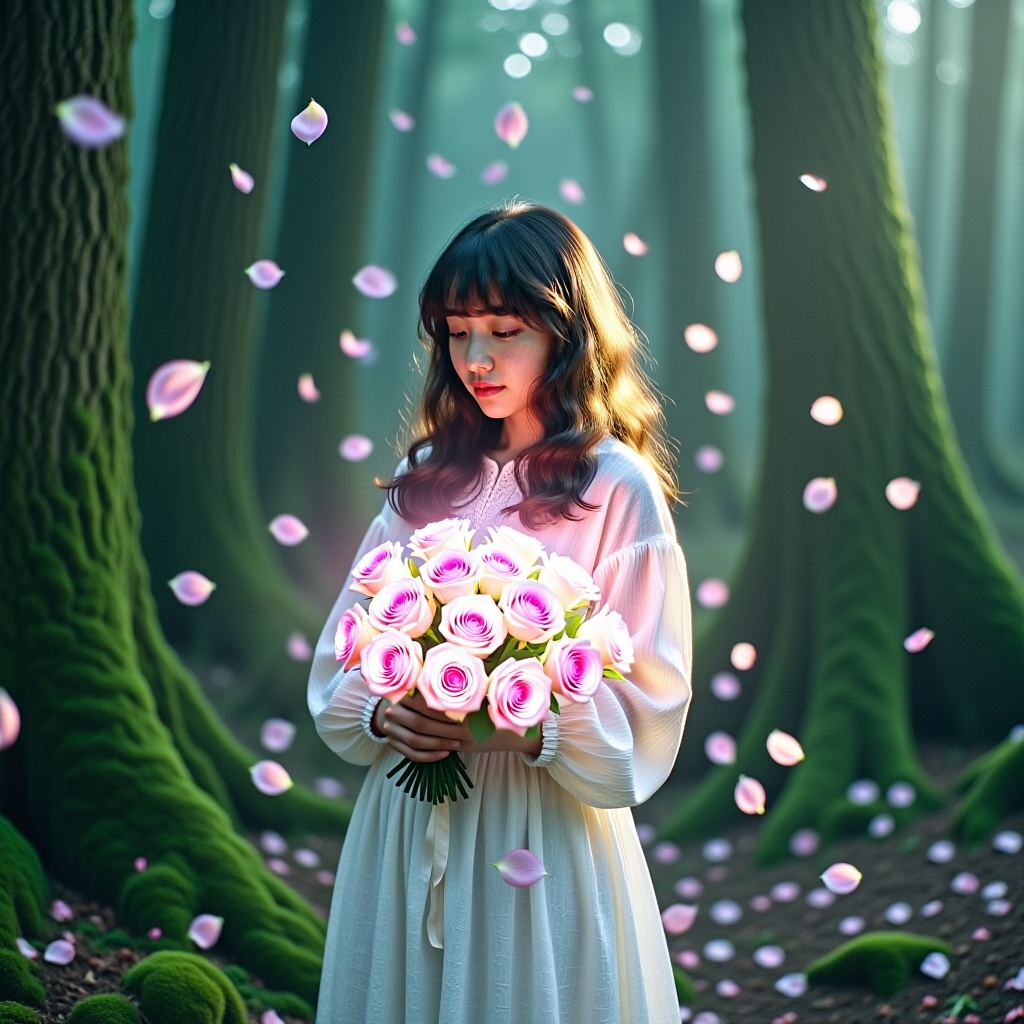
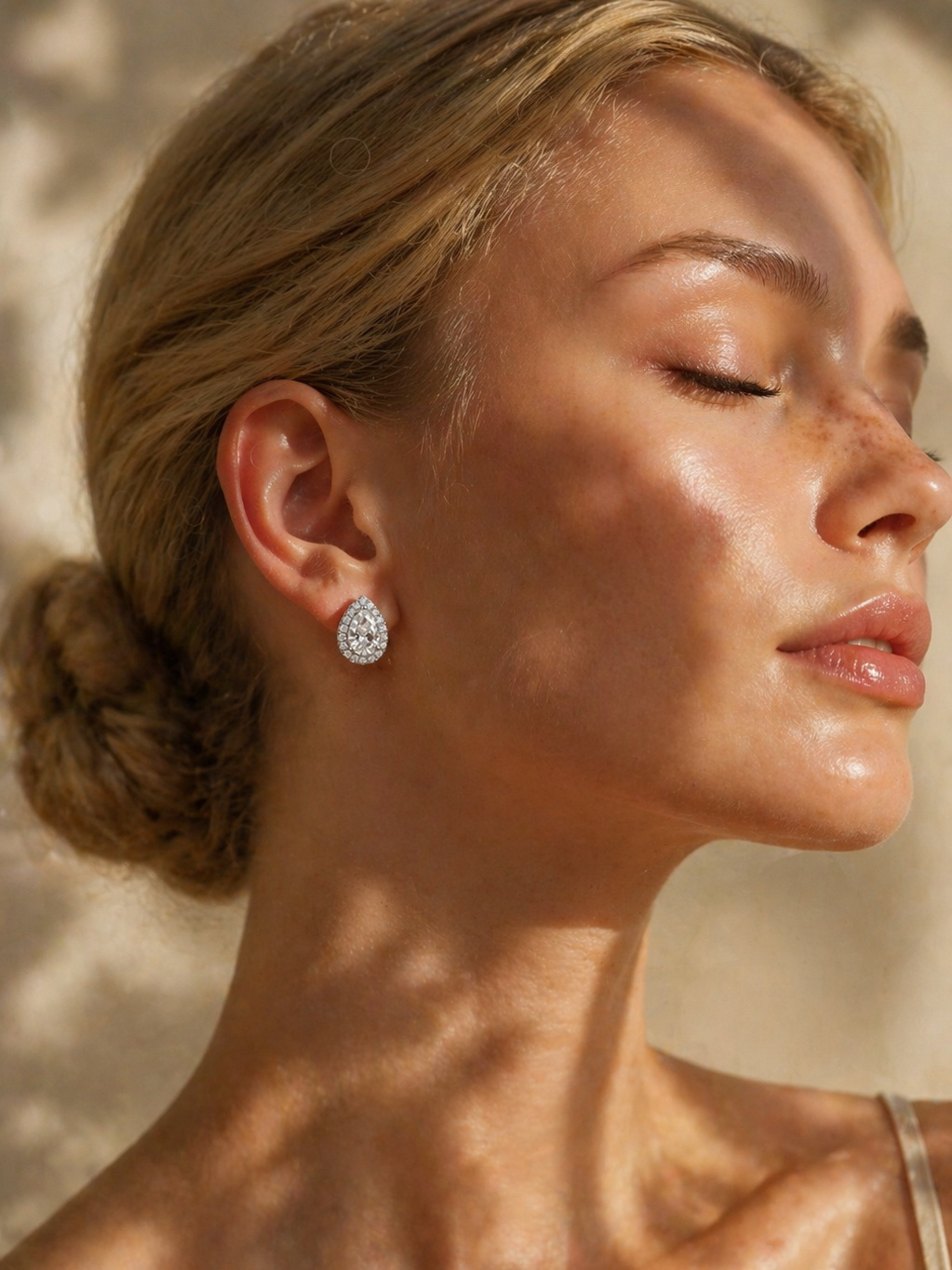
A girl holding glowing flowers in a mystical forest, ethereal light surrounding her, soft pastel colors, fairy-tale atmosphere, enchanted forest with floating petals.
Fill the blackboard with a detailed drawing of a smiling sun and a fluffy cloud, drawn in colorful chalk. Maintain the dog's expression and construction worker theme. Place the construction worker dog on a busy construction site with cranes and scaffolding in the background. Keep the dog and the blackboard exactly the same. Photorealistic style.
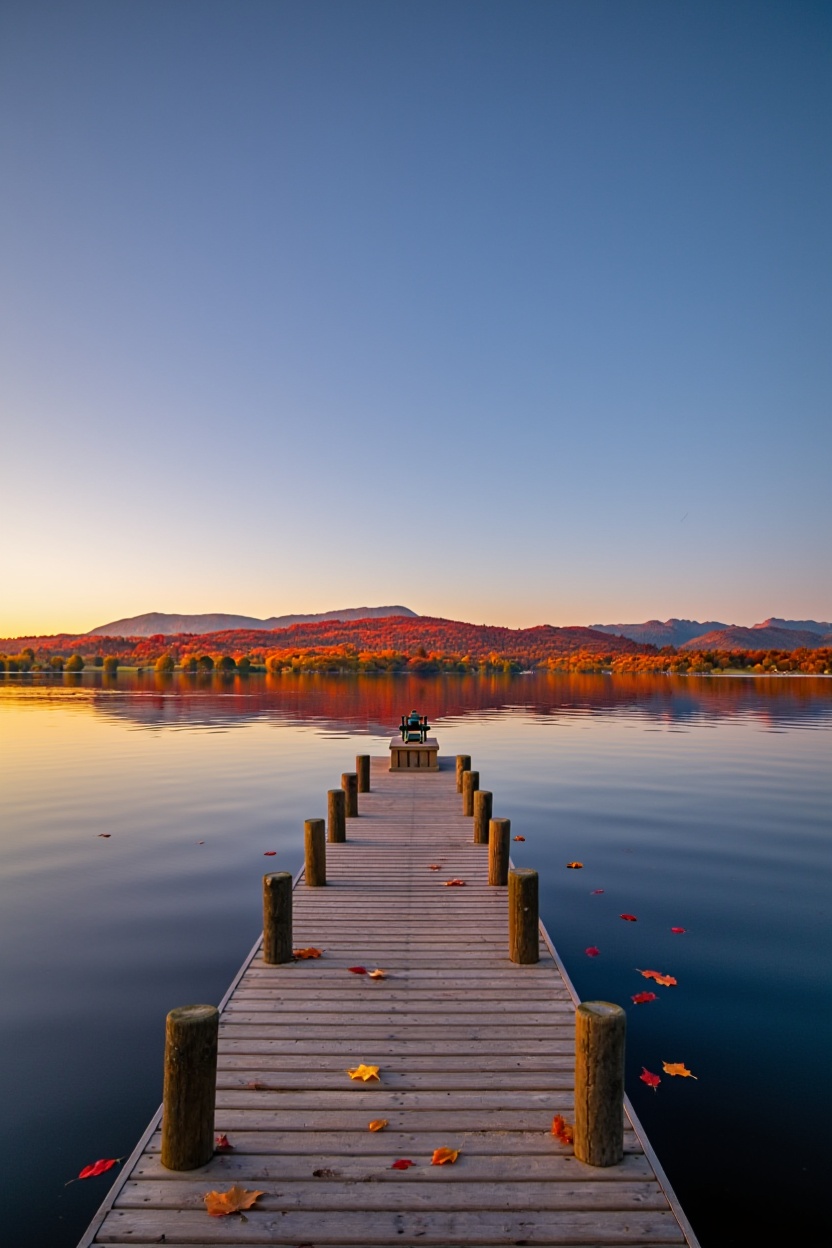
Modify the landscape to reflect autumn. The distant mountains should be covered in rich red, orange, and yellow foliage. A few fallen autumn leaves should float on the water near the pier. Maintain the soft, warm light of dawn/dusk.
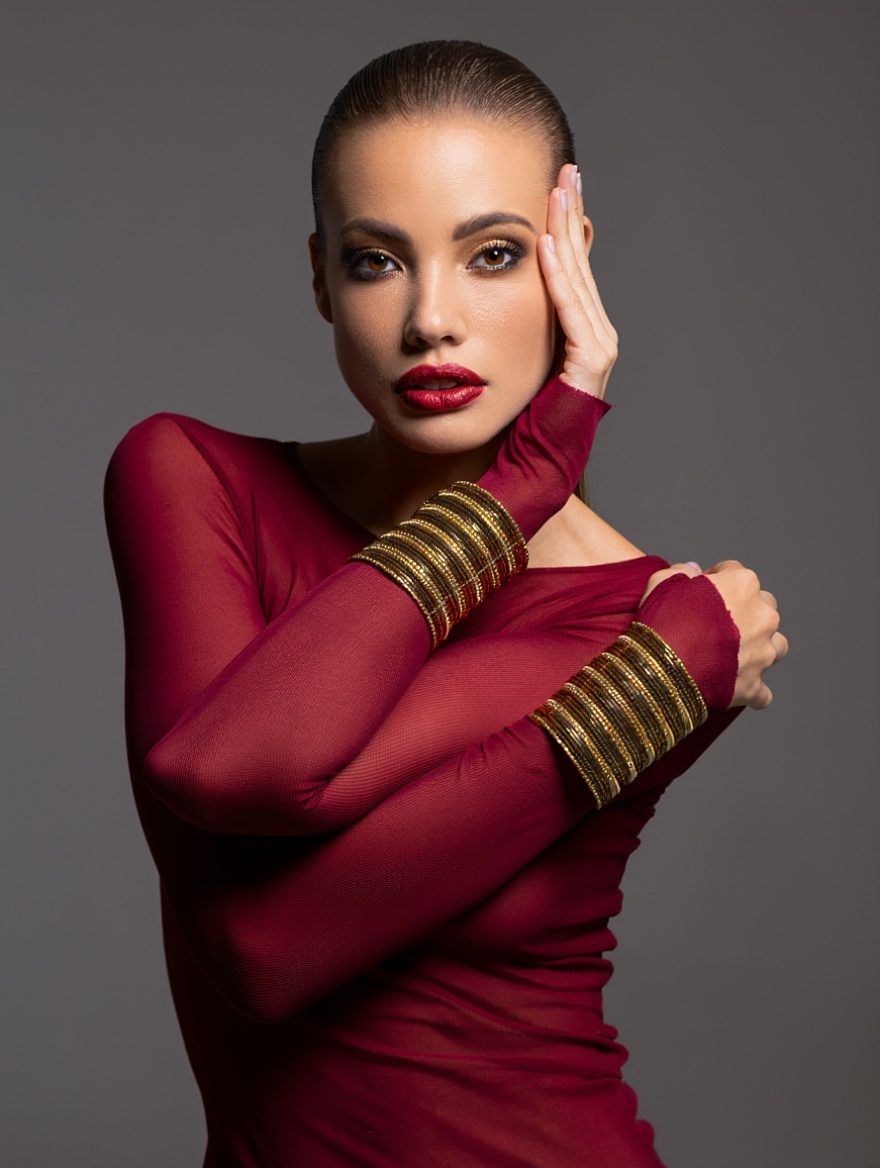
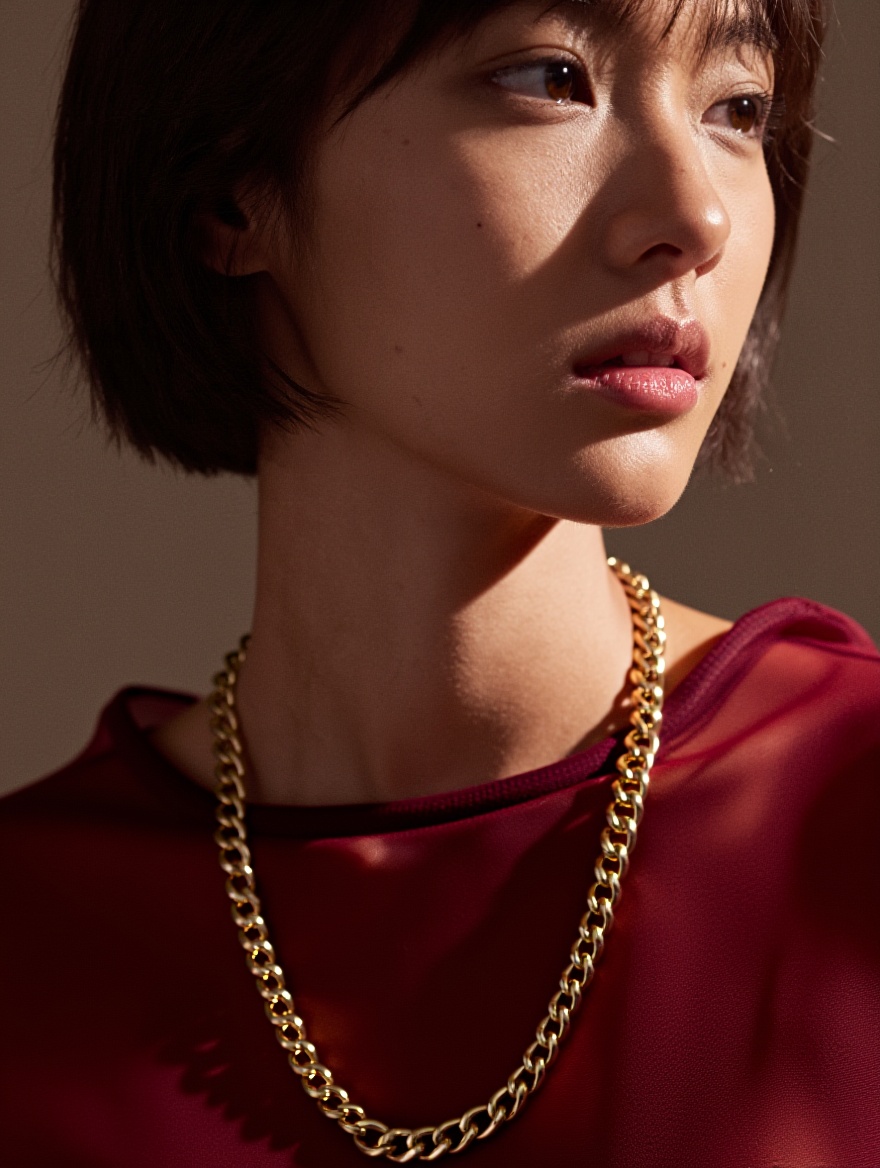
Colorize this image. Give the woman a warm, natural skin tone, deep brown eyes, and dark brown hair. The sheer top should be a deep ruby red, and the bracelets should be shiny gold. Maintain the dramatic, high-contrast lighting.
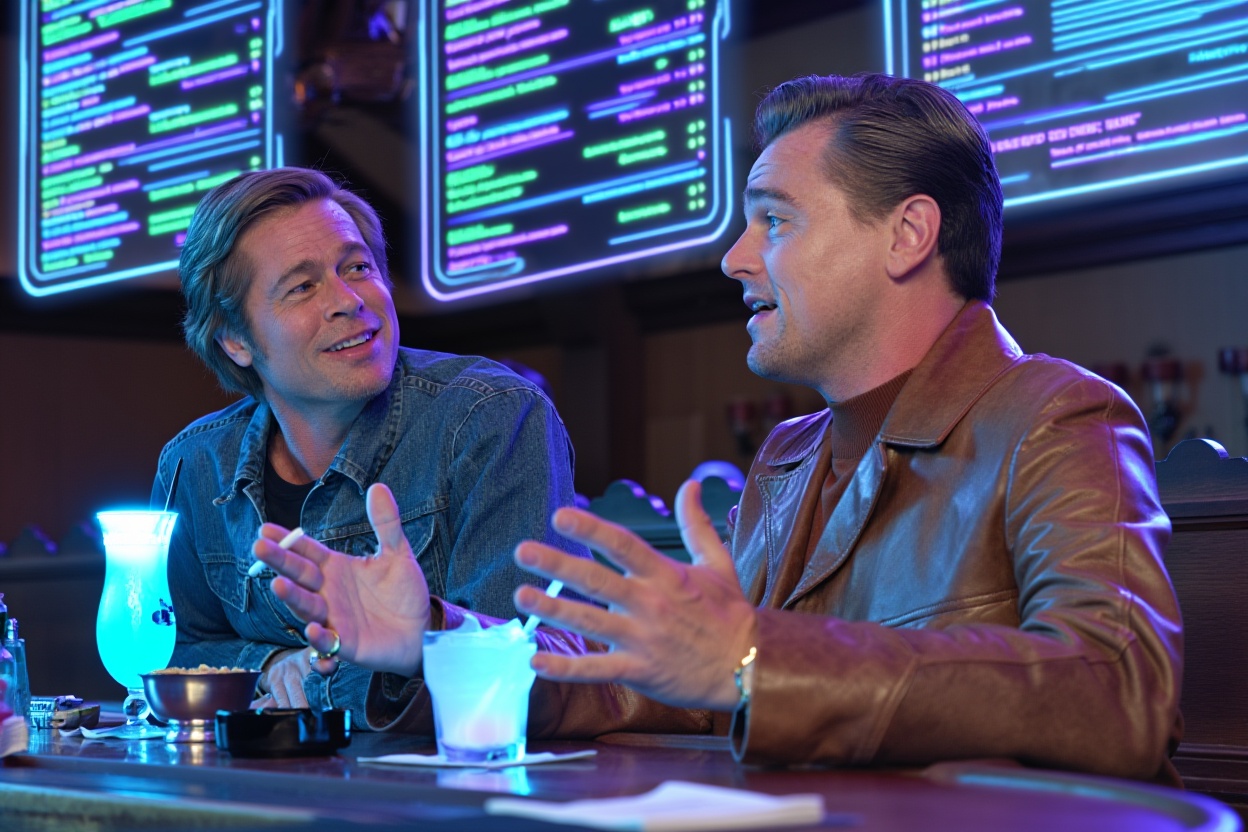
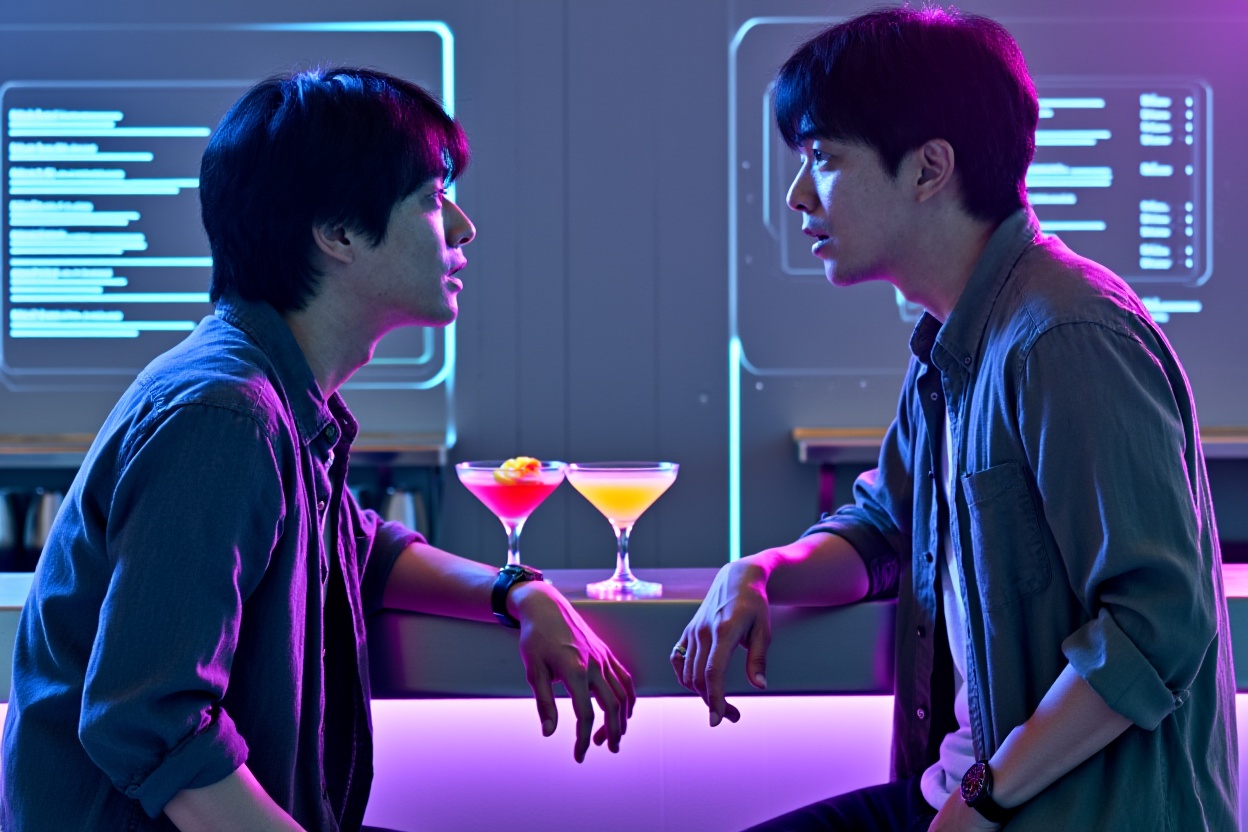
Keep the two actors, their clothes, and their current pose, but transport them to a futuristic, neon-lit cyberpunk bar. Replace the vintage decor with sleek, glowing surfaces and holographic menus. The cocktails should look futuristic. Maintain a cinematic feel.
Colorize this black-and-white portrait. Give the woman a warm, natural skin tone with subtle peach undertones. Eyes: deep rich brown with soft catchlight. Hair: dark chocolate brown with natural sheen and fine strands. The sheer top: deep ruby red, semi-transparent chiffon with delicate folds catching light. Jewelry: thick shiny gold chain necklace and matching layered gold bracelets, high reflectivity with sharp highlights. Maintain the original dramatic high-contrast side lighting, strong chiaroscuro shadows across cheek and neck, cinematic film grain, photorealistic skin texture, 8K detail.
Keep the two actors, their clothes, and their current pose, but transport them to a futuristic, neon-lit cyberpunk bar. Replace the vintage decor with sleek, glowing surfaces and holographic menus. The cocktails should look futuristic. Maintain a cinematic feel.
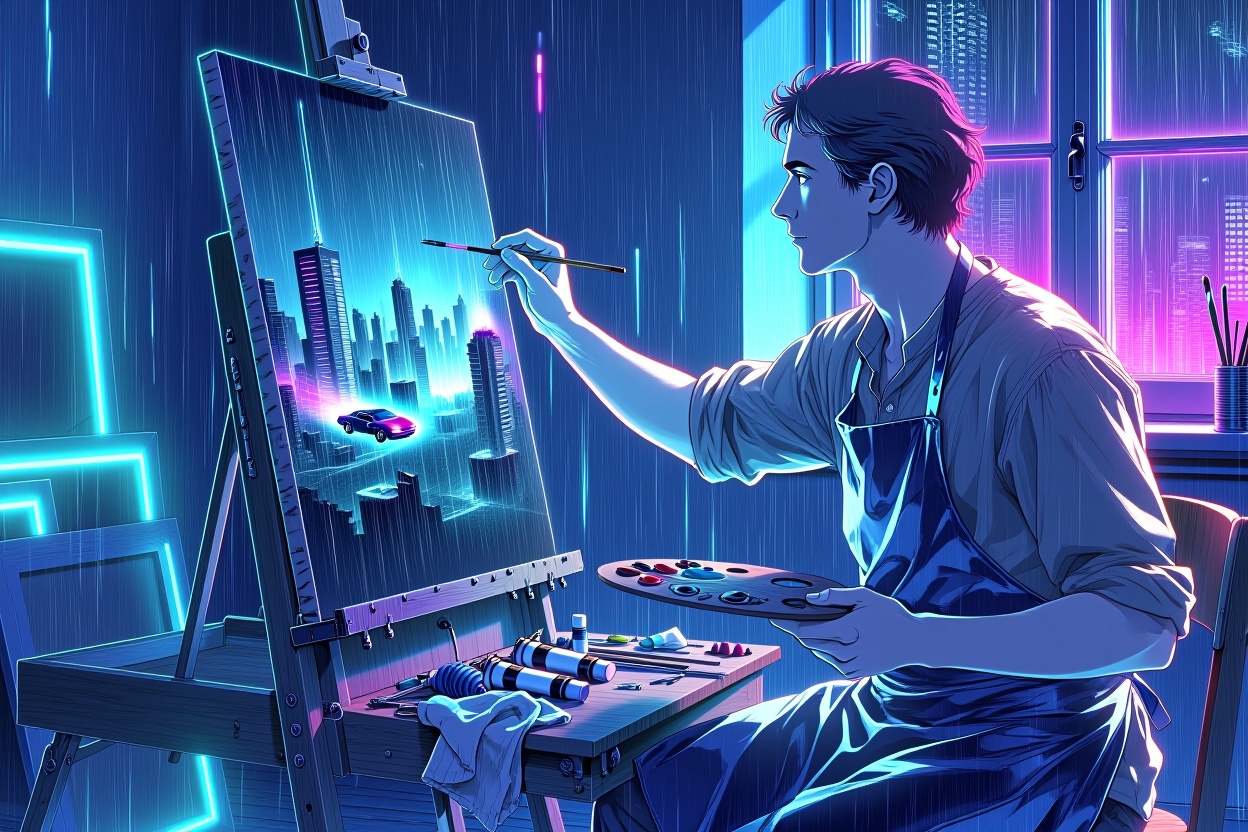
Transform this realistic oil-painting into cyberpunk anime style. Keep the artist, pose, easel, canvas, palette, and exact composition unchanged. Convert the warm sunlit studio into a neon-drenched rooftop atelier at night: holographic windows showing rain-soaked megacity, glowing cyan-magenta light strips on walls, floating digital brushes. Change the landscape on canvas to a futuristic cityscape with flying cars. Artist wears same clothes but with reflective tech-fabric texture.
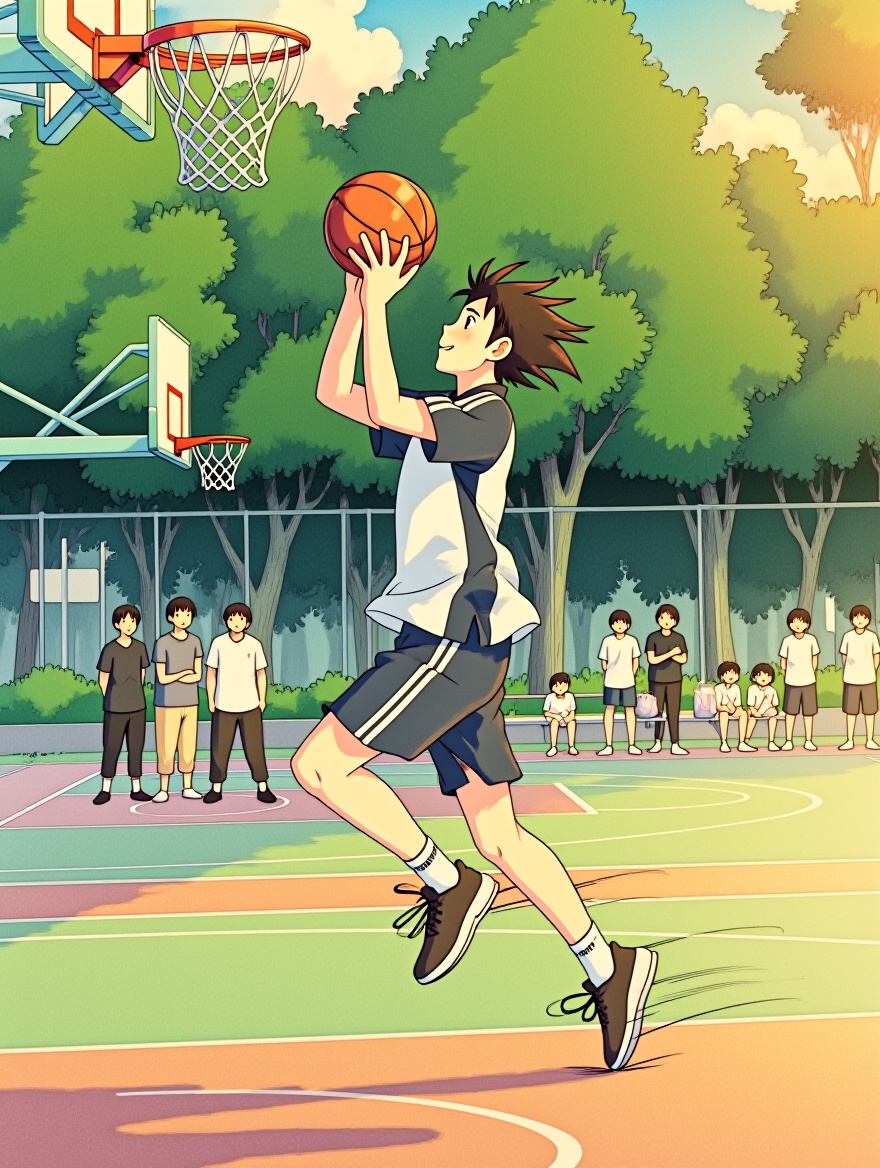
Transform this realistic photo into Studio Ghibli anime style. Keep the boy, his exact pose, basketball, uniform, hoop, court, and background crowd unchanged. Convert to hand-drawn 2D animation: soft watercolor textures, gentle cel-shading, warm golden-hour lighting with subtle lens flare, floating dust motes, slight wind in hair. Background trees in lush Miyazaki greens, sky with fluffy clouds. Photorealistic motion blur on ball and legs preserved as dynamic speed lines. 8K, whimsical yet grounded, Spirited Away x Slam Dunk aesthetic.

README

Reve — Edit Fast

Reve Edit Fast applies prompt-guided edits to a reference image with speed prioritized. Compared to the previous Reve editor, this version renders significantly faster while keeping clean colors, sharp edges, and stable composition—great for batch creative work, thumbnails, product shots, and stylized photography.

Key Features

  • Prompted image-to-image editing that respects the original composition
  • Fast inference for rapid iteration and A/B testing
  • Natural color handling and edge preservation to avoid over-smearing
  • Flexible output formats for downstream pipelines

Parameters

  • prompt Describe the target look or change. Example: dreamy fairy-tale glow, soft pastel palette, floating petals, gentle rim light.

  • image Source image URL or upload. Higher-quality sources yield cleaner edits.

  • output_format jpeg for compact delivery, png for lossless editing, webp for web pipelines.

How to Use

  1. Upload or paste your source image.
  2. Write a concise prompt describing the desired changes (mood, palette, texture, lighting).
  3. Choose output_format.
  4. Click Run and review. Iterate by refining the prompt; small wording changes can produce noticeably different looks.

Prompting Tips

  • State what to keep: keep framing and subject identity; add soft golden hour lighting.
  • Name concrete elements: glowing flowers, pastel color grade, light fog, film-grain texture.
  • Use short sentences or comma-separated phrases; avoid overly long narratives.
  • For product or portrait work, keep edits subtle to preserve brand colors and skin tone.

Pricing

  • $0.01 per image

Notes

  • Input resolution and sharpness set the quality ceiling; avoid heavy compression.
  • For heavy relighting or structural changes, try multiple passes with focused prompts rather than one long instruction.
  • Ensure you have rights to the images you upload and that your edits comply with platform policies.