Vidu Q3 Pro is online — try it now
Sora is OpenAI's multi-modal model that generates videos from text, images, or existing video inputs. Ready-to-use REST inference API, best performance, no coldstarts, affordable pricing.
text-to-video
Input
Idle
$0.2per run·~50 / $10
ExamplesView all
Related Models

README
OpenAI Sora
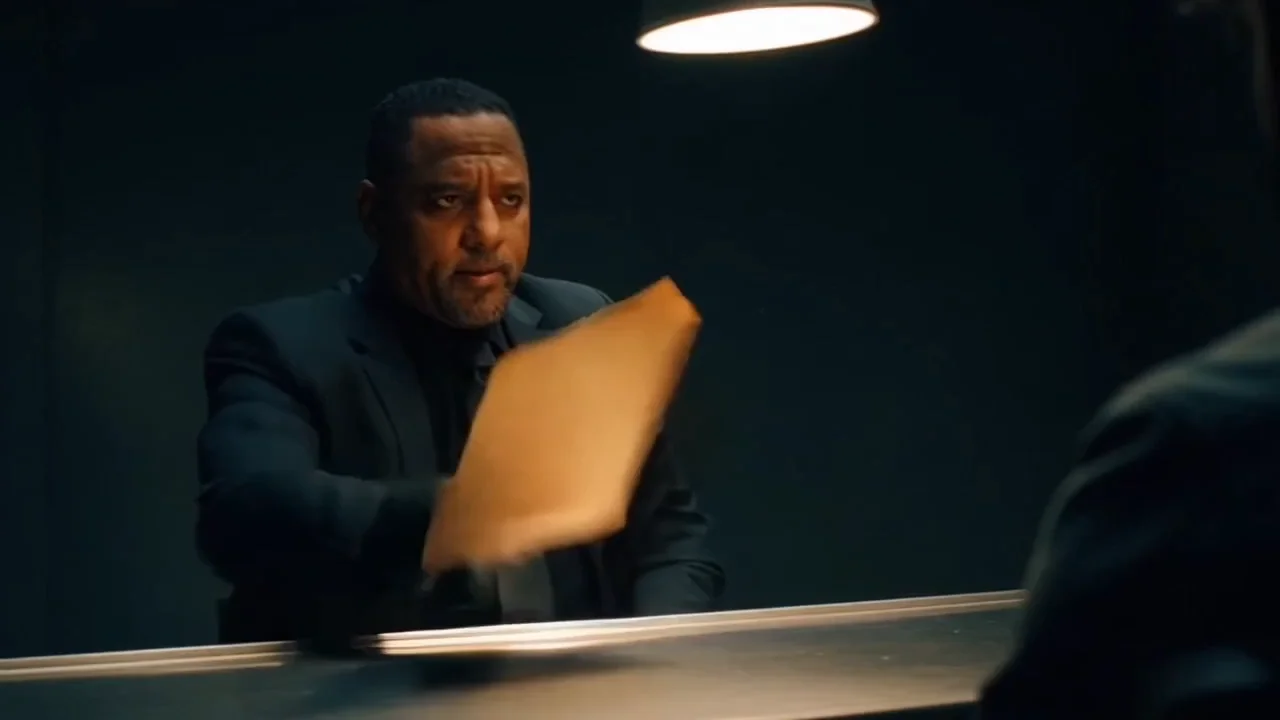
OpenAI Sora is OpenAI's groundbreaking text-to-video generation model that creates stunning, cinematic videos from text descriptions. Generate high-quality videos with realistic motion, complex scenes, and cinematic style — from simple prompts to detailed descriptions.
Why It Stands Out
- Cinematic quality: Produces professional-grade videos with realistic motion and visual fidelity.
- Complex scene understanding: Handles detailed prompts with multiple subjects, actions, and environments.
- Prompt Enhancer: Built-in AI-powered prompt optimization for better results.
- Flexible resolutions: Choose from 480p to Full HD 1080p based on your needs.
- Multiple aspect ratios: Support for square, portrait, and landscape formats at each resolution.
Parameters
| Parameter | Required | Description |
|---|---|---|
| prompt | Yes | Text description of the video you want to generate. |
| size | No | Output resolution and aspect ratio (default: 1280×720). |
Supported Sizes
| Size | Resolution | Aspect Ratio | Best For |
|---|---|---|---|
| 480×480 | 480p | 1:1 | Quick previews, social squares |
| 480×854 | 480p | 9:16 | Mobile previews, Stories drafts |
| 854×480 | 480p | 16:9 | Widescreen previews |
| 720×720 | 720p | 1:1 | Instagram, social media squares |
| 720×1280 | 720p | 9:16 | TikTok, Reels, Shorts |
| 1280×720 | 720p | 16:9 | YouTube, standard widescreen |
| 1080×1080 | 1080p | 1:1 | High-quality social squares |
| 1080×1920 | 1080p | 9:16 | Premium vertical content |
| 1920×1080 | 1080p | 16:9 | Full HD widescreen, professional |
How to Use
- Write a prompt describing the scene, action, and style you want. Use the Prompt Enhancer for AI-assisted optimization.
- Select size — choose the resolution and aspect ratio that fits your use case.
- Click Run and wait for your video to generate.
- Preview and download the result.
Best Use Cases
- Film & Storytelling — Generate cinematic scenes for short films and narratives.
- Marketing & Advertising — Produce high-quality promotional videos and ad creatives.
- Social Media Content — Create platform-optimized videos for TikTok, YouTube, Instagram, and more.
- Concept Visualization — Bring creative ideas to life before full production.
- Music Videos — Generate visual content for songs and audio tracks.
Pricing
| Resolution Tier | Sizes | Price per video |
|---|---|---|
| 480p | 480×480, 480×854, 854×480 | $0.20 |
| 720p | 720×720, 720×1280, 1280×720 | $0.45 |
| 1080p | 1080×1080, 1080×1920, 1920×1080 | $1.30 |
Pro Tips for Best Quality
- Be detailed in your prompt — describe subject appearance, action, environment, lighting, mood, and camera style.
- Include cinematic keywords like "35mm film," "slow motion," "tracking shot," or "dramatic lighting."
- Specify the visual style: "movie trailer style," "documentary," "animation," etc.
- Start with 480p or 720p for drafts, then generate final versions at 1080p.
- Choose the right aspect ratio for your target platform before generating.
Notes
- Processing time varies based on resolution and current queue load.
- Higher resolutions produce better quality but take longer to generate.
- Please ensure your prompts comply with OpenAI's content guidelines.
New Model
- Try Sora 2: https://wavespeed.ai/models/openai/sora-2