Seedance 2.0 | Special Offer ✦ 10% OFF NOW | Ends May 13 (UTC+0)
WAN 2.1 T2V Plus (720p) turns text prompts into high-quality 720p videos and supports unlimited AI video generation. Ready-to-use REST inference API, best performance, no coldstarts, affordable pricing.
text-to-video
Input
Idle
$0.7per run·~14 / $10
ExamplesView all
Related Models
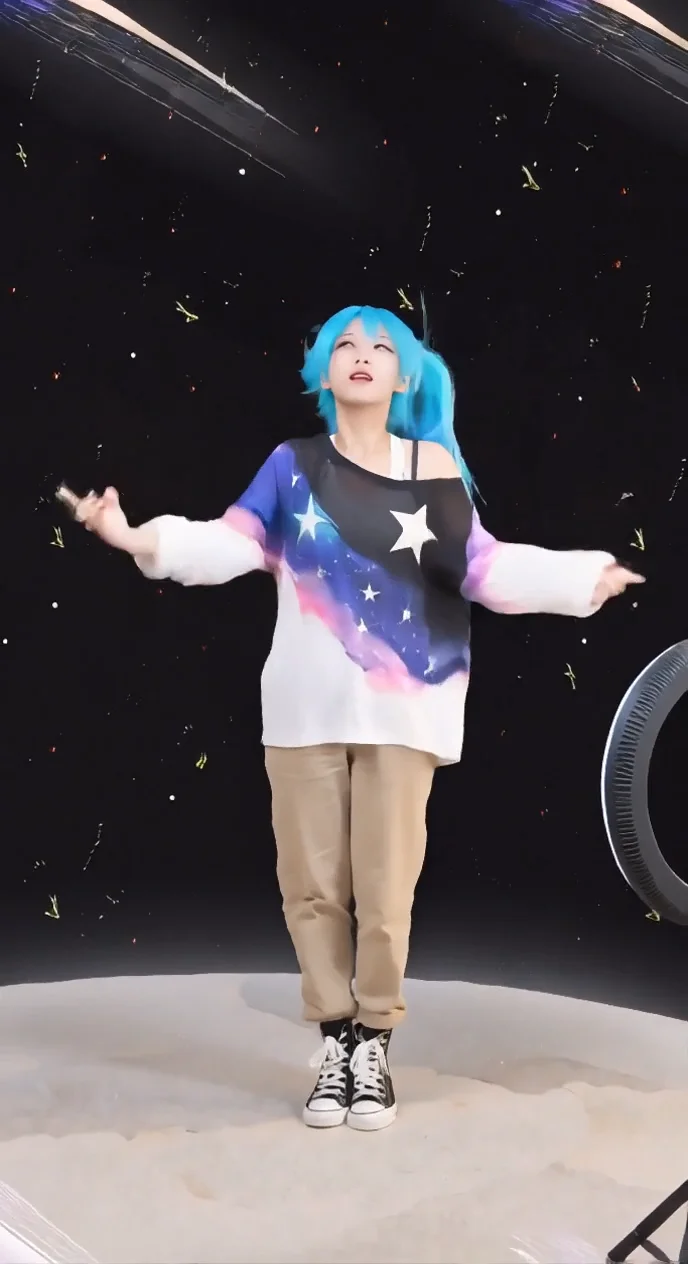
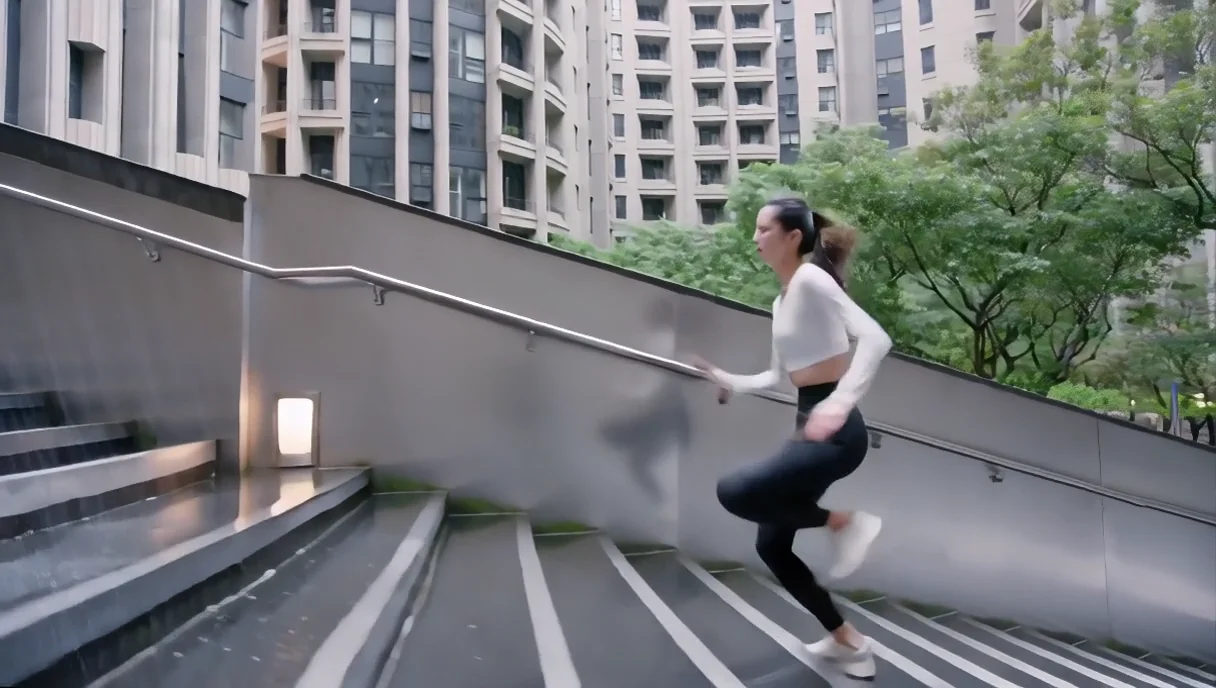
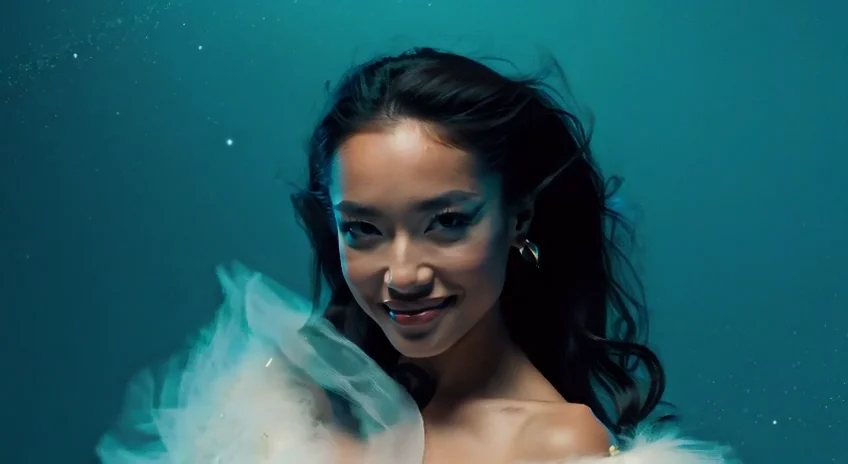
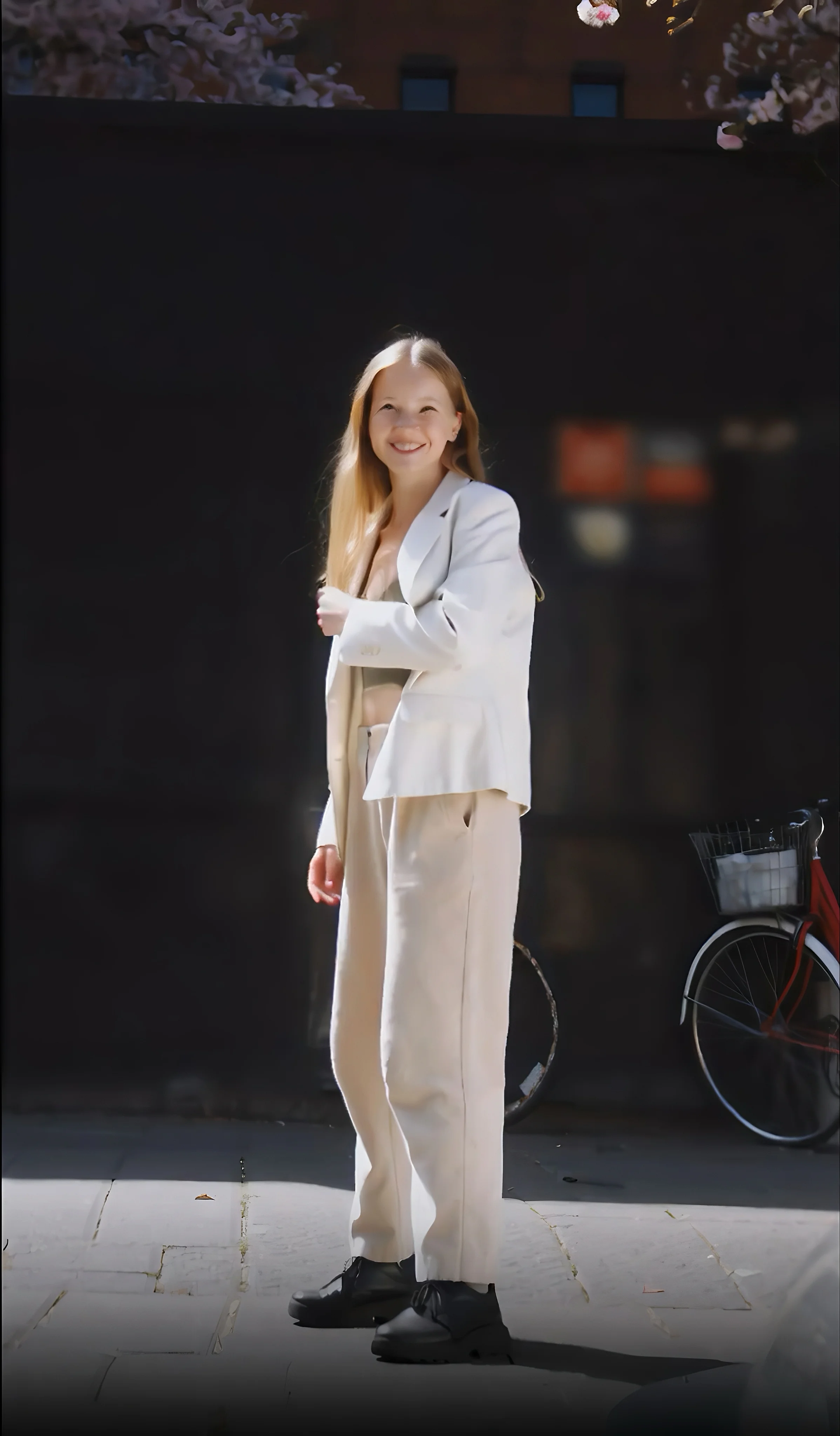
README
WAN 2.1 — Text-to-Video Plus Model (720p)
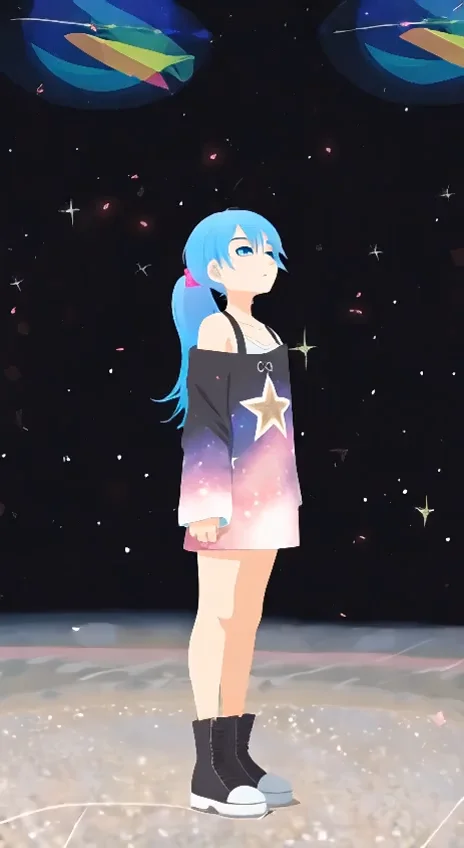
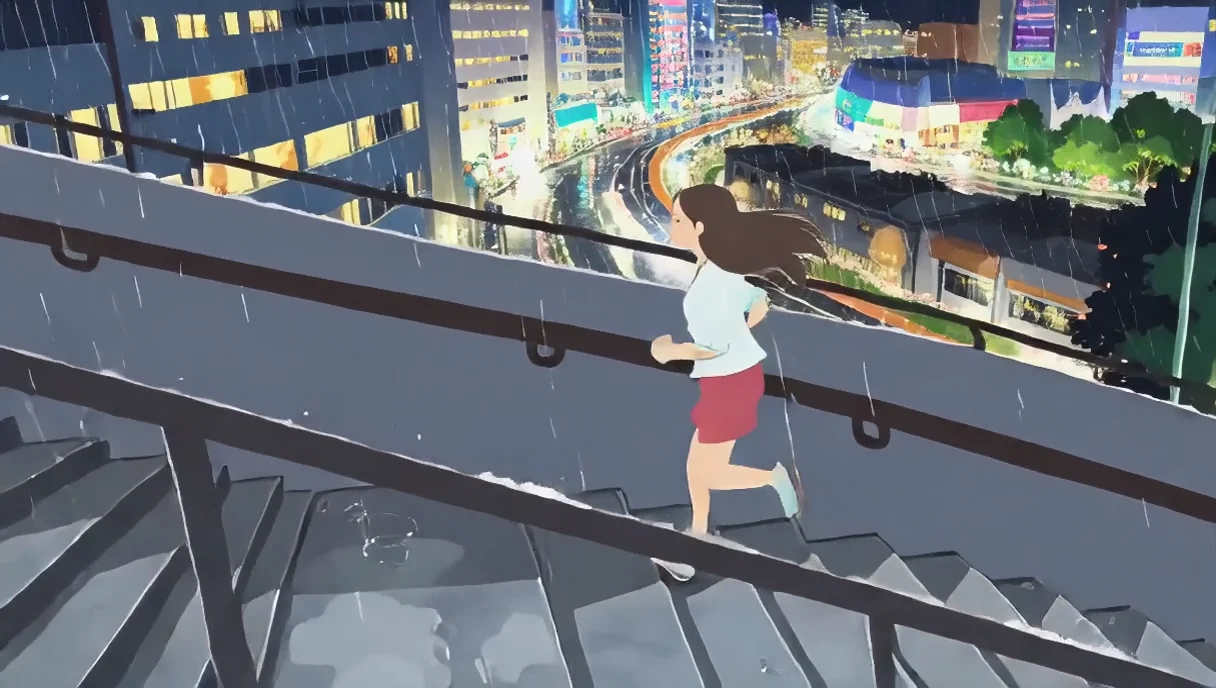
WAN 2.1 T2V Plus is an advanced text-to-video generation model powered by Cloud’s Mixture of Experts (MoE) architecture. It creates cinematic 5-second 720p videos with natural motion, balanced lighting, and smooth transitions — optimized for speed, stability, and storytelling flexibility.
Why it looks great
- Cinematic control: captures lighting, color tone, and depth for professional-grade visuals.
- Smooth temporal motion: ensures coherent motion flow between subjects and background.
- Prompt accuracy: delivers faithful interpretation of detailed text descriptions.
- Optimized 720p efficiency: achieves excellent quality at faster inference and lower cost.
- Stable rendering: minimizes flicker, distortion, or structure shifts during animation.
Pricing
| Duration | Resolution | Cost per job |
|---|---|---|
| 5 s | 720p | $0.70 |
How to Use
- Write Prompt – describe the desired scene, environment, and camera movement.
- Choose Size – select landscape (1280×720) or portrait (720×1280).
- (Optional) Add a Negative Prompt to exclude unwanted elements.
- (Optional) Set Seed for reproducibility.
- Run – preview and download your generated 5-second clip.
Pro Tips
- Include motion cues (e.g., “camera panning,” “soft breeze,” “car moving through city lights”).
- Use portrait mode for short-form social content, landscape for cinematic or presentation use.
- Keep prompts focused and clear for best visual alignment and stable motion.
Notes
- Please verify that your prompt and parameters are set correctly before running.
- If results appear inconsistent, try a new seed value or simplify your prompt.