Vidu Q3 Turbo Text-to-Video generates high-quality videos from text prompts with faster processing. Ready-to-use REST inference API, best performance, no coldstarts, affordable pricing.
대기 중
$0.3실행당·~33 / $10
예시전체 보기
관련 모델




README
Vidu Q3 Turbo Text-to-Video
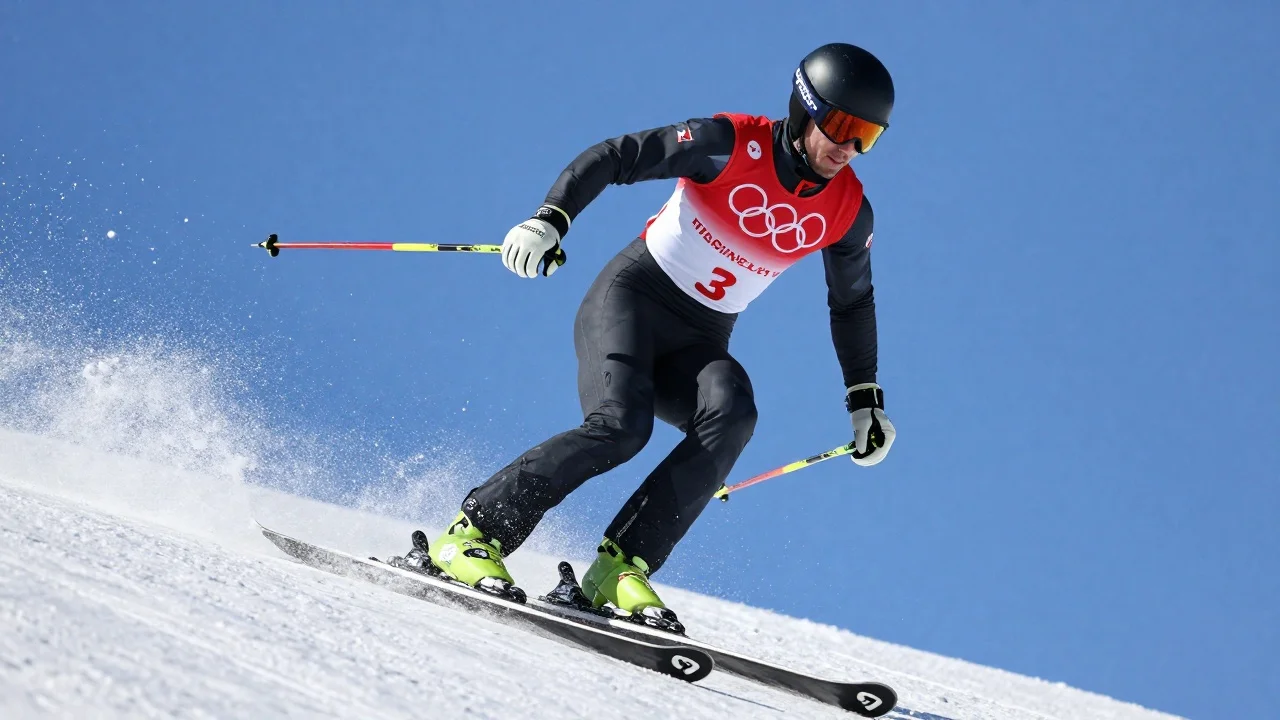
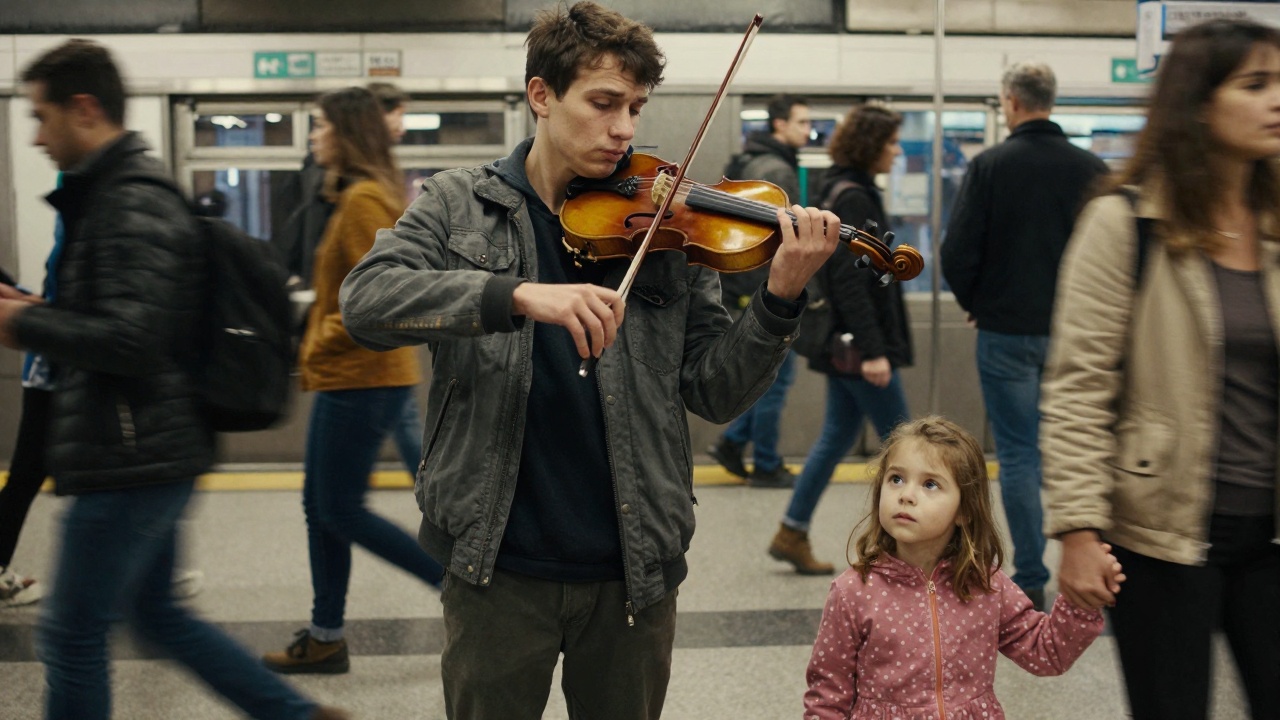
Vidu Q3 Turbo is a fast, versatile text-to-video model that generates high-quality videos from text prompts. It supports multiple resolutions, style presets, motion intensity control, and optional audio generation with background music — perfect for rapid creative iteration and content production.
Why Choose This?
-
Fast generation Turbo architecture delivers quick results for rapid prototyping and iteration.
-
Multiple resolutions Choose from 540p, 720p, or 1080p to balance quality and speed.
-
Style presets Select from various visual styles to match your creative vision.
-
Motion control Adjust movement_amplitude to control the intensity of motion in the video.
-
Audio generation Optional synchronized audio and background music to create complete video content.
-
Prompt Enhancer Built-in tool to automatically improve your scene descriptions.
Parameters
| Parameter | Required | Description |
|---|---|---|
| prompt | Yes | Text description of the desired video scene |
| style | No | Visual style preset (default: general) |
| resolution | No | Output resolution: 540p, 720p, or 1080p (default: 720p) |
| duration | No | Video length in seconds (default: 5) |
| movement_amplitude | No | Motion intensity: auto or manual value (default: auto) |
| generate_audio | No | Whether to generate synchronized audio (default: enabled) |
| bgm | No | Include background music (default: enabled) |
| seed | No | Random seed for reproducible results |
How to Use
- Write your prompt — describe the scene, action, and visual style in detail.
- Choose a style — select a preset that matches your creative direction.
- Set resolution — choose 540p for speed, 720p for balance, or 1080p for quality.
- Set duration — specify how long you want the video to be.
- Adjust motion (optional) — control movement intensity with movement_amplitude.
- Enable audio (optional) — toggle generate_audio and bgm for complete video with sound.
- Run — submit and download your video.
Pricing
| Resolution | Cost per Second |
|---|---|
| 540p | $0.04 |
| 720p | $0.06 |
| 1080p | $0.08 |
Billing Rules
- Per-second billing based on duration and resolution
- Total cost = duration × per-second rate
Examples
- 5s @ 540p → 5 × $0.04 = $0.20
- 5s @ 720p → 5 × $0.06 = $0.30
- 5s @ 1080p → 5 × $0.08 = $0.40
- 10s @ 720p → 10 × $0.06 = $0.60
Best Use Cases
- Social Media Content — Create engaging short-form videos for TikTok, Reels, and Shorts.
- Rapid Prototyping — Quickly visualize creative concepts before committing to production.
- Marketing & Ads — Generate promotional video clips with synchronized audio.
- Storytelling — Bring narrative scenes to life with motion and background music.
- Game & App Assets — Create animated content for interactive experiences.
Pro Tips
- Use the Prompt Enhancer to refine vague descriptions into detailed scene prompts.
- Start with 540p for rapid iteration, then increase resolution for final output.
- Set a seed value to reproduce the same result or create consistent variations.
- Enable bgm for atmospheric content; disable for videos where you'll add custom audio.
- Adjust movement_amplitude to match the energy of your scene — lower for calm scenes, higher for action.
Notes
- Prompt is the only required field.
- Higher resolution increases both quality and cost.
- Audio generation (generate_audio and bgm) is included at no extra cost.
Related Models
- Vidu Q3 Turbo Image-to-Video — Animate still images into video with Q3 Turbo.
- Vidu Q3 Text-to-Video — High quality text-to-video generation.