Midjourney Image to Video turns a single image into an artistically rich, high quality AI video with strong visual style and creative motion. Ready-to-use REST inference API, best performance, no coldstarts, affordable pricing.
대기 중
$0.35실행당·~28 / $10
예시전체 보기
A determined young Steampunk adventurer, looking forward with focus, adjusting her elaborate brass and leather goggles on her head, wearing a gear-adorned top hat, dramatic low-key lighting, deep warm tones, cinematic shot, hyper-detailed, action pose.
A detailed illustration of an anthropomorphic fox wearing glasses, reading in an alchemist's workshop filled with magical artifacts, finely detailed illustration, warm oil lamp lighting, high level of detail,
Zoom in and girl smiling at the camera.
The girl fiddled with her pose and winked at the camera.
A holographic swarm of butterflies flickering around the fingertips of a girl in a high-tech fiber suit, Digital Art, Octane Render, neon green and electric blue light sources, semi-transparent material texture, extremely sharp image fidelity.
鱼在池塘里游荡,高级感,电影质感
Explosive close-up of a shattered biomechanical heart, crafted from dark polished chrome and intricate clockwork gears, mechanical debris flying outwards. Suspended in a deep crimson void, dramatic low-key lighting, highly reflective surfaces, concept art, ultra-detailed, cinematic composition.
A bird flew over from outside the picture and stopped on the flowers.
The camera zooms in, and the characters are looking for light.
관련 모델
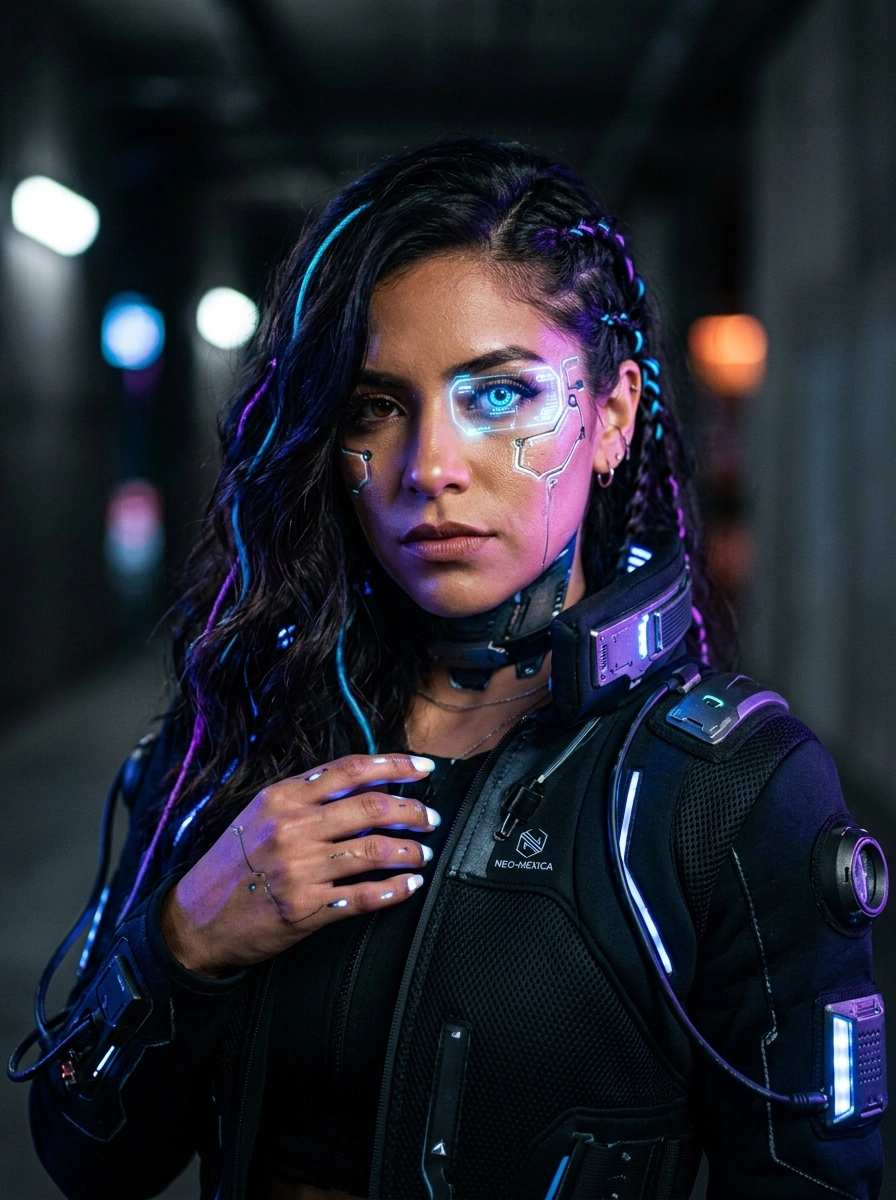
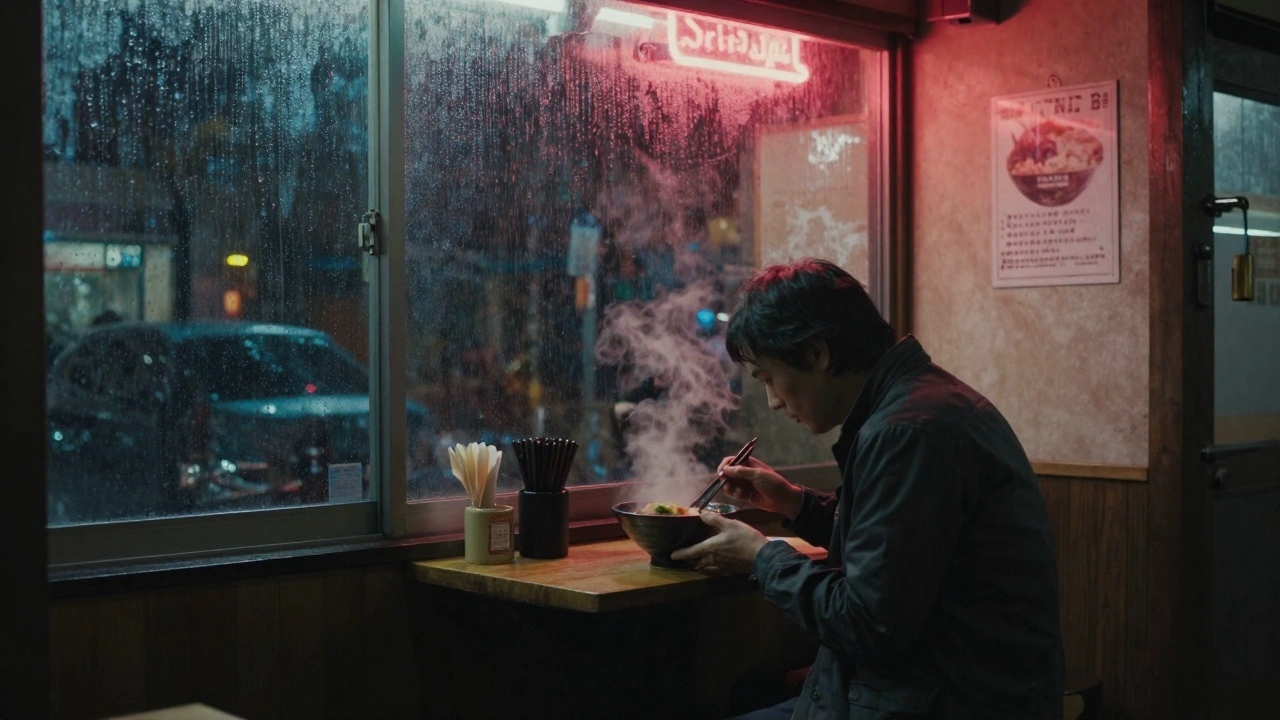
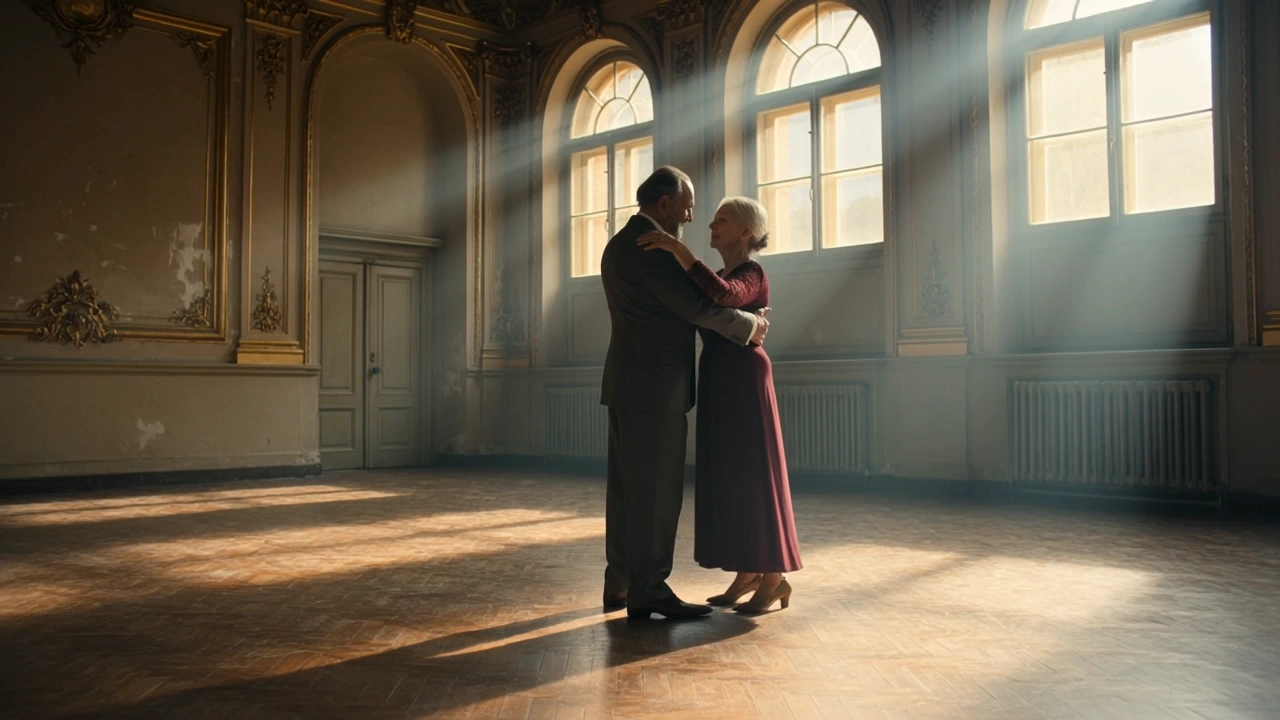
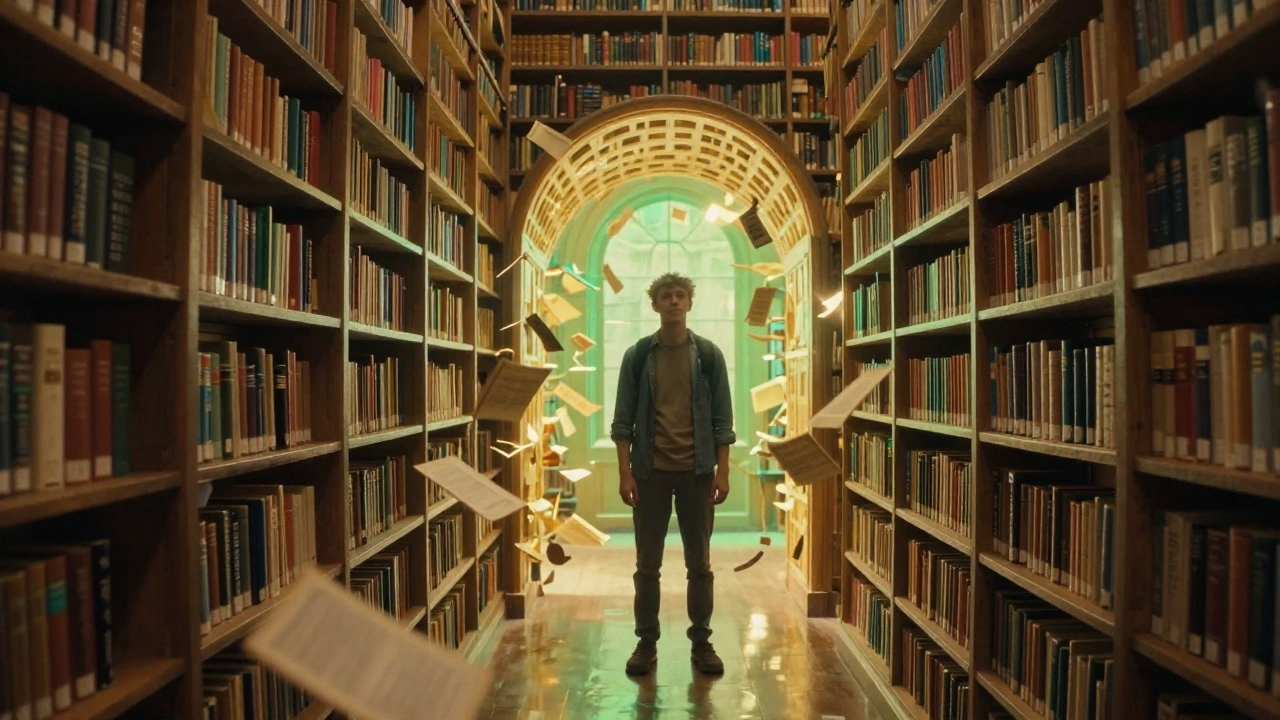
README
Midjourney Image-to-Video
Midjourney Image-to-Video generates a video from a single input image. Upload an image, optionally describe the desired motion or scene, choose the output resolution, and select the motion strength for the generated video.
Why Choose This?
-
Image-to-video generation
Convert a single input image into a generated video. -
Optional motion guidance
Add a prompt to describe the motion, camera movement, or scene direction. -
Resolution options
Choose between480pand720pdepending on your quality and cost requirements. -
Motion strength control
Selectloworhighmotion strength to control how much movement appears in the generated video. -
Simple workflow
Only an input image is required. If no prompt is provided, a gentle cinematic camera movement is used.
Parameters
| Parameter | Required | Description |
|---|---|---|
| image | Yes | Input image URL used as the first frame. |
| prompt | No | Optional motion or scene guidance. If omitted, a gentle cinematic camera movement is used. |
| resolution | No | Output video resolution. Supported values: 480p, 720p. Default: 480p. |
| motion | No | Motion strength for the generated video. Supported values: low, high. Default: low. |
How to Use
- Upload your image — Provide the input image to use as the first frame.
- Add motion guidance (optional) — Describe the motion, camera movement, or scene direction you want.
- Select resolution — Choose
480por720p. The default is480p. - Choose motion strength — Select
loworhigh. The default islow. - Submit — Generate the final video.
Output
Returns generated video URL(s) in the standard WaveSpeed prediction response.
Pricing
| Resolution | Cost |
|---|---|
| 480p | $0.35 |
| 720p | $1.10 |
Billing Rules
- Pricing is charged per generation.
480pcosts $0.35 per generation.720pcosts $1.10 per generation.- The price depends on the selected
resolution.
Best Use Cases
- Image animation — Turn a still image into a generated video.
- Cinematic camera movement — Add gentle camera motion to a static image.
- Motion exploration — Test different motion strengths from the same input image.
- Scene development — Use prompt guidance to describe how the image should move or evolve.
- Short visual content — Generate video assets from image references.
Pro Tips
- Use a clear input image with the main subject visible.
- Add a prompt when you want more control over the motion or scene direction.
- Leave
promptempty when you want the default gentle cinematic camera movement. - Use
lowmotion for more subtle movement. - Use
highmotion when you want stronger movement. - Use
480pfor lower-cost testing and720pfor higher-resolution output. - Ensure the image URL is publicly accessible.
Notes
imageis the only required field.prompt,resolution, andmotionare optional.- Default
resolutionis480p. - Default
motionislow. - If
promptis omitted, a gentle cinematic camera movement is used. - Ensure uploaded image URLs are publicly accessible.
Image To Video API — Quick start
Grab a WaveSpeedAI API key, then call POST https://api.wavespeed.ai/api/v3/midjourney/image-to-video with your input as JSON. The endpoint returns a prediction id; poll the prediction endpoint until status flips to completed, then read the output URL from data.outputs[0]. Examples for Image To Video below.
HTTP example
# Submit the prediction
curl -X POST "https://api.wavespeed.ai/api/v3/midjourney/image-to-video" \
  -H "Content-Type: application/json" \
  -H "Authorization: Bearer $WAVESPEED_API_KEY" \
  -d '{
    "image": "https://example.com/your-input.jpg",
    "prompt": "A cinematic shot of a city at sunset, soft golden light",
    "resolution": "480p",
    "motion": "low"
}'

# Response includes a prediction id. Poll for the result:
curl -X GET "https://api.wavespeed.ai/api/v3/predictions/{request_id}/result" \
  -H "Authorization: Bearer $WAVESPEED_API_KEY"

# When status is "completed", read the output from data.outputs[0].
Node.js example
// npm install wavespeed
const WaveSpeed = require('wavespeed');

const client = new WaveSpeed(); // reads WAVESPEED_API_KEY from env

const result = await client.run("midjourney/image-to-video", {
        "image": "https://example.com/your-input.jpg",
        "prompt": "A cinematic shot of a city at sunset, soft golden light",
        "resolution": "480p",
        "motion": "low"
});

console.log(result.outputs[0]); // → URL of the generated output
Python example
# pip install wavespeed
import wavespeed

output = wavespeed.run(
    "midjourney/image-to-video",
    {
    "image": "https://example.com/your-input.jpg",
    "prompt": "A cinematic shot of a city at sunset, soft golden light",
    "resolution": "480p",
    "motion": "low"
}
)

print(output["outputs"][0])  # → URL of the generated output
Image To Video API — Frequently asked questions
What is the Image To Video API?
Image To Video is a Midjourney model for video generation from images, exposed as a REST API on WaveSpeedAI. Midjourney Image to Video turns a single image into an artistically rich, high quality AI video with strong visual style and creative motion. Ready-to-use REST inference API, best performance, no coldstarts, affordable pricing. You can call it programmatically or try it from the playground above.
How do I call the Image To Video API?
POST your input parameters to the model's REST endpoint (shown in the API tab of this playground) with your WaveSpeedAI API key in the Authorization header. Submission returns a prediction ID; poll the prediction endpoint until status flips to "completed", then read the output URL from the result. The playground generates a ready-to-paste code sample in Python, JavaScript, or cURL for whatever inputs you've set. Full request/response shape is documented at https://wavespeed.ai/docs/docs-api/midjourney/midjourney-image-to-video.
How much does Image To Video cost per run?
Image To Video starts at $0.35 per run. That figure is the base price — the final charge scales with the parameters you set in the form (output size, length, count, references, or whatever knobs this model exposes), so a higher-quality or larger output costs more than a minimal one. The exact cost for your current input is shown live next to the Generate button before you submit, and the actual per-call charge is recorded on the prediction afterwards.
What inputs does Image To Video accept?
Key inputs: `prompt`, `image`, `resolution`, `motion`. The full JSON schema (types, defaults, allowed values) is rendered above the Generate button and mirrored in the API reference at https://wavespeed.ai/docs/docs-api/midjourney/midjourney-image-to-video.
How long does Image To Video take to generate?
Average end-to-end generation time on WaveSpeedAI is around 85 seconds per request — measured across recent runs. Queue time scales with global demand; live status is visible in the prediction record.
Can I use Image To Video outputs commercially?
Commercial usage rights depend on the model's license, set by its provider (Midjourney). The license summary appears on the model card above; see WaveSpeedAI's Terms of Service for platform-level conditions.