Ideogram v2a Turbo is an image model with state-of-the-art inpainting, strong prompt comprehension, and high-fidelity text rendering. Ready-to-use REST inference API, best performance, no coldstarts, affordable pricing.
대기 중

$0.04실행당·~25 / $1
예시전체 보기
A portrait photo of a woman sitting with a flat white coffee in a Parisienne cafe
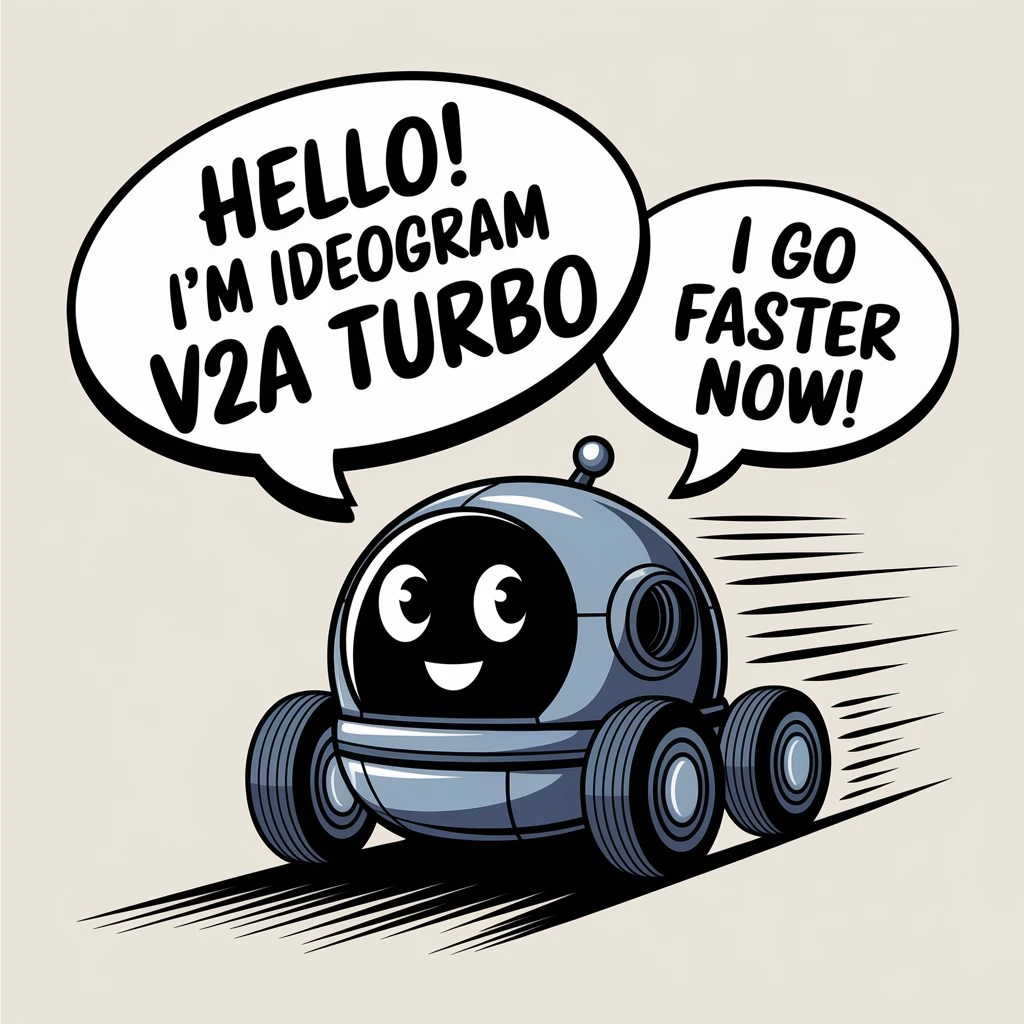
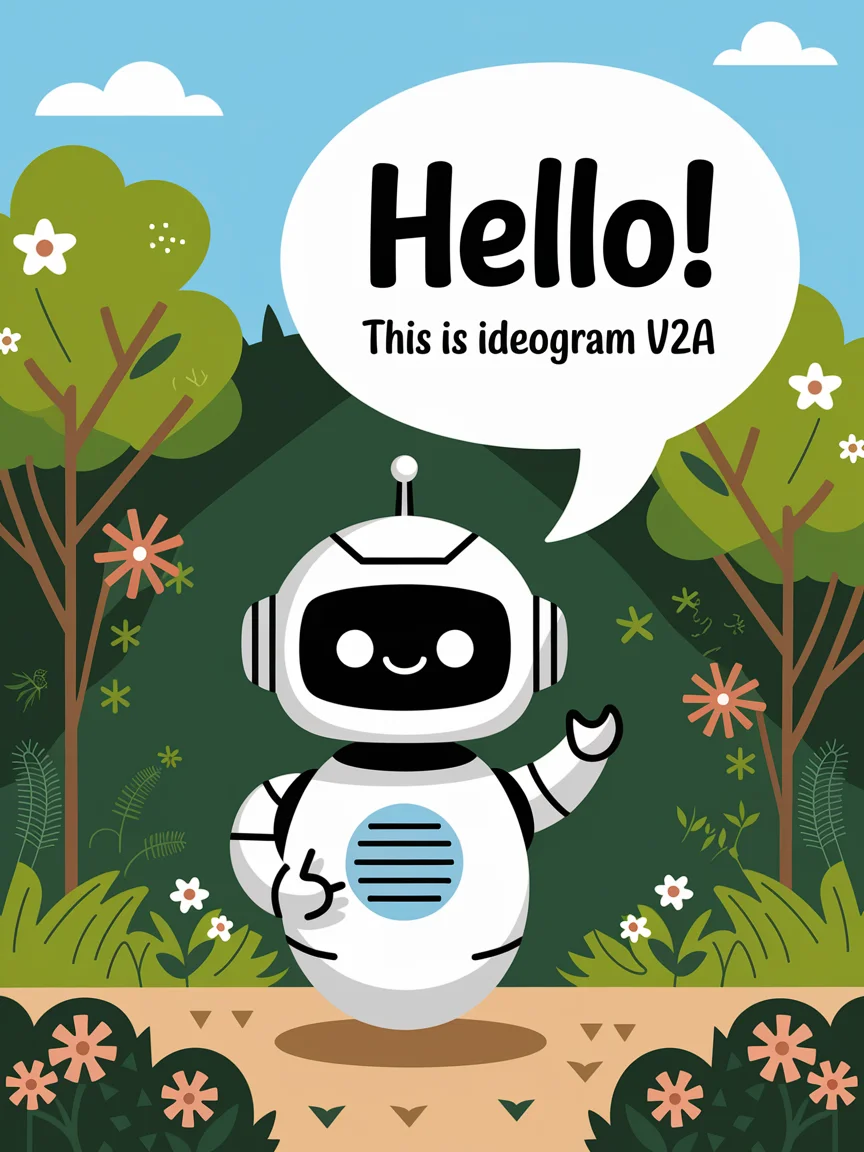
Vector art of a friendly speedy robot, in a speech bubble it says "Hello! I'm Ideogram V2A turbo" in a friendly font, in a second speech bubble it says "I go faster now!", the robot is travelling at speed, with motion lines
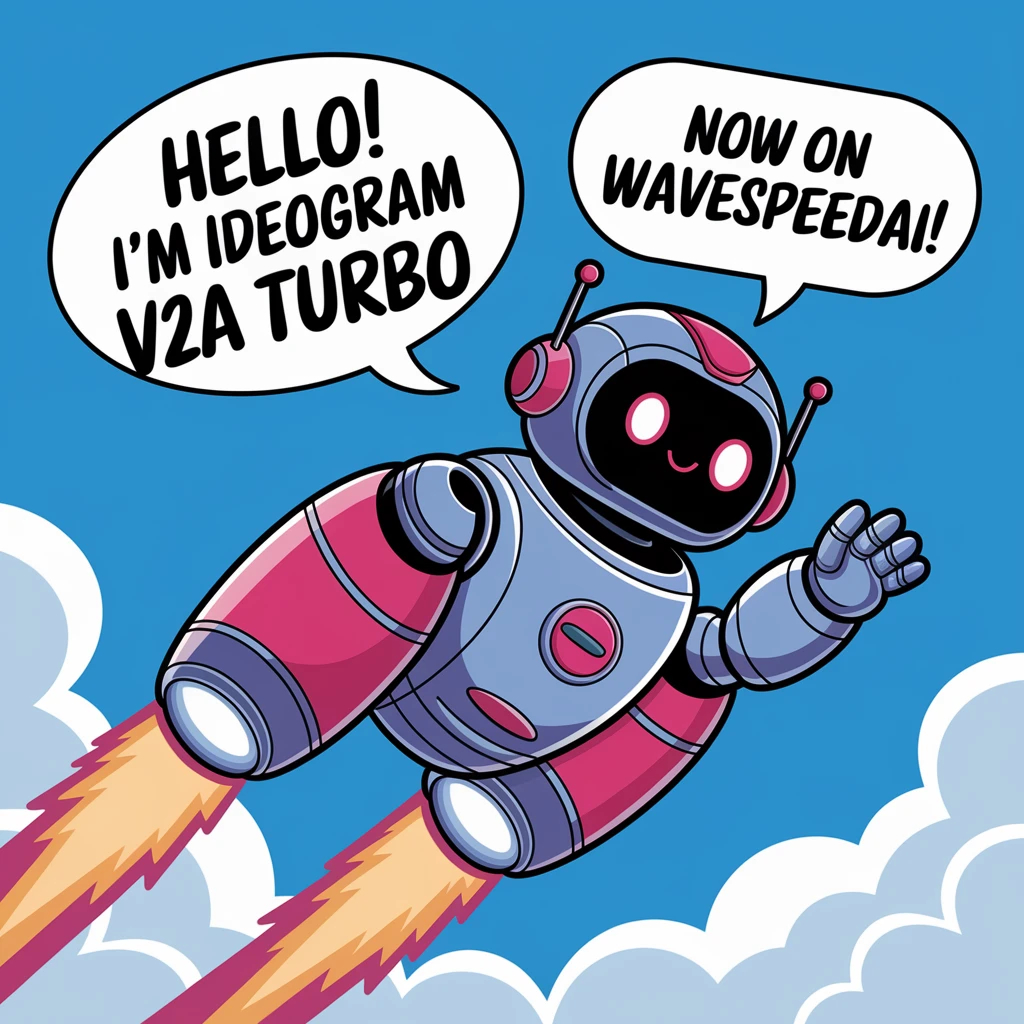
Vector art of a friendly robot, in a speech bubble it says "Hello! I'm Ideogram V2A turbo" in a friendly font, in a second speech bubble it says "Now on WaveSpeedAI!", the robot is flying through the sky with turbo boosters

Young woman waking up in the morning sunlight, lying in bed with tousled hair, warm backlight, intimate and natural moment, realistic skin tones and fabric texture

Father holding his baby in a sunlit park, candid emotion, detailed facial features, colorful autumn background, bokeh effect, Leica look

Vintage-style portrait of a jazz singer in a smoky bar, 1940s setting, black and white photography emulation, expressive pose, realistic film grain effect
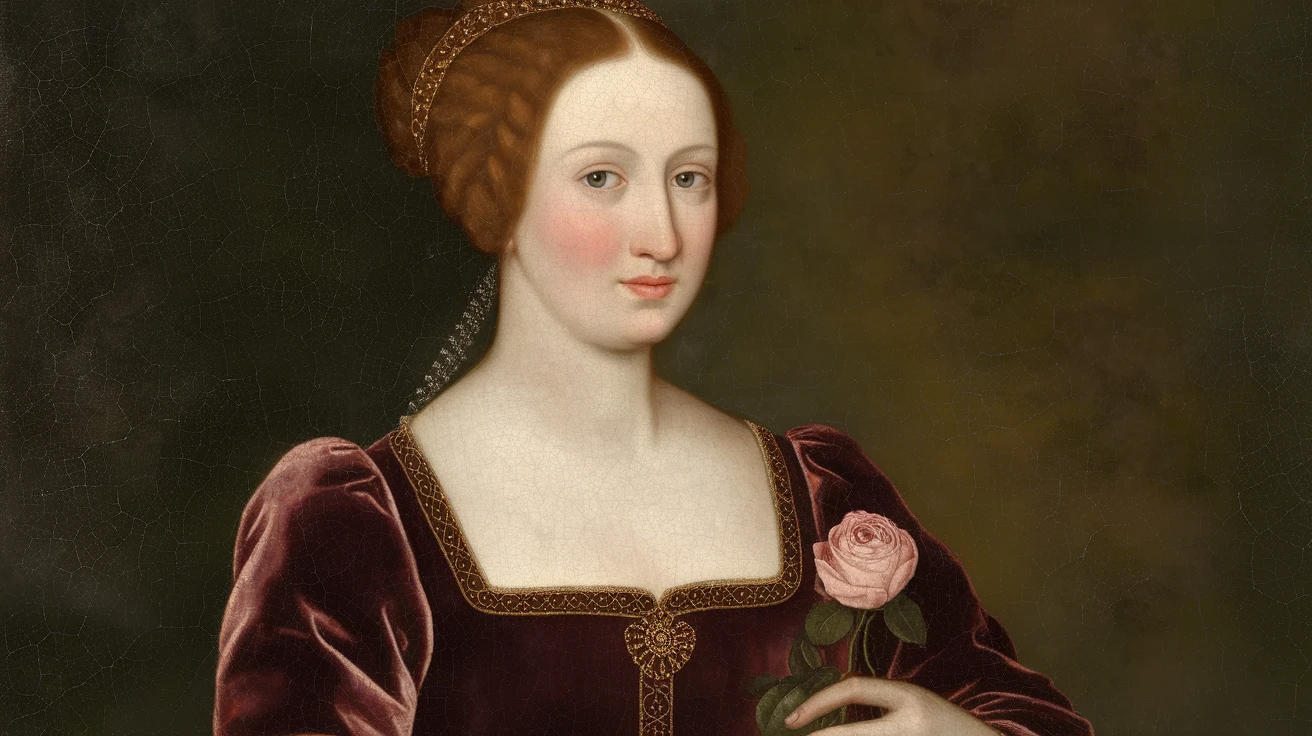
Renaissance-style oil painting of a noblewoman in a velvet dress, holding a rose, soft Rembrandt lighting, detailed brush textures, realistic eyes and skin

A futuristic hoverbike speeds through crowded aerial traffic lanes in a cyberpunk city filled with holographic ads and neon lights. Handheld camera style, fast cuts, lens flare, full of tension and a sense of speed.

An Icelandic volcano violently erupts, molten lava flowing from its crater, creating a stark contrast with the surrounding glaciers. Drone footage, the camera slowly descends from high above, approaching the crater, showing the raw power of nature. Professional documentary style, high impact.

In a Victorian workshop, a mechanical heart made of brass, glass, and intricate gears beats rhythmically on a table, glowing with a warm orange light from within. Close-up shot, focus on the spinning gears, full of delicate craftsmanship and retro-tech feeling.
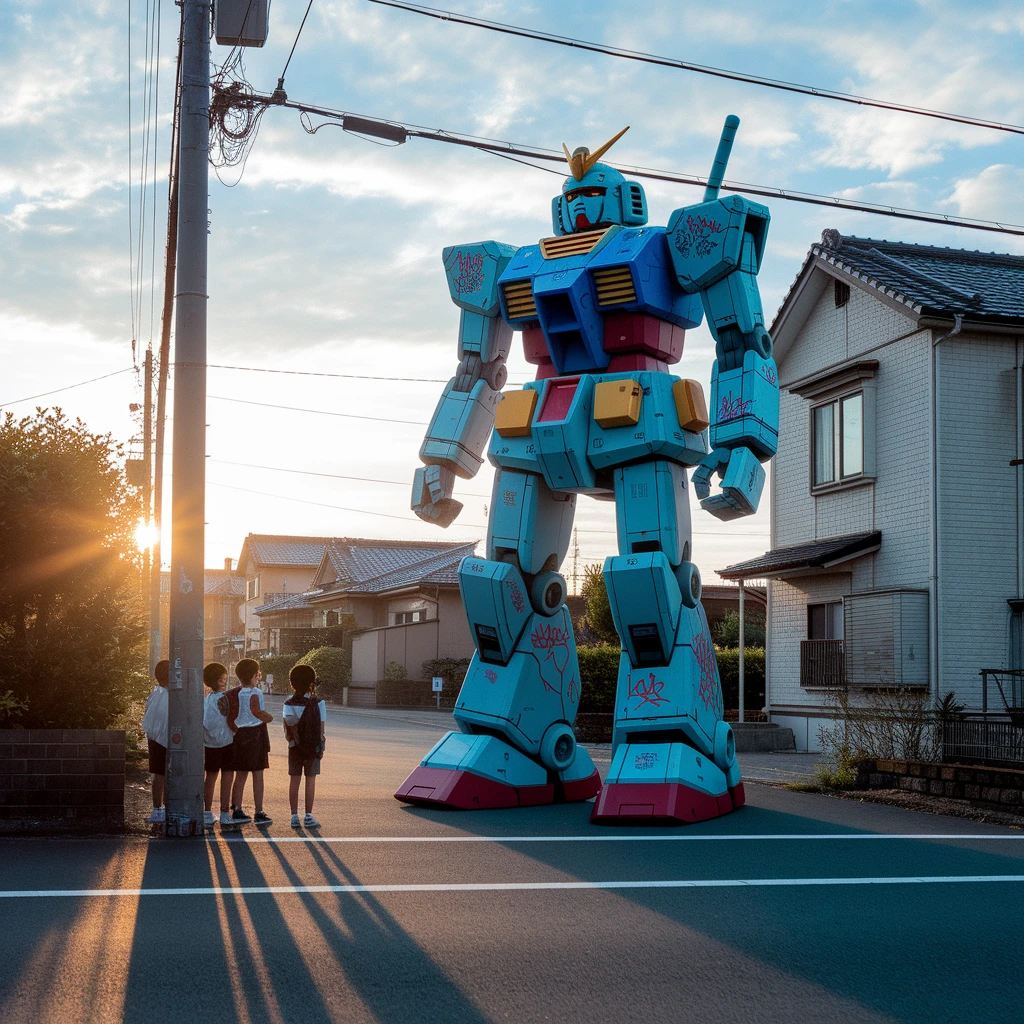
Summer in 1980s Showa-era Japan, after-school kids watch in amazement as a slightly old, graffiti-covered giant mech slowly walks past the street corner of a residential area. Golden light of the sunset, nostalgic film grain, shaky handheld DV camera aesthetic.

A vibrant, candid photograph of an Indian man celebrating the Holi festival. His face and clothes are covered in colorful powders of pink, blue, and yellow. He has a joyful, unrestrained laugh, with his eyes closed in happiness. The background is a blur of other people and flying colors. The bright sunlight makes the colors pop. Action shot, photorealistic, high energy.
관련 모델


README
Ideogram V2a Turbo
Generate versatile images with exceptional typography using Ideogram V2a Turbo. This fast, flexible model offers expanded style options including 3D rendering and anime — perfect for diverse creative projects from realistic photos to stylized illustrations.
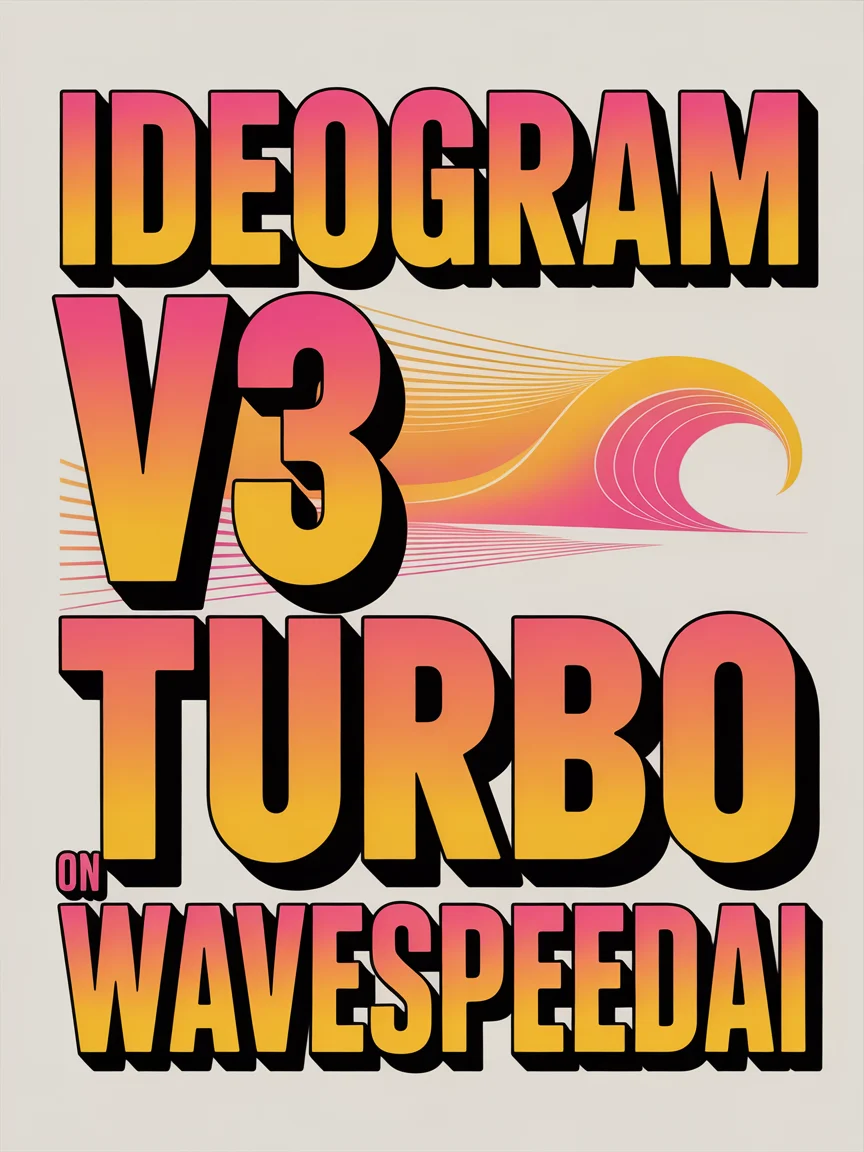
Looking for the latest version? Try Ideogram V3 Turbo for the newest generation.
Why It Looks Great
- Expanded styles: Six style presets including Render 3D and Anime modes.
- Superior typography: Industry-leading text rendering for posters, logos, and designs.
- Fast generation: Turbo speed for rapid iteration and testing.
- Multiple modes: Text-to-image generation, image editing, and masked inpainting.
- Mask support: Precise regional editing with custom masks.
- Flexible aspect ratios: Five format options for any use case.
- Safety Checker: Optional content filtering for appropriate output.
Parameters
| Parameter | Required | Description |
|---|---|---|
| prompt | Yes | Text description of the image you want to generate. |
| image | No | Source image for editing (upload or public URL). |
| mask_image | No | Mask to specify edit regions — white areas will be regenerated. |
| style | No | Output style: Auto, General, Realistic, Design, Render 3D, or Anime. Default: Auto. |
| aspect_ratio | No | Output format: 1:1, 16:9, 9:16, 4:3, or 3:4. Default: 1:1. |
| enable_base64_output | No | API only: Returns base64 string instead of URL. |
| Enable Safety Checker | No | Toggle content safety filtering. |
How to Use
Text-to-Image Generation
- Write your prompt — describe the image including any text you want rendered.
- Choose style — select from six style presets.
- Set aspect ratio — pick the format that fits your use case.
- Run — click the button to generate.
- Download — preview and save your image.
Image Editing
- Upload source image — the image you want to edit.
- Upload mask (optional) — white areas indicate regions to regenerate.
- Write your prompt — describe the desired changes or new elements.
- Run — click the button to apply edits.
Pricing
Flat rate per image generation.
| Output | Cost |
|---|---|
| Per image | $0.04 |
Style Guide
| Style | Description | Best For |
|---|---|---|
| Auto | Automatically selects the best style | General use, when unsure |
| General | Balanced, versatile output | Wide range of subjects |
| Realistic | Photorealistic, natural appearance | Photos, portraits, products |
| Design | Graphic design aesthetic | Posters, logos, marketing materials |
| Render 3D | 3D rendered appearance | Product renders, 3D scenes, objects |
| Anime | Japanese animation style | Anime characters, manga, illustrations |
Best Use Cases
- 3D Product Visualization — Create 3D-style product renders and mockups.
- Anime & Illustration — Generate anime characters and manga-style artwork.
- Typography & Posters — Create designs with perfectly rendered text.
- Mixed Media Projects — Switch between styles for diverse creative needs.
- Rapid Prototyping — Test concepts quickly across different visual styles.
Example Prompts
- "3D render of a sleek wireless headphone, studio lighting, product showcase, floating on gradient background"
- "anime girl with blue hair and cat ears, cherry blossom background, text saying 'KAWAII', vibrant colors"
- "realistic portrait photo of a businessman, professional headshot, neutral background"
- "modern logo design for tech startup 'NEXUS AI', futuristic, clean typography"
- "isometric 3D illustration of a cozy bedroom, warm lighting, detailed furniture"
Pro Tips for Best Results
- Use Render 3D for product mockups, isometric illustrations, and 3D-style scenes.
- Use Anime for character art, manga panels, and Japanese illustration styles.
- For typography, put the exact text in quotes within your prompt.
- V2a offers more style variety than V3 — great for stylized content.
- Use masks to selectively edit only specific areas of an image.
- Turbo speed is ideal for testing before committing to higher-quality generation.
Notes
- Ideogram is renowned for best-in-class text rendering in AI-generated images.
- V2a offers Render 3D and Anime styles not available in V3.
- If using URLs for images, ensure they are publicly accessible.
- The enable_base64_output option is only available through the API.
- Enable Safety Checker for content that will be publicly shared.
Features
Ideogram v2a Turbo API — Quick start
Grab a WaveSpeedAI API key, then call POST https://api.wavespeed.ai/api/v3/ideogram-ai/ideogram-v2a-turbo with your input as JSON. The endpoint returns a prediction id. Start polling the result endpoint around every 2 seconds, increase the interval for long-running tasks, and stop on any terminal status. On completed, read output values from data.outputs. Examples for Ideogram v2a Turbo below.
HTTP example
set -euo pipefail

: "${WAVESPEED_API_KEY:?Set WAVESPEED_API_KEY}"

REQUEST_BODY=$(cat <<'JSON'
{
    "prompt": "A cinematic shot of a city at sunset, soft golden light",
    "style": "Auto",
    "aspect_ratio": "1:1"
}
JSON
)

# 1. Submit the prediction.
SUBMIT_RESPONSE=$(curl --silent --show-error --fail-with-body \
  -X POST "https://api.wavespeed.ai/api/v3/ideogram-ai/ideogram-v2a-turbo" \
  -H "Content-Type: application/json" \
  -H "Authorization: Bearer $WAVESPEED_API_KEY" \
  -d "$REQUEST_BODY")

TASK=$(printf '%s' "$SUBMIT_RESPONSE" | jq 'if has("data") then .data else . end')
PREDICTION_ID=$(printf '%s' "$TASK" | jq -r '.id')
if [ -z "$PREDICTION_ID" ] || [ "$PREDICTION_ID" = "null" ]; then
  printf 'Submission response did not contain a prediction id
' >&2
  exit 1
fi
RESULT_URL=$(printf '%s' "$TASK" | jq -r '.urls.get // empty')
if [ -z "$RESULT_URL" ]; then
  RESULT_URL="https://api.wavespeed.ai/api/v3/predictions/$PREDICTION_ID/result"
fi

# 2. Poll until the prediction finishes.
while true; do
  RESPONSE=$(curl --silent --show-error --fail-with-body "$RESULT_URL" \
    -H "Authorization: Bearer $WAVESPEED_API_KEY")
  RESULT=$(printf '%s' "$RESPONSE" | jq 'if has("data") then .data else . end')
  STATUS=$(printf '%s' "$RESULT" | jq -r '.status')
  case "$STATUS" in
    completed) printf '%s\n' "$RESULT" | jq '.outputs'; break ;;
    failed|cancelled|timeout) printf '%s\n' "$RESULT" | jq . >&2; exit 1 ;;
    created|processing) sleep 2 ;;
    *) printf 'Unexpected status: %s
' "$STATUS" >&2; exit 1 ;;
  esac
done
Node.js example
const submitUrl = "https://api.wavespeed.ai/api/v3/ideogram-ai/ideogram-v2a-turbo";
const apiKey = process.env.WAVESPEED_API_KEY;
if (!apiKey) throw new Error('Set WAVESPEED_API_KEY');

async function requestJson(url, options = {}) {
  const response = await fetch(url, options);
  if (!response.ok) throw new Error(await response.text());
  return response.json();
}

// 1. Submit the prediction.
const body = await requestJson(submitUrl, {
  method: "POST",
  headers: {
    "Authorization": `Bearer ${apiKey}`,
    "Content-Type": "application/json",
  },
  body: JSON.stringify({
        "prompt": "A cinematic shot of a city at sunset, soft golden light",
        "style": "Auto",
        "aspect_ratio": "1:1"
}),
});
const task = body.data ?? body;
if (!task.id) throw new Error("Submission response did not contain a prediction id");
const resultUrl = task.urls?.get ||
  `https://api.wavespeed.ai/api/v3/predictions/${task.id}/result`;

// 2. Poll until the prediction finishes.
while (true) {
  const resultBody = await requestJson(resultUrl, {
    headers: { "Authorization": `Bearer ${apiKey}` },
  });
  const result = resultBody.data ?? resultBody;
  if (result.status === "completed") {
    console.log(result.outputs);
    break;
  }
  if (["failed", "cancelled", "timeout"].includes(result.status)) throw new Error(JSON.stringify(result));
  if (!["created", "processing"].includes(result.status)) throw new Error("Unexpected status: " + result.status);
  await new Promise(resolve => setTimeout(resolve, 2000));
}
Python example
import json
import os
import time
from urllib.request import Request, urlopen

api_key = os.environ["WAVESPEED_API_KEY"]
headers = {"Authorization": f"Bearer {api_key}", "Content-Type": "application/json"}
payload = {
    "prompt": "A cinematic shot of a city at sunset, soft golden light",
    "style": "Auto",
    "aspect_ratio": "1:1"
}

def request_json(url, data=None):
    request = Request(url, data=data, headers=headers, method="POST" if data else "GET")
    with urlopen(request) as response:
        return json.load(response)

# 1. Submit the prediction.
body = request_json("https://api.wavespeed.ai/api/v3/ideogram-ai/ideogram-v2a-turbo", json.dumps(payload).encode())
task = body.get("data", body)
if not task.get("id"):
    raise RuntimeError("Submission response did not contain a prediction id")
result_url = task.get("urls", {}).get("get") or f"https://api.wavespeed.ai/api/v3/predictions/{task['id']}/result"

# 2. Poll until the prediction finishes.
while True:
    result_body = request_json(result_url)
    result = result_body.get("data", result_body)
    status = result.get("status")
    if status == "completed":
        print(result.get("outputs", []))
        break
    if status in {"failed", "cancelled", "timeout"}:
        raise RuntimeError(result)
    if status not in {"created", "processing"}:
        raise RuntimeError(f"Unexpected status: {status}")
    time.sleep(2)
Ideogram v2a Turbo API — Frequently asked questions
What is the Ideogram v2a Turbo API?
Ideogram v2a Turbo is a Ideogram model for image generation, exposed as a REST API on WaveSpeedAI. Ideogram v2a Turbo is an image model with state-of-the-art inpainting, strong prompt comprehension, and high-fidelity text rendering. Ready-to-use REST inference API, best performance, no coldstarts, affordable pricing. You can call it programmatically or try it from the playground above.
How do I call the Ideogram v2a Turbo API?
POST your input parameters to the model's REST endpoint (shown in the API tab of this playground) with your WaveSpeedAI API key in the Authorization header. Submission returns a prediction ID. Poll the result endpoint starting around every 2 seconds, increase the interval for long-running tasks, and stop on any terminal status. The playground generates production-oriented Python, JavaScript, and cURL examples with timeouts, transient-error handling, and safe GET retries. Full request/response shape is documented at https://wavespeed.ai/docs/docs-api/ideogram-ai/ideogram-ai-ideogram-v2a-turbo.
How much does Ideogram v2a Turbo cost per run?
Ideogram v2a Turbo starts at $0.040 per run. That figure is the base price — the final charge scales with the parameters you set in the form (output size, length, count, references, or whatever knobs this model exposes), so a higher-quality or larger output costs more than a minimal one. The exact cost for your current input is shown live next to the Generate button before you submit, and the actual per-call charge is recorded on the prediction afterwards.
What inputs does Ideogram v2a Turbo accept?
Key inputs: `prompt`, `image`, `aspect_ratio`, `enable_base64_output`, `mask_image`, `style`. The full JSON schema (types, defaults, allowed values) is rendered above the Generate button and mirrored in the API reference at https://wavespeed.ai/docs/docs-api/ideogram-ai/ideogram-ai-ideogram-v2a-turbo.
How long does Ideogram v2a Turbo take to generate?
Median end-to-end generation time on WaveSpeedAI is around 9 seconds per request, based on recent successful runs. Queue time varies with global demand; live status is visible in the prediction record.
Can I use Ideogram v2a Turbo outputs commercially?
Commercial usage rights depend on the model's license, set by its provider (Ideogram). The license summary appears on the model card above; see WaveSpeedAI's Terms of Service for platform-level conditions.