WAN 2.1 T2V Plus (720p) turns text prompts into high-quality 720p videos and supports unlimited AI video generation. Ready-to-use REST inference API, best performance, no coldstarts, affordable pricing.
대기 중
$0.7실행당·~14 / $10
예시전체 보기
A fleet of gigantic, intricately detailed starships emerges from a shimmering wormhole into the silent vacuum of space. The light from a distant nebula glints off their metallic hulls. --Epic wide shot, cinematic sci-fi, realistic CGI rendering, sense of immense scale.
A colossal humpback whale breaches the ocean surface in dramatic slow motion. The massive creature is captured at the peak of its jump against a fiery sunset, with thousands of water droplets frozen in the air. --Telephoto lens shot from a boat, slow motion, 4K, majestic and awe-inspiring.
A point-of-view (POV) shot from a skier navigating a steep, untouched powder slope in the high Alps. Snow sprays up into the camera as they make sharp, fast turns down the mountain. --GoPro POV style, high frame rate, realistic physics, bright sunlight, exhilarating and immersive.
A man sits on a park bench, looking sad. A small, personal raincloud hovers directly over his head, drizzling lightly onto him, while the rest of the park is bathed in bright sunshine. --Medium shot, photorealistic, high contrast between the sunny park and the personal raincloud.
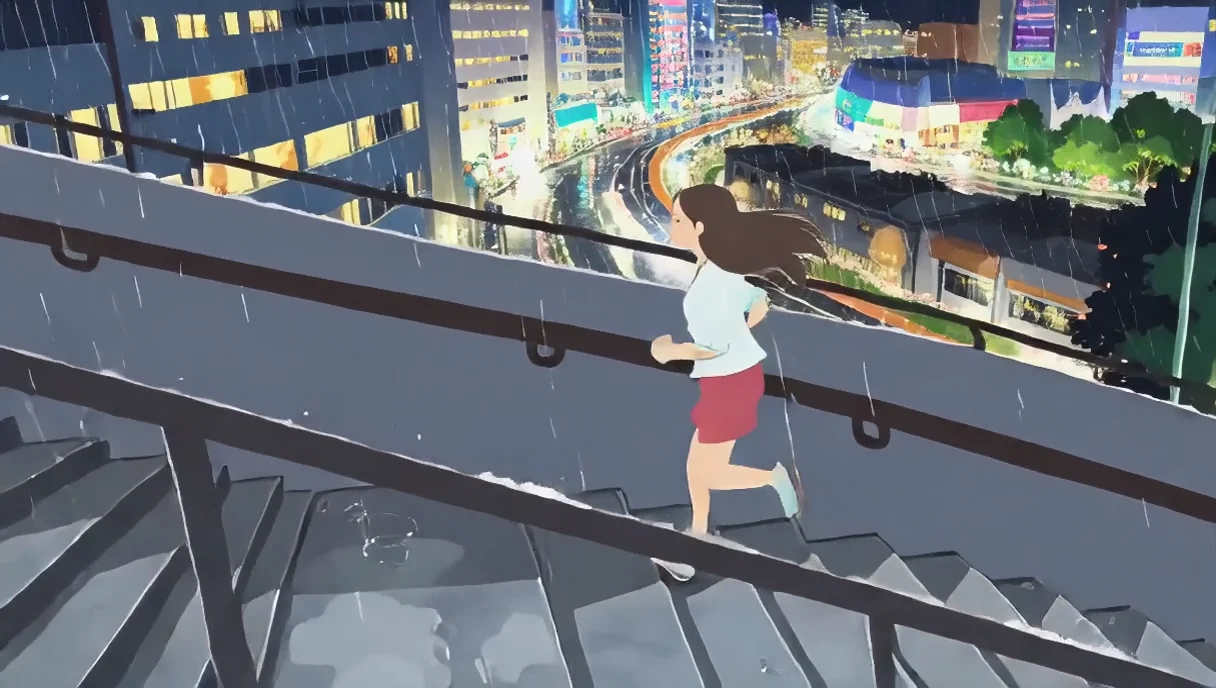
Caught in a sudden downpour, a young man takes off his jacket and holds it over a girl's head to shield her from the rain. As water drips from the edges, they look at each other and smile under their small shelter. --Romantic, cinematic slow motion, cool color palette, city night background.
cinematic shot, a majestic golden retriever running in slow motion through a field of tall, golden wheat at sunset. The camera is low to the ground, tracking alongside the dog, capturing the joyful expression on its face as its fur ripples in the gentle breeze. Golden hour sunlight filters through the wheat stalks, creating a beautiful lens flare and a warm, hazy atmosphere. Dust particles and pollen dance in the light beams. extremely detailed, photorealistic, 8K, professional photography, tracking shot.
Aerial view of a bustling city at night, skyscrapers with glowing windows, streams of car lights on highways, neon signs flickering, realistic cinematic drone shot, natural movement of clouds overhead.
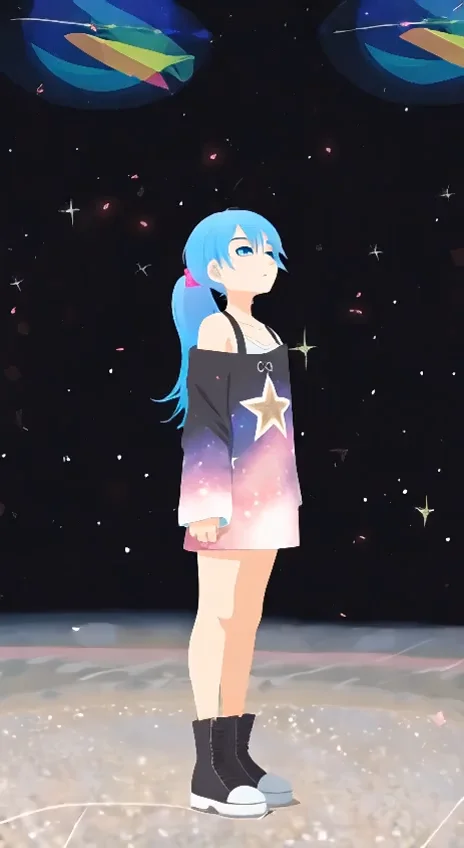
A person wrapped in a blanket stands on their small apartment balcony, looking up at the night sky with a pair of binoculars. The city's ambient glow is visible below, but their focus is on the stars above. --Medium shot, realistic night lighting, a sense of wonder amidst an urban environment.
관련 모델
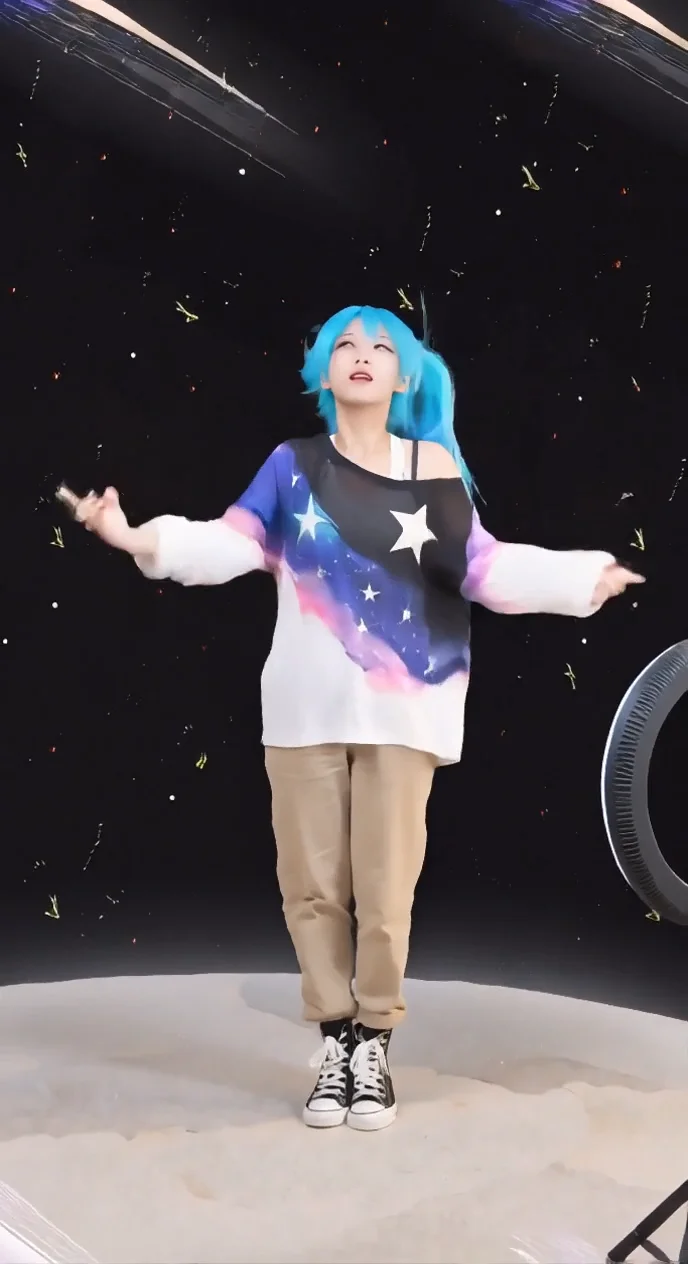
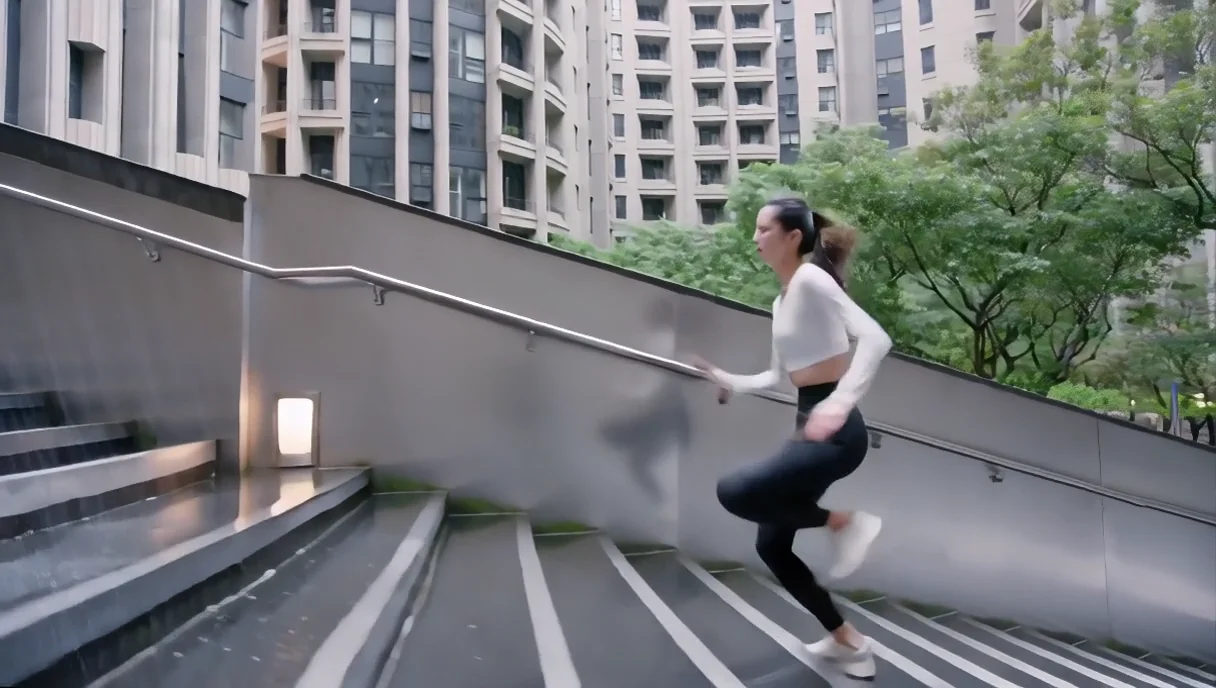
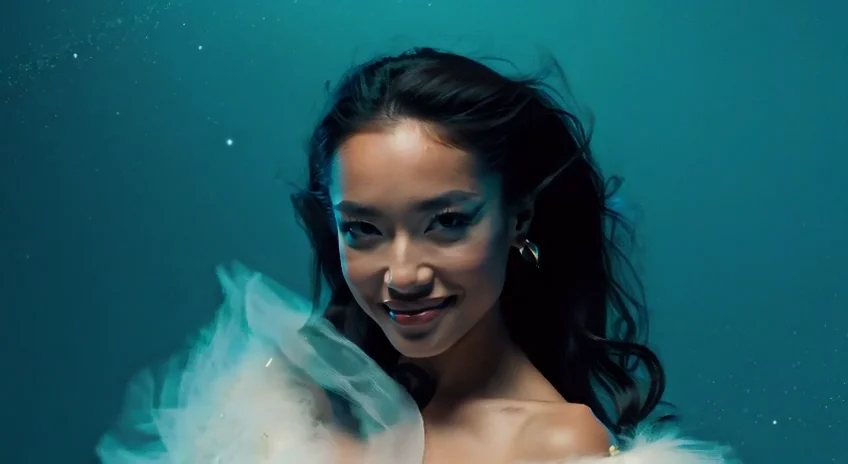
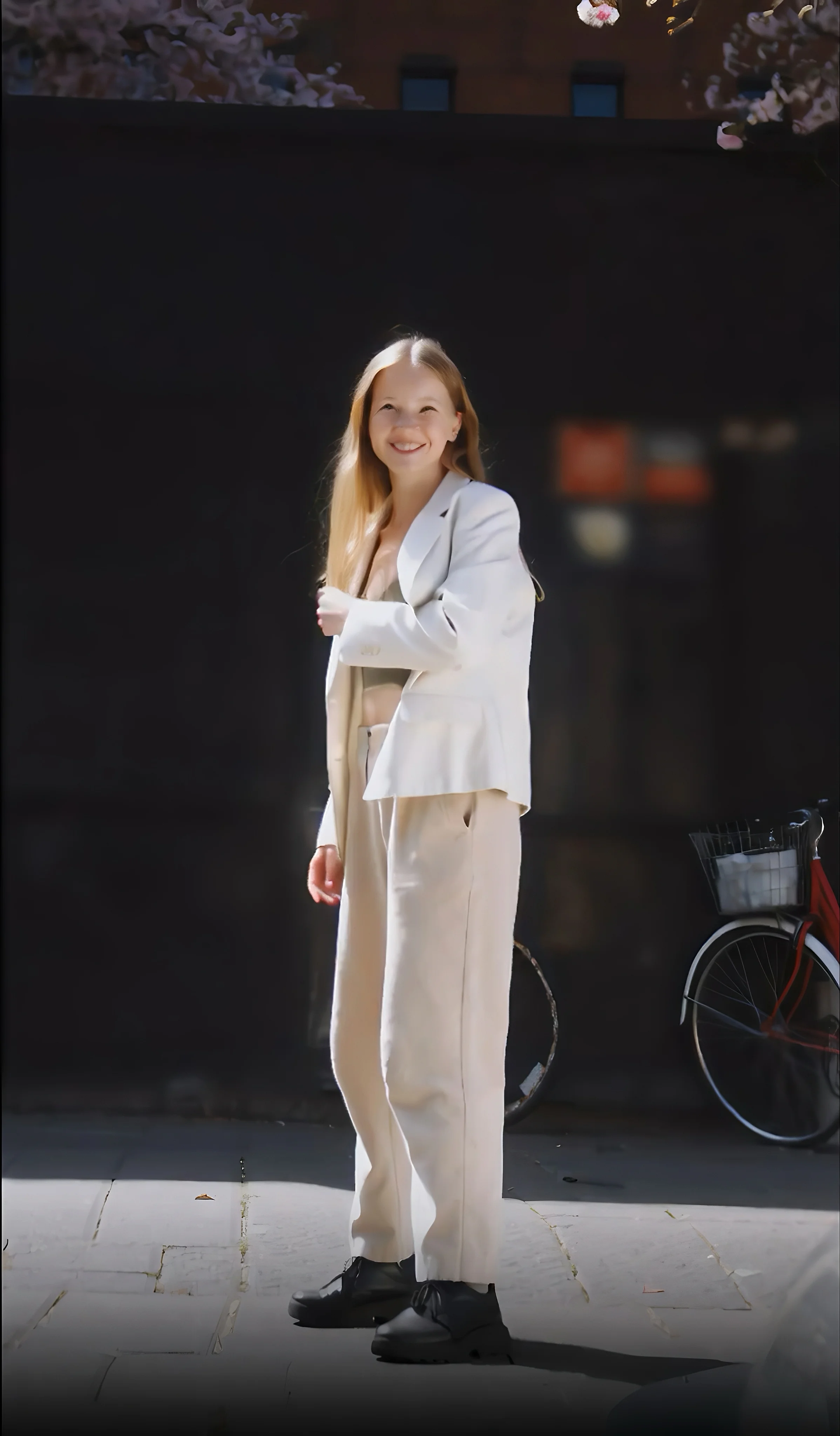
README
WAN 2.1 — Text-to-Video Plus Model (720p)
WAN 2.1 T2V Plus is an advanced text-to-video generation model powered by Cloud’s Mixture of Experts (MoE) architecture. It creates cinematic 5-second 720p videos with natural motion, balanced lighting, and smooth transitions — optimized for speed, stability, and storytelling flexibility.
Why it looks great
- Cinematic control: captures lighting, color tone, and depth for professional-grade visuals.
- Smooth temporal motion: ensures coherent motion flow between subjects and background.
- Prompt accuracy: delivers faithful interpretation of detailed text descriptions.
- Optimized 720p efficiency: achieves excellent quality at faster inference and lower cost.
- Stable rendering: minimizes flicker, distortion, or structure shifts during animation.
Pricing
| Duration | Resolution | Cost per job |
|---|---|---|
| 5 s | 720p | $0.70 |
How to Use
- Write Prompt – describe the desired scene, environment, and camera movement.
- Choose Size – select landscape (1280×720) or portrait (720×1280).
- (Optional) Add a Negative Prompt to exclude unwanted elements.
- (Optional) Set Seed for reproducibility.
- Run – preview and download your generated 5-second clip.
Pro Tips
- Include motion cues (e.g., “camera panning,” “soft breeze,” “car moving through city lights”).
- Use portrait mode for short-form social content, landscape for cinematic or presentation use.
- Keep prompts focused and clear for best visual alignment and stable motion.
Notes
- Please verify that your prompt and parameters are set correctly before running.
- If results appear inconsistent, try a new seed value or simplify your prompt.
Wan 2.1 T2v Plus 720p API — Quick start
Grab a WaveSpeedAI API key, then call POST https://api.wavespeed.ai/api/v3/alibaba/wan-2.1/t2v-plus-720p with your input as JSON. The endpoint returns a prediction id; poll the prediction endpoint until status flips to completed, then read the output URL from data.outputs[0]. Examples for Wan 2.1 T2v Plus 720p below.
HTTP example
# Submit the prediction
curl -X POST "https://api.wavespeed.ai/api/v3/alibaba/wan-2.1/t2v-plus-720p" \
  -H "Content-Type: application/json" \
  -H "Authorization: Bearer $WAVESPEED_API_KEY" \
  -d '{
    "prompt": "A cinematic shot of a city at sunset, soft golden light",
    "size": "1280*720",
    "duration": 5,
    "enable_prompt_expansion": false,
    "negative_prompt": "blurry, low quality, distorted",
    "seed": -1
}'

# Response includes a prediction id. Poll for the result:
curl -X GET "https://api.wavespeed.ai/api/v3/predictions/{request_id}/result" \
  -H "Authorization: Bearer $WAVESPEED_API_KEY"

# When status is "completed", read the output from data.outputs[0].
Node.js example
// npm install wavespeed
const WaveSpeed = require('wavespeed');

const client = new WaveSpeed(); // reads WAVESPEED_API_KEY from env

const result = await client.run("alibaba/wan-2.1/t2v-plus-720p", {
        "prompt": "A cinematic shot of a city at sunset, soft golden light",
        "size": "1280*720",
        "duration": 5,
        "enable_prompt_expansion": false,
        "negative_prompt": "blurry, low quality, distorted",
        "seed": -1
});

console.log(result.outputs[0]); // → URL of the generated output
Python example
# pip install wavespeed
import wavespeed

output = wavespeed.run(
    "alibaba/wan-2.1/t2v-plus-720p",
    {
    "prompt": "A cinematic shot of a city at sunset, soft golden light",
    "size": "1280*720",
    "duration": 5,
    "enable_prompt_expansion": false,
    "negative_prompt": "blurry, low quality, distorted",
    "seed": -1
}
)

print(output["outputs"][0])  # → URL of the generated output
Wan 2.1 T2v Plus 720p API — Frequently asked questions
What is the Wan 2.1 T2v Plus 720p API?
Wan 2.1 T2v Plus 720p is a Alibaba model for video generation, exposed as a REST API on WaveSpeedAI. WAN 2.1 T2V Plus (720p) turns text prompts into high-quality 720p videos and supports unlimited AI video generation. Ready-to-use REST inference API, best performance, no coldstarts, affordable pricing. You can call it programmatically or try it from the playground above.
How do I call the Wan 2.1 T2v Plus 720p API?
POST your input parameters to the model's REST endpoint (shown in the API tab of this playground) with your WaveSpeedAI API key in the Authorization header. Submission returns a prediction ID; poll the prediction endpoint until status flips to "completed", then read the output URL from the result. The playground generates a ready-to-paste code sample in Python, JavaScript, or cURL for whatever inputs you've set. Full request/response shape is documented at https://wavespeed.ai/docs/docs-api/alibaba/alibaba-wan-2.1-t2v-plus-720p.
How much does Wan 2.1 T2v Plus 720p cost per run?
Wan 2.1 T2v Plus 720p starts at $0.70 per run. That figure is the base price — the final charge scales with the parameters you set in the form (output size, length, count, references, or whatever knobs this model exposes), so a higher-quality or larger output costs more than a minimal one. The exact cost for your current input is shown live next to the Generate button before you submit, and the actual per-call charge is recorded on the prediction afterwards.
What inputs does Wan 2.1 T2v Plus 720p accept?
Key inputs: `prompt`, `duration`, `size`, `seed`, `negative_prompt`, `enable_prompt_expansion`. The full JSON schema (types, defaults, allowed values) is rendered above the Generate button and mirrored in the API reference at https://wavespeed.ai/docs/docs-api/alibaba/alibaba-wan-2.1-t2v-plus-720p.
How do I get started with the Wan 2.1 T2v Plus 720p API?
Sign up for a free WaveSpeedAI account to claim starter credits, copy your API key from /accesskey, then call the endpoint shown in the API tab of the playground. The playground also auto-generates a code sample in Python, JavaScript, or cURL for the parameters you've set.
Can I use Wan 2.1 T2v Plus 720p outputs commercially?
Commercial usage rights depend on the model's license, set by its provider (Alibaba). The license summary appears on the model card above; see WaveSpeedAI's Terms of Service for platform-level conditions.