


image-to-image

FireRed Image Edit V1.1 enables precise image editing with natural-language instructions, supporting both English and Chinese prompts with multi-image references. Ready-to-use REST inference API, best performance, no cold starts, affordable pricing.
Idle
このリクエストには1回あたりで$0.08の費用がかかります。
$1でおよそ12回実行できます。
もうひとつお知らせ:
サンプルすべて表示
README
FireRed Image V1.1 Edit
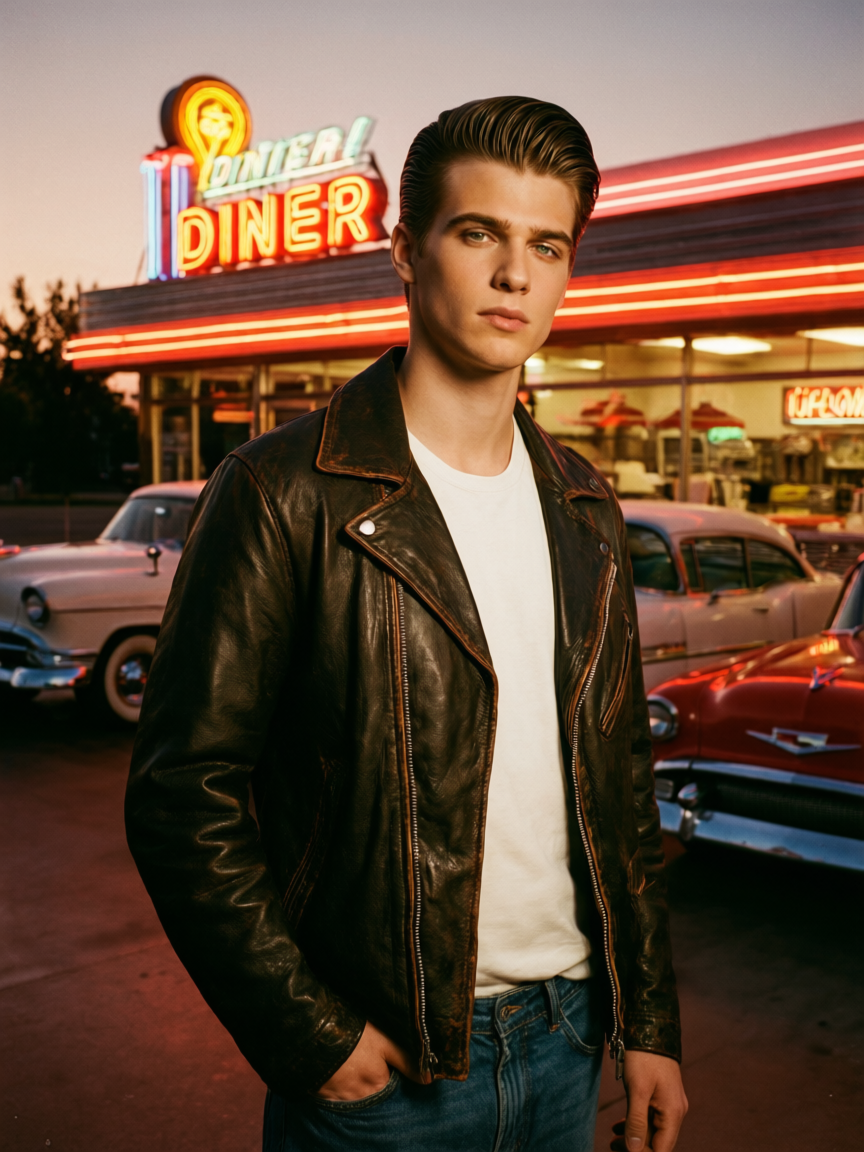
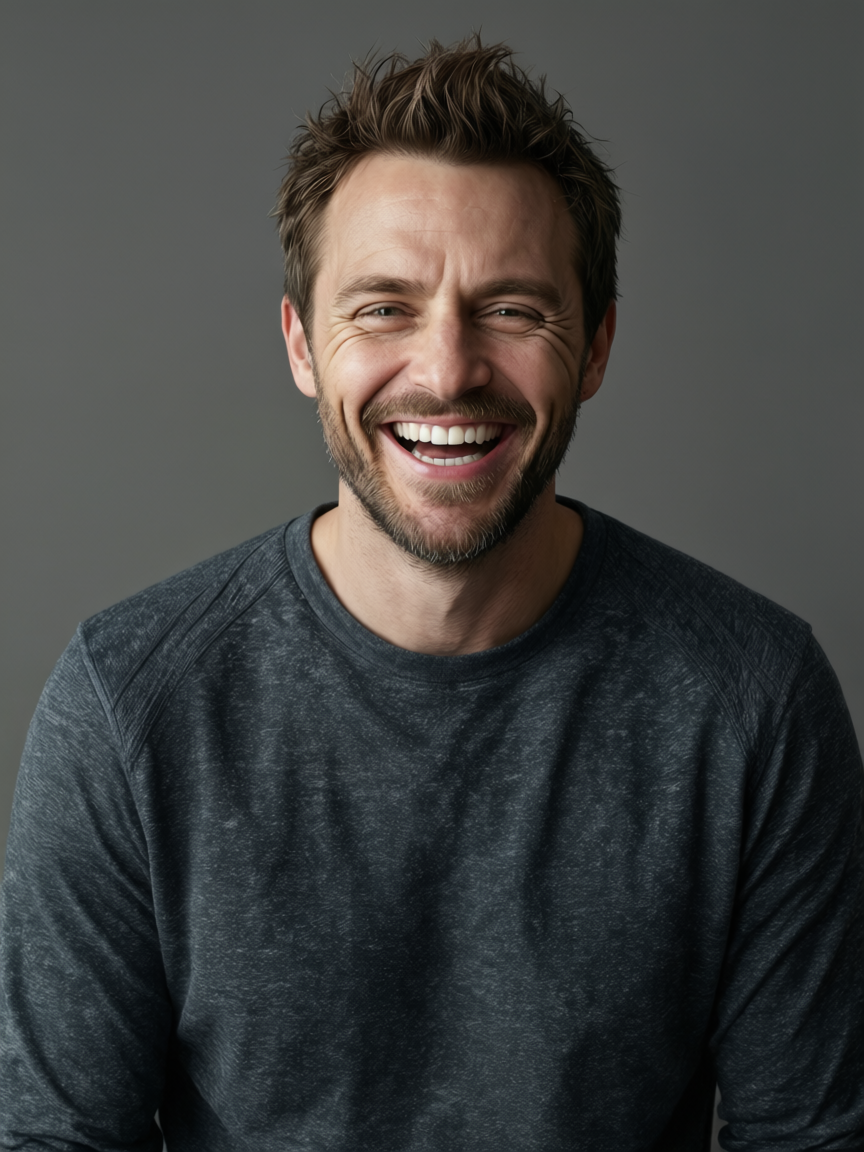
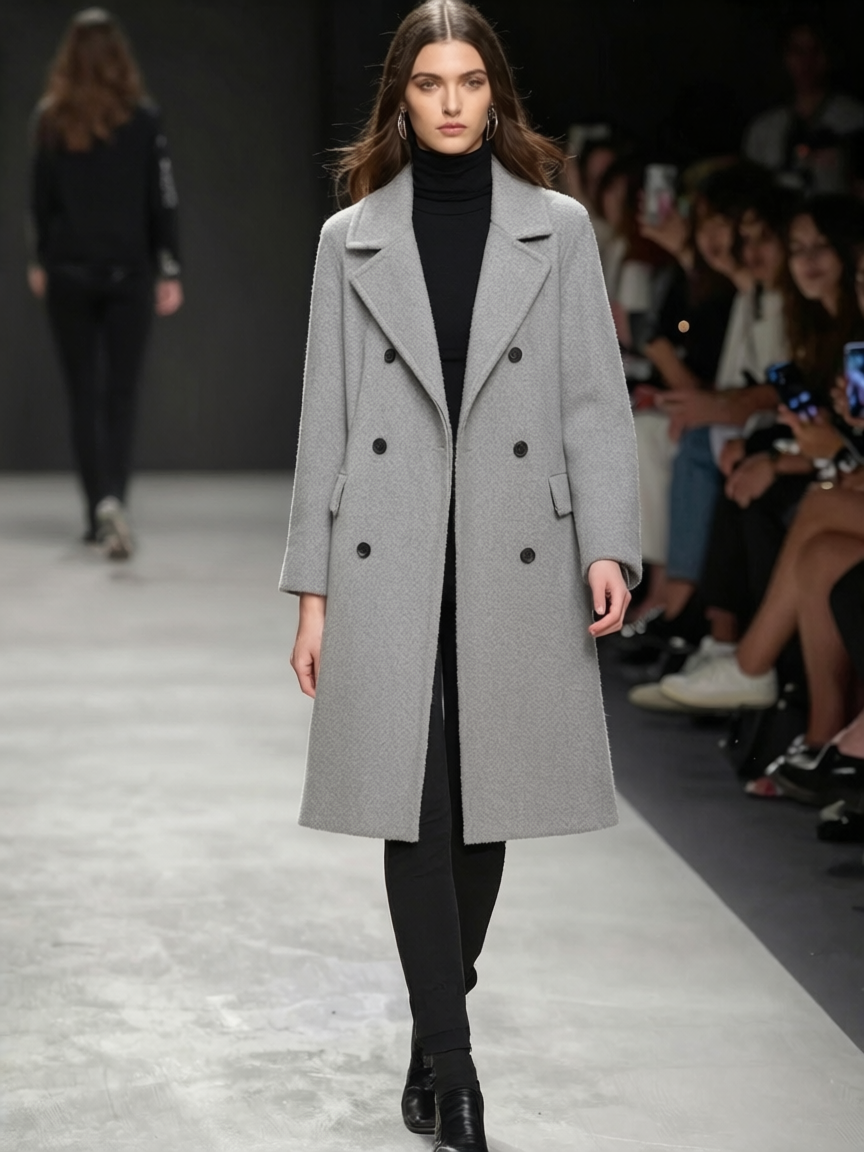
FireRed Image V1.1 Edit is a powerful multi-image editing model that transforms reference images based on text prompts. Upload up to 3 reference images and describe the desired output — the model generates new images that combine elements, styles, or characters from your references with cinematic quality and retro aesthetics.
Why Choose This?
-
Multi-image reference Combine elements from up to 3 reference images into a single cohesive output.
-
Style-aware editing Excels at editorial looks, film grain, retro tones, and cinematic aesthetics.
-
Flexible sizing Choose preset aspect ratios or custom dimensions — leave empty to preserve original proportions.
-
Character consistency Maintain subject identity while transforming style, setting, or mood.
-
Prompt Enhancer Built-in tool to automatically improve your descriptions.
Parameters
| Parameter | Required | Description |
|---|---|---|
| prompt | Yes | Text description of the desired output |
| images | Yes | Reference images (max: 3, click "+ Add Item" to add more) |
| size | No | Aspect ratio: 1:1, 16:9, 9:16, 4:3, 3:4, 3:2, 2:3 |
| width | No | Custom width in pixels (range: 256–1536) |
| height | No | Custom height in pixels (range: 256–1536) |
How to Use
- Upload reference images — add up to 3 images for style, character, or scene guidance.
- Write your prompt — describe the desired output with style and mood details.
- Set size (optional) — choose a preset ratio, custom dimensions, or leave empty to keep original proportions.
- Use Prompt Enhancer (optional) — click to refine your description.
- Run — submit and download your edited image.
Pricing
| Output | Cost |
|---|---|
| Per image | $0.08 |
Best Use Cases
- Editorial Portraits — Create stylized portraits with film grain and retro aesthetics.
- Character Styling — Transform subjects into different settings, eras, or moods.
- Vintage Looks — Generate images with warm retro tones and classic Americana vibes.
- Fashion & Lifestyle — Produce editorial-quality imagery for campaigns.
- Creative Compositing — Combine elements from multiple reference images seamlessly.
Pro Tips
- Describe the style explicitly — include details like "film grain," "warm retro tones," or "editorial portrait."
- Reference images guide the output — use clear, high-quality images for best results.
- Leave size empty to automatically preserve the original image proportions.
- Include setting and mood details (e.g., "classic diner neon sign at dusk") for atmospheric results.
- Use 1–2 reference images for simpler edits; add a third for complex multi-element compositions.
Notes
- Both prompt and images are required fields.
- Maximum 3 reference images can be uploaded.
- If size is not specified, the model preserves the original image ratio.
- Resolution range: 256–1536 pixels for both width and height.
Related Models
- FireRed Image Edit — Previous version with multi-image composition.
- Qwen Image 2.0 Edit — Multi-image editing with Figure references.
- Seedream V5.0 Lite Edit — Style transfer and multi-reference editing.