AI Parkour Video generates dynamic parkour action videos from a portrait image. Choose from 6 parkour styles or provide a reference video. Ready-to-use REST inference API, no coldstarts, affordable pricing.
待機中
$0.751回あたり·~13 / $10
サンプルすべて表示
関連モデル
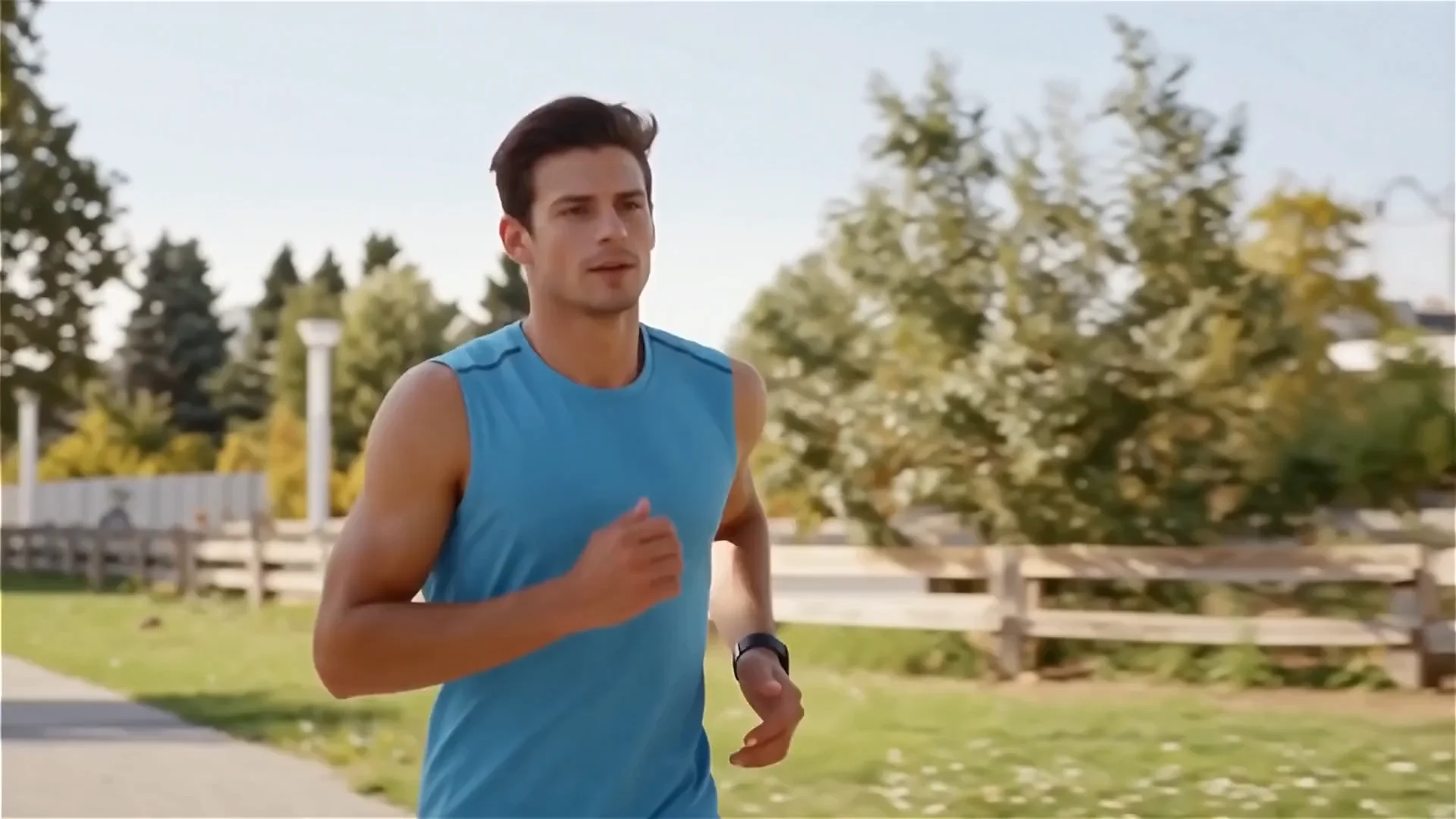
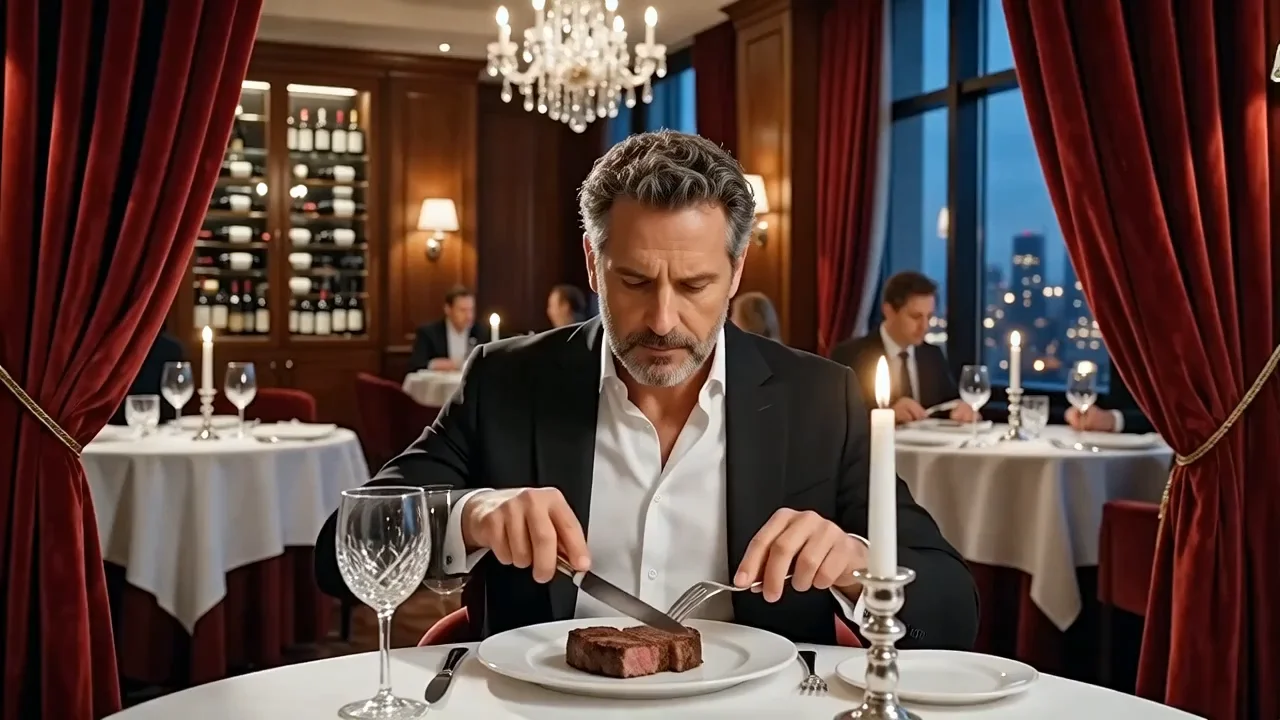
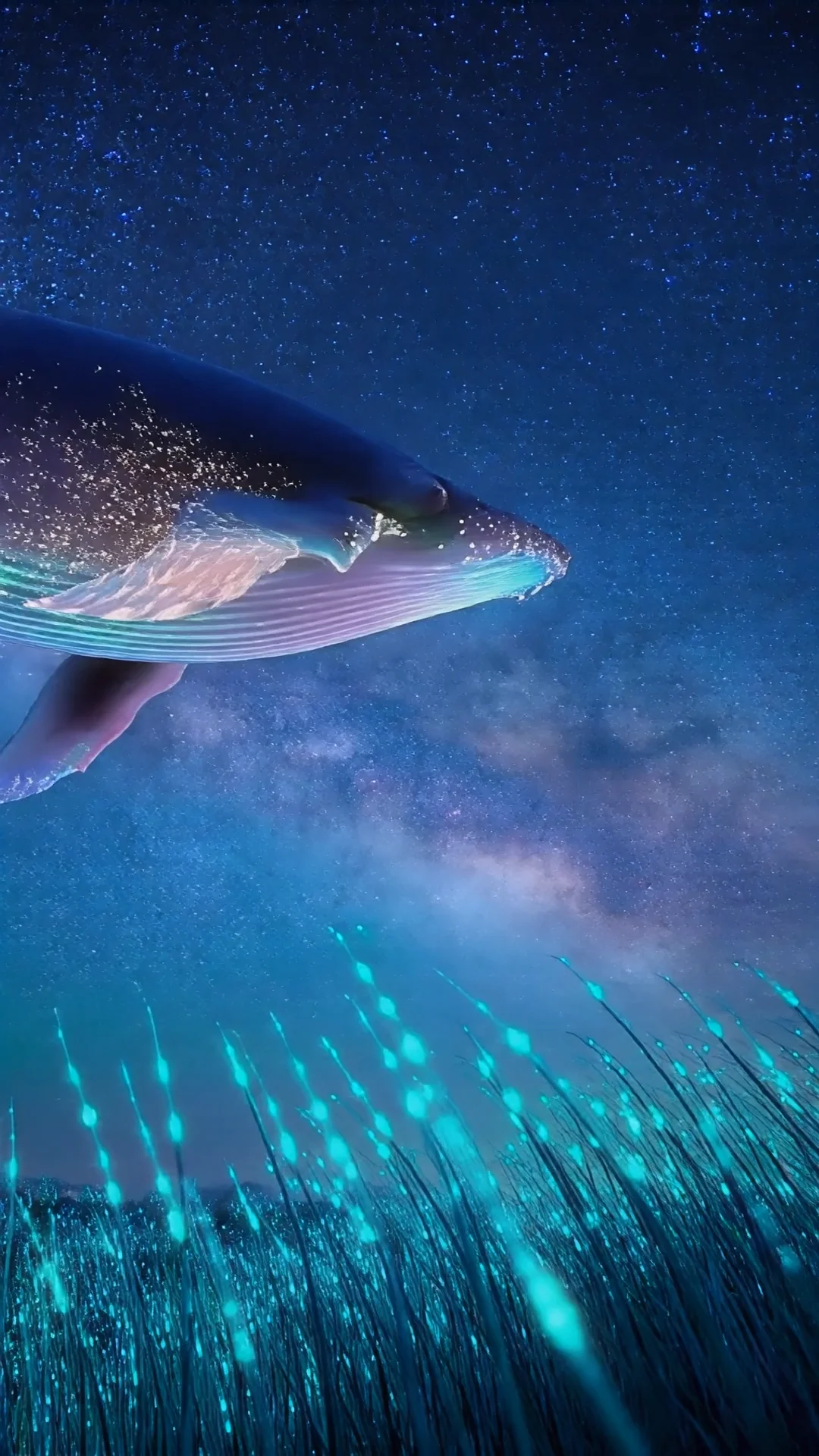

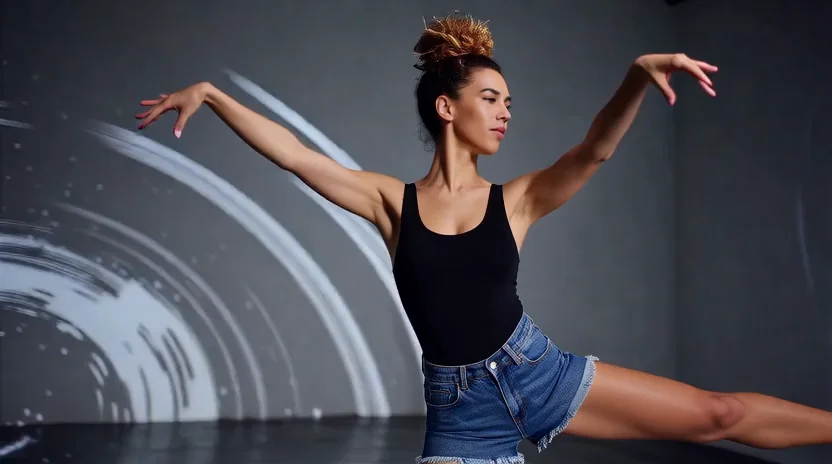
README
AI Parkour Video
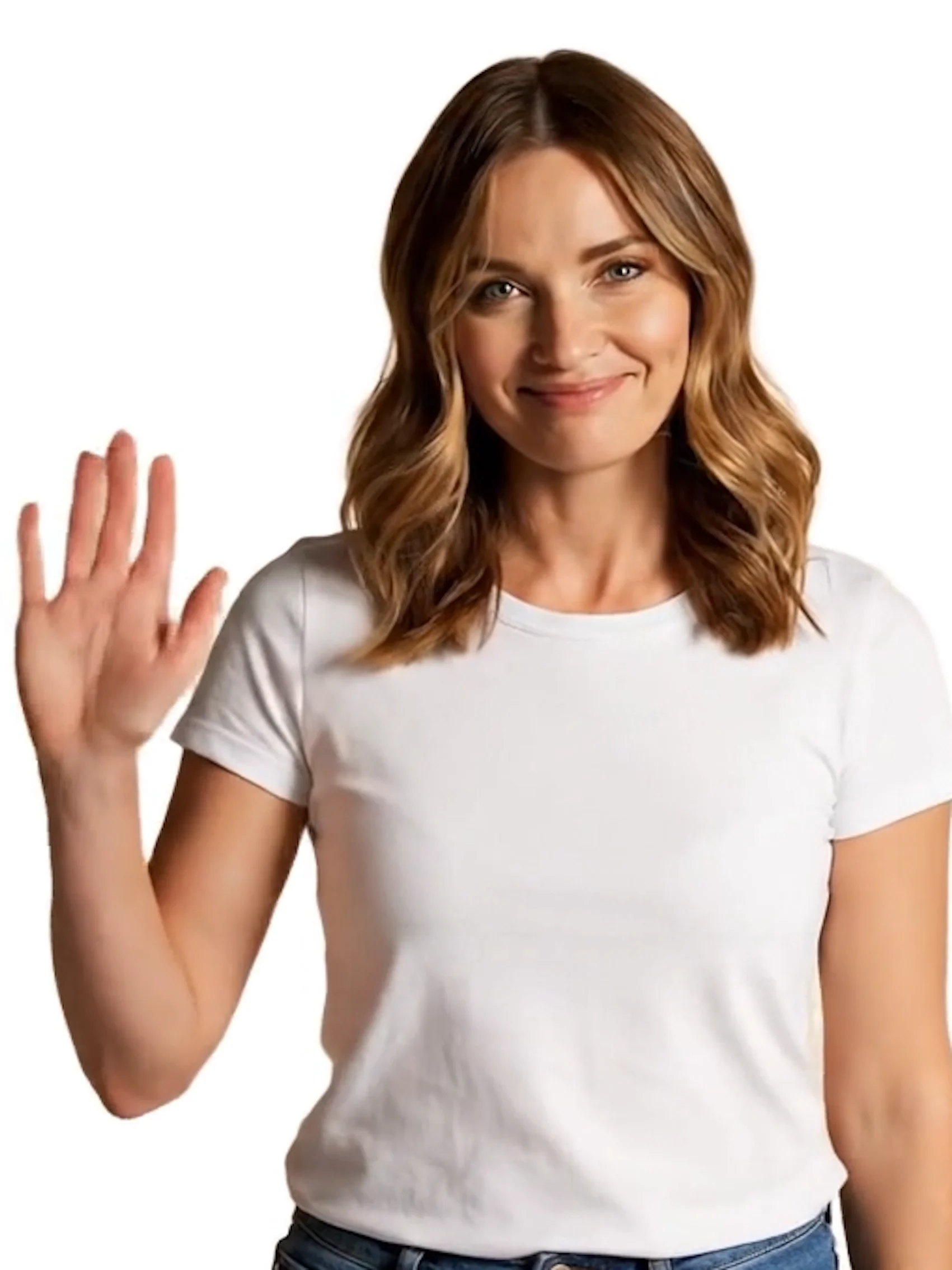
AI Parkour Video turns any portrait into an action-packed parkour video. Upload your photo, pick a style, and watch yourself vault, flip, and sprint across rooftops, cities, and forests — no stunt training required.
Why Choose This?
-
Two generation modes Generate from a single image, or use a reference parkour video for video-to-video animation at 720p.
-
6 parkour style presets From rooftop gap jumps to forest trail runs — choose the environment and movement style that fits your vision.
-
Flexible duration In image-to-video mode, choose from 5, 10, or 15 second clips. In video-to-video mode, duration follows the reference video (up to 120 seconds).
Parameters
| Parameter | Required | Description |
|---|---|---|
| image | Yes | Portrait image (URL or file upload). |
| video | No | Reference parkour video for video-to-video animation. Duration follows the reference video (up to 120s). |
| style | No | Parkour style preset. Default: rooftop. See options below. |
| duration | No | Output length in seconds when no reference video is provided. Options: 5, 10, or 15. Default: 5. |
Two Modes
Image-to-video (no video provided): image + style + duration → generates a new parkour clip at 720p.
Video-to-video (video provided): image + video + style → animates the portrait onto the reference parkour footage at 720p. Duration follows the reference video.
Style Options
| Style | Description |
|---|---|
| rooftop | Rooftop running, gap jumps, wall vaults, rolls. (default) |
| urban | Street railings, ledges, kong vaults, barrier slides. |
| wall_run | Vertical wall runs, wall climbs, fence vaults. |
| flip | Front flips, cartwheels, acrobatic celebration moves. |
| forest | Trail running, log jumps, branch swings, stream crossings. |
| stairs | Staircase sprints, handrail vaults, bench jumps. |
How to Use
- Upload your portrait — a clear, front-facing photo works best.
- Upload a reference video (optional) — provide a parkour video to use video-to-video mode.
- Pick a style — choose from 6 presets, or leave as default (rooftop).
- Set duration (optional) — only applies when no reference video is provided. Choose 5, 10, or 15 seconds.
- Submit — generate, preview, and download your parkour video.
Pricing
Image-to-Video (no reference video)
| Duration | Cost |
|---|---|
| 5s | $0.75 |
| 10s | $1.50 |
| 15s | $2.25 |
Video-to-Video (with reference video)
$0.45 per 5 seconds of reference video, with a minimum of 5 seconds and a maximum billable duration of 120 seconds.
Best Use Cases
- Social media content — Create eye-catching parkour videos of yourself for Instagram Reels and TikTok.
- Entertainment & fun — Put yourself or friends into wild action sequences without leaving home.
- Creative projects — Use custom reference videos to place any portrait into specific parkour footage.
- Gaming & avatar content — Generate action clips for gaming personas or digital characters.
Pro Tips
- A clear, front-facing portrait with a visible full body produces the most convincing parkour animation.
- In video-to-video mode, use high-quality parkour reference footage with clear, dynamic movement for best results.
- Try different style presets on the same portrait photo to find the most visually striking result.
Notes
- image is always required; all other parameters are optional.
- When a reference video is provided, duration is determined by the reference video length (up to 120 seconds).
- When no reference video is provided, duration controls the output length (5, 10, or 15 seconds).
- Ensure image and video URLs are publicly accessible if using links rather than direct uploads.
- Please ensure your content complies with WaveSpeed AI's usage policies.
Ai Parkour Video API — Quick start
Grab a WaveSpeedAI API key, then call POST https://api.wavespeed.ai/api/v3/wavespeed-ai/ai-parkour-video with your input as JSON. The endpoint returns a prediction id; poll the prediction endpoint until status flips to completed, then read the output URL from data.outputs[0]. Examples for Ai Parkour Video below.
HTTP example
# Submit the prediction
curl -X POST "https://api.wavespeed.ai/api/v3/wavespeed-ai/ai-parkour-video" \
  -H "Content-Type: application/json" \
  -H "Authorization: Bearer $WAVESPEED_API_KEY" \
  -d '{
    "image": "https://example.com/your-input.jpg",
    "video": "https://example.com/your-input.mp4",
    "style": "rooftop",
    "duration": 5
}'

# Response includes a prediction id. Poll for the result:
curl -X GET "https://api.wavespeed.ai/api/v3/predictions/{request_id}/result" \
  -H "Authorization: Bearer $WAVESPEED_API_KEY"

# When status is "completed", read the output from data.outputs[0].
Node.js example
// npm install wavespeed
const WaveSpeed = require('wavespeed');

const client = new WaveSpeed(); // reads WAVESPEED_API_KEY from env

const result = await client.run("wavespeed-ai/ai-parkour-video", {
        "image": "https://example.com/your-input.jpg",
        "video": "https://example.com/your-input.mp4",
        "style": "rooftop",
        "duration": 5
});

console.log(result.outputs[0]); // → URL of the generated output
Python example
# pip install wavespeed
import wavespeed

output = wavespeed.run(
    "wavespeed-ai/ai-parkour-video",
    {
    "image": "https://example.com/your-input.jpg",
    "video": "https://example.com/your-input.mp4",
    "style": "rooftop",
    "duration": 5
}
)

print(output["outputs"][0])  # → URL of the generated output
Ai Parkour Video API — Frequently asked questions
What is the Ai Parkour Video API?
Ai Parkour Video is a WaveSpeedAI model for video generation from images, exposed as a REST API on WaveSpeedAI. AI Parkour Video generates dynamic parkour action videos from a portrait image. Choose from 6 parkour styles or provide a reference video. Ready-to-use REST inference API, no coldstarts, affordable pricing. You can call it programmatically or try it from the playground above.
How do I call the Ai Parkour Video API?
POST your input parameters to the model's REST endpoint (shown in the API tab of this playground) with your WaveSpeedAI API key in the Authorization header. Submission returns a prediction ID; poll the prediction endpoint until status flips to "completed", then read the output URL from the result. The playground generates a ready-to-paste code sample in Python, JavaScript, or cURL for whatever inputs you've set. Full request/response shape is documented at https://wavespeed.ai/docs/docs-api/wavespeed-ai/ai-parkour-video.
How much does Ai Parkour Video cost per run?
Ai Parkour Video starts at $0.75 per run. That figure is the base price — the final charge scales with the parameters you set in the form (output size, length, count, references, or whatever knobs this model exposes), so a higher-quality or larger output costs more than a minimal one. The exact cost for your current input is shown live next to the Generate button before you submit, and the actual per-call charge is recorded on the prediction afterwards.
What inputs does Ai Parkour Video accept?
Key inputs: `image`, `video`, `duration`, `style`. The full JSON schema (types, defaults, allowed values) is rendered above the Generate button and mirrored in the API reference at https://wavespeed.ai/docs/docs-api/wavespeed-ai/ai-parkour-video.
How do I get started with the Ai Parkour Video API?
Sign up for a free WaveSpeedAI account to claim starter credits, copy your API key from /accesskey, then call the endpoint shown in the API tab of the playground. The playground also auto-generates a code sample in Python, JavaScript, or cURL for the parameters you've set.
Can I use Ai Parkour Video outputs commercially?
Commercial usage rights depend on the model's license, set by its provider (WaveSpeedAI). The license summary appears on the model card above; see WaveSpeedAI's Terms of Service for platform-level conditions.