PixVerse V5.5 Image-to-Video turns a single image into cinematic clips with smooth motion, clean detail, and strong subject fidelity—ideal for logo stingers, character motion, and social posts. Ready-to-use REST inference API, best performance, no cold starts, affordable pricing.
待機中
$0.451回あたり·~22 / $10
サンプルすべて表示
Use the uploaded anime battle mage illustration as the first frame. Keep the character's face, pose, outfit and background consistent. Start with a medium shot, then slowly dolly the camera in toward his outstretched hand as glowing blue energy builds up, swirling around his arm. In the last third of the clip, let the energy burst outward in a shockwave of light and particles, with slight camera shake and motion blur. Style: high-energy anime action, strong contrast, neon blue and purple highlights. Sound: rising synth and orchestral music, electric crackling, a powerful impact sound at the peak of the blast, no dialogue.
Use the uploaded sci-fi corridor image as the starting frame. Keep the corridor, lighting and astronaut exactly the same. Slowly dolly the camera forward down the hallway toward the astronaut, with very subtle handheld movement. As the camera moves, add drifting dust and light fog in the air, and let a few ceiling lights flicker nervously in the distance. Style: realistic cinematic sci-fi, soft depth of field, slight film grain. Sound: low rumbling engine ambience, quiet metallic echoes, and a rising deep synth drone, no dialogue.
Use the uploaded anime rooftop illustration as the first frame. Keep the girl's face, hairstyle, outfit and rooftop background consistent. Start with the original framing, then slowly push the camera in toward her face as her hair and blazer move lightly in the wind. She blinks once, then looks at the camera and says in a calm, determined anime voice: "I'll change my future, no matter what." Style: cinematic anime, soft gradients in the sky, slight camera shake for emotional impact. Sound: gentle evening city ambience, distant traffic and cicadas, soft piano in the background, synchronized Japanese-style female voice, no extra text on screen.
関連モデル

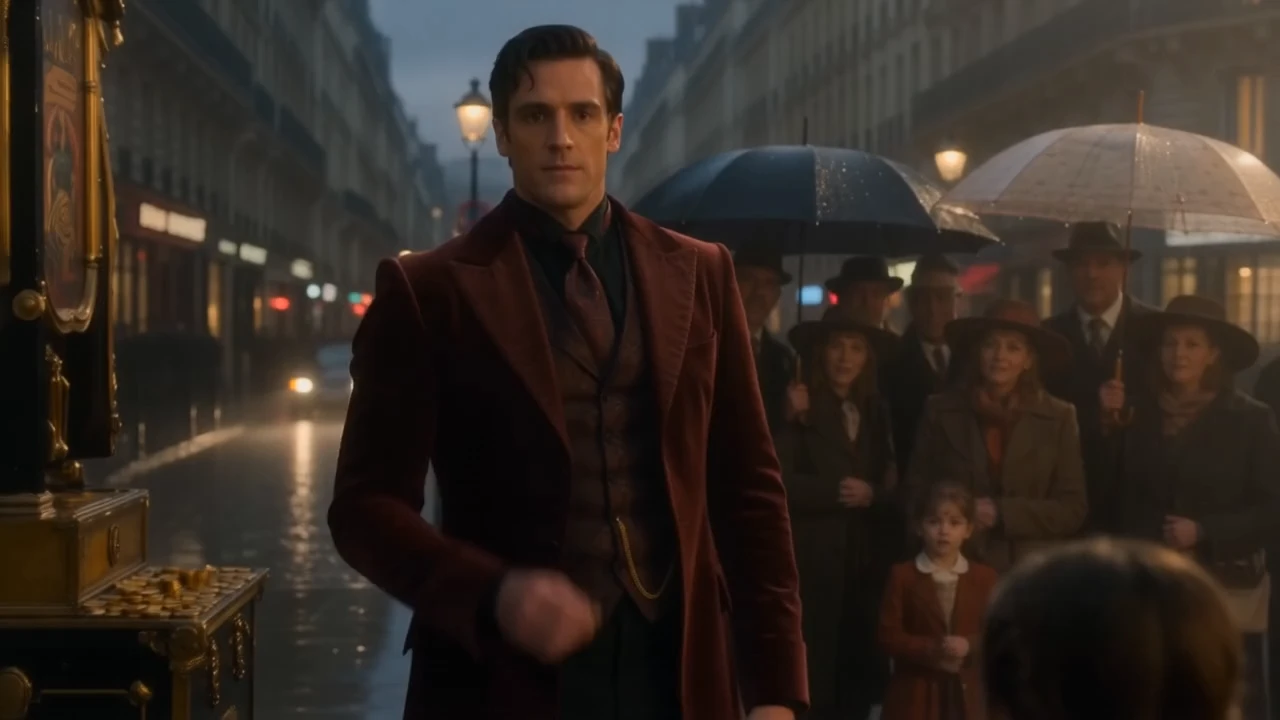
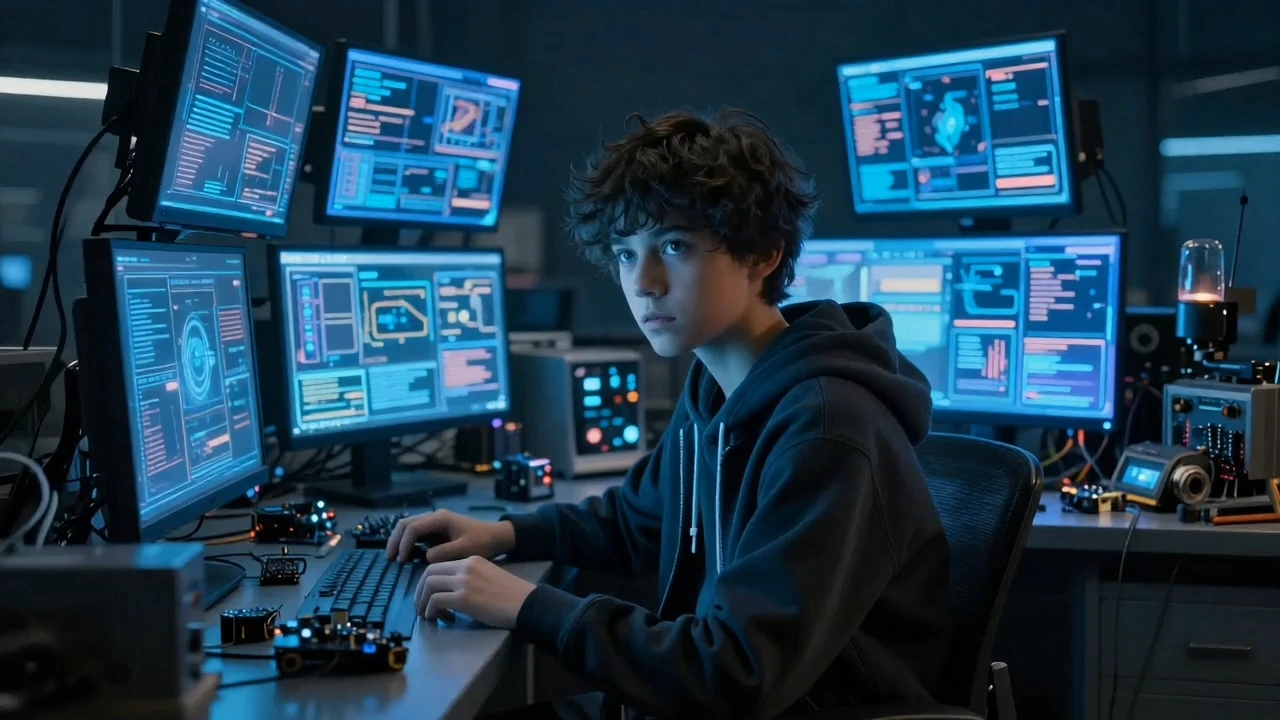
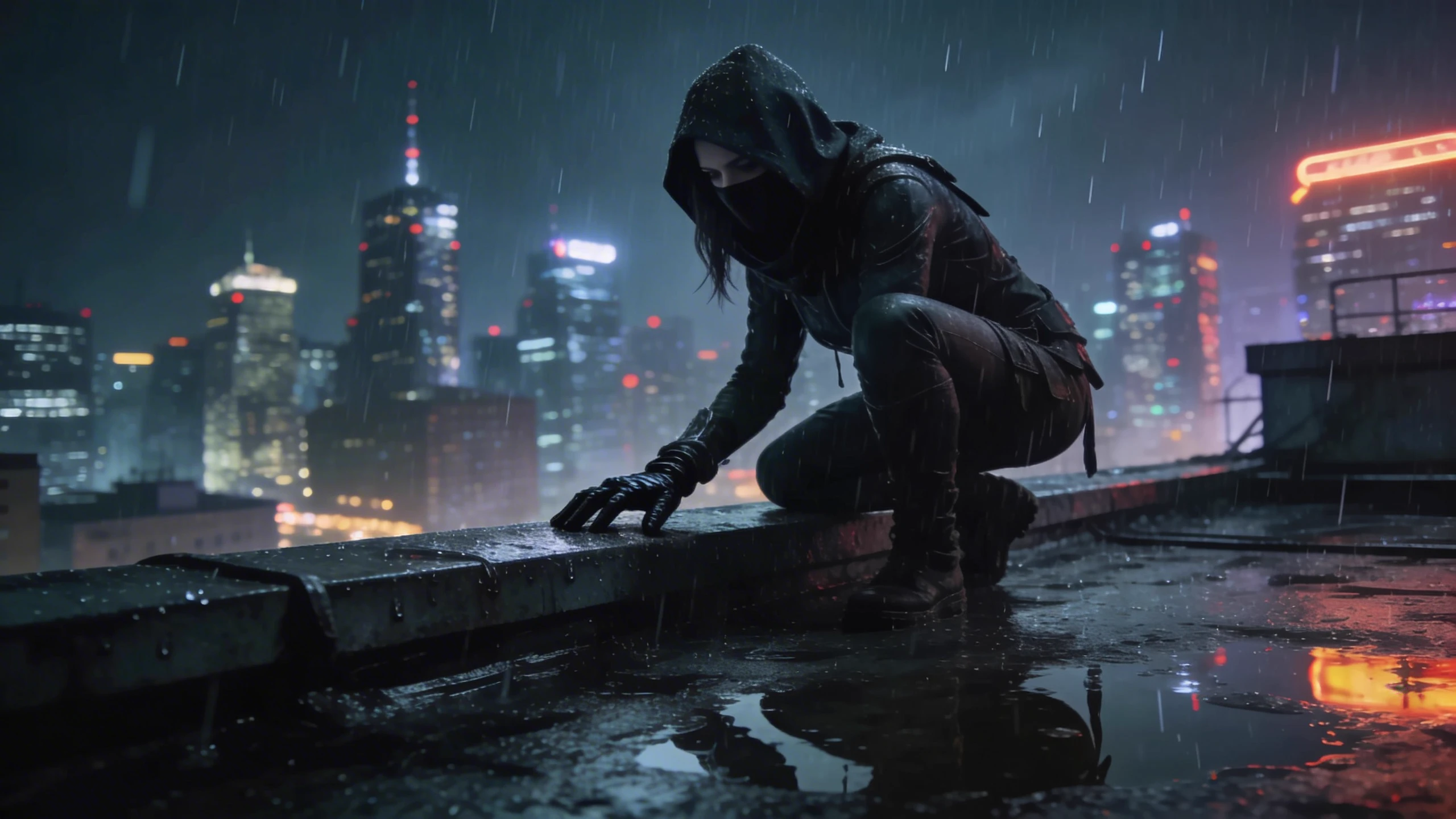
README
PixVerse v5.5 — Image-to-Video (I2V)
PixVerse v5.5 Image-to-Video animates a single image into a short cinematic clip. You provide a still frame plus a prompt; the model adds motion, camera moves, lighting changes and FX while keeping the original character, composition and style intact.
✨ Highlights
- Image-aware animation – Uses your input image as the first frame, preserving identity, pose and layout.
- Flexible formats – Resolutions from 360p–1080p and aspect ratios 16:9, 4:3, 1:1, 3:4, 9:16 for feeds, stories and banners.
- Multiple durations – Generate 5s, 8s or 10s clips for hooks, shorts or slightly longer moments.
- Prompt reasoning (thinking_type) – Optional system optimisation that can refine complex prompts before generation.
🧩 Parameters
-
prompt* (string) Up to 2048 characters describing motion, camera, lighting and style. Example: “Dynamic anime close-up, wind blowing cloak and hair, camera slowly circling, sparks and glowing embers in the background.”
-
image* (URL or upload) The source frame to animate. Front-facing, well-lit images work best.
-
resolution One of 360p, 540p, 720p, 1080p.
-
duration 5, 8 or 10 seconds.(10 seconds is not available for 1080p)
-
thinking_type
-
"enabled" – Turn on system-level reasoning to structure and optimise your prompt.
-
"disabled" – Use your prompt exactly as written.
-
"auto" (default) – Let the system decide whether to enable prompt optimizer automatically.
-
negative_prompt (optional) Words you don’t want in the video, e.g. watermark, logo, text, distortion.
-
seed (integer) Fix a seed for reproducible runs, or change it to get new variations from the same setup.
💰 Pricing
| Resolution | 5s clip (total) | 8s clip (total) | 10s clip (total)* |
|---|---|---|---|
| 360p | $0.85 | $1.30 | $1.39 |
| 540p | $0.85 | $1.30 | $1.39 |
| 720p | $1.00 | $1.60 | $1.72 |
| 1080p | $1.60 | $2.80 | - |
🚀 How to Use
-
Upload your image Add a clean, high-quality frame under image – ideally with clear subject and minimal motion blur.
-
Write the prompt Focus on how things move, camera path and overall mood, not on redesigning the character.
- Good: “Camera slowly pushes in, cloak flutters in the wind, sparks drift across frame, cinematic lighting.”
- Risky: “Change clothes and hairstyle completely while the character runs and transforms into a dragon.”
- Choose resolution & ratio
- 16:9 for YouTube / landscape.
- 9:16 for TikTok / Reels / Stories.
- 1:1 or 4:3 for feed posts.
- Set duration and resolution
- Select resolution from 360p,540p,720p,1080p
- Select duration from 5s, 8s or 10s (Not available for 1080p)
- (Optional) Adjust thinking_type, negative_prompt and seed
- Use enabled or auto for complex, multi-sentence prompts. The model will optimize it for you to generate better video output.
- Add a short negative prompt to avoid artefacts.
- Lock the seed while you tweak small details.
- Run and iterate Generate the clip, review motion and framing, then refine your prompt or duration as needed.
💡 Best Practices
- Keep the image and prompt aligned – don’t describe a totally different scene or character.
- Use medium or close shots for character-focused animations; wide shots can feel sparse.
- For platforms with heavy compression, prefer 720p / 1080p to keep details clean.
- Avoid overloading the prompt with too many actions; 1–3 clear motions usually work best.
Pixverse v5.5 Image To Video API — Quick start
Grab a WaveSpeedAI API key, then call POST https://api.wavespeed.ai/api/v3/pixverse/pixverse-v5.5/image-to-video with your input as JSON. The endpoint returns a prediction id. Start polling the result endpoint around every 2 seconds, increase the interval for long-running tasks, and stop on any terminal status. On completed, read output values from data.outputs. Examples for Pixverse v5.5 Image To Video below.
HTTP example
set -euo pipefail

: "${WAVESPEED_API_KEY:?Set WAVESPEED_API_KEY}"

REQUEST_BODY=$(cat <<'JSON'
{
    "prompt": "A cinematic shot of a city at sunset, soft golden light",
    "resolution": "540p",
    "duration": 5,
    "generate_audio_switch": false,
    "generate_multi_clip_switch": false,
    "thinking_type": "auto"
}
JSON
)

# 1. Submit the prediction.
SUBMIT_RESPONSE=$(curl --silent --show-error --fail-with-body \
  -X POST "https://api.wavespeed.ai/api/v3/pixverse/pixverse-v5.5/image-to-video" \
  -H "Content-Type: application/json" \
  -H "Authorization: Bearer $WAVESPEED_API_KEY" \
  -d "$REQUEST_BODY")

TASK=$(printf '%s' "$SUBMIT_RESPONSE" | jq 'if has("data") then .data else . end')
PREDICTION_ID=$(printf '%s' "$TASK" | jq -r '.id')
if [ -z "$PREDICTION_ID" ] || [ "$PREDICTION_ID" = "null" ]; then
  printf 'Submission response did not contain a prediction id
' >&2
  exit 1
fi
RESULT_URL=$(printf '%s' "$TASK" | jq -r '.urls.get // empty')
if [ -z "$RESULT_URL" ]; then
  RESULT_URL="https://api.wavespeed.ai/api/v3/predictions/$PREDICTION_ID/result"
fi

# 2. Poll until the prediction finishes.
while true; do
  RESPONSE=$(curl --silent --show-error --fail-with-body "$RESULT_URL" \
    -H "Authorization: Bearer $WAVESPEED_API_KEY")
  RESULT=$(printf '%s' "$RESPONSE" | jq 'if has("data") then .data else . end')
  STATUS=$(printf '%s' "$RESULT" | jq -r '.status')
  case "$STATUS" in
    completed) printf '%s\n' "$RESULT" | jq '.outputs'; break ;;
    failed|cancelled|timeout) printf '%s\n' "$RESULT" | jq . >&2; exit 1 ;;
    created|processing) sleep 2 ;;
    *) printf 'Unexpected status: %s
' "$STATUS" >&2; exit 1 ;;
  esac
done
Node.js example
const submitUrl = "https://api.wavespeed.ai/api/v3/pixverse/pixverse-v5.5/image-to-video";
const apiKey = process.env.WAVESPEED_API_KEY;
if (!apiKey) throw new Error('Set WAVESPEED_API_KEY');

async function requestJson(url, options = {}) {
  const response = await fetch(url, options);
  if (!response.ok) throw new Error(await response.text());
  return response.json();
}

// 1. Submit the prediction.
const body = await requestJson(submitUrl, {
  method: "POST",
  headers: {
    "Authorization": `Bearer ${apiKey}`,
    "Content-Type": "application/json",
  },
  body: JSON.stringify({
        "prompt": "A cinematic shot of a city at sunset, soft golden light",
        "resolution": "540p",
        "duration": 5,
        "generate_audio_switch": false,
        "generate_multi_clip_switch": false,
        "thinking_type": "auto"
}),
});
const task = body.data ?? body;
if (!task.id) throw new Error("Submission response did not contain a prediction id");
const resultUrl = task.urls?.get ||
  `https://api.wavespeed.ai/api/v3/predictions/${task.id}/result`;

// 2. Poll until the prediction finishes.
while (true) {
  const resultBody = await requestJson(resultUrl, {
    headers: { "Authorization": `Bearer ${apiKey}` },
  });
  const result = resultBody.data ?? resultBody;
  if (result.status === "completed") {
    console.log(result.outputs);
    break;
  }
  if (["failed", "cancelled", "timeout"].includes(result.status)) throw new Error(JSON.stringify(result));
  if (!["created", "processing"].includes(result.status)) throw new Error("Unexpected status: " + result.status);
  await new Promise(resolve => setTimeout(resolve, 2000));
}
Python example
import json
import os
import time
from urllib.request import Request, urlopen

api_key = os.environ["WAVESPEED_API_KEY"]
headers = {"Authorization": f"Bearer {api_key}", "Content-Type": "application/json"}
payload = {
    "prompt": "A cinematic shot of a city at sunset, soft golden light",
    "resolution": "540p",
    "duration": 5,
    "generate_audio_switch": False,
    "generate_multi_clip_switch": False,
    "thinking_type": "auto"
}

def request_json(url, data=None):
    request = Request(url, data=data, headers=headers, method="POST" if data else "GET")
    with urlopen(request) as response:
        return json.load(response)

# 1. Submit the prediction.
body = request_json("https://api.wavespeed.ai/api/v3/pixverse/pixverse-v5.5/image-to-video", json.dumps(payload).encode())
task = body.get("data", body)
if not task.get("id"):
    raise RuntimeError("Submission response did not contain a prediction id")
result_url = task.get("urls", {}).get("get") or f"https://api.wavespeed.ai/api/v3/predictions/{task['id']}/result"

# 2. Poll until the prediction finishes.
while True:
    result_body = request_json(result_url)
    result = result_body.get("data", result_body)
    status = result.get("status")
    if status == "completed":
        print(result.get("outputs", []))
        break
    if status in {"failed", "cancelled", "timeout"}:
        raise RuntimeError(result)
    if status not in {"created", "processing"}:
        raise RuntimeError(f"Unexpected status: {status}")
    time.sleep(2)
Pixverse v5.5 Image To Video API — Frequently asked questions
What is the Pixverse v5.5 Image To Video API?
Pixverse v5.5 Image To Video is a Pixverse model for video generation from images, exposed as a REST API on WaveSpeedAI. PixVerse V5.5 Image-to-Video turns a single image into cinematic clips with smooth motion, clean detail, and strong subject fidelity—ideal for logo stingers, character motion, and social posts. Ready-to-use REST inference API, best performance, no cold starts, affordable pricing. You can call it programmatically or try it from the playground above.
How do I call the Pixverse v5.5 Image To Video API?
POST your input parameters to the model's REST endpoint (shown in the API tab of this playground) with your WaveSpeedAI API key in the Authorization header. Submission returns a prediction ID. Poll the result endpoint starting around every 2 seconds, increase the interval for long-running tasks, and stop on any terminal status. The playground generates production-oriented Python, JavaScript, and cURL examples with timeouts, transient-error handling, and safe GET retries. Full request/response shape is documented at https://wavespeed.ai/docs/docs-api/pixverse/pixverse-pixverse-v5.5-image-to-video.
How much does Pixverse v5.5 Image To Video cost per run?
Pixverse v5.5 Image To Video starts at $0.45 per run. That figure is the base price — the final charge scales with the parameters you set in the form (output size, length, count, references, or whatever knobs this model exposes), so a higher-quality or larger output costs more than a minimal one. The exact cost for your current input is shown live next to the Generate button before you submit, and the actual per-call charge is recorded on the prediction afterwards.
What inputs does Pixverse v5.5 Image To Video accept?
Key inputs: `prompt`, `image`, `resolution`, `duration`, `generate_audio_switch`, `generate_multi_clip_switch`. The full JSON schema (types, defaults, allowed values) is rendered above the Generate button and mirrored in the API reference at https://wavespeed.ai/docs/docs-api/pixverse/pixverse-pixverse-v5.5-image-to-video.
How long does Pixverse v5.5 Image To Video take to generate?
Median end-to-end generation time on WaveSpeedAI is around 54 seconds per request, based on recent successful runs. Queue time varies with global demand; live status is visible in the prediction record.
Can I use Pixverse v5.5 Image To Video outputs commercially?
Commercial usage rights depend on the model's license, set by its provider (Pixverse). The license summary appears on the model card above; see WaveSpeedAI's Terms of Service for platform-level conditions.