NVIDIA Cosmos 3 Super Image to Video is a fast AI image-to-video generation model that creates high-quality videos from a first-frame image and a motion prompt. Ready-to-use REST inference API for animating images, product videos, cinematic clips, social media content, advertising creatives, concept videos, and professional image-to-video workflows with simple integration, no coldstarts, and affordable pricing.
待機中
$0.051回あたり·~20 / $1
サンプルすべて表示
Use the input image as the first frame. Keep the same woman, record store, outfit, lighting, and composition. The woman looks down at the record sleeve, then slowly looks back at the camera. The warm lights flicker softly, and the camera slowly pushes in. Nostalgic cinematic mood, realistic motion, stable face, no distortion, no text.
関連モデル


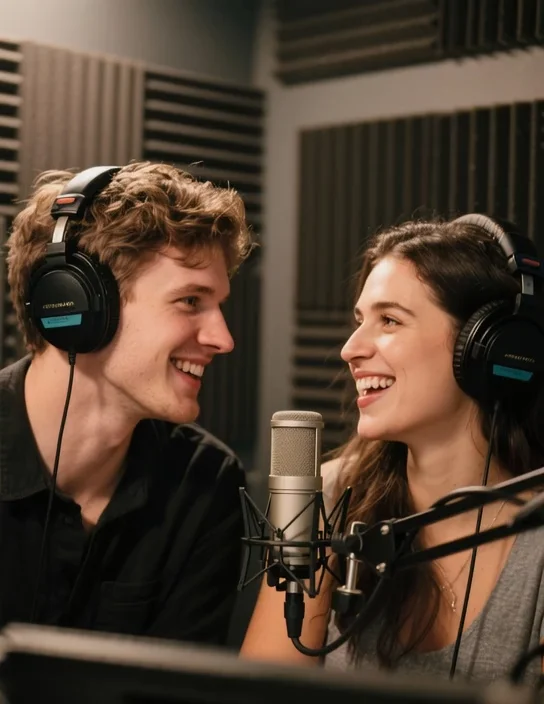
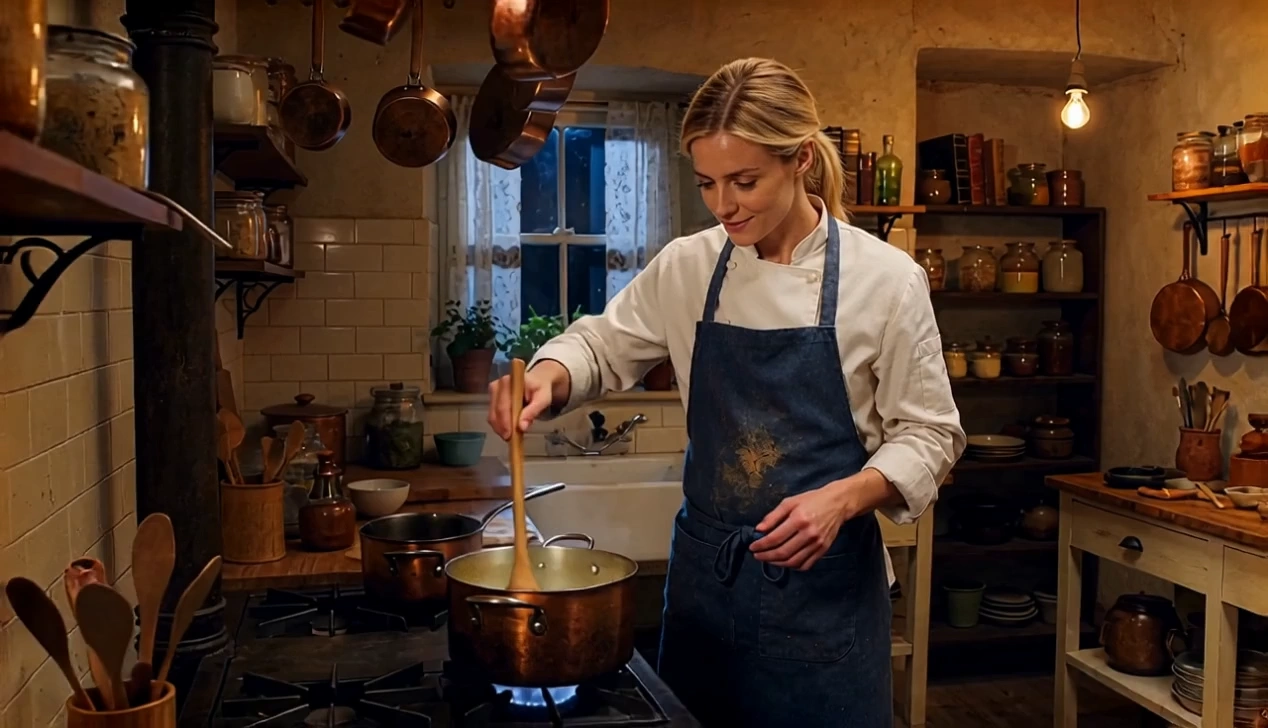

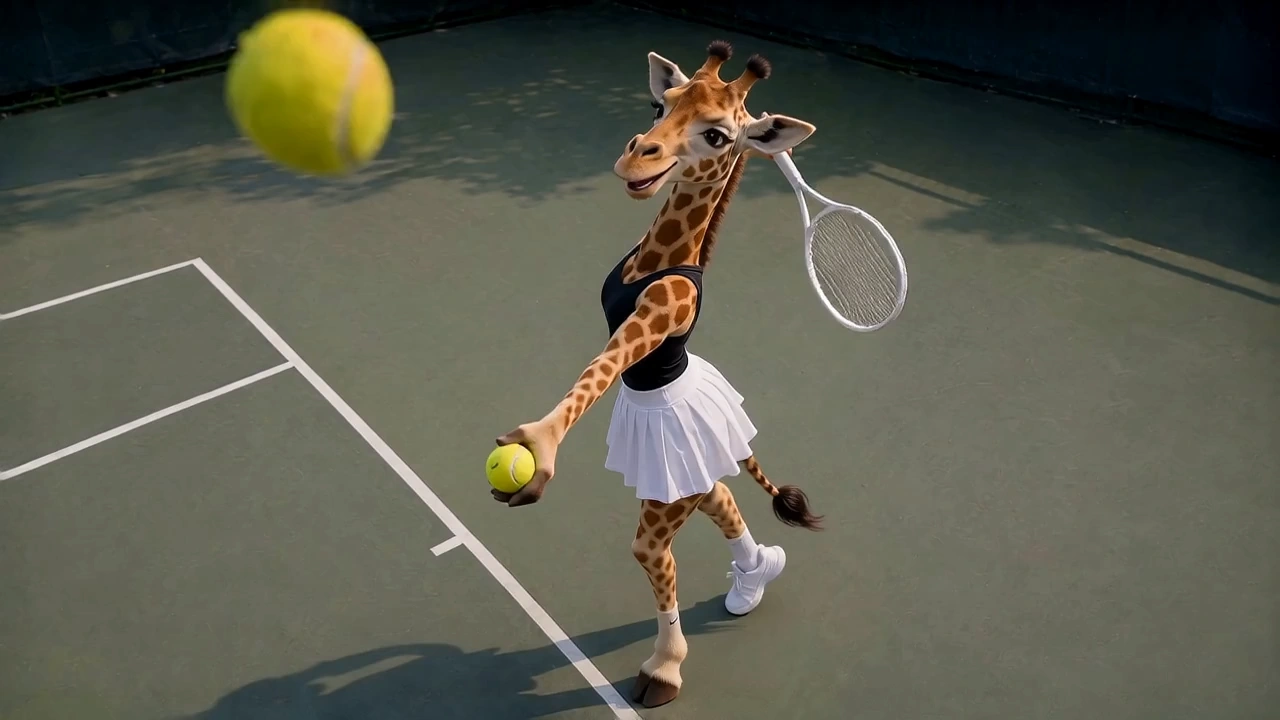
README
NVIDIA Cosmos 3 Super Image-to-Video
NVIDIA Cosmos 3 Super Image-to-Video generates short videos from a reference image and a natural-language prompt. It supports motion prompting, negative prompting, size presets, duration selection, inference-step tuning, and guidance scaling for high-quality image-driven video generation.
Why Choose This?
-
Image-guided video generation Start from a single reference image and animate it into a video clip.
-
Prompt-based motion control Describe motion, camera movement, atmosphere, and scene behavior using natural language.
-
Negative prompt support Use
negative_promptto steer the model away from unwanted content or artifacts. -
Flexible size presets Generate videos in common aspect ratios such as
16:9,1:1, and9:16. -
Simple duration control Choose a fixed output duration from
1to7seconds. -
Production-ready API Suitable for concept visualization, animated keyframes, creator content, marketing clips, and short cinematic sequences.
Parameters
| Parameter | Required | Description |
|---|---|---|
| prompt | Yes | Text prompt describing the motion and scene of the video to generate. |
| image | Yes | First-frame image for the generated video. |
| negative_prompt | No | Content to steer the generation away from. |
| size | No | Output video size preset. Supported values: 16:9, 4:3, 1:1, 3:4, 9:16. Default: 16:9. |
| duration | No | Output video duration in seconds. Supported values: 1, 2, 3, 4, 5, 6, 7. Default: 7. |
| num_inference_steps | No | Number of denoising steps. |
| guidance_scale | No | Classifier-free guidance scale. |
How to Use
- Upload the reference image — provide the image you want to animate.
- Write the prompt — describe the desired motion, camera action, and scene evolution.
- Add a negative prompt (optional) — specify things you want to avoid.
- Choose the output size — select the aspect ratio that matches your intended output.
- Set duration (optional) — choose a fixed output length between
1and7seconds. - Tune generation settings (optional) — adjust
num_inference_stepsandguidance_scaleif needed. - Submit — run the model and download the generated video.
Example Prompt
A cinematic slow push-in as the subject turns slightly toward the camera, soft wind movement in the hair, subtle background motion, realistic lighting, polished commercial look
Pricing
Pricing is based on the selected duration.
| Duration | Cost |
|---|---|
| 1 second | $0.05 |
| 2 seconds | $0.10 |
| 3 seconds | $0.15 |
| 4 seconds | $0.20 |
| 5 seconds | $0.25 |
| 6 seconds | $0.30 |
| 7 seconds | $0.35 |
Billing Rules
- Pricing is $0.05 per second
- Billing follows the selected
duration - Minimum billed duration is 1 second
- Maximum billed duration is 7 seconds
size,negative_prompt,num_inference_steps, andguidance_scaledo not directly affect pricing
Best Use Cases
- Image-to-video animation — Turn a still image into a dynamic short clip.
- Concept visualization — Explore motion ideas from a single frame.
- Social media content — Create short animated content from static artwork or portraits.
- Marketing creatives — Animate posters, product shots, or character stills.
- Cinematic prototyping — Test prompt-driven motion, framing, and visual storytelling.
Pro Tips
- Use a clear, high-quality reference image for better motion stability.
- Keep prompts focused on motion, camera behavior, and scene change rather than restating static details already visible in the image.
- Match the input image aspect ratio to the selected
sizewhenever possible. - If the input image ratio does not match the selected
size, the result may appear stretched or distorted. - Start with the default settings first, then tune
guidance_scaleornum_inference_stepsonly if needed. - Use
negative_promptto reduce unwanted artifacts or style drift.
Notes
promptandimageare required.durationis selected directly from1to7seconds.sizedefaults to16:9.- Pricing depends only on the selected duration.
- For best results, the input image ratio should match the selected
sizeratio to avoid distortion.
Related Models
- NVIDIA Cosmos 3 Super Text-to-Image — Generate the source image first, then animate it.
- Pruna AI P-Video Animate — Animate a reference image using motion from a source video.
- Skywork AI SkyReels V4 Image-to-Video — Another image-to-video workflow with additional motion-generation options.
Cosmos 3 Super Image To Video API — Quick start
Grab a WaveSpeedAI API key, then call POST https://api.wavespeed.ai/api/v3/nvidia/cosmos-3-super/image-to-video with your input as JSON. The endpoint returns a prediction id. Start polling the result endpoint around every 2 seconds, increase the interval for long-running tasks, and stop on any terminal status. On completed, read output values from data.outputs. Examples for Cosmos 3 Super Image To Video below.
HTTP example
set -euo pipefail

: "${WAVESPEED_API_KEY:?Set WAVESPEED_API_KEY}"

REQUEST_BODY=$(cat <<'JSON'
{
    "prompt": "A cinematic shot of a city at sunset, soft golden light",
    "image": "https://interactive-examples.mdn.mozilla.net/media/cc0-images/painted-hand-298-332.jpg",
    "size": "16:9",
    "duration": "7",
    "num_inference_steps": 28,
    "guidance_scale": 6
}
JSON
)

# 1. Submit the prediction.
SUBMIT_RESPONSE=$(curl --silent --show-error --fail-with-body \
  -X POST "https://api.wavespeed.ai/api/v3/nvidia/cosmos-3-super/image-to-video" \
  -H "Content-Type: application/json" \
  -H "Authorization: Bearer $WAVESPEED_API_KEY" \
  -d "$REQUEST_BODY")

TASK=$(printf '%s' "$SUBMIT_RESPONSE" | jq 'if has("data") then .data else . end')
PREDICTION_ID=$(printf '%s' "$TASK" | jq -r '.id')
if [ -z "$PREDICTION_ID" ] || [ "$PREDICTION_ID" = "null" ]; then
  printf 'Submission response did not contain a prediction id
' >&2
  exit 1
fi
RESULT_URL=$(printf '%s' "$TASK" | jq -r '.urls.get // empty')
if [ -z "$RESULT_URL" ]; then
  RESULT_URL="https://api.wavespeed.ai/api/v3/predictions/$PREDICTION_ID/result"
fi

# 2. Poll until the prediction finishes.
while true; do
  RESPONSE=$(curl --silent --show-error --fail-with-body "$RESULT_URL" \
    -H "Authorization: Bearer $WAVESPEED_API_KEY")
  RESULT=$(printf '%s' "$RESPONSE" | jq 'if has("data") then .data else . end')
  STATUS=$(printf '%s' "$RESULT" | jq -r '.status')
  case "$STATUS" in
    completed) printf '%s\n' "$RESULT" | jq '.outputs'; break ;;
    failed|cancelled|timeout) printf '%s\n' "$RESULT" | jq . >&2; exit 1 ;;
    created|processing) sleep 2 ;;
    *) printf 'Unexpected status: %s
' "$STATUS" >&2; exit 1 ;;
  esac
done
Node.js example
const submitUrl = "https://api.wavespeed.ai/api/v3/nvidia/cosmos-3-super/image-to-video";
const apiKey = process.env.WAVESPEED_API_KEY;
if (!apiKey) throw new Error('Set WAVESPEED_API_KEY');

async function requestJson(url, options = {}) {
  const response = await fetch(url, options);
  if (!response.ok) throw new Error(await response.text());
  return response.json();
}

// 1. Submit the prediction.
const body = await requestJson(submitUrl, {
  method: "POST",
  headers: {
    "Authorization": `Bearer ${apiKey}`,
    "Content-Type": "application/json",
  },
  body: JSON.stringify({
        "prompt": "A cinematic shot of a city at sunset, soft golden light",
        "image": "https://interactive-examples.mdn.mozilla.net/media/cc0-images/painted-hand-298-332.jpg",
        "size": "16:9",
        "duration": "7",
        "num_inference_steps": 28,
        "guidance_scale": 6
}),
});
const task = body.data ?? body;
if (!task.id) throw new Error("Submission response did not contain a prediction id");
const resultUrl = task.urls?.get ||
  `https://api.wavespeed.ai/api/v3/predictions/${task.id}/result`;

// 2. Poll until the prediction finishes.
while (true) {
  const resultBody = await requestJson(resultUrl, {
    headers: { "Authorization": `Bearer ${apiKey}` },
  });
  const result = resultBody.data ?? resultBody;
  if (result.status === "completed") {
    console.log(result.outputs);
    break;
  }
  if (["failed", "cancelled", "timeout"].includes(result.status)) throw new Error(JSON.stringify(result));
  if (!["created", "processing"].includes(result.status)) throw new Error("Unexpected status: " + result.status);
  await new Promise(resolve => setTimeout(resolve, 2000));
}
Python example
import json
import os
import time
from urllib.request import Request, urlopen

api_key = os.environ["WAVESPEED_API_KEY"]
headers = {"Authorization": f"Bearer {api_key}", "Content-Type": "application/json"}
payload = {
    "prompt": "A cinematic shot of a city at sunset, soft golden light",
    "image": "https://interactive-examples.mdn.mozilla.net/media/cc0-images/painted-hand-298-332.jpg",
    "size": "16:9",
    "duration": "7",
    "num_inference_steps": 28,
    "guidance_scale": 6
}

def request_json(url, data=None):
    request = Request(url, data=data, headers=headers, method="POST" if data else "GET")
    with urlopen(request) as response:
        return json.load(response)

# 1. Submit the prediction.
body = request_json("https://api.wavespeed.ai/api/v3/nvidia/cosmos-3-super/image-to-video", json.dumps(payload).encode())
task = body.get("data", body)
if not task.get("id"):
    raise RuntimeError("Submission response did not contain a prediction id")
result_url = task.get("urls", {}).get("get") or f"https://api.wavespeed.ai/api/v3/predictions/{task['id']}/result"

# 2. Poll until the prediction finishes.
while True:
    result_body = request_json(result_url)
    result = result_body.get("data", result_body)
    status = result.get("status")
    if status == "completed":
        print(result.get("outputs", []))
        break
    if status in {"failed", "cancelled", "timeout"}:
        raise RuntimeError(result)
    if status not in {"created", "processing"}:
        raise RuntimeError(f"Unexpected status: {status}")
    time.sleep(2)
Cosmos 3 Super Image To Video API — Frequently asked questions
What is the Cosmos 3 Super Image To Video API?
Cosmos 3 Super Image To Video is a NVIDIA model for video generation from images, exposed as a REST API on WaveSpeedAI. NVIDIA Cosmos 3 Super Image to Video is a fast AI image-to-video generation model that creates high-quality videos from a first-frame image and a motion prompt. Ready-to-use REST inference API for animating images, product videos, cinematic clips, social media content, advertising creatives, concept videos, and professional image-to-video workflows with simple integration, no coldstarts, and affordable pricing. You can call it programmatically or try it from the playground above.
How do I call the Cosmos 3 Super Image To Video API?
POST your input parameters to the model's REST endpoint (shown in the API tab of this playground) with your WaveSpeedAI API key in the Authorization header. Submission returns a prediction ID. Poll the result endpoint starting around every 2 seconds, increase the interval for long-running tasks, and stop on any terminal status. The playground generates production-oriented Python, JavaScript, and cURL examples with timeouts, transient-error handling, and safe GET retries. Full request/response shape is documented at https://wavespeed.ai/docs/docs-api/nvidia/nvidia-cosmos-3-super-image-to-video.
How much does Cosmos 3 Super Image To Video cost per run?
Cosmos 3 Super Image To Video starts at $0.050 per run. That figure is the base price — the final charge scales with the parameters you set in the form (output size, length, count, references, or whatever knobs this model exposes), so a higher-quality or larger output costs more than a minimal one. The exact cost for your current input is shown live next to the Generate button before you submit, and the actual per-call charge is recorded on the prediction afterwards.
What inputs does Cosmos 3 Super Image To Video accept?
Key inputs: `prompt`, `image`, `duration`, `size`, `guidance_scale`, `num_inference_steps`. The full JSON schema (types, defaults, allowed values) is rendered above the Generate button and mirrored in the API reference at https://wavespeed.ai/docs/docs-api/nvidia/nvidia-cosmos-3-super-image-to-video.
How long does Cosmos 3 Super Image To Video take to generate?
Average end-to-end generation time on WaveSpeedAI is around 401 seconds per request — measured across recent runs. Queue time scales with global demand; live status is visible in the prediction record.
Can I use Cosmos 3 Super Image To Video outputs commercially?
Commercial usage rights depend on the model's license, set by its provider (NVIDIA). The license summary appears on the model card above; see WaveSpeedAI's Terms of Service for platform-level conditions.