Luma Ray 2 Flash I2V turns images into high-quality videos with advanced prompt optimization and multi-size output options. Ready-to-use REST inference API, best performance, no coldstarts, affordable pricing.
待機中
$0.21回あたり·~50 / $10
サンプルすべて表示
A girl lying in a field of dandelions, wind gently blowing her hair, golden hour sunlight, dreamlike slow motion, soft focus
Teen girl decorating her bedroom with fairy lights, polaroids on the wall, plants on the windowsill, cozy vibes and indie music in the background
Mother preparing breakfast in a sunlit kitchen, eggs sizzling in a pan, toast popping up, cereal boxes and kids running around in pajamas
Cyclist riding through a quiet residential street, dogs barking in the distance, birds flying overhead, golden hour shadows stretching long
Walking through a grocery store, slow-motion cart wheels, colorful produce, ambient supermarket sounds, cashier scanning items
Man sipping coffee at a train station platform, trains passing in the background, wind fluttering coat, contemplative mood
College students walking across campus, backpacks swinging, friends laughing, leaves crunching underfoot in autumn sunlight
Late-night study session, laptop glow on student’s face, books scattered on the desk, ticking wall clock and pen scribbling sounds
Quiet dinner at a small Japanese restaurant, soft lantern lighting, sushi being prepared, quiet music and conversations in the air
A fluffy cartoon bunny exploring a magical forest, oversized mushrooms and glowing plants, smooth camera motion, Pixar-style lighting
関連モデル


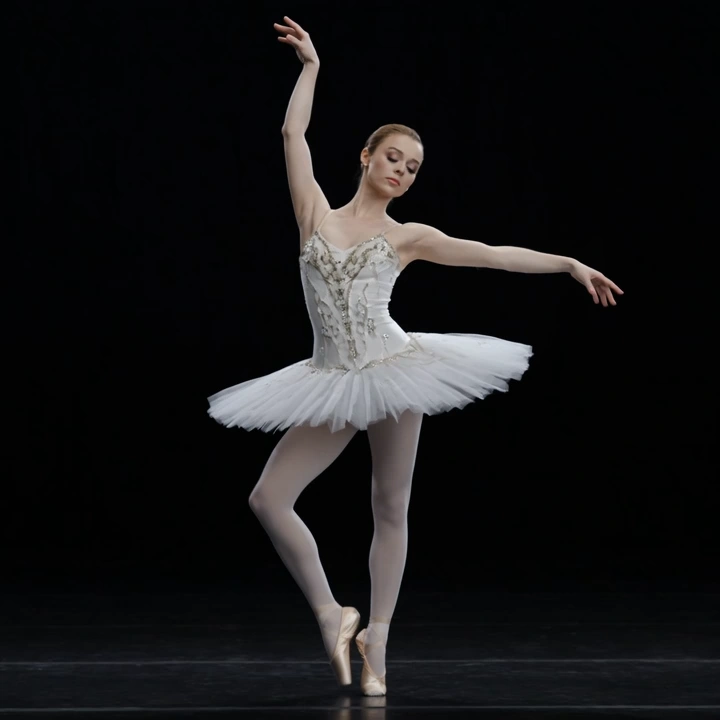


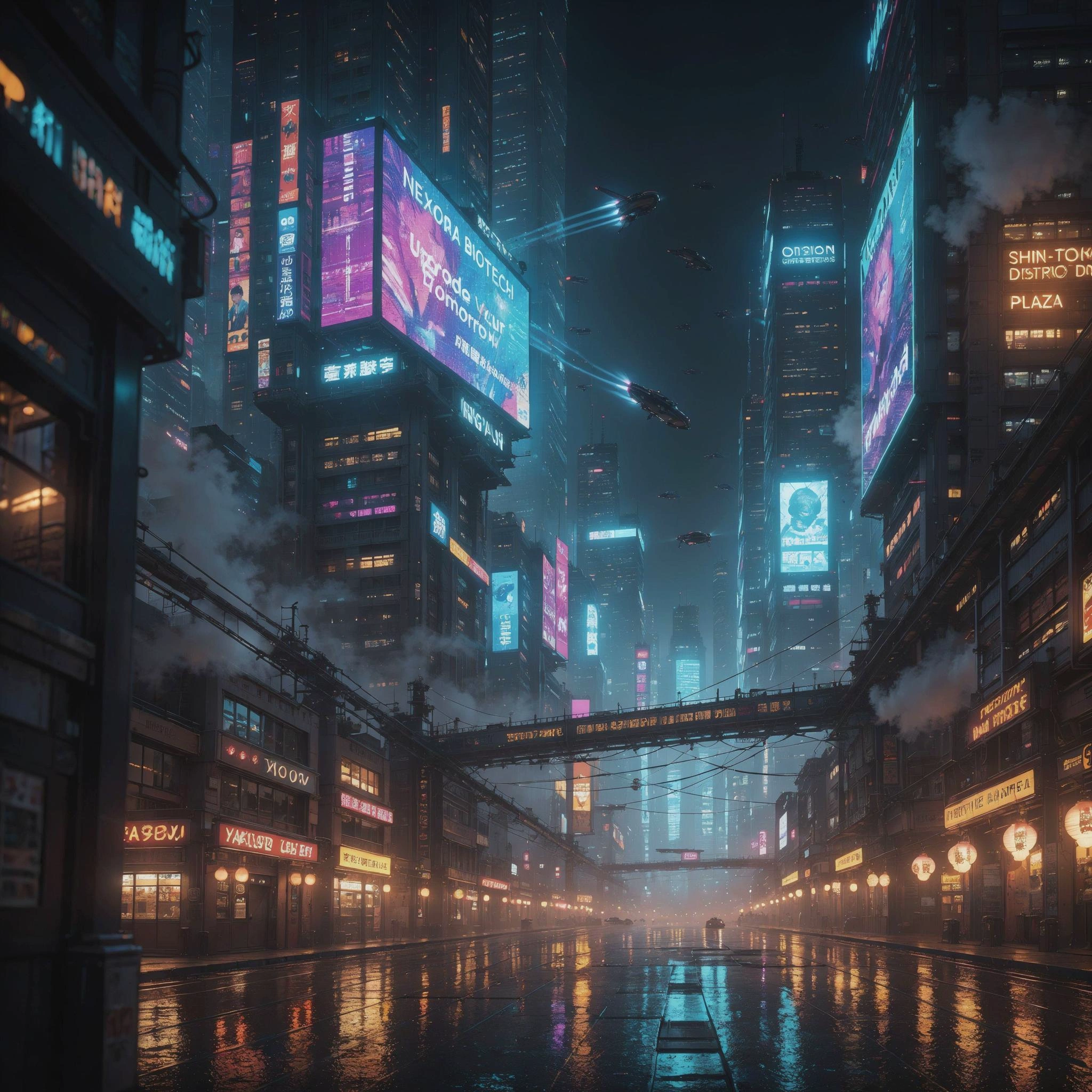
README
Luma Ray 2 Flash Image-to-Video
Transform images into dreamy, cinematic videos at speed with Luma Ray 2 Flash. This fast, efficient model excels at soft, ethereal content with beautiful lighting and gentle motion — perfect for lifestyle content, nature scenes, and emotionally resonant storytelling.
Looking for maximum quality? Try Luma Ray 2 I2V for premium output.
Why It Looks Great
- Flash speed: Optimized for fast generation without sacrificing beauty.
- Dreamy aesthetics: Excels at soft focus, golden hour, and ethereal atmospheres.
- Gentle motion: Creates smooth, flowing movements perfect for lifestyle content.
- 720p HD output: Sharp, professional-quality video in landscape or portrait.
- Extended duration: Generate up to 10 seconds of video.
- Prompt Enhancer: Built-in tool to refine your motion descriptions.
- Safety Checker: Optional content filtering for appropriate output.
Parameters
| Parameter | Required | Description |
|---|---|---|
| image | Yes | Source image to animate (upload or public URL). |
| prompt | Yes | Text description of the motion and atmosphere you want. |
| size | No | Output dimensions: 1280×720 (landscape) or 720×1280 (portrait). Default: 1280×720. |
| duration | No | Video length: 5 or 10 seconds. Default: 5. |
How to Use
- Upload your image — drag and drop or paste a public URL.
- Write your prompt — describe the motion, atmosphere, and mood.
- Use Prompt Enhancer (optional) — click to enrich your description.
- Choose size — select landscape (1280×720) or portrait (720×1280).
- Set duration — choose 5 or 10 seconds.
- Run — click the button to generate.
- Download — preview and save your video.
Pricing
Per 5-second billing based on duration.
| Duration | Calculation | Cost |
|---|---|---|
| 5 seconds | 5 ÷ 5 × $0.20 | $0.20 |
| 10 seconds | 10 ÷ 5 × $0.20 | $0.40 |
Size Options
| Size | Orientation | Best For |
|---|---|---|
| 1280×720 | Landscape | YouTube, presentations, cinematic content |
| 720×1280 | Portrait | TikTok, Instagram Reels, Stories, mobile |
Best Use Cases
- Lifestyle & Dreamy Content — Create soft, romantic, and emotionally warm videos.
- Nature Scenes — Animate flowers, fields, and natural environments.
- Portrait Animation — Bring portrait photography to life with gentle motion.
- Social Media Content — Produce visually appealing videos for any platform.
- Music Video Visuals — Generate ethereal sequences for audio content.
Example Prompts
- "A girl lying in a field of dandelions, wind gently blowing her hair, golden hour sunlight, dreamlike slow motion, soft focus"
- "Flower petals drifting in the breeze, bokeh background, romantic atmosphere"
- "Portrait subject turns slightly, soft smile forming, warm window light"
- "Tall grass swaying gently, sunset colors, peaceful and meditative"
- "Leaves falling slowly around subject, autumn atmosphere, nostalgic mood"
Pro Tips for Best Results
- Ray 2 Flash excels at dreamy, soft aesthetics — lean into gentle motion.
- Include atmosphere keywords: "dreamlike", "soft focus", "golden hour", "ethereal".
- Describe natural movements: "wind gently blowing", "swaying", "drifting".
- Slow motion works beautifully: "slow motion", "gentle", "flowing".
- Perfect for romantic, nostalgic, and emotionally warm content.
- Flash mode delivers fast results — great for rapid iteration.
Notes
- Duration options are 5 or 10 seconds.
- If using a URL, ensure it is publicly accessible.
- Enable Safety Checker for content that will be publicly shared.
- Ray 2 Flash combines speed with Luma's signature aesthetic quality.
Ray 2 Flash I2v API — Quick start
Grab a WaveSpeedAI API key, then call POST https://api.wavespeed.ai/api/v3/luma/ray-2-flash-i2v with your input as JSON. The endpoint returns a prediction id. Start polling the result endpoint around every 2 seconds, increase the interval for long-running tasks, and stop on any terminal status. On completed, read output values from data.outputs. Examples for Ray 2 Flash I2v below.
HTTP example
set -euo pipefail

: "${WAVESPEED_API_KEY:?Set WAVESPEED_API_KEY}"

REQUEST_BODY=$(cat <<'JSON'
{
    "prompt": "A cinematic shot of a city at sunset, soft golden light",
    "image": "https://interactive-examples.mdn.mozilla.net/media/cc0-images/painted-hand-298-332.jpg",
    "size": "1280*720",
    "duration": 5
}
JSON
)

# 1. Submit the prediction.
SUBMIT_RESPONSE=$(curl --silent --show-error --fail-with-body \
  -X POST "https://api.wavespeed.ai/api/v3/luma/ray-2-flash-i2v" \
  -H "Content-Type: application/json" \
  -H "Authorization: Bearer $WAVESPEED_API_KEY" \
  -d "$REQUEST_BODY")

TASK=$(printf '%s' "$SUBMIT_RESPONSE" | jq 'if has("data") then .data else . end')
PREDICTION_ID=$(printf '%s' "$TASK" | jq -r '.id')
if [ -z "$PREDICTION_ID" ] || [ "$PREDICTION_ID" = "null" ]; then
  printf 'Submission response did not contain a prediction id
' >&2
  exit 1
fi
RESULT_URL=$(printf '%s' "$TASK" | jq -r '.urls.get // empty')
if [ -z "$RESULT_URL" ]; then
  RESULT_URL="https://api.wavespeed.ai/api/v3/predictions/$PREDICTION_ID/result"
fi

# 2. Poll until the prediction finishes.
while true; do
  RESPONSE=$(curl --silent --show-error --fail-with-body "$RESULT_URL" \
    -H "Authorization: Bearer $WAVESPEED_API_KEY")
  RESULT=$(printf '%s' "$RESPONSE" | jq 'if has("data") then .data else . end')
  STATUS=$(printf '%s' "$RESULT" | jq -r '.status')
  case "$STATUS" in
    completed) printf '%s\n' "$RESULT" | jq '.outputs'; break ;;
    failed|cancelled|timeout) printf '%s\n' "$RESULT" | jq . >&2; exit 1 ;;
    created|processing) sleep 2 ;;
    *) printf 'Unexpected status: %s
' "$STATUS" >&2; exit 1 ;;
  esac
done
Node.js example
const submitUrl = "https://api.wavespeed.ai/api/v3/luma/ray-2-flash-i2v";
const apiKey = process.env.WAVESPEED_API_KEY;
if (!apiKey) throw new Error('Set WAVESPEED_API_KEY');

async function requestJson(url, options = {}) {
  const response = await fetch(url, options);
  if (!response.ok) throw new Error(await response.text());
  return response.json();
}

// 1. Submit the prediction.
const body = await requestJson(submitUrl, {
  method: "POST",
  headers: {
    "Authorization": `Bearer ${apiKey}`,
    "Content-Type": "application/json",
  },
  body: JSON.stringify({
        "prompt": "A cinematic shot of a city at sunset, soft golden light",
        "image": "https://interactive-examples.mdn.mozilla.net/media/cc0-images/painted-hand-298-332.jpg",
        "size": "1280*720",
        "duration": 5
}),
});
const task = body.data ?? body;
if (!task.id) throw new Error("Submission response did not contain a prediction id");
const resultUrl = task.urls?.get ||
  `https://api.wavespeed.ai/api/v3/predictions/${task.id}/result`;

// 2. Poll until the prediction finishes.
while (true) {
  const resultBody = await requestJson(resultUrl, {
    headers: { "Authorization": `Bearer ${apiKey}` },
  });
  const result = resultBody.data ?? resultBody;
  if (result.status === "completed") {
    console.log(result.outputs);
    break;
  }
  if (["failed", "cancelled", "timeout"].includes(result.status)) throw new Error(JSON.stringify(result));
  if (!["created", "processing"].includes(result.status)) throw new Error("Unexpected status: " + result.status);
  await new Promise(resolve => setTimeout(resolve, 2000));
}
Python example
import json
import os
import time
from urllib.request import Request, urlopen

api_key = os.environ["WAVESPEED_API_KEY"]
headers = {"Authorization": f"Bearer {api_key}", "Content-Type": "application/json"}
payload = {
    "prompt": "A cinematic shot of a city at sunset, soft golden light",
    "image": "https://interactive-examples.mdn.mozilla.net/media/cc0-images/painted-hand-298-332.jpg",
    "size": "1280*720",
    "duration": 5
}

def request_json(url, data=None):
    request = Request(url, data=data, headers=headers, method="POST" if data else "GET")
    with urlopen(request) as response:
        return json.load(response)

# 1. Submit the prediction.
body = request_json("https://api.wavespeed.ai/api/v3/luma/ray-2-flash-i2v", json.dumps(payload).encode())
task = body.get("data", body)
if not task.get("id"):
    raise RuntimeError("Submission response did not contain a prediction id")
result_url = task.get("urls", {}).get("get") or f"https://api.wavespeed.ai/api/v3/predictions/{task['id']}/result"

# 2. Poll until the prediction finishes.
while True:
    result_body = request_json(result_url)
    result = result_body.get("data", result_body)
    status = result.get("status")
    if status == "completed":
        print(result.get("outputs", []))
        break
    if status in {"failed", "cancelled", "timeout"}:
        raise RuntimeError(result)
    if status not in {"created", "processing"}:
        raise RuntimeError(f"Unexpected status: {status}")
    time.sleep(2)
Ray 2 Flash I2v API — Frequently asked questions
What is the Ray 2 Flash I2v API?
Ray 2 Flash I2v is a Luma model for video generation from images, exposed as a REST API on WaveSpeedAI. Luma Ray 2 Flash I2V turns images into high-quality videos with advanced prompt optimization and multi-size output options. Ready-to-use REST inference API, best performance, no coldstarts, affordable pricing. You can call it programmatically or try it from the playground above.
How do I call the Ray 2 Flash I2v API?
POST your input parameters to the model's REST endpoint (shown in the API tab of this playground) with your WaveSpeedAI API key in the Authorization header. Submission returns a prediction ID. Poll the result endpoint starting around every 2 seconds, increase the interval for long-running tasks, and stop on any terminal status. The playground generates production-oriented Python, JavaScript, and cURL examples with timeouts, transient-error handling, and safe GET retries. Full request/response shape is documented at https://wavespeed.ai/docs/docs-api/luma/luma-ray-2-flash-i2v.
How much does Ray 2 Flash I2v cost per run?
Ray 2 Flash I2v starts at $0.20 per run. That figure is the base price — the final charge scales with the parameters you set in the form (output size, length, count, references, or whatever knobs this model exposes), so a higher-quality or larger output costs more than a minimal one. The exact cost for your current input is shown live next to the Generate button before you submit, and the actual per-call charge is recorded on the prediction afterwards.
What inputs does Ray 2 Flash I2v accept?
Key inputs: `prompt`, `image`, `duration`, `size`. The full JSON schema (types, defaults, allowed values) is rendered above the Generate button and mirrored in the API reference at https://wavespeed.ai/docs/docs-api/luma/luma-ray-2-flash-i2v.
How long does Ray 2 Flash I2v take to generate?
Median end-to-end generation time on WaveSpeedAI is around 105 seconds per request, based on recent successful runs. Queue time varies with global demand; live status is visible in the prediction record.
Can I use Ray 2 Flash I2v outputs commercially?
Commercial usage rights depend on the model's license, set by its provider (Luma). The license summary appears on the model card above; see WaveSpeedAI's Terms of Service for platform-level conditions.