Kling Video O3 4K generates cinematic 4K videos from text prompts with subject consistency, natural physics simulation, and precise semantic understanding. Supports multi-prompt scene transitions, element references, and optional audio generation. Ready-to-use REST API, best performance, no coldstarts, affordable pricing.
待機中
$2.11回あたり
サンプルすべて表示
A premium smartphone floating in a dark void. Slow rotation with glowing UI projections. Camera: orbit shot, macro lens feel. Lighting: rim light + neon accents. Style: Apple-style product ad, minimalistic. Particles, reflections, glossy surface. 4K, high contrast.
A massive futuristic spaceship launching from a platform. Engines ignite, flames and smoke expanding outward. Camera: low-angle tracking shot, slight shake. Lighting: intense fire glow + dark sky contrast. Style: sci-fi blockbuster, high realism. Debris, shockwave distortion, heat haze. 8K detail, dramatic motion.
関連モデル


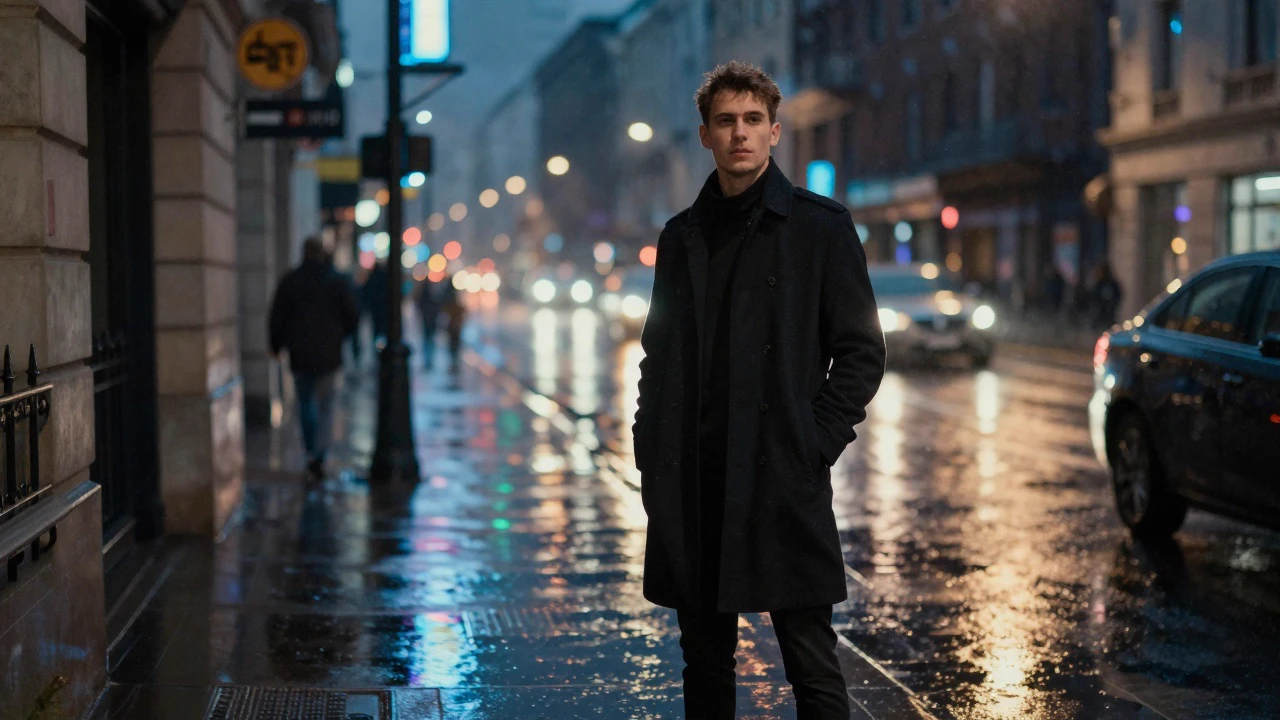

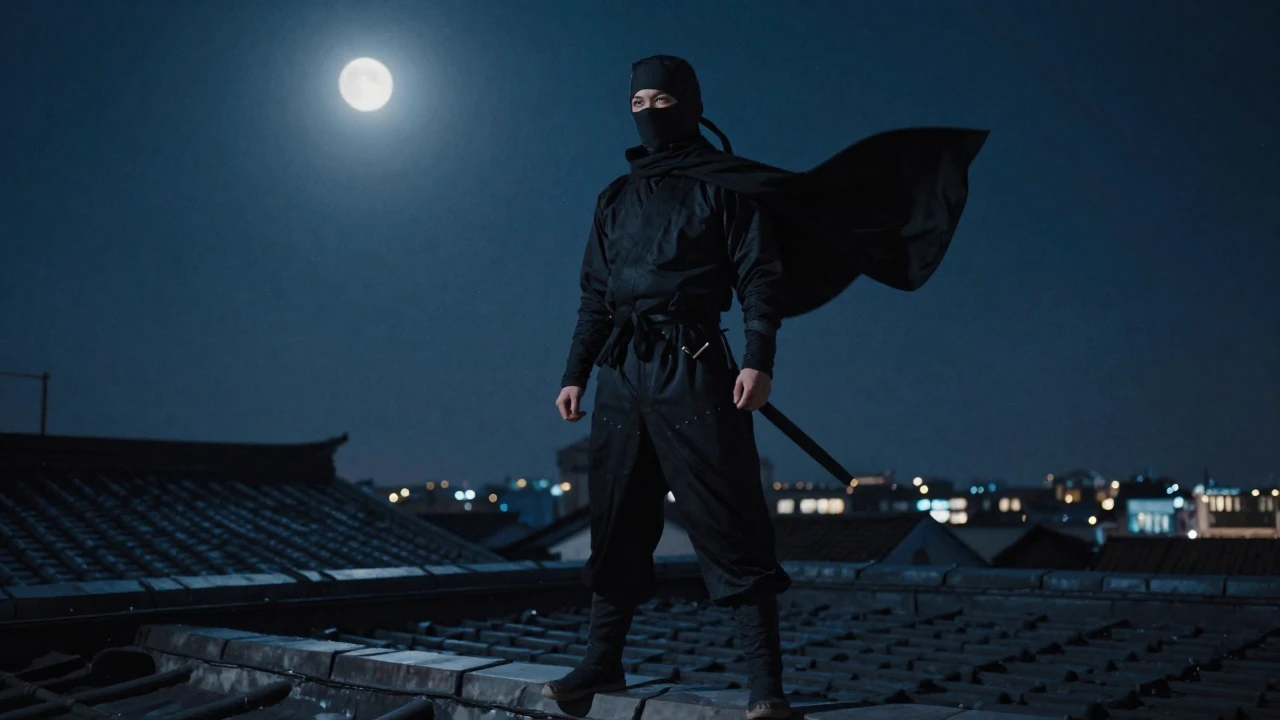
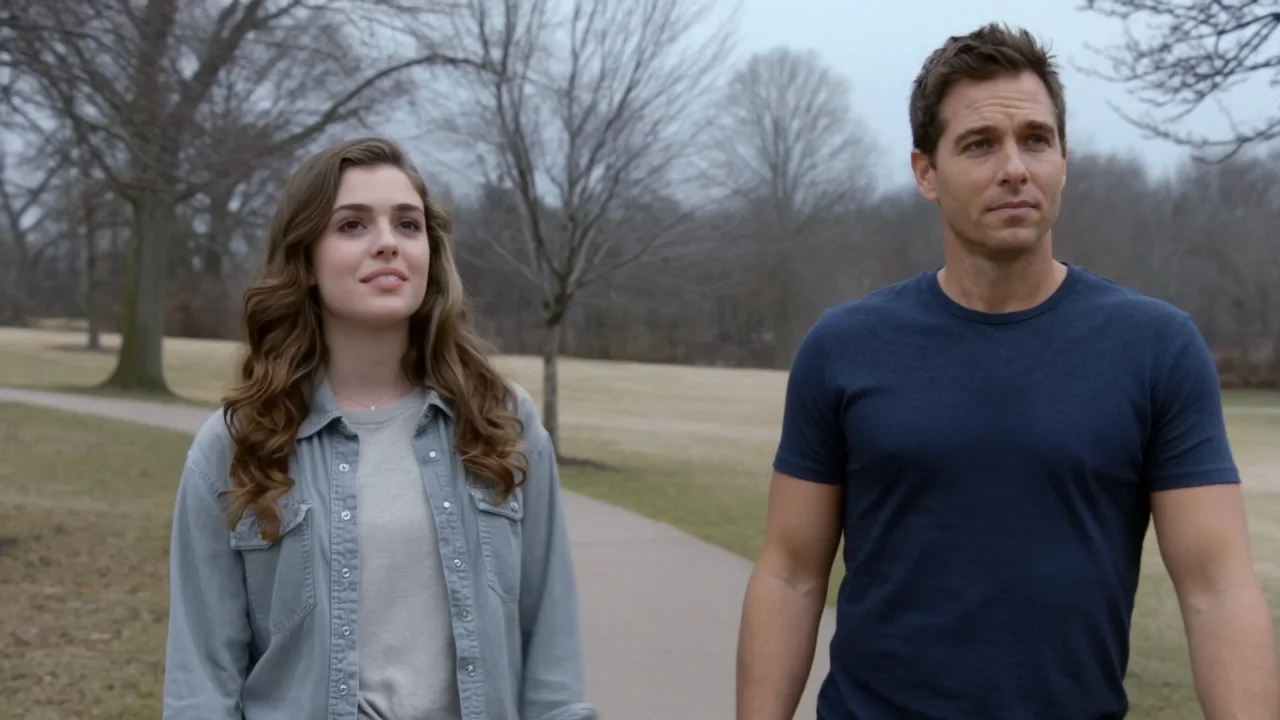
README
Kling Video O3 4K Text-to-Video
Kling Video O3 4K is Kuaishou's flagship text-to-video model, delivering cinematic 4K video generation from natural language prompts. It combines physics-aware motion simulation, high temporal consistency, and optional synchronized audio generation to produce professional-grade video content.
- Need to animate an image? Try Kling Video O3 4K Image-to-Video
- Looking for a lower-cost option? Try Kling Video 2.1 Text-to-Video
Why Choose This?
-
4K cinematic output Produces richly detailed 4K video with professional-grade lighting, composition, and motion rendering.
-
Physics-aware motion Understands real-world dynamics — fluid movement, fabric, hair, and object interactions behave naturally and believably.
-
Synchronized audio generation Enable the sound option to generate matching ambient audio, sound effects, and atmosphere alongside your video.
-
Multi-prompt support Chain multiple prompt segments to guide scene transitions and narrative flow within a single generation.
-
Element list control Reference specific visual elements to maintain consistency in characters, objects, or stylistic details across the clip.
-
Flexible duration and aspect ratios Duration from 3 to 15 seconds. Supports 16:9, 9:16, and 1:1 aspect ratios.
Parameters
| Parameter | Required | Description |
|---|---|---|
| prompt | No | Text description of the scene, action, camera style, lighting, and mood. |
| aspect_ratio | No | Output aspect ratio. Options: 16:9, 9:16, 1:1. |
| duration | No | Clip length in seconds (3-15, default: 5). |
| sound | No | Whether to generate synchronized audio for the video. Default: off. |
| shot_type | No | Editing mode: customize (default) or intelligent. |
| multi_prompt | No | Additional prompt segments to guide scene progression and transitions. |
| element_list | No | List of specific visual elements to maintain across the generation. |
How to Use
- Write your prompt — describe the scene, characters, camera movement, lighting style, and mood in detail.
- Select aspect ratio — choose 16:9 for cinematic/landscape, 9:16 for portrait/social, or 1:1 for square formats.
- Set duration — choose 3 to 15 seconds based on your scene length.
- Enable sound (optional) — check the sound option to generate matching audio alongside the video.
- Select shot_type (optional) — use intelligent for automatic scope, or customize for manual control.
- Add multi-prompt segments (optional) — click Add Item to guide scene transitions with additional prompts.
- Add element list items (optional) — specify visual elements to maintain consistency throughout the clip.
- Submit — generate, preview, and download your video.
Pricing
$0.42 per second of video, regardless of whether audio is on or off.
| Duration | Cost |
|---|---|
| 3s | $1.26 |
| 5s | $2.10 |
| 10s | $4.20 |
| 15s | $6.30 |
Best Use Cases
- Cinematic Storytelling — Render rich, narrative-driven scenes from detailed prompts with 4K output.
- Commercial & Brand Video — Produce premium marketing footage without a film crew.
- Social Media Content — Generate portrait or square clips with synchronized audio for maximum engagement.
- Concept Visualization — Bring creative directions, moods, and visual concepts to life quickly for client review.
- Music & Audio-Visual Projects — Use sound generation for immersive, atmosphere-driven clips.
Pro Tips
- The more specific your prompt, the better — include camera angle, lighting era, character behavior, and atmosphere.
- Use multi_prompt to create smooth narrative progressions across a single clip.
- Enable sound when generating scenes with ambient environments, crowds, or action for a more immersive result.
- Start with a short duration to validate your prompt before committing to a longer run.
- Use element_list to lock in key visual details that must remain consistent throughout the video.
Notes
- All parameters are optional.
- Duration range: 3 to 15 seconds.
- Audio does not affect pricing — $0.42 per second regardless.
- Please follow Kuaishou's content usage policies when crafting prompts.
Related Models
- Kling Video O3 4K Image-to-Video — Animate a still image into a cinematic 4K video.
- Kling Video O3 4K Reference-to-Video — Generate video from reference images with identity consistency.
- Kling Elements — Create reusable visual elements for consistent character and object rendering.
Kling Video O3 4k Text To Video API — Quick start
Grab a WaveSpeedAI API key, then call POST https://api.wavespeed.ai/api/v3/kwaivgi/kling-video-o3-4k/text-to-video with your input as JSON. The endpoint returns a prediction id. Start polling the result endpoint around every 2 seconds, increase the interval for long-running tasks, and stop on any terminal status. On completed, read output values from data.outputs. Examples for Kling Video O3 4k Text To Video below.
HTTP example
set -euo pipefail

: "${WAVESPEED_API_KEY:?Set WAVESPEED_API_KEY}"

REQUEST_BODY=$(cat <<'JSON'
{
    "aspect_ratio": "16:9",
    "duration": 5,
    "sound": false,
    "shot_type": "customize"
}
JSON
)

# 1. Submit the prediction.
SUBMIT_RESPONSE=$(curl --silent --show-error --fail-with-body \
  -X POST "https://api.wavespeed.ai/api/v3/kwaivgi/kling-video-o3-4k/text-to-video" \
  -H "Content-Type: application/json" \
  -H "Authorization: Bearer $WAVESPEED_API_KEY" \
  -d "$REQUEST_BODY")

TASK=$(printf '%s' "$SUBMIT_RESPONSE" | jq 'if has("data") then .data else . end')
PREDICTION_ID=$(printf '%s' "$TASK" | jq -r '.id')
if [ -z "$PREDICTION_ID" ] || [ "$PREDICTION_ID" = "null" ]; then
  printf 'Submission response did not contain a prediction id
' >&2
  exit 1
fi
RESULT_URL=$(printf '%s' "$TASK" | jq -r '.urls.get // empty')
if [ -z "$RESULT_URL" ]; then
  RESULT_URL="https://api.wavespeed.ai/api/v3/predictions/$PREDICTION_ID/result"
fi

# 2. Poll until the prediction finishes.
while true; do
  RESPONSE=$(curl --silent --show-error --fail-with-body "$RESULT_URL" \
    -H "Authorization: Bearer $WAVESPEED_API_KEY")
  RESULT=$(printf '%s' "$RESPONSE" | jq 'if has("data") then .data else . end')
  STATUS=$(printf '%s' "$RESULT" | jq -r '.status')
  case "$STATUS" in
    completed) printf '%s\n' "$RESULT" | jq '.outputs'; break ;;
    failed|cancelled|timeout) printf '%s\n' "$RESULT" | jq . >&2; exit 1 ;;
    created|processing) sleep 2 ;;
    *) printf 'Unexpected status: %s
' "$STATUS" >&2; exit 1 ;;
  esac
done
Node.js example
const submitUrl = "https://api.wavespeed.ai/api/v3/kwaivgi/kling-video-o3-4k/text-to-video";
const apiKey = process.env.WAVESPEED_API_KEY;
if (!apiKey) throw new Error('Set WAVESPEED_API_KEY');

async function requestJson(url, options = {}) {
  const response = await fetch(url, options);
  if (!response.ok) throw new Error(await response.text());
  return response.json();
}

// 1. Submit the prediction.
const body = await requestJson(submitUrl, {
  method: "POST",
  headers: {
    "Authorization": `Bearer ${apiKey}`,
    "Content-Type": "application/json",
  },
  body: JSON.stringify({
        "aspect_ratio": "16:9",
        "duration": 5,
        "sound": false,
        "shot_type": "customize"
}),
});
const task = body.data ?? body;
if (!task.id) throw new Error("Submission response did not contain a prediction id");
const resultUrl = task.urls?.get ||
  `https://api.wavespeed.ai/api/v3/predictions/${task.id}/result`;

// 2. Poll until the prediction finishes.
while (true) {
  const resultBody = await requestJson(resultUrl, {
    headers: { "Authorization": `Bearer ${apiKey}` },
  });
  const result = resultBody.data ?? resultBody;
  if (result.status === "completed") {
    console.log(result.outputs);
    break;
  }
  if (["failed", "cancelled", "timeout"].includes(result.status)) throw new Error(JSON.stringify(result));
  if (!["created", "processing"].includes(result.status)) throw new Error("Unexpected status: " + result.status);
  await new Promise(resolve => setTimeout(resolve, 2000));
}
Python example
import json
import os
import time
from urllib.request import Request, urlopen

api_key = os.environ["WAVESPEED_API_KEY"]
headers = {"Authorization": f"Bearer {api_key}", "Content-Type": "application/json"}
payload = {
    "aspect_ratio": "16:9",
    "duration": 5,
    "sound": False,
    "shot_type": "customize"
}

def request_json(url, data=None):
    request = Request(url, data=data, headers=headers, method="POST" if data else "GET")
    with urlopen(request) as response:
        return json.load(response)

# 1. Submit the prediction.
body = request_json("https://api.wavespeed.ai/api/v3/kwaivgi/kling-video-o3-4k/text-to-video", json.dumps(payload).encode())
task = body.get("data", body)
if not task.get("id"):
    raise RuntimeError("Submission response did not contain a prediction id")
result_url = task.get("urls", {}).get("get") or f"https://api.wavespeed.ai/api/v3/predictions/{task['id']}/result"

# 2. Poll until the prediction finishes.
while True:
    result_body = request_json(result_url)
    result = result_body.get("data", result_body)
    status = result.get("status")
    if status == "completed":
        print(result.get("outputs", []))
        break
    if status in {"failed", "cancelled", "timeout"}:
        raise RuntimeError(result)
    if status not in {"created", "processing"}:
        raise RuntimeError(f"Unexpected status: {status}")
    time.sleep(2)
Kling Video O3 4k Text To Video API — Frequently asked questions
What is the Kling Video O3 4k Text To Video API?
Kling Video O3 4k Text To Video is a Kuaishou model for video generation, exposed as a REST API on WaveSpeedAI. Kling Video O3 4K generates cinematic 4K videos from text prompts with subject consistency, natural physics simulation, and precise semantic understanding. Supports multi-prompt scene transitions, element references, and optional audio generation. Ready-to-use REST API, best performance, no coldstarts, affordable pricing. You can call it programmatically or try it from the playground above.
How do I call the Kling Video O3 4k Text To Video API?
POST your input parameters to the model's REST endpoint (shown in the API tab of this playground) with your WaveSpeedAI API key in the Authorization header. Submission returns a prediction ID. Poll the result endpoint starting around every 2 seconds, increase the interval for long-running tasks, and stop on any terminal status. The playground generates production-oriented Python, JavaScript, and cURL examples with timeouts, transient-error handling, and safe GET retries. Full request/response shape is documented at https://wavespeed.ai/docs/docs-api/kwaivgi/kwaivgi-kling-video-o3-4k-text-to-video.
How much does Kling Video O3 4k Text To Video cost per run?
Kling Video O3 4k Text To Video starts at $2.10 per run. That figure is the base price — the final charge scales with the parameters you set in the form (output size, length, count, references, or whatever knobs this model exposes), so a higher-quality or larger output costs more than a minimal one. The exact cost for your current input is shown live next to the Generate button before you submit, and the actual per-call charge is recorded on the prediction afterwards.
What inputs does Kling Video O3 4k Text To Video accept?
Key inputs: `prompt`, `aspect_ratio`, `duration`, `element_list`, `multi_prompt`, `shot_type`. The full JSON schema (types, defaults, allowed values) is rendered above the Generate button and mirrored in the API reference at https://wavespeed.ai/docs/docs-api/kwaivgi/kwaivgi-kling-video-o3-4k-text-to-video.
How long does Kling Video O3 4k Text To Video take to generate?
Median end-to-end generation time on WaveSpeedAI is around 215 seconds per request, based on recent successful runs. Queue time varies with global demand; live status is visible in the prediction record.
Can I use Kling Video O3 4k Text To Video outputs commercially?
Commercial usage rights depend on the model's license, set by its provider (Kuaishou). The license summary appears on the model card above; see WaveSpeedAI's Terms of Service for platform-level conditions.