SAM 3 RLE is a unified foundation model for promptable image segmentation using text, points, or boxes to detect and segment objects. Returns RLE (Run-Length Encoding) encoded masks for efficient storage and processing. Ready-to-use REST inference API, best performance, no coldstarts, affordable pricing.
Inattivo
{
  "rle": "569516 54 571050 59 572585 63 574119 79 575654 84 577190 85 578725 88 580259 93 581794 96 583330 97 584865 100 586401 101 587937 101 589473 102 591009 102 592545 103 594081 105 595617 106 597153 106 598689 107 600225 107 601455 11 601761 107 602988 15 603297 107 604522 19 604832 109 606056 24 606367 110 607591 57 607902 111 609126 59 609437 112 610662 60 610973 113 612197 63 612509 114 613732 66 614045 115 615267 67 615581 115 616802 68 617117 115 618337 69 618653 116 619873 69 620189 116 621409 69 621725 116 622945 70 623262 115 624481 70 624799 114 626017 70 626335 114 627553 71 627870 115 629089 72 629405 116 630625 73 630940 117 632161 73 632476 117 633697 73 634012 117 635233 73 635548 117 636769 73 637084 117 638305 72 638621 116 639841 71 640158 115 641377 70 641696 113 642913 71 643232 113 644449 73 644768 113 645985 74 646305 112 647521 74 647841 112 649057 75 649376 112 650593 75 650912 111 652129 75 652448 110 653665 75 653984 109 655201 75 655520 109 656737 75 657056 108 658273 75 658593 107 659809 75 660129 107 661345 75 661665 107 662881 75 663201 106 664417 75 664737 106 665953 75 666273 105 667489 75 667809 103 669025 75 669345 102 670562 73 670881 102 672099 72 672418 100 673637 70 673954 99 675174 68 675492 95 676710 66 677029 91 678246 65 678565 87 679782 64 680102 84 681319 62 681639 81 682856 48 683176 72 684394 38 684715 63 685932 33 686253 59 687470 25 687790 55 689329 15 690867 9 896397 39 897931 43 899465 47 901000 53 902535 63 904071 65 905606 67 907142 69 908678 69 910214 70 911750 71 913286 72 914822 73 916358 74 917894 74 919430 75 920966 75 922502 75 924038 75 925574 75 927109 76 928645 76 930181 76 931716 77 933252 77 934787 78 936322 79 937858 79 939394 79 940930 79 942466 79 944002 79 945538 79 947074 79 948610 79 950146 79 951682 79 953218 79 954754 79 956291 78 957829 76 959365 76 960902 75 962438 75 963974 75 965510 75 967046 74 968582 73 970119 71 971655 69 973193 66 974730 64 976267 62 977804 50 979341 41 980878 38 982417 32"
}$0.005per esecuzione·~200 / $1
EsempiVedi tutto
the juice
the boat
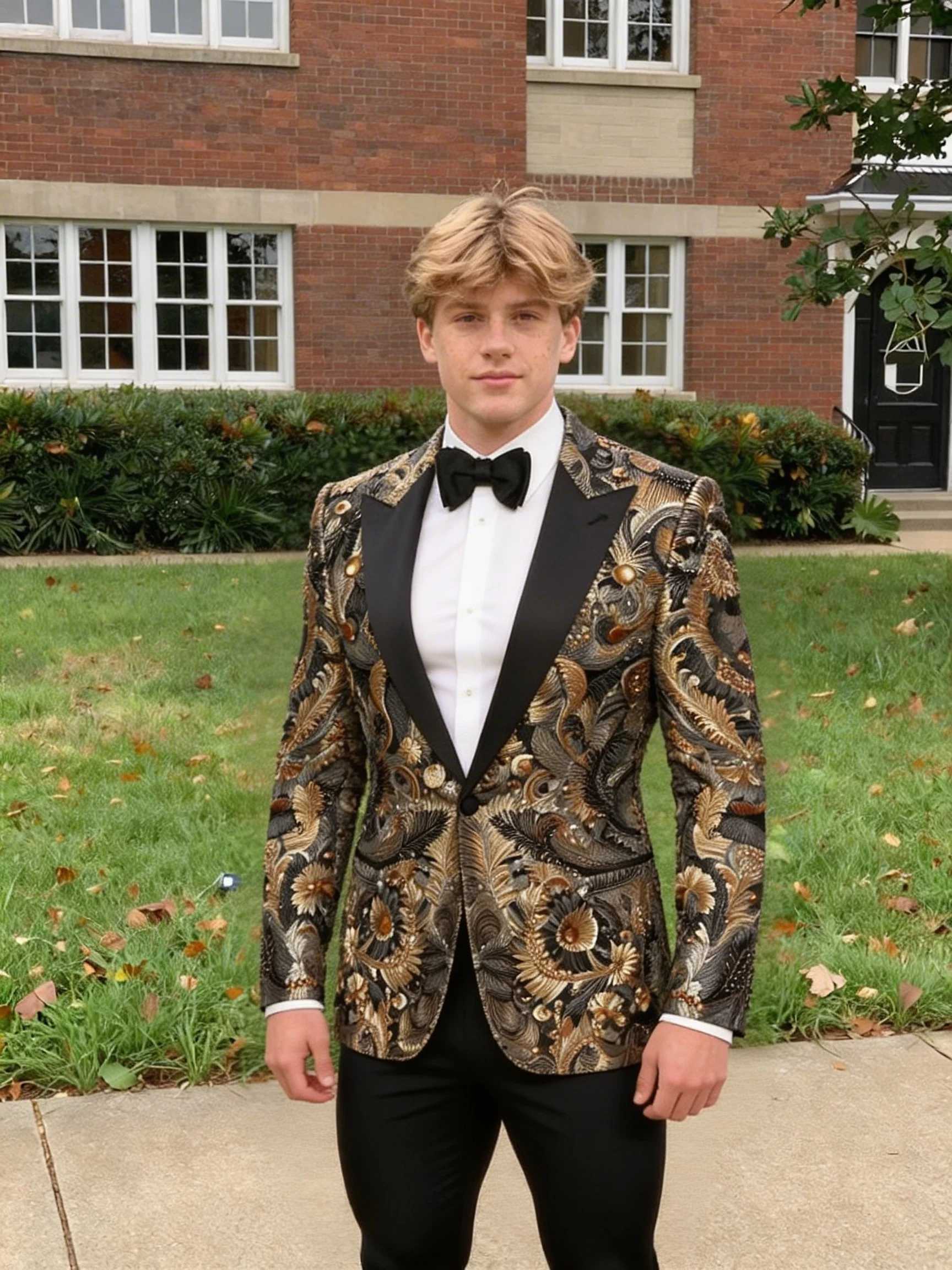
the man
the woman
the cat
Modelli correlati




README
SAM3 Image Segmentation RLE
SAM3 Image Segmentation RLE is an advanced image segmentation model based on Meta's Segment Anything Model 3. It returns segmentation masks in RLE (Run-Length Encoding) format — a compact, program-friendly output ideal for API integration, automated pipelines, and machine learning workflows.
Why Choose This?
-
RLE output format Returns compact Run-Length Encoded mask data instead of image files — smaller payload, faster transfer.
-
Multiple prompt types Segment objects using text prompts, point prompts, box prompts, or any combination.
-
API-optimized Designed for programmatic use, batch processing, and automated workflows.
-
COCO-compatible RLE format is directly compatible with COCO dataset tools and annotation pipelines.
-
Prompt Enhancer Built-in tool to automatically improve your text prompts for better results.
-
Ultra-affordable Just $0.005 per image for professional-quality segmentation.
Parameters
| Parameter | Required | Description |
|---|---|---|
| image | Yes | Source image to segment (upload or URL) |
| prompt | No* | Text description of the object to segment |
| point_prompts | No* | Point coordinates to identify the target object |
| box_prompts | No* | Bounding box coordinates to identify the target object |
| apply_mask | No | Overlay the segmentation mask on the original image |
*At least one prompt type (text, boxes, or points) must be provided.
How to Use
- Upload your image — drag and drop or paste a URL.
- Add prompts — provide at least one of the following:
- Text prompt — describe the object to segment (e.g., "the man", "the dog").
- Point prompts — click "+ Add Item" to add point coordinates.
- Box prompts — click "+ Add Item" to add bounding box coordinates.
- Enable apply_mask (optional) — check to include mask overlay data.
- Run — submit and receive RLE-encoded segmentation data.
Output Format
The model returns RLE (Run-Length Encoding) data in JSON format:
{
 "rle": "146301 3 147834 11 149368 14 150903 16..."
}
Decoding RLE in Python
from pycocotools import mask as mask_utils

rle_data = {"counts": "146301 3 147834 11...", "size": [height, width]}
binary_mask = mask_utils.decode(rle_data) # Returns numpy array
Pricing
| Item | Cost |
|---|---|
| Per image | $0.005 |
Simple flat-rate pricing regardless of image size or prompt complexity.
Best Use Cases
- ML Data Annotation — Generate segmentation masks for training datasets in COCO format.
- Automated Pipelines — Integrate segmentation into batch processing workflows.
- API Integration — Compact output for efficient API responses.
- Computer Vision — Programmatic mask processing for CV applications.
- Background Removal at Scale — Extract masks for automated image processing.
Pro Tips
- Use this model when you need programmatic access to mask data.
- Use SAM3 Image if you need direct image output.
- RLE format is compatible with pycocotools for easy decoding.
- Combine multiple prompt types for more accurate segmentation.
- Text prompts work best for common objects with clear descriptions.
Notes
- At least one prompt type must be provided (text, points, or boxes).
- Output is RLE-encoded JSON, not an image file.
- Use pycocotools or similar libraries to decode RLE data.
- Ideal for automated and batch processing workflows.
Related Models
- SAM3 Image — Same segmentation with direct image output.
- Bria RMBG — Background removal model.
Sam3 Image Rle API — Quick start
Grab a WaveSpeedAI API key, then call POST https://api.wavespeed.ai/api/v3/wavespeed-ai/sam3-image-rle with your input as JSON. The endpoint returns a prediction id. Start polling the result endpoint around every 2 seconds, increase the interval for long-running tasks, and stop on any terminal status. On completed, read output values from data.outputs. Examples for Sam3 Image Rle below.
HTTP example
set -euo pipefail

: "${WAVESPEED_API_KEY:?Set WAVESPEED_API_KEY}"

REQUEST_BODY=$(cat <<'JSON'
{
    "image": "https://interactive-examples.mdn.mozilla.net/media/cc0-images/painted-hand-298-332.jpg",
    "apply_mask": true
}
JSON
)

# 1. Submit the prediction.
SUBMIT_RESPONSE=$(curl --silent --show-error --fail-with-body \
  -X POST "https://api.wavespeed.ai/api/v3/wavespeed-ai/sam3-image-rle" \
  -H "Content-Type: application/json" \
  -H "Authorization: Bearer $WAVESPEED_API_KEY" \
  -d "$REQUEST_BODY")

TASK=$(printf '%s' "$SUBMIT_RESPONSE" | jq 'if has("data") then .data else . end')
PREDICTION_ID=$(printf '%s' "$TASK" | jq -r '.id')
if [ -z "$PREDICTION_ID" ] || [ "$PREDICTION_ID" = "null" ]; then
  printf 'Submission response did not contain a prediction id
' >&2
  exit 1
fi
RESULT_URL=$(printf '%s' "$TASK" | jq -r '.urls.get // empty')
if [ -z "$RESULT_URL" ]; then
  RESULT_URL="https://api.wavespeed.ai/api/v3/predictions/$PREDICTION_ID/result"
fi

# 2. Poll until the prediction finishes.
while true; do
  RESPONSE=$(curl --silent --show-error --fail-with-body "$RESULT_URL" \
    -H "Authorization: Bearer $WAVESPEED_API_KEY")
  RESULT=$(printf '%s' "$RESPONSE" | jq 'if has("data") then .data else . end')
  STATUS=$(printf '%s' "$RESULT" | jq -r '.status')
  case "$STATUS" in
    completed) printf '%s\n' "$RESULT" | jq '.outputs'; break ;;
    failed|cancelled|timeout) printf '%s\n' "$RESULT" | jq . >&2; exit 1 ;;
    created|processing) sleep 2 ;;
    *) printf 'Unexpected status: %s
' "$STATUS" >&2; exit 1 ;;
  esac
done
Node.js example
const submitUrl = "https://api.wavespeed.ai/api/v3/wavespeed-ai/sam3-image-rle";
const apiKey = process.env.WAVESPEED_API_KEY;
if (!apiKey) throw new Error('Set WAVESPEED_API_KEY');

async function requestJson(url, options = {}) {
  const response = await fetch(url, options);
  if (!response.ok) throw new Error(await response.text());
  return response.json();
}

// 1. Submit the prediction.
const body = await requestJson(submitUrl, {
  method: "POST",
  headers: {
    "Authorization": `Bearer ${apiKey}`,
    "Content-Type": "application/json",
  },
  body: JSON.stringify({
        "image": "https://interactive-examples.mdn.mozilla.net/media/cc0-images/painted-hand-298-332.jpg",
        "apply_mask": true
}),
});
const task = body.data ?? body;
if (!task.id) throw new Error("Submission response did not contain a prediction id");
const resultUrl = task.urls?.get ||
  `https://api.wavespeed.ai/api/v3/predictions/${task.id}/result`;

// 2. Poll until the prediction finishes.
while (true) {
  const resultBody = await requestJson(resultUrl, {
    headers: { "Authorization": `Bearer ${apiKey}` },
  });
  const result = resultBody.data ?? resultBody;
  if (result.status === "completed") {
    console.log(result.outputs);
    break;
  }
  if (["failed", "cancelled", "timeout"].includes(result.status)) throw new Error(JSON.stringify(result));
  if (!["created", "processing"].includes(result.status)) throw new Error("Unexpected status: " + result.status);
  await new Promise(resolve => setTimeout(resolve, 2000));
}
Python example
import json
import os
import time
from urllib.request import Request, urlopen

api_key = os.environ["WAVESPEED_API_KEY"]
headers = {"Authorization": f"Bearer {api_key}", "Content-Type": "application/json"}
payload = {
    "image": "https://interactive-examples.mdn.mozilla.net/media/cc0-images/painted-hand-298-332.jpg",
    "apply_mask": True
}

def request_json(url, data=None):
    request = Request(url, data=data, headers=headers, method="POST" if data else "GET")
    with urlopen(request) as response:
        return json.load(response)

# 1. Submit the prediction.
body = request_json("https://api.wavespeed.ai/api/v3/wavespeed-ai/sam3-image-rle", json.dumps(payload).encode())
task = body.get("data", body)
if not task.get("id"):
    raise RuntimeError("Submission response did not contain a prediction id")
result_url = task.get("urls", {}).get("get") or f"https://api.wavespeed.ai/api/v3/predictions/{task['id']}/result"

# 2. Poll until the prediction finishes.
while True:
    result_body = request_json(result_url)
    result = result_body.get("data", result_body)
    status = result.get("status")
    if status == "completed":
        print(result.get("outputs", []))
        break
    if status in {"failed", "cancelled", "timeout"}:
        raise RuntimeError(result)
    if status not in {"created", "processing"}:
        raise RuntimeError(f"Unexpected status: {status}")
    time.sleep(2)
Sam3 Image Rle API — Frequently asked questions
What is the Sam3 Image Rle API?
Sam3 Image Rle is a WaveSpeedAI model for AI inference, exposed as a REST API on WaveSpeedAI. SAM 3 RLE is a unified foundation model for promptable image segmentation using text, points, or boxes to detect and segment objects. Returns RLE (Run-Length Encoding) encoded masks for efficient storage and processing. Ready-to-use REST inference API, best performance, no coldstarts, affordable pricing. You can call it programmatically or try it from the playground above.
How do I call the Sam3 Image Rle API?
POST your input parameters to the model's REST endpoint (shown in the API tab of this playground) with your WaveSpeedAI API key in the Authorization header. Submission returns a prediction ID. Poll the result endpoint starting around every 2 seconds, increase the interval for long-running tasks, and stop on any terminal status. The playground generates production-oriented Python, JavaScript, and cURL examples with timeouts, transient-error handling, and safe GET retries. Full request/response shape is documented at https://wavespeed.ai/docs/docs-api/wavespeed-ai/sam3-image-rle.
How much does Sam3 Image Rle cost per run?
Sam3 Image Rle starts at $0.005 per run. That figure is the base price — the final charge scales with the parameters you set in the form (output size, length, count, references, or whatever knobs this model exposes), so a higher-quality or larger output costs more than a minimal one. The exact cost for your current input is shown live next to the Generate button before you submit, and the actual per-call charge is recorded on the prediction afterwards.
What inputs does Sam3 Image Rle accept?
Key inputs: `prompt`, `image`, `apply_mask`, `box_prompts`, `enable_sync_mode`, `point_prompts`. The full JSON schema (types, defaults, allowed values) is rendered above the Generate button and mirrored in the API reference at https://wavespeed.ai/docs/docs-api/wavespeed-ai/sam3-image-rle.
How long does Sam3 Image Rle take to generate?
Median end-to-end generation time on WaveSpeedAI is around 3 seconds per request, based on recent successful runs. Queue time varies with global demand; live status is visible in the prediction record.
Can I use Sam3 Image Rle outputs commercially?
Commercial usage rights depend on the model's license, set by its provider (WaveSpeedAI). The license summary appears on the model card above; see WaveSpeedAI's Terms of Service for platform-level conditions.