PixVerse V6 generates high-quality videos from images with flexible duration (1-15s), multiple resolutions up to 1080p, and optional audio generation. Ready-to-use REST inference API, best performance, no cold starts, affordable pricing.
Siap
$0.1per run·~10 / $1
ContohLihat semua
A joyful family of four playing on a sunny sandy beach. The mother, wearing a white tank top, denim shorts and sunglasses, smiles warmly while looking down at her children. The father in a white t-shirt and mint green shorts leans forward, playfully reaching out to the toddler. The older boy in a white tee and blue shorts steps closer to his mother curiously. The younger toddler in a white tee and mint shorts bounces excitedly toward his father with outstretched arms. A gentle sea breeze softly blows the mother's hair. Children laugh and move playfully, sand lightly scattering under their bare feet. Waves roll in slowly on the turquoise shoreline in the background. Warm golden sunlight, clear blue sky. Camera slowly dolly-in, cinematic and warm, shallow depth of field, family lifestyle photography style.
Model Terkait
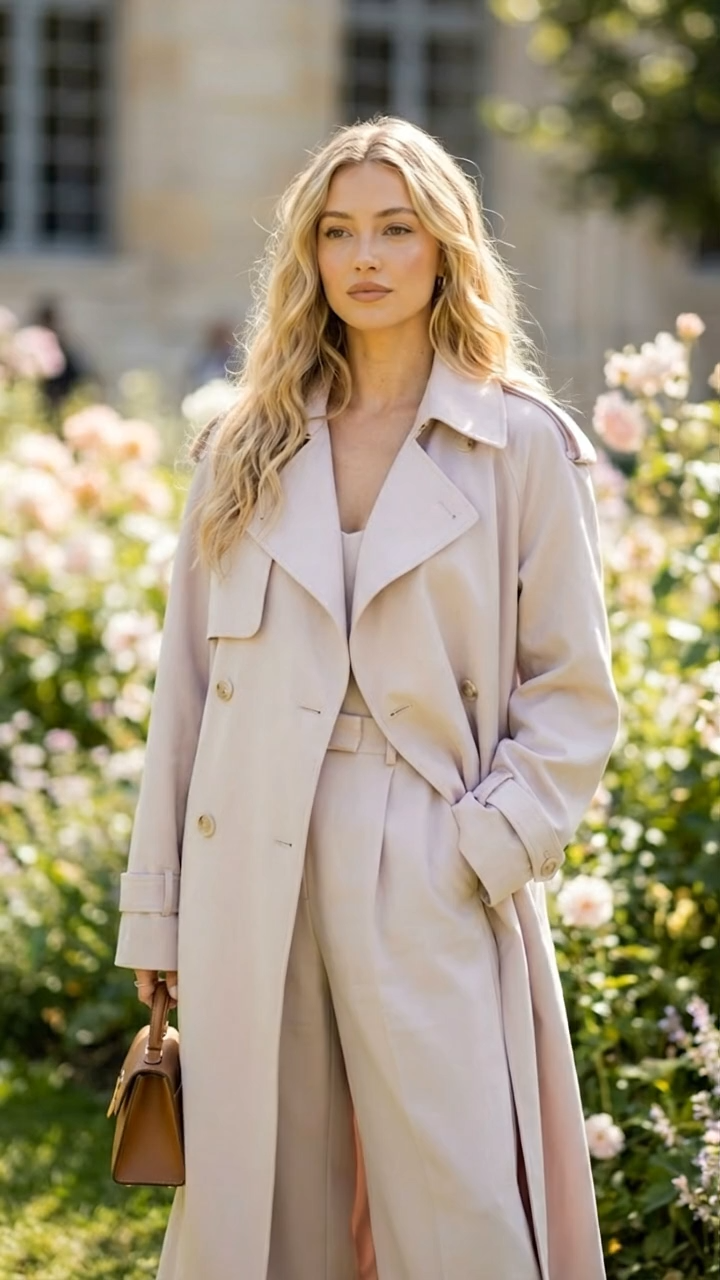
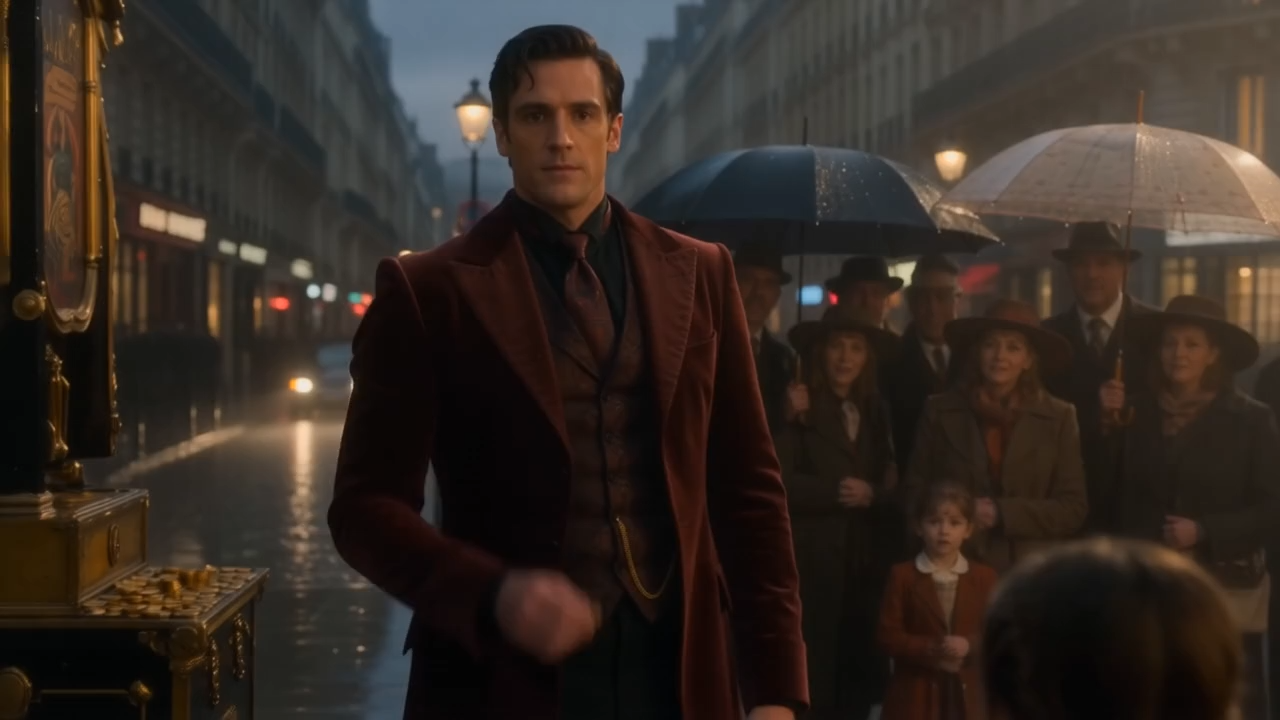
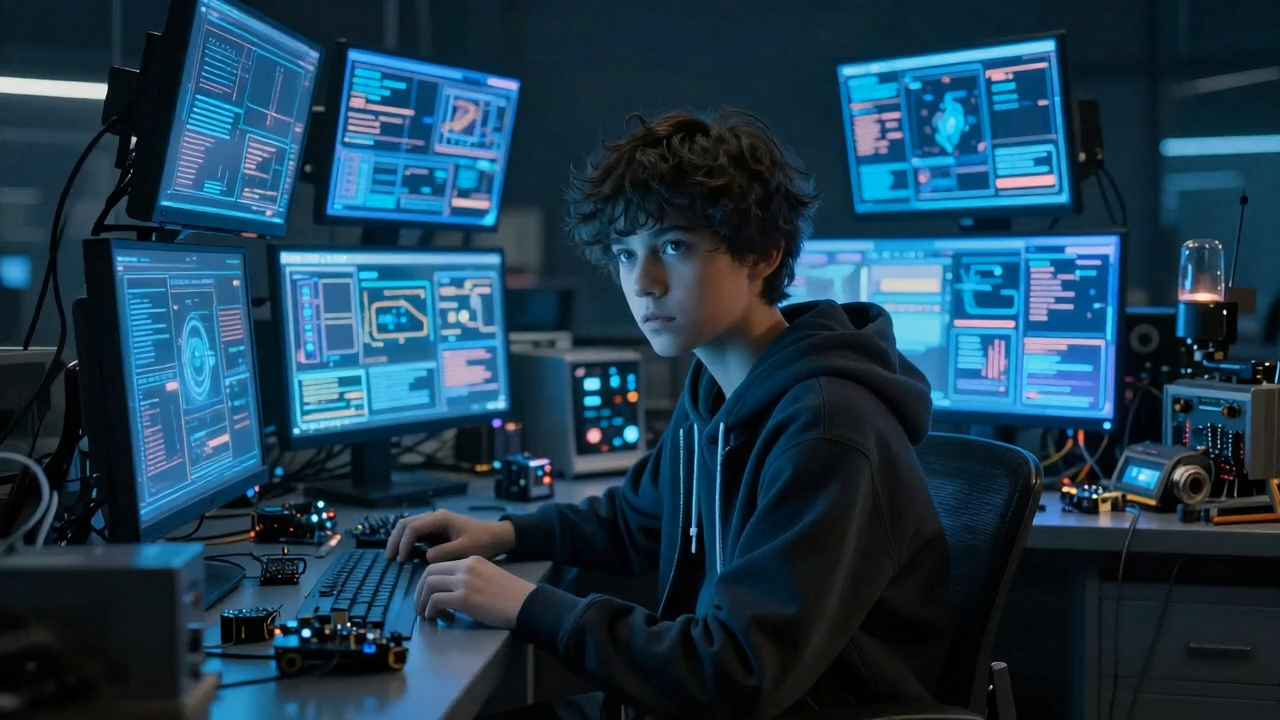
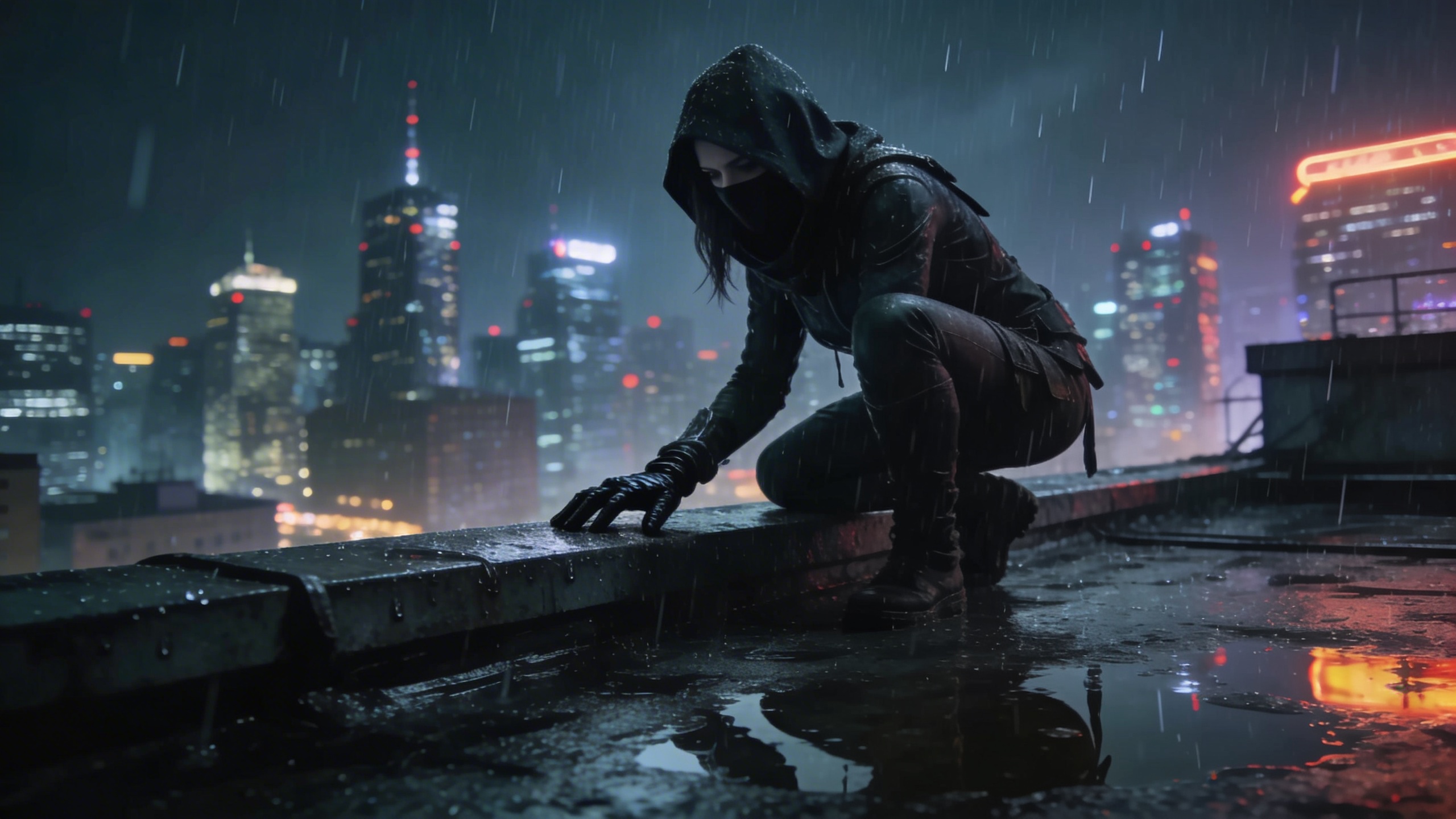
README
PixVerse V6 Image-to-Video
PixVerse V6 Image-to-Video animates a reference image into a high-fidelity cinematic video clip. Upload a photo, describe the motion and scene, and the model generates smooth, natural movement with optional synchronized audio — across multiple resolution and aspect ratio options.
- Need to generate from text only? Try PixVerse V6 Text-to-Video
Why Choose This?
-
Image-grounded generation Start from a reference photo for precise visual control over subject appearance, environment, and composition.
-
High-fidelity output Produces detailed, visually coherent video with accurate motion and scene rendering across four resolution tiers.
-
Optional audio generation Enable generate_audio_switch to produce synchronized ambient sound and atmosphere alongside the video.
-
Thinking mode The thinking_type parameter lets the model apply extended reasoning for complex or nuanced scene descriptions.
-
Flexible aspect ratios Supports multiple orientations to fit social, cinematic, and broadcast formats.
-
Prompt Enhancer Built-in tool to automatically improve your motion descriptions for richer output.
Parameters
| Parameter | Required | Description |
|---|---|---|
| image | Yes | Reference image to animate (URL or file upload). |
| prompt | Yes | Text description of the motion, camera style, and scene atmosphere. |
| resolution | No | Output resolution: 360p, 540p, 720p (default), or 1080p. |
| duration | No | Clip length in seconds. Default: 5. |
| generate_audio_switch | No | Whether to generate synchronized audio for the video. Default: off. |
| thinking_type | No | Reasoning mode for scene generation. Default: auto. |
How to Use
- Upload your image — provide the reference photo to animate via URL or drag-and-drop.
- Write your prompt — describe the motion, camera movement, and scene atmosphere. Use the Prompt Enhancer for better results.
- Select resolution — 360p for drafts, 720p for standard output, 1080p for final production.
- Set duration — choose your desired clip length in seconds.
- Enable audio (optional) — check generate_audio_switch to generate synchronized sound alongside the video.
- Set thinking_type (optional) — use auto or adjust for complex scene descriptions.
- Submit — generate, preview, and download your video.
Pricing
| Resolution | Without Audio | With Audio |
|---|---|---|
| 360p | $0.025/s | $0.035/s |
| 540p | $0.035/s | $0.045/s |
| 720p | $0.045/s | $0.060/s |
| 1080p | $0.090/s | $0.115/s |
Billing Rules
- Billing is calculated per second of video generated
- Audio generation increases cost per second at each resolution tier
- Examples: 10s at 720p (no audio) = $0.45 — 10s at 1080p (no audio) = $0.90
Best Use Cases
- Photo Animation — Bring portraits, landscapes, and lifestyle photos to life with natural, cinematic motion.
- Social Media Content — Produce short-form animated clips from reference images for Reels, TikTok, and Shorts.
- Marketing & Advertising — Animate product and campaign images for promotional video without a film crew.
- Concept Visualization — Turn still reference images into moving scene previews for pitching and storyboarding.
- Audio-Visual Content — Use audio generation for fully immersive animated scenes.
Pro Tips
- Use a high-quality, well-lit reference image with a clearly visible subject for the most natural animation.
- Include specific camera style references in your prompt (dolly-in, handheld, shallow depth of field) for more expressive results.
- Use 360p or 540p to rapidly test prompts before committing to a 1080p final render.
- Enable audio for scenes with strong environmental elements like ocean waves, crowds, or wind.
Notes
- Both image and prompt are required fields; all other parameters are optional.
- Please follow PixVerse's content usage policies when crafting prompts.
Related Models
- PixVerse V6 Text-to-Video — Generate video from text prompts without a reference image.
Pixverse v6 Image To Video API — Quick start
Grab a WaveSpeedAI API key, then call POST https://api.wavespeed.ai/api/v3/pixverse/pixverse-v6/image-to-video with your input as JSON. The endpoint returns a prediction id; poll the prediction endpoint until status flips to completed, then read the output URL from data.outputs[0]. Examples for Pixverse v6 Image To Video below.
HTTP example
# Submit the prediction
curl -X POST "https://api.wavespeed.ai/api/v3/pixverse/pixverse-v6/image-to-video" \
  -H "Content-Type: application/json" \
  -H "Authorization: Bearer $WAVESPEED_API_KEY" \
  -d '{
    "prompt": "A cinematic shot of a city at sunset, soft golden light",
    "image": "https://example.com/your-input.jpg",
    "resolution": "720p",
    "duration": 5,
    "generate_audio_switch": false,
    "thinking_type": "auto"
}'

# Response includes a prediction id. Poll for the result:
curl -X GET "https://api.wavespeed.ai/api/v3/predictions/{request_id}/result" \
  -H "Authorization: Bearer $WAVESPEED_API_KEY"

# When status is "completed", read the output from data.outputs[0].
Node.js example
// npm install wavespeed
const WaveSpeed = require('wavespeed');

const client = new WaveSpeed(); // reads WAVESPEED_API_KEY from env

const result = await client.run("pixverse/pixverse-v6/image-to-video", {
        "prompt": "A cinematic shot of a city at sunset, soft golden light",
        "image": "https://example.com/your-input.jpg",
        "resolution": "720p",
        "duration": 5,
        "generate_audio_switch": false,
        "thinking_type": "auto"
});

console.log(result.outputs[0]); // → URL of the generated output
Python example
# pip install wavespeed
import wavespeed

output = wavespeed.run(
    "pixverse/pixverse-v6/image-to-video",
    {
    "prompt": "A cinematic shot of a city at sunset, soft golden light",
    "image": "https://example.com/your-input.jpg",
    "resolution": "720p",
    "duration": 5,
    "generate_audio_switch": false,
    "thinking_type": "auto"
}
)

print(output["outputs"][0])  # → URL of the generated output
Pixverse v6 Image To Video API — Frequently asked questions
What is the Pixverse v6 Image To Video API?
Pixverse v6 Image To Video is a Pixverse model for video generation from images, exposed as a REST API on WaveSpeedAI. PixVerse V6 generates high-quality videos from images with flexible duration (1-15s), multiple resolutions up to 1080p, and optional audio generation. Ready-to-use REST inference API, best performance, no cold starts, affordable pricing. You can call it programmatically or try it from the playground above.
How do I call the Pixverse v6 Image To Video API?
POST your input parameters to the model's REST endpoint (shown in the API tab of this playground) with your WaveSpeedAI API key in the Authorization header. Submission returns a prediction ID; poll the prediction endpoint until status flips to "completed", then read the output URL from the result. The playground generates a ready-to-paste code sample in Python, JavaScript, or cURL for whatever inputs you've set. Full request/response shape is documented at https://wavespeed.ai/docs/docs-api/pixverse/pixverse-pixverse-v6-image-to-video.
How much does Pixverse v6 Image To Video cost per run?
Pixverse v6 Image To Video starts at $0.10 per run. That figure is the base price — the final charge scales with the parameters you set in the form (output size, length, count, references, or whatever knobs this model exposes), so a higher-quality or larger output costs more than a minimal one. The exact cost for your current input is shown live next to the Generate button before you submit, and the actual per-call charge is recorded on the prediction afterwards.
What inputs does Pixverse v6 Image To Video accept?
Key inputs: `prompt`, `image`, `resolution`, `duration`, `generate_audio_switch`, `thinking_type`. The full JSON schema (types, defaults, allowed values) is rendered above the Generate button and mirrored in the API reference at https://wavespeed.ai/docs/docs-api/pixverse/pixverse-pixverse-v6-image-to-video.
How do I get started with the Pixverse v6 Image To Video API?
Sign up for a free WaveSpeedAI account to claim starter credits, copy your API key from /accesskey, then call the endpoint shown in the API tab of the playground. The playground also auto-generates a code sample in Python, JavaScript, or cURL for the parameters you've set.
Can I use Pixverse v6 Image To Video outputs commercially?
Commercial usage rights depend on the model's license, set by its provider (Pixverse). The license summary appears on the model card above; see WaveSpeedAI's Terms of Service for platform-level conditions.