OpenAI Sora 2 Text-to-Video Pro creates high-fidelity videos with synchronized audio, realistic physics, and enhanced steerability. Ready-to-use REST inference API, best performance, no coldstarts, affordable pricing.
Siap
$1.2per run
ContohLihat semua
In a 90s documentary-style interview, an old Swedish man sits in a study and says, "I still remember when I was young."
Style: 1970s romantic drama, shot on 35 mm film with natural flares, soft focus, and warm halation. Slight gate weave and handheld micro-shake evoke vintage intimacy. Warm Kodak-inspired grade; light halation on bulbs; film grain and soft vignette for period authenticity. At golden hour, a brick tenement rooftop transforms into a small stage. Laundry lines strung with white sheets sway in the wind, catching the last rays of sunlight. Strings of mismatched fairy bulbs hum faintly overhead. A young woman in a flowing red silk dress dances barefoot, curls glowing in the fading light. Her partner — sleeves rolled, suspenders loose — claps along, his smile wide and unguarded. Below, the city hums with car horns, subway tremors, and distant laughter. Cinematography: Camera: medium-wide shot, slow dolly-in from eye level Lens: 40 mm spherical; shallow focus to isolate the couple from skyline Lighting: golden natural key with tungsten bounce; edge from fairy bulbs Mood: nostalgic, tender, cinematic Actions: - She spins; her dress flares, catching sunlight. - Woman (laughing): "See? Even the city dances with us tonight." - He steps in, catches her hand, and dips her into shadow. - Man (smiling): "Only because you lead." - Sheets drift across frame, briefly veiling the skyline before parting again. Background Sound: Natural ambience only: faint wind, fabric flutter, street noise, muffled music. No added score.
Scene: A bustling urban coffee shop in the late afternoon, with light rain misting outside the window. Characters: A female freelance writer in her early 30s, wearing glasses and a comfortable sweater, with a laptop and a steaming cup of coffee in front of her. Action: She has a slight furrow in her brow, fingers paused over the keyboard, deep in thought about a complex sentence. Occasionally, she glances out the window, her eyes carrying a hint of weariness and contemplation. One hand gently strokes the rim of her coffee cup. Camera: Slightly above table level, a close-up on her facial expression and hands. Occasionally intercut with blurred traffic and raindrops sliding down the window pane outside. Look & Lighting: Soft, natural light filters in from the window, complemented by warm, localized lighting within the coffee shop. The tabletop has a slight sheen, and steam rises from the coffee. The overall atmosphere is quiet and focused. Details: The laptop screen displays dense text
Style: Hand-painted 2D/3D hybrid animation with soft brush textures, warm tungsten lighting, and a tactile, stop-motion feel. The aesthetic evokes mid-2000s storybook animation — cozy, imperfect, full of mechanical charm. Subtle watercolor wash and painterly textures; warm–cool balance in grade; filmic motion blur for animated realism. Inside a cluttered workshop, shelves overflow with gears, bolts, and yellowing blueprints. At the center, a small round robot sits on a wooden bench, its dented body patched with mismatched plates and old paint layers. Its large glowing eyes flicker pale blue as it fiddles nervously with a humming light bulb. The air hums with quiet mechanical whirs, rain patters on the window, and the clock ticks steadily in the background. Cinematography: Camera: medium close-up, slow push-in with gentle parallax from hanging tools Lens: 35 mm virtual lens; shallow depth of field to soften background clutter Lighting: warm key from overhead practical; cool spill from window for contrast Mood: gentle, whimsical, a touch of suspense Actions: - The robot taps the bulb; sparks crackle. - It flinches, dropping the bulb, eyes widening. - The bulb tumbles in slow motion; it catches it just in time. - A puff of steam escapes its chest — relief and pride. - Robot says quietly: "Almost lost it… but I got it!" Background Sound: Rain, ticking clock, soft mechanical hum, faint bulb sizzle.
A cramped, windowless room with walls the color of old ash. A single bare bulb dangles from the ceiling, its light pooling onto the scarred metal table at the center. Two chairs face each other across it. On one side sits the Detective, trench coat draped across the back of his chair, eyes sharp and unblinking. Across from him, the Suspect slouches, cigarette smoke curling lazily toward the ceiling. The silence presses in, broken only by the faint hum of the overhead light. Dialogue: - Detective: "You’re lying. I can hear it in your silence." - Suspect: "Or maybe I’m just tired of talking." - Detective: "Either way, you’ll talk before the night’s over." The hum of espresso machines and the murmur of voices form the background.
Scene: Futuristic metro station; transparent hologram band performs on a wall. Characters: Commuters + one teen who stops to listen. Action: Teen raises vintage headphones; beat lines wrap into a light spectrum; foot traffic steps sync with rhythm. Camera: Wide station → wind-cut as train passes → orbiting spectrum → macro spectral reflection in the teen’s eyes. Look & Lighting: Neon cyber with volumetric light; clean reflective materials. Physics & Motion: Crowd cadence locks to beat; slight pressure shake as train rushes by. Audio: Synth groove + metro rumble as sub-bass; hold one beat of silence to end.
Scene: Sketch-style forest built from pencil strokes. Characters: Line-drawn spirit and a small deer. Action: Spirit gestures; a stream “draws” itself; the deer sips. Camera: Top-down line growth → side shot of ripples → macro pencil texture/eraser marks → wide reveal. Look & Lighting: Monochrome sketch with faint teal accents; visible paper fibers. Physics & Motion: Smooth stroke growth; concentric ripples decay naturally. Audio: Pencil-on-paper, light breeze, soft water tone.
Model Terkait
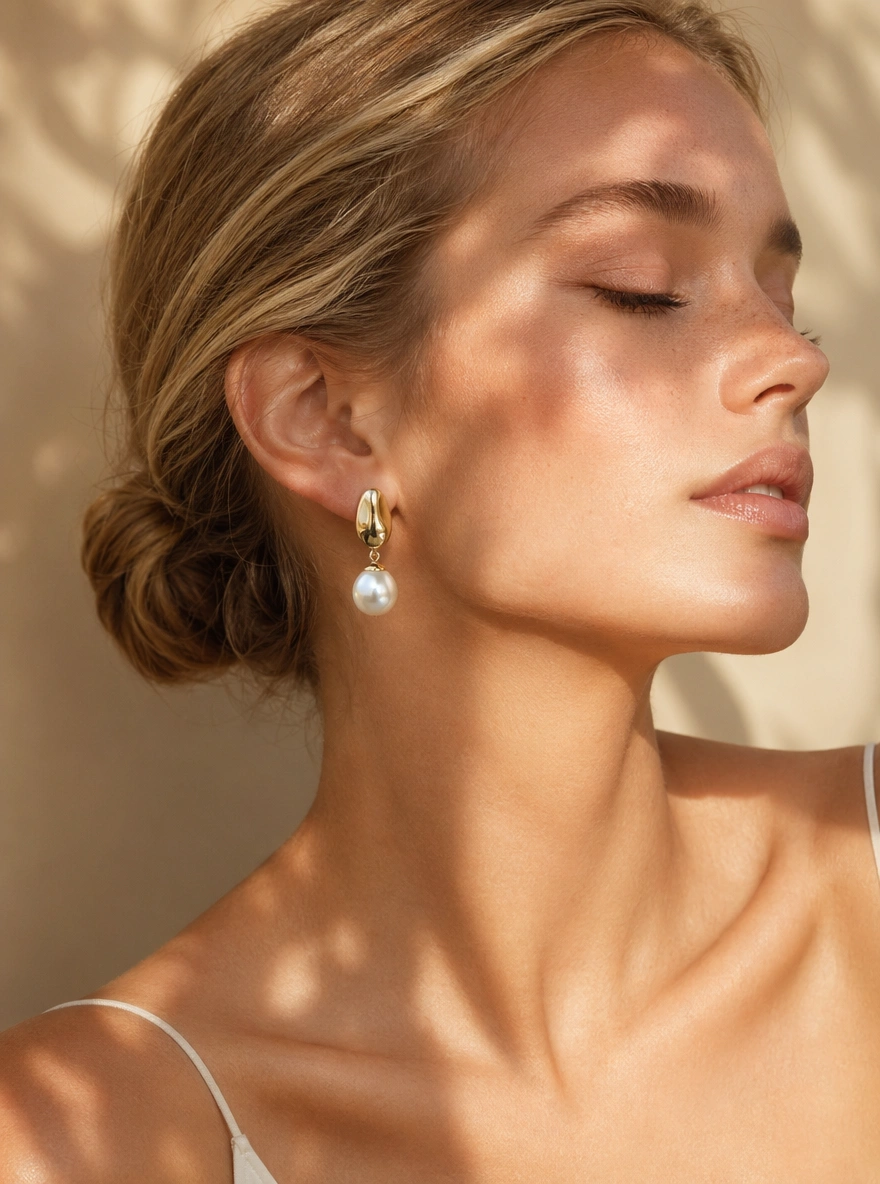
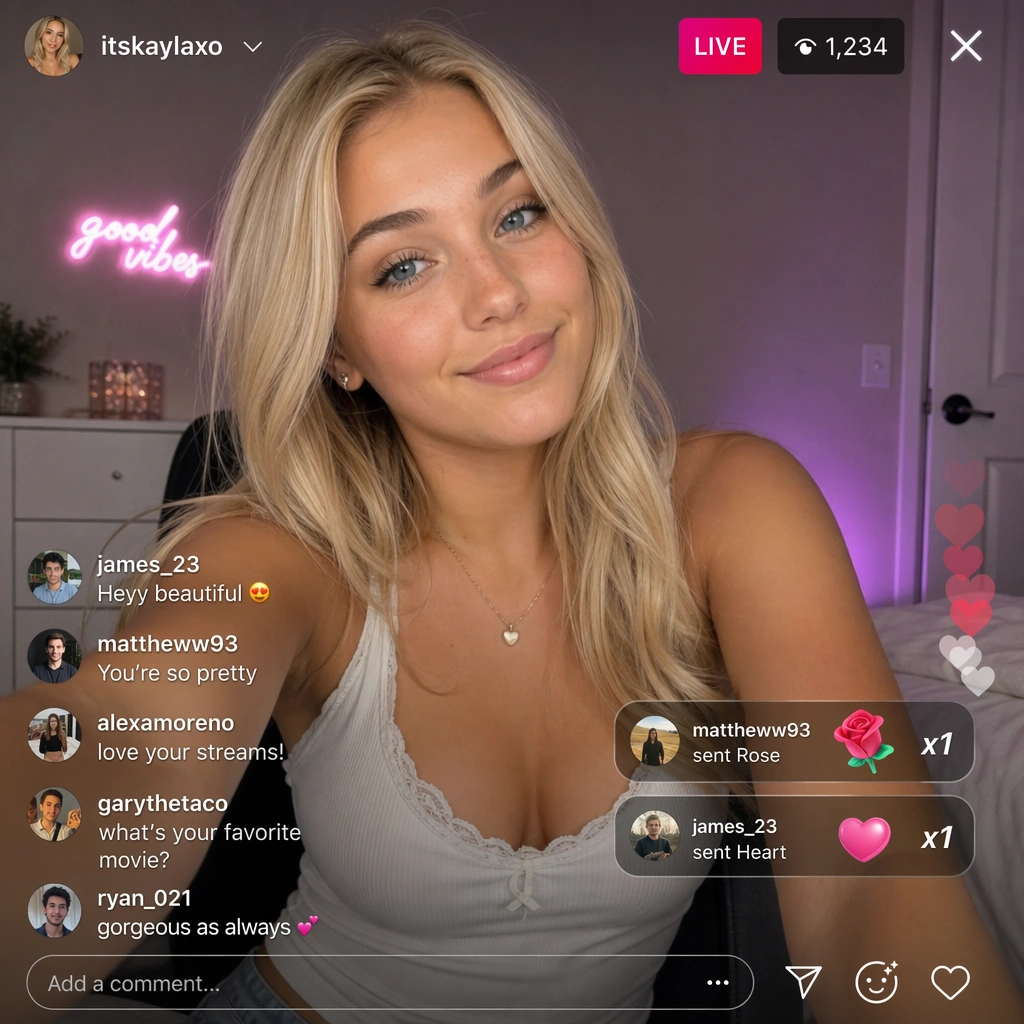
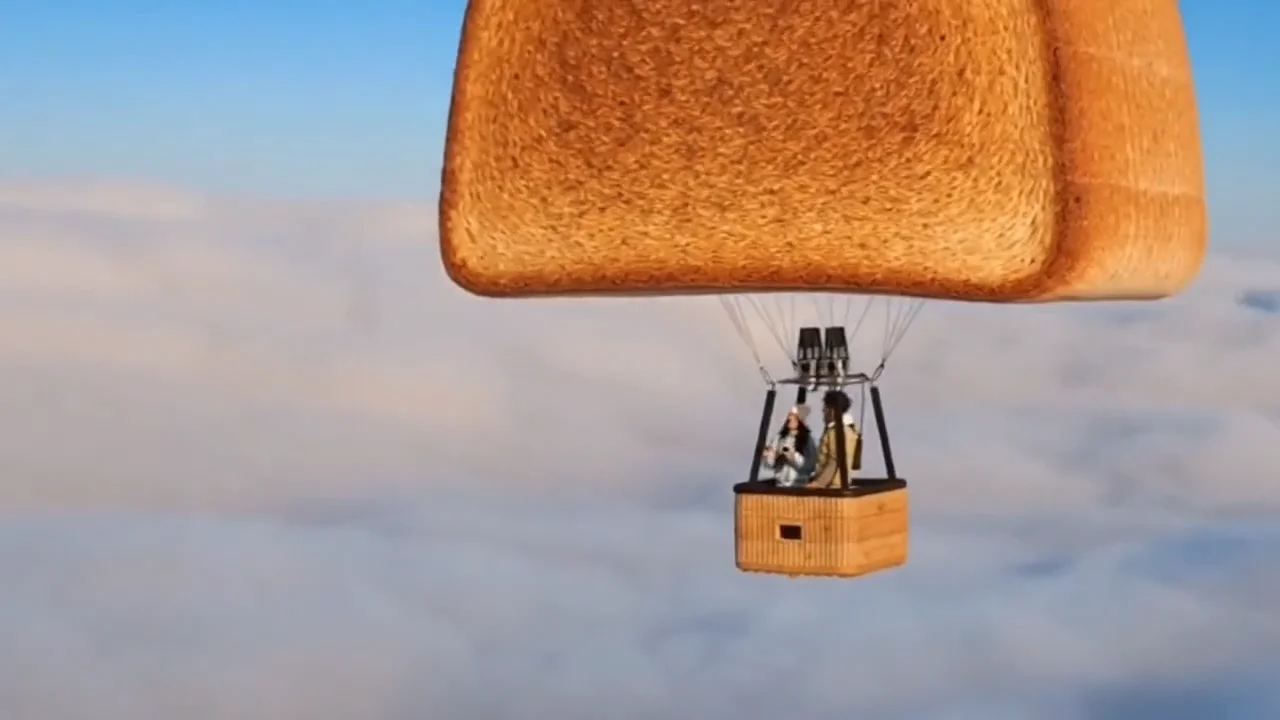

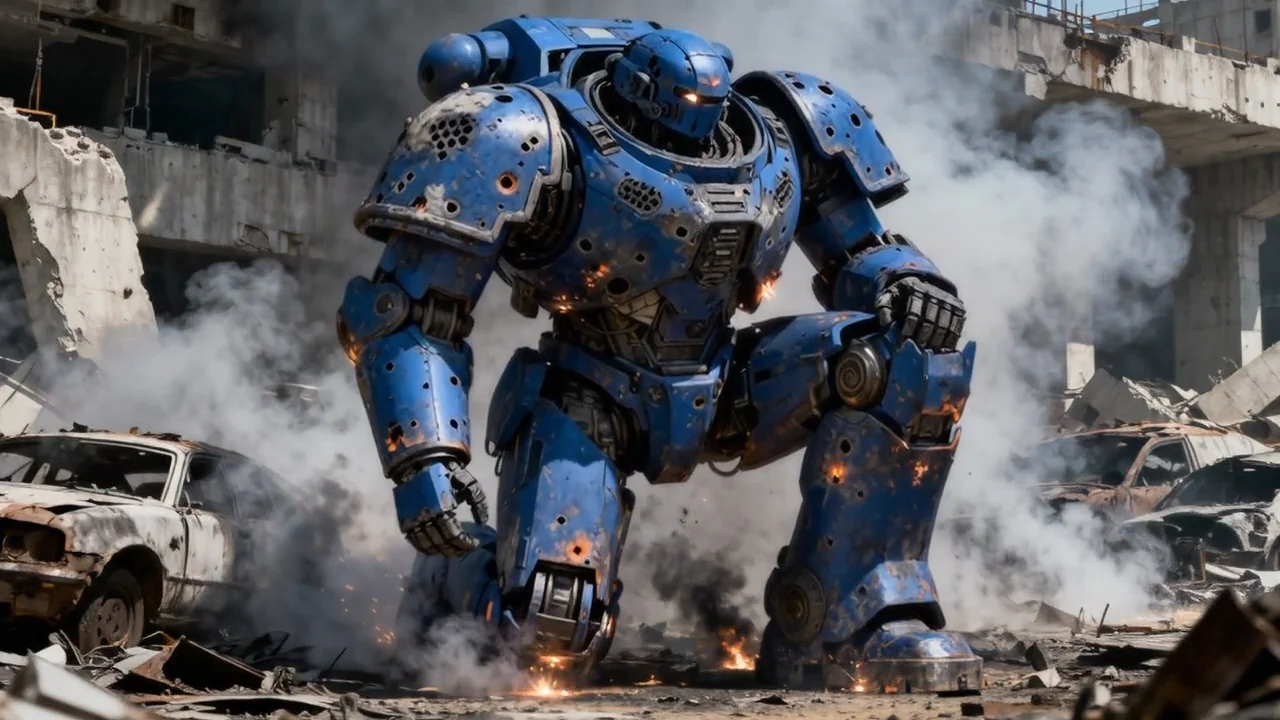

README
Sora 2 Text-to-Video Pro
Notice — Service Stability
The Sora 2 family is currently unstable. Generations may fall back to alternative models without notice and the service can be temporarily unavailable. OpenAI is also expected to discontinue this model in the future.
If you need an equally capable, stable alternative, we recommend Seedance 2: bytedance/seedance-2.0/text-to-video.
Sora 2 Text-to-Video Pro
Sora 2 Text-to-Video Pro is OpenAI's premium text-to-video model. Describe any scene in natural language — AI renders it into a cinematic, high-resolution video with physics-aware motion, temporal consistency, and optional multi-character support. Compared to the standard version, Pro delivers higher fidelity output, broader resolution choices, and enhanced motion coherence for production-grade results.
- Need to animate an existing image? Try Sora 2 Image-to-Video Pro
- Looking for a lower-cost option? Try Sora 2 Text-to-Video
Why Choose This?
-
Premium cinematic quality Higher fidelity output with enhanced detail, motion coherence, and richer scene composition than the standard version.
-
Physics-aware motion Understands contact, inertia, and momentum so objects, people, and environments move and interact believably.
-
Multi-character scene support Reference pre-defined character IDs to maintain consistent character identity across a single generation — no manual compositing required.
-
Broad resolution support Six output sizes spanning portrait and landscape orientations from 720p up to 1080p-class resolutions, suitable for social, cinematic, and broadcast workflows.
-
Temporal consistency Stable identities, minimal flicker and ghosting, and clean frame-to-frame transitions throughout.
-
Scalable duration Generate clips from 4 seconds up to 20 seconds to match your pacing and production needs.
Parameters
| Parameter | Required | Description |
|---|---|---|
| prompt | Yes | Text description of the scene, action, environment, camera style, and mood. |
| size | No | Output resolution. Options: 720×1280, 1280×720, 1024×1792, 1792×1024, 1080×1920, 1920×1080. |
| duration | No | Clip length in seconds. Options: 4, 8, 12, 16, 20. |
| characters | No | List of character IDs to include. Add one or more char_... identifiers for consistent characters. |
How to Use
- Write your prompt — describe the scene, characters, actions, camera angle, lighting, and style in detail.
- Select size — choose portrait or landscape orientation and resolution tier based on your delivery target.
- Set duration — choose 4, 8, 12, 16, or 20 seconds based on your scene length.
- Add character IDs (optional) — click Add Item under the characters section to reference pre-defined characters.
- Submit — generate, preview, and download your video.
Example Prompt
In a 90s documentary-style interview, an old Swedish man sits in a study and says, "I still remember when I was young."
Pricing
| Duration | 720×1280 / 1280×720 | 1024×1792 / 1792×1024 | 1080×1920 / 1920×1080 |
|---|---|---|---|
| 4s | $1.20 | $2.00 | $2.80 |
| 8s | $2.40 | $4.00 | $5.60 |
| 12s | $3.60 | $6.00 | $8.40 |
| 16s | $4.80 | $8.00 | $11.20 |
| 20s | $6.00 | $10.00 | $14.00 |
Billing Rules
- 720×1280 / 1280×720: $0.30 per second
- 1024×1792 / 1792×1024: $0.50 per second
- 1080×1920 / 1920×1080: $0.70 per second
- Duration options: 4, 8, 12, 16, or 20 seconds
- Billing is based on the selected duration and size, not actual playback length
Best Use Cases
- Cinematic Storytelling — Render rich, narrative-driven scenes from detailed text descriptions.
- Commercial & Brand Video — Produce premium-quality footage for marketing campaigns without a film crew.
- Social Media Content — Generate portrait-format clips optimized for Reels, TikTok, and Shorts.
- Documentary & Interview Style — Recreate specific camera aesthetics and era-accurate visual styles.
- Multi-Character Scenes — Animate ensemble casts with consistent identity across the full clip.
Pro Tips
- The more specific your prompt, the better the result — include camera style, lighting, era, mood, and character behavior.
- Use portrait sizes (720×1280, 1024×1792, 1080×1920) for mobile-first platforms and landscape for cinematic or desktop formats.
- Start with a 4-second generation at a lower resolution to validate your prompt before committing to longer, higher-resolution runs.
- Character IDs must be created in advance — ensure they are saved and accessible in your account before adding them.
Notes
- Only prompt is required; size, duration, and characters are optional.
- Character IDs reference existing character profiles — this model does not create new character definitions.
- Please follow OpenAI's usage policies when crafting prompts.
Related Models
- Sora 2 Text-to-Video — Standard version at lower cost for faster iteration.
- Sora 2 Image-to-Video Pro — Animate a still image into a cinematic video with the same Pro quality.
Sora 2 Text To Video Pro API — Quick start
Grab a WaveSpeedAI API key, then call POST https://api.wavespeed.ai/api/v3/openai/sora-2/text-to-video-pro with your input as JSON. The endpoint returns a prediction id; poll the prediction endpoint until status flips to completed, then read the output URL from data.outputs[0]. Examples for Sora 2 Text To Video Pro below.
HTTP example
# Submit the prediction
curl -X POST "https://api.wavespeed.ai/api/v3/openai/sora-2/text-to-video-pro" \
  -H "Content-Type: application/json" \
  -H "Authorization: Bearer $WAVESPEED_API_KEY" \
  -d '{
    "prompt": "A cinematic shot of a city at sunset, soft golden light",
    "size": "720*1280",
    "duration": 4
}'

# Response includes a prediction id. Poll for the result:
curl -X GET "https://api.wavespeed.ai/api/v3/predictions/{request_id}/result" \
  -H "Authorization: Bearer $WAVESPEED_API_KEY"

# When status is "completed", read the output from data.outputs[0].
Node.js example
// npm install wavespeed
const WaveSpeed = require('wavespeed');

const client = new WaveSpeed(); // reads WAVESPEED_API_KEY from env

const result = await client.run("openai/sora-2/text-to-video-pro", {
        "prompt": "A cinematic shot of a city at sunset, soft golden light",
        "size": "720*1280",
        "duration": 4
});

console.log(result.outputs[0]); // → URL of the generated output
Python example
# pip install wavespeed
import wavespeed

output = wavespeed.run(
    "openai/sora-2/text-to-video-pro",
    {
    "prompt": "A cinematic shot of a city at sunset, soft golden light",
    "size": "720*1280",
    "duration": 4
}
)

print(output["outputs"][0])  # → URL of the generated output
Sora 2 Text To Video Pro API — Frequently asked questions
What is the Sora 2 Text To Video Pro API?
Sora 2 Text To Video Pro is a OpenAI model for video generation, exposed as a REST API on WaveSpeedAI. OpenAI Sora 2 Text-to-Video Pro creates high-fidelity videos with synchronized audio, realistic physics, and enhanced steerability. Ready-to-use REST inference API, best performance, no coldstarts, affordable pricing. You can call it programmatically or try it from the playground above.
How do I call the Sora 2 Text To Video Pro API?
POST your input parameters to the model's REST endpoint (shown in the API tab of this playground) with your WaveSpeedAI API key in the Authorization header. Submission returns a prediction ID; poll the prediction endpoint until status flips to "completed", then read the output URL from the result. The playground generates a ready-to-paste code sample in Python, JavaScript, or cURL for whatever inputs you've set. Full request/response shape is documented at https://wavespeed.ai/docs/docs-api/openai/openai-sora-2-text-to-video-pro.
How much does Sora 2 Text To Video Pro cost per run?
Sora 2 Text To Video Pro starts at $1.20 per run. That figure is the base price — the final charge scales with the parameters you set in the form (output size, length, count, references, or whatever knobs this model exposes), so a higher-quality or larger output costs more than a minimal one. The exact cost for your current input is shown live next to the Generate button before you submit, and the actual per-call charge is recorded on the prediction afterwards.
What inputs does Sora 2 Text To Video Pro accept?
Key inputs: `prompt`, `duration`, `size`, `characters`. The full JSON schema (types, defaults, allowed values) is rendered above the Generate button and mirrored in the API reference at https://wavespeed.ai/docs/docs-api/openai/openai-sora-2-text-to-video-pro.
How long does Sora 2 Text To Video Pro take to generate?
Average end-to-end generation time on WaveSpeedAI is around 415 seconds per request — measured across recent runs. Queue time scales with global demand; live status is visible in the prediction record.
Can I use Sora 2 Text To Video Pro outputs commercially?
Commercial usage rights depend on the model's license, set by its provider (OpenAI). The license summary appears on the model card above; see WaveSpeedAI's Terms of Service for platform-level conditions.