Create high-quality, artistic images from text prompts using Midjourney's renowned creative interpretation. Ready-to-use REST inference API, best performance, no coldstarts, affordable pricing.
Siap
$0.1per run·~10 / $1
ContohLihat semua
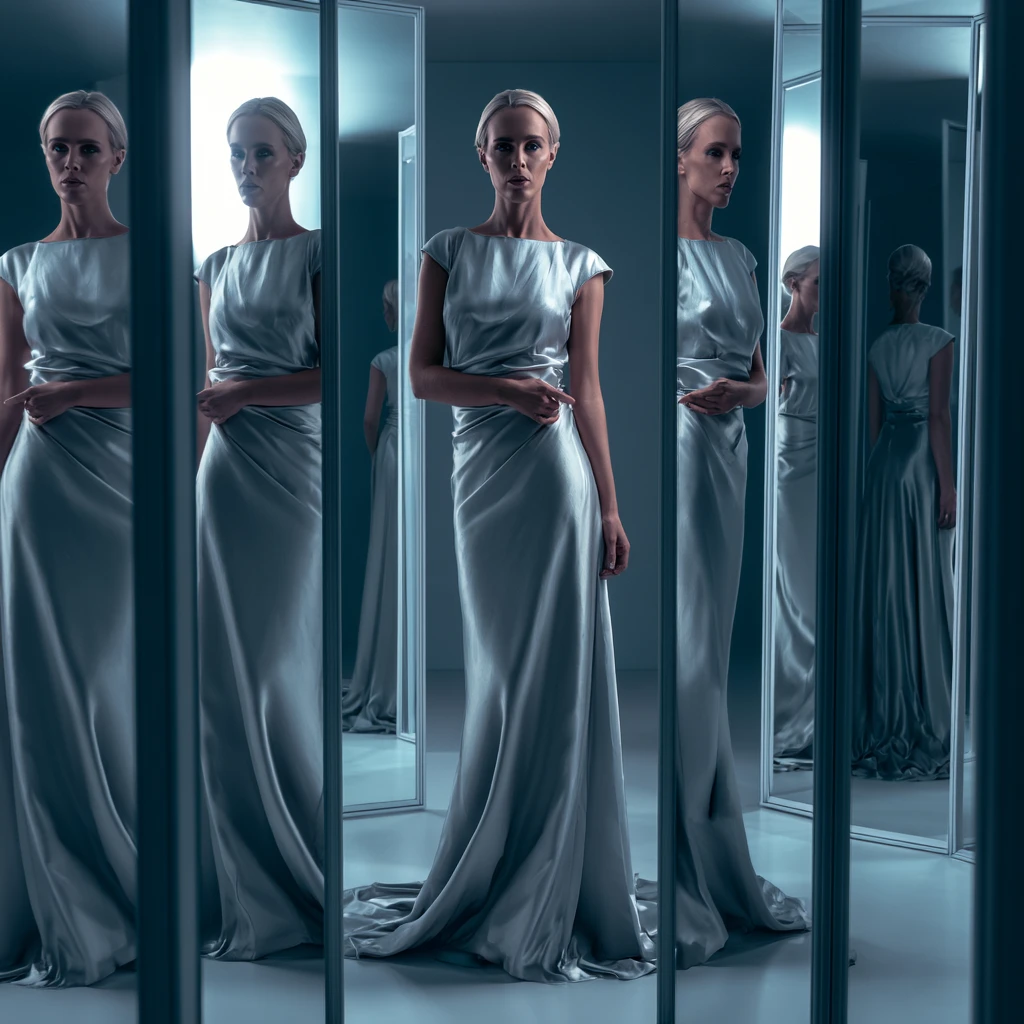
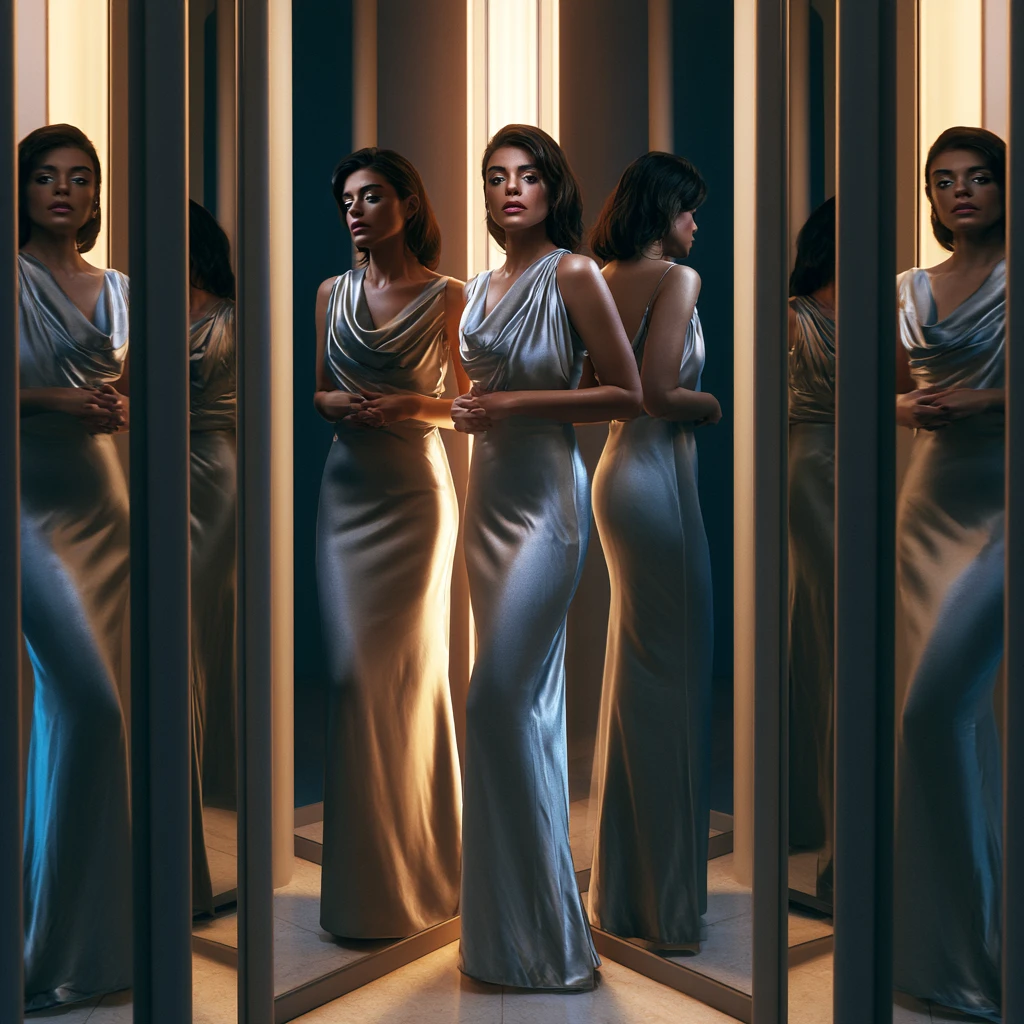
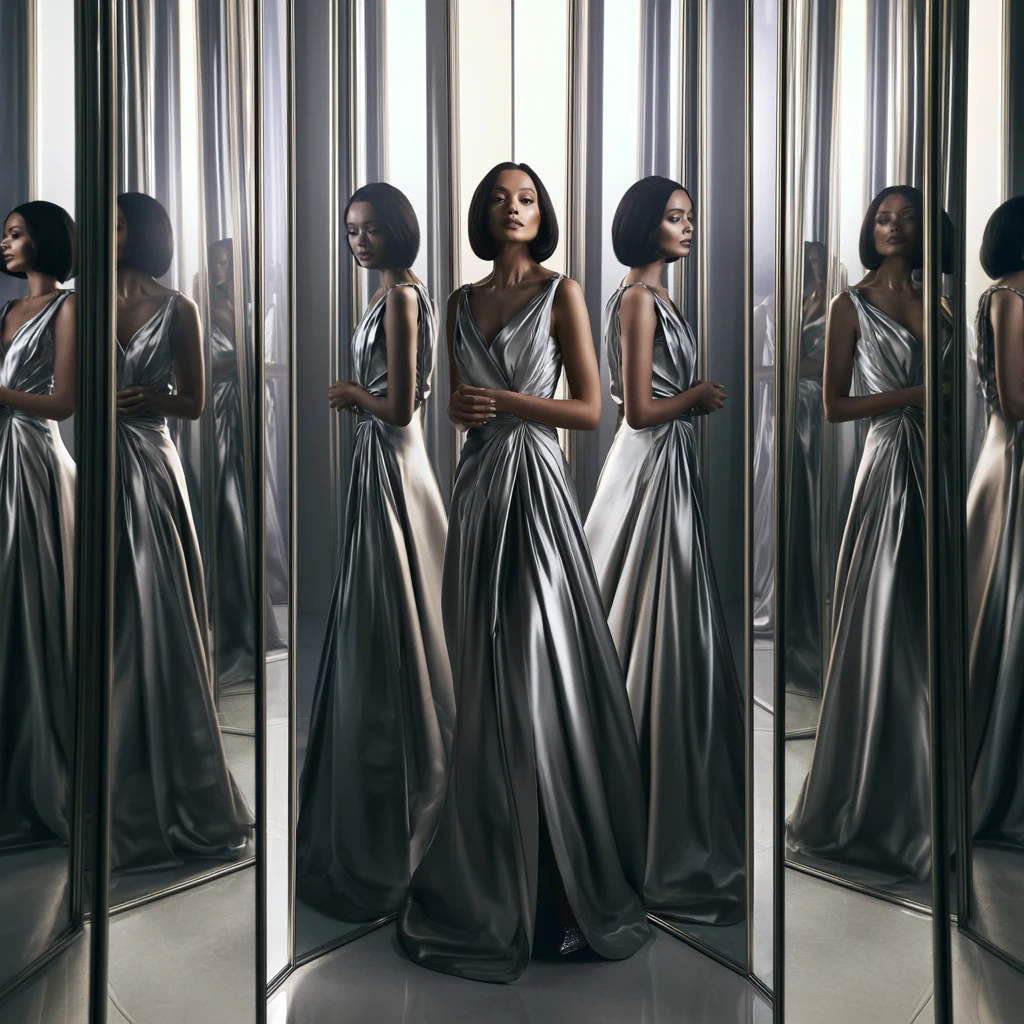
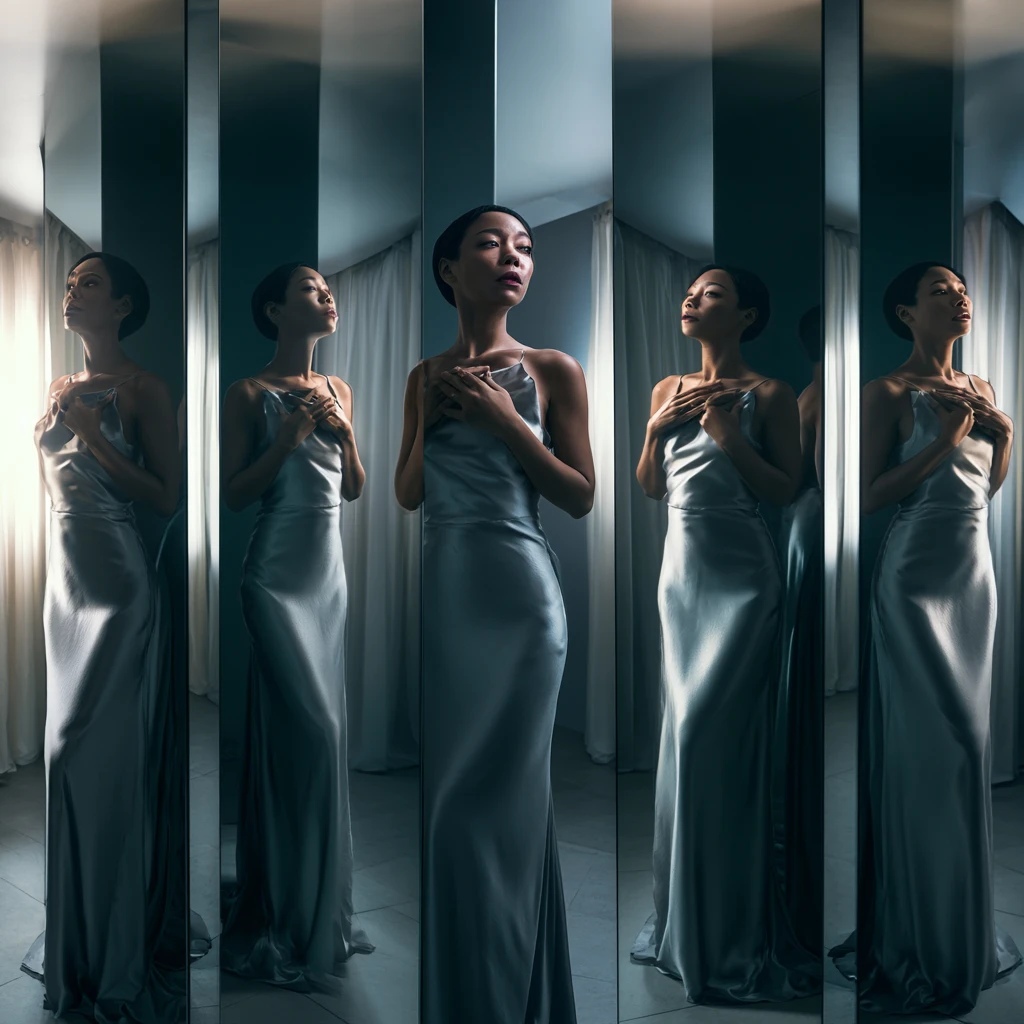
A photorealistic fashion portrait of an adult woman standing in a room filled with tall mirrors, wearing a silver satin dress, multiple reflections around her, soft studio lighting, elegant mysterious expression, luxury editorial photography, cinematic composition, ultra-detailed, no text
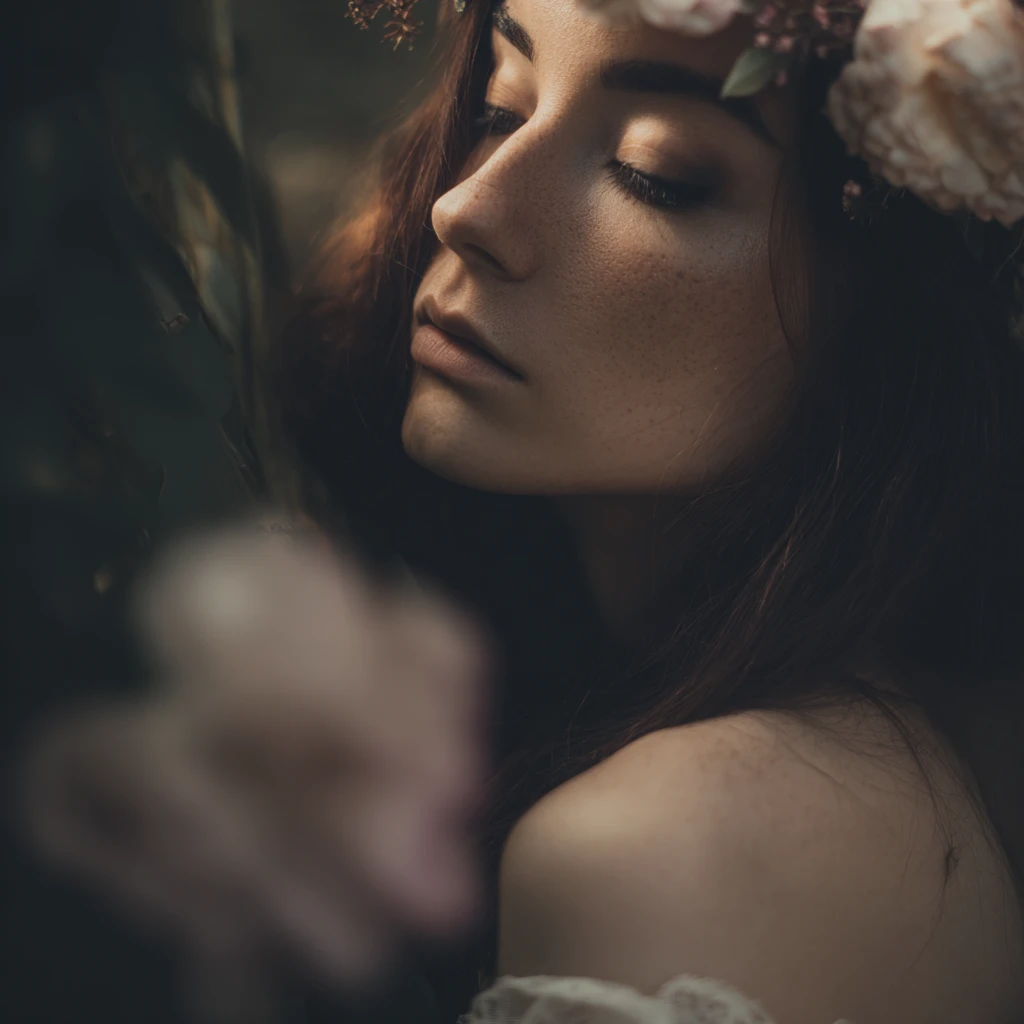
ultra-realistic, cinematic lighting, soft focus, aesthetic composition, delicate details, beautiful color grading, serene atmosphere, masterpiece photography style, elegant and poetic feeling .
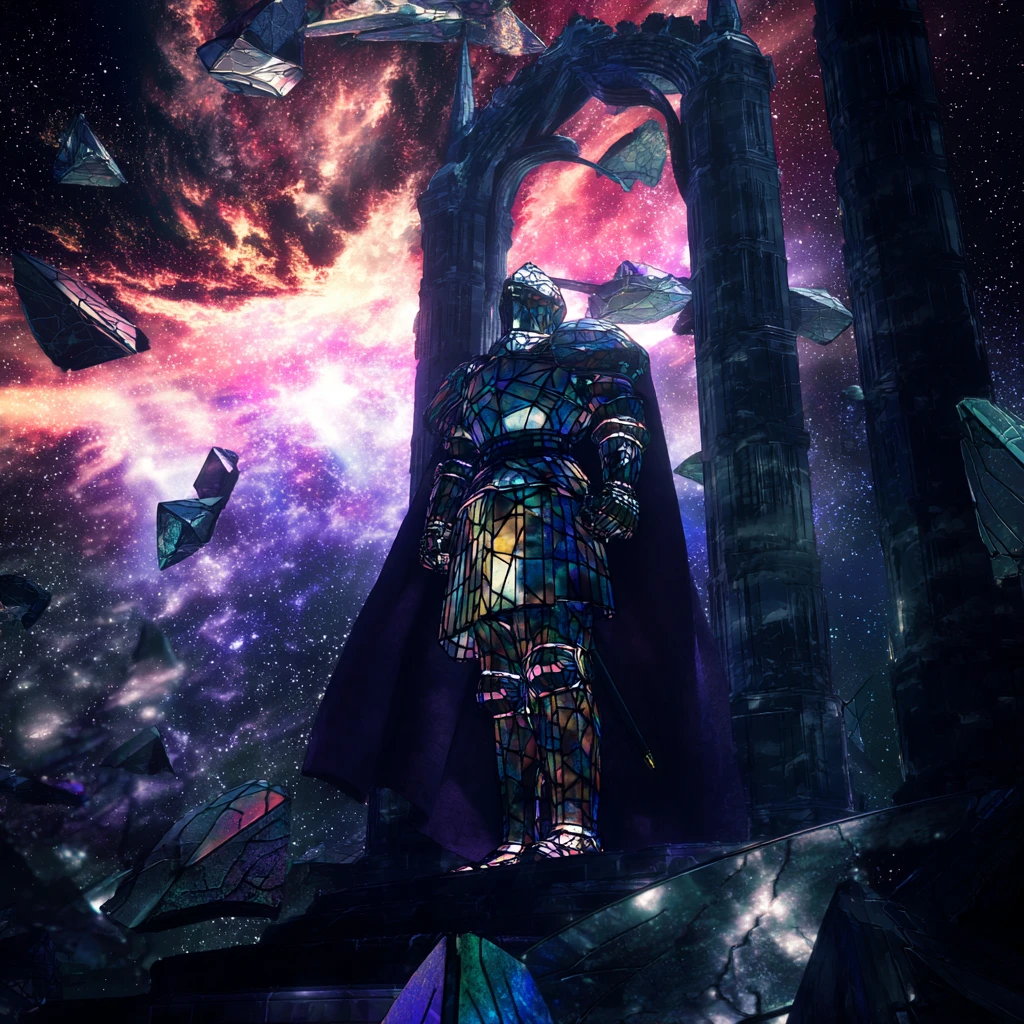
A lone, heavily armored knight made of stained glass, standing guard at the shattered gate of a crystal palace floating in a void of swirling galaxies. Cracks in the glass armor leak faint, colorful light. Dramatic low-angle shot, octane render, volumetric nebula lighting, sense of duty and loss.
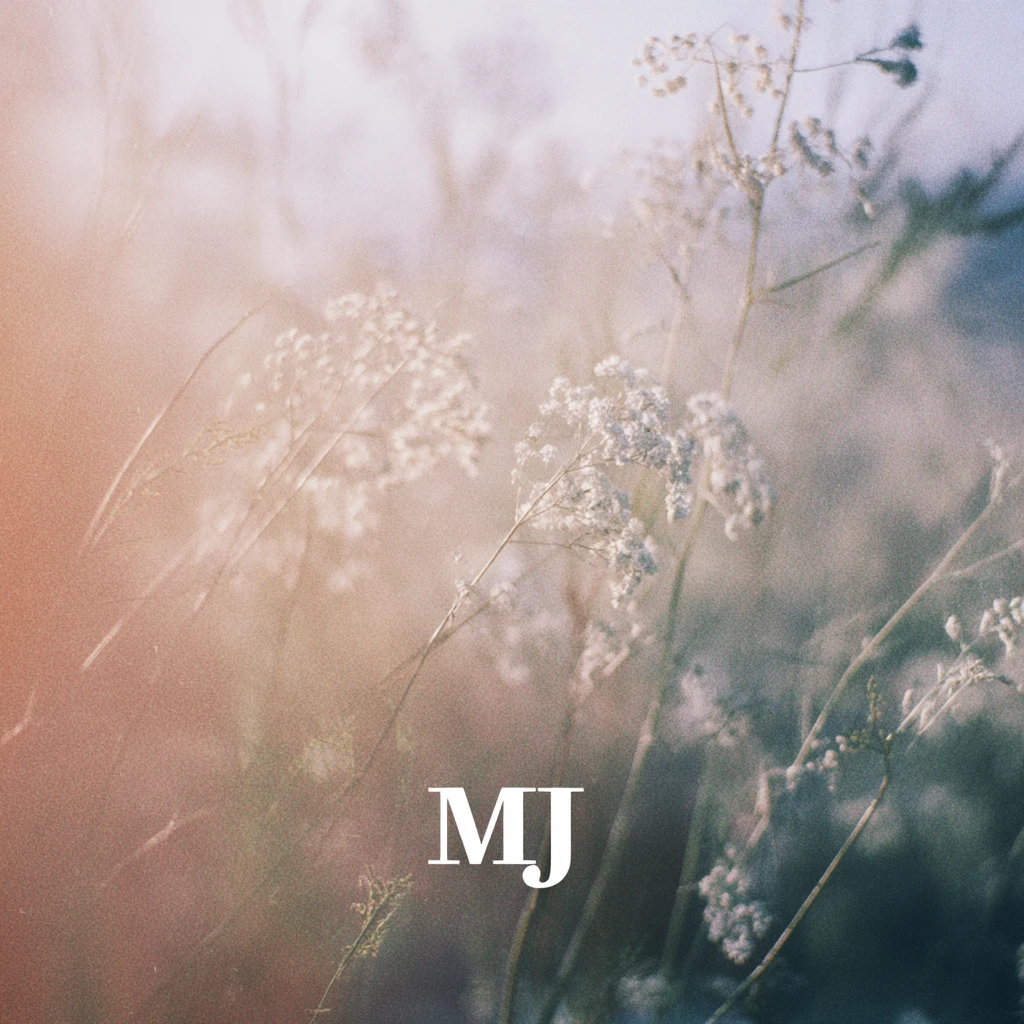
ultra-realistic, cinematic lighting, soft focus, aesthetic composition, delicate details, beautiful color grading, serene atmosphere, masterpiece photography style, elegant and poetic feeling — add the text “MJ” subtly in the bottom right corner of the image
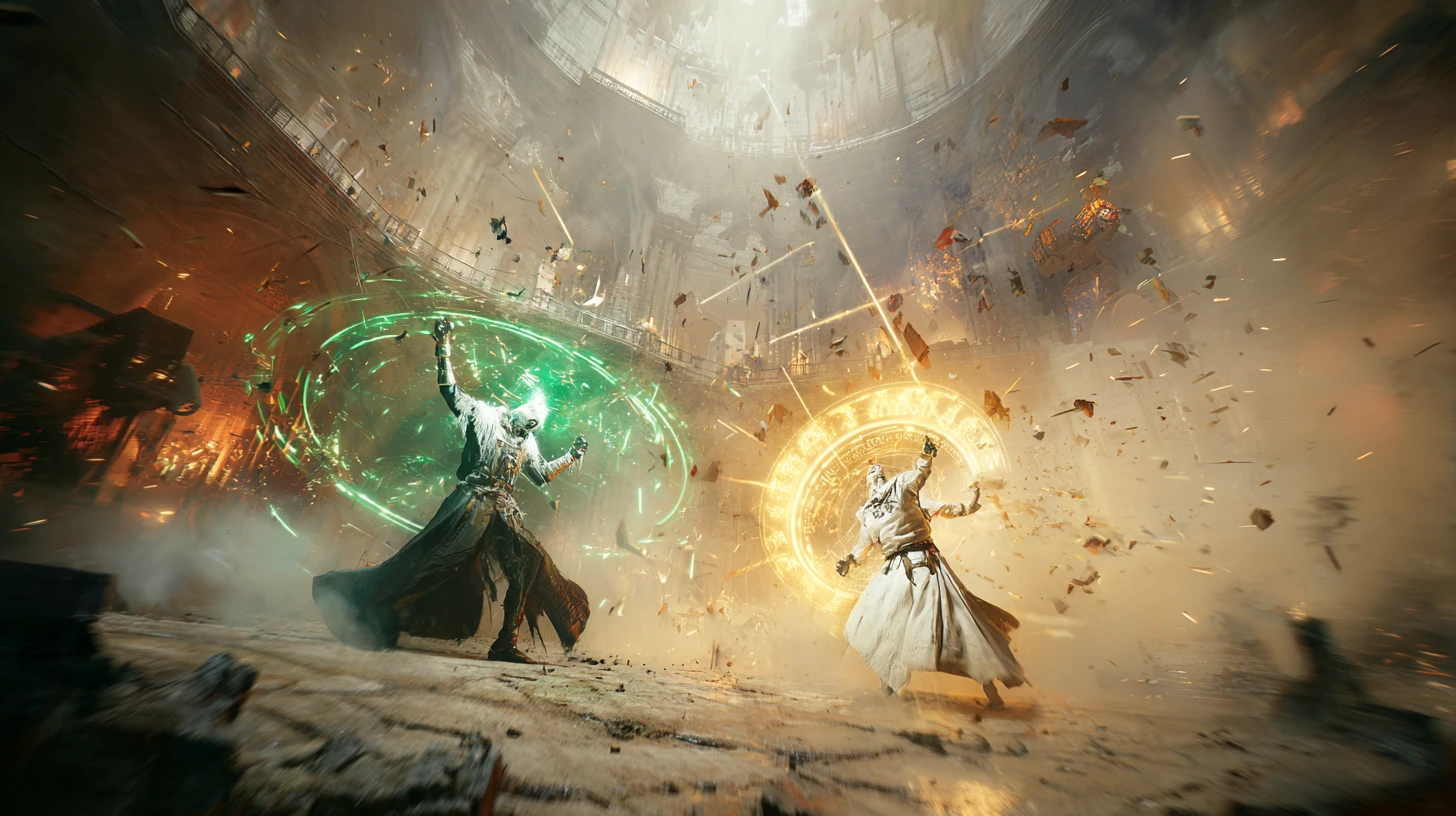
Cinematic action frame capturing the climax of a wizard duel. Two mages, one cloaked in shadow wielding green necrotic energy, the other in white robes wielding golden divine light, clash their spells in the center of a crumbling cathedral interior. Sparks, debris, and magical particles explode outwards. Dynamic Dutch angle, motion blur, high fantasy art, style of Magic the Gathering illustration.

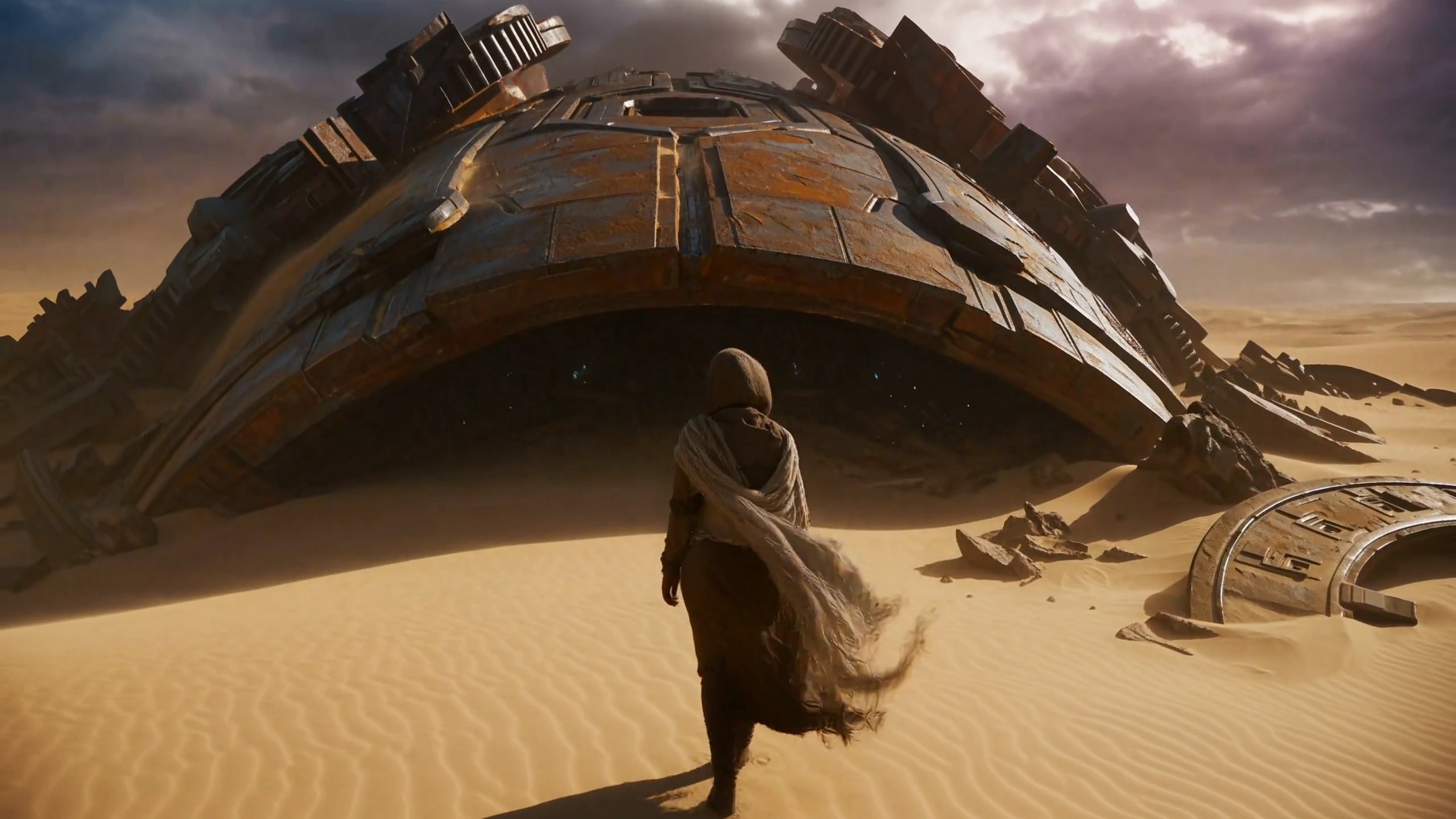
Cinematic establishing shot for a sci-fi film. Ultra-wide angle view of a colossal, ancient alien derelict spaceship half-buried in the crimson sands of a desolate desert planet under twin suns. Tiny human explorers in white suits stand near its base for scale. Golden hour lighting, atmospheric dust, photorealistic matte painting, style of Denis Villeneuve.
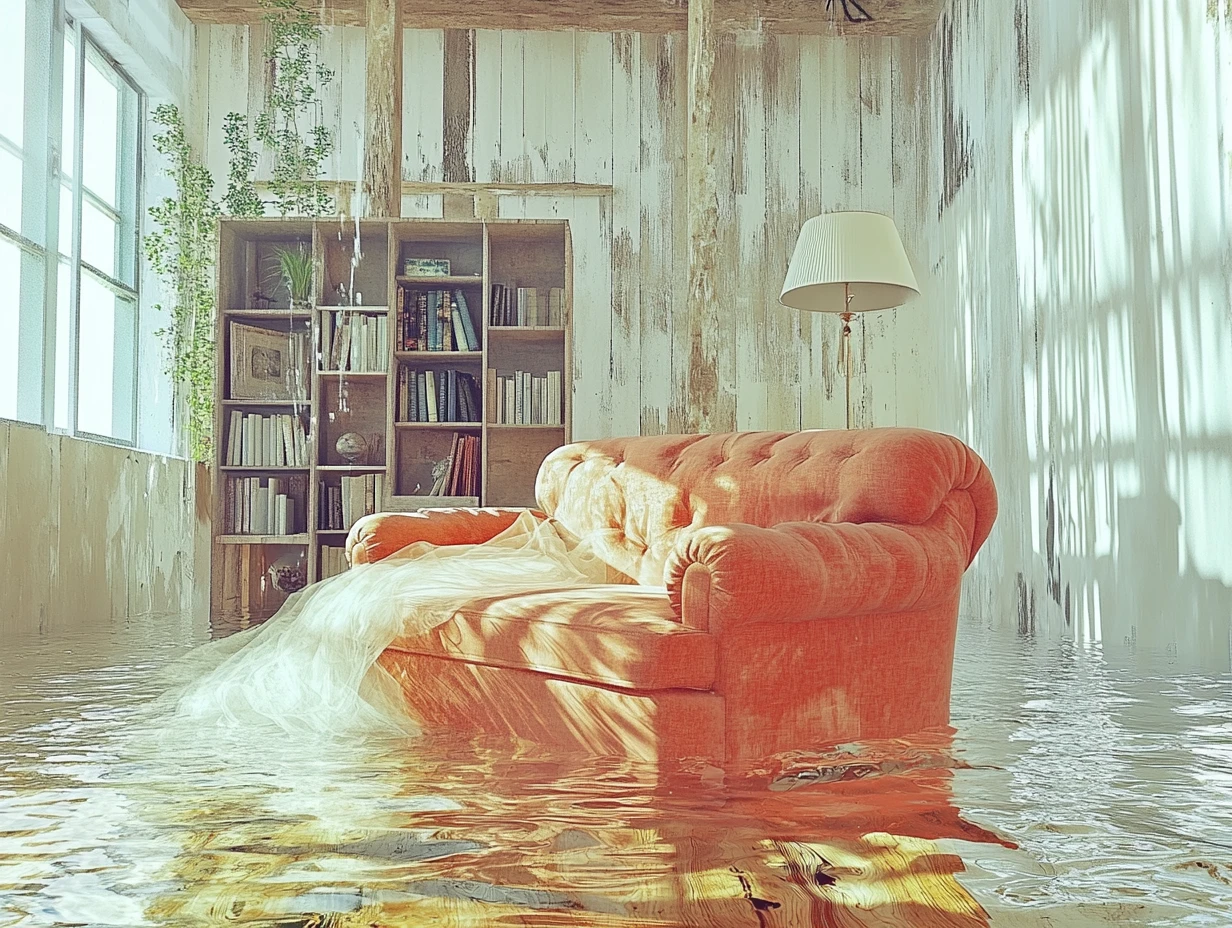
Surreal cinematic shot. A fully furnished, vintage living room (armchair, lamp, bookshelf) is completely submerged underwater. Sunlight filters down from the surface, creating rippling caustic patterns on the furniture. A lone figure in a flowing white dress floats peacefully in the center of the room. Ethereal, dreamlike atmosphere, photorealistic, style of Gregory Crewdson.
Model Terkait
README
Midjourney Text-to-Image
Midjourney Text-to-Image generates images from a text prompt. Describe the image you want, optionally add a style reference image, choose an aspect ratio, and adjust generation controls such as stylize, chaos, weird, HD mode, quality, and seed.
Why Choose This?
-
Prompt-based image generation
Generate images directly from a text prompt. -
Style reference support
Use an optional style reference image to guide the visual style of the generated images. -
Flexible aspect ratios
Choose from multiple output aspect ratios, including square, vertical, horizontal, and cinematic formats. -
Generation control parameters
Adjuststylize,chaos, andweirdto control aesthetic strength, variation, and unconventional visual characteristics. -
HD and quality options
Enable HD mode and choose the supported quality setting for Midjourney v8.1. -
Seed support
Use a fixed seed for more reproducible results, or set-1for a random seed.
Parameters
| Parameter | Required | Description |
|---|---|---|
| prompt | Yes | Text prompt describing the image to generate. Minimum length: 1. Maximum length: 1024. |
| sref | No | Optional style reference image URL. |
| aspect_ratio | No | Aspect ratio of the generated images. Supported values: 1:1, 9:16, 16:9, 4:3, 3:4, 2:3, 3:2, 9:21, 21:9. Default: 1:1. |
| hd | No | Enable HD generation mode. Default: false. |
| quality | No | Generation quality setting supported by Midjourney v8.1. Supported values: 1, 4. Default: 1. |
| stylize | No | Controls how strongly Midjourney's aesthetic style influences the result. Range: 0 to 1000. Default: 0. |
| chaos | No | Controls variation and unpredictability. Range: 0 to 100. Default: 0. |
| weird | No | Adds unconventional or surreal characteristics. Range: 0 to 3000. Default: 0. |
| seed | No | Random seed. Use -1 for a random seed. Range: -1 to 2147483647. Default: -1. |
How to Use
- Write your prompt — Describe the image you want to generate.
- Add a style reference (optional) — Provide
srefif you want to guide the image style with a reference image. - Choose an aspect ratio (optional) — Select the output format, such as
1:1,9:16, or16:9. - Adjust generation settings (optional) — Configure
hd,quality,stylize,chaos,weird, andseedas needed. - Submit — Generate four image outputs.
Output
Returns generated image URL(s) in the standard WaveSpeed prediction response.
Each request generates 4 images.
Pricing
Pricing is fixed at $0.10 per request.
| Output | Cost |
|---|---|
| 4 images | $0.10 |
Billing Rules
- Each request generates 4 images.
- Each request costs $0.10.
- Effective price per image is $0.025.
- The listed request price applies to the generation request.
Best Use Cases
- Creative image generation — Generate original images from text prompts.
- Concept art — Create visual concepts for characters, scenes, objects, and environments.
- Social media visuals — Generate images for posts, thumbnails, banners, and campaigns.
- Style exploration — Use
sref,stylize,chaos, andweirdto test different visual directions. - Cinematic and vertical formats — Use aspect ratios such as
16:9,21:9,9:16, or9:21for different content formats.
Pro Tips
- Keep prompts clear and specific.
- Use
srefwhen you want the output to follow a specific visual style. - Use
stylizeto control the strength of Midjourney's aesthetic influence. - Increase
chaoswhen you want more variation across outputs. - Increase
weirdwhen you want more unconventional or surreal results. - Use a fixed
seedwhen you want more reproducible generations. - Use
-1for random seed generation. - Choose the aspect ratio based on the final use case, such as
1:1for square images,9:16for vertical content, or16:9for widescreen images.
Notes
promptis the only required field.sref,aspect_ratio,hd,quality,stylize,chaos,weird, andseedare optional.- Default
aspect_ratiois1:1. - Default
hdisfalse. - Default
qualityis1. - Default
stylizeis0. - Default
chaosis0. - Default
weirdis0. - Default
seedis-1, which uses a random seed. - Ensure uploaded style reference image URLs are publicly accessible.
Text To Image API — Quick start
Grab a WaveSpeedAI API key, then call POST https://api.wavespeed.ai/api/v3/midjourney/text-to-image with your input as JSON. The endpoint returns a prediction id. Start polling the result endpoint around every 2 seconds, increase the interval for long-running tasks, and stop on any terminal status. On completed, read output values from data.outputs. Examples for Text To Image below.
HTTP example
set -euo pipefail

: "${WAVESPEED_API_KEY:?Set WAVESPEED_API_KEY}"

REQUEST_BODY=$(cat <<'JSON'
{
    "prompt": "A cinematic shot of a city at sunset, soft golden light",
    "aspect_ratio": "1:1",
    "hd": false,
    "quality": 1,
    "stylize": 0,
    "chaos": 0,
    "weird": 0,
    "seed": -1
}
JSON
)

# 1. Submit the prediction.
SUBMIT_RESPONSE=$(curl --silent --show-error --fail-with-body \
  -X POST "https://api.wavespeed.ai/api/v3/midjourney/text-to-image" \
  -H "Content-Type: application/json" \
  -H "Authorization: Bearer $WAVESPEED_API_KEY" \
  -d "$REQUEST_BODY")

TASK=$(printf '%s' "$SUBMIT_RESPONSE" | jq 'if has("data") then .data else . end')
PREDICTION_ID=$(printf '%s' "$TASK" | jq -r '.id')
if [ -z "$PREDICTION_ID" ] || [ "$PREDICTION_ID" = "null" ]; then
  printf 'Submission response did not contain a prediction id
' >&2
  exit 1
fi
RESULT_URL=$(printf '%s' "$TASK" | jq -r '.urls.get // empty')
if [ -z "$RESULT_URL" ]; then
  RESULT_URL="https://api.wavespeed.ai/api/v3/predictions/$PREDICTION_ID/result"
fi

# 2. Poll until the prediction finishes.
while true; do
  RESPONSE=$(curl --silent --show-error --fail-with-body "$RESULT_URL" \
    -H "Authorization: Bearer $WAVESPEED_API_KEY")
  RESULT=$(printf '%s' "$RESPONSE" | jq 'if has("data") then .data else . end')
  STATUS=$(printf '%s' "$RESULT" | jq -r '.status')
  case "$STATUS" in
    completed) printf '%s\n' "$RESULT" | jq '.outputs'; break ;;
    failed|cancelled|timeout) printf '%s\n' "$RESULT" | jq . >&2; exit 1 ;;
    created|processing) sleep 2 ;;
    *) printf 'Unexpected status: %s
' "$STATUS" >&2; exit 1 ;;
  esac
done
Node.js example
const submitUrl = "https://api.wavespeed.ai/api/v3/midjourney/text-to-image";
const apiKey = process.env.WAVESPEED_API_KEY;
if (!apiKey) throw new Error('Set WAVESPEED_API_KEY');

async function requestJson(url, options = {}) {
  const response = await fetch(url, options);
  if (!response.ok) throw new Error(await response.text());
  return response.json();
}

// 1. Submit the prediction.
const body = await requestJson(submitUrl, {
  method: "POST",
  headers: {
    "Authorization": `Bearer ${apiKey}`,
    "Content-Type": "application/json",
  },
  body: JSON.stringify({
        "prompt": "A cinematic shot of a city at sunset, soft golden light",
        "aspect_ratio": "1:1",
        "hd": false,
        "quality": 1,
        "stylize": 0,
        "chaos": 0,
        "weird": 0,
        "seed": -1
}),
});
const task = body.data ?? body;
if (!task.id) throw new Error("Submission response did not contain a prediction id");
const resultUrl = task.urls?.get ||
  `https://api.wavespeed.ai/api/v3/predictions/${task.id}/result`;

// 2. Poll until the prediction finishes.
while (true) {
  const resultBody = await requestJson(resultUrl, {
    headers: { "Authorization": `Bearer ${apiKey}` },
  });
  const result = resultBody.data ?? resultBody;
  if (result.status === "completed") {
    console.log(result.outputs);
    break;
  }
  if (["failed", "cancelled", "timeout"].includes(result.status)) throw new Error(JSON.stringify(result));
  if (!["created", "processing"].includes(result.status)) throw new Error("Unexpected status: " + result.status);
  await new Promise(resolve => setTimeout(resolve, 2000));
}
Python example
import json
import os
import time
from urllib.request import Request, urlopen

api_key = os.environ["WAVESPEED_API_KEY"]
headers = {"Authorization": f"Bearer {api_key}", "Content-Type": "application/json"}
payload = {
    "prompt": "A cinematic shot of a city at sunset, soft golden light",
    "aspect_ratio": "1:1",
    "hd": False,
    "quality": 1,
    "stylize": 0,
    "chaos": 0,
    "weird": 0,
    "seed": -1
}

def request_json(url, data=None):
    request = Request(url, data=data, headers=headers, method="POST" if data else "GET")
    with urlopen(request) as response:
        return json.load(response)

# 1. Submit the prediction.
body = request_json("https://api.wavespeed.ai/api/v3/midjourney/text-to-image", json.dumps(payload).encode())
task = body.get("data", body)
if not task.get("id"):
    raise RuntimeError("Submission response did not contain a prediction id")
result_url = task.get("urls", {}).get("get") or f"https://api.wavespeed.ai/api/v3/predictions/{task['id']}/result"

# 2. Poll until the prediction finishes.
while True:
    result_body = request_json(result_url)
    result = result_body.get("data", result_body)
    status = result.get("status")
    if status == "completed":
        print(result.get("outputs", []))
        break
    if status in {"failed", "cancelled", "timeout"}:
        raise RuntimeError(result)
    if status not in {"created", "processing"}:
        raise RuntimeError(f"Unexpected status: {status}")
    time.sleep(2)
Text To Image API — Frequently asked questions
What is the Text To Image API?
Text To Image is a Midjourney model for image generation, exposed as a REST API on WaveSpeedAI. Create high-quality, artistic images from text prompts using Midjourney's renowned creative interpretation. Ready-to-use REST inference API, best performance, no coldstarts, affordable pricing. You can call it programmatically or try it from the playground above.
How do I call the Text To Image API?
POST your input parameters to the model's REST endpoint (shown in the API tab of this playground) with your WaveSpeedAI API key in the Authorization header. Submission returns a prediction ID. Poll the result endpoint starting around every 2 seconds, increase the interval for long-running tasks, and stop on any terminal status. The playground generates production-oriented Python, JavaScript, and cURL examples with timeouts, transient-error handling, and safe GET retries. Full request/response shape is documented at https://wavespeed.ai/docs/docs-api/midjourney/midjourney-text-to-image.
How much does Text To Image cost per run?
Text To Image starts at $0.10 per run. That figure is the base price — the final charge scales with the parameters you set in the form (output size, length, count, references, or whatever knobs this model exposes), so a higher-quality or larger output costs more than a minimal one. The exact cost for your current input is shown live next to the Generate button before you submit, and the actual per-call charge is recorded on the prediction afterwards.
What inputs does Text To Image accept?
Key inputs: `prompt`, `aspect_ratio`, `seed`, `chaos`, `hd`, `quality`. The full JSON schema (types, defaults, allowed values) is rendered above the Generate button and mirrored in the API reference at https://wavespeed.ai/docs/docs-api/midjourney/midjourney-text-to-image.
How long does Text To Image take to generate?
Median end-to-end generation time on WaveSpeedAI is around 18 seconds per request, based on recent successful runs. Queue time varies with global demand; live status is visible in the prediction record.
Can I use Text To Image outputs commercially?
Commercial usage rights depend on the model's license, set by its provider (Midjourney). The license summary appears on the model card above; see WaveSpeedAI's Terms of Service for platform-level conditions.