Kling 2.0 Master is a Text-to-Video model featuring a Multi-Elements Editor, improved prompt understanding, and refined character motion. Ready-to-use REST inference API, best performance, no coldstarts, affordable pricing.
Siap
$1.3per run
ContohLihat semua
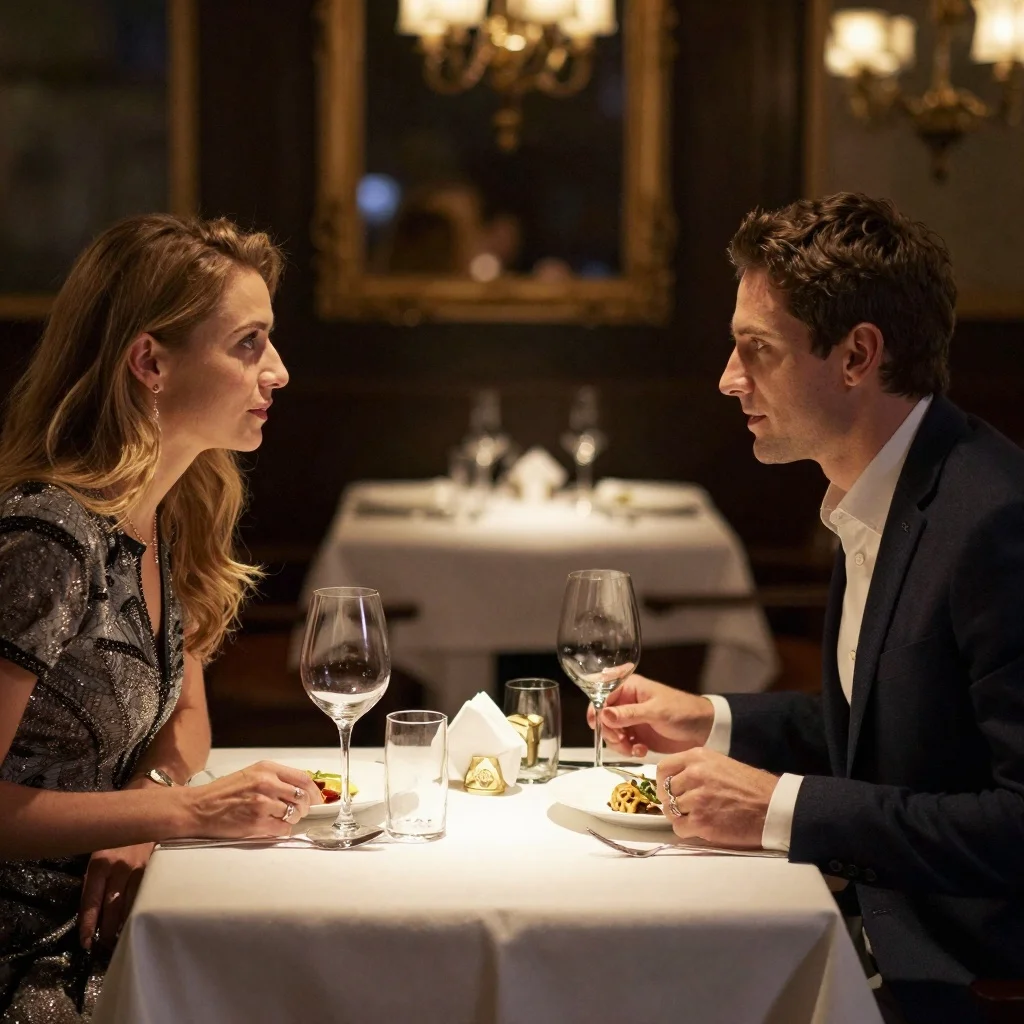
A woman reading a book in a cozy café, sunlight streaming through the window, steam rising from her coffee, slow camera pan
A shiny toy robot with expressive LED eyes is dancing in a minimalist showroom, its limbs jointed like an action figure, smooth plastic reflections and exaggerated gestures, studio lighting, stop-motion feel, playful and quirky vibe.
A woman in a retro red dress sits gracefully by a sunlit window, her eyes gently following the dust particles dancing in the warm light. As she slowly turns her head to look outside, the lace curtains flutter slightly. The camera tilts from a side angle to a gentle front focus, capturing the timeless serenity of the moment.
A confident fashion model in a sleek black dress walks slowly forward across a minimalist white studio set. The spotlight follows her movement as she strikes a brief pose, then turns elegantly, her hair catching the light. A steady tracking shot captures her poise from multiple angles.
A futuristic agent in sleek tactical armor walks briskly through a glowing corridor lined with digital panels. His visor lights pulse with data as he scans the environment. The camera follows from behind, then rotates to a frontal close-up as he stops and raises his hand to activate a floating holographic map.
A woman in a crisp white blouse sits quietly at a wooden desk, her fingers gently tapping a closed book. Her eyes wander across the pages in thought as the soft afternoon light shifts through the blinds. A slow inward dolly shot captures her introspective expression, hinting at a story beneath her silence.
An anime-style red-haired schoolgirl runs with a piece of toast in her mouth, crossing a sunlit pedestrian crossing with cherry trees lining the street, school bag swinging behind her, camera tracking from the front as she dashes past, vibrant and energetic animation style.
A young man casually checking his phone while walking slowly along a neon-lit city street at dusk. The lights flicker gently as passing cars reflect on the wet pavement. A soft breeze ruffles his hair and clothes, and the camera slowly zooms in with a shallow depth of field.
A lone astronaut walks slowly across the surface of the moon, earth visible in the black sky behind, dust kicking up with each step in slow motion, camera rotates around in a low orbit-style tracking shot, highly realistic and cinematic space atmosphere.
An anime-style schoolgirl with long flowing hair stands under cherry blossom trees, soft petals falling around her as she gently spins and smiles at the camera, golden hour lighting, soft pastel tones, dreamy anime aesthetic with shallow depth of field.
A robotic arm assembling electronic parts on a conveyor belt, precise movements, industrial lighting, sparks flying
A stylized 3D toy-like character with oversized head and glossy plastic texture, wearing urban streetwear with bright colors and bold patterns. The video shows the character dancing in a minimalistic studio with colorful geometric backgrounds. Camera angles frequently cut between close-up facial expressions and full-body dance moves. The lighting highlights the shiny surfaces and cartoonish details, with dynamic shadows adding depth. The overall vibe is trendy, fun, and highly stylized, appealing to a modern urban audience.
A futuristic cyborg girl walks slowly down a glowing sci-fi corridor, mechanical parts on her body softly blinking. Her silver hair flows as she turns to glance at the camera. The camera follows her from behind with a slow dolly movement, creating a cinematic, high-tech atmosphere with neon lights and holographic displays.
A fantasy knight standing on a cliff at sunset, cape fluttering, camera zooms out to reveal vast mountain range, slow motion, golden hour lighting
A female ballet dancer is performing under a single spotlight on a dark stage, her body spinning gracefully, white dress twirling in slow motion, dust particles visible in the air, cinematic performance moment, focused camera orbit around her.
A futuristic pop idol girl with glowing pigtails and holographic outfit is dancing on a neon-lit virtual stage, surrounded by digital confetti and cheering avatars, ultra-bright lights and synchronized camera motion, vibrant J-pop aesthetic.
A ballerina dancing in an abandoned theater, spotlight follows her movements, dramatic angles, particles of dust in the air, emotional climax
Model Terkait





README
Kling V2.0 Text-to-Video Master
Kling V2.0 Text-to-Video Master is Kuaishou's flagship text-to-video generation model that delivers exceptional cinematic quality and realistic motion. Generate stunning videos from text descriptions with industry-leading visual fidelity and natural movement.
Why It Stands Out
- Master-level quality: Top-tier output with exceptional detail, realism, and motion coherence.
- Prompt Enhancer: Built-in AI-powered prompt optimization for better results.
- Negative prompt support: Exclude unwanted elements for cleaner, more controlled outputs.
- Flexible aspect ratios: Choose from 16:9, 9:16, or 1:1 to fit any platform.
- Flexible duration: Generate 5 or 10 second videos.
Parameters
| Parameter | Required | Description |
|---|---|---|
| prompt | Yes | Text description of the video you want to generate. |
| aspect_ratio | No | Output aspect ratio: 16:9, 9:16, 1:1 (default: 16:9). |
| negative_prompt | No | Elements to avoid in the generated video. |
| duration | No | Video length: 5 or 10 seconds (default: 5). |
How to Use
- Write a prompt describing the scene, action, and style you want. Use the Prompt Enhancer for AI-assisted optimization.
- Select aspect ratio — choose the format that fits your platform.
- Add a negative prompt (optional) — specify elements to exclude.
- Set duration — choose 5 or 10 seconds.
- Click Run and wait for your video to generate.
- Preview and download the result.
Best Use Cases
- Premium Content Creation — Generate broadcast-quality videos for professional projects.
- Film & Storytelling — Create cinematic scenes with realistic motion and atmosphere.
- Marketing & Advertising — Produce high-end promotional videos and commercials.
- Music Videos — Generate visually stunning content for music releases.
- Brand Content — Create premium visual assets for brand campaigns.
Pricing
| Duration | Price |
|---|---|
| 5 seconds | $1.30 |
| 10 seconds | $2.60 |
Pro Tips for Best Quality
- Be detailed in your prompt — describe subject, action, environment, lighting, and mood.
- Use negative prompts to exclude common artifacts like blur, distortion, or watermarks.
- Include atmospheric details like "sunlight streaming through window" or "steam rising."
- Describe camera movements like "slow camera pan" or "tracking shot" for cinematic results.
- Choose the right aspect ratio: 16:9 for widescreen, 9:16 for mobile, 1:1 for social squares.
Notes
- Processing time varies based on duration and current queue load.
- Please ensure your prompts comply with content guidelines.
Kling v2.0 T2v Master API — Quick start
Grab a WaveSpeedAI API key, then call POST https://api.wavespeed.ai/api/v3/kwaivgi/kling-v2.0-t2v-master with your input as JSON. The endpoint returns a prediction id. Start polling the result endpoint around every 2 seconds, increase the interval for long-running tasks, and stop on any terminal status. On completed, read output values from data.outputs. Examples for Kling v2.0 T2v Master below.
HTTP example
set -euo pipefail

: "${WAVESPEED_API_KEY:?Set WAVESPEED_API_KEY}"

REQUEST_BODY=$(cat <<'JSON'
{
    "prompt": "A cinematic shot of a city at sunset, soft golden light",
    "aspect_ratio": "16:9",
    "duration": 5
}
JSON
)

# 1. Submit the prediction.
SUBMIT_RESPONSE=$(curl --silent --show-error --fail-with-body \
  -X POST "https://api.wavespeed.ai/api/v3/kwaivgi/kling-v2.0-t2v-master" \
  -H "Content-Type: application/json" \
  -H "Authorization: Bearer $WAVESPEED_API_KEY" \
  -d "$REQUEST_BODY")

TASK=$(printf '%s' "$SUBMIT_RESPONSE" | jq 'if has("data") then .data else . end')
PREDICTION_ID=$(printf '%s' "$TASK" | jq -r '.id')
if [ -z "$PREDICTION_ID" ] || [ "$PREDICTION_ID" = "null" ]; then
  printf 'Submission response did not contain a prediction id
' >&2
  exit 1
fi
RESULT_URL=$(printf '%s' "$TASK" | jq -r '.urls.get // empty')
if [ -z "$RESULT_URL" ]; then
  RESULT_URL="https://api.wavespeed.ai/api/v3/predictions/$PREDICTION_ID/result"
fi

# 2. Poll until the prediction finishes.
while true; do
  RESPONSE=$(curl --silent --show-error --fail-with-body "$RESULT_URL" \
    -H "Authorization: Bearer $WAVESPEED_API_KEY")
  RESULT=$(printf '%s' "$RESPONSE" | jq 'if has("data") then .data else . end')
  STATUS=$(printf '%s' "$RESULT" | jq -r '.status')
  case "$STATUS" in
    completed) printf '%s\n' "$RESULT" | jq '.outputs'; break ;;
    failed|cancelled|timeout) printf '%s\n' "$RESULT" | jq . >&2; exit 1 ;;
    created|processing) sleep 2 ;;
    *) printf 'Unexpected status: %s
' "$STATUS" >&2; exit 1 ;;
  esac
done
Node.js example
const submitUrl = "https://api.wavespeed.ai/api/v3/kwaivgi/kling-v2.0-t2v-master";
const apiKey = process.env.WAVESPEED_API_KEY;
if (!apiKey) throw new Error('Set WAVESPEED_API_KEY');

async function requestJson(url, options = {}) {
  const response = await fetch(url, options);
  if (!response.ok) throw new Error(await response.text());
  return response.json();
}

// 1. Submit the prediction.
const body = await requestJson(submitUrl, {
  method: "POST",
  headers: {
    "Authorization": `Bearer ${apiKey}`,
    "Content-Type": "application/json",
  },
  body: JSON.stringify({
        "prompt": "A cinematic shot of a city at sunset, soft golden light",
        "aspect_ratio": "16:9",
        "duration": 5
}),
});
const task = body.data ?? body;
if (!task.id) throw new Error("Submission response did not contain a prediction id");
const resultUrl = task.urls?.get ||
  `https://api.wavespeed.ai/api/v3/predictions/${task.id}/result`;

// 2. Poll until the prediction finishes.
while (true) {
  const resultBody = await requestJson(resultUrl, {
    headers: { "Authorization": `Bearer ${apiKey}` },
  });
  const result = resultBody.data ?? resultBody;
  if (result.status === "completed") {
    console.log(result.outputs);
    break;
  }
  if (["failed", "cancelled", "timeout"].includes(result.status)) throw new Error(JSON.stringify(result));
  if (!["created", "processing"].includes(result.status)) throw new Error("Unexpected status: " + result.status);
  await new Promise(resolve => setTimeout(resolve, 2000));
}
Python example
import json
import os
import time
from urllib.request import Request, urlopen

api_key = os.environ["WAVESPEED_API_KEY"]
headers = {"Authorization": f"Bearer {api_key}", "Content-Type": "application/json"}
payload = {
    "prompt": "A cinematic shot of a city at sunset, soft golden light",
    "aspect_ratio": "16:9",
    "duration": 5
}

def request_json(url, data=None):
    request = Request(url, data=data, headers=headers, method="POST" if data else "GET")
    with urlopen(request) as response:
        return json.load(response)

# 1. Submit the prediction.
body = request_json("https://api.wavespeed.ai/api/v3/kwaivgi/kling-v2.0-t2v-master", json.dumps(payload).encode())
task = body.get("data", body)
if not task.get("id"):
    raise RuntimeError("Submission response did not contain a prediction id")
result_url = task.get("urls", {}).get("get") or f"https://api.wavespeed.ai/api/v3/predictions/{task['id']}/result"

# 2. Poll until the prediction finishes.
while True:
    result_body = request_json(result_url)
    result = result_body.get("data", result_body)
    status = result.get("status")
    if status == "completed":
        print(result.get("outputs", []))
        break
    if status in {"failed", "cancelled", "timeout"}:
        raise RuntimeError(result)
    if status not in {"created", "processing"}:
        raise RuntimeError(f"Unexpected status: {status}")
    time.sleep(2)
Kling v2.0 T2v Master API — Frequently asked questions
What is the Kling v2.0 T2v Master API?
Kling v2.0 T2v Master is a Kuaishou model for video generation, exposed as a REST API on WaveSpeedAI. Kling 2.0 Master is a Text-to-Video model featuring a Multi-Elements Editor, improved prompt understanding, and refined character motion. Ready-to-use REST inference API, best performance, no coldstarts, affordable pricing. You can call it programmatically or try it from the playground above.
How do I call the Kling v2.0 T2v Master API?
POST your input parameters to the model's REST endpoint (shown in the API tab of this playground) with your WaveSpeedAI API key in the Authorization header. Submission returns a prediction ID. Poll the result endpoint starting around every 2 seconds, increase the interval for long-running tasks, and stop on any terminal status. The playground generates production-oriented Python, JavaScript, and cURL examples with timeouts, transient-error handling, and safe GET retries. Full request/response shape is documented at https://wavespeed.ai/docs/docs-api/kwaivgi/kwaivgi-kling-v2.0-t2v-master.
How much does Kling v2.0 T2v Master cost per run?
Kling v2.0 T2v Master starts at $1.30 per run. That figure is the base price — the final charge scales with the parameters you set in the form (output size, length, count, references, or whatever knobs this model exposes), so a higher-quality or larger output costs more than a minimal one. The exact cost for your current input is shown live next to the Generate button before you submit, and the actual per-call charge is recorded on the prediction afterwards.
What inputs does Kling v2.0 T2v Master accept?
Key inputs: `prompt`, `aspect_ratio`, `duration`, `negative_prompt`. The full JSON schema (types, defaults, allowed values) is rendered above the Generate button and mirrored in the API reference at https://wavespeed.ai/docs/docs-api/kwaivgi/kwaivgi-kling-v2.0-t2v-master.
How long does Kling v2.0 T2v Master take to generate?
Median end-to-end generation time on WaveSpeedAI is around 328 seconds per request, based on recent successful runs. Queue time varies with global demand; live status is visible in the prediction record.
Can I use Kling v2.0 T2v Master outputs commercially?
Commercial usage rights depend on the model's license, set by its provider (Kuaishou). The license summary appears on the model card above; see WaveSpeedAI's Terms of Service for platform-level conditions.