WAN 2.1 i2v converts images into unlimited 720P AI videos for scalable content generation. Ready-to-use REST inference API, best performance, no coldstarts, affordable pricing.
निष्क्रिय
$0.3प्रति रन·~33 / $10
उदाहरणसभी देखें
The family of three just took a selfie. They lean in together, smiling and relaxed. The daughter holds the phone and shows the screen. All three look at it with interest. They laugh softly, pointing at the photo. Their faces are close, full of warmth. The background is still the same scenic place. Candid, joyful, cinematic style
he's walking towards the camera
The two swordsmen fought with swords. Sparks flew from the clash
Begin with a close-up of the skewers sizzling over the fire, flames dancing as smoke swirls upward. Tilt the camera to follow the person in traditional attire turning the skewers with a steady hand, the firelight casting shadows. End with a quick pan to the fire as a new skewer is placed on, sparks flying briefly.
The petals start to fall around her as she slowly walks along the path, her skirt and hair fluttering softly. The sun glimmers through the branches, casting warm highlights on the scene as she pauses to look up at the sky.
The camera slowly pans as the girl walks along the rooftop edge, her hair swaying gently in the breeze. The city lights begin to flicker on as twilight deepens, creating a sense of quiet solitude. The sky turns from orange to deep purple.
An elegant young man walking confidently through an urban street at dusk, realistic textures on his leather jacket, subtle facial expressions, soft city lights reflecting on wet pavement, natural human motion captured in smooth video frames, slightly muted color palette with warm tones, crisp detail suitable for cinematic video scenes.
A stunning young woman gracefully moving through a vibrant forest, her long hair flowing dynamically as she walks, wearing a stylish modern outfit with subtle fantasy elements, expressive eyes full of life, cinematic motion blur capturing natural movements, vibrant and saturated colors with soft shadows, smooth fluid animation style, high definition detail suitable for video, multi-angle camera perspective, blending realism with subtle artistic flair, creating a captivating and immersive visual experience.
A majestic waterfall cascades down a cliff, water splashing and mist rising, sunlight piercing through the vapor to form a rainbow, camera slowly pushes in, cinematic, ultra-wide angle, 4K, hyper-detailed.
A medieval knight in ornate steel armor stands in a dimly lit armory. Sunbeams cut through a high window. He slowly lowers his helmet into place, his eyes filled with determination visible for a moment before disappearing into shadow. Extreme close-up, slow motion, dramatic chiaroscuro lighting, cinematic, 8K.
A young child laughs with pure joy as they chase shimmering soap bubbles in a sunny park. The camera follows them at a low angle, capturing their delighted expression as they reach out to pop a bubble. Vibrant colors, shallow depth of field, slow motion as a bubble pops.
A street magician in a bustling city square shuffles a deck of cards with dazzling speed. With a final flourish, he throws the cards into the air, and they transform into a flock of white doves that fly away. The crowd's amazed reaction is visible in the background. Dynamic shot, slow motion on the transformation.
संबंधित मॉडल

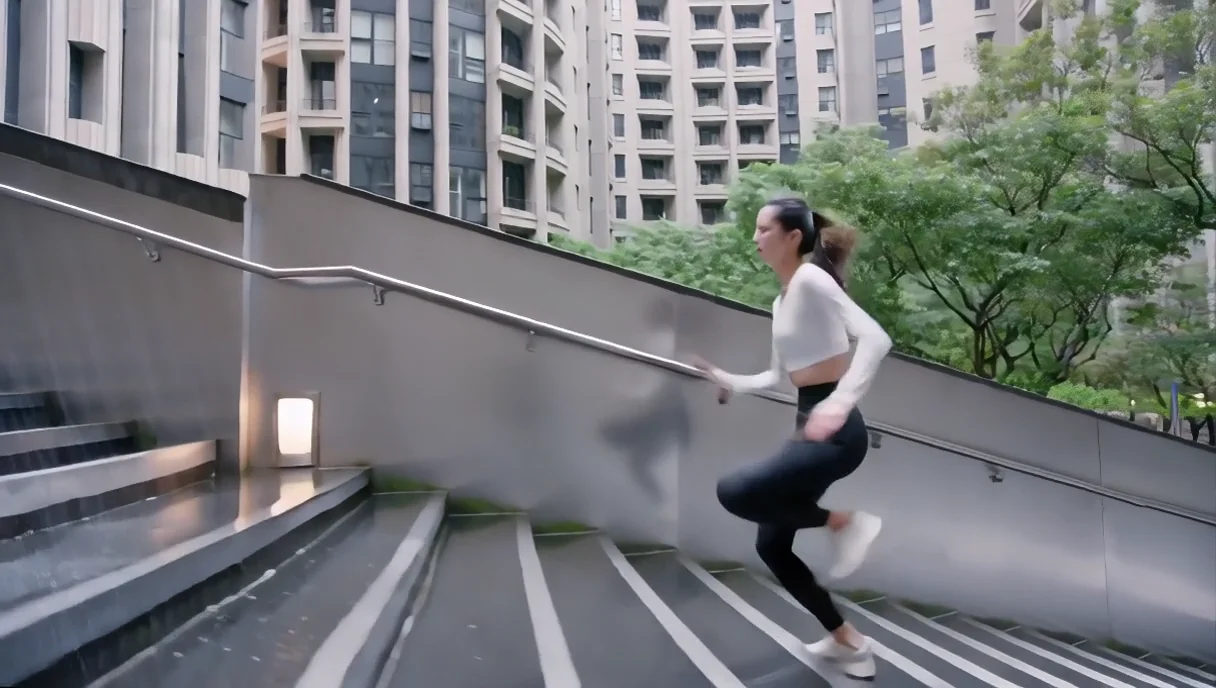
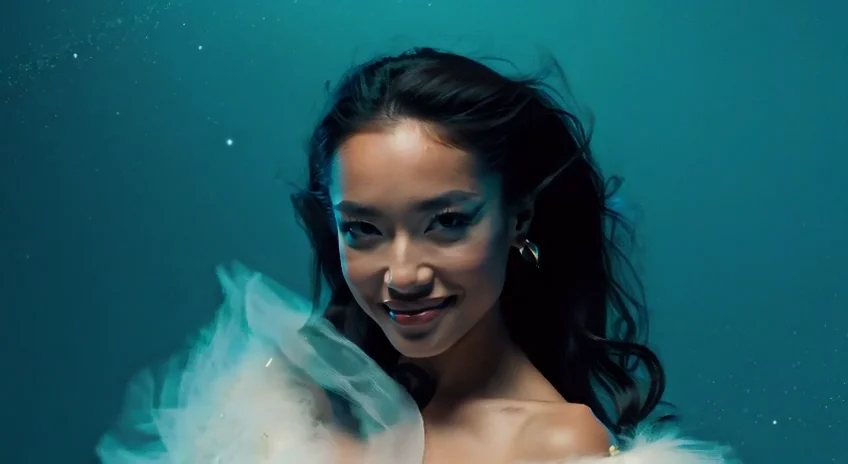
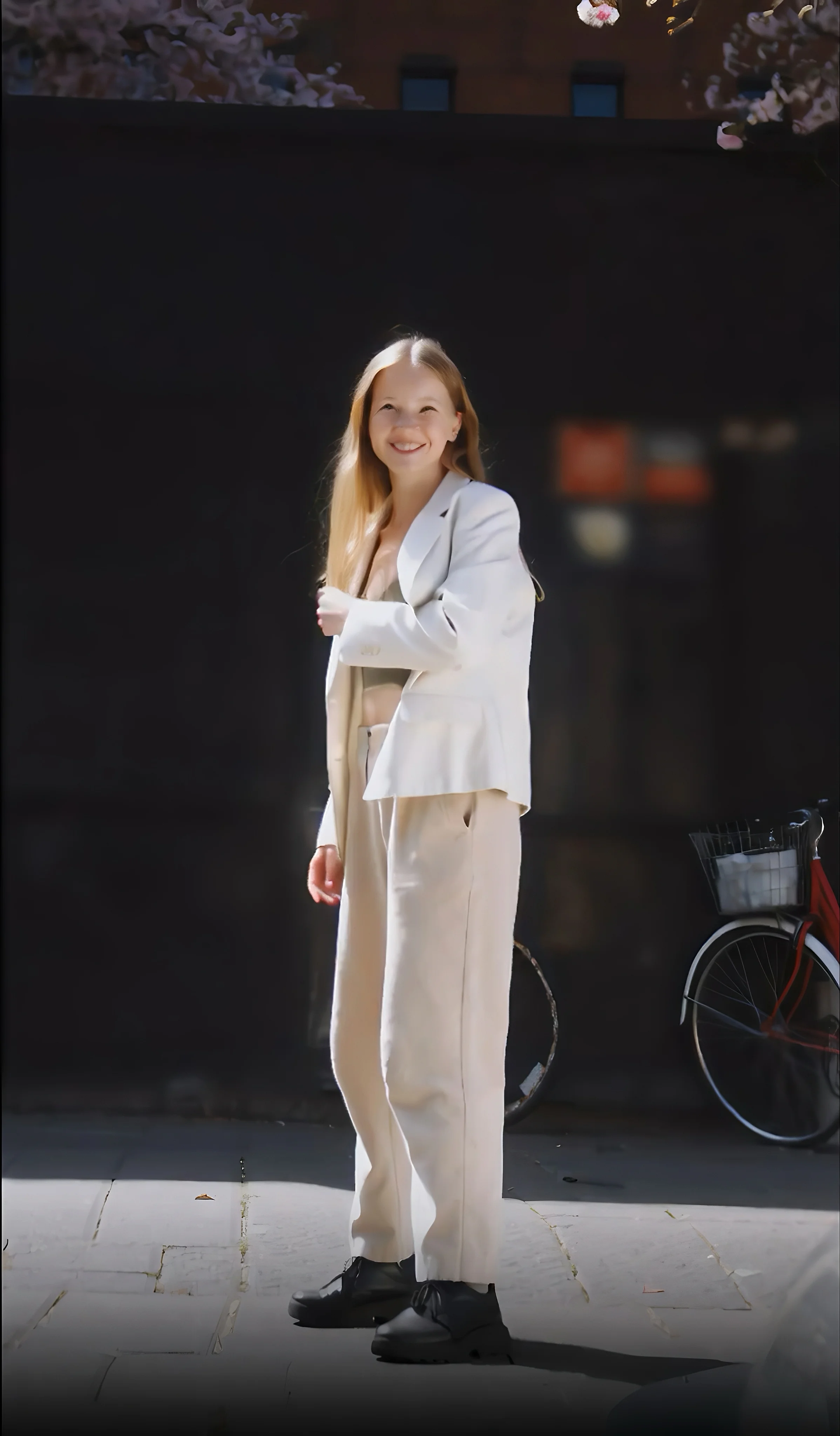
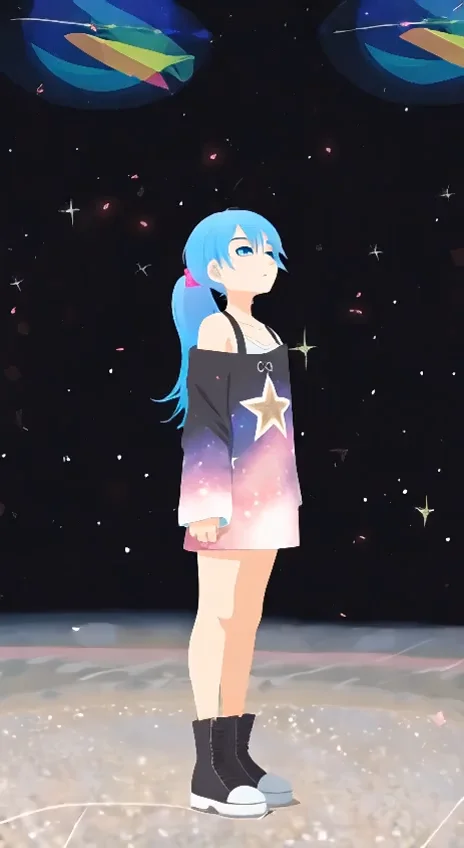

README
Wan 2.1 Image-to-Video 720p
Transform your static images into dynamic, cinematic videos with Wan 2.1 Image-to-Video 720p. This state-of-the-art model brings your photos to life with smooth motion, natural transitions, and high visual fidelity — all guided by simple text prompts.
Why It Stands Out
- Image-driven generation: Start from any image and animate it into a coherent video while preserving the original style and composition.
- Prompt-guided motion: Describe the action you want — camera movements, character expressions, environmental changes — and watch your vision unfold.
- Negative prompt support: Exclude unwanted elements or artifacts for cleaner, more controlled outputs.
- Prompt Enhancer: Built-in AI-powered prompt optimization helps you craft better descriptions for improved results.
- Flexible duration: Generate 5-second or 10-second clips depending on your needs.
- Reproducibility: Use the seed parameter to recreate exact results or iterate on variations.
Pricing
| Duration | Price |
|---|---|
| 5 seconds | $0.30 |
| 10 seconds | $0.45 |
Parameters
| Parameter | Required | Description |
|---|---|---|
| image | Yes | Source image (upload or public URL). |
| prompt | Yes | Text description of desired motion and style. |
| negative_prompt | No | Elements to avoid in the generated video. |
| size | No | Output resolution (default: 1280×720). |
| num_inference_steps | No | Quality/speed trade-off (default: 30). |
| duration | No | Video length in seconds: 5 or 10 (default: 5). |
| guidance_scale | No | Prompt adherence strength (default: 5). |
| flow_shift | No | Motion intensity control (default: 5). |
| seed | No | Set for reproducibility; -1 for random. |
How to Use
- Upload your source image — drag and drop, or paste a public URL.
- Write a prompt describing the motion, mood, and style you want. Use the Prompt Enhancer for AI-assisted optimization.
- Set parameters — adjust duration, guidance scale, and other settings as needed.
- Add a negative prompt (optional) to exclude unwanted elements.
- Click Run and wait for your video to generate.
- Preview and download the result.
Best Use Cases
- Social Media Content — Turn product photos or portraits into eye-catching video posts.
- Marketing & Advertising — Animate hero images for campaigns without expensive video shoots.
- Storytelling & Concept Art — Bring storyboards and illustrations to life for pitches and presentations.
- E-commerce — Create dynamic product showcases from static photography.
- Personal Projects — Animate family photos, travel shots, or creative artwork.
Pro Tips for Best Quality
- Use high-resolution, well-lit source images for optimal results.
- Be specific in your prompt — describe camera movement, subject actions, and atmospheric details.
- Start with lower inference steps (20–25) for quick previews, then increase for final renders.
- Use negative prompts to reduce artifacts like blur, distortion, or unwanted motion.
- Fix the seed when iterating to compare the effect of different parameters.
Notes
- Ensure uploaded images or URLs are publicly accessible.
- Processing time varies based on duration and current queue load.
- Please ensure your prompts comply with content guidelines.
Wan 2.1 I2v 720p API — Quick start
Grab a WaveSpeedAI API key, then call POST https://api.wavespeed.ai/api/v3/wavespeed-ai/wan-2.1/i2v-720p with your input as JSON. The endpoint returns a prediction id. Start polling the result endpoint around every 2 seconds, increase the interval for long-running tasks, and stop on any terminal status. On completed, read output values from data.outputs. Examples for Wan 2.1 I2v 720p below.
HTTP example
set -euo pipefail

: "${WAVESPEED_API_KEY:?Set WAVESPEED_API_KEY}"

REQUEST_BODY=$(cat <<'JSON'
{
    "prompt": "A cinematic shot of a city at sunset, soft golden light",
    "image": "https://interactive-examples.mdn.mozilla.net/media/cc0-images/painted-hand-298-332.jpg",
    "size": "1280*720",
    "num_inference_steps": 30,
    "duration": 5,
    "guidance_scale": 5,
    "flow_shift": 5,
    "seed": -1
}
JSON
)

# 1. Submit the prediction.
SUBMIT_RESPONSE=$(curl --silent --show-error --fail-with-body \
  -X POST "https://api.wavespeed.ai/api/v3/wavespeed-ai/wan-2.1/i2v-720p" \
  -H "Content-Type: application/json" \
  -H "Authorization: Bearer $WAVESPEED_API_KEY" \
  -d "$REQUEST_BODY")

TASK=$(printf '%s' "$SUBMIT_RESPONSE" | jq 'if has("data") then .data else . end')
PREDICTION_ID=$(printf '%s' "$TASK" | jq -r '.id')
if [ -z "$PREDICTION_ID" ] || [ "$PREDICTION_ID" = "null" ]; then
  printf 'Submission response did not contain a prediction id
' >&2
  exit 1
fi
RESULT_URL=$(printf '%s' "$TASK" | jq -r '.urls.get // empty')
if [ -z "$RESULT_URL" ]; then
  RESULT_URL="https://api.wavespeed.ai/api/v3/predictions/$PREDICTION_ID/result"
fi

# 2. Poll until the prediction finishes.
while true; do
  RESPONSE=$(curl --silent --show-error --fail-with-body "$RESULT_URL" \
    -H "Authorization: Bearer $WAVESPEED_API_KEY")
  RESULT=$(printf '%s' "$RESPONSE" | jq 'if has("data") then .data else . end')
  STATUS=$(printf '%s' "$RESULT" | jq -r '.status')
  case "$STATUS" in
    completed) printf '%s\n' "$RESULT" | jq '.outputs'; break ;;
    failed|cancelled|timeout) printf '%s\n' "$RESULT" | jq . >&2; exit 1 ;;
    created|processing) sleep 2 ;;
    *) printf 'Unexpected status: %s
' "$STATUS" >&2; exit 1 ;;
  esac
done
Node.js example
const submitUrl = "https://api.wavespeed.ai/api/v3/wavespeed-ai/wan-2.1/i2v-720p";
const apiKey = process.env.WAVESPEED_API_KEY;
if (!apiKey) throw new Error('Set WAVESPEED_API_KEY');

async function requestJson(url, options = {}) {
  const response = await fetch(url, options);
  if (!response.ok) throw new Error(await response.text());
  return response.json();
}

// 1. Submit the prediction.
const body = await requestJson(submitUrl, {
  method: "POST",
  headers: {
    "Authorization": `Bearer ${apiKey}`,
    "Content-Type": "application/json",
  },
  body: JSON.stringify({
        "prompt": "A cinematic shot of a city at sunset, soft golden light",
        "image": "https://interactive-examples.mdn.mozilla.net/media/cc0-images/painted-hand-298-332.jpg",
        "size": "1280*720",
        "num_inference_steps": 30,
        "duration": 5,
        "guidance_scale": 5,
        "flow_shift": 5,
        "seed": -1
}),
});
const task = body.data ?? body;
if (!task.id) throw new Error("Submission response did not contain a prediction id");
const resultUrl = task.urls?.get ||
  `https://api.wavespeed.ai/api/v3/predictions/${task.id}/result`;

// 2. Poll until the prediction finishes.
while (true) {
  const resultBody = await requestJson(resultUrl, {
    headers: { "Authorization": `Bearer ${apiKey}` },
  });
  const result = resultBody.data ?? resultBody;
  if (result.status === "completed") {
    console.log(result.outputs);
    break;
  }
  if (["failed", "cancelled", "timeout"].includes(result.status)) throw new Error(JSON.stringify(result));
  if (!["created", "processing"].includes(result.status)) throw new Error("Unexpected status: " + result.status);
  await new Promise(resolve => setTimeout(resolve, 2000));
}
Python example
import json
import os
import time
from urllib.request import Request, urlopen

api_key = os.environ["WAVESPEED_API_KEY"]
headers = {"Authorization": f"Bearer {api_key}", "Content-Type": "application/json"}
payload = {
    "prompt": "A cinematic shot of a city at sunset, soft golden light",
    "image": "https://interactive-examples.mdn.mozilla.net/media/cc0-images/painted-hand-298-332.jpg",
    "size": "1280*720",
    "num_inference_steps": 30,
    "duration": 5,
    "guidance_scale": 5,
    "flow_shift": 5,
    "seed": -1
}

def request_json(url, data=None):
    request = Request(url, data=data, headers=headers, method="POST" if data else "GET")
    with urlopen(request) as response:
        return json.load(response)

# 1. Submit the prediction.
body = request_json("https://api.wavespeed.ai/api/v3/wavespeed-ai/wan-2.1/i2v-720p", json.dumps(payload).encode())
task = body.get("data", body)
if not task.get("id"):
    raise RuntimeError("Submission response did not contain a prediction id")
result_url = task.get("urls", {}).get("get") or f"https://api.wavespeed.ai/api/v3/predictions/{task['id']}/result"

# 2. Poll until the prediction finishes.
while True:
    result_body = request_json(result_url)
    result = result_body.get("data", result_body)
    status = result.get("status")
    if status == "completed":
        print(result.get("outputs", []))
        break
    if status in {"failed", "cancelled", "timeout"}:
        raise RuntimeError(result)
    if status not in {"created", "processing"}:
        raise RuntimeError(f"Unexpected status: {status}")
    time.sleep(2)
Wan 2.1 I2v 720p API — Frequently asked questions
What is the Wan 2.1 I2v 720p API?
Wan 2.1 I2v 720p is a WaveSpeedAI model for video generation from images, exposed as a REST API on WaveSpeedAI. WAN 2.1 i2v converts images into unlimited 720P AI videos for scalable content generation. Ready-to-use REST inference API, best performance, no coldstarts, affordable pricing. You can call it programmatically or try it from the playground above.
How do I call the Wan 2.1 I2v 720p API?
POST your input parameters to the model's REST endpoint (shown in the API tab of this playground) with your WaveSpeedAI API key in the Authorization header. Submission returns a prediction ID. Poll the result endpoint starting around every 2 seconds, increase the interval for long-running tasks, and stop on any terminal status. The playground generates production-oriented Python, JavaScript, and cURL examples with timeouts, transient-error handling, and safe GET retries. Full request/response shape is documented at https://wavespeed.ai/docs/docs-api/wavespeed-ai/wan-2.1-i2v-720p.
How much does Wan 2.1 I2v 720p cost per run?
Wan 2.1 I2v 720p starts at $0.30 per run. That figure is the base price — the final charge scales with the parameters you set in the form (output size, length, count, references, or whatever knobs this model exposes), so a higher-quality or larger output costs more than a minimal one. The exact cost for your current input is shown live next to the Generate button before you submit, and the actual per-call charge is recorded on the prediction afterwards.
What inputs does Wan 2.1 I2v 720p accept?
Key inputs: `prompt`, `image`, `duration`, `size`, `seed`, `guidance_scale`. The full JSON schema (types, defaults, allowed values) is rendered above the Generate button and mirrored in the API reference at https://wavespeed.ai/docs/docs-api/wavespeed-ai/wan-2.1-i2v-720p.
How long does Wan 2.1 I2v 720p take to generate?
Median end-to-end generation time on WaveSpeedAI is around 221 seconds per request, based on recent successful runs. Queue time varies with global demand; live status is visible in the prediction record.
Can I use Wan 2.1 I2v 720p outputs commercially?
Commercial usage rights depend on the model's license, set by its provider (WaveSpeedAI). The license summary appears on the model card above; see WaveSpeedAI's Terms of Service for platform-level conditions.