Pika V2.1 turns images into high-quality videos, supporting multiple output sizes and advanced prompt optimization for precise control. Ready-to-use REST inference API, best performance, no coldstarts, affordable pricing.
Idle
$0.2per run·~50 / $10
ExamplesView all
At golden hour, a young female singer in a sequin jacket performs on a rooftop surrounded by city skyscrapers. Her voice echoes as she sings into a vintage microphone, the breeze tousling her hair. The sun sets behind her, casting a radiant lens flare. Drone pans outward, revealing the vast urban skyline. Intercut with close-ups of her lips syncing with the lyrics, and hands gripping the mic. Atmospheric background track with gentle guitar and city ambience.
Teenage girl sketching in her bedroom, posters on the wall, soft music playing, warm afternoon light through the window
A couple arguing quietly in a parked car at night, city lights outside the windshield, emotional tension in silence
Old woman sitting alone at a bus stop, pigeons nearby, wind rustling her coat, passing cars in the background
Street musician playing violin under an overpass, passerby stopping to listen, raw city soundscape
Two friends reuniting at a train station, hugging with excitement, luggage rolling, people rushing around them
Man nervously rehearsing a speech in front of a mirror, dressed in formalwear, deep breathing, inner conflict
A young couple sitting at a small restaurant, candlelight dinner, talking quietly, gentle tension between them
Nighttime city skyline with lights turning on, traffic flowing below, deep blue sky fading into darkness
Busy morning commute at a subway station, people walking fast, headphones in, announcements echoing
A barefoot child in overalls runs laughing through a backyard sprinkler under the summer sun. Water droplets sparkle like crystals, caught in warm golden light. Slow-motion captures her joyful jump, arms stretched toward the sky. Butterflies flutter around blooming flowers nearby. Ambient sound of cicadas, water spray, and giggles. Bright, saturated colors and shallow depth of field give it a dreamlike, nostalgic tone.
Related Models
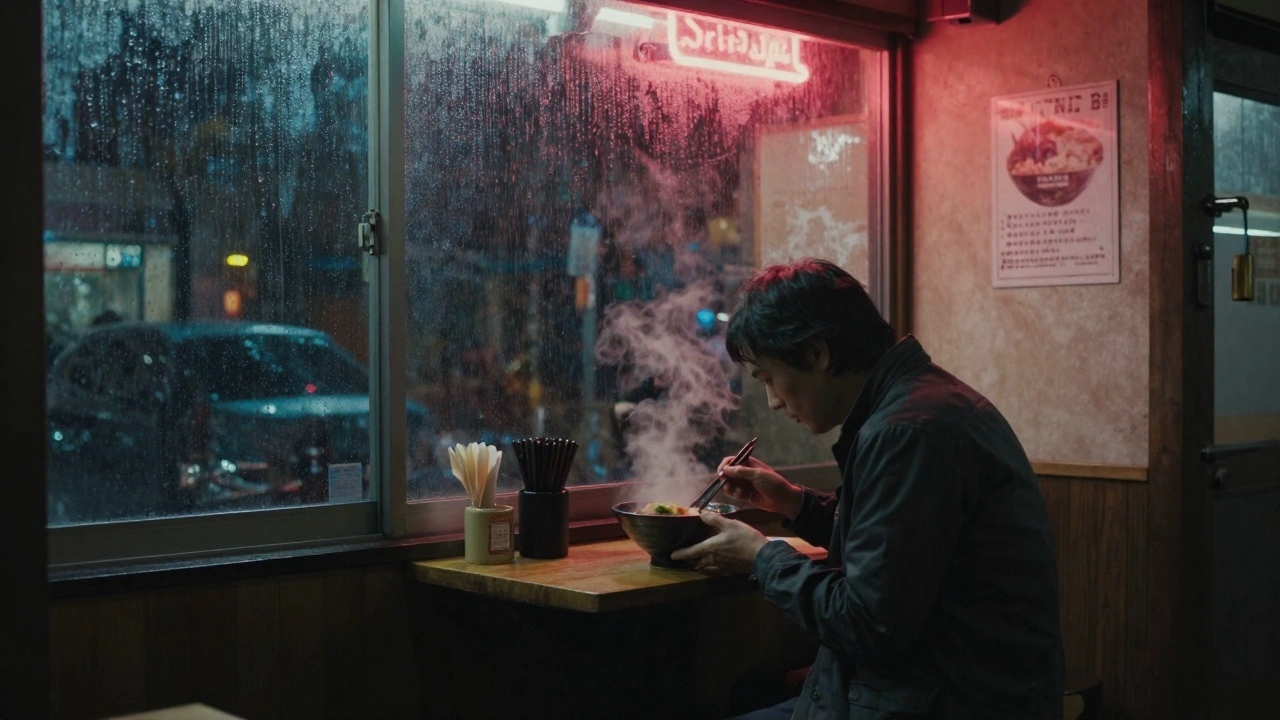

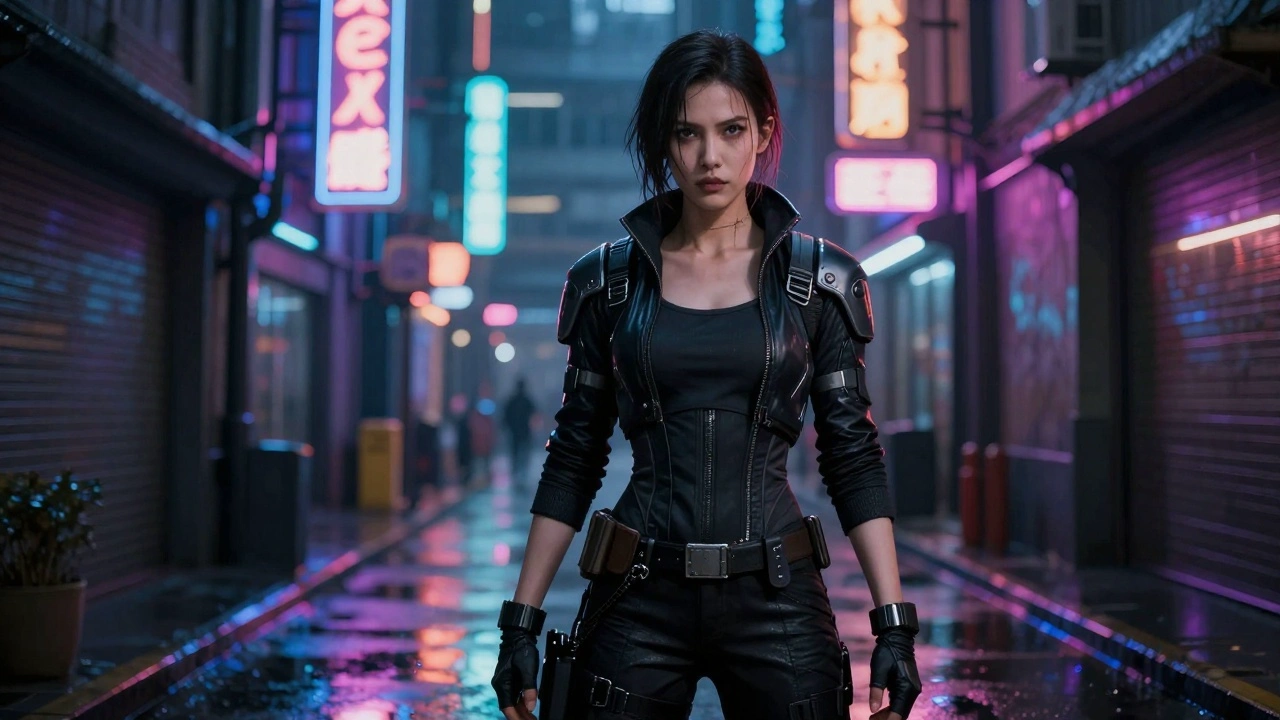


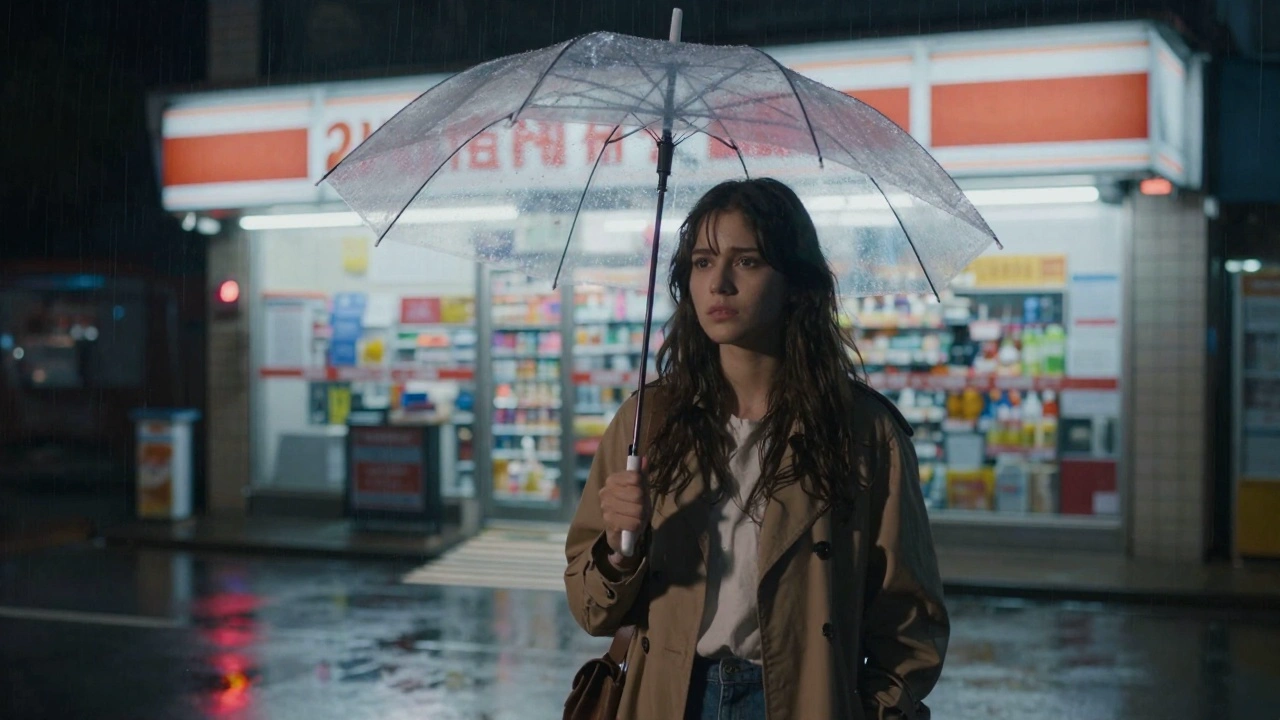
README
Pika V2.1 Image-to-Video
Transform images into stunning videos with Pika V2.1 — the latest image-to-video model from Pika Labs. This updated version delivers improved motion quality, better temporal consistency, and enhanced visual fidelity for professional-grade video generation.
Looking for faster generation? Try Pika V2.0 Turbo I2V for speed-optimized output.
Why It Looks Great
- Latest version: V2.1 brings improved motion and visual quality over previous versions.
- Enhanced consistency: Better temporal coherence for smoother, more stable videos.
- 720p HD output: Sharp, professional-quality video in landscape or portrait.
- Natural motion: Creates fluid, believable movement from static images.
- Extended duration: Generate up to 10 seconds of video.
- Prompt Enhancer: Built-in tool to refine your motion descriptions.
- Safety Checker: Optional content filtering for appropriate output.
Parameters
| Parameter | Required | Description |
|---|---|---|
| image | Yes | Source image to animate (upload or public URL). |
| prompt | Yes | Text description of the motion and action you want. |
| size | No | Output dimensions: 1280×720 (landscape) or 720×1280 (portrait). Default: 1280×720. |
| duration | No | Video length: 5 or 10 seconds. Default: 5. |
| Enable Safety Checker | No | Toggle content safety filtering. |
How to Use
- Upload your image — drag and drop or paste a public URL.
- Write your prompt — describe the motion, action, and atmosphere.
- Use Prompt Enhancer (optional) — click to enrich your description.
- Choose size — select landscape (1280×720) or portrait (720×1280).
- Set duration — choose 5 or 10 seconds.
- Run — click the button to generate.
- Download — preview and save your video.
Pricing
Per 5-second billing based on duration.
| Duration | Calculation | Cost |
|---|---|---|
| 5 seconds | 5 ÷ 5 × $0.20 | $0.20 |
| 10 seconds | 10 ÷ 5 × $0.20 | $0.40 |
Size Options
| Size | Orientation | Best For |
|---|---|---|
| 1280×720 | Landscape | YouTube, presentations, desktop viewing |
| 720×1280 | Portrait | TikTok, Instagram Reels, Stories, mobile |
Best Use Cases
- Cinematic Content — Create movie-quality video from still images.
- Social Media Videos — Generate engaging content for any platform.
- Storytelling — Bring emotional moments and narratives to life.
- Marketing & Advertising — Transform product shots into dynamic videos.
- Creative Projects — Add professional motion to photography and artwork.
Example Prompts
- "Woman feeding stray cats in an alley, sunset sky above, cats meowing, urban kindness"
- "Cinematic slow-motion hair flip, wind blowing, golden hour backlight"
- "Ocean waves gently lapping at the shore, peaceful rhythm, ambient motion"
- "Character turns to face camera, subtle expression change, dramatic lighting"
- "Steam rising from hot coffee cup, cozy morning atmosphere, soft focus background"
Model Comparison
| Model | Version | Speed | Best For |
|---|---|---|---|
| Pika V2.1 I2V | Latest | Standard | Maximum quality, improved consistency |
| Pika V2.0 Turbo I2V | Previous | Fast | Rapid iteration, speed priority |
Pro Tips for Best Results
- V2.1 excels at temporal consistency — use it for smooth, professional results.
- Describe both subject motion and environmental elements for richer output.
- Include cinematic language: "slow-motion", "dramatic lighting", "cinematic".
- Match orientation to platform: portrait for TikTok/Reels, landscape for YouTube.
- Start with 5-second videos to test, then extend to 10 seconds for final delivery.
- Use V2.1 for final deliverables, V2.0 Turbo for rapid testing.
Notes
- Duration options are 5 or 10 seconds.
- If using a URL, ensure it is publicly accessible.
- Enable Safety Checker for content that will be publicly shared.
- V2.1 delivers improved quality over V2.0 with the same pricing.
v2.1 I2v API — Quick start
Grab a WaveSpeedAI API key, then call POST https://api.wavespeed.ai/api/v3/pika/v2.1-i2v with your input as JSON. The endpoint returns a prediction id; poll the prediction endpoint until status flips to completed, then read the output URL from data.outputs[0]. Examples for v2.1 I2v below.
HTTP example
# Submit the prediction
curl -X POST "https://api.wavespeed.ai/api/v3/pika/v2.1-i2v" \
  -H "Content-Type: application/json" \
  -H "Authorization: Bearer $WAVESPEED_API_KEY" \
  -d '{
    "prompt": "A cinematic shot of a city at sunset, soft golden light",
    "image": "https://example.com/your-input.jpg",
    "size": "1280*720",
    "duration": 5
}'

# Response includes a prediction id. Poll for the result:
curl -X GET "https://api.wavespeed.ai/api/v3/predictions/{request_id}/result" \
  -H "Authorization: Bearer $WAVESPEED_API_KEY"

# When status is "completed", read the output from data.outputs[0].
Node.js example
// npm install wavespeed
const WaveSpeed = require('wavespeed');

const client = new WaveSpeed(); // reads WAVESPEED_API_KEY from env

const result = await client.run("pika/v2.1-i2v", {
        "prompt": "A cinematic shot of a city at sunset, soft golden light",
        "image": "https://example.com/your-input.jpg",
        "size": "1280*720",
        "duration": 5
});

console.log(result.outputs[0]); // → URL of the generated output
Python example
# pip install wavespeed
import wavespeed

output = wavespeed.run(
    "pika/v2.1-i2v",
    {
    "prompt": "A cinematic shot of a city at sunset, soft golden light",
    "image": "https://example.com/your-input.jpg",
    "size": "1280*720",
    "duration": 5
}
)

print(output["outputs"][0])  # → URL of the generated output
v2.1 I2v API — Frequently asked questions
What is the v2.1 I2v API?
v2.1 I2v is a Pika model for video generation from images, exposed as a REST API on WaveSpeedAI. Pika V2.1 turns images into high-quality videos, supporting multiple output sizes and advanced prompt optimization for precise control. Ready-to-use REST inference API, best performance, no coldstarts, affordable pricing. You can call it programmatically or try it from the playground above.
How do I call the v2.1 I2v API?
POST your input parameters to the model's REST endpoint (shown in the API tab of this playground) with your WaveSpeedAI API key in the Authorization header. Submission returns a prediction ID; poll the prediction endpoint until status flips to "completed", then read the output URL from the result. The playground generates a ready-to-paste code sample in Python, JavaScript, or cURL for whatever inputs you've set. Full request/response shape is documented at https://wavespeed.ai/docs/docs-api/pika/pika-v2.1-i2v.
How much does v2.1 I2v cost per run?
v2.1 I2v starts at $0.20 per run. That figure is the base price — the final charge scales with the parameters you set in the form (output size, length, count, references, or whatever knobs this model exposes), so a higher-quality or larger output costs more than a minimal one. The exact cost for your current input is shown live next to the Generate button before you submit, and the actual per-call charge is recorded on the prediction afterwards.
What inputs does v2.1 I2v accept?
Key inputs: `prompt`, `image`, `duration`, `size`. The full JSON schema (types, defaults, allowed values) is rendered above the Generate button and mirrored in the API reference at https://wavespeed.ai/docs/docs-api/pika/pika-v2.1-i2v.
How long does v2.1 I2v take to generate?
Average end-to-end generation time on WaveSpeedAI is around 57 seconds per request — measured across recent runs. Queue time scales with global demand; live status is visible in the prediction record.
Can I use v2.1 I2v outputs commercially?
Commercial usage rights depend on the model's license, set by its provider (Pika). The license summary appears on the model card above; see WaveSpeedAI's Terms of Service for platform-level conditions.