OpenAI Sora 2 Pro Image-to-Video creates physics-aware, realistic videos from reference images with synchronized audio and strong steerability. Supports 720p and 1080p resolutions with durations up to 20 seconds. Ready-to-use REST inference API, best performance, no coldstarts, affordable pricing.
निष्क्रिय
$1.2प्रति रन
उदाहरणसभी देखें
Two red battle mechs stand facing each other on a destroyed city street, debris floating in the air. The left mech's chest glows blue, powering up. Suddenly the right mech lunges forward with a heavy punch, shockwave rippling outward, dust and concrete chunks exploding in slow motion. Low angle shot, cinematic action, dramatic lighting.
The white F1 car hugs the track surface through a sweeping turn, blue front wing slicing the air. Camera locked low to the tarmac — car fills the frame, gravel trap and barriers rushing past. Tire rubber smoking slightly under load. Deep engine roar implied. Slow-motion wheel rotation, high contrast daylight, broadcast-style cinematography.
संबंधित मॉडल

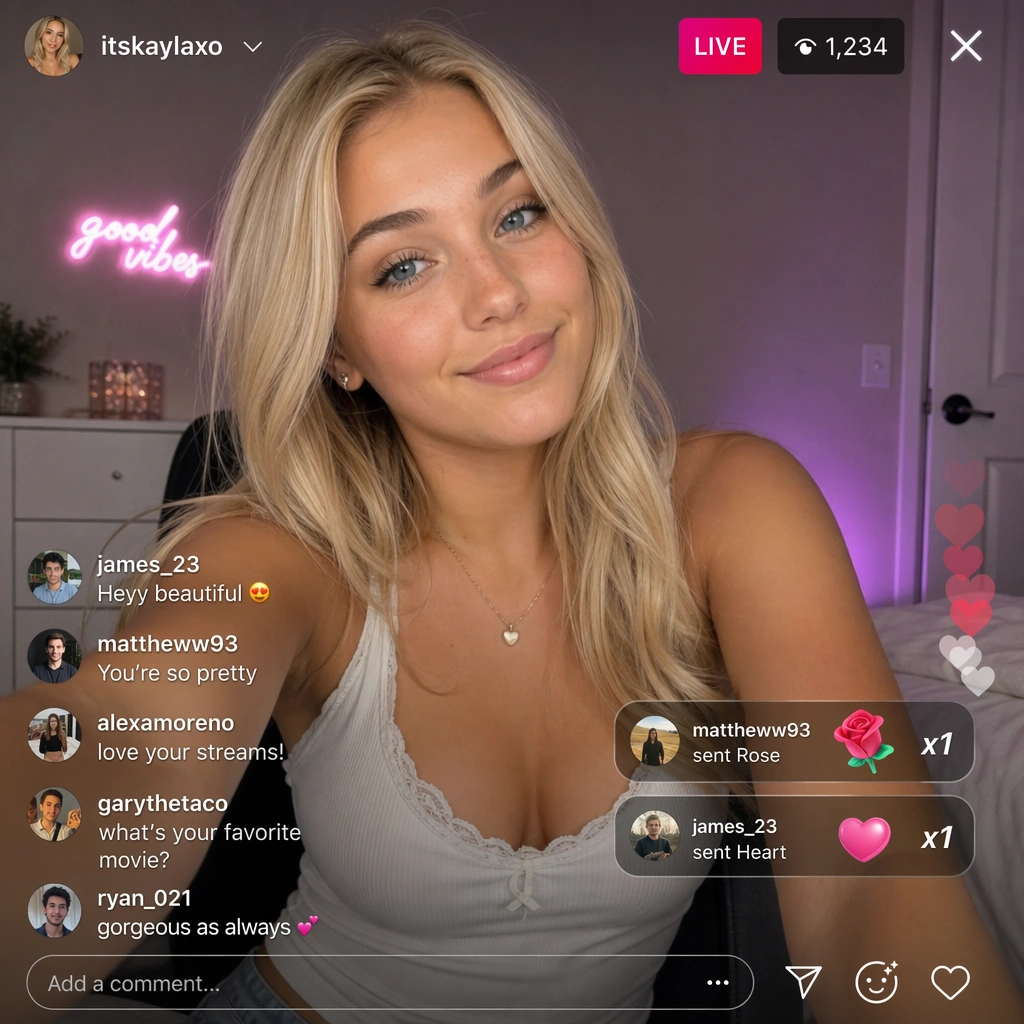
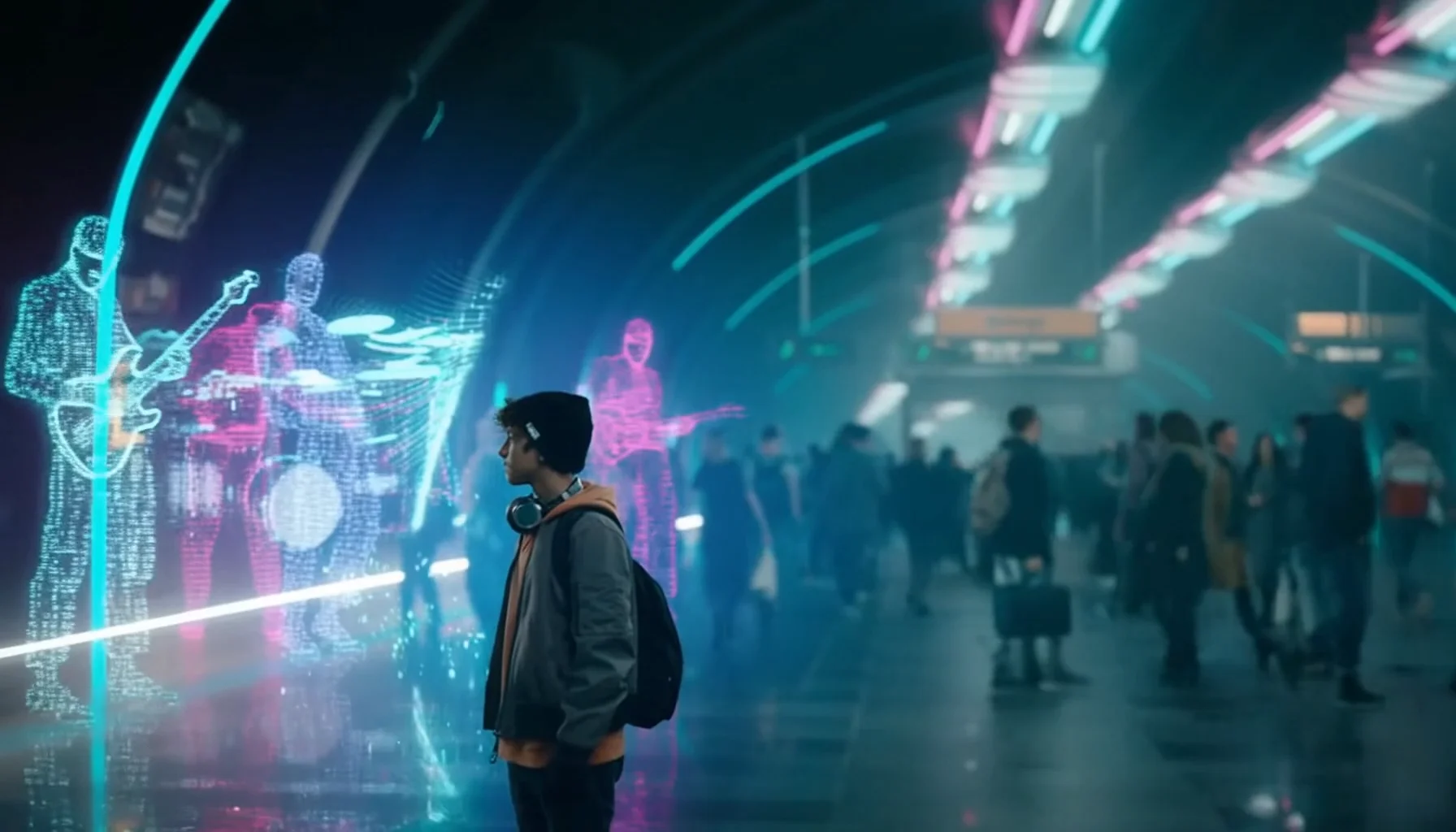
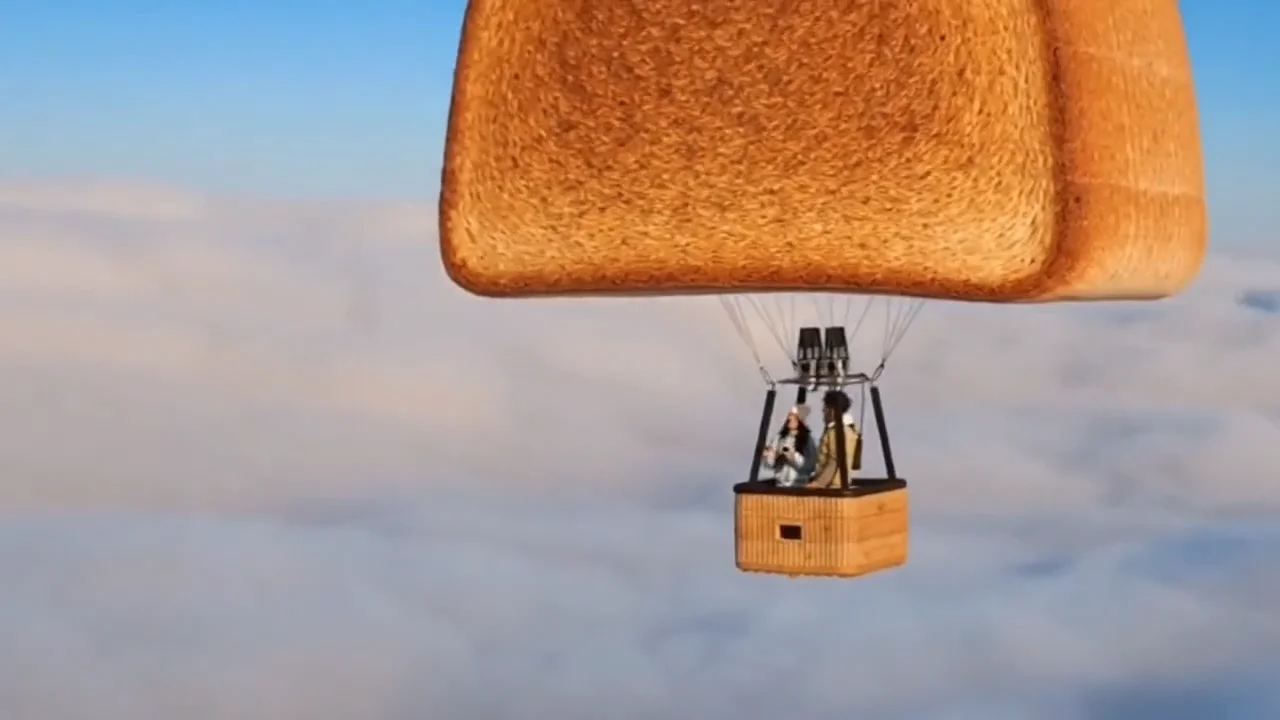

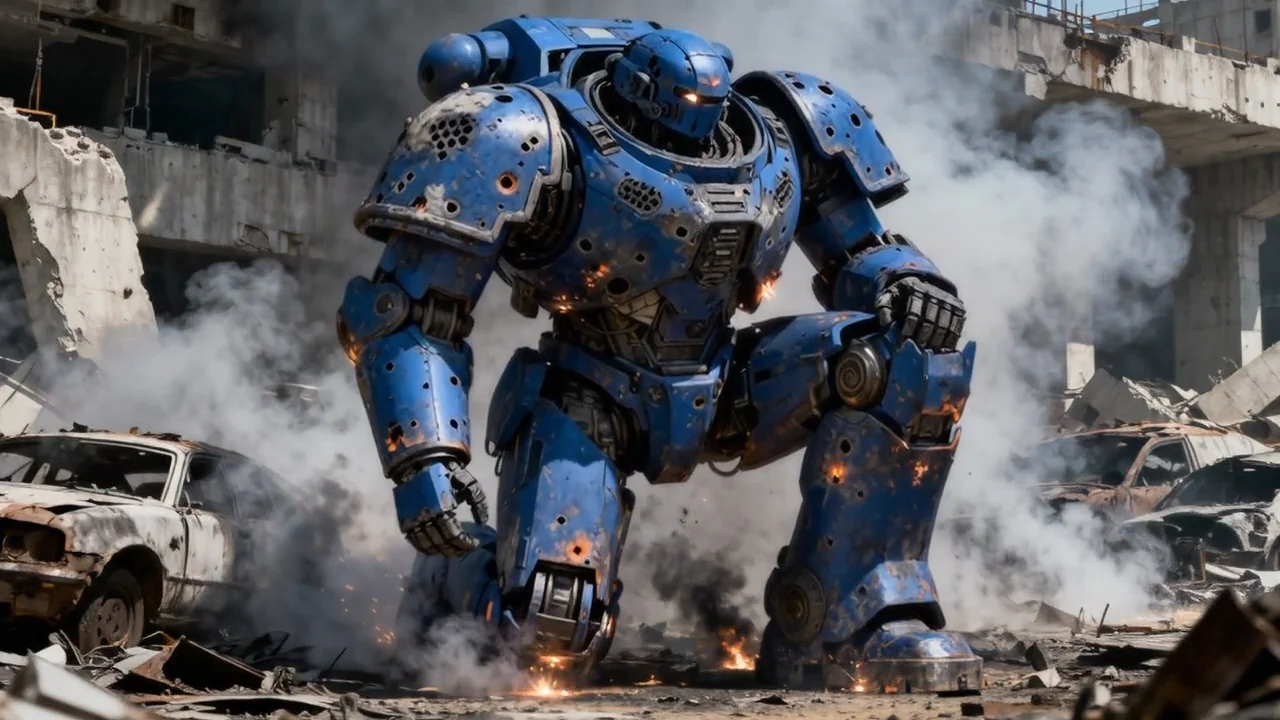
README
Sora 2 Pro Image-to-Video
Notice — Service Stability
The Sora 2 family is currently unstable. Generations may fall back to alternative models without notice and the service can be temporarily unavailable. OpenAI is also expected to discontinue this model in the future.
If you need an equally capable, stable alternative, we recommend Seedance 2: bytedance/seedance-2.0/image-to-video.
OpenAI Sora 2 Pro Image-to-Video
Sora 2 Pro Image-to-Video is OpenAI's premium image animation model. Upload an image and describe the motion — AI transforms your still photo into a cinematic video with physics-aware movement, synchronized audio, and professional-grade quality.
Why Choose This?
-
Premium quality Higher fidelity output with enhanced detail preservation and motion coherence.
-
Physics-aware motion Learns contact, inertia, and momentum so objects move and collide believably.
-
Synchronized audio Generates matching audio — ambient sounds, dialogue, and sound effects.
-
Temporal consistency Stable identities, minimal flicker/ghosting, and clean frame-to-frame transitions.
-
Resolution options Output in 720p or 1080p for high-definition results.
-
Extended duration Generate videos up to 20 seconds long.
Parameters
| Parameter | Required | Description |
|---|---|---|
| image | Yes | Source image to animate |
| prompt | Yes | Describe the motion, action, and audio cues |
| duration | No | Video length: 4, 8, 12, 16, or 20 seconds |
| resolution | No | Output resolution: 720p or 1080p |
How to Use
- Upload your image — the still photo you want to animate.
- Write your prompt — describe the action, motion, camera movement, and audio.
- Set duration — choose 4, 8, 12, 16, or 20 seconds.
- Select resolution — 720p or 1080p.
- Submit — generate, preview, and download your video.
Pricing
| Duration | 720p | 1080p |
|---|---|---|
| 4 s | $1.20 | $2.00 |
| 8 s | $2.40 | $4.00 |
| 12 s | $3.60 | $6.00 |
| 16 s | $4.80 | $8.00 |
| 20 s | $6.00 | $10.00 |
Billing Rules
- 720p rate: $0.30 per second
- 1080p rate: $0.50 per second
- Duration options: 4, 8, 12, 16, or 20 seconds
Best Use Cases
- Premium photo animation — Bring still photos to life with cinema-quality motion.
- Commercial production — High-resolution output for professional marketing.
- Art animation — Transform illustrations into broadcast-quality videos.
- Product showcases — Animate product images for premium presentations.
- Storytelling — Build cinematic narratives from key visual moments.
Pro Tips
- Be specific about motion in your prompt for better results.
- Include audio cues in your prompt for synchronized sound.
- Higher resolution source images produce better output.
- Use 1080p for final production, 720p for faster iteration.
- Start with shorter durations to test your prompt.
Notes
- Image and prompt are both required fields.
- Duration options: 4, 8, 12, 16, or 20 seconds.
- Resolution options: 720p or 1080p.
- Please follow OpenAI's usage policies: What images are permitted and prohibited in Sora-2
Related Models
- Sora 2 Pro Text-to-Video — Premium text-to-video generation.
- Sora 2 Image-to-Video — Standard version at lower cost.
Sora 2 Pro Image To Video API — Quick start
Grab a WaveSpeedAI API key, then call POST https://api.wavespeed.ai/api/v3/openai/sora-2-pro/image-to-video with your input as JSON. The endpoint returns a prediction id. Start polling the result endpoint around every 2 seconds, increase the interval for long-running tasks, and stop on any terminal status. On completed, read output values from data.outputs. Examples for Sora 2 Pro Image To Video below.
HTTP example
set -euo pipefail

: "${WAVESPEED_API_KEY:?Set WAVESPEED_API_KEY}"

REQUEST_BODY=$(cat <<'JSON'
{
    "prompt": "A cinematic shot of a city at sunset, soft golden light",
    "image": "https://interactive-examples.mdn.mozilla.net/media/cc0-images/painted-hand-298-332.jpg",
    "resolution": "720p",
    "duration": 4
}
JSON
)

# 1. Submit the prediction.
SUBMIT_RESPONSE=$(curl --silent --show-error --fail-with-body \
  -X POST "https://api.wavespeed.ai/api/v3/openai/sora-2-pro/image-to-video" \
  -H "Content-Type: application/json" \
  -H "Authorization: Bearer $WAVESPEED_API_KEY" \
  -d "$REQUEST_BODY")

TASK=$(printf '%s' "$SUBMIT_RESPONSE" | jq 'if has("data") then .data else . end')
PREDICTION_ID=$(printf '%s' "$TASK" | jq -r '.id')
if [ -z "$PREDICTION_ID" ] || [ "$PREDICTION_ID" = "null" ]; then
  printf 'Submission response did not contain a prediction id
' >&2
  exit 1
fi
RESULT_URL=$(printf '%s' "$TASK" | jq -r '.urls.get // empty')
if [ -z "$RESULT_URL" ]; then
  RESULT_URL="https://api.wavespeed.ai/api/v3/predictions/$PREDICTION_ID/result"
fi

# 2. Poll until the prediction finishes.
while true; do
  RESPONSE=$(curl --silent --show-error --fail-with-body "$RESULT_URL" \
    -H "Authorization: Bearer $WAVESPEED_API_KEY")
  RESULT=$(printf '%s' "$RESPONSE" | jq 'if has("data") then .data else . end')
  STATUS=$(printf '%s' "$RESULT" | jq -r '.status')
  case "$STATUS" in
    completed) printf '%s\n' "$RESULT" | jq '.outputs'; break ;;
    failed|cancelled|timeout) printf '%s\n' "$RESULT" | jq . >&2; exit 1 ;;
    created|processing) sleep 2 ;;
    *) printf 'Unexpected status: %s
' "$STATUS" >&2; exit 1 ;;
  esac
done
Node.js example
const submitUrl = "https://api.wavespeed.ai/api/v3/openai/sora-2-pro/image-to-video";
const apiKey = process.env.WAVESPEED_API_KEY;
if (!apiKey) throw new Error('Set WAVESPEED_API_KEY');

async function requestJson(url, options = {}) {
  const response = await fetch(url, options);
  if (!response.ok) throw new Error(await response.text());
  return response.json();
}

// 1. Submit the prediction.
const body = await requestJson(submitUrl, {
  method: "POST",
  headers: {
    "Authorization": `Bearer ${apiKey}`,
    "Content-Type": "application/json",
  },
  body: JSON.stringify({
        "prompt": "A cinematic shot of a city at sunset, soft golden light",
        "image": "https://interactive-examples.mdn.mozilla.net/media/cc0-images/painted-hand-298-332.jpg",
        "resolution": "720p",
        "duration": 4
}),
});
const task = body.data ?? body;
if (!task.id) throw new Error("Submission response did not contain a prediction id");
const resultUrl = task.urls?.get ||
  `https://api.wavespeed.ai/api/v3/predictions/${task.id}/result`;

// 2. Poll until the prediction finishes.
while (true) {
  const resultBody = await requestJson(resultUrl, {
    headers: { "Authorization": `Bearer ${apiKey}` },
  });
  const result = resultBody.data ?? resultBody;
  if (result.status === "completed") {
    console.log(result.outputs);
    break;
  }
  if (["failed", "cancelled", "timeout"].includes(result.status)) throw new Error(JSON.stringify(result));
  if (!["created", "processing"].includes(result.status)) throw new Error("Unexpected status: " + result.status);
  await new Promise(resolve => setTimeout(resolve, 2000));
}
Python example
import json
import os
import time
from urllib.request import Request, urlopen

api_key = os.environ["WAVESPEED_API_KEY"]
headers = {"Authorization": f"Bearer {api_key}", "Content-Type": "application/json"}
payload = {
    "prompt": "A cinematic shot of a city at sunset, soft golden light",
    "image": "https://interactive-examples.mdn.mozilla.net/media/cc0-images/painted-hand-298-332.jpg",
    "resolution": "720p",
    "duration": 4
}

def request_json(url, data=None):
    request = Request(url, data=data, headers=headers, method="POST" if data else "GET")
    with urlopen(request) as response:
        return json.load(response)

# 1. Submit the prediction.
body = request_json("https://api.wavespeed.ai/api/v3/openai/sora-2-pro/image-to-video", json.dumps(payload).encode())
task = body.get("data", body)
if not task.get("id"):
    raise RuntimeError("Submission response did not contain a prediction id")
result_url = task.get("urls", {}).get("get") or f"https://api.wavespeed.ai/api/v3/predictions/{task['id']}/result"

# 2. Poll until the prediction finishes.
while True:
    result_body = request_json(result_url)
    result = result_body.get("data", result_body)
    status = result.get("status")
    if status == "completed":
        print(result.get("outputs", []))
        break
    if status in {"failed", "cancelled", "timeout"}:
        raise RuntimeError(result)
    if status not in {"created", "processing"}:
        raise RuntimeError(f"Unexpected status: {status}")
    time.sleep(2)
Sora 2 Pro Image To Video API — Frequently asked questions
What is the Sora 2 Pro Image To Video API?
Sora 2 Pro Image To Video is a OpenAI model for video generation from images, exposed as a REST API on WaveSpeedAI. OpenAI Sora 2 Pro Image-to-Video creates physics-aware, realistic videos from reference images with synchronized audio and strong steerability. Supports 720p and 1080p resolutions with durations up to 20 seconds. Ready-to-use REST inference API, best performance, no coldstarts, affordable pricing. You can call it programmatically or try it from the playground above.
How do I call the Sora 2 Pro Image To Video API?
POST your input parameters to the model's REST endpoint (shown in the API tab of this playground) with your WaveSpeedAI API key in the Authorization header. Submission returns a prediction ID. Poll the result endpoint starting around every 2 seconds, increase the interval for long-running tasks, and stop on any terminal status. The playground generates production-oriented Python, JavaScript, and cURL examples with timeouts, transient-error handling, and safe GET retries. Full request/response shape is documented at https://wavespeed.ai/docs/docs-api/openai/openai-sora-2-pro-image-to-video.
How much does Sora 2 Pro Image To Video cost per run?
Sora 2 Pro Image To Video starts at $1.20 per run. That figure is the base price — the final charge scales with the parameters you set in the form (output size, length, count, references, or whatever knobs this model exposes), so a higher-quality or larger output costs more than a minimal one. The exact cost for your current input is shown live next to the Generate button before you submit, and the actual per-call charge is recorded on the prediction afterwards.
What inputs does Sora 2 Pro Image To Video accept?
Key inputs: `prompt`, `image`, `resolution`, `duration`. The full JSON schema (types, defaults, allowed values) is rendered above the Generate button and mirrored in the API reference at https://wavespeed.ai/docs/docs-api/openai/openai-sora-2-pro-image-to-video.
How long does Sora 2 Pro Image To Video take to generate?
Median end-to-end generation time on WaveSpeedAI is around 320 seconds per request, based on recent successful runs. Queue time varies with global demand; live status is visible in the prediction record.
Can I use Sora 2 Pro Image To Video outputs commercially?
Commercial usage rights depend on the model's license, set by its provider (OpenAI). The license summary appears on the model card above; see WaveSpeedAI's Terms of Service for platform-level conditions.