FLUX.1 Redux [dev] adapts FLUX.1 base models to generate subtle image variations and easy image-to-image restyling for refinement. Ready-to-use REST inference API, best performance, no coldstarts, affordable pricing.
En attente

$0.025par exécution·~40 / $1
ExemplesTout voir










Modèles associés





README
FLUX Redux Dev
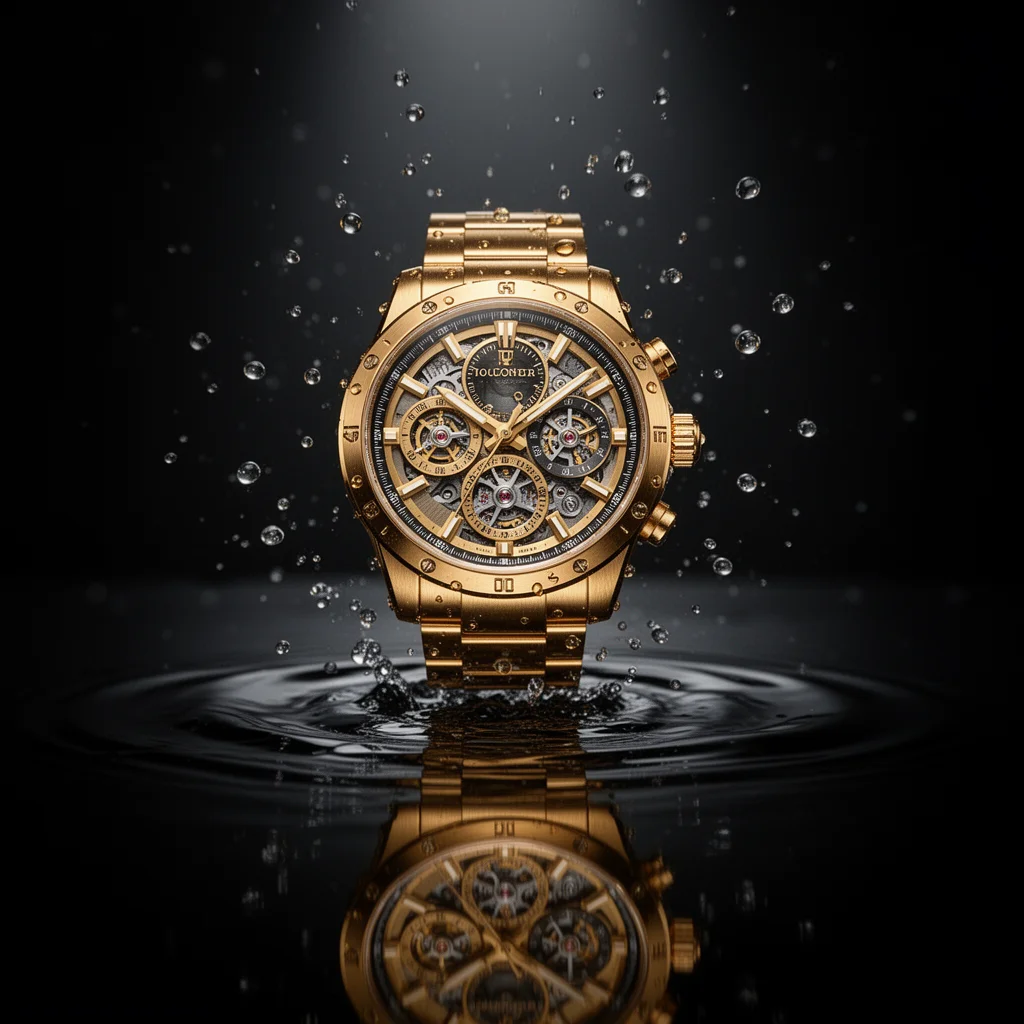
FLUX Redux Dev is a versatile image variation model that generates new images inspired by your source image. Upload an image and the model creates variations that capture the essence of your original while exploring new creative possibilities.
Why It Stands Out
- Image-driven generation: Create variations based on your source image's style, composition, and content.
- Flexible resolution: Customize width and height independently for any aspect ratio.
- Batch generation: Create multiple variations in a single request.
- Multiple output formats: Export as JPEG or PNG based on your needs.
- Fine-tuned control: Adjust guidance scale and inference steps for precise results.
- Reproducibility: Use the seed parameter to recreate exact results.
Parameters
| Parameter | Required | Description |
|---|---|---|
| image | Yes | Source image for variation (upload or public URL). |
| width | No | Output width in pixels (default: 1024). |
| height | No | Output height in pixels (default: 1024). |
| num_inference_steps | No | Quality/speed trade-off (default: 28). |
| guidance_scale | No | Variation strength (default: 3.5). |
| num_images | No | Number of images to generate (default: 1). |
| seed | No | Set for reproducibility; -1 for random. |
| output_format | No | Output format: jpeg or png (default: jpeg). |
| enable_base64_output | No | Return base64 string instead of URL (API only). |
| enable_sync_mode | No | Wait for result before returning response (API only). |
How to Use
- Upload your source image — drag and drop a file or paste a public URL.
- Set dimensions — adjust width and height for your desired output size.
- Adjust parameters (optional) — fine-tune guidance scale and inference steps.
- Set num_images — generate multiple variations at once.
- Click Run and download your image variations.
Best Use Cases
- Creative Exploration — Generate multiple variations of a concept to explore possibilities.
- Design Iteration — Create variations of designs for A/B testing or client options.
- Art Direction — Explore different interpretations of a visual concept.
- Content Diversification — Generate multiple unique images from a single source.
- Style Exploration — Discover new visual directions based on existing images.
Pricing
| Output | Price |
|---|---|
| Per image | $0.025 |
Pro Tips for Best Quality
- The model generates variations based purely on the source image's visual content.
- Use lower guidance scale (2–3) for subtle variations closer to the original.
- Use higher guidance scale (4–5) for more dramatic departures from the source.
- Generate multiple images (num_images > 1) to explore the variation space.
- Fix the seed when adjusting other parameters to isolate their effect.
- Use PNG format when you need higher quality or transparency support.
Notes
- Ensure uploaded image URLs are publicly accessible.
- Processing time varies based on resolution and current queue load.
- Please ensure your content complies with usage guidelines.
Flux Redux Dev API — Quick start
Grab a WaveSpeedAI API key, then call POST https://api.wavespeed.ai/api/v3/wavespeed-ai/flux-redux-dev with your input as JSON. The endpoint returns a prediction id. Start polling the result endpoint around every 2 seconds, increase the interval for long-running tasks, and stop on any terminal status. On completed, read output values from data.outputs. Examples for Flux Redux Dev below.
HTTP example
set -euo pipefail

: "${WAVESPEED_API_KEY:?Set WAVESPEED_API_KEY}"

REQUEST_BODY=$(cat <<'JSON'
{
    "image": "https://interactive-examples.mdn.mozilla.net/media/cc0-images/painted-hand-298-332.jpg",
    "size": "1024*1024",
    "num_inference_steps": 28,
    "guidance_scale": 3.5,
    "num_images": 1,
    "seed": -1,
    "output_format": "jpeg"
}
JSON
)

# 1. Submit the prediction.
SUBMIT_RESPONSE=$(curl --silent --show-error --fail-with-body \
  -X POST "https://api.wavespeed.ai/api/v3/wavespeed-ai/flux-redux-dev" \
  -H "Content-Type: application/json" \
  -H "Authorization: Bearer $WAVESPEED_API_KEY" \
  -d "$REQUEST_BODY")

TASK=$(printf '%s' "$SUBMIT_RESPONSE" | jq 'if has("data") then .data else . end')
PREDICTION_ID=$(printf '%s' "$TASK" | jq -r '.id')
if [ -z "$PREDICTION_ID" ] || [ "$PREDICTION_ID" = "null" ]; then
  printf 'Submission response did not contain a prediction id
' >&2
  exit 1
fi
RESULT_URL=$(printf '%s' "$TASK" | jq -r '.urls.get // empty')
if [ -z "$RESULT_URL" ]; then
  RESULT_URL="https://api.wavespeed.ai/api/v3/predictions/$PREDICTION_ID/result"
fi

# 2. Poll until the prediction finishes.
while true; do
  RESPONSE=$(curl --silent --show-error --fail-with-body "$RESULT_URL" \
    -H "Authorization: Bearer $WAVESPEED_API_KEY")
  RESULT=$(printf '%s' "$RESPONSE" | jq 'if has("data") then .data else . end')
  STATUS=$(printf '%s' "$RESULT" | jq -r '.status')
  case "$STATUS" in
    completed) printf '%s\n' "$RESULT" | jq '.outputs'; break ;;
    failed|cancelled|timeout) printf '%s\n' "$RESULT" | jq . >&2; exit 1 ;;
    created|processing) sleep 2 ;;
    *) printf 'Unexpected status: %s
' "$STATUS" >&2; exit 1 ;;
  esac
done
Node.js example
const submitUrl = "https://api.wavespeed.ai/api/v3/wavespeed-ai/flux-redux-dev";
const apiKey = process.env.WAVESPEED_API_KEY;
if (!apiKey) throw new Error('Set WAVESPEED_API_KEY');

async function requestJson(url, options = {}) {
  const response = await fetch(url, options);
  if (!response.ok) throw new Error(await response.text());
  return response.json();
}

// 1. Submit the prediction.
const body = await requestJson(submitUrl, {
  method: "POST",
  headers: {
    "Authorization": `Bearer ${apiKey}`,
    "Content-Type": "application/json",
  },
  body: JSON.stringify({
        "image": "https://interactive-examples.mdn.mozilla.net/media/cc0-images/painted-hand-298-332.jpg",
        "size": "1024*1024",
        "num_inference_steps": 28,
        "guidance_scale": 3.5,
        "num_images": 1,
        "seed": -1,
        "output_format": "jpeg"
}),
});
const task = body.data ?? body;
if (!task.id) throw new Error("Submission response did not contain a prediction id");
const resultUrl = task.urls?.get ||
  `https://api.wavespeed.ai/api/v3/predictions/${task.id}/result`;

// 2. Poll until the prediction finishes.
while (true) {
  const resultBody = await requestJson(resultUrl, {
    headers: { "Authorization": `Bearer ${apiKey}` },
  });
  const result = resultBody.data ?? resultBody;
  if (result.status === "completed") {
    console.log(result.outputs);
    break;
  }
  if (["failed", "cancelled", "timeout"].includes(result.status)) throw new Error(JSON.stringify(result));
  if (!["created", "processing"].includes(result.status)) throw new Error("Unexpected status: " + result.status);
  await new Promise(resolve => setTimeout(resolve, 2000));
}
Python example
import json
import os
import time
from urllib.request import Request, urlopen

api_key = os.environ["WAVESPEED_API_KEY"]
headers = {"Authorization": f"Bearer {api_key}", "Content-Type": "application/json"}
payload = {
    "image": "https://interactive-examples.mdn.mozilla.net/media/cc0-images/painted-hand-298-332.jpg",
    "size": "1024*1024",
    "num_inference_steps": 28,
    "guidance_scale": 3.5,
    "num_images": 1,
    "seed": -1,
    "output_format": "jpeg"
}

def request_json(url, data=None):
    request = Request(url, data=data, headers=headers, method="POST" if data else "GET")
    with urlopen(request) as response:
        return json.load(response)

# 1. Submit the prediction.
body = request_json("https://api.wavespeed.ai/api/v3/wavespeed-ai/flux-redux-dev", json.dumps(payload).encode())
task = body.get("data", body)
if not task.get("id"):
    raise RuntimeError("Submission response did not contain a prediction id")
result_url = task.get("urls", {}).get("get") or f"https://api.wavespeed.ai/api/v3/predictions/{task['id']}/result"

# 2. Poll until the prediction finishes.
while True:
    result_body = request_json(result_url)
    result = result_body.get("data", result_body)
    status = result.get("status")
    if status == "completed":
        print(result.get("outputs", []))
        break
    if status in {"failed", "cancelled", "timeout"}:
        raise RuntimeError(result)
    if status not in {"created", "processing"}:
        raise RuntimeError(f"Unexpected status: {status}")
    time.sleep(2)
Flux Redux Dev API — Frequently asked questions
What is the Flux Redux Dev API?
Flux Redux Dev is a WaveSpeedAI model for image editing, exposed as a REST API on WaveSpeedAI. FLUX.1 Redux [dev] adapts FLUX.1 base models to generate subtle image variations and easy image-to-image restyling for refinement. Ready-to-use REST inference API, best performance, no coldstarts, affordable pricing. You can call it programmatically or try it from the playground above.
How do I call the Flux Redux Dev API?
POST your input parameters to the model's REST endpoint (shown in the API tab of this playground) with your WaveSpeedAI API key in the Authorization header. Submission returns a prediction ID. Poll the result endpoint starting around every 2 seconds, increase the interval for long-running tasks, and stop on any terminal status. The playground generates production-oriented Python, JavaScript, and cURL examples with timeouts, transient-error handling, and safe GET retries. Full request/response shape is documented at https://wavespeed.ai/docs/docs-api/wavespeed-ai/flux-redux-dev.
How much does Flux Redux Dev cost per run?
Flux Redux Dev starts at $0.025 per run. That figure is the base price — the final charge scales with the parameters you set in the form (output size, length, count, references, or whatever knobs this model exposes), so a higher-quality or larger output costs more than a minimal one. The exact cost for your current input is shown live next to the Generate button before you submit, and the actual per-call charge is recorded on the prediction afterwards.
What inputs does Flux Redux Dev accept?
Key inputs: `image`, `size`, `seed`, `guidance_scale`, `num_inference_steps`, `enable_base64_output`. The full JSON schema (types, defaults, allowed values) is rendered above the Generate button and mirrored in the API reference at https://wavespeed.ai/docs/docs-api/wavespeed-ai/flux-redux-dev.
How long does Flux Redux Dev take to generate?
Median end-to-end generation time on WaveSpeedAI is around 20 seconds per request, based on recent successful runs. Queue time varies with global demand; live status is visible in the prediction record.
Can I use Flux Redux Dev outputs commercially?
Commercial usage rights depend on the model's license, set by its provider (WaveSpeedAI). The license summary appears on the model card above; see WaveSpeedAI's Terms of Service for platform-level conditions.