Vidu Q2 Pro Start-End to Video produces smooth image-to-video transitions between start and end images for seamless morphs. Ready-to-use REST inference API, best performance, no coldstarts, affordable pricing.
En attente
$0.15par exécution·~66 / $10
ExemplesTout voir
The buds rapidly bloom, petals opening and swirling around her as the camera circles.
A black and white line drawing of a couple taking a selfie, begins to fill with soft, watercolor-like colors. The background remains simple. The lines start to soften, and a warm light begins to glow from within the characters.
Zoom in slowly.
The character turns around and suddenly transforms into a figurine.
As the car speeds forward, its paint shimmers and gradually changes color with motion blur.
The forest lights up as the wizard casts spells, colorful magic energy swirling around, fireflies and mystical lights appearing, slow camera pan, dynamic motion --v 5
Wind blows through the room, lifting papers, which transform into fluttering colorful butterflies.
Each raindrop hits the ground and turns into tiny sparkling light particles.
Stars begin to twinkle and streak as shooting stars appear, sky slowly becoming alive.
Modèles associés

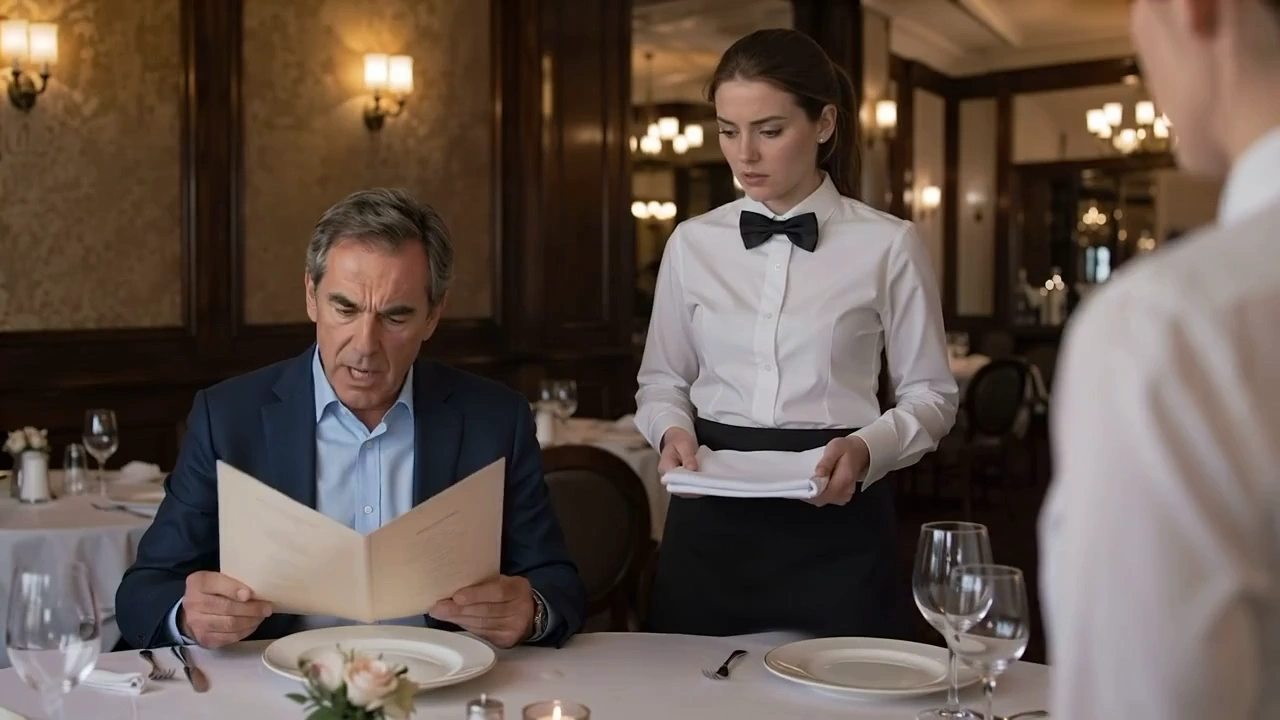


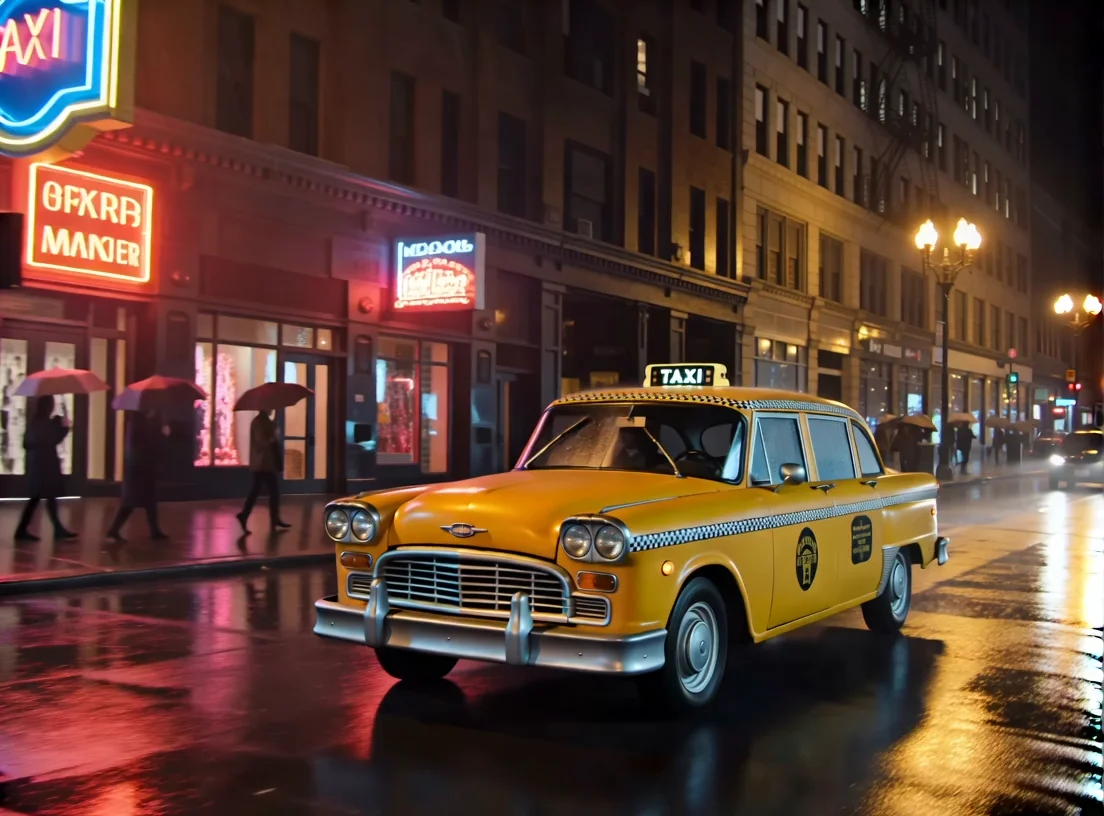

README
Vidu Q2 Start End Pro
Generate a coherent shot from just two images: a start frame and an end frame. Vidu Q2 Pro infers natural, object-aware motion between them, making it perfect for scene transitions, bridging shots, and visual storytelling. No local setup required.
Why it looks great
- Bi-frame guidance: uses both start and end frames to anchor identity, layout, and lighting for the whole clip.
- Temporal continuity: minimizes flicker and “popping,” maintaining subject integrity across frames.
- Object- & human-aware motion: preserves faces, hands, and fine details while animating clothes, hair, and props.
- Layout-smart interpolation: respects foreground/background depth, occlusions, and parallax.
- Camera-path estimation: simulates subtle pans, dolly moves, and push-ins without warping.
- Natural look: balances crisp detail with cinematic smoothness—no plastic over-processing.
Use Cases
- Storyboarding & concept animation: bring static boards to life between key beats.
- Scene interpolation in long-form content: seamless bridges between shots.
- Instructional visual sequences: demonstrate change-over-time (before → after) with smooth motion.
- Film previsualization: explore transitions, blocking, and camera moves early.
How to Use
- Upload your start frame and end frame.
- Write your prompt.
- Pick duration (e.g., 2–10 s).
- Set resolution (540p, 720p, 1080p).
- (Optional) Choose add BGM or not.
- (Optional) Choose movement_amplitude to manage the amplitude of motion in generated content
- Submit the job, or use seed to reproduce your result later.
- Preview the result and download the final video.
Price Example
| Resolution | Duration | Pricing |
|---|---|---|
| 540p | 1s | $0.04 |
| 540p | 2s | $0.05 |
| 540p | 3s | $0.075 |
| 540p | 4s | $0.10 |
| 540p | 5s | $0.125 |
| 540p | 6s | $0.15 |
| 540p | 7s | $0.175 |
| 540p | 8s | $0.20 |
| 720p | 1s | $0.075 |
| 720p | 2s | $0.125 |
| 720p | 3s | $0.175 |
| 720p | 4s | $0.225 |
| 720p | 5s | $0.275 |
| 720p | 6s | $0.325 |
| 720p | 7s | $0.375 |
| 720p | 8s | $0.425 |
| 1080p | 1s | $0.275 |
| 1080p | 2s | $0.35 |
| 1080p | 3s | $0.425 |
| 1080p | 4s | $0.50 |
| 1080p | 5s | $0.575 |
| 1080p | 6s | $0.65 |
| 1080p | 7s | $0.725 |
| 1080p | 8s | $0.80 |
Billing Rules:
- The final price is related to your duration time and resolution. Please follow the final deduction.
Accelerated Inference
Our accelerated inference approach leverages advanced optimization technology from WaveSpeedAI. This fusion technique reduces computational overhead and latency, enabling rapid generation without compromising quality. The system is tuned for large-scale workloads while keeping real-time use cases snappy and reliable. For implementation details, see our engineering blog post.
Notes
- Actual processing time depends on resolution, duration, motion settings, and current queue.
- For highly dynamic changes (big pose/layout jumps), consider shorter durations or add intermediate key frames to guide motion.
- Ensure you have rights to any images you upload; outputs inherit input content constraints.
Start End To Video Q2 Pro API — Quick start
Grab a WaveSpeedAI API key, then call POST https://api.wavespeed.ai/api/v3/vidu/start-end-to-video-q2-pro with your input as JSON. The endpoint returns a prediction id; poll the prediction endpoint until status flips to completed, then read the output URL from data.outputs[0]. Examples for Start End To Video Q2 Pro below.
HTTP example
# Submit the prediction
curl -X POST "https://api.wavespeed.ai/api/v3/vidu/start-end-to-video-q2-pro" \
  -H "Content-Type: application/json" \
  -H "Authorization: Bearer $WAVESPEED_API_KEY" \
  -d '{
    "prompt": "A cinematic shot of a city at sunset, soft golden light",
    "image": "https://example.com/your-input.jpg",
    "duration": 5,
    "resolution": "720p",
    "bgm": true,
    "movement_amplitude": "auto",
    "seed": -1
}'

# Response includes a prediction id. Poll for the result:
curl -X GET "https://api.wavespeed.ai/api/v3/predictions/{request_id}/result" \
  -H "Authorization: Bearer $WAVESPEED_API_KEY"

# When status is "completed", read the output from data.outputs[0].
Node.js example
// npm install wavespeed
const WaveSpeed = require('wavespeed');

const client = new WaveSpeed(); // reads WAVESPEED_API_KEY from env

const result = await client.run("vidu/start-end-to-video-q2-pro", {
        "prompt": "A cinematic shot of a city at sunset, soft golden light",
        "image": "https://example.com/your-input.jpg",
        "duration": 5,
        "resolution": "720p",
        "bgm": true,
        "movement_amplitude": "auto",
        "seed": -1
});

console.log(result.outputs[0]); // → URL of the generated output
Python example
# pip install wavespeed
import wavespeed

output = wavespeed.run(
    "vidu/start-end-to-video-q2-pro",
    {
    "prompt": "A cinematic shot of a city at sunset, soft golden light",
    "image": "https://example.com/your-input.jpg",
    "duration": 5,
    "resolution": "720p",
    "bgm": true,
    "movement_amplitude": "auto",
    "seed": -1
}
)

print(output["outputs"][0])  # → URL of the generated output
Start End To Video Q2 Pro API — Frequently asked questions
What is the Start End To Video Q2 Pro API?
Start End To Video Q2 Pro is a Vidu model for video generation from images, exposed as a REST API on WaveSpeedAI. Vidu Q2 Pro Start-End to Video produces smooth image-to-video transitions between start and end images for seamless morphs. Ready-to-use REST inference API, best performance, no coldstarts, affordable pricing. You can call it programmatically or try it from the playground above.
How do I call the Start End To Video Q2 Pro API?
POST your input parameters to the model's REST endpoint (shown in the API tab of this playground) with your WaveSpeedAI API key in the Authorization header. Submission returns a prediction ID; poll the prediction endpoint until status flips to "completed", then read the output URL from the result. The playground generates a ready-to-paste code sample in Python, JavaScript, or cURL for whatever inputs you've set. Full request/response shape is documented at https://wavespeed.ai/docs/docs-api/vidu/vidu-start-end-to-video-q2-pro.
How much does Start End To Video Q2 Pro cost per run?
Start End To Video Q2 Pro starts at $0.15 per run. That figure is the base price — the final charge scales with the parameters you set in the form (output size, length, count, references, or whatever knobs this model exposes), so a higher-quality or larger output costs more than a minimal one. The exact cost for your current input is shown live next to the Generate button before you submit, and the actual per-call charge is recorded on the prediction afterwards.
What inputs does Start End To Video Q2 Pro accept?
Key inputs: `prompt`, `image`, `resolution`, `duration`, `seed`, `bgm`. The full JSON schema (types, defaults, allowed values) is rendered above the Generate button and mirrored in the API reference at https://wavespeed.ai/docs/docs-api/vidu/vidu-start-end-to-video-q2-pro.
How long does Start End To Video Q2 Pro take to generate?
Average end-to-end generation time on WaveSpeedAI is around 107 seconds per request — measured across recent runs. Queue time scales with global demand; live status is visible in the prediction record.
Can I use Start End To Video Q2 Pro outputs commercially?
Commercial usage rights depend on the model's license, set by its provider (Vidu). The license summary appears on the model card above; see WaveSpeedAI's Terms of Service for platform-level conditions.