Create smooth morph transitions between two static images into 5s or 8s videos at 360p, 540p, 720p, or 1080p. Ready-to-use REST inference API, best performance, no coldstarts, affordable pricing.
En attente
$0.15par exécution·~66 / $10
ExemplesTout voir
A child slowly grows old to 80 years old.
Flowers is blooming.
Trees undergo changes through the four seasons of spring, summer, autumn, and winter.
The building was completed all at once.
A piece of marble was carved into a girl.
The sky is gradually darkening.
The strawberries are ripening.
The leaves are slowly turning yellow.
Corn explodes into popcorn.
A single building block was used to build a castle.
Modèles associés



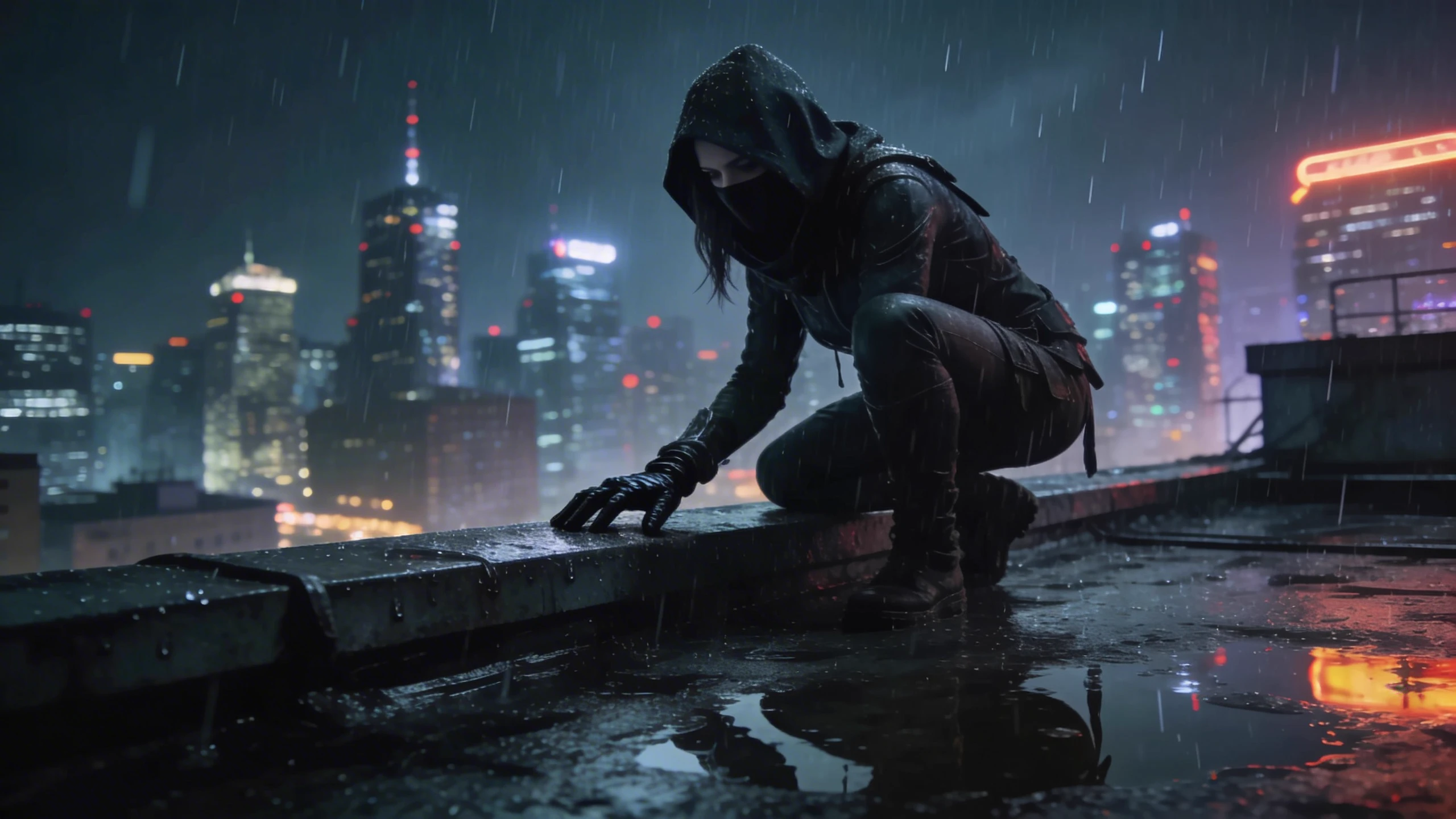
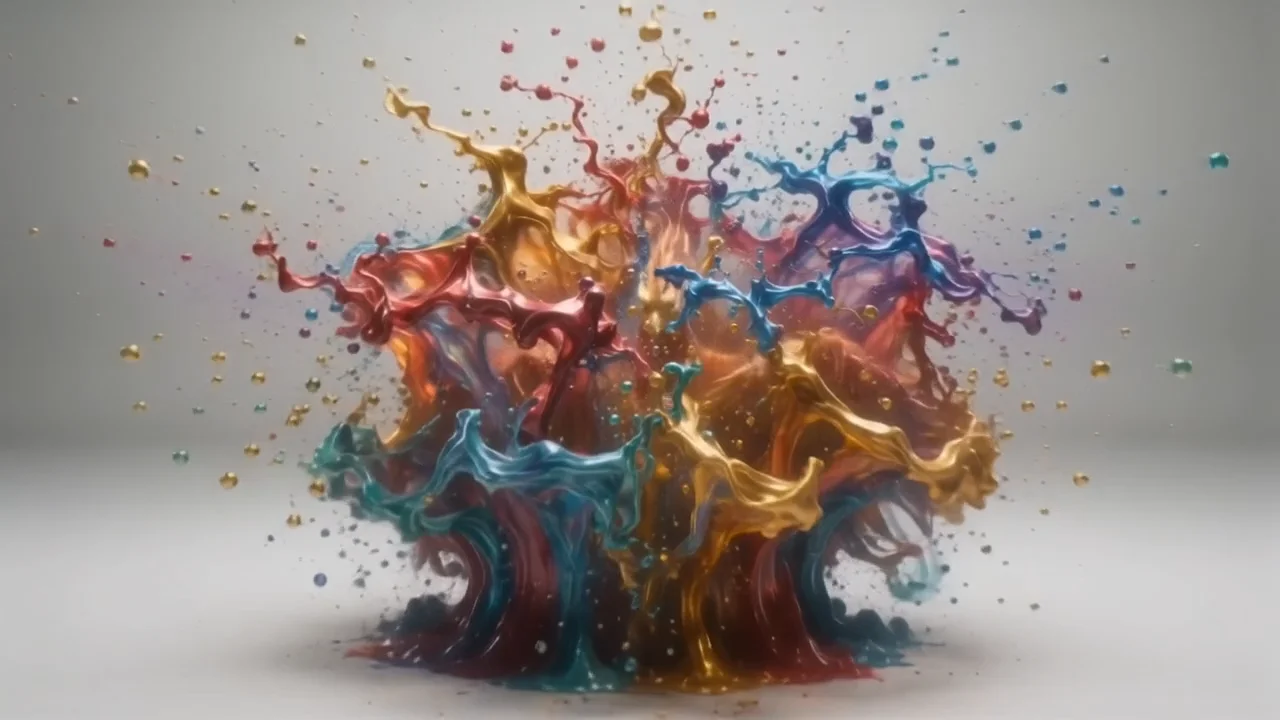

README
PixVerse v5 — Transition
PixVerse v5 Transition morphs one image into another with smooth, cinematic motion guided by a short prompt. Control aspect ratio, duration (5s / 8s), and resolution (360p–1080p) to fit storyboards, ads, and social posts.
✨ Highlights
- Image-to-image transition with prompt-guided mood, lighting, and motion.
- Multiple aspect ratios: 16:9, 1:1, 4:3, 3:4, 9:16.
- Resolution choices: 360p, 540p, 720p, 1080p.
🧩 Parameters
- prompt* (text) — Short description of vibe/motion (e.g., “Time-lapse build, dusk-to-night city lights, cinematic glow”).
- image* (required) — Start frame (URL or upload).
- end_image* (required) — End frame (URL or upload).
- aspect_ratio — 16:9, 1:1, 4:3, 3:4, 9:16.
- duration — 5 or 8 seconds.
- resolution — 360p, 540p, 720p, 1080p.
🚀 How to Use
- Upload image (start) and end_image (target).
- Write a concise prompt describing transition mood, lighting, or timing.
- Pick aspect_ratio, duration, and resolution for your platform.
- (Optional) Select fast motion for snappier 5s transitions.
- Click Run to generate and download your clip.
💰 Pricing
| Resolution | 5s ($/s) | 8s ($/s) |
|---|---|---|
| 360p | 0.03 | 0.0375 |
| 540p | 0.03 | 0.0375 |
| 720p | 0.04 | 0.05 |
| 1080p | 0.08 | 0.10 |
🧠 Tips
- Use start/end images with similar framing to reduce warping.
- Keep prompts short—describe mood and timing rather than object changes.
- For social platforms, match aspect_ratio to your target feed (16:9 landscape, 9:16 vertical).
- Fast motion is best for punchy 5s reveals; use normal for smoother, more photographic transitions.
Pixverse v5 Transition API — Quick start
Grab a WaveSpeedAI API key, then call POST https://api.wavespeed.ai/api/v3/pixverse/pixverse-v5-transition with your input as JSON. The endpoint returns a prediction id; poll the prediction endpoint until status flips to completed, then read the output URL from data.outputs[0]. Examples for Pixverse v5 Transition below.
HTTP example
# Submit the prediction
curl -X POST "https://api.wavespeed.ai/api/v3/pixverse/pixverse-v5-transition" \
  -H "Content-Type: application/json" \
  -H "Authorization: Bearer $WAVESPEED_API_KEY" \
  -d '{
    "prompt": "A cinematic shot of a city at sunset, soft golden light",
    "image": "https://example.com/your-input.jpg",
    "aspect_ratio": "16:9",
    "duration": 5,
    "resolution": "540p",
    "negative_prompt": "blurry, low quality, distorted",
    "seed": 0
}'

# Response includes a prediction id. Poll for the result:
curl -X GET "https://api.wavespeed.ai/api/v3/predictions/{request_id}/result" \
  -H "Authorization: Bearer $WAVESPEED_API_KEY"

# When status is "completed", read the output from data.outputs[0].
Node.js example
// npm install wavespeed
const WaveSpeed = require('wavespeed');

const client = new WaveSpeed(); // reads WAVESPEED_API_KEY from env

const result = await client.run("pixverse/pixverse-v5-transition", {
        "prompt": "A cinematic shot of a city at sunset, soft golden light",
        "image": "https://example.com/your-input.jpg",
        "aspect_ratio": "16:9",
        "duration": 5,
        "resolution": "540p",
        "negative_prompt": "blurry, low quality, distorted",
        "seed": 0
});

console.log(result.outputs[0]); // → URL of the generated output
Python example
# pip install wavespeed
import wavespeed

output = wavespeed.run(
    "pixverse/pixverse-v5-transition",
    {
    "prompt": "A cinematic shot of a city at sunset, soft golden light",
    "image": "https://example.com/your-input.jpg",
    "aspect_ratio": "16:9",
    "duration": 5,
    "resolution": "540p",
    "negative_prompt": "blurry, low quality, distorted",
    "seed": 0
}
)

print(output["outputs"][0])  # → URL of the generated output
Pixverse v5 Transition API — Frequently asked questions
What is the Pixverse v5 Transition API?
Pixverse v5 Transition is a Pixverse model for video generation from images, exposed as a REST API on WaveSpeedAI. Create smooth morph transitions between two static images into 5s or 8s videos at 360p, 540p, 720p, or 1080p. Ready-to-use REST inference API, best performance, no coldstarts, affordable pricing. You can call it programmatically or try it from the playground above.
How do I call the Pixverse v5 Transition API?
POST your input parameters to the model's REST endpoint (shown in the API tab of this playground) with your WaveSpeedAI API key in the Authorization header. Submission returns a prediction ID; poll the prediction endpoint until status flips to "completed", then read the output URL from the result. The playground generates a ready-to-paste code sample in Python, JavaScript, or cURL for whatever inputs you've set. Full request/response shape is documented at https://wavespeed.ai/docs/docs-api/pixverse/pixverse-pixverse-v5-transition.
How much does Pixverse v5 Transition cost per run?
Pixverse v5 Transition starts at $0.15 per run. That figure is the base price — the final charge scales with the parameters you set in the form (output size, length, count, references, or whatever knobs this model exposes), so a higher-quality or larger output costs more than a minimal one. The exact cost for your current input is shown live next to the Generate button before you submit, and the actual per-call charge is recorded on the prediction afterwards.
What inputs does Pixverse v5 Transition accept?
Key inputs: `prompt`, `image`, `aspect_ratio`, `resolution`, `duration`, `seed`. The full JSON schema (types, defaults, allowed values) is rendered above the Generate button and mirrored in the API reference at https://wavespeed.ai/docs/docs-api/pixverse/pixverse-pixverse-v5-transition.
How long does Pixverse v5 Transition take to generate?
Average end-to-end generation time on WaveSpeedAI is around 50 seconds per request — measured across recent runs. Queue time scales with global demand; live status is visible in the prediction record.
Can I use Pixverse v5 Transition outputs commercially?
Commercial usage rights depend on the model's license, set by its provider (Pixverse). The license summary appears on the model card above; see WaveSpeedAI's Terms of Service for platform-level conditions.