PixVerse V5 Text-to-Video generates smooth, natural 5s videos from text prompts in seconds, with 720p output available ($0.20 per 5s). Ready-to-use REST inference API, best performance, no coldstarts, affordable pricing.
En attente
$0.15par exécution·~66 / $10
ExemplesTout voir
Realism,a female inventor with auburn hair in an intricate updo and goggles on her head, her eyes full of intellect. She wears a leather corset and a multi-layered skirt, standing in her workshop. The room is filled with brass gears, complex clockwork devices, and glowing vacuum tubes. Warm light from gas lamps illuminates the scene. Steampunk style, highly detailed, retro-futurism, masterpiece.
A young man sits by a tall window in a library, sunlight streaming across the desk. He flips through a book slowly, pen in hand taking notes. The camera starts from a close-up of his hand writing, then pulls back to reveal rows of books behind him. Atmosphere of concentration, ambition, and quiet determination.
A teenage boy stands on a rooftop at dusk, city lights flickering below. He takes a deep breath and looks out at the skyline, the wind moving his jacket slightly. The camera circles slowly around him, shifting from a wide city view to a medium shot of his thoughtful expression. The mood is cinematic, inspiring, and filled with curiosity for the future.
A young man rides a bicycle along a quiet tree-lined road at sunrise, golden rays shining through the leaves. The camera tracks from the front as he pedals, capturing his relaxed smile and the gentle movement of the trees. The mood is fresh, hopeful, and full of vitality.
A young man stands at the top of a hill, wind brushing against his clothes. He opens his arms wide and takes a deep breath, looking at the horizon where the clouds are painted with sunset colors. The camera circles around him in a wide sweeping shot. Mood: inspiring, uplifting, full of possibility.
A young man in a tailored suit walks calmly down a glossy runway under bright white spotlights. The camera captures him from a low angle, emphasizing power and style. The atmosphere is modern, minimalistic, and high-fashion.
A young man sits on a vintage leather chair in a photography studio, shot entirely in black and white. He looks straight into the lens with intensity. The camera slowly pushes forward, creating a timeless editorial mood.
A model stands barefoot on the shoreline, wearing flowing designer fabric that moves with the wind. The golden sunset reflects on the water as the camera captures wide cinematic shots, then shifts to close-ups of the fabric details. Atmosphere: dreamy, luxurious, and fashion-forward.
A young woman in an elegant evening gown stands on a rocky cliff at night, the starry sky stretching above. The camera pans slowly across her profile, highlighting the gown shimmering under moonlight.
A young man stands barefoot on the beach during sunset, the golden sky reflecting on the waves. He looks into the distance with a calm expression. The scene feels like a warm memory captured on film.
Modèles associés
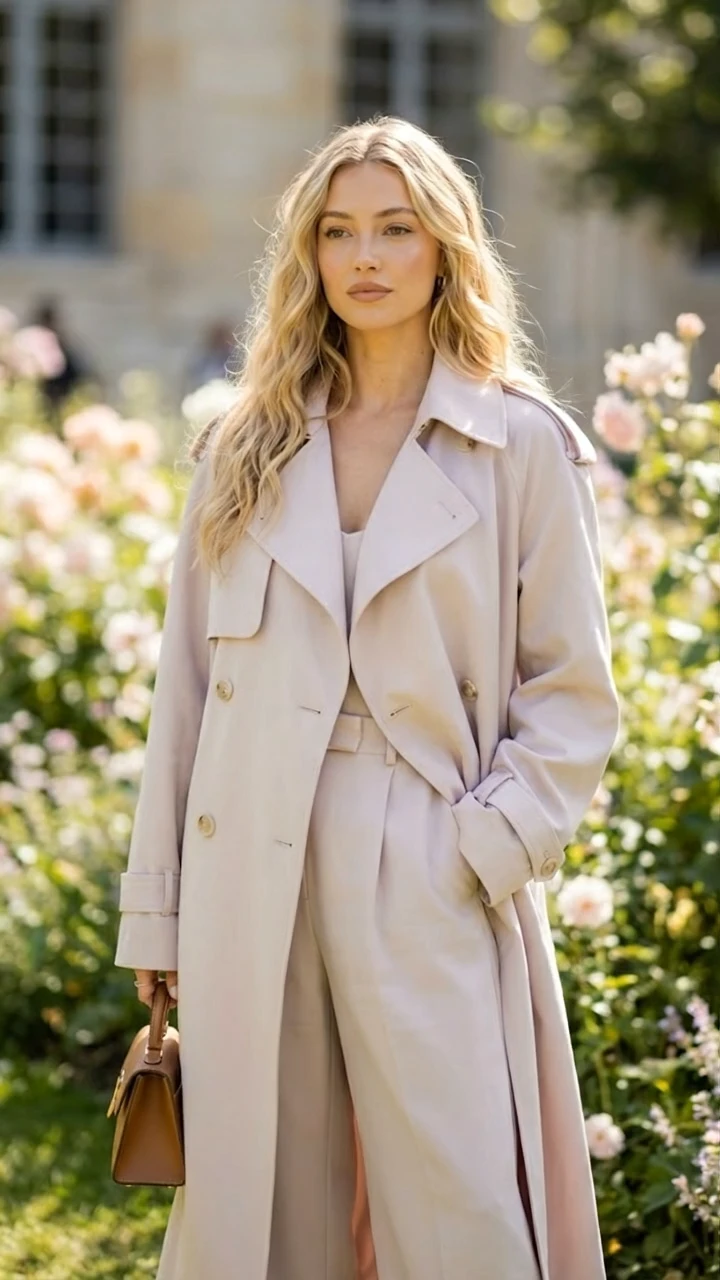
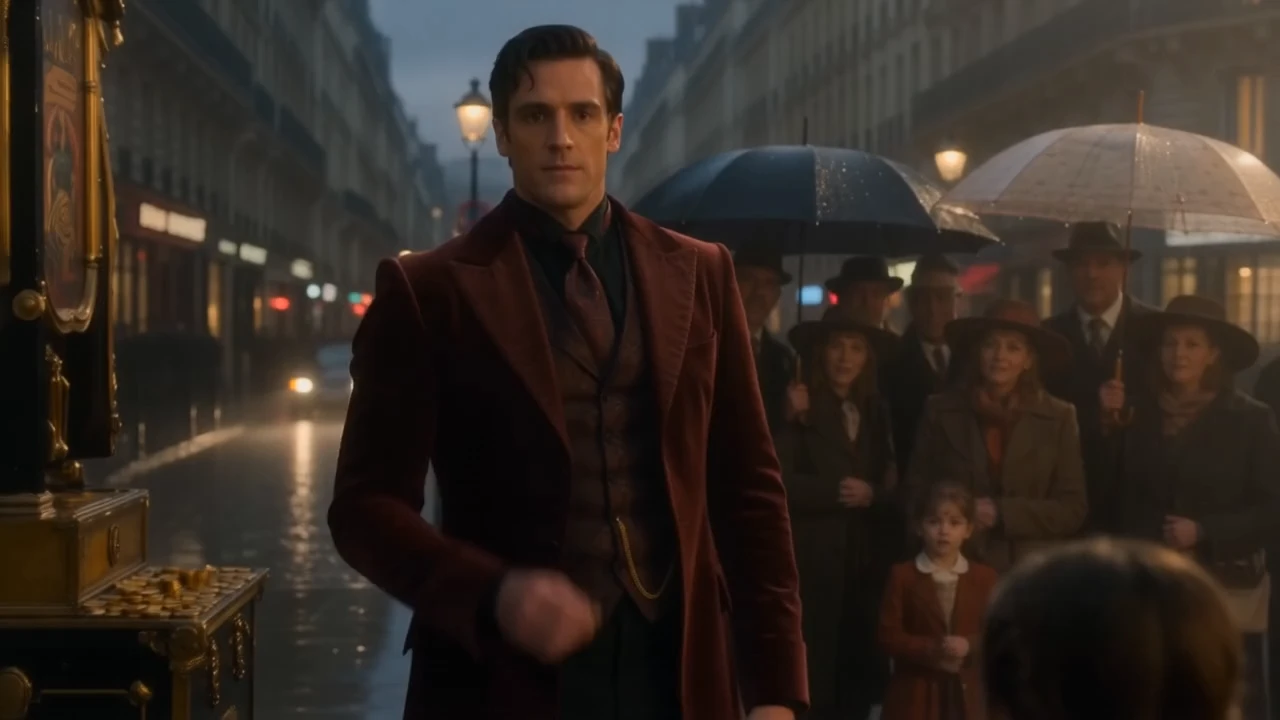
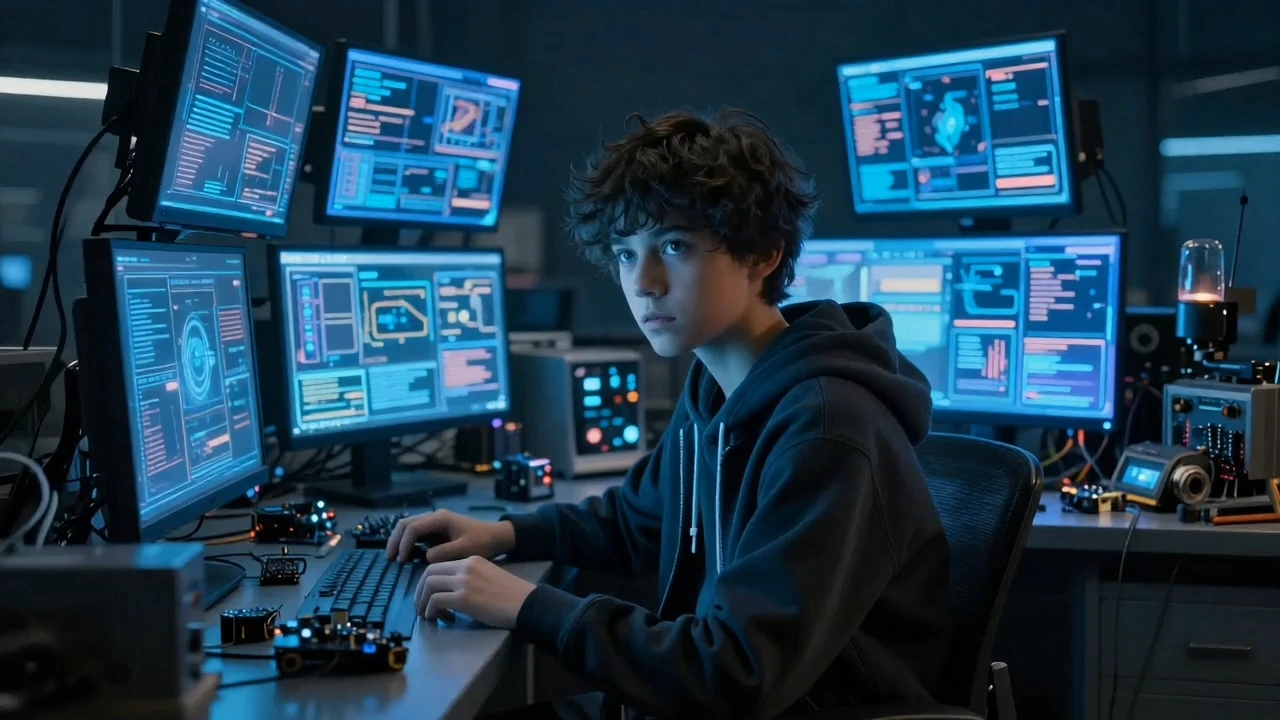
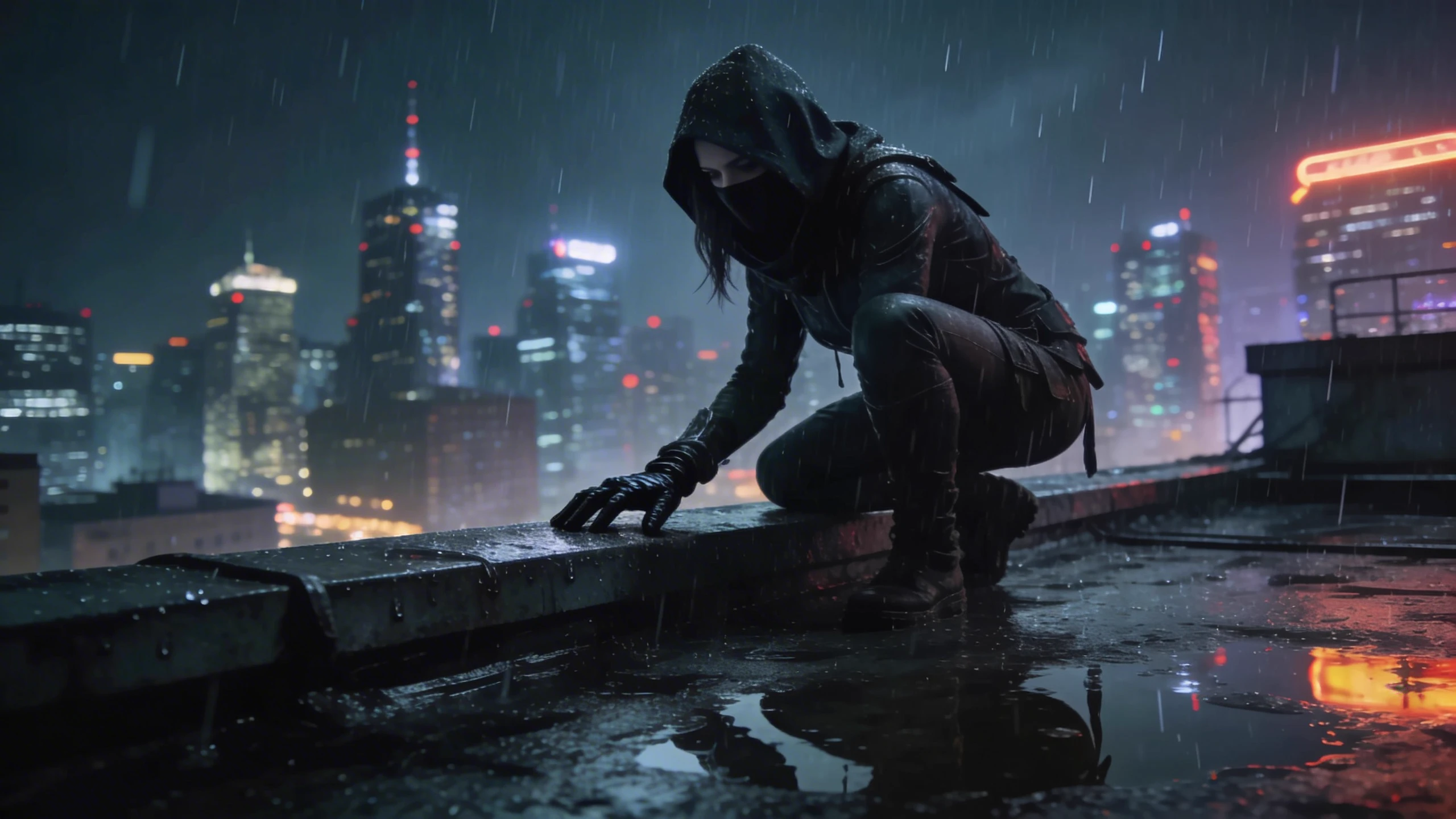
README
PixVerse V5 — Text-to-Video
PixVerse V5 Text-to-Video is PixVerse's latest text-to-video generation model with support for resolutions up to Full HD 1080p. Generate stunning, detailed videos from text descriptions with flexible aspect ratios and multiple resolution tiers.
Why It Stands Out
- Up to 1080p Full HD: Generate crisp, high-resolution videos for professional use.
- Multiple resolutions: Choose from 360p, 540p, 720p, or 1080p based on your needs.
- Prompt Enhancer: Built-in AI-powered prompt optimization for better results.
- Flexible aspect ratios: Wide range from 16:9 widescreen to 9:16 vertical.
- Negative prompt support: Exclude unwanted elements for cleaner outputs.
- Reproducibility: Use the seed parameter to recreate exact results.
Parameters
| Parameter | Required | Description |
|---|---|---|
| prompt | Yes | Text description of the video you want to generate. |
| resolution | No | Output resolution: 360p, 540p, 720p, 1080p (default: 1080p). |
| aspect_ratio | No | Output aspect ratio: 16:9, 4:3, 1:1, 3:4, 9:16 (default: 9:16). |
| duration | No | Video length: 5 or 8 seconds (default: 5). |
| negative_prompt | No | Elements to avoid in the output. |
| seed | No | Set for reproducibility; leave empty for random. |
Supported Resolutions
| Resolution | Best For |
|---|---|
| 360p | Quick previews, drafts, low-bandwidth use |
| 540p | Social media, balanced quality and speed |
| 720p | HD output, general professional use |
| 1080p | Full HD, premium quality, final delivery |
Supported Aspect Ratios
| Aspect Ratio | Best For |
|---|---|
| 16:9 | YouTube, widescreen displays |
| 4:3 | Classic format, presentations |
| 1:1 | Instagram posts, social media squares |
| 3:4 | Portrait photos, Pinterest |
| 9:16 | TikTok, Instagram Stories, Reels |
How to Use
- Write a prompt describing the scene, action, and style you want. Use the Prompt Enhancer for AI-assisted optimization.
- Select resolution — choose 360p for drafts, 1080p for premium output.
- Select aspect ratio — choose the format that fits your platform.
- Set duration — choose 5 or 8 seconds.
- Add a negative prompt (optional) — specify elements to exclude.
- Click Run and wait for your video to generate.
- Preview and download the result.
Best Use Cases
- Premium Content Creation — Generate broadcast-quality 1080p videos.
- Social Media Content — Create platform-optimized videos for any channel.
- Marketing & Advertising — Produce high-quality promotional videos.
- Storytelling & Film — Generate detailed, cinematic scenes.
- Rapid Prototyping — Use lower resolutions for quick concept testing.
Pricing
| Resolution | 5 seconds | 8 seconds |
|---|---|---|
| 360p | $0.15 | $0.30 |
| 540p | $0.15 | $0.30 |
| 720p | $0.20 | $0.40 |
| 1080p | $0.40 | $0.80 |
Pro Tips for Best Quality
- Be detailed in your prompt — describe subject, action, environment, lighting, and style.
- Include style keywords like "realism," "cinematic," or specific aesthetic descriptions.
- Use 360p or 540p for quick iterations, then generate final version at 1080p.
- Use negative prompts to reduce artifacts like blur or distortion.
- Match aspect ratio to your target platform before generating.
Notes
- Processing time varies based on resolution, duration, and current queue load.
- Please ensure your prompts comply with content guidelines.
Pixverse v5 T2v API — Quick start
Grab a WaveSpeedAI API key, then call POST https://api.wavespeed.ai/api/v3/pixverse/pixverse-v5-t2v with your input as JSON. The endpoint returns a prediction id; poll the prediction endpoint until status flips to completed, then read the output URL from data.outputs[0]. Examples for Pixverse v5 T2v below.
HTTP example
# Submit the prediction
curl -X POST "https://api.wavespeed.ai/api/v3/pixverse/pixverse-v5-t2v" \
  -H "Content-Type: application/json" \
  -H "Authorization: Bearer $WAVESPEED_API_KEY" \
  -d '{
    "prompt": "A cinematic shot of a city at sunset, soft golden light",
    "resolution": "540p",
    "aspect_ratio": "16:9",
    "duration": 5,
    "negative_prompt": "blurry, low quality, distorted",
    "seed": 0
}'

# Response includes a prediction id. Poll for the result:
curl -X GET "https://api.wavespeed.ai/api/v3/predictions/{request_id}/result" \
  -H "Authorization: Bearer $WAVESPEED_API_KEY"

# When status is "completed", read the output from data.outputs[0].
Node.js example
// npm install wavespeed
const WaveSpeed = require('wavespeed');

const client = new WaveSpeed(); // reads WAVESPEED_API_KEY from env

const result = await client.run("pixverse/pixverse-v5-t2v", {
        "prompt": "A cinematic shot of a city at sunset, soft golden light",
        "resolution": "540p",
        "aspect_ratio": "16:9",
        "duration": 5,
        "negative_prompt": "blurry, low quality, distorted",
        "seed": 0
});

console.log(result.outputs[0]); // → URL of the generated output
Python example
# pip install wavespeed
import wavespeed

output = wavespeed.run(
    "pixverse/pixverse-v5-t2v",
    {
    "prompt": "A cinematic shot of a city at sunset, soft golden light",
    "resolution": "540p",
    "aspect_ratio": "16:9",
    "duration": 5,
    "negative_prompt": "blurry, low quality, distorted",
    "seed": 0
}
)

print(output["outputs"][0])  # → URL of the generated output
Pixverse v5 T2v API — Frequently asked questions
What is the Pixverse v5 T2v API?
Pixverse v5 T2v is a Pixverse model for video generation, exposed as a REST API on WaveSpeedAI. PixVerse V5 Text-to-Video generates smooth, natural 5s videos from text prompts in seconds, with 720p output available ($0.20 per 5s). Ready-to-use REST inference API, best performance, no coldstarts, affordable pricing. You can call it programmatically or try it from the playground above.
How do I call the Pixverse v5 T2v API?
POST your input parameters to the model's REST endpoint (shown in the API tab of this playground) with your WaveSpeedAI API key in the Authorization header. Submission returns a prediction ID; poll the prediction endpoint until status flips to "completed", then read the output URL from the result. The playground generates a ready-to-paste code sample in Python, JavaScript, or cURL for whatever inputs you've set. Full request/response shape is documented at https://wavespeed.ai/docs/docs-api/pixverse/pixverse-pixverse-v5-t2v.
How much does Pixverse v5 T2v cost per run?
Pixverse v5 T2v starts at $0.15 per run. That figure is the base price — the final charge scales with the parameters you set in the form (output size, length, count, references, or whatever knobs this model exposes), so a higher-quality or larger output costs more than a minimal one. The exact cost for your current input is shown live next to the Generate button before you submit, and the actual per-call charge is recorded on the prediction afterwards.
What inputs does Pixverse v5 T2v accept?
Key inputs: `prompt`, `aspect_ratio`, `resolution`, `duration`, `seed`, `negative_prompt`. The full JSON schema (types, defaults, allowed values) is rendered above the Generate button and mirrored in the API reference at https://wavespeed.ai/docs/docs-api/pixverse/pixverse-pixverse-v5-t2v.
How long does Pixverse v5 T2v take to generate?
Average end-to-end generation time on WaveSpeedAI is around 64 seconds per request — measured across recent runs. Queue time scales with global demand; live status is visible in the prediction record.
Can I use Pixverse v5 T2v outputs commercially?
Commercial usage rights depend on the model's license, set by its provider (Pixverse). The license summary appears on the model card above; see WaveSpeedAI's Terms of Service for platform-level conditions.