daVinci MagiHuman Image-to-Video API — a 15B parameter omni video generation model, the new open-source king on par with WAN 2.5. Generates high-quality AI videos from reference images with optional audio input. Supports digital humans, talking heads, and general video generation. Ready-to-use REST inference API, best performance, no coldstarts, affordable pricing.
Inactivo
$0.1por ejecución·~10 / $1
EjemplosVer todo
A man sits at a modern, minimalist podcast studio desk, calmly recording a show. He gestures gently with his right hand while speaking, saying, “Welcome to my show — truly, thank you so much for joining me on WaveSpeed.” The camera captures a medium shot from eye level, focusing on his face and upper body, with a shallow depth of field blurring the background slightly. Natural, warm tones and cinematic lighting style.
Modelos relacionados


README
DaVinci MagiHuman Image-to-Video
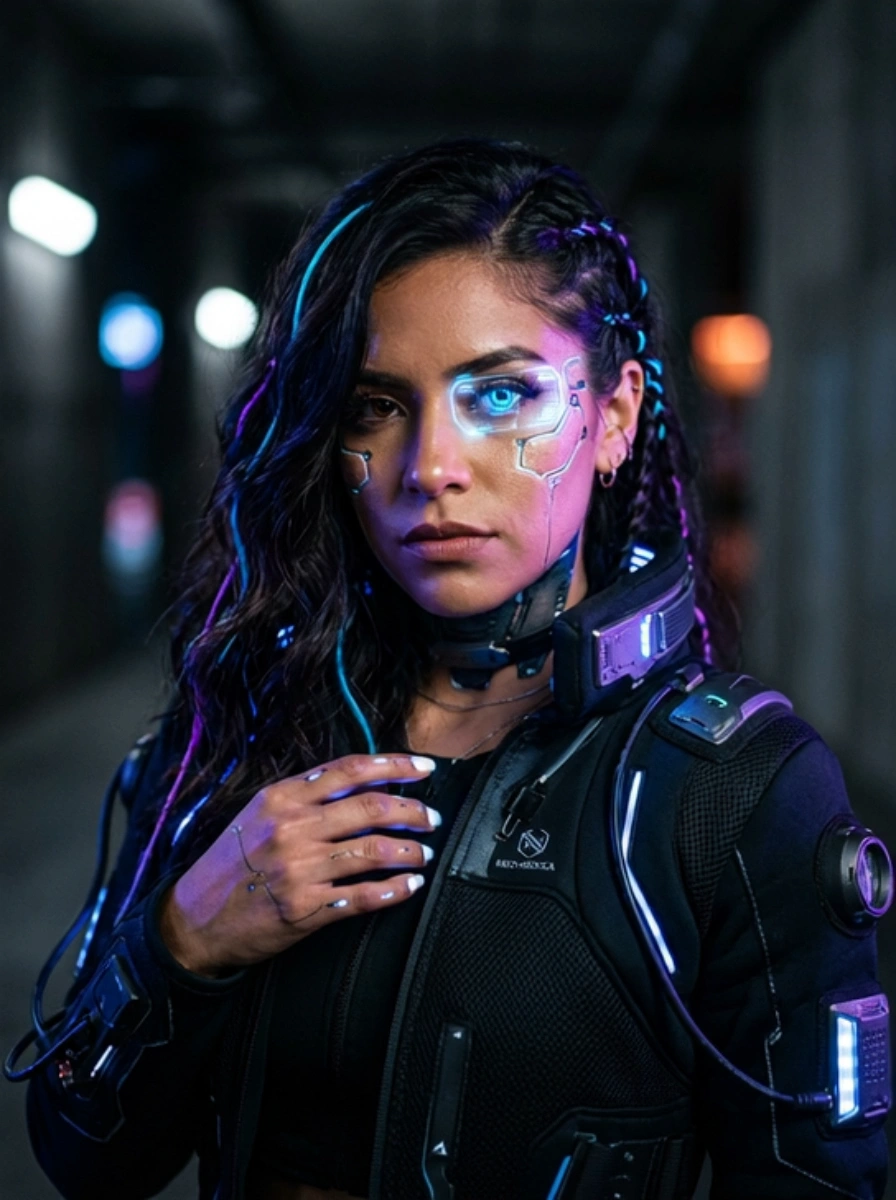
DaVinci MagiHuman Image-to-Video animates a reference image into a cinematic, human-centered video clip. Upload a photo, describe the motion and scene, and optionally provide an audio track to synchronize — the model generates natural human movement, expressive storytelling, and a cinematic atmosphere across multiple resolution and duration options.
- Need to generate from text only? Try DaVinci MagiHuman Text-to-Video
Why Choose This?
-
Image-grounded generation Start from a reference photo for precise visual control over character appearance, environment, and composition.
-
Human-focused motion Optimized for realistic human motion, expressions, and interactions — ideal for portrait-style and character-driven video content.
-
Audio input support Upload an audio track to guide the rhythm, mood, and pacing of the generated video for synchronized results.
-
Multiple resolution tiers Generate at 256p, 720p, or 1080p to match your delivery requirements and budget.
-
Flexible aspect ratio Supports 16:9 landscape and 9:16 portrait orientations for both cinematic and social media formats.
-
Adjustable duration Generate clips from 5 to 10 seconds with per-second granularity.
-
Reproducible results Use the seed parameter to lock in a specific output for exact reproduction.
Parameters
| Parameter | Required | Description |
|---|---|---|
| image | Yes | Reference image to animate (URL or file upload). |
| prompt | Yes | Text description of the motion, camera style, and scene atmosphere. |
| audio | No | Optional audio track to synchronize with the generated video. |
| aspect_ratio | No | Output aspect ratio: 16:9 (default) or 9:16. |
| resolution | No | Output resolution: 256p, 720p (default), or 1080p. |
| duration | No | Clip length in seconds. Options: 5, 6, 7, 8, 9, 10. Default: 5. |
| seed | No | Random seed for reproducible results. Use -1 for a random seed. |
How to Use
- Upload your image — provide the reference photo to animate via URL or drag-and-drop.
- Write your prompt — describe the motion, camera movement, and scene atmosphere. Use the Prompt Enhancer for better results.
- Upload audio (optional) — provide an audio file or URL to synchronize the video to a specific track.
- Select aspect ratio — 16:9 for landscape/cinematic, 9:16 for portrait/social.
- Select resolution — 256p for drafts, 720p for standard output, 1080p for final production.
- Set duration — choose between 5 and 10 seconds.
- Set seed (optional) — fix the seed to reproduce a specific result in future runs.
- Submit — generate, preview, and download your video.
Pricing
| Duration | 256p | 720p | 1080p |
|---|---|---|---|
| 5s | $0.10 | $0.15 | $0.20 |
| 6s | $0.12 | $0.18 | $0.24 |
| 7s | $0.14 | $0.21 | $0.28 |
| 8s | $0.16 | $0.24 | $0.32 |
| 9s | $0.18 | $0.27 | $0.36 |
| 10s | $0.20 | $0.30 | $0.40 |
Billing Rules
- 256p: $0.02 per second
- 720p: $0.03 per second
- 1080p: $0.04 per second
- Duration options: 5–10 seconds
Best Use Cases
- Photo Animation — Bring portraits and human-centered photos to life with natural, cinematic motion.
- Social Media Content — Produce portrait-format clips from reference photos for Reels, TikTok, and Shorts.
- Music Video & Audio-Visual — Synchronize animated portraits to a music track or voiceover.
- Marketing & Brand Video — Animate spokesperson or product model images for promotional content.
- Concept Visualization — Turn still reference images into moving scene previews for pitching and storyboarding.
Pro Tips
- Use a high-quality, well-lit reference image with a clearly visible subject for the most natural animation.
- Include specific camera style references in your prompt (handheld, dolly, cinematic lighting) for more expressive results.
- Use 256p at shorter durations to rapidly test prompts before committing to a 1080p final render.
- Providing an audio track significantly improves rhythm and pacing alignment in the output.
- Fix the seed once you find a result you like to iterate on it consistently.
Notes
- Both image and prompt are required fields; all other parameters are optional.
- Duration is selectable in 1-second increments from 5 to 10 seconds.
- Ensure image and audio URLs are publicly accessible if using links rather than direct uploads.
Related Models
- DaVinci MagiHuman Text-to-Video — Generate human-centered video from text prompts without a reference image.
Davinci Magihuman Image To Video API — Quick start
Grab a WaveSpeedAI API key, then call POST https://api.wavespeed.ai/api/v3/wavespeed-ai/davinci-magihuman/image-to-video with your input as JSON. The endpoint returns a prediction id; poll the prediction endpoint until status flips to completed, then read the output URL from data.outputs[0]. Examples for Davinci Magihuman Image To Video below.
HTTP example
# Submit the prediction
curl -X POST "https://api.wavespeed.ai/api/v3/wavespeed-ai/davinci-magihuman/image-to-video" \
  -H "Content-Type: application/json" \
  -H "Authorization: Bearer $WAVESPEED_API_KEY" \
  -d '{
    "prompt": "A cinematic shot of a city at sunset, soft golden light",
    "image": "https://example.com/your-input.jpg",
    "audio": "https://example.com/your-audio.mp3",
    "aspect_ratio": "16:9",
    "resolution": "720p",
    "duration": 5,
    "seed": -1
}'

# Response includes a prediction id. Poll for the result:
curl -X GET "https://api.wavespeed.ai/api/v3/predictions/{request_id}/result" \
  -H "Authorization: Bearer $WAVESPEED_API_KEY"

# When status is "completed", read the output from data.outputs[0].
Node.js example
// npm install wavespeed
const WaveSpeed = require('wavespeed');

const client = new WaveSpeed(); // reads WAVESPEED_API_KEY from env

const result = await client.run("wavespeed-ai/davinci-magihuman/image-to-video", {
        "prompt": "A cinematic shot of a city at sunset, soft golden light",
        "image": "https://example.com/your-input.jpg",
        "audio": "https://example.com/your-audio.mp3",
        "aspect_ratio": "16:9",
        "resolution": "720p",
        "duration": 5,
        "seed": -1
});

console.log(result.outputs[0]); // → URL of the generated output
Python example
# pip install wavespeed
import wavespeed

output = wavespeed.run(
    "wavespeed-ai/davinci-magihuman/image-to-video",
    {
    "prompt": "A cinematic shot of a city at sunset, soft golden light",
    "image": "https://example.com/your-input.jpg",
    "audio": "https://example.com/your-audio.mp3",
    "aspect_ratio": "16:9",
    "resolution": "720p",
    "duration": 5,
    "seed": -1
}
)

print(output["outputs"][0])  # → URL of the generated output
Davinci Magihuman Image To Video API — Frequently asked questions
What is the Davinci Magihuman Image To Video API?
Davinci Magihuman Image To Video is a WaveSpeedAI model for video generation from images, exposed as a REST API on WaveSpeedAI. daVinci MagiHuman Image-to-Video API — a 15B parameter omni video generation model, the new open-source king on par with WAN 2.5. Generates high-quality AI videos from reference images with optional audio input. Supports digital humans, talking heads, and general video generation. Ready-to-use REST inference API, best performance, no coldstarts, affordable pricing. You can call it programmatically or try it from the playground above.
How do I call the Davinci Magihuman Image To Video API?
POST your input parameters to the model's REST endpoint (shown in the API tab of this playground) with your WaveSpeedAI API key in the Authorization header. Submission returns a prediction ID; poll the prediction endpoint until status flips to "completed", then read the output URL from the result. The playground generates a ready-to-paste code sample in Python, JavaScript, or cURL for whatever inputs you've set. Full request/response shape is documented at https://wavespeed.ai/docs/docs-api/wavespeed-ai/davinci-magihuman-image-to-video.
How much does Davinci Magihuman Image To Video cost per run?
Davinci Magihuman Image To Video starts at $0.10 per run. That figure is the base price — the final charge scales with the parameters you set in the form (output size, length, count, references, or whatever knobs this model exposes), so a higher-quality or larger output costs more than a minimal one. The exact cost for your current input is shown live next to the Generate button before you submit, and the actual per-call charge is recorded on the prediction afterwards.
What inputs does Davinci Magihuman Image To Video accept?
Key inputs: `prompt`, `image`, `audio`, `aspect_ratio`, `resolution`, `duration`. The full JSON schema (types, defaults, allowed values) is rendered above the Generate button and mirrored in the API reference at https://wavespeed.ai/docs/docs-api/wavespeed-ai/davinci-magihuman-image-to-video.
How do I get started with the Davinci Magihuman Image To Video API?
Sign up for a free WaveSpeedAI account to claim starter credits, copy your API key from /accesskey, then call the endpoint shown in the API tab of the playground. The playground also auto-generates a code sample in Python, JavaScript, or cURL for the parameters you've set.
Can I use Davinci Magihuman Image To Video outputs commercially?
Commercial usage rights depend on the model's license, set by its provider (WaveSpeedAI). The license summary appears on the model card above; see WaveSpeedAI's Terms of Service for platform-level conditions.