Vidu Q2 is an Image-to-Video and Reference-to-Video model that emphasizes subtle facial expressions and smooth push-pull camera moves for natural motion. Ready-to-use REST inference API, best performance, no coldstarts, affordable pricing.
Inactivo
$0.1por ejecución·~10 / $1
EjemplosVer todo
A dramatic cinematic scene. Iron Man in image 1 and Batman in image 2 stand facing each other on a rain-slicked Gotham City rooftop at a dark, stormy midnight. Heavy rain lashes down, illuminated by frequent, blinding flashes of lightning that momentarily silhouette their iconic forms. Thunder rumbles ominously in the background. The atmosphere is extremely tense, charged with an impending clash. They hold their stances, eyes locked, rain streaming down their suits. Suddenly, in a synchronized, powerful motion, both Iron Man and Batman simultaneously launch a fierce punch towards each other. Iron Man's repulsor gauntlet begins to glow with blue energy, while Batman's fist is clenched, muscles taut. The moment of impact is frozen briefly, sparks or rain splashing violently from their fists.
First, the man in image 1 is smiling and talking to someone off-camera. He spots the man in image 2 walking towards him. the man in image 1 smile immediately fades. His expression becomes visibly awkward, annoyed, and forced. He subtly rolls his eyes. the man in image 2, completely oblivious and with his usual stoic, humorless expression, approaches the man in image 1 and gives a single, curt, professional nod as a greeting. As the man in image 2 turns his head for a moment (perhaps looking at a reporter), the man in image 1 quickly turns his head to the side, away from the man in image 2. His brow is furrowed, and his mouth moves as he quietly mutters to himself in annoyance for one or two seconds.
The man in Figure 2 looks very comfortable and relaxed when sitting on the sofa in Figure 1. Advertising style, showing the comfort of the sofa
Let the woman in Picture 2 wear the armor of the character in Picture 2 and walk confidently on the stage.
Let the woman in Picture 2 hold the teddy bear in Picture 1 and act very happy.
A cinematic, photorealistic scene on a bustling, sun-drenched city street (like Paris or New York). The camera starts with a medium shot, following a beautiful woman in image 2 as she walks alone, perhaps looking at her phone or slightly lost in thought, unaware of her surroundings. From behind, a man (her boyfriend) in image 1 with a warm, knowing smile, quickly catches up to her. He gently taps her on the shoulder. The woman turns around, her face initially showing a look of slight annoyance or confusion. In the exact moment she recognizes him, her expression completely transforms. Her eyes go wide with pure, unadulterated, joyful surprise. A massive, radiant smile breaks out across her face, as if she can't believe he's really there. She lets out a happy gasp or laugh, and immediately throws her arms around his neck, leaping into his embrace. He catches her, lifting her slightly off the ground as he spins her in a tight hug. They immediately come together in a deep, passionate, and intense kiss, completely lost in their own world as the crowded sidewalk blurs around them in a beautiful bokeh. They hold their stances, eyes locked, rain streaming down their suits. Suddenly, in a synchronized, powerful motion, both Iron Man and Batman simultaneously launch a fierce punch towards each other. Iron Man's repulsor gauntlet begins to glow with blue energy, while Batman's fist is clenched, muscles taut. The moment of impact is frozen briefly, sparks or rain splashing violently from their fists.
The person from [Image 1] is wearing the bikini from [Image 2]. **CRITICAL:** She is wearing **only** the complete outfit from [Image 2]
Change the woman's clothes in picture 2 to the bikini in picture 1. Let the woman show off her clothes and body shape in a 360-degree like a fashion model. Slow motion, full body display, ensuring natural facial details and expressions
Change the woman's clothes in picture 2 to the bikini in picture 1. Let the woman show off her clothes and body shape like a fashion model. Slow motion, full body display, ensuring natural facial details and expressions
Modelos relacionados
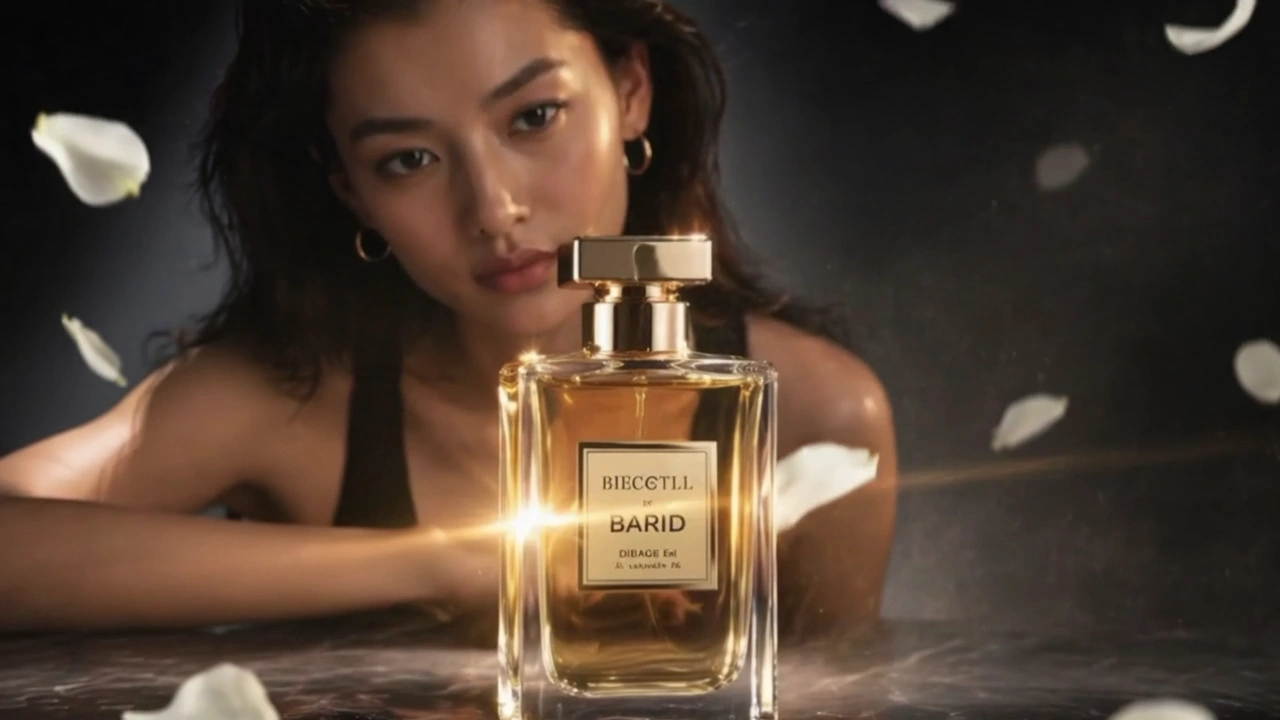
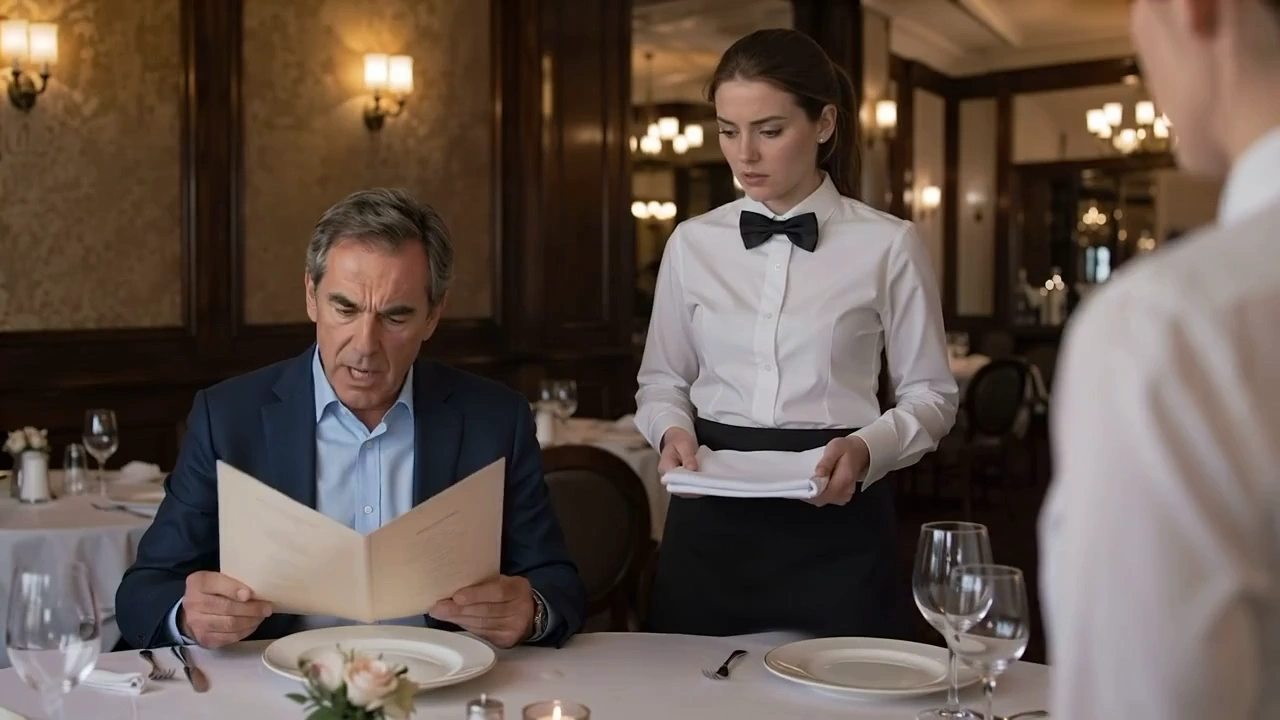

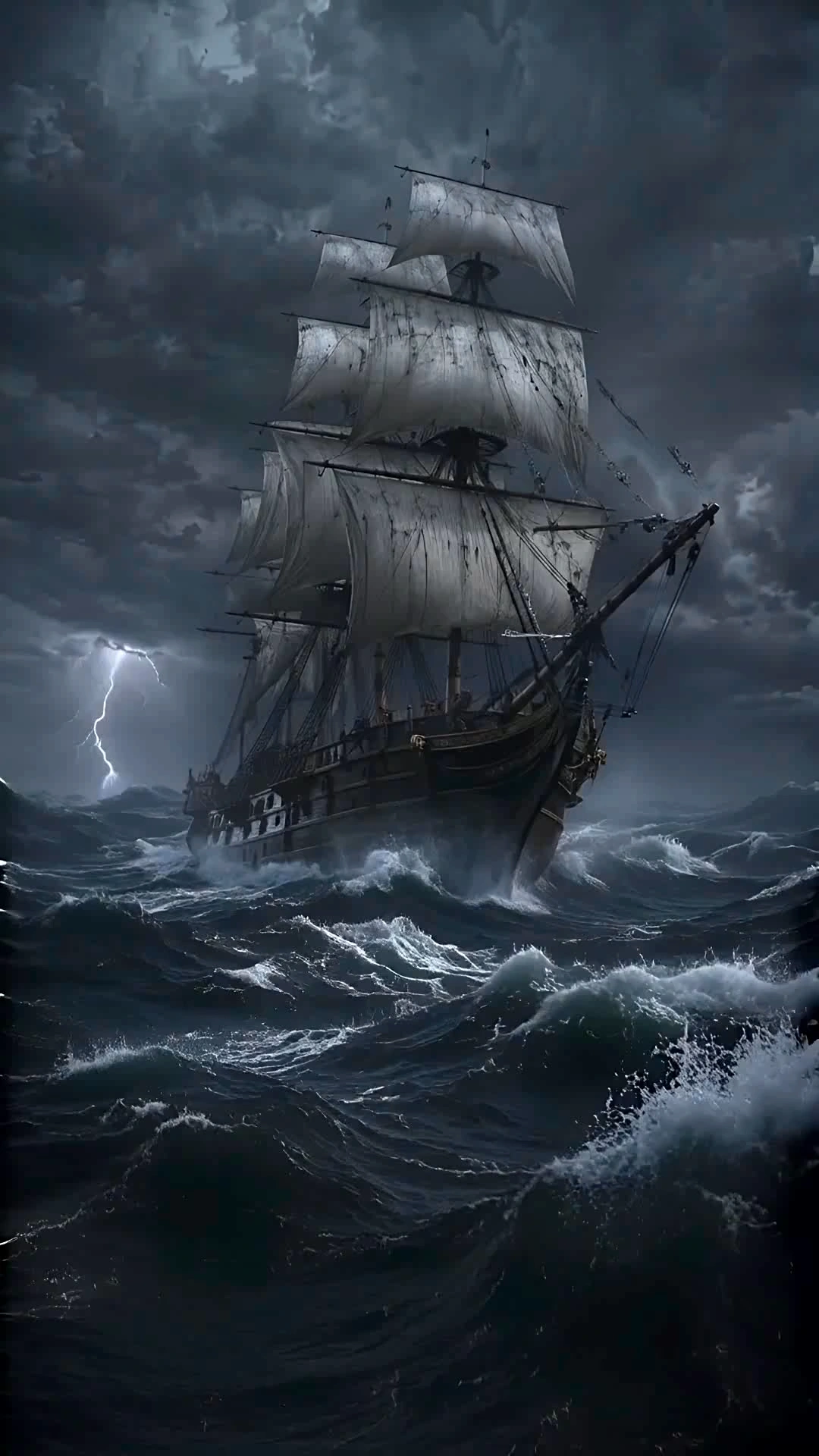
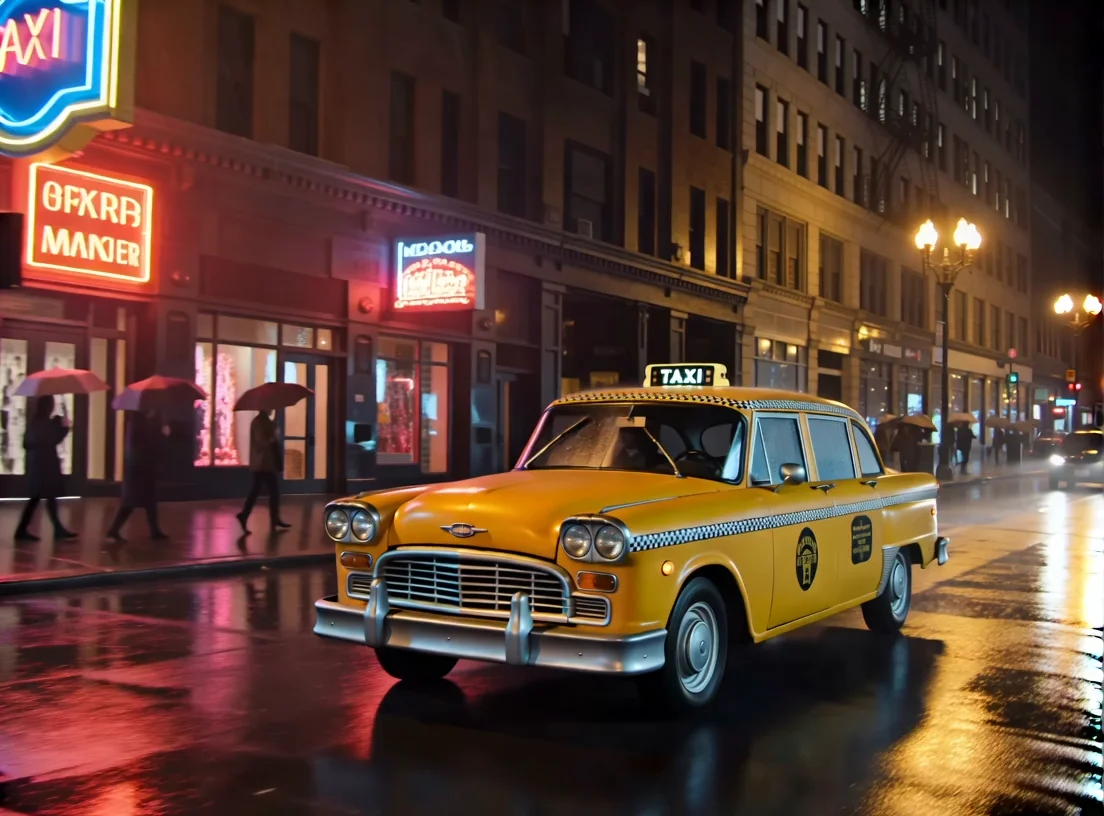

README
Vidu Q2 Reference-to-Video
Vidu Q2 Reference-to-Video transforms one or multiple input images into expressive, cinematic videos. It excels at producing subtle facial motion, natural body dynamics, and camera-aware storytelling — ideal for turning still portraits or concept images into smooth motion clips.
Why Choose This?
-
Smooth motion realism Subtle micro-expressions, eye movements, and breathing motions reproduced authentically.
-
Cinematic camera dynamics Built-in control of push/pull, pan, tilt, and zoom effects for scene depth and emotional tone.
-
Multiple-image reference support Upload up to 7 reference images to guide pose, lighting, or perspective transitions.
-
Flexible composition Choose from multiple aspect ratios (16:9, 9:16, 4:3, 3:4, 1:1) for any platform.
-
Motion amplitude control Select auto, small, medium, or large to define the strength and style of movement.
-
High fidelity output Consistent lighting, identity preservation, and accurate reference adherence.
Parameters
| Parameter | Required | Description |
|---|---|---|
| prompt | Yes | Describe the scene, action, or mood |
| images | Yes | Reference images (up to 7 images) |
| aspect_ratio | No | Aspect ratio: 16:9, 9:16, 4:3, 3:4, or 1:1 |
| resolution | No | Output resolution: 540p, 720p, or 1080p |
| duration | No | Video length in seconds (1–10) |
| movement_amplitude | No | Motion intensity: auto, small, medium, or large |
| seed | No | Random seed for reproducibility (-1 for random) |
How to Use
- Upload reference images — add up to 7 images to guide the generation.
- Write your prompt — describe the scene, action, camera motion, or mood.
- Choose aspect ratio — select based on your target platform.
- Set resolution — 540p, 720p, or 1080p based on quality needs.
- Set duration — choose video length from 1 to 10 seconds.
- Adjust movement amplitude — auto for portraits, medium/large for action.
- Run — submit and download your video.
Pricing
| Resolution | Duration | Price |
|---|---|---|
| 540p | 1s | $0.075 |
| 540p | 2s | $0.10 |
| 540p | 3s | $0.125 |
| 540p | 4s | $0.15 |
| 540p | 5s | $0.175 |
| 540p | 6s | $0.20 |
| 540p | 7s | $0.225 |
| 540p | 8s | $0.25 |
| 540p | 9s | $0.35 |
| 540p | 10s | $0.45 |
| 720p | 1s | $0.125 |
| 720p | 2s | $0.15 |
| 720p | 3s | $0.175 |
| 720p | 4s | $0.20 |
| 720p | 5s | $0.225 |
| 720p | 6s | $0.25 |
| 720p | 7s | $0.275 |
| 720p | 8s | $0.30 |
| 720p | 9s | $0.40 |
| 720p | 10s | $0.50 |
| 1080p | 1s | $0.375 |
| 1080p | 2s | $0.425 |
| 1080p | 3s | $0.475 |
| 1080p | 4s | $0.525 |
| 1080p | 5s | $0.575 |
| 1080p | 6s | $0.625 |
| 1080p | 7s | $0.675 |
| 1080p | 8s | $0.725 |
| 1080p | 9s | $0.825 |
| 1080p | 10s | $0.925 |
Billing Rules
540p: $0.075 for 1s, +$0.025/s up to 8s, then $0.35 for 9s, $0.45 for 10s
720p: $0.125 for 1s, +$0.025/s up to 8s, then $0.40 for 9s, $0.50 for 10s
1080p: $0.375 for 1s, +$0.05/s up to 8s, then $0.825 for 9s, $0.925 for 10s
Best Use Cases
- Filmmakers and Storytellers — Bring still characters or concept art to life with controlled, cinematic motion.
- Advertising Creators — Generate short motion ads with precise control over composition and intensity.
- Artists and Illustrators — Animate hand-drawn or AI-generated portraits into dynamic living forms.
- Game and Animation Studios — Prototype visual narratives quickly using character or environment references.
Pro Tips
- Use consistent lighting and angles among reference images for smoother transitions.
- Write prompts that define camera motion, emotion, or scene tone clearly.
- "auto" movement amplitude works best for portrait-style animation.
- Use "medium" or "large" amplitude for full-body or action scenes.
- For cinematic looks, pair 16:9 with 1080p and descriptive atmosphere prompts.
Notes
- Maximum 7 reference images per generation.
- Maximum duration is 10 seconds.
- If using image URLs, ensure they are publicly accessible.
- Successfully loaded images will display as thumbnails in the interface.
Related Models
- Vidu Q2 Text-to-Video — Generate videos from text prompts only.
- Vidu Q2 Pro Image-to-Video — High-quality single image to video.
- Vidu Q2 Turbo Image-to-Video — Fast single image to video.
Reference To Video Q2 API — Quick start
Grab a WaveSpeedAI API key, then call POST https://api.wavespeed.ai/api/v3/vidu/reference-to-video-q2 with your input as JSON. The endpoint returns a prediction id. Start polling the result endpoint around every 2 seconds, increase the interval for long-running tasks, and stop on any terminal status. On completed, read output values from data.outputs. Examples for Reference To Video Q2 below.
HTTP example
set -euo pipefail

: "${WAVESPEED_API_KEY:?Set WAVESPEED_API_KEY}"

REQUEST_BODY=$(cat <<'JSON'
{
    "prompt": "A cinematic shot of a city at sunset, soft golden light",
    "images": [
        "https://interactive-examples.mdn.mozilla.net/media/cc0-images/painted-hand-298-332.jpg"
    ],
    "aspect_ratio": "16:9",
    "resolution": "720p",
    "duration": 5,
    "movement_amplitude": "auto",
    "seed": 0
}
JSON
)

# 1. Submit the prediction.
SUBMIT_RESPONSE=$(curl --silent --show-error --fail-with-body \
  -X POST "https://api.wavespeed.ai/api/v3/vidu/reference-to-video-q2" \
  -H "Content-Type: application/json" \
  -H "Authorization: Bearer $WAVESPEED_API_KEY" \
  -d "$REQUEST_BODY")

TASK=$(printf '%s' "$SUBMIT_RESPONSE" | jq 'if has("data") then .data else . end')
PREDICTION_ID=$(printf '%s' "$TASK" | jq -r '.id')
if [ -z "$PREDICTION_ID" ] || [ "$PREDICTION_ID" = "null" ]; then
  printf 'Submission response did not contain a prediction id
' >&2
  exit 1
fi
RESULT_URL=$(printf '%s' "$TASK" | jq -r '.urls.get // empty')
if [ -z "$RESULT_URL" ]; then
  RESULT_URL="https://api.wavespeed.ai/api/v3/predictions/$PREDICTION_ID/result"
fi

# 2. Poll until the prediction finishes.
while true; do
  RESPONSE=$(curl --silent --show-error --fail-with-body "$RESULT_URL" \
    -H "Authorization: Bearer $WAVESPEED_API_KEY")
  RESULT=$(printf '%s' "$RESPONSE" | jq 'if has("data") then .data else . end')
  STATUS=$(printf '%s' "$RESULT" | jq -r '.status')
  case "$STATUS" in
    completed) printf '%s\n' "$RESULT" | jq '.outputs'; break ;;
    failed|cancelled|timeout) printf '%s\n' "$RESULT" | jq . >&2; exit 1 ;;
    created|processing) sleep 2 ;;
    *) printf 'Unexpected status: %s
' "$STATUS" >&2; exit 1 ;;
  esac
done
Node.js example
const submitUrl = "https://api.wavespeed.ai/api/v3/vidu/reference-to-video-q2";
const apiKey = process.env.WAVESPEED_API_KEY;
if (!apiKey) throw new Error('Set WAVESPEED_API_KEY');

async function requestJson(url, options = {}) {
  const response = await fetch(url, options);
  if (!response.ok) throw new Error(await response.text());
  return response.json();
}

// 1. Submit the prediction.
const body = await requestJson(submitUrl, {
  method: "POST",
  headers: {
    "Authorization": `Bearer ${apiKey}`,
    "Content-Type": "application/json",
  },
  body: JSON.stringify({
        "prompt": "A cinematic shot of a city at sunset, soft golden light",
        "images": [
                "https://interactive-examples.mdn.mozilla.net/media/cc0-images/painted-hand-298-332.jpg"
        ],
        "aspect_ratio": "16:9",
        "resolution": "720p",
        "duration": 5,
        "movement_amplitude": "auto",
        "seed": 0
}),
});
const task = body.data ?? body;
if (!task.id) throw new Error("Submission response did not contain a prediction id");
const resultUrl = task.urls?.get ||
  `https://api.wavespeed.ai/api/v3/predictions/${task.id}/result`;

// 2. Poll until the prediction finishes.
while (true) {
  const resultBody = await requestJson(resultUrl, {
    headers: { "Authorization": `Bearer ${apiKey}` },
  });
  const result = resultBody.data ?? resultBody;
  if (result.status === "completed") {
    console.log(result.outputs);
    break;
  }
  if (["failed", "cancelled", "timeout"].includes(result.status)) throw new Error(JSON.stringify(result));
  if (!["created", "processing"].includes(result.status)) throw new Error("Unexpected status: " + result.status);
  await new Promise(resolve => setTimeout(resolve, 2000));
}
Python example
import json
import os
import time
from urllib.request import Request, urlopen

api_key = os.environ["WAVESPEED_API_KEY"]
headers = {"Authorization": f"Bearer {api_key}", "Content-Type": "application/json"}
payload = {
    "prompt": "A cinematic shot of a city at sunset, soft golden light",
    "images": [
        "https://interactive-examples.mdn.mozilla.net/media/cc0-images/painted-hand-298-332.jpg"
    ],
    "aspect_ratio": "16:9",
    "resolution": "720p",
    "duration": 5,
    "movement_amplitude": "auto",
    "seed": 0
}

def request_json(url, data=None):
    request = Request(url, data=data, headers=headers, method="POST" if data else "GET")
    with urlopen(request) as response:
        return json.load(response)

# 1. Submit the prediction.
body = request_json("https://api.wavespeed.ai/api/v3/vidu/reference-to-video-q2", json.dumps(payload).encode())
task = body.get("data", body)
if not task.get("id"):
    raise RuntimeError("Submission response did not contain a prediction id")
result_url = task.get("urls", {}).get("get") or f"https://api.wavespeed.ai/api/v3/predictions/{task['id']}/result"

# 2. Poll until the prediction finishes.
while True:
    result_body = request_json(result_url)
    result = result_body.get("data", result_body)
    status = result.get("status")
    if status == "completed":
        print(result.get("outputs", []))
        break
    if status in {"failed", "cancelled", "timeout"}:
        raise RuntimeError(result)
    if status not in {"created", "processing"}:
        raise RuntimeError(f"Unexpected status: {status}")
    time.sleep(2)
Reference To Video Q2 API — Frequently asked questions
What is the Reference To Video Q2 API?
Reference To Video Q2 is a Vidu model for video generation from images, exposed as a REST API on WaveSpeedAI. Vidu Q2 is an Image-to-Video and Reference-to-Video model that emphasizes subtle facial expressions and smooth push-pull camera moves for natural motion. Ready-to-use REST inference API, best performance, no coldstarts, affordable pricing. You can call it programmatically or try it from the playground above.
How do I call the Reference To Video Q2 API?
POST your input parameters to the model's REST endpoint (shown in the API tab of this playground) with your WaveSpeedAI API key in the Authorization header. Submission returns a prediction ID. Poll the result endpoint starting around every 2 seconds, increase the interval for long-running tasks, and stop on any terminal status. The playground generates production-oriented Python, JavaScript, and cURL examples with timeouts, transient-error handling, and safe GET retries. Full request/response shape is documented at https://wavespeed.ai/docs/docs-api/vidu/vidu-reference-to-video-q2.
How much does Reference To Video Q2 cost per run?
Reference To Video Q2 starts at $0.10 per run. That figure is the base price — the final charge scales with the parameters you set in the form (output size, length, count, references, or whatever knobs this model exposes), so a higher-quality or larger output costs more than a minimal one. The exact cost for your current input is shown live next to the Generate button before you submit, and the actual per-call charge is recorded on the prediction afterwards.
What inputs does Reference To Video Q2 accept?
Key inputs: `prompt`, `images`, `aspect_ratio`, `resolution`, `duration`, `seed`. The full JSON schema (types, defaults, allowed values) is rendered above the Generate button and mirrored in the API reference at https://wavespeed.ai/docs/docs-api/vidu/vidu-reference-to-video-q2.
How long does Reference To Video Q2 take to generate?
Median end-to-end generation time on WaveSpeedAI is around 100 seconds per request, based on recent successful runs. Queue time varies with global demand; live status is visible in the prediction record.
Can I use Reference To Video Q2 outputs commercially?
Commercial usage rights depend on the model's license, set by its provider (Vidu). The license summary appears on the model card above; see WaveSpeedAI's Terms of Service for platform-level conditions.